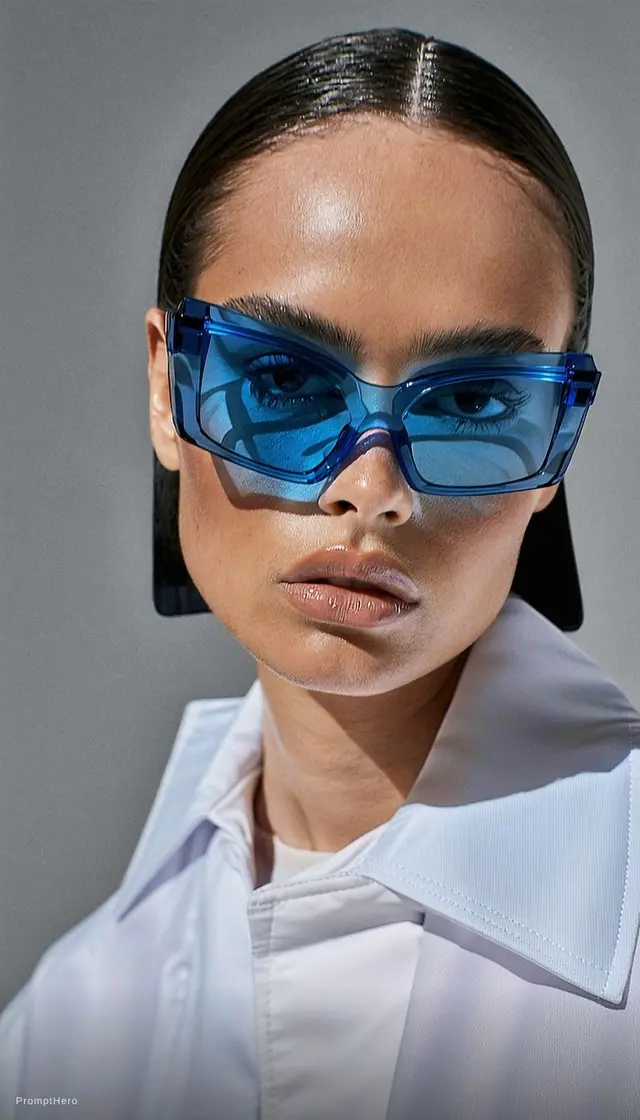
Product image
A clean product hero
A matte green glass bottle on a warm ivory plinth, photographed in a soft studio. Preserve the label, use a narrow side highlight, and leave calm negative space above the product.
Describe the subject, composition, and finish. Choose Nano Banana 2 or 2.1, add references when useful, and review image settings before generating.
Compare Nano Banana 2 and 2.1, then choose the image controls that fit your brief.
Select a model to review supported image settings and the current credit estimate before generation.
Prompt ideas
Start from a product, a setting, or a specific edit. Load a prompt and adjust the details before creating.
Product image
A matte green glass bottle on a warm ivory plinth, photographed in a soft studio. Preserve the label, use a narrow side highlight, and leave calm negative space above the product.
.webp)
Beauty campaign
An editorial beauty portrait in soft window light, natural skin texture, muted lilac backdrop, clean composition, and a small cosmetic jar held near the face.
.webp)
Lifestyle image
A compact travel camera resting on a folded map beside a train window. Cool morning light, crisp product details, understated colors, and a believable travel setting.
.webp)
Social creative
A sculptural wireless speaker on a cobalt blue pedestal. Hard sunlight creates a sharp shadow, with a simple graphic composition and generous space for a headline.
Prompt to image
Keep your prompt, reference images, model, and output settings together as you shape a usable visual.
01 / DEFINE THE FRAME
Name the main subject, its position, and the background. Add material, lighting, or camera details when they matter to the image.
.webp)
02 / ADD REFERENCES
Upload a reference when you want to guide colors, objects, or composition. Keep the written prompt specific about what should change.
.webp)
03 / CHOOSE A MODEL
Select Nano Banana 2 or 2.1, then review the available aspect ratios, resolution options, and estimated credits.
.webp)
04 / REVIEW AND REFINE
Open the generated result, inspect important details, and adjust the prompt. Your completed images are available in Assets.
.webp)
From brief to image
Describe what should be in frame, then inspect the result and refine the prompt where needed.
.webp) Flow AI Video
Flow AI VideoWrite the subject, framing, background, and lighting you want.
Upload or select images when they help explain the look or details.
Select a model and inspect the aspect ratio, resolution, and estimated credits.
Review the image in Create, adjust your prompt, and find saved results in Assets.
Images for real workflows
Create product concepts, campaign visuals, and polished scene studies from a written brief or image reference.
E-commerce teams
Set the product against a useful scene and call out the finish, label, or feature shoppers need to see.
.webp)
Image references
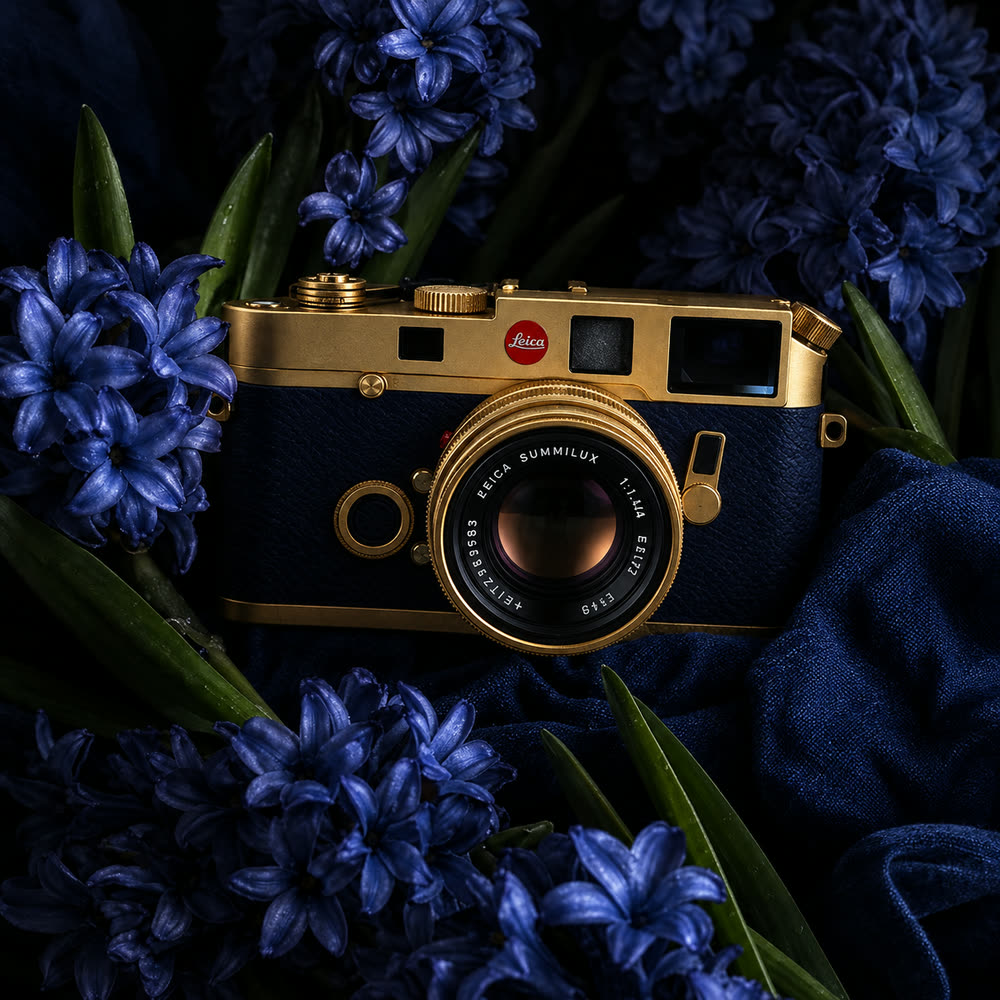
Use these images as visual references for composition, lighting, and materials. They are examples, not verified model outputs.
 Flow AI Video
Example 1 / 3
Use a controlled background and directional light to show glass, metal, fabric, or a clean label.
Need a hand?
Learn about model choices, image references, settings, credits, and saved results.
Contact supportChoose Nano Banana 2 or 2.1 from the selector. Available settings are displayed for the selected model.
Add an image reference and describe the change you want. Review the generated image to confirm the details that matter.
The composer lists aspect ratios and resolution options supported by the selected model.
Sign in and select a model to see an estimated credit cost beside Generate before you submit.
Completed results appear in the Create workspace and in your Assets library.
No. Flow AI Video is an independent workspace and is not affiliated with or endorsed by Google.
Your next visual starts here
Describe the frame, choose a Nano Banana model, and review the estimate before generating.
