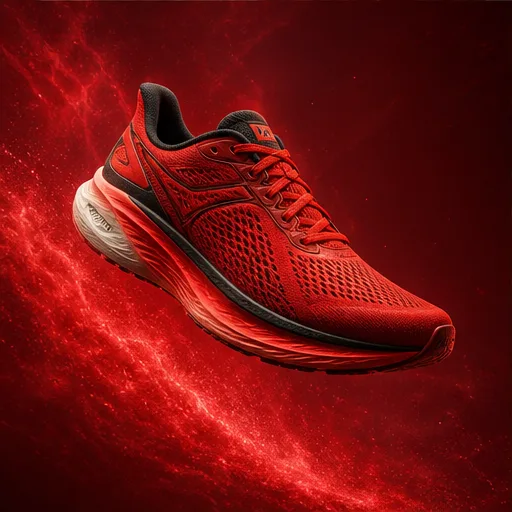
✨ Editing Prompt
AI Product Poster
Create a polished image concept for AI Product Poster. Describe the subject, composition, style, lighting, camera or framing, key details, and the final visual result.
The created video result will appear here
No generated result yet
Submit a prompt to create a real AI result. Placeholder media is not shown here.
Generated files are displayed only after the provider returns them.
GPT IMAGE 2 EXAMPLES
See how GPT Image 2 handles the image types people create most often, including product photos, posters, ads, packaging, UI concepts, and infographics.
✨ Editing Prompt
Create a polished image concept for AI Product Poster. Describe the subject, composition, style, lighting, camera or framing, key details, and the final visual result.
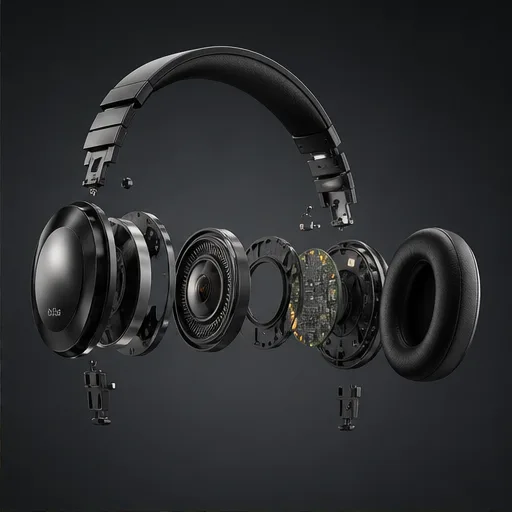
✨ Editing Prompt
Create a polished image concept for Exploded Product Diagram. Describe the subject, composition, style, lighting, camera or framing, key details, and the final visual result.
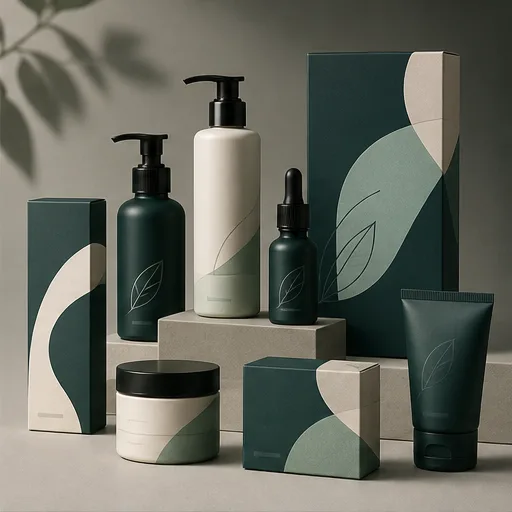
✨ Editing Prompt
Create a polished image concept for Packaging Design Mockup. Describe the subject, composition, style, lighting, camera or framing, key details, and the final visual result.
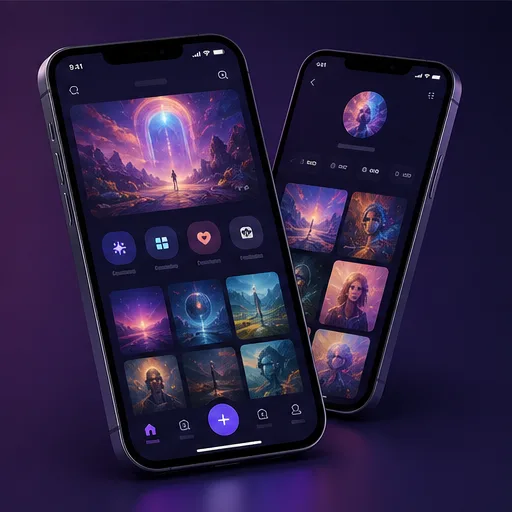
✨ Editing Prompt
Create a polished image concept for Mobile App UI Concept. Describe the subject, composition, style, lighting, camera or framing, key details, and the final visual result.
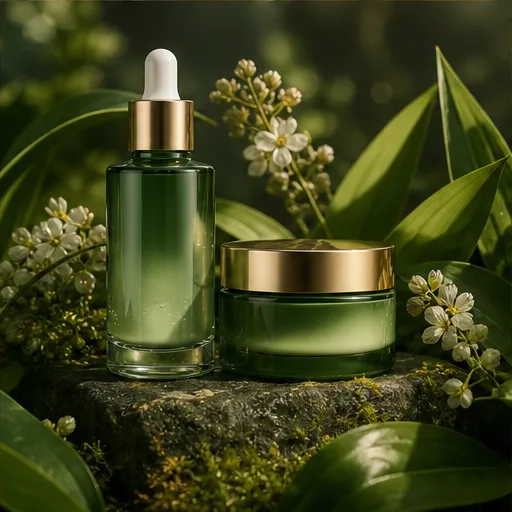
✨ Editing Prompt
Create a polished image concept for Advertising Campaign Visual. Describe the subject, composition, style, lighting, camera or framing, key details, and the final visual result.
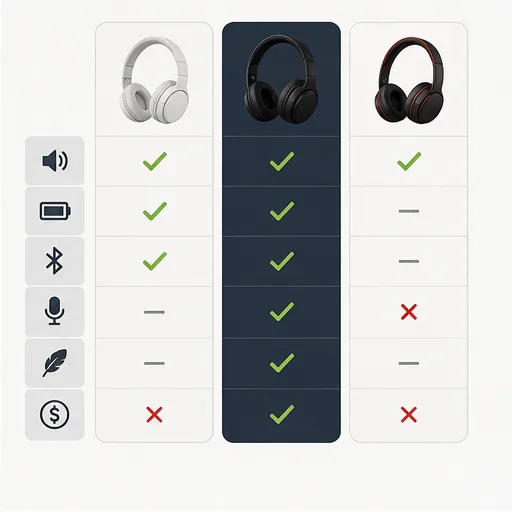
✨ Editing Prompt
Create a polished image concept for Comparison Infographic. Describe the subject, composition, style, lighting, camera or framing, key details, and the final visual result.
Why choose this image generator
Generate images from text or reference images with strong layout control, readable design direction, and model switching.
Match prompts, ratios, duration, resolution, and reference inputs to the selected model.
Start from a written idea or use a source image when visual consistency matters.
Plan product ads, UGC clips, launch visuals, social posts, and cinematic B-roll.
Refine prompts and settings without jumping between disconnected tools.
Step-by-step guide
Name the format, subject, audience, layout needs, style, and any text or labels the image should include.
Upload brand, product, layout, or source images when the result should follow a specific visual direction.
Select aspect ratio, style, and output count so the result fits a poster, social post, product page, or concept board.
Review text, structure, composition, and details, then revise the prompt or edit the strongest option.
Who GPT Image 2 is for
Use GPT Image 2 for structured image generation, product posters, diagrams, layouts, packaging, UI concepts, and campaign visuals.
01 Poster generator
Create readable product posters with strong layout, typography direction, and campaign framing.
02 Product diagram
Show components, layers, labels, callouts, and visual explanations for product concepts.
03 Packaging design
Explore labels, boxes, bottles, bags, and shelf-ready packaging directions.
04 UI design
Generate interface concepts, screens, dashboards, and app layout explorations.
05 Ad creative
Build visual ad directions with product, headline space, offer framing, and brand mood.
06 Infographic
Create diagrams and comparison visuals where layout clarity matters as much as image style.
Creator feedback
The generator is fast enough to test multiple hooks before choosing a final direction.
Prompt examples and model pages make it easier to move from rough idea to campaign-ready video.
References help keep products and styles consistent while exploring new scenes.
Select the ideal package to create stunning videos with Flow Video Generator.
Basic
Perfect for hobbyists and beginners
Everything you need to start:
Enterprise
For teams and businesses
Everything in Professional, plus:
Pro
For creators and professionals
Everything in Basic, plus:
Cancel subscription, please contact the support email: support@flowaivideo.net
AI image questions
Explore more
Create AI videos from text
Turn a written prompt into an AI video clip. Choose a model, aspect ratio, duration, and resolution for social videos, ads, B-roll, and story concepts.
Open generatorAnimate a source image
Upload an image and transform it into a moving AI video while preserving the subject, colors, composition, and brand look.
Open generatorCreate your first result
Open Flow AI Video, add a prompt or reference, choose your model settings, and generate your next AI creative asset.
