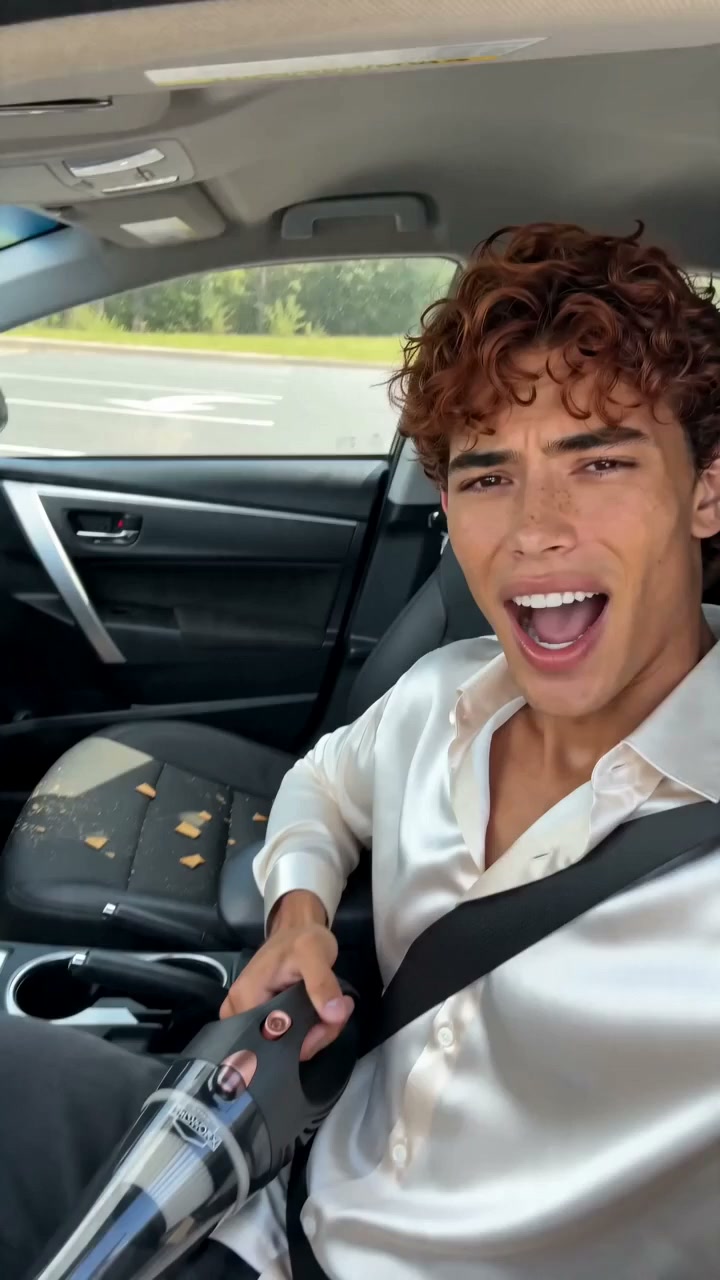
 720 × 1280
0/2000
Preview
The created video result will appear here
No generated result yet
Submit a prompt to create a real AI result. Placeholder media is not shown here.
Waiting for generation□
Generated files are displayed only after the provider returns them.
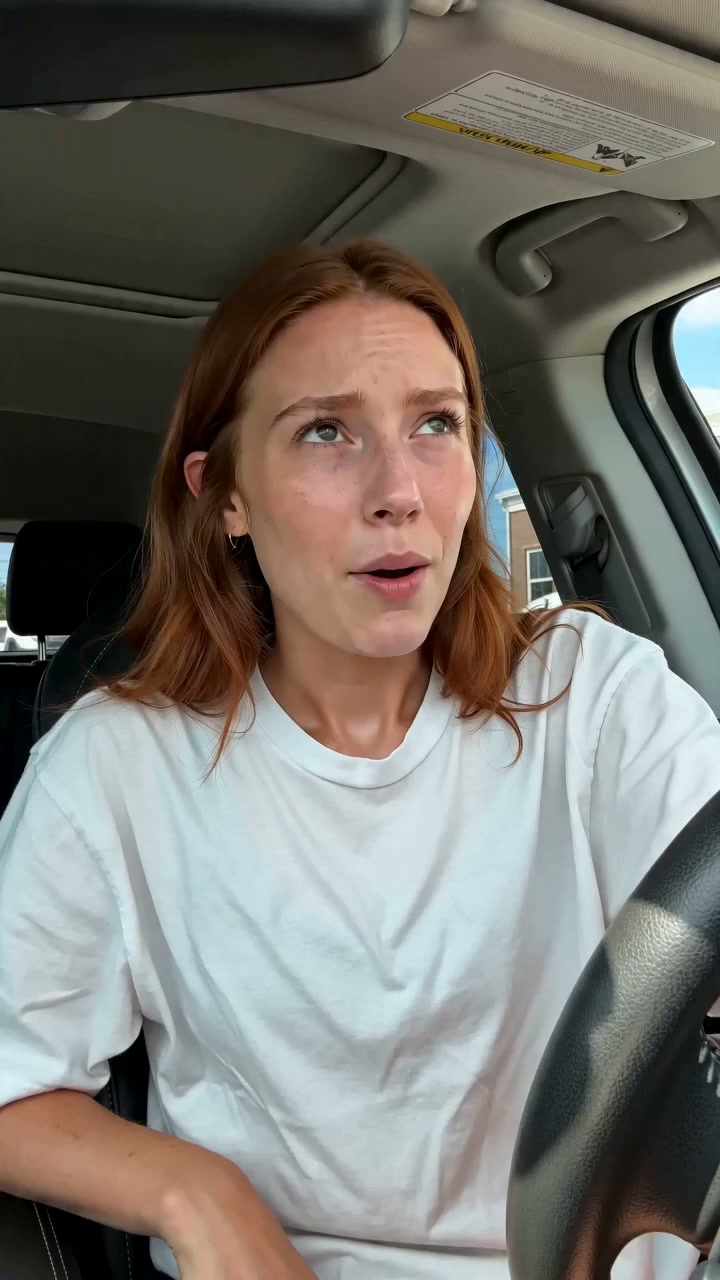
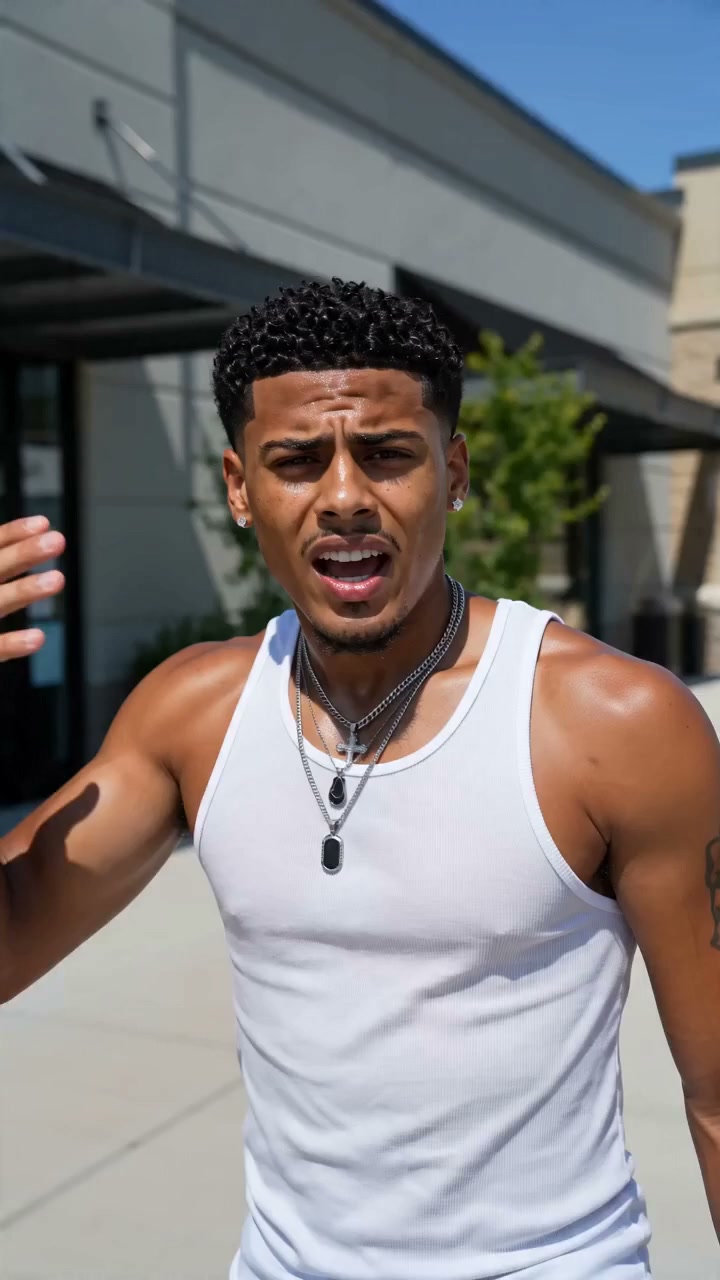
SEEDANCE 2.5 VIDEO EXAMPLES
Explore Seedance 2.5 AI Video Examples
Explore Seedance 2.5 text-to-video and image-to-video examples for ads, social media, characters, and cinematic scenes.
135 / 135
720 × 1280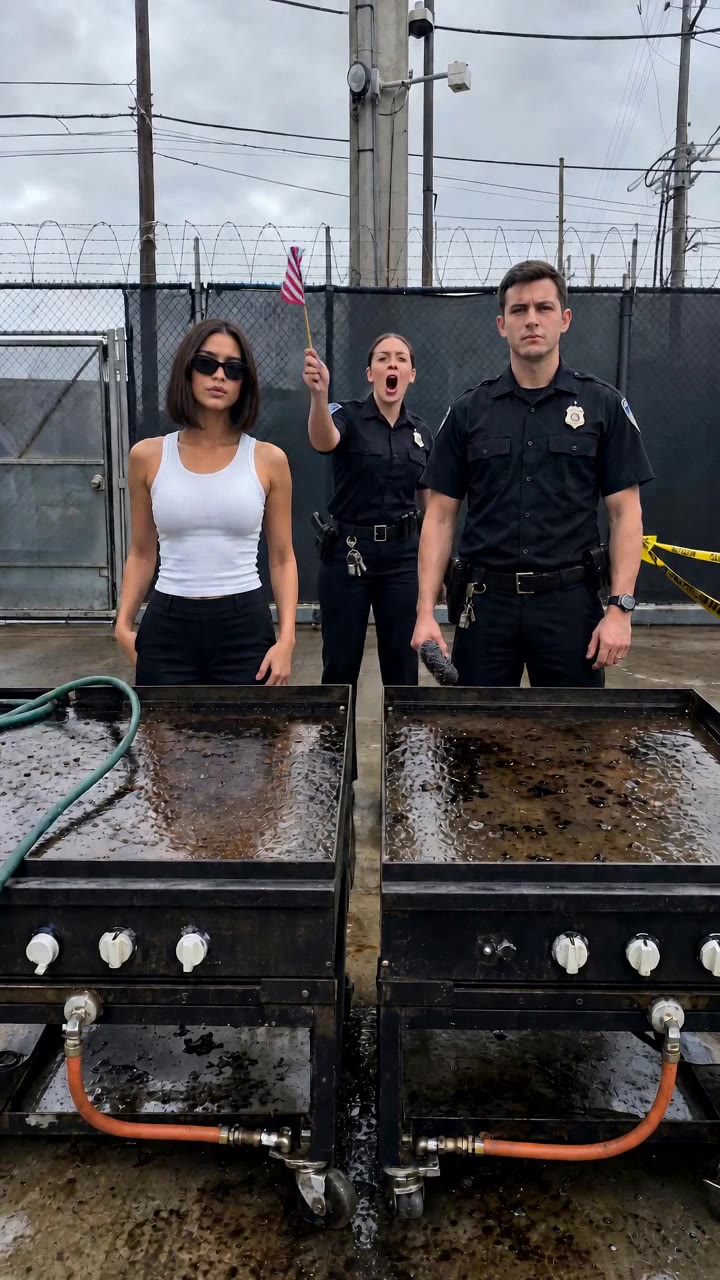 720 × 1280
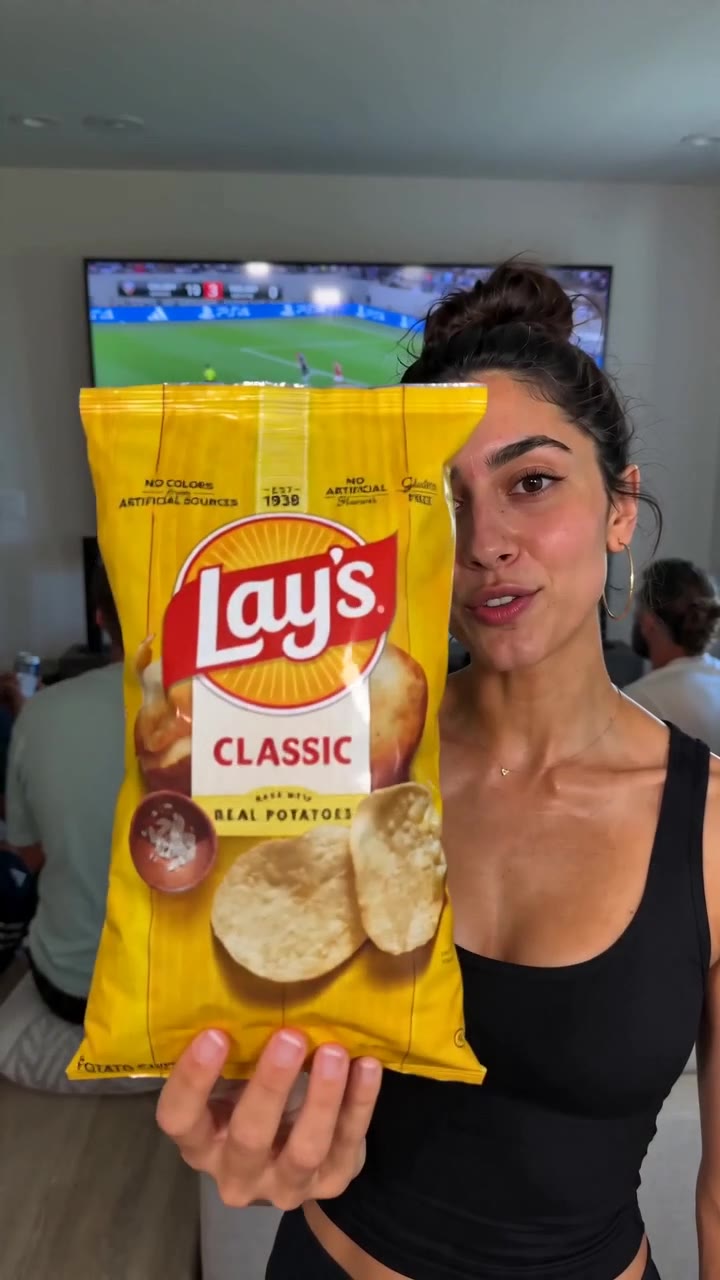 720 × 1280
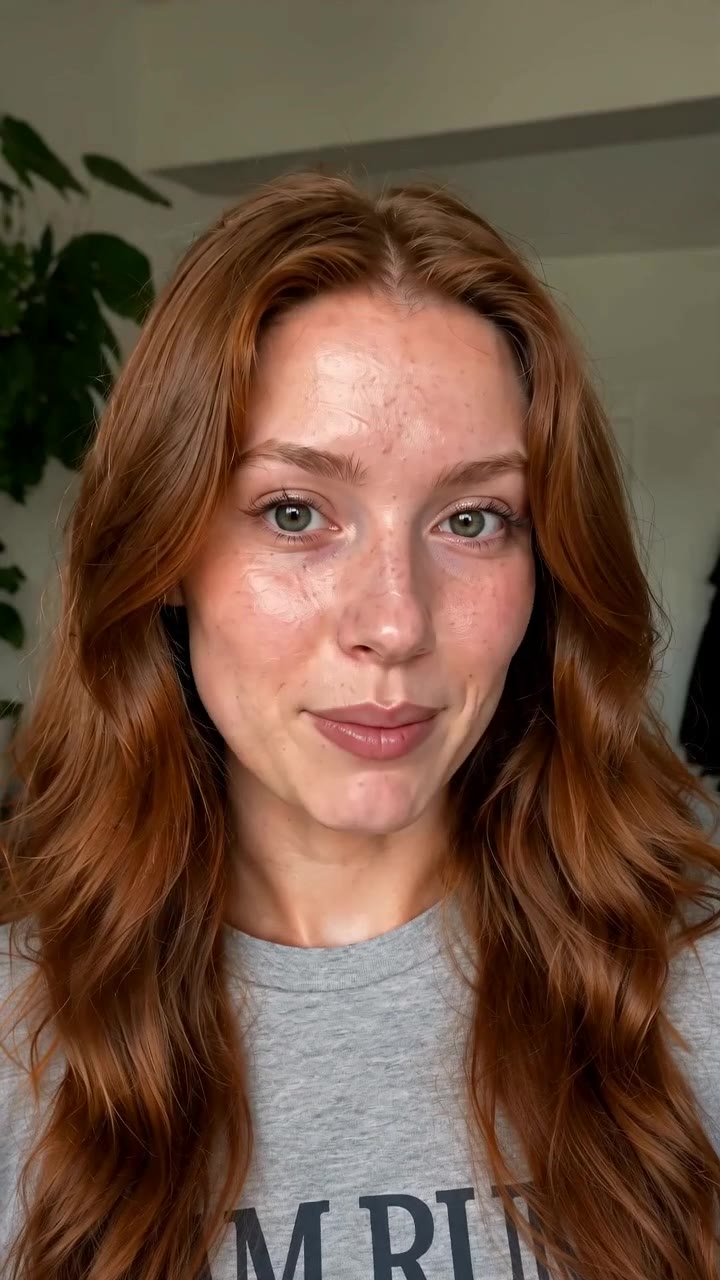 720 × 1280
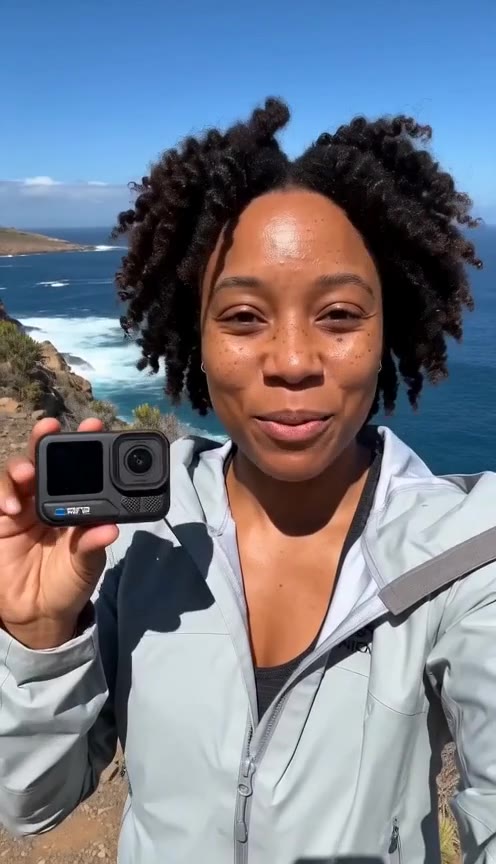 720 × 1280
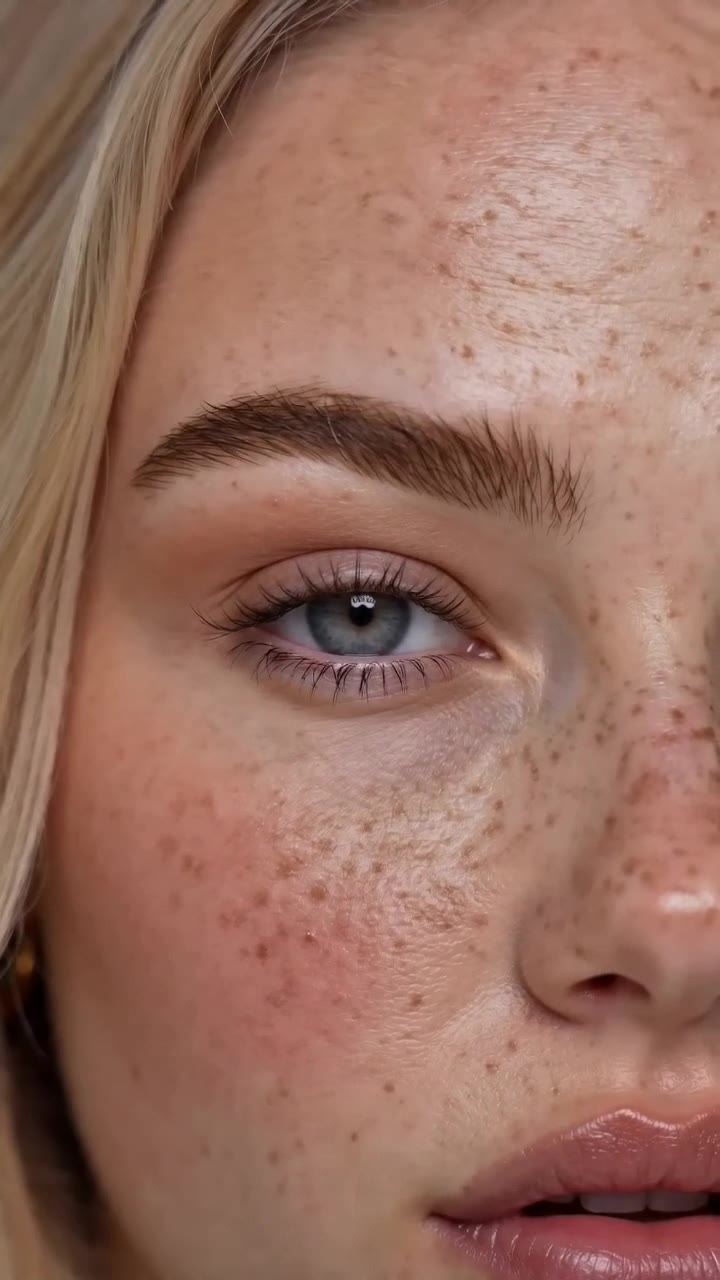 720 × 1280
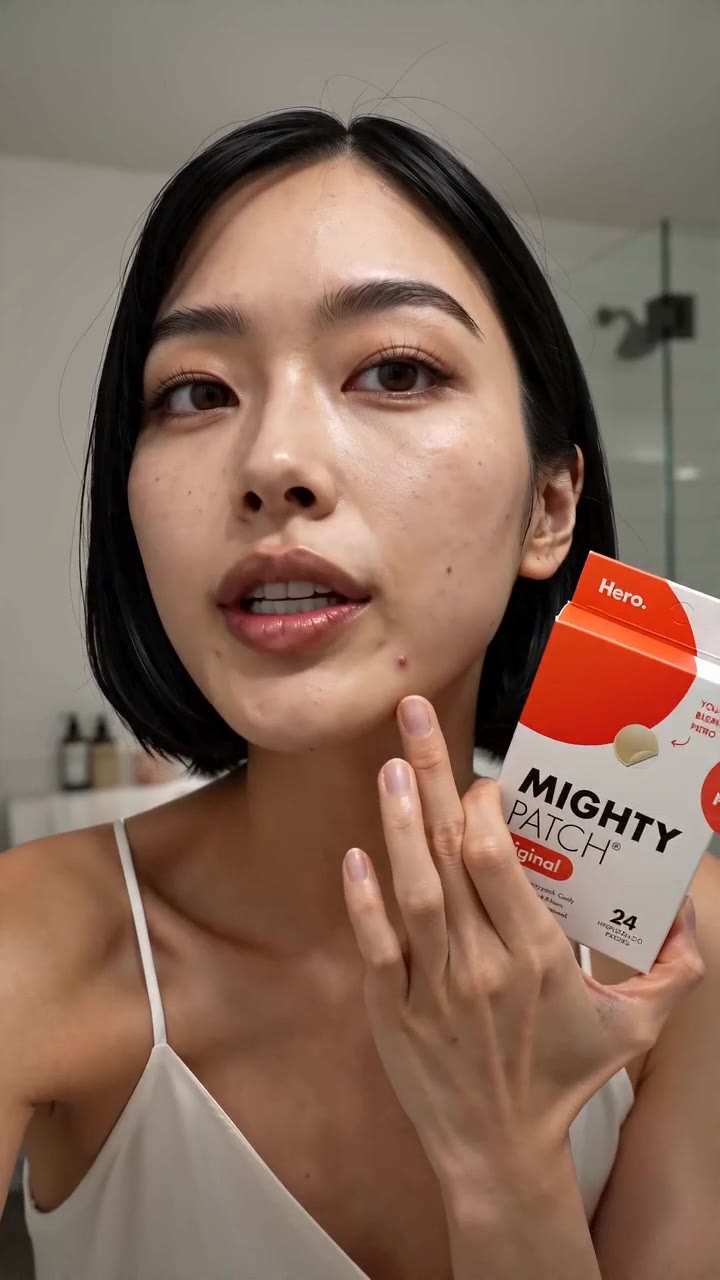 720 × 1280
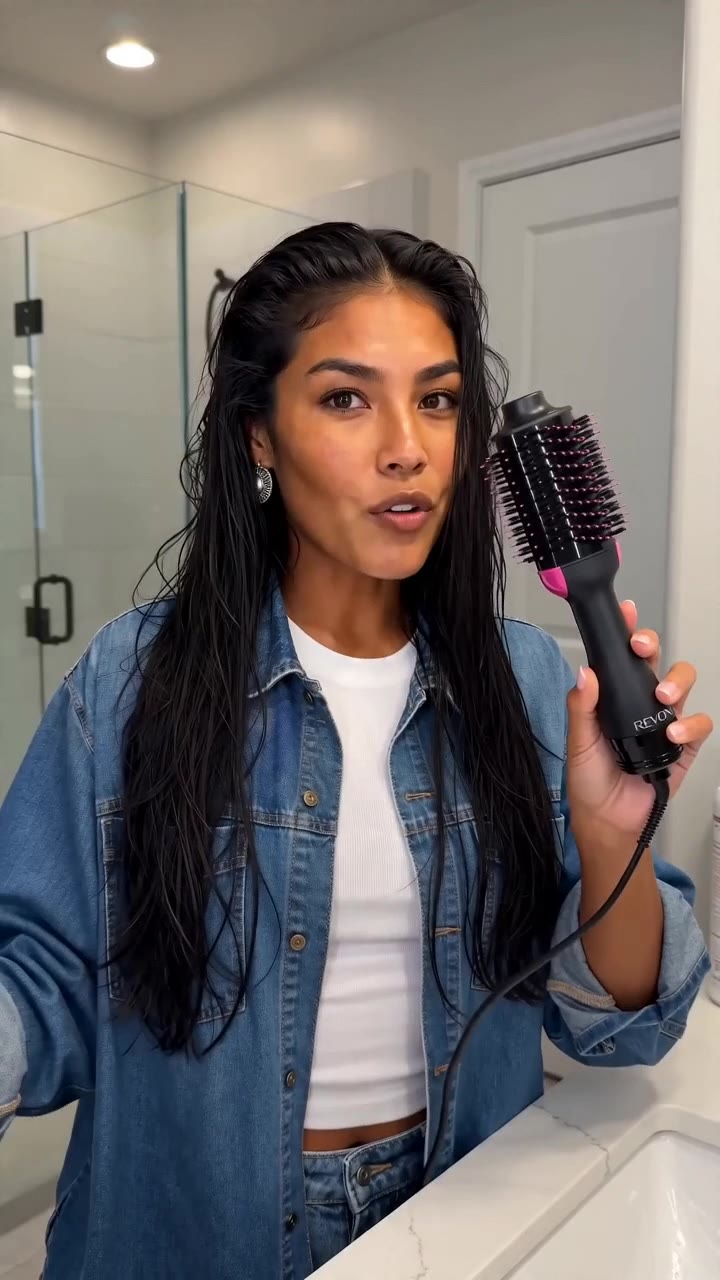 720 × 1280
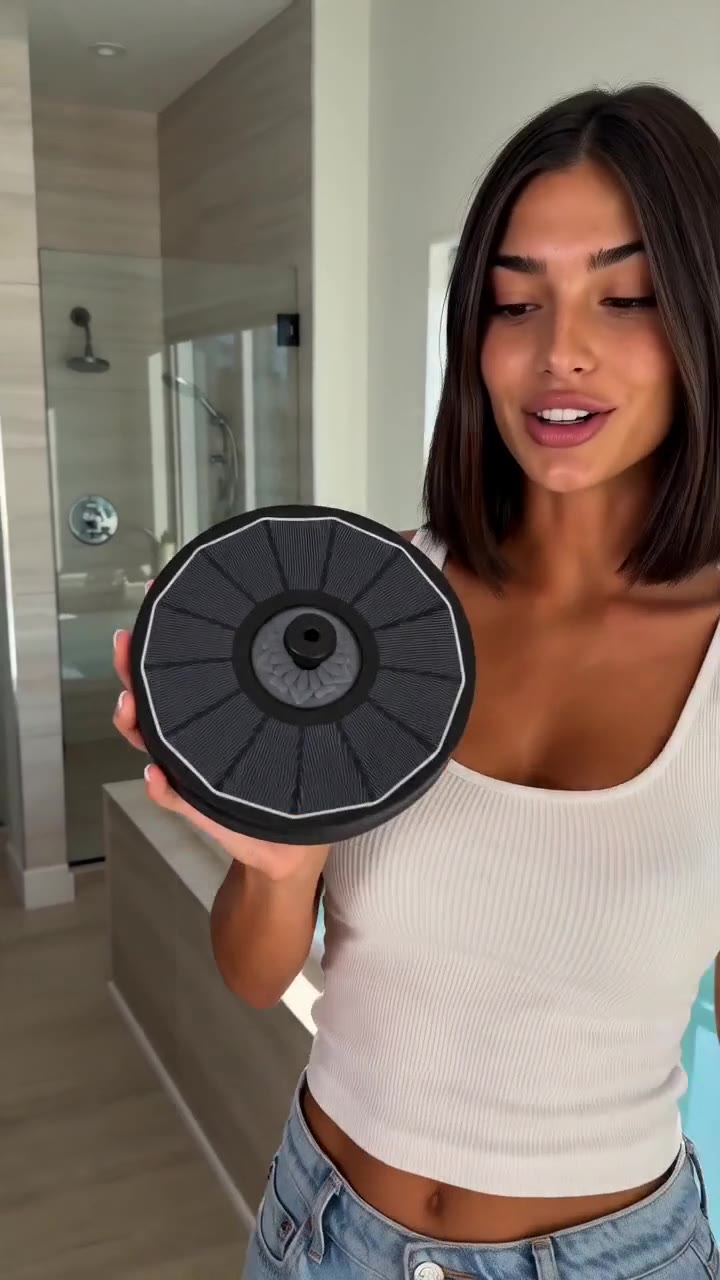 720 × 1280
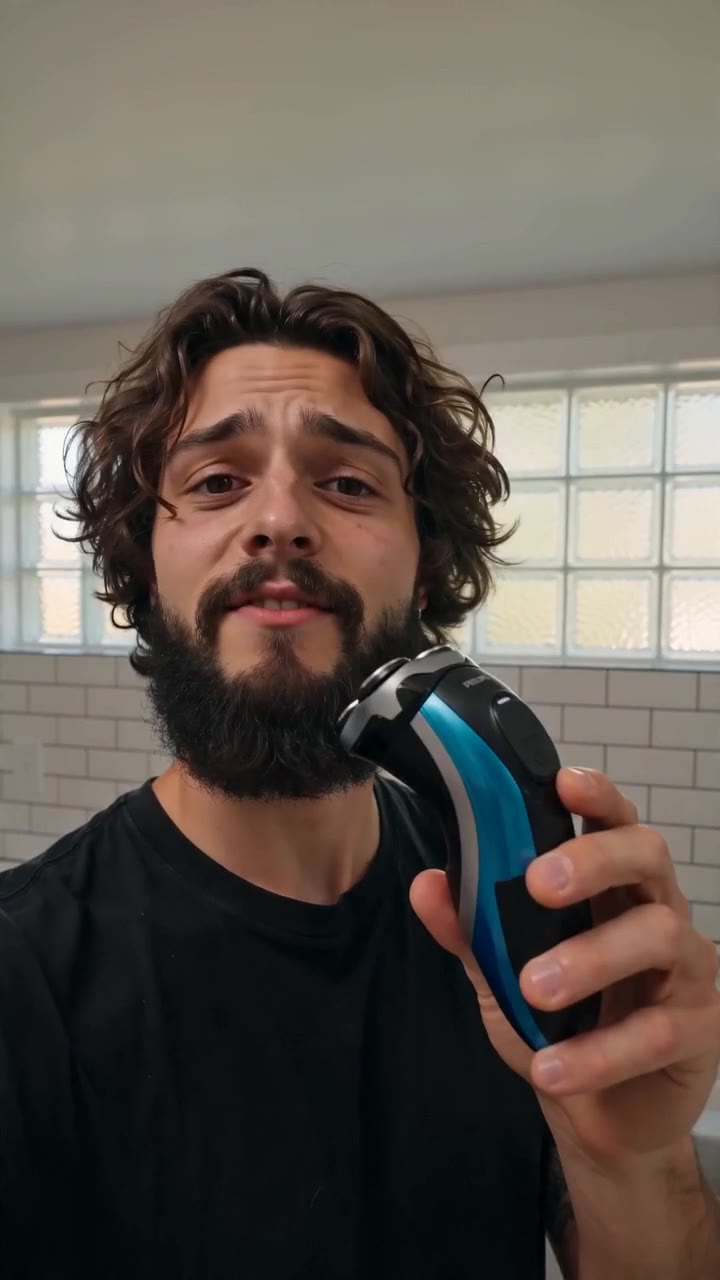 720 × 1280
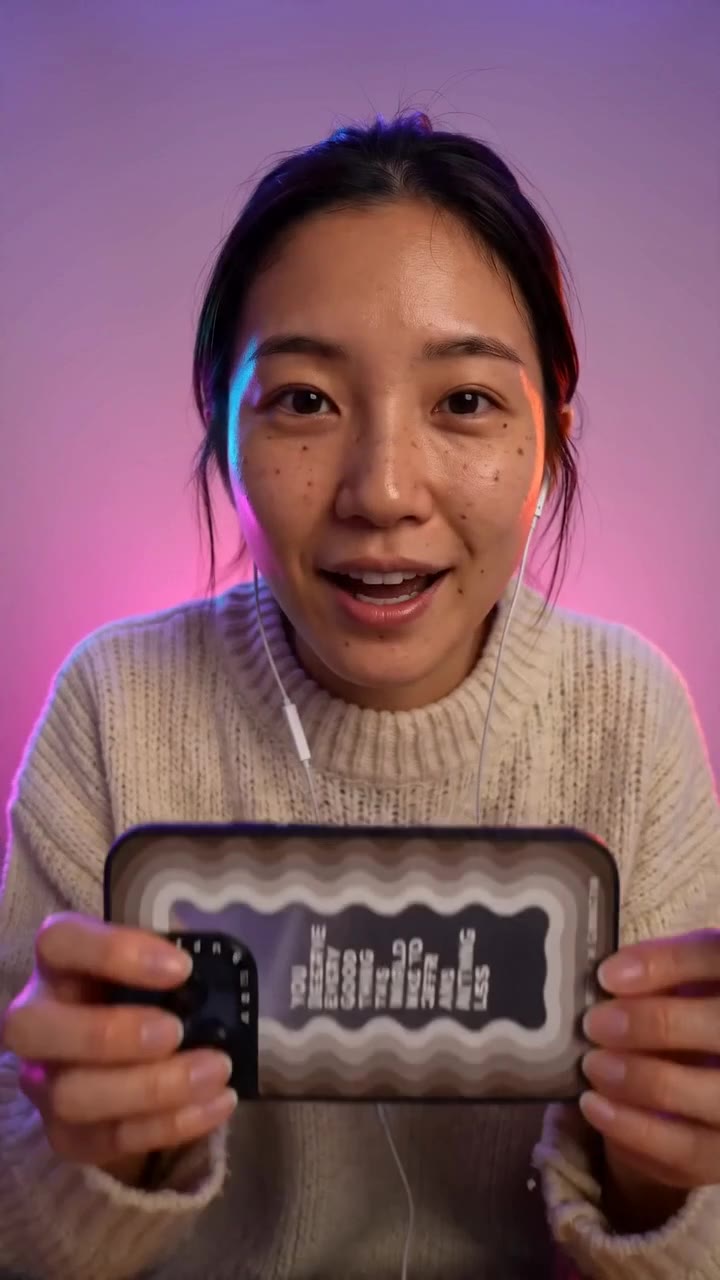 720 × 1280
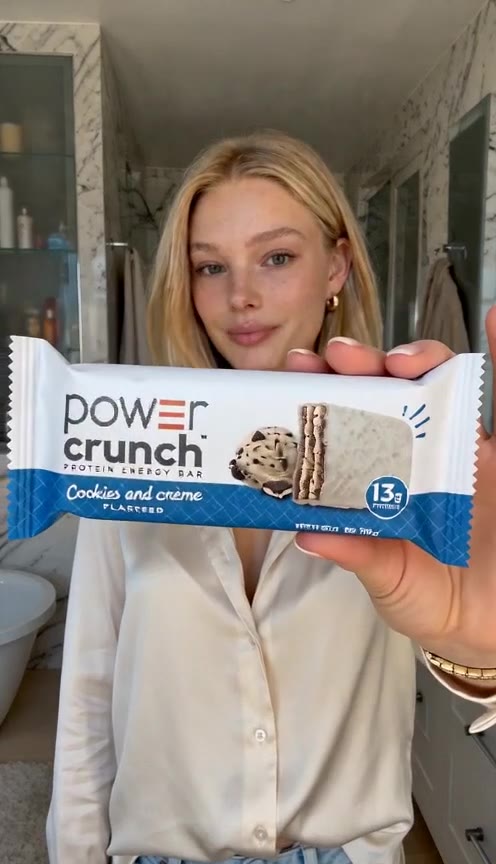 720 × 1280
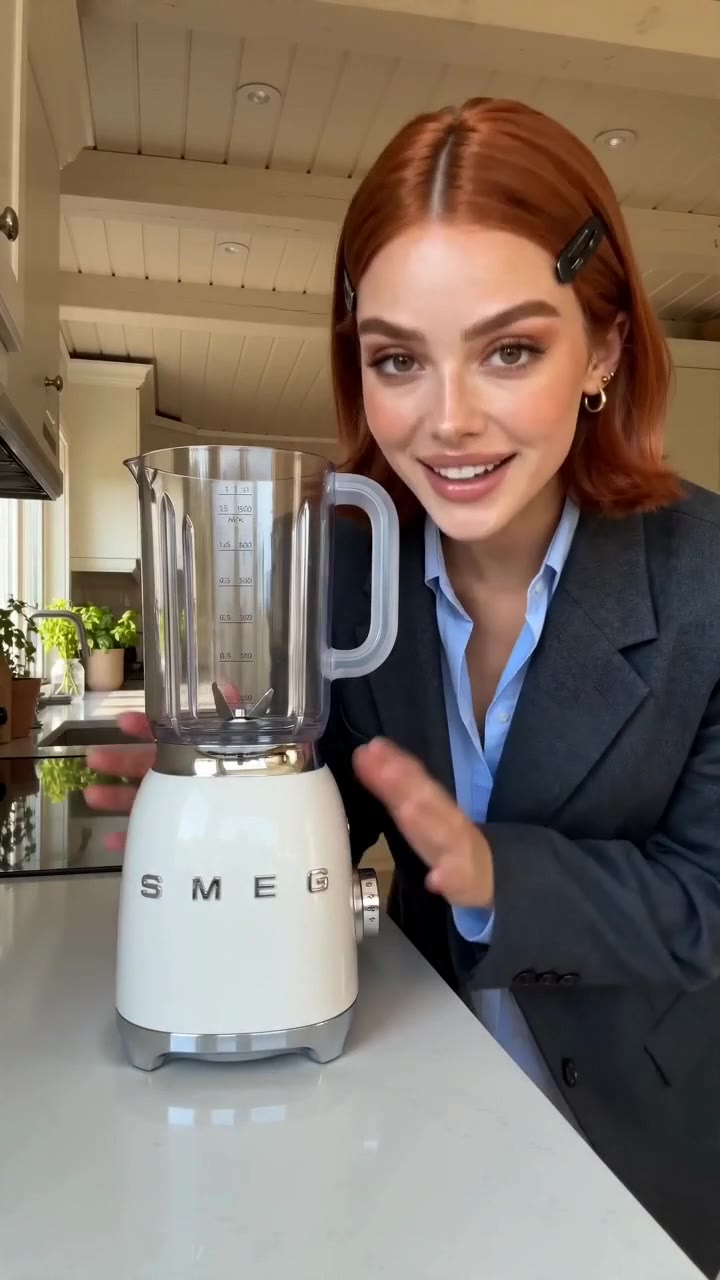 720 × 1280
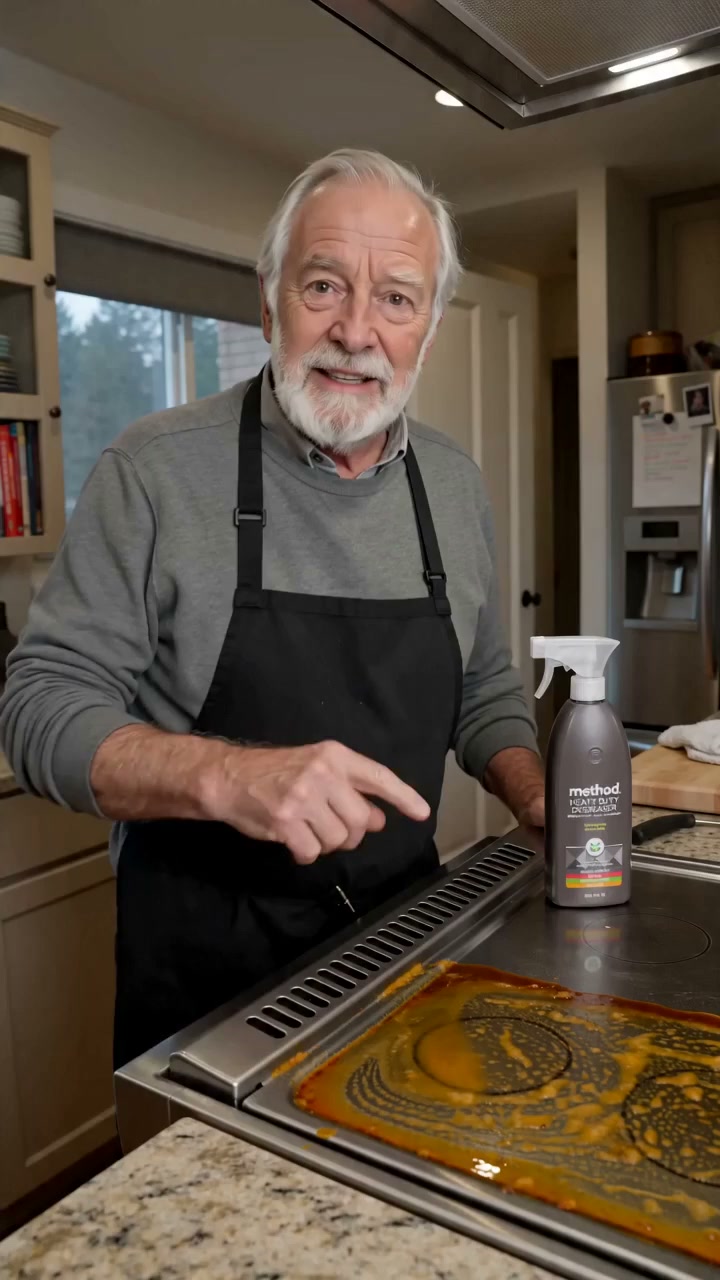 720 × 1280
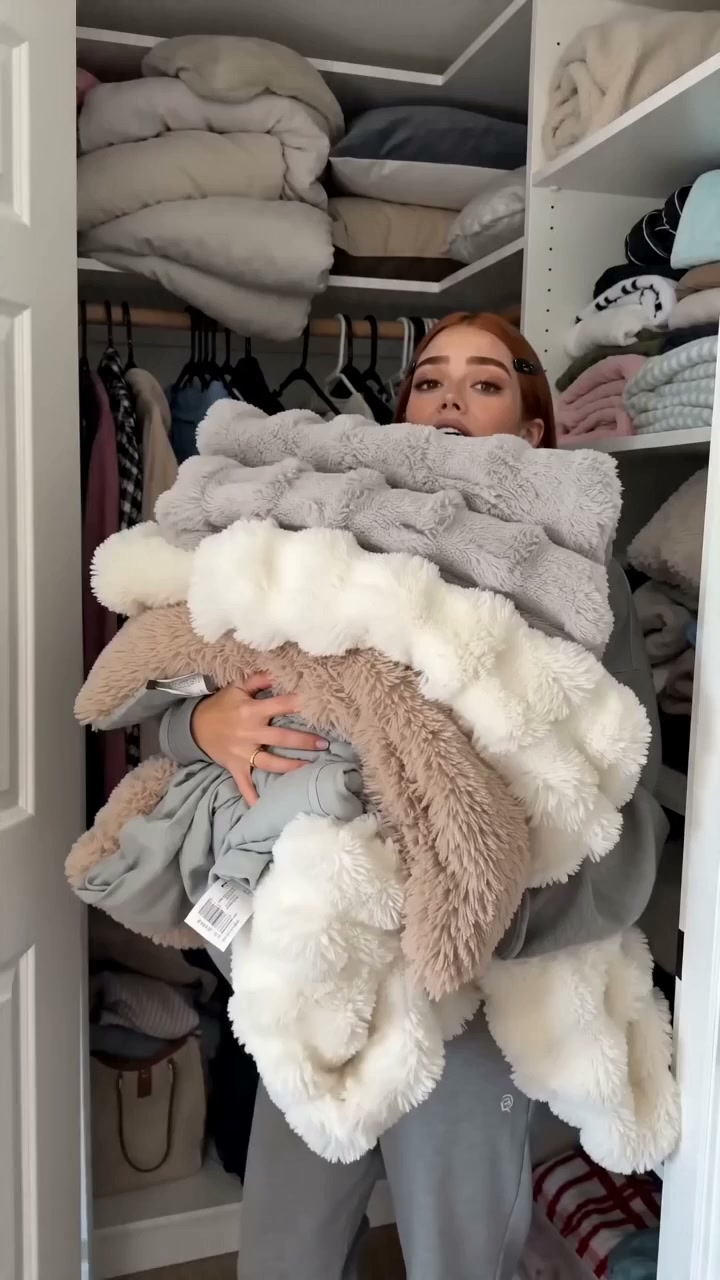 720 × 1280
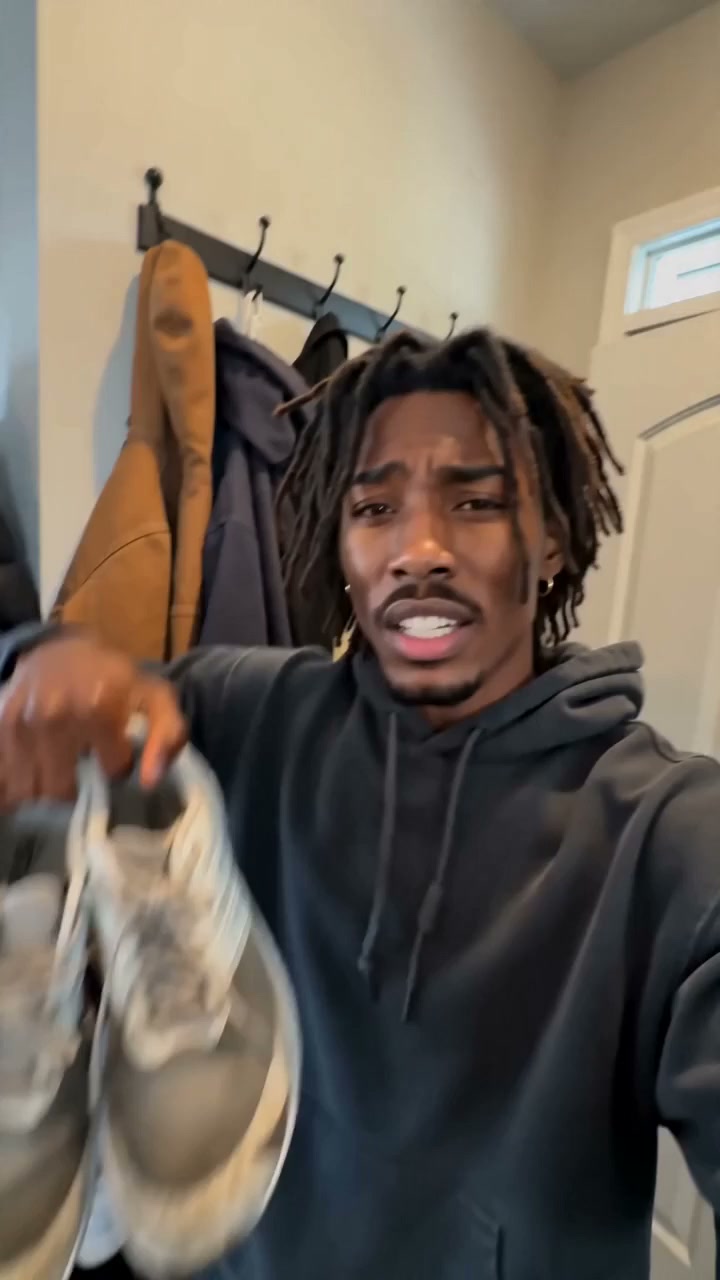 720 × 1280
 720 × 1280
 720 × 1280
Loading more assets...
Seedance 2.5 use cases
What Can You Create with Seedance 2.5?
Create product ads, social media videos, character scenes, image animations, and cinematic concepts with Seedance 2.5.
01 Image to video
Image-to-Video Animation
Turn a photo, illustration, or designed frame into an AI video. Keep the image as the visual anchor while directing subject motion, camera movement, and changes in the environment.
02 Text to video
Text-to-Video Scenes
Generate a video from a text prompt by describing the subject, setting, action, camera angle, lighting, and sound.
03 Character consistency
Consistent Character Videos
Add clear character reference images, then direct a new action, setting, or camera angle.
04 Product video
AI Product Videos and Ads
Create a product reveal, demonstration, lifestyle scene, or close-up from campaign images.
05 Social media video
Social Media Videos
Make vertical AI videos for TikTok, Instagram Reels, and YouTube Shorts.
06 Cinematic video
Cinematic Video Concepts
Test camera movement, blocking, atmosphere, and pacing for a commercial, music video, short film, or game cinematic.
AI video generation features
Seedance 2.5 AI Video Generator Features
Control prompts, multimodal references, camera movement, audio, 4K output, and localized editing in one Seedance 2.5 workflow.
01
Text to Video and Image to Video
Create an AI video from a written prompt or use an image as the first frame. Combine text and images when the prompt should not carry every visual detail alone.
02
Motion and Camera Control
Describe subject movement and camera movement separately. Prompt a push-in, orbit, tracking shot, handheld shot, or static frame.
03
Multimodal Reference Assets
Use supported image, video, and audio references to guide characters, products, movement, environments, and visual style.
04
AI Video with Audio
Add dialogue, ambient sound, music mood, or sound effects so picture and audio are planned as one scene.
05
Up to 30-Second AI Videos
Create longer AI video scenes up to 30 seconds, from a quick reveal to a complete visual sequence.
06
4K Video Output
Generate detailed 4K video for social media, advertising, cinematic concepts, and other high-resolution projects.
07
Localized Video Editing
Refine a specific moment, character, or visual element without rebuilding the entire video from the beginning.
How to use Seedance 2.5
How to Use the Seedance 2.5 Video Generator
STEP 01
1
Choose Text to Video or Image to Video
Start with a text prompt when you want the model to develop the scene. Add reference images when a face, product, first frame, or visual style should guide the result.
STEP 02
2
Write Your Seedance 2.5 Prompt
Write the action in order, then add camera movement, pace, lighting, and sound cues that help the viewer understand the moment.
STEP 03
3
Set the frame and length
Choose the aspect ratio, duration, and resolution for the intended placement. The credit cost appears with the current settings before you submit.
STEP 04
4
Watch, compare, and refine
Review the whole clip-not just the opening frame. Keep what worked, then adjust the prompt or references around the detail that did not.
Seedance 2.5 text to video vs image to video
Should You Start with Text or an Image?
Start here when
You have a product photo, character image, first frame, or style reference that should guide the video.
You have an idea but no finished source image.
What you provide
Upload one or more reference assets, then describe the motion, camera, audio, and changes you want.
Describe the subject, setting, action, camera movement, lighting, style, and sound direction.
What stays defined
The image helps anchor identity, product details, composition, and visual style.
The prompt defines the whole scene, so precise language matters more.
Good for
Product ads, character continuity, fashion try-ons, first-frame animation, and brand assets.
New concepts, cinematic B-roll, social scenes, storyboard ideas, and imagined environments.
If the result is off
Strengthen the reference, simplify motion, and state which details must stay unchanged.
Rewrite the prompt around one scene, one action, and one camera move.
For most commercial work, start with an image or reference when identity matters. Start with text when you are exploring a new idea and want Seedance 2.5 to build the scene from scratch.
Why choose Seedance 2.5
Why Choose the Seedance 2.5 AI Video Generator?
Use Seedance 2.5 when you want longer scenes, higher resolution, audio-aware prompting, multimodal references, and practical editing controls in one Flow AI Video workspace.
1
Create Videos up to 30 Seconds
Use Seedance 2.5 for longer AI video scenes, from short product reveals to more complete story beats.
2
Generate 4K Video with Audio
Plan picture and sound together with high-resolution output, ambience, dialogue direction, music mood, and sound effects.
3
Add Image, Video, and Audio References
Use references to anchor people, products, movement, environments, or style instead of forcing every detail into one prompt.
4
Edit One Part Without Starting Over
Refine a specific moment, subject, or visual detail while preserving the parts of the video that already work.
CINEMATIC CAMERA CONTROL 16:9
Flow AI Video preview scene
CHARACTER-LED VERTICAL VIDEO · 9:16
Flow AI Video preview scene
BUILT FOR SCENES, NOT ISOLATED FRAMES
Flow AI Video preview scene
Simple, Transparent Pricing
Select the ideal package to create stunning videos with Flow Video Generator.
Start with free creditsCancel anytimeSecure payment
Basic
$19.9/month
Perfect for hobbyists and beginners
★800 Credits
/month
Cost per 100 credits $2.49
Everything you need to start:
- Flow AI Video Basic Plan
- 800 credits per month
- Up to 40 videos/month
- Flow Video Generator
- Unlimited Flow AI Video downloads
- Permanent Flow AI Video history
- Nano Banana model
- Nano Banana 2 Lite model
- AI image enhancer
- AI image background remover
- Support AI video generation
- Veo 3 model
- Sora 2 model
- Seedance model
- Wan 2.5 model
- Priority generation queue
- No Watermark
- Priority customer support
Enterprise
$99.9/month
For teams and businesses
★6,000 Credits
/month
Cost per 100 credits $1.67
Everything in Professional, plus:
- Flow AI Video Enterprise Plan
- 6000 credits per month
- Up to 600 videos/month
- Flow Video
- Commercial Use License
- Unlimited Flow AI Video downloads
- Permanent Flow AI Video history
- Nano Banana model
- Nano Banana 2 Lite model
- AI image enhancer
- AI image background remover
- Support AI video generation
- Veo 3 model
- Sora 2 model
- Seedance model
- Wan 2.5 model
- Priority generation queue
- No Watermark
- Priority customer support
Pro
$39.9/month
For creators and professionals
★2,000 Credits
/month
Cost per 100 credits $2.00
Everything in Basic, plus:
- Flow AI Video Pro Plan
- 2000 credits per month
- Up to 200 videos/month
- Flow Video Maker
- Unlimited Flow AI Video downloads
- Permanent Flow AI Video history
- Nano Banana model
- Nano Banana 2 Lite model
- AI image enhancer
- AI image background remover
- Support AI video generation
- Veo 3 model
- Sora 2 model
- Seedance model
- Wan 2.5 model
- Priority generation queue
- No Watermark
- Priority customer support
Cancel subscription, please contact the support email: support@flowaivideo.net
Seedance 2.5 FAQ
Seedance 2.5 AI Video Generator FAQ
Explore more
Explore More AI Video Generators
Create AI videos from text
AI Text to Video Generator
Turn a written prompt into an AI video clip. Choose a model, aspect ratio, duration, and resolution for social videos, ads, B-roll, and story concepts.
Open generatorAnimate a source image
AI Image to Video Generator
Upload an image and transform it into a moving AI video while preserving the subject, colors, composition, and brand look.
Open generatorCreate with Seedance 2.5
Create Your First Seedance 2.5 AI Video
Turn a prompt or reference image into a short Seedance 2.5 AI video with audio.
