

01
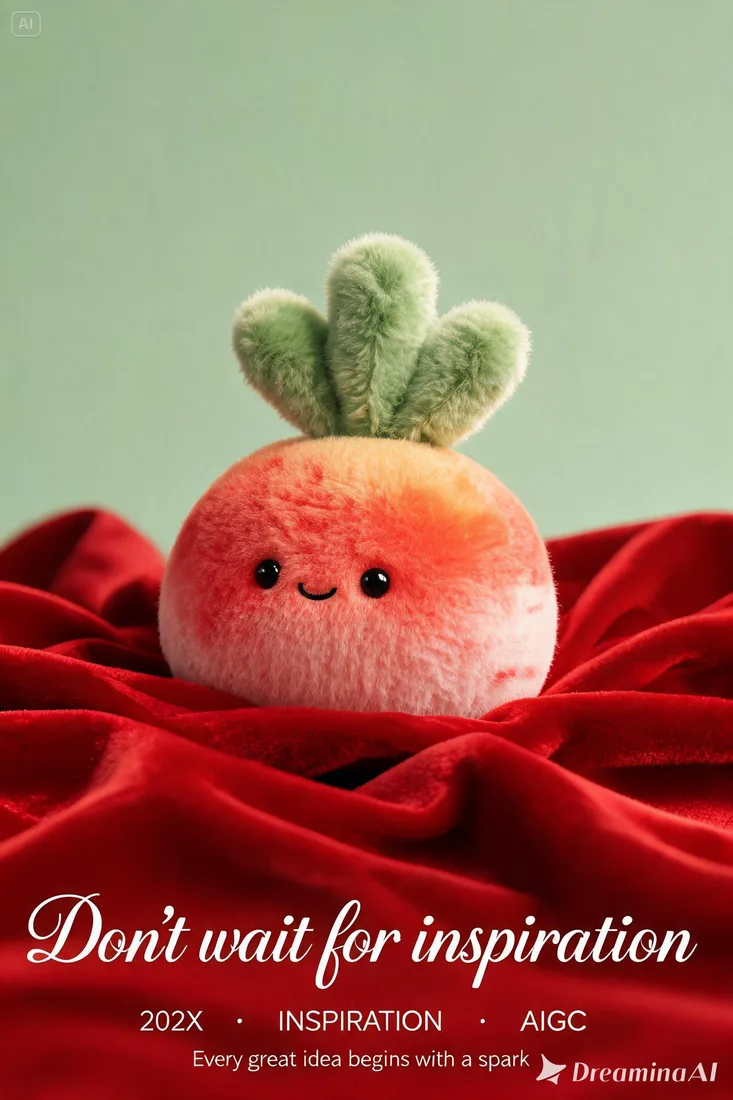
Describe the image before you design
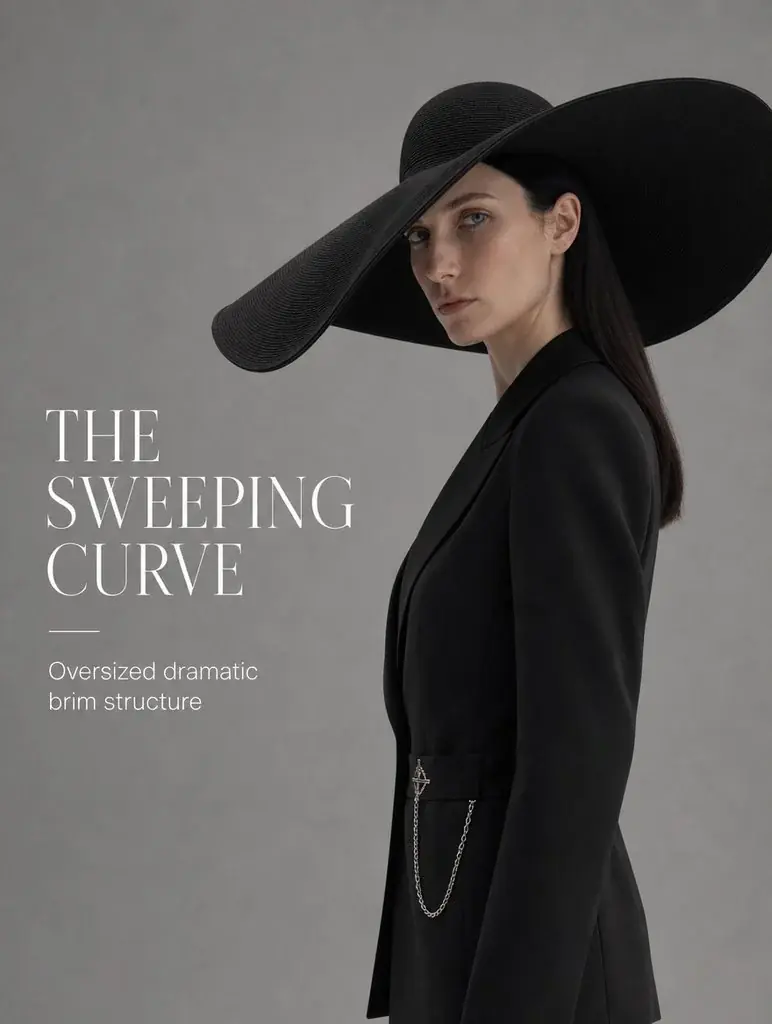
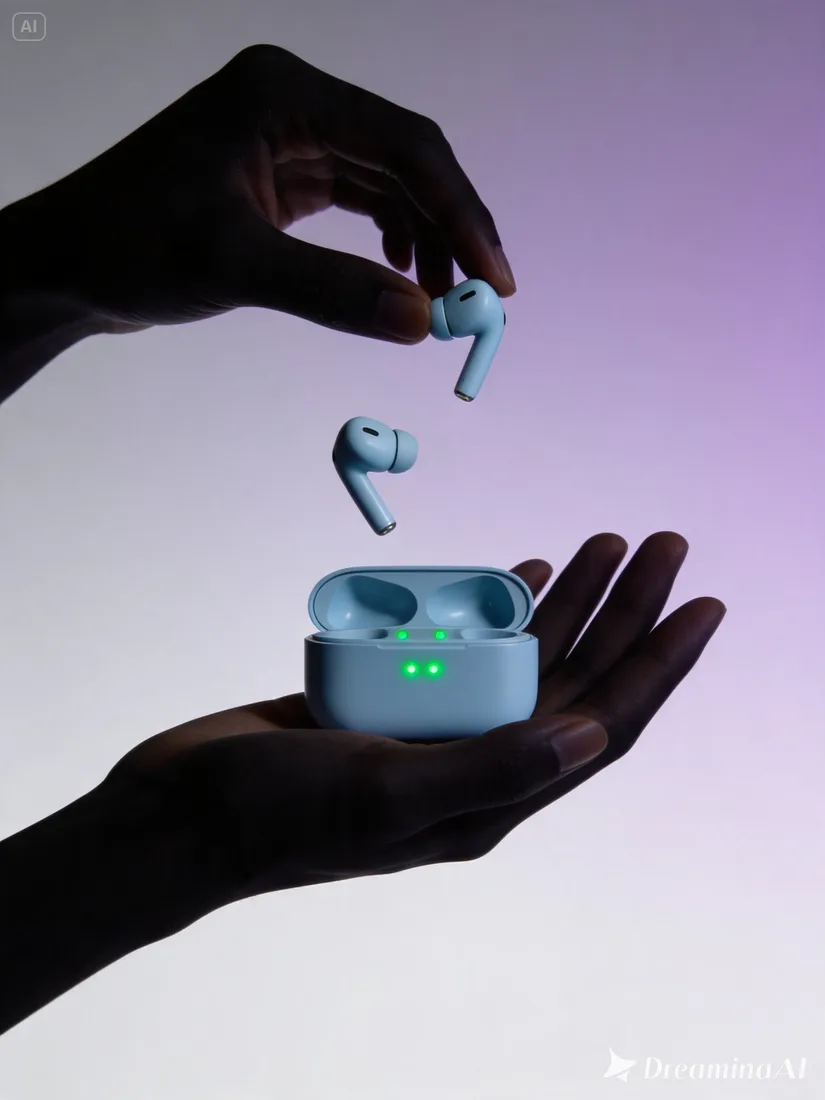
Name the subject and its surroundings. Concrete details give you a clearer result to evaluate.
01Flow AI Video
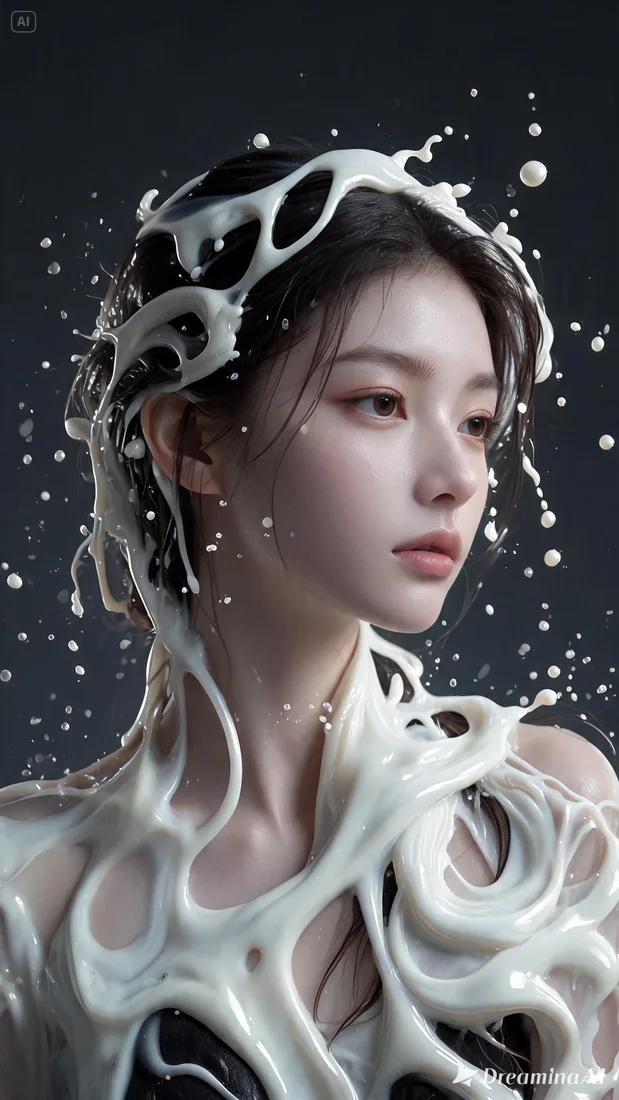
Use the AI Image Generator for product scenes, portraits, and social visuals. Describe your composition or add reference images, choose a model, and generate an image to refine.
A clearer brief, a more deliberate first take
Create a product scene, portrait, or social visual from a description. Select an image model, shape the composition, and generate a first version to refine.
01
Name the subject and its surroundings. Concrete details give you a clearer result to evaluate.
02
Specify the lighting, background, and visual emphasis around your subject.
03
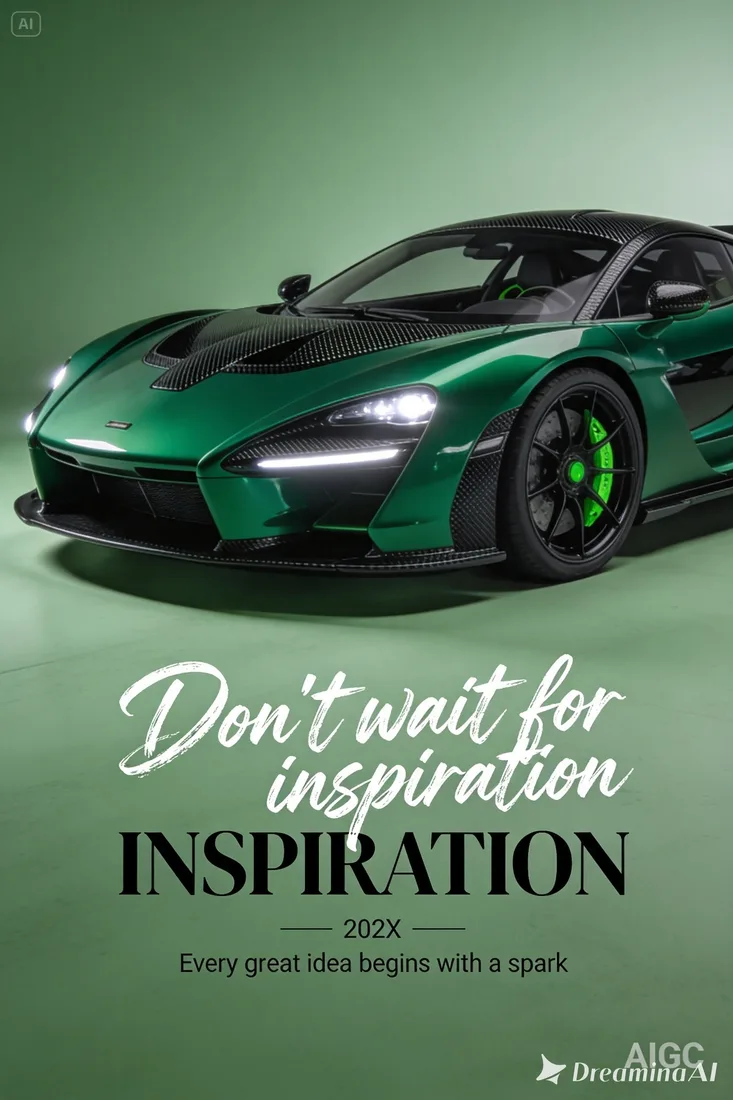
Choose a supported aspect ratio and leave space for text you will add in your design tool.
04
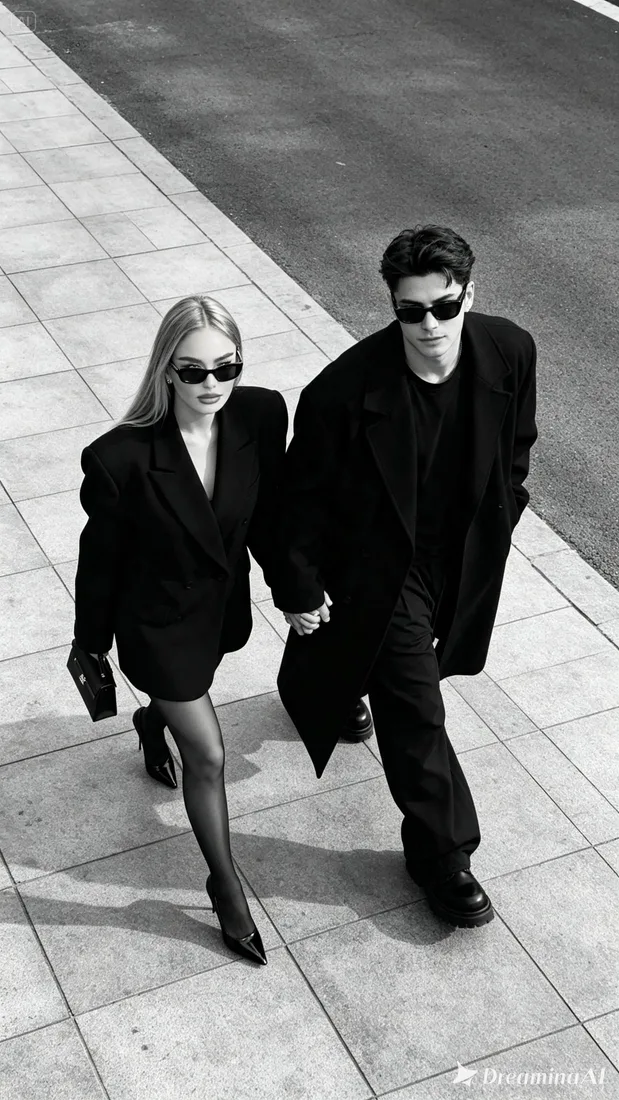
Check lettering, outlines, and materials at full size. Change one part of the brief for the next image.
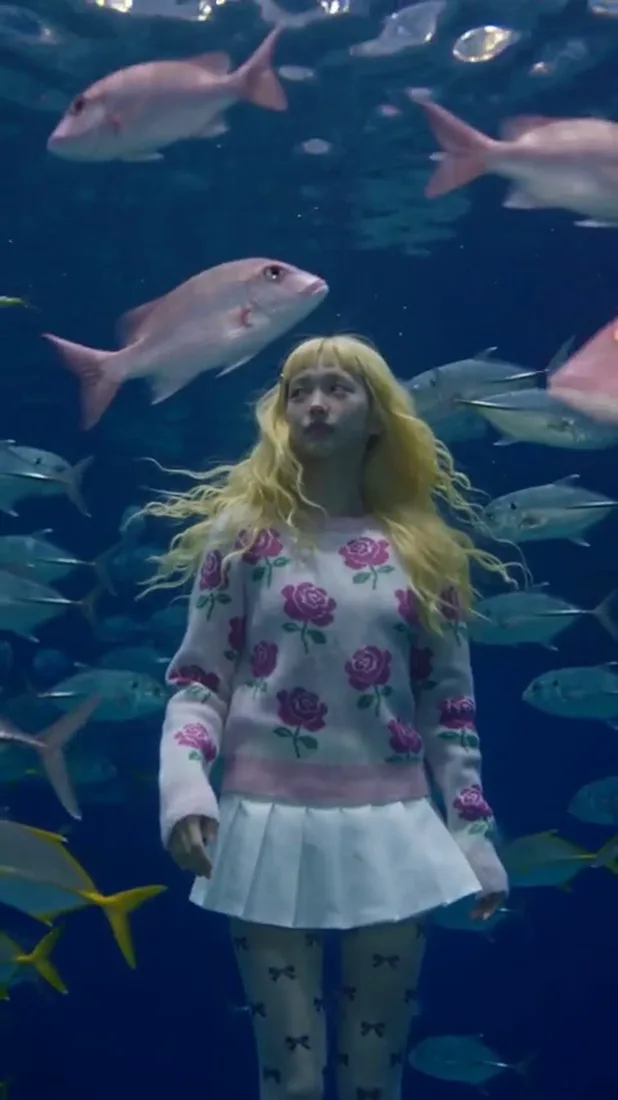
From reference to result
Prepare your brief, choose supported settings, and review the result.
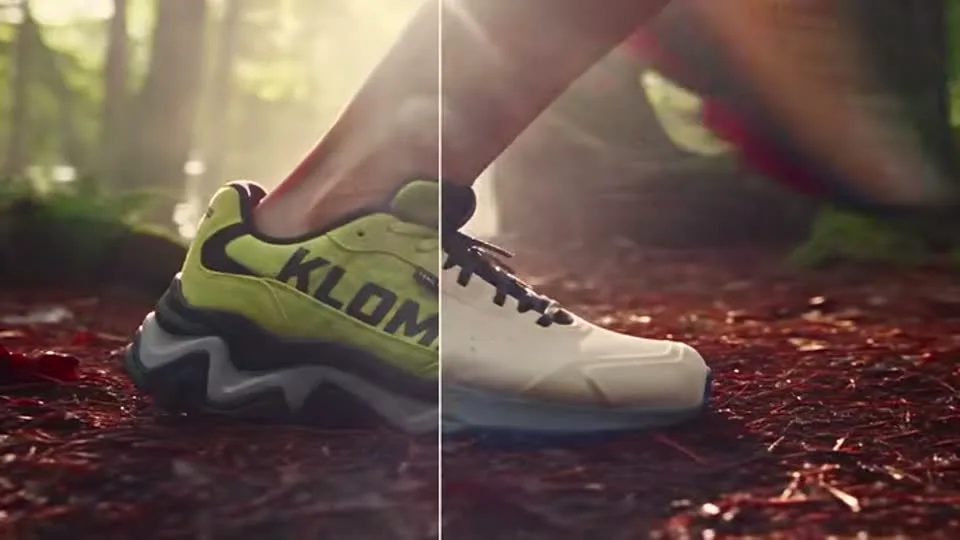 Flow AI Video
Name the subject, setting, and result you want.
Choose the supported format and resolution; check estimated credits.
Sign in to generate, inspect important details, and download the result.
One clip, one creative goal
Start with the intended use, then define the subject, style, and details to review.
Product visuals
Name the subject and its surroundings. Concrete details give you a clearer result to evaluate.
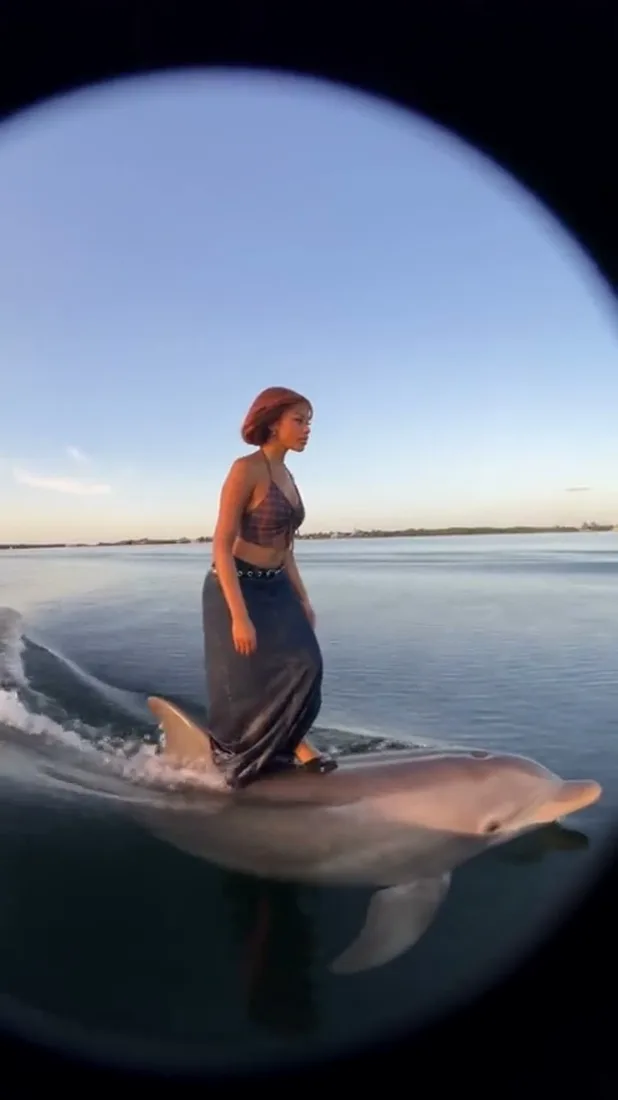
Camera and motion inspiration
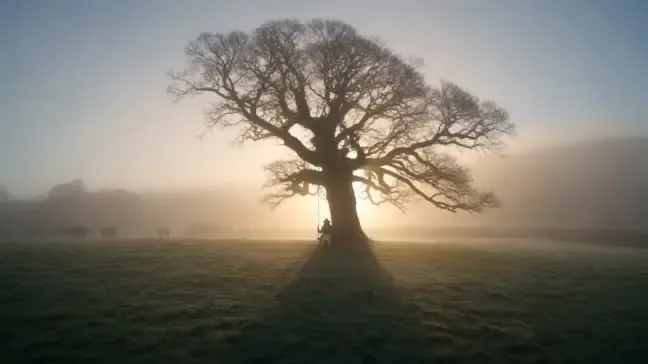
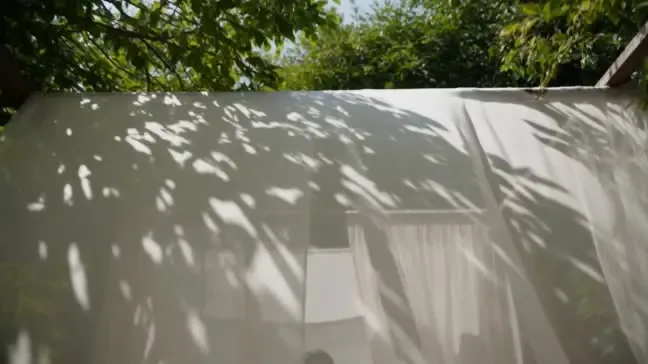
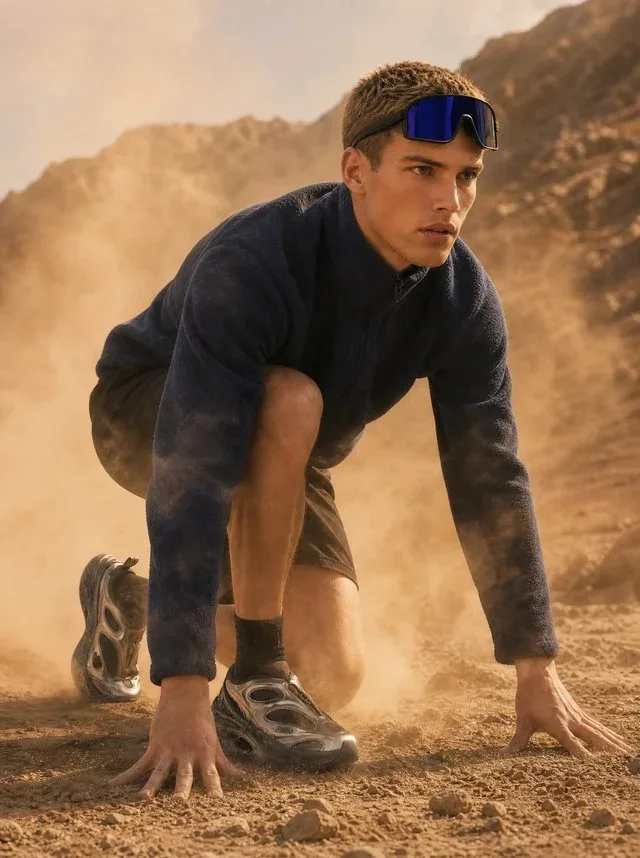
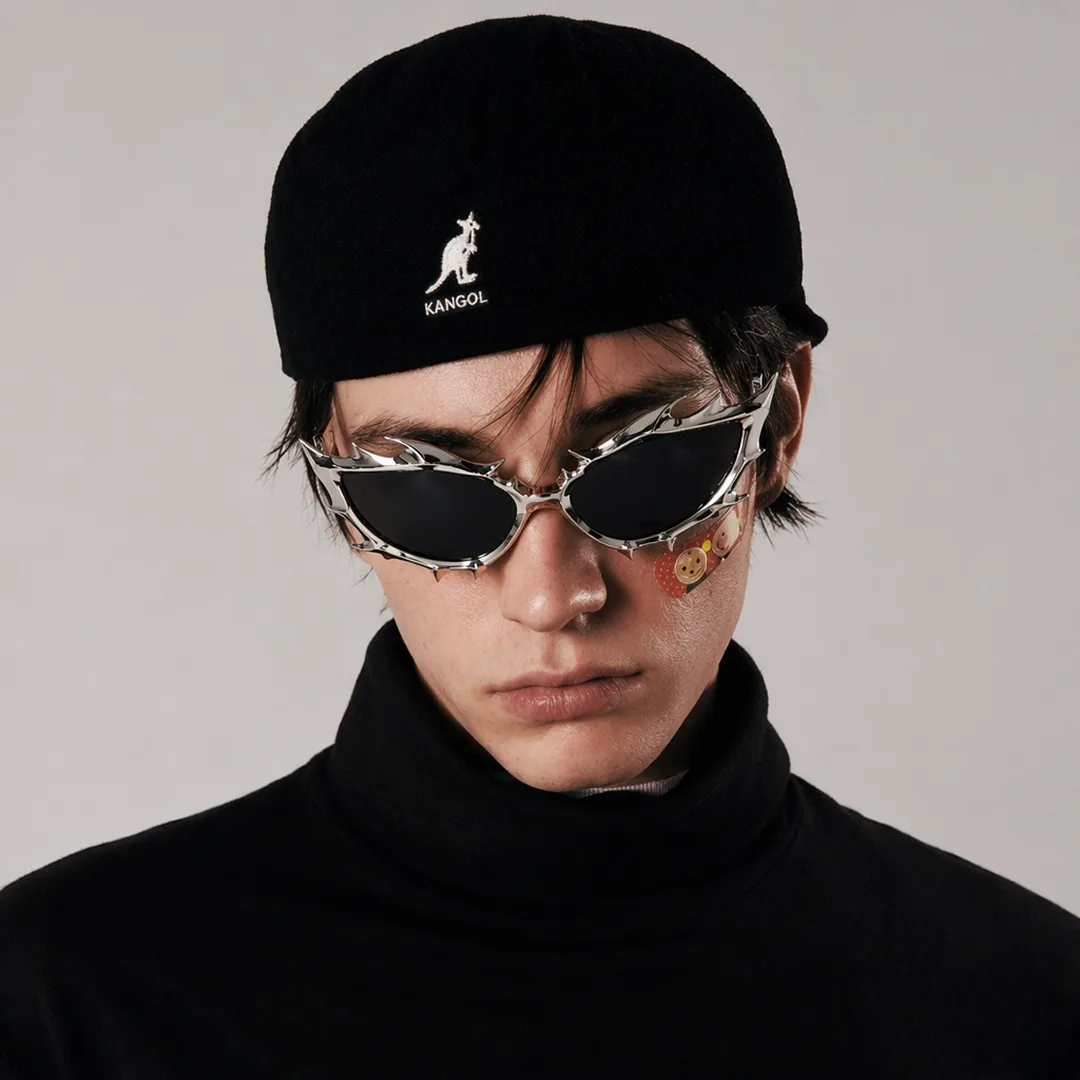
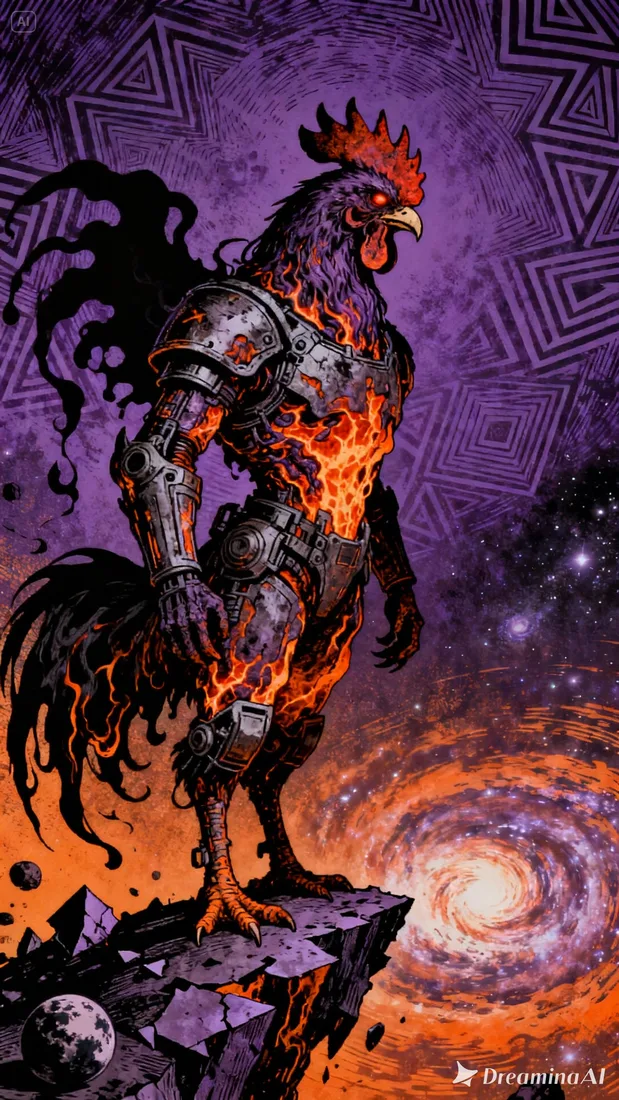
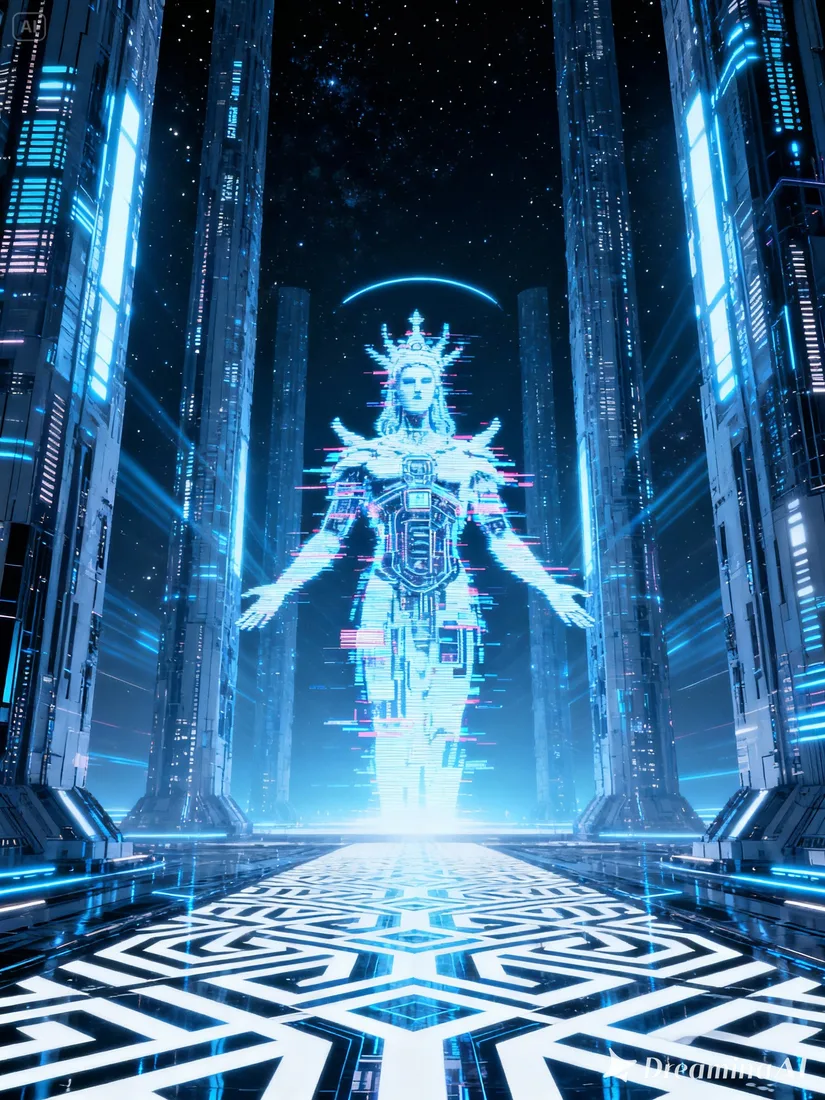
These images are visual references for composition and motion, not verified outputs from your selected model.
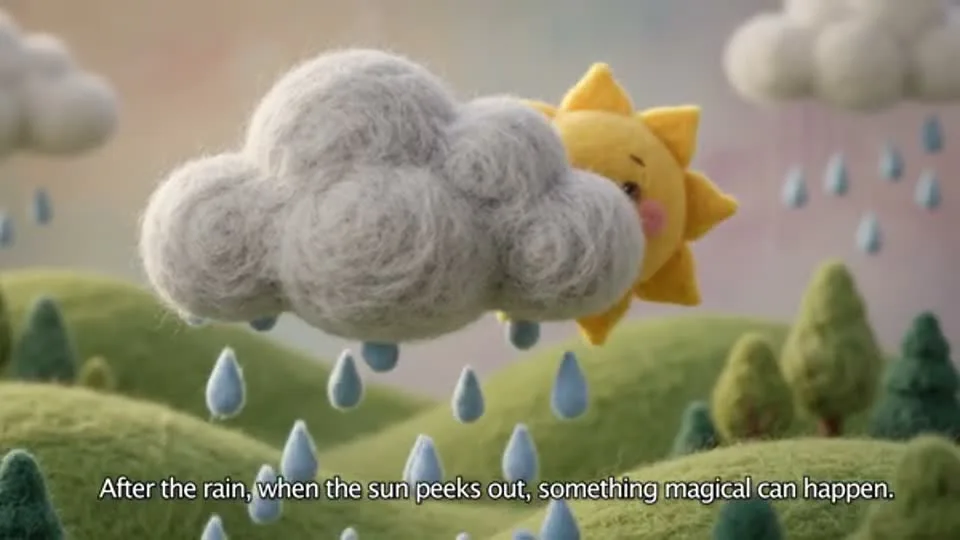 Flow AI Video
Example 1 / 2
Name the subject and its surroundings. Concrete details give you a clearer result to evaluate.
Need a hand?
Review the requirements for this workflow before you generate.
Contact supportCreate product scenes, portraits, illustrations, or social visuals. Use a text prompt to start a new image, or add references to guide the next version.
These images illustrate creative directions and are not verified outputs from this model. Review your own generated result for the details that matter.
Choose a model and supported settings to review estimated credits. Opening the page and preparing a draft does not start a paid generation.
Start with the image you already have
Describe your subject in the AI Image Generator, add references if needed, and choose a model. Review the estimate before generating your first image.