01
Let a portrait carry the opening
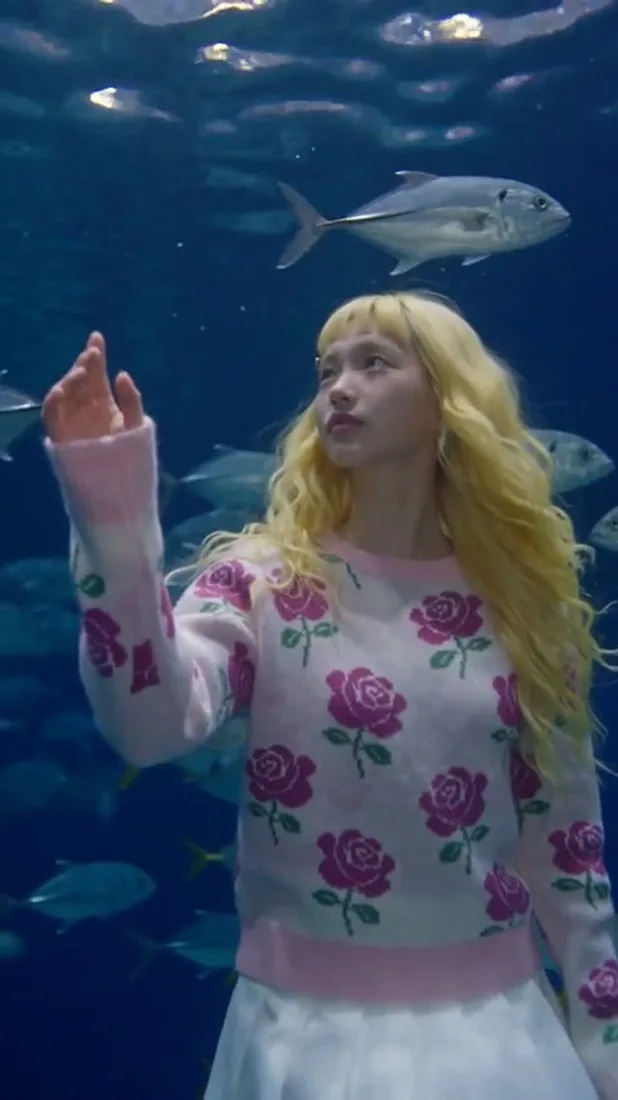
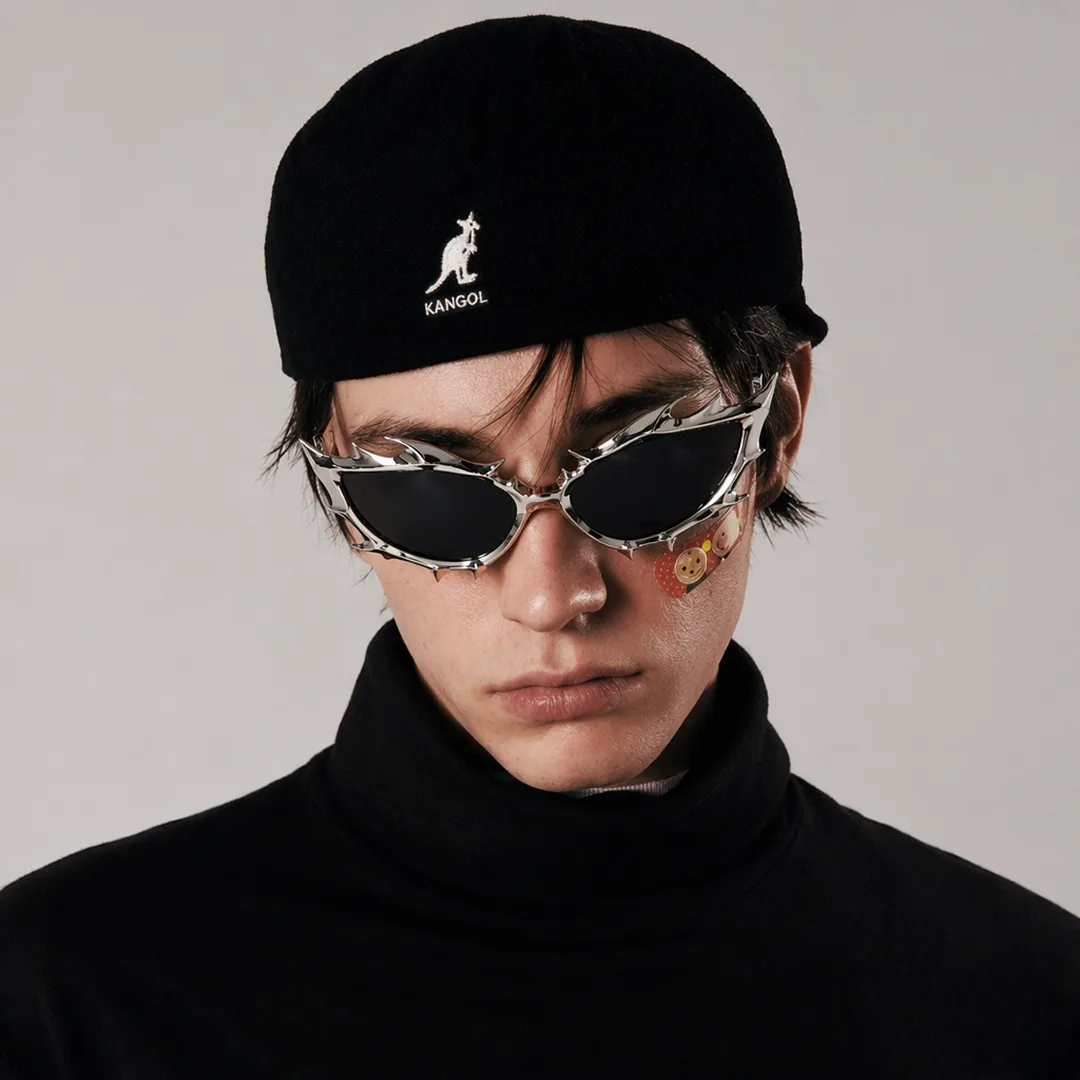
Describe a small change in expression or pose. Keep the framing close enough for the intended gesture to be visible.
01Flow AI Video
Use the AI Social Media Video Maker to build a clip for your next post. Start from a prompt or photo, choose a supported portrait or landscape format, and generate a take to finish for your channel.
A clearer brief, a more deliberate first take
Choose the moment before choosing the effects. A readable subject and a deliberate camera move give your clip a direction to build on.
01
Describe a small change in expression or pose. Keep the framing close enough for the intended gesture to be visible.
02
Choose a direction of travel and a simple camera move. Keep the shot focused on one arrival, turn, or pause.
03
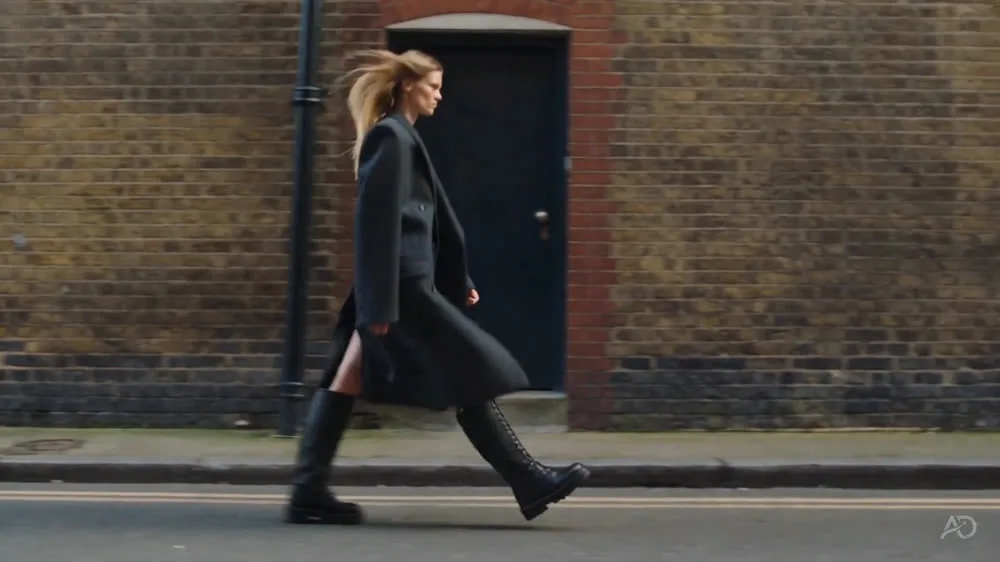
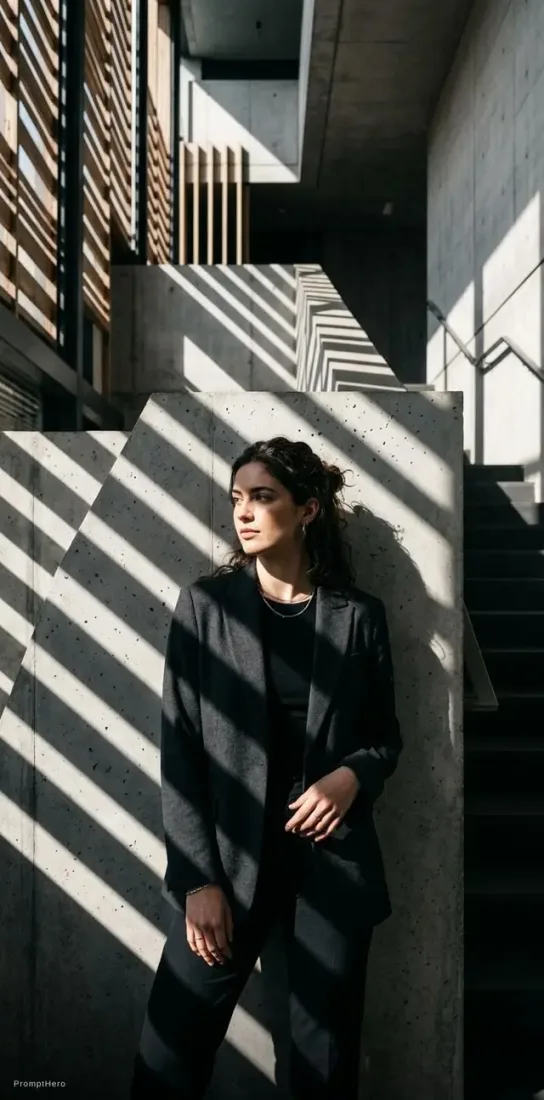
Architectural lines and light can guide attention. Describe how the subject moves through the space before generating.
04
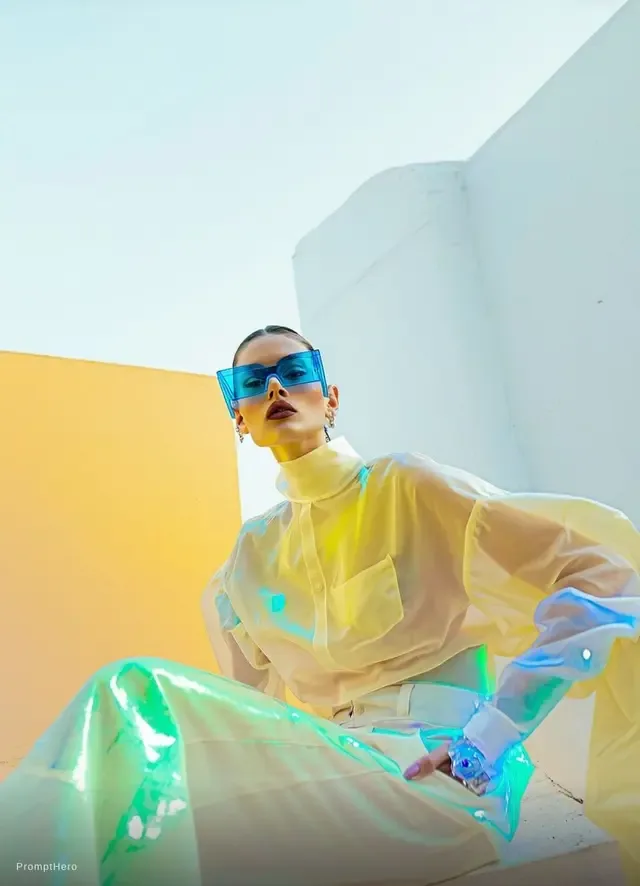
Name the palette and the motion you want to explore. Review the first take before deciding how to caption the post.
From reference to result
Prepare your brief, choose supported settings, and review the result.
 Flow AI Video
Start with a prompt or reference image and one action you want viewers to follow.
Choose a model and a supported portrait or landscape ratio for your intended placement.
Inspect the generated clip, download the take you want, and add captions or audio in your editing workflow.
One clip, one creative goal
A personal style post, a visual concept, and a story moment each need a different focal point.
Style creators
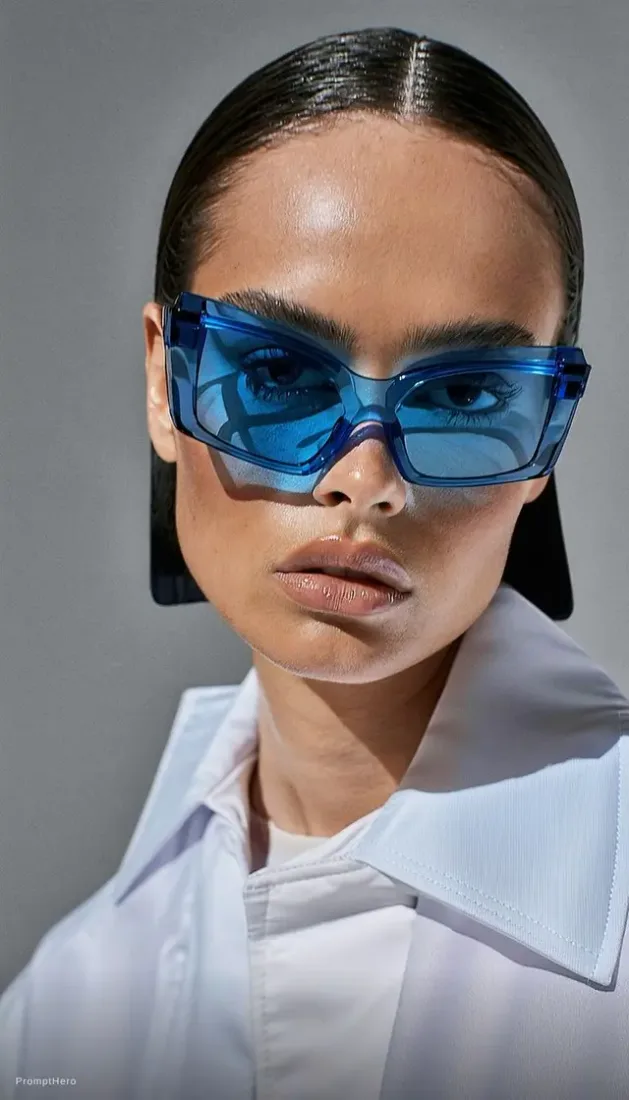
Choose a pose change that makes the styling readable. Keep the framing and lighting specific in your prompt.
Camera and motion inspiration
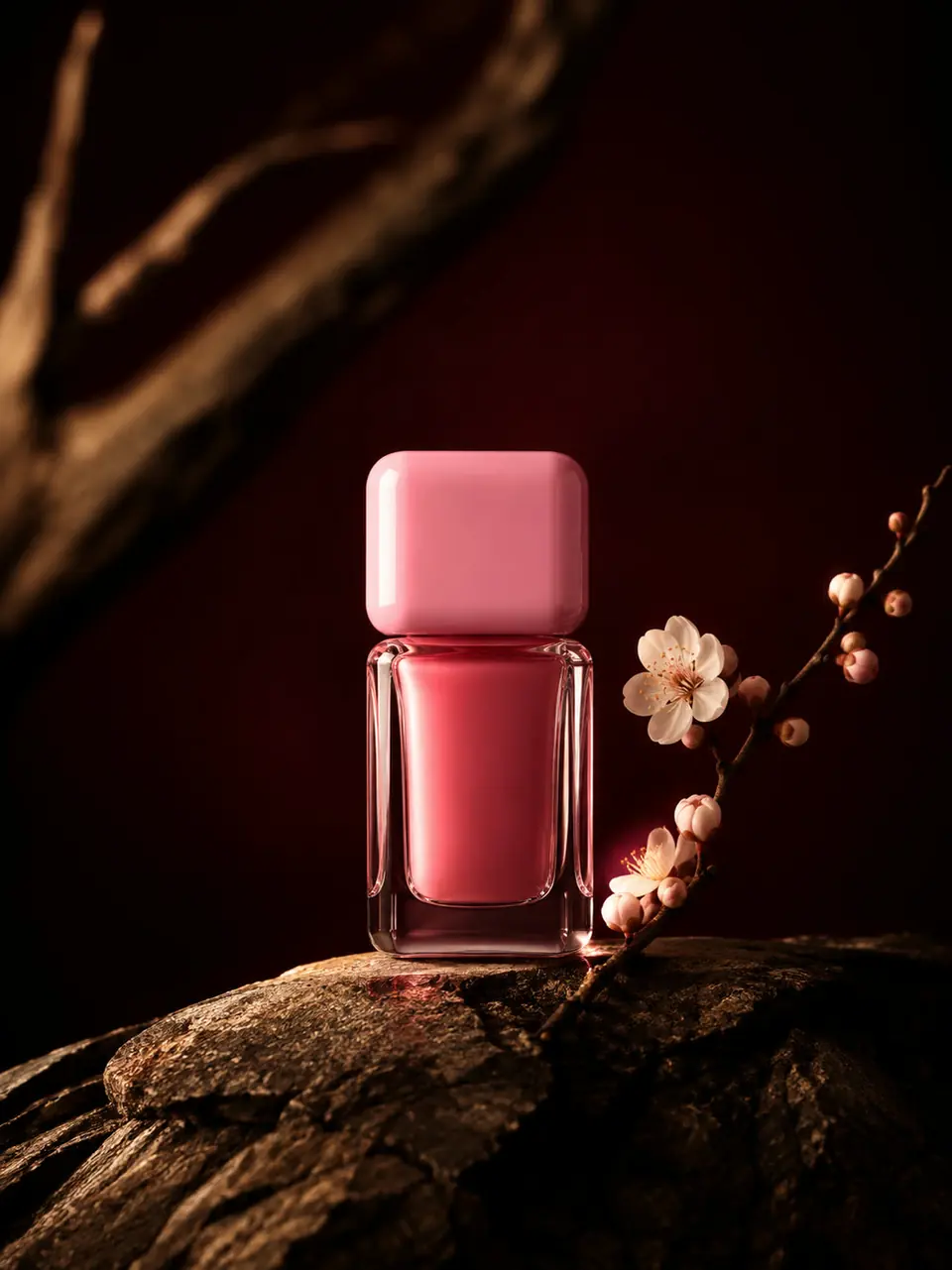
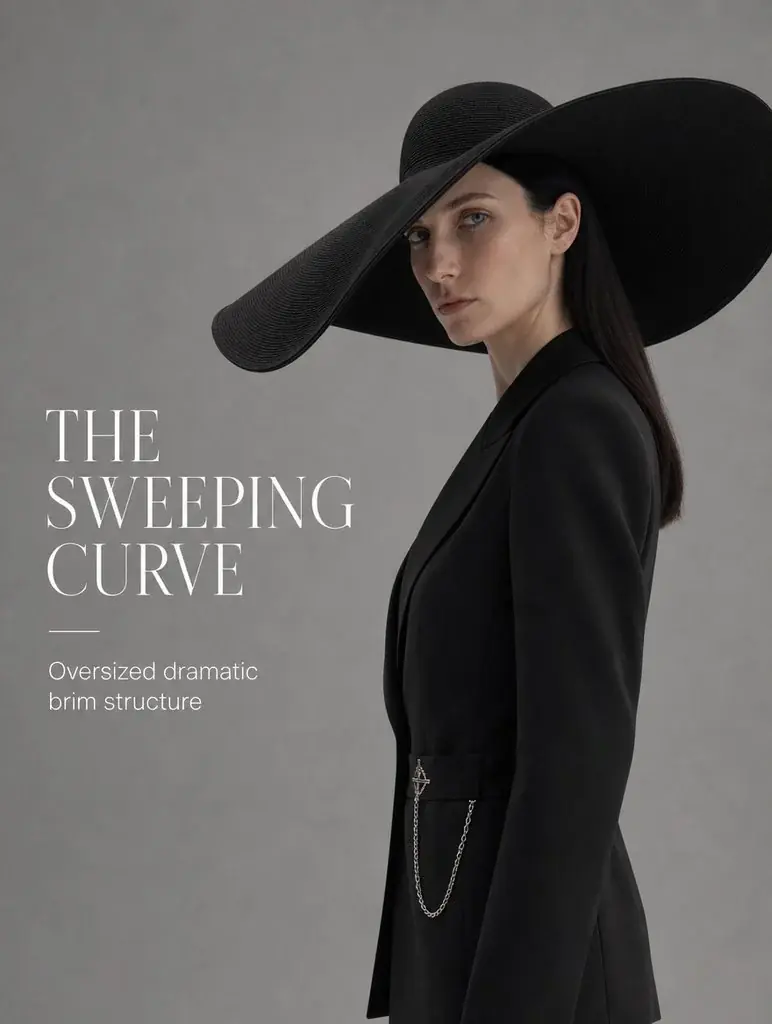
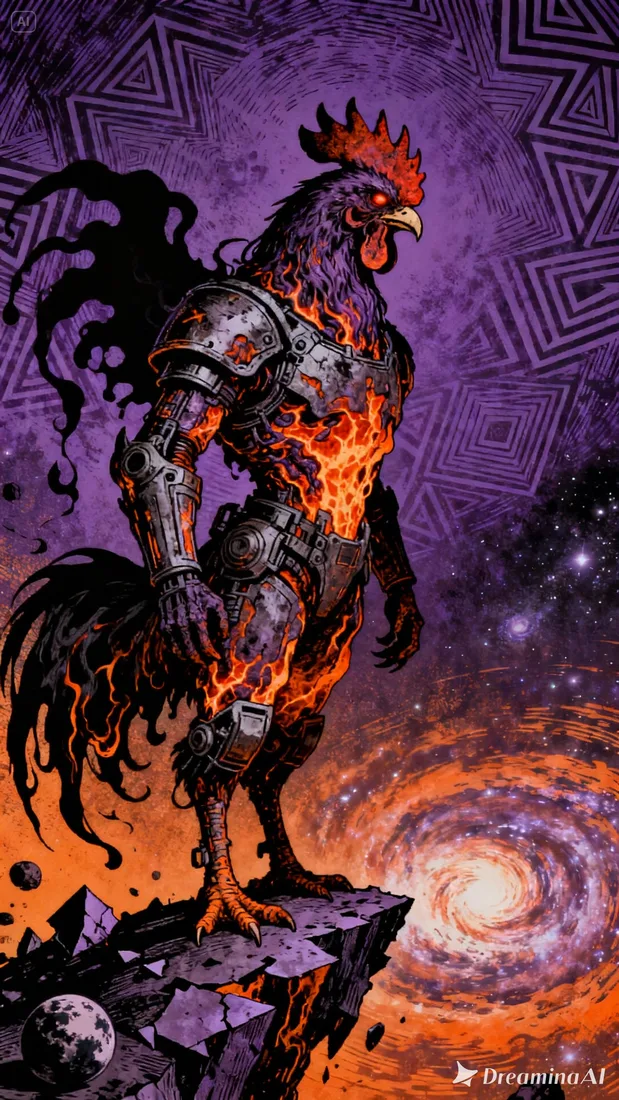
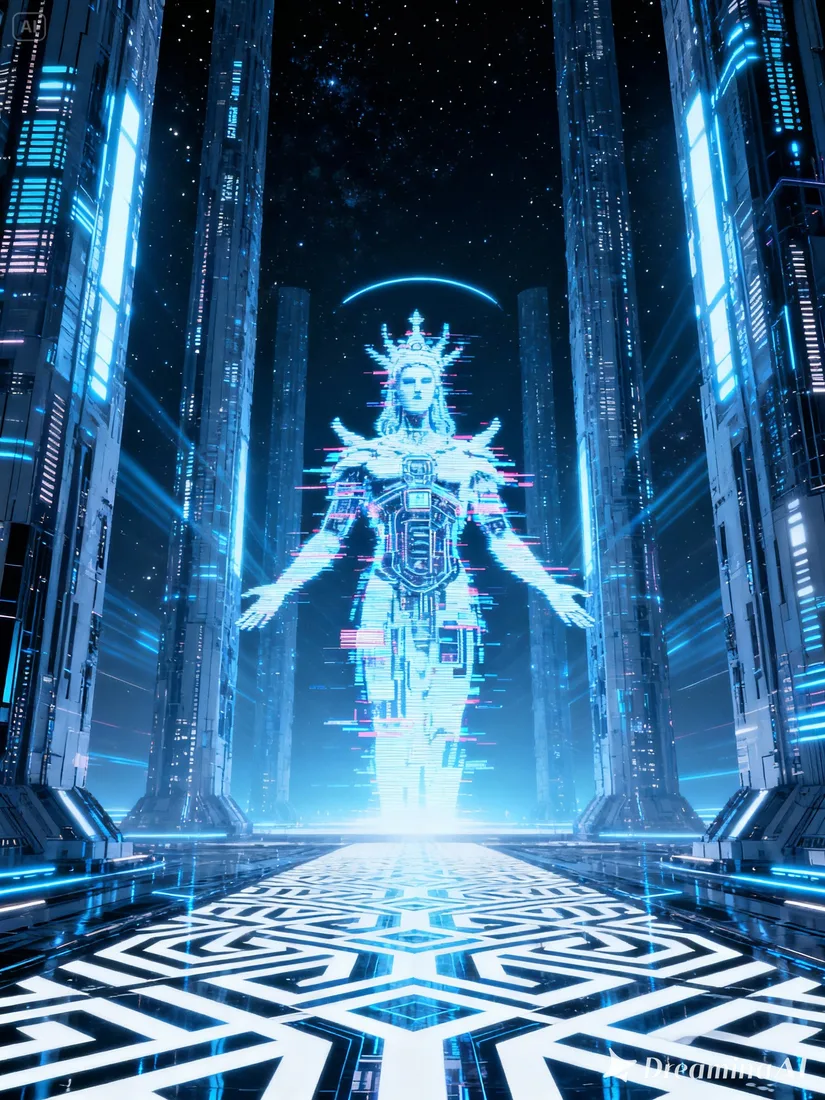
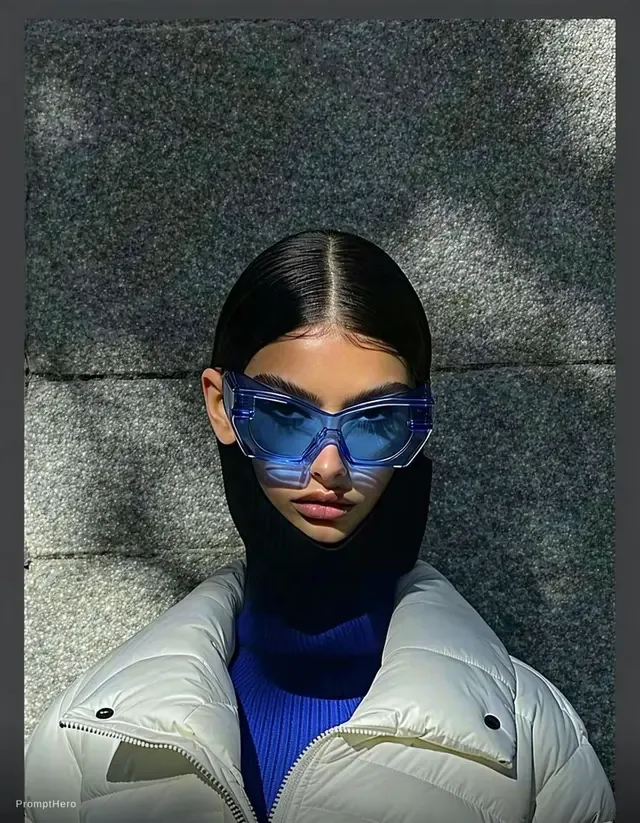
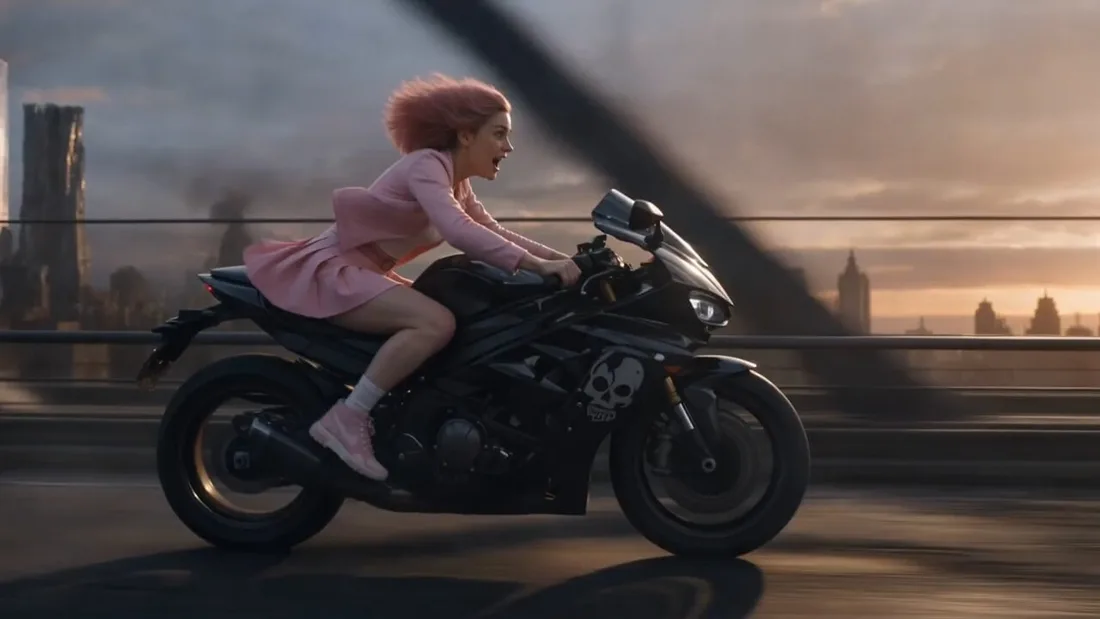
These images are visual references for composition and motion, not verified outputs from your selected model.
 Flow AI Video
Example 1 / 2
Describe a brief glance or turn in a familiar setting. Keep the opening focused so the viewer knows who to follow.
Need a hand?
Review the requirements for this workflow before you generate.
Contact supportChoose a portrait aspect ratio when the selected model supports it. Available formats appear in the generator settings.
This workflow generates clips for you to review and download. Prepare the final edit and publish through your chosen platform.
Plan to add captions and chosen audio in your editing workflow. Review the generated output and the selected model capabilities before relying on any audio.
Start with the image you already have
Bring one visual idea to the generator. Choose your format, review the estimate, and create a clip you can finish for your channel.