


01
Start with movement the scene already suggests
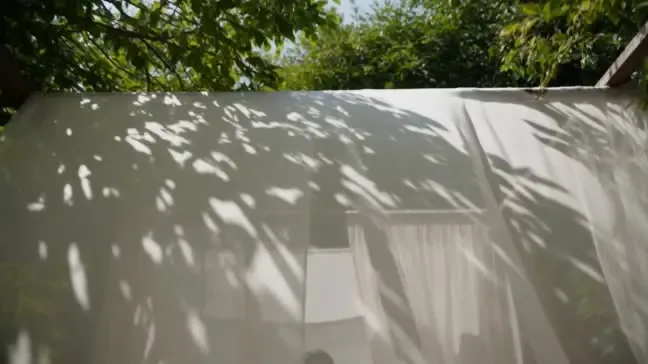
Leaves and shifting shadows suggest a gentle outdoor shot. Describe a breeze or a slow camera move instead of changing the whole scene.
01Flow AI Video
Animate a still photo with Image to Video AI. Add a start or end image, describe the movement, and generate a clip to compare with your reference.
A clearer brief, a more deliberate first take
Your reference gives the shot a starting point. Use a focused motion brief to explain what should change and what should stay recognizable.
01
Leaves and shifting shadows suggest a gentle outdoor shot. Describe a breeze or a slow camera move instead of changing the whole scene.
02
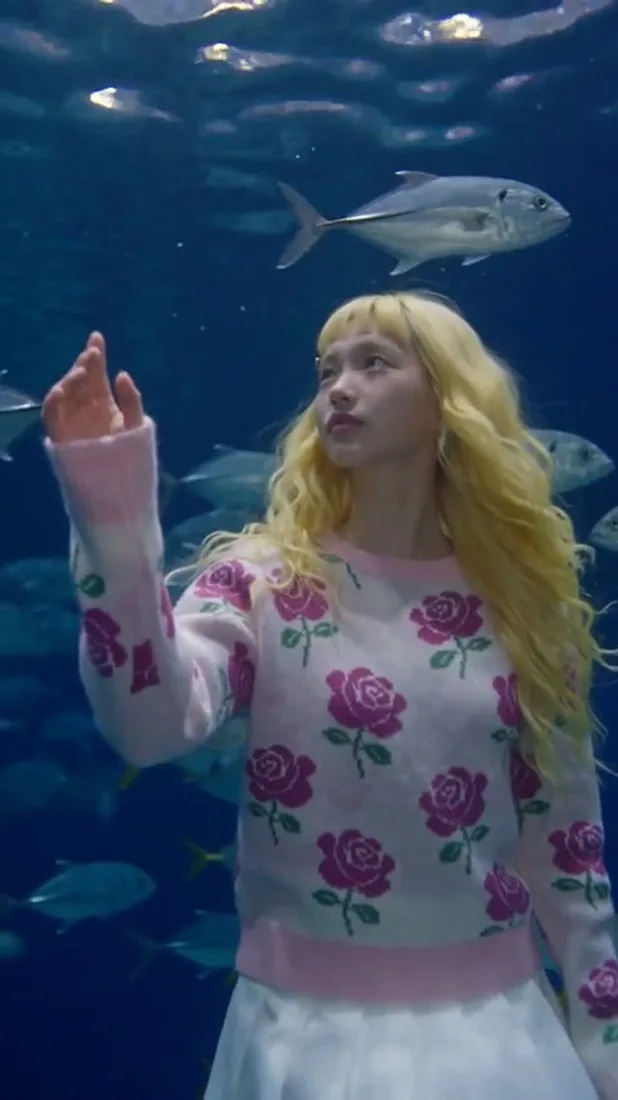
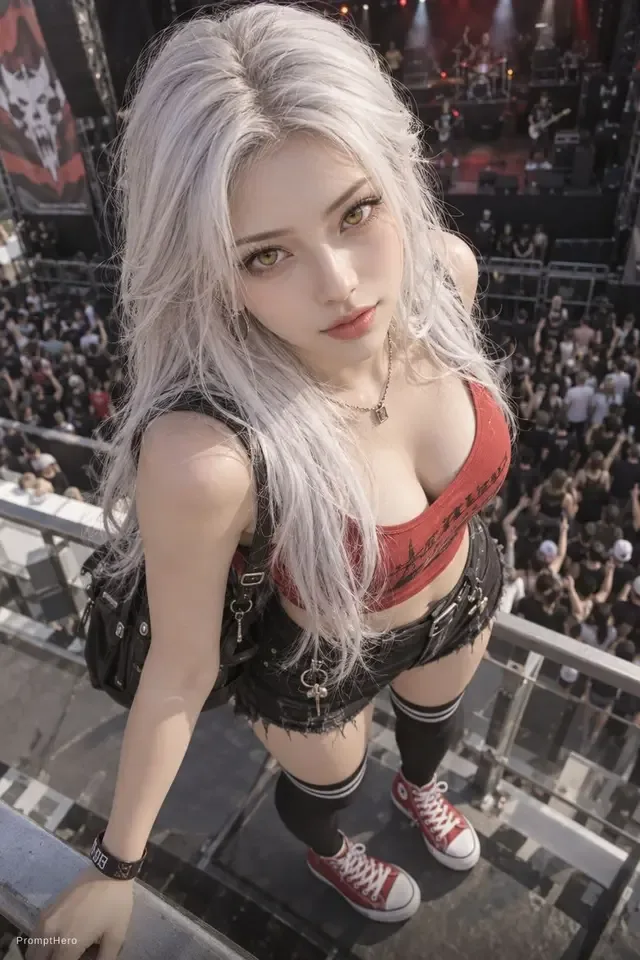
Try a slight head turn or a change in gaze. Review facial details and hair movement before using the clip.
03
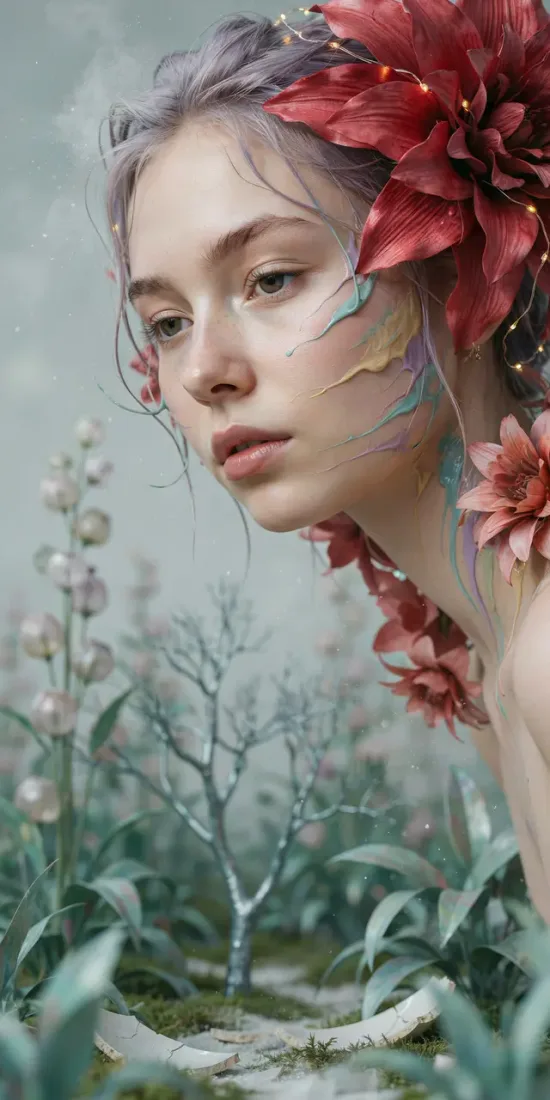
Describe how the subject moves while keeping the color palette and mood explicit. Compare the result with your reference.
04
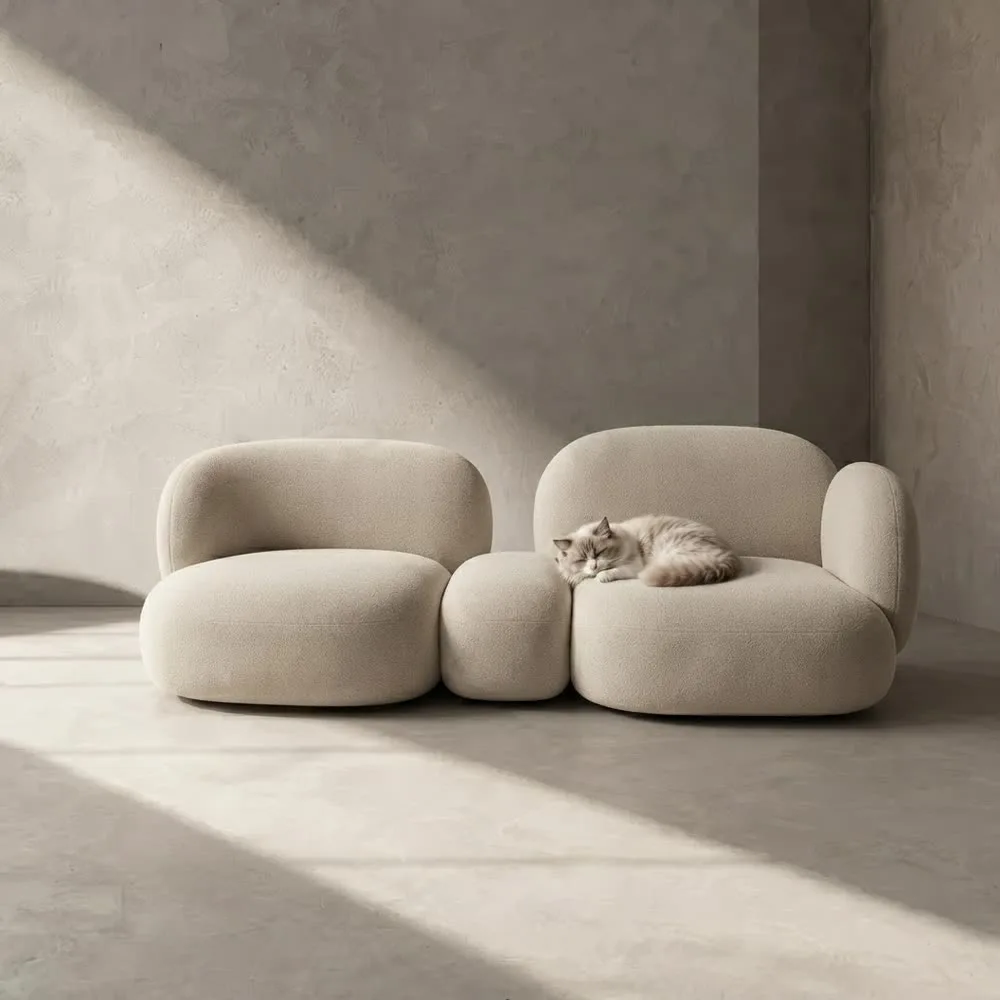
Ask for a slow push toward the focal point of the room. Check furniture edges and perspective as the shot moves.
From reference to result
Prepare your brief, choose supported settings, and review the result.
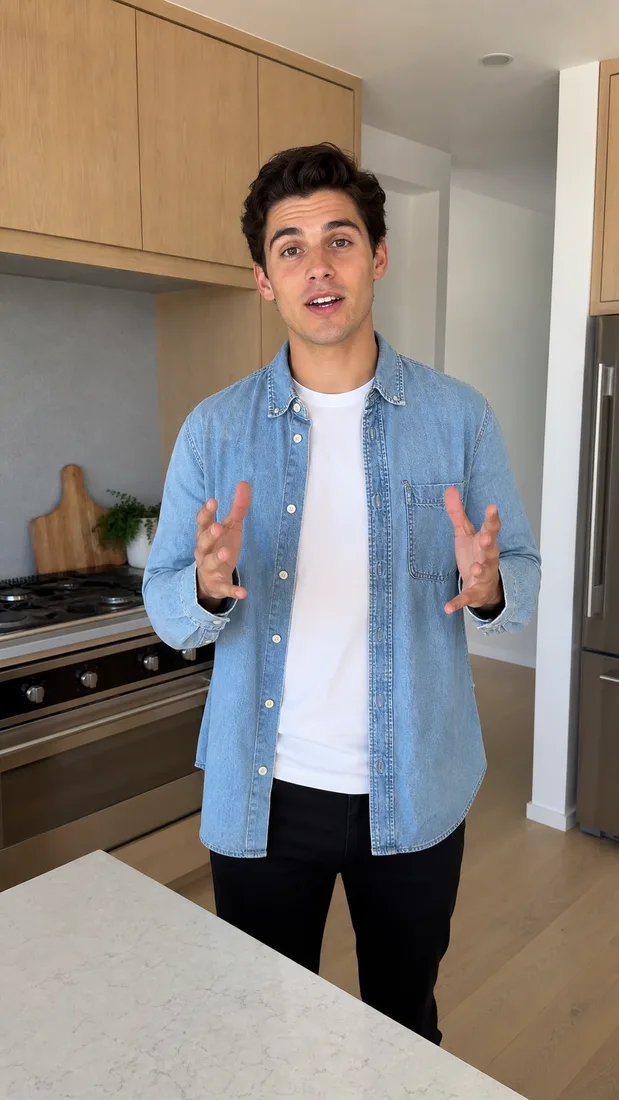 Flow AI Video
Add your reference image to the generator above. Keep the subject visible and in focus.
Choose one subject action or camera move, then select supported model settings.
Check the credit estimate, generate, and compare the clip with the original image.
One clip, one creative goal
Start with an image you already want to use, then decide what movement adds to it.
Portrait makers
Use a small change in pose or gaze to develop the image. Keep lighting and expression in your brief.
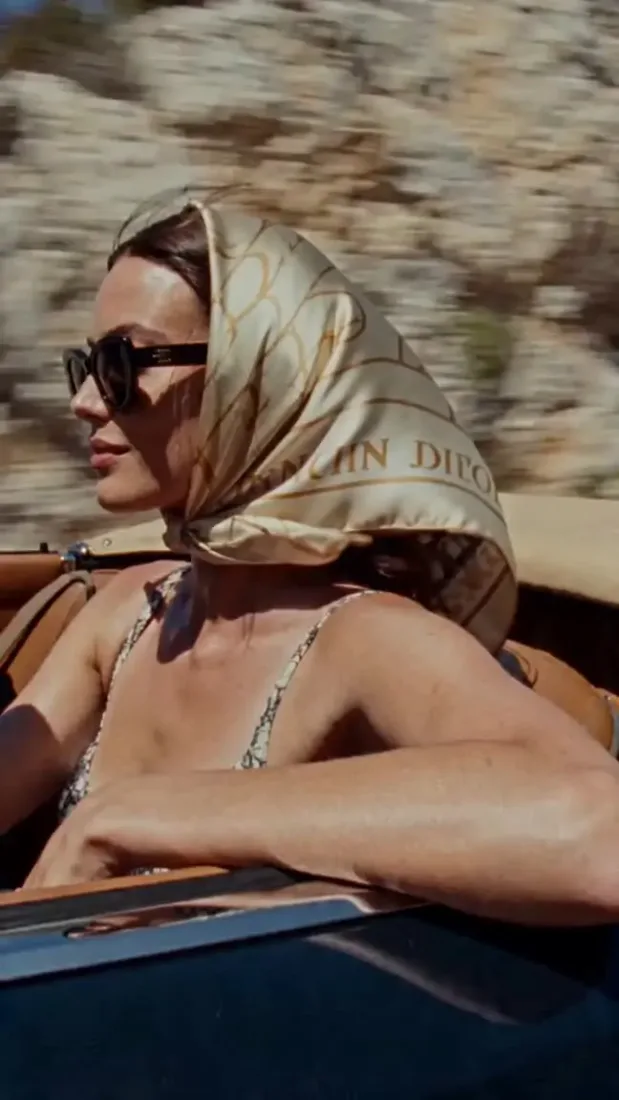
Camera and motion inspiration
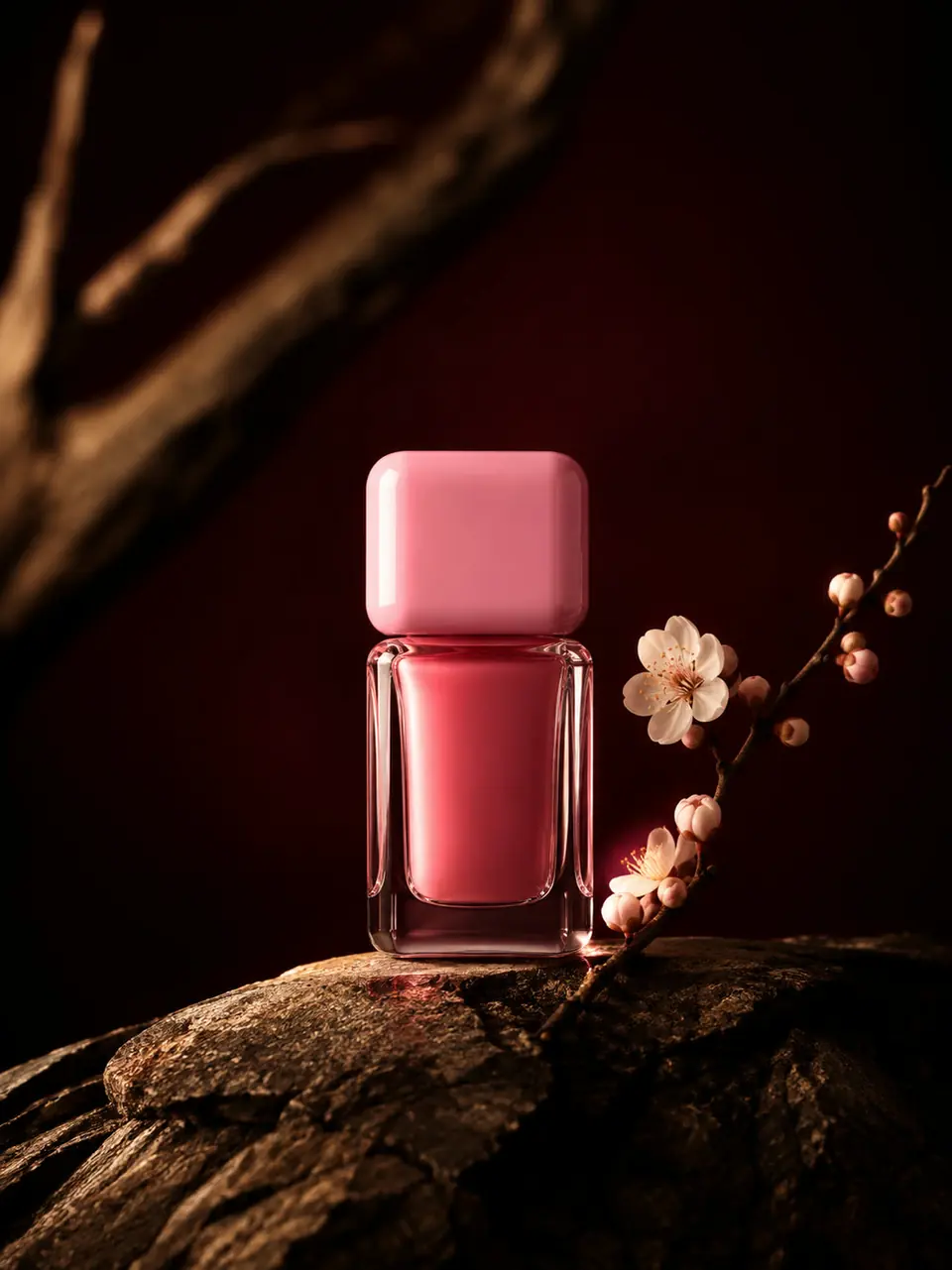
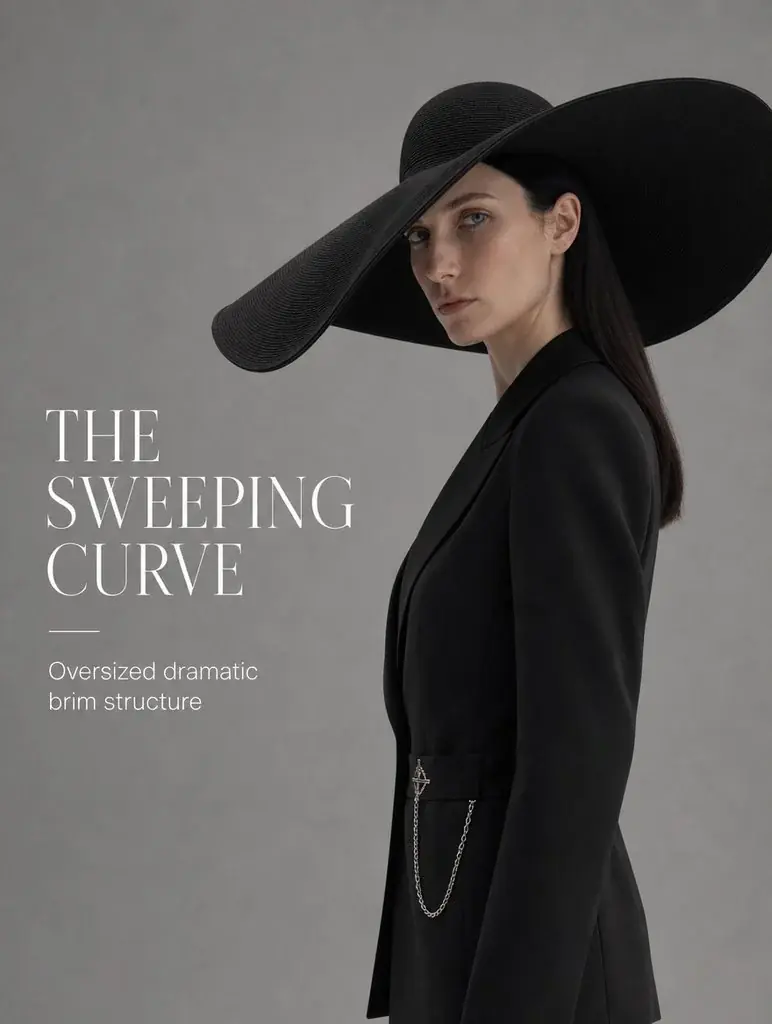
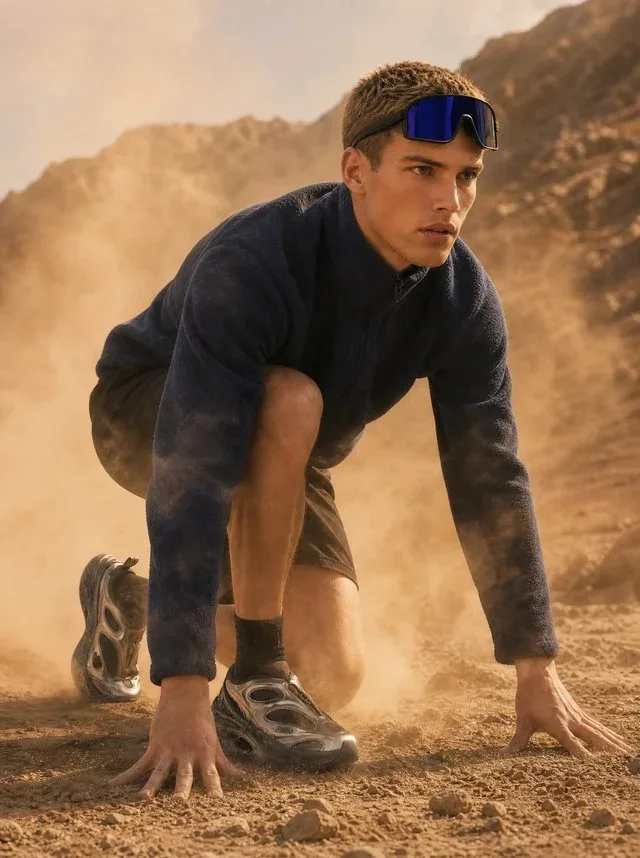
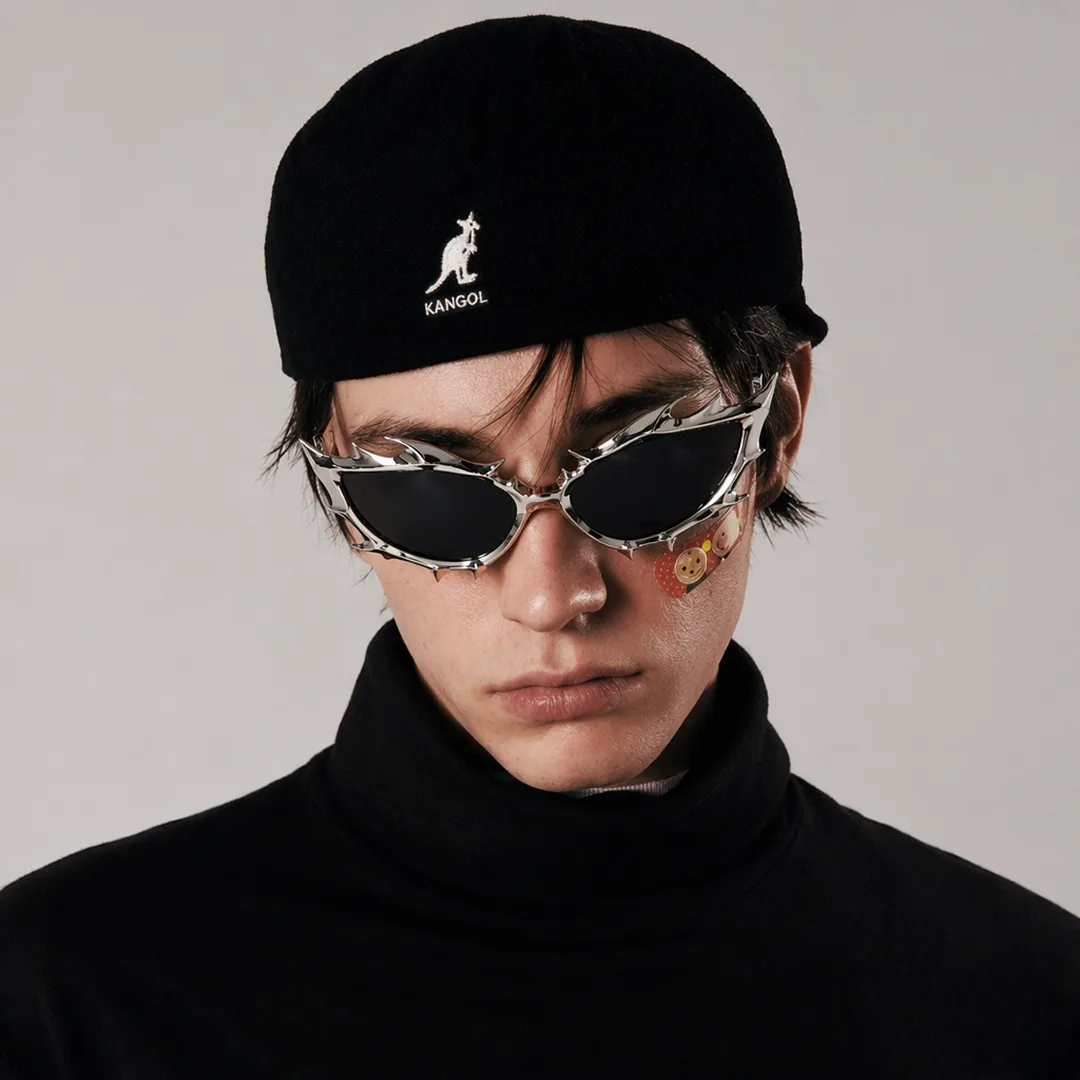
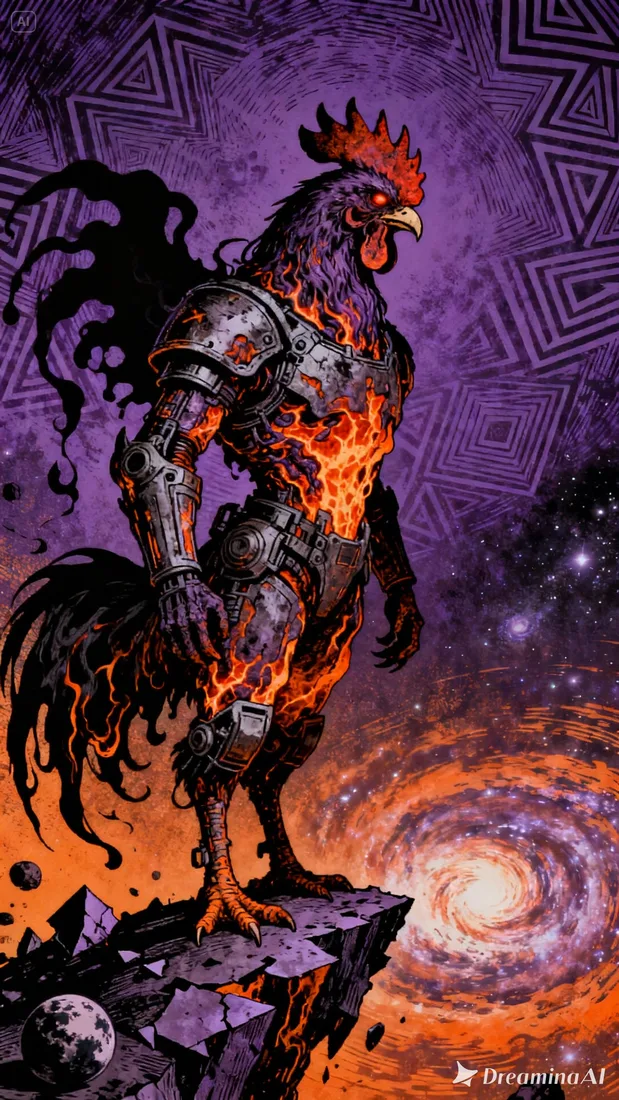
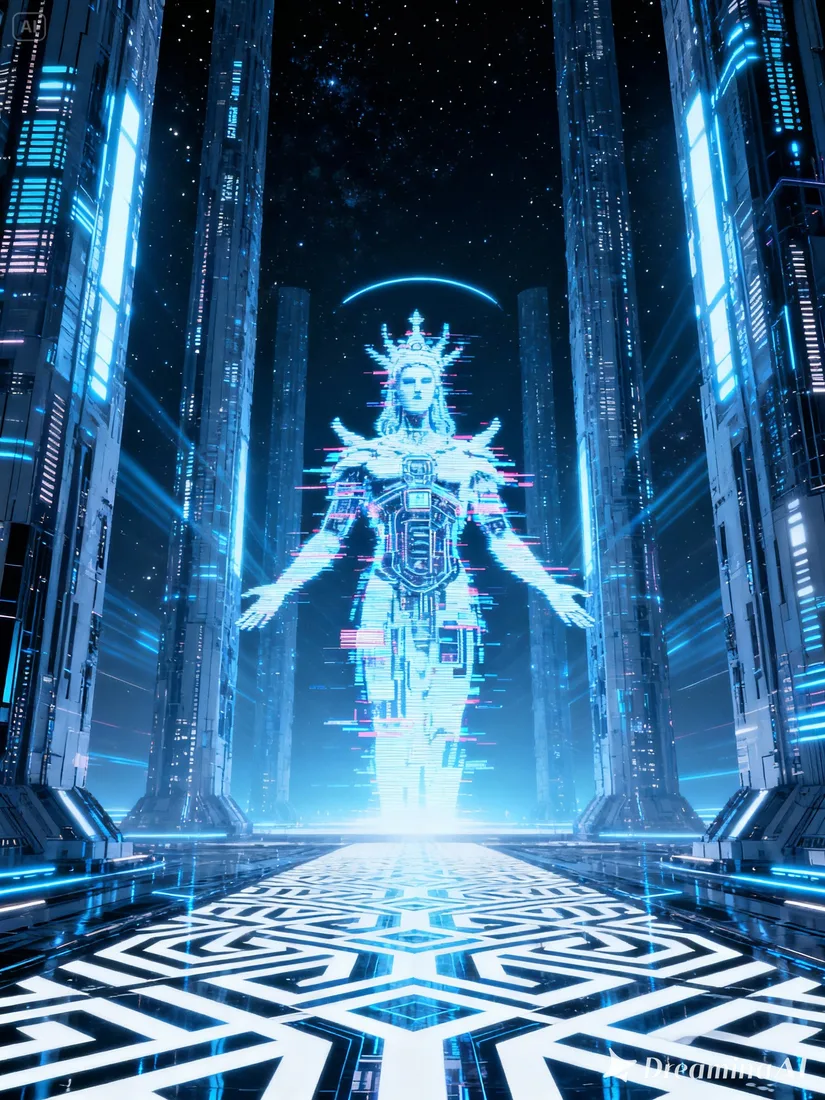
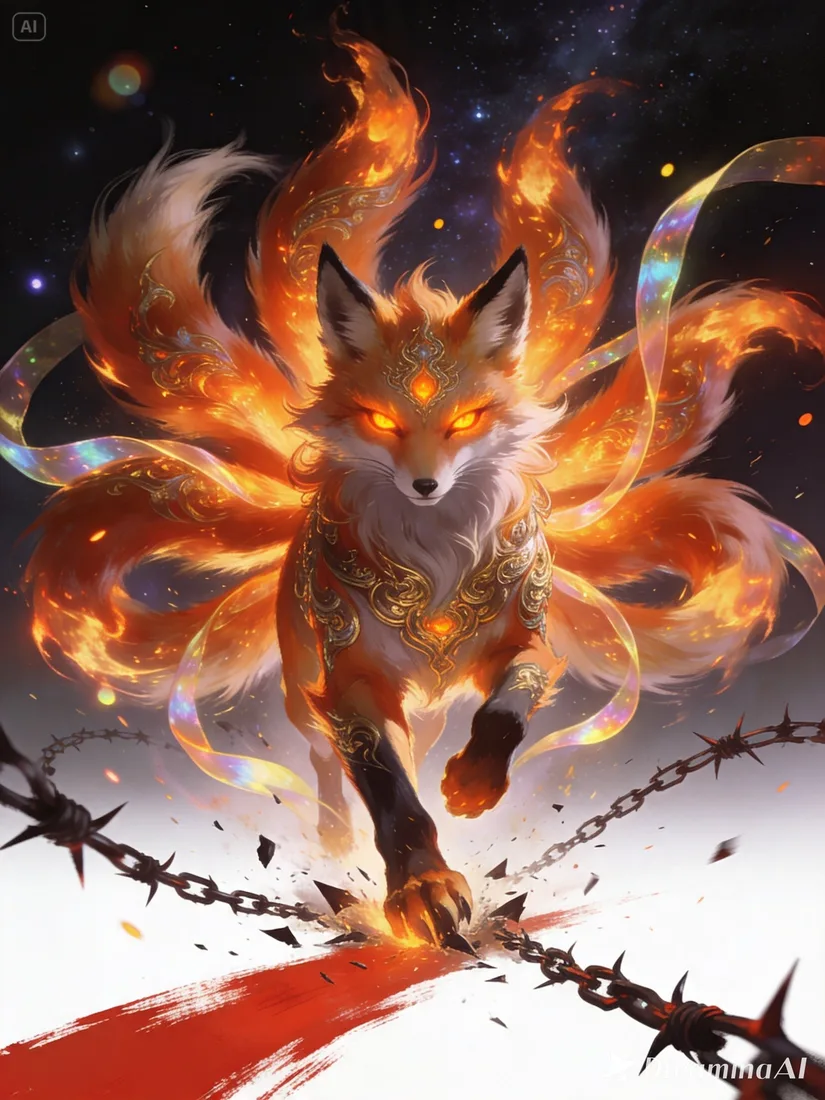
These images are visual references for composition and motion, not verified outputs from your selected model.
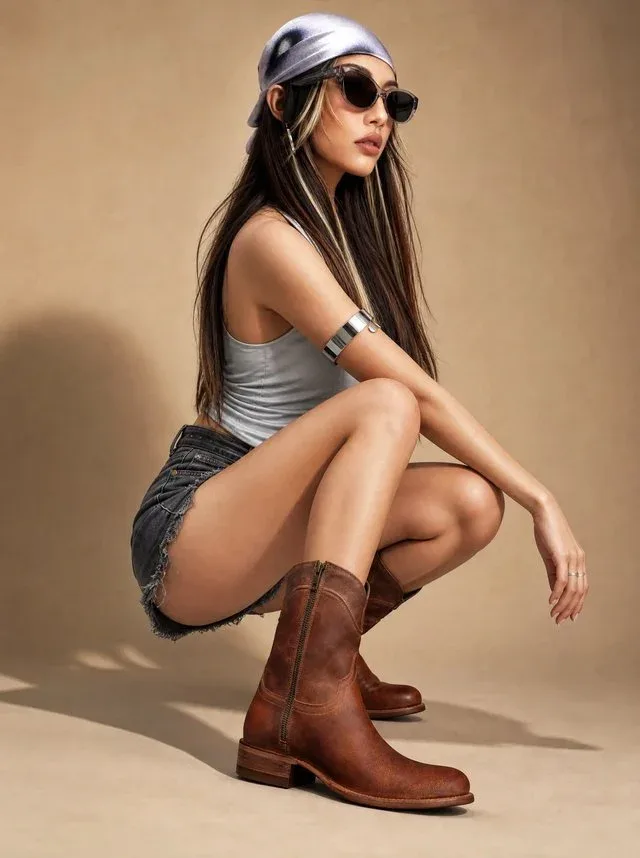 Flow AI Video
Example 1 / 2
Keep the framing simple and ask for a small, deliberate gesture. Review hands and facial details in the result.
Need a hand?
Review the requirements for this workflow before you generate.
Contact supportUse a clear image with the main subject visible. Avoid heavy blur or a subject hidden behind other objects.
Generated motion can change details. Compare faces, text, product shapes, and backgrounds with the reference before using the result.
You can upload an illustration as a reference. Describe the motion and style you want to preserve, then review how the selected model interprets it.
Start with the image you already have
Upload the image you want to work with. Add one motion instruction and review the estimate before generating.