




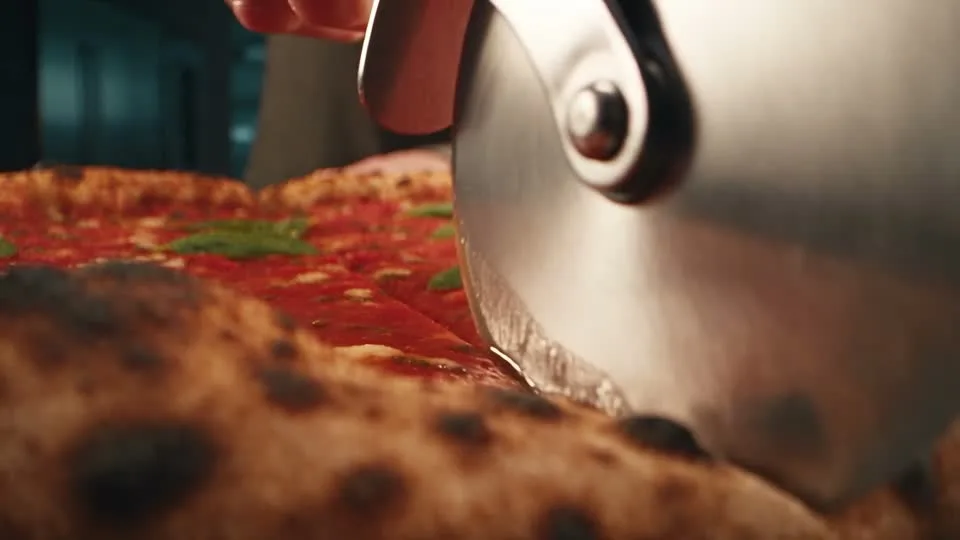

01
Keep the product easy to recognize
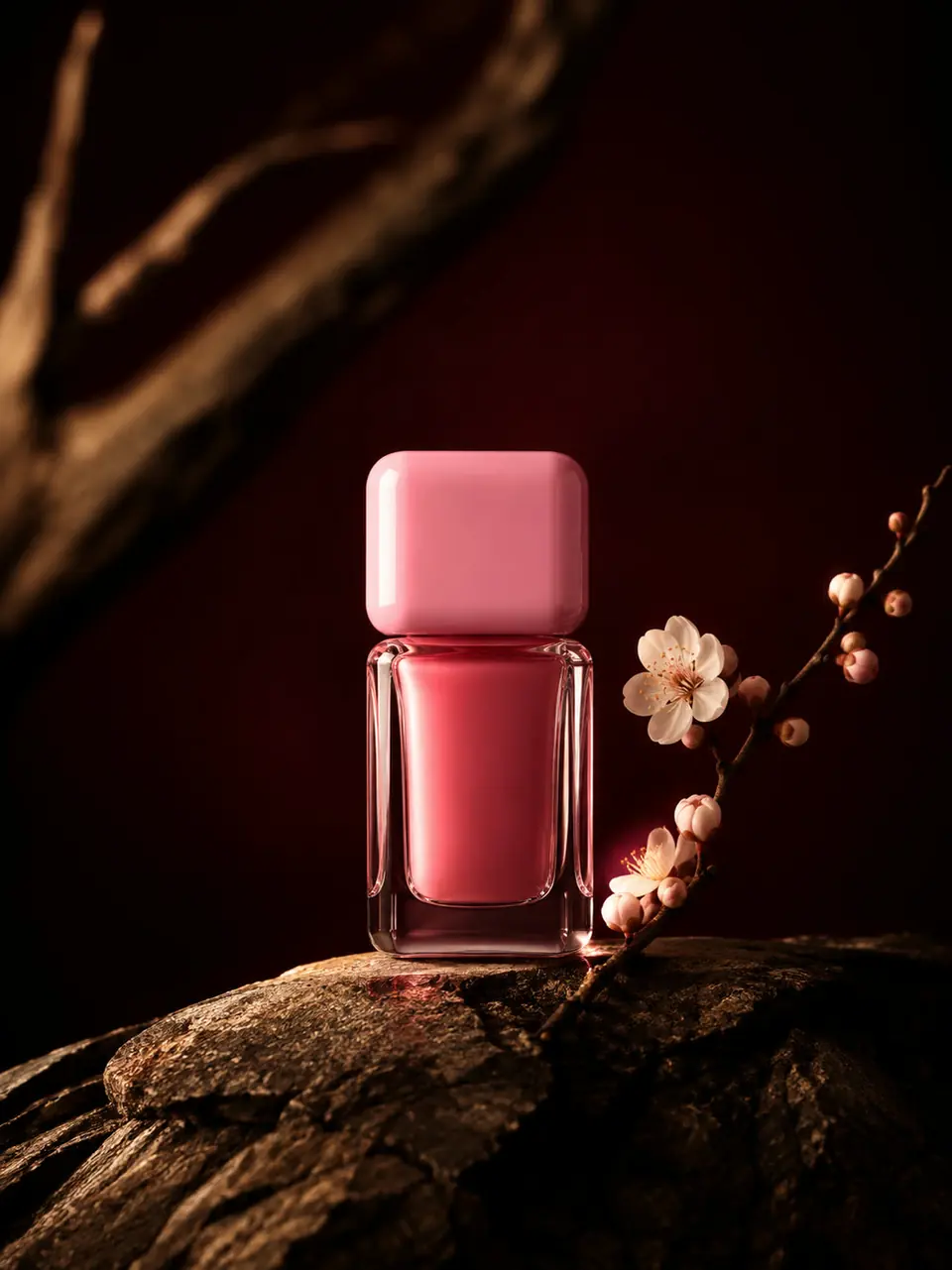
Start with a clear front or three-quarter view. Ask for restrained movement and check the label against the original photograph.

01Flow AI Video
Create a product video from a photo of your item. Describe a reveal, close-up, or camera arc, then review the generated shape and packaging before using the clip.
A clearer brief, a more deliberate first take
A product clip can introduce the whole object or focus on one detail. Choose the view first so the motion has a clear purpose.
01
Start with a clear front or three-quarter view. Ask for restrained movement and check the label against the original photograph.
02
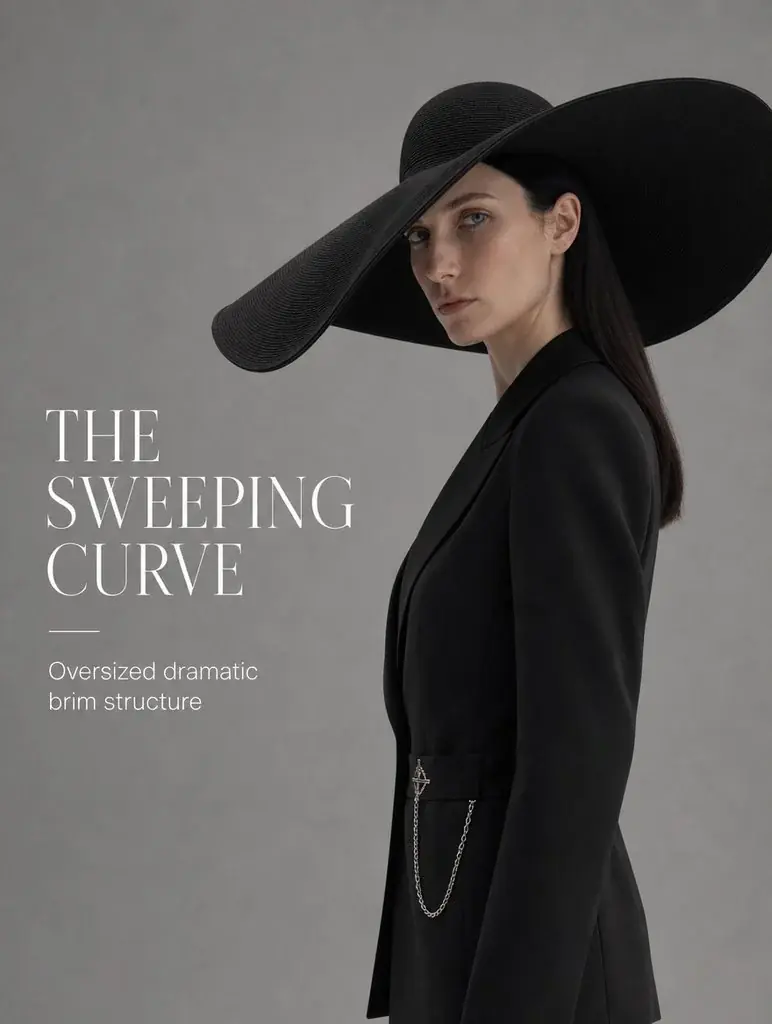
A slow arc can explore the outline of a design object. Keep the background simple so the shape remains the focus.
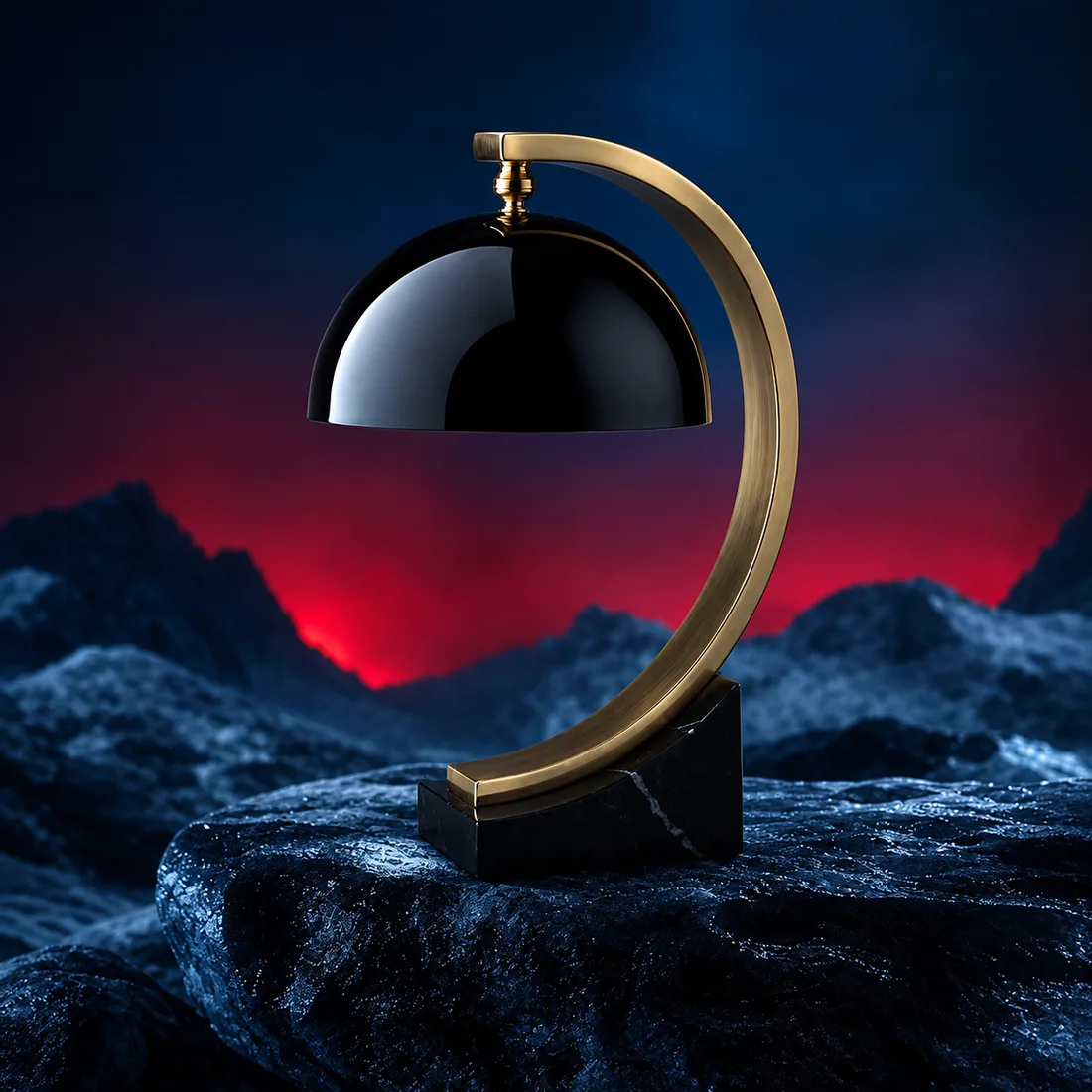
03
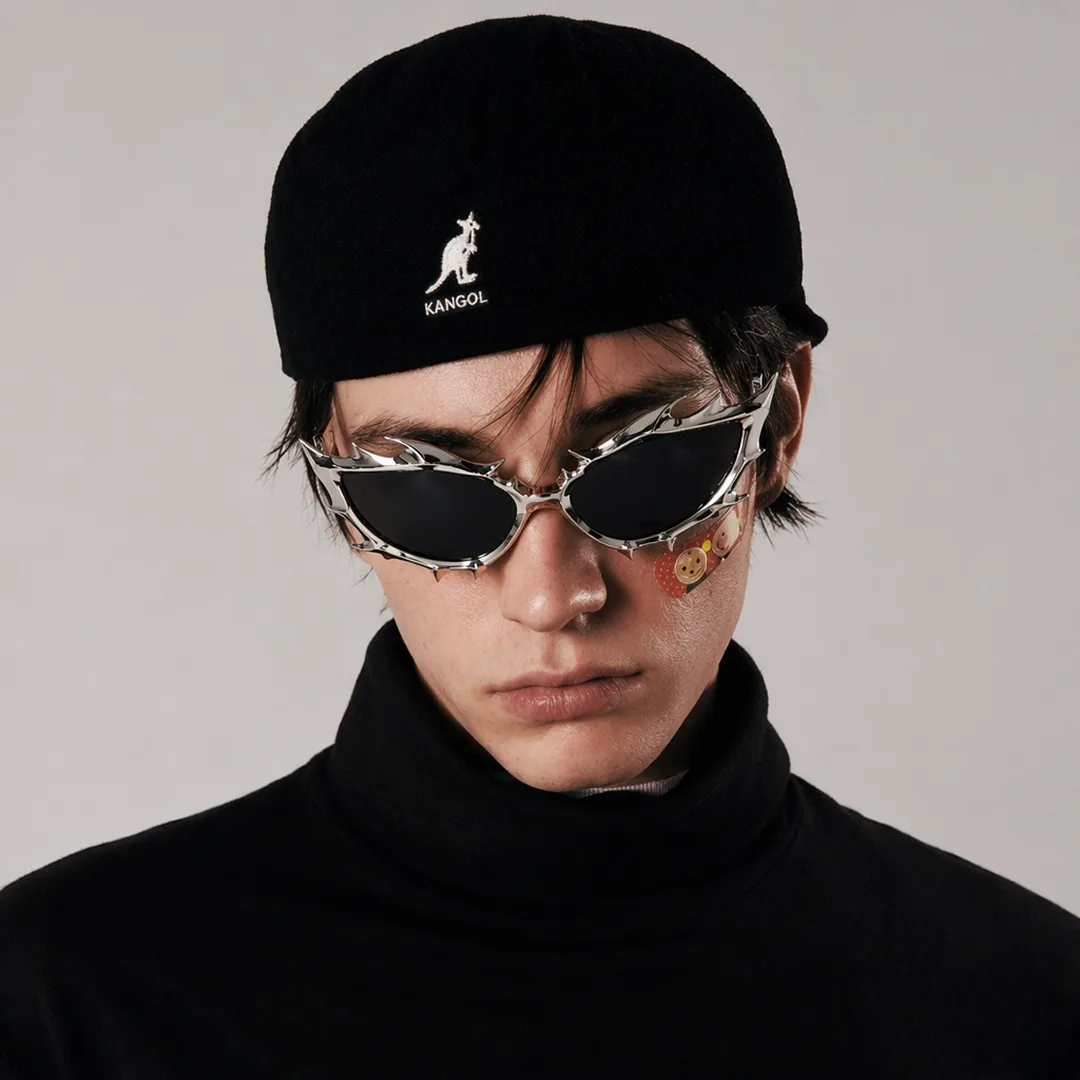
Describe the light across a surface and the texture you want to show. Review reflections and edges in the generated result.
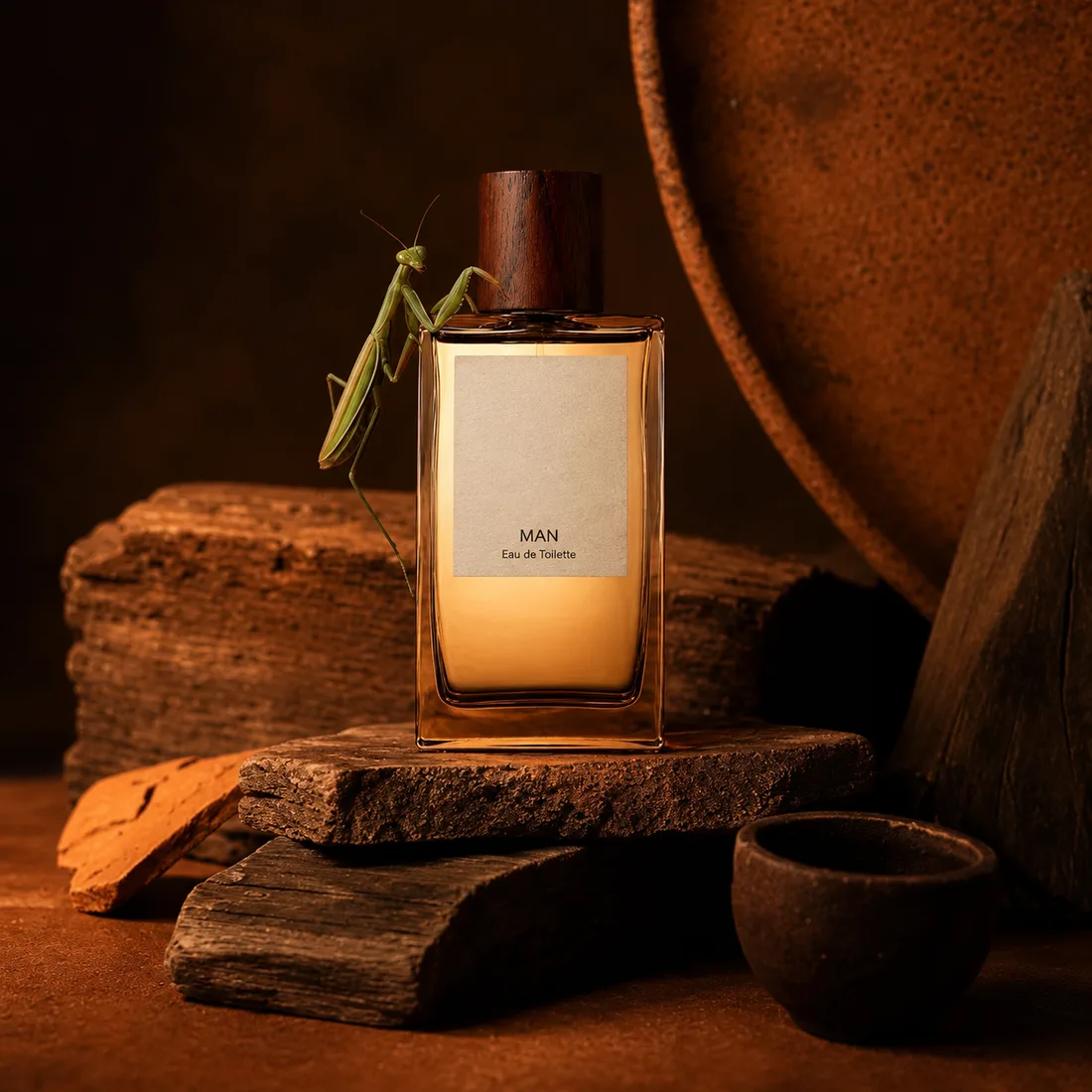
04
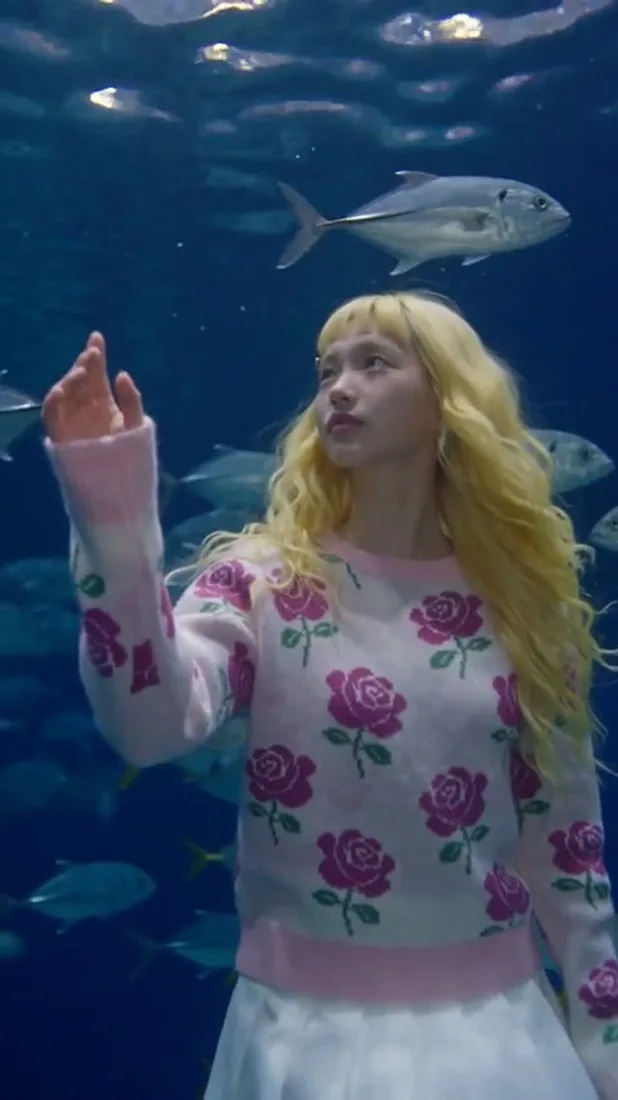
Choose contrast between the product and background. A clear focal point gives the camera movement somewhere useful to lead.
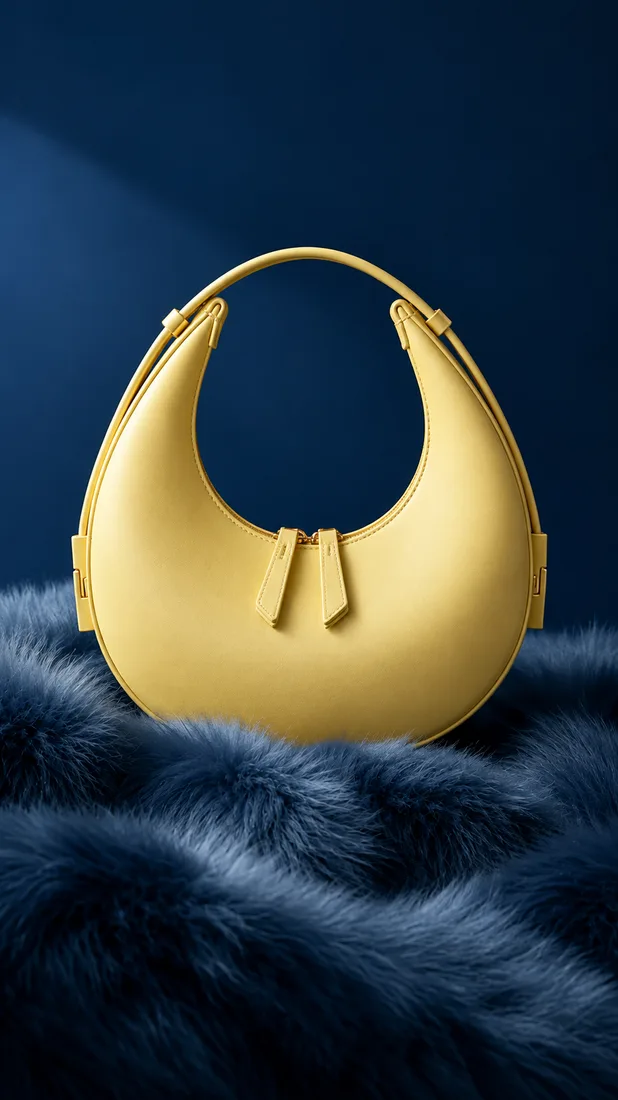
From reference to result
Prepare your brief, choose supported settings, and review the result.
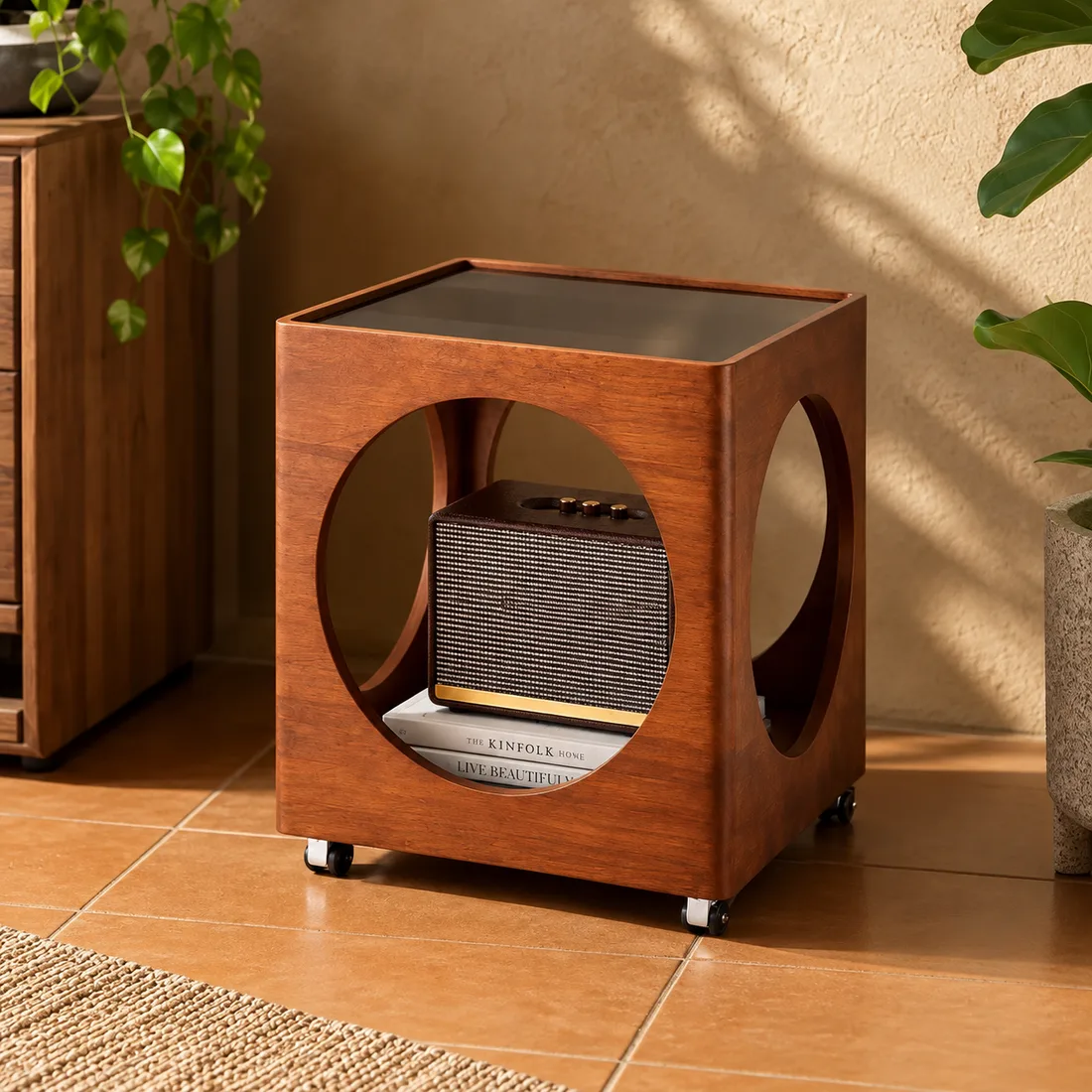 Flow AI Video
Upload a sharp reference with the product visible and the packaging readable.
Describe a reveal, a close-up, or a slow camera arc. Select the supported output settings.
Review the credit estimate, generate, and compare shape, labels, and proportions with your photo.
One clip, one creative goal
Use the same product brief to plan a listing detail, a launch visual, or a lifestyle shot.
Product listings
Guide a slow camera move around a visible feature. Review the take for consistency before placing it beside your product photos.
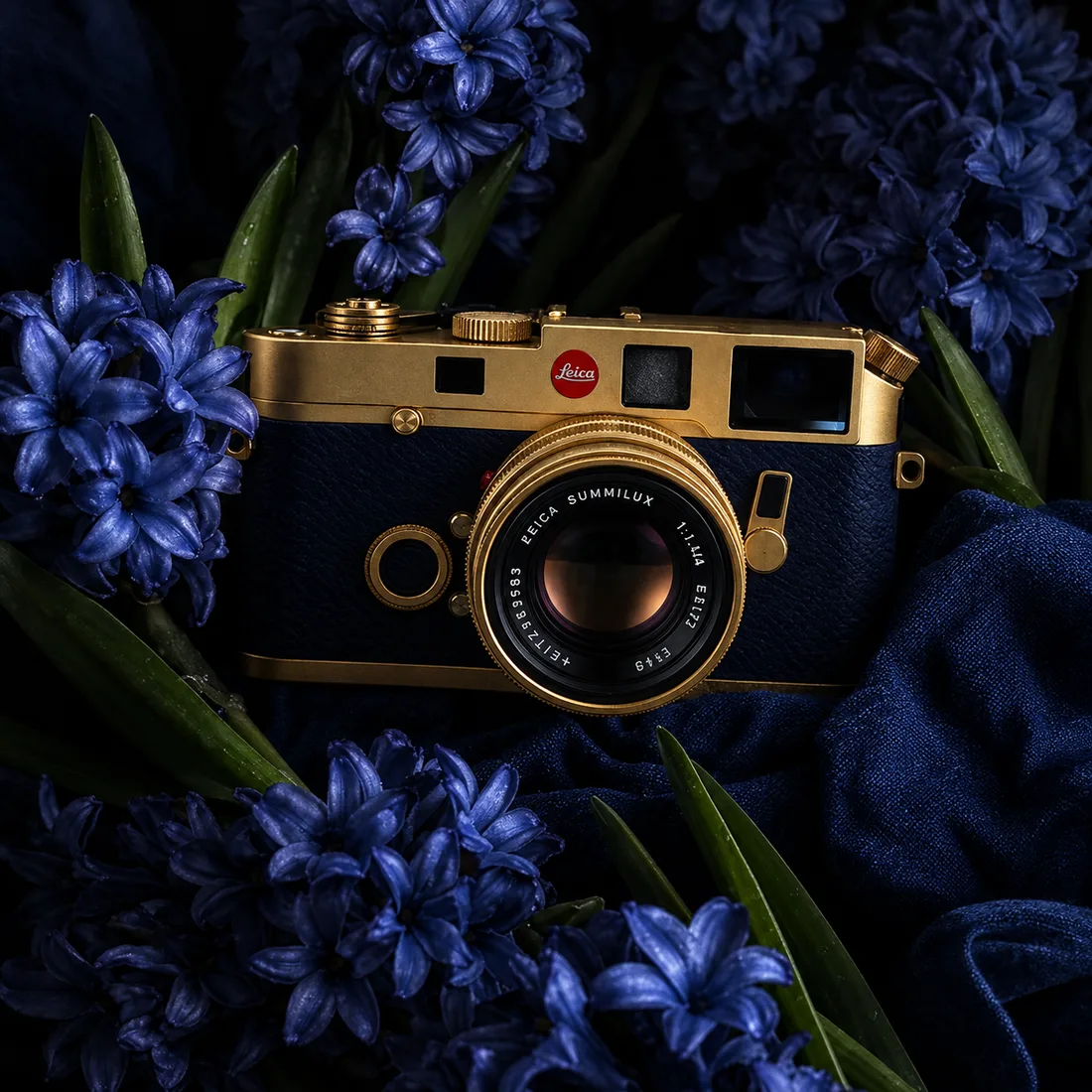
Camera and motion inspiration
These images are visual references for composition and motion, not verified outputs from your selected model.
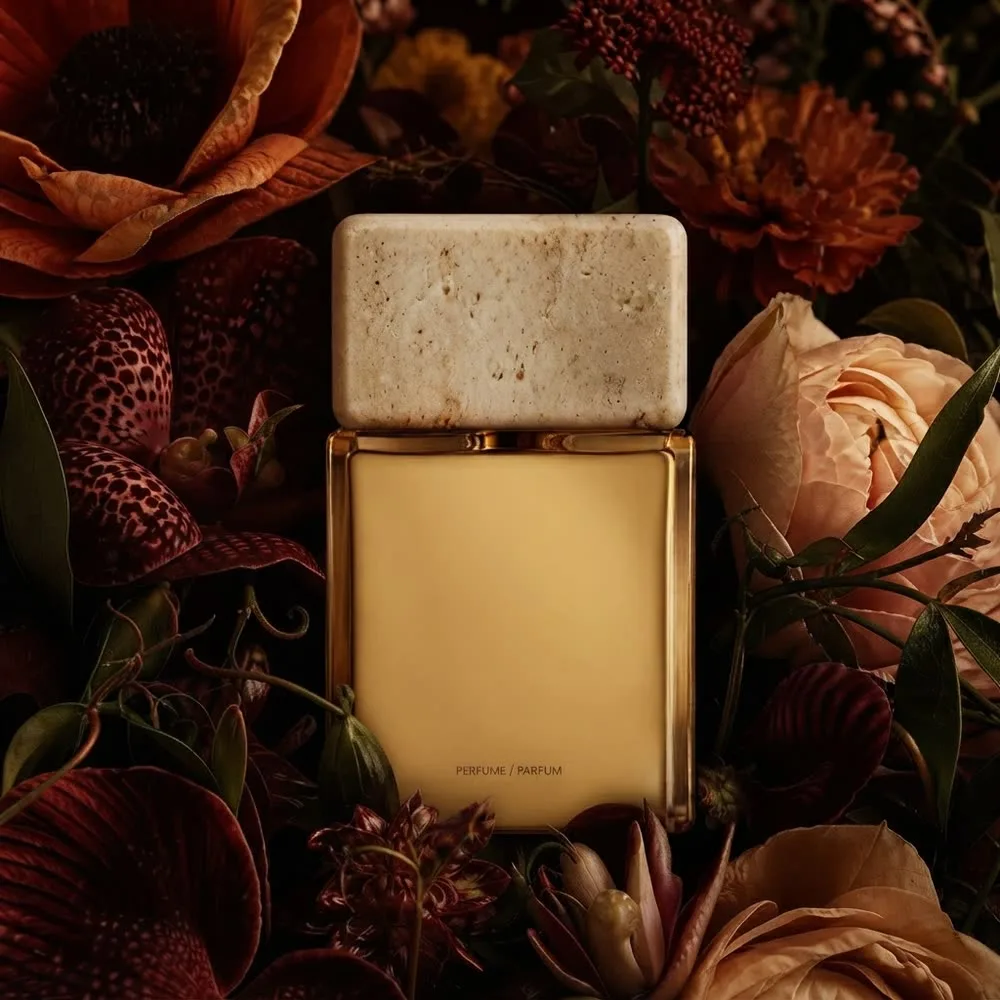 Flow AI Video
Example 1 / 2
Frame the surface closely and ask for a subtle shift in light. Check that the generated finish matches the product.
Need a hand?
Review the requirements for this workflow before you generate.
Contact supportGenerated video can alter letters and packaging details. Compare the full clip with the source photo before using it in a listing.
You can describe several objects, but starting with one product makes the shot easier to guide and review.
Choose a supported format for your intended placement, then review the result for a product page, launch post, or presentation. Check the applicable terms for your use.
Start with the image you already have
Choose the photo and the detail you want to show. Build a short clip you can review beside the original product image.