

01
Set the atmosphere before the action
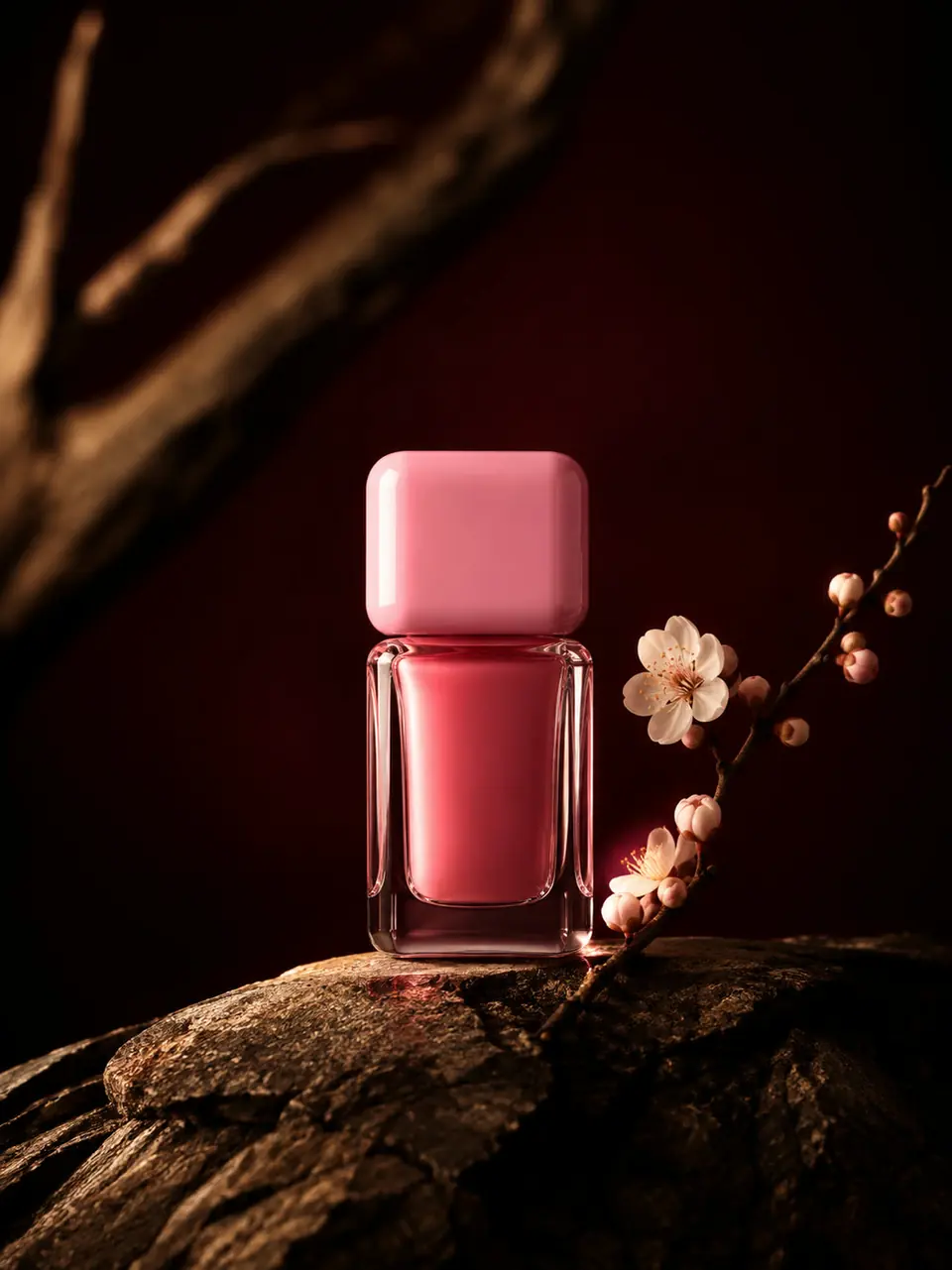
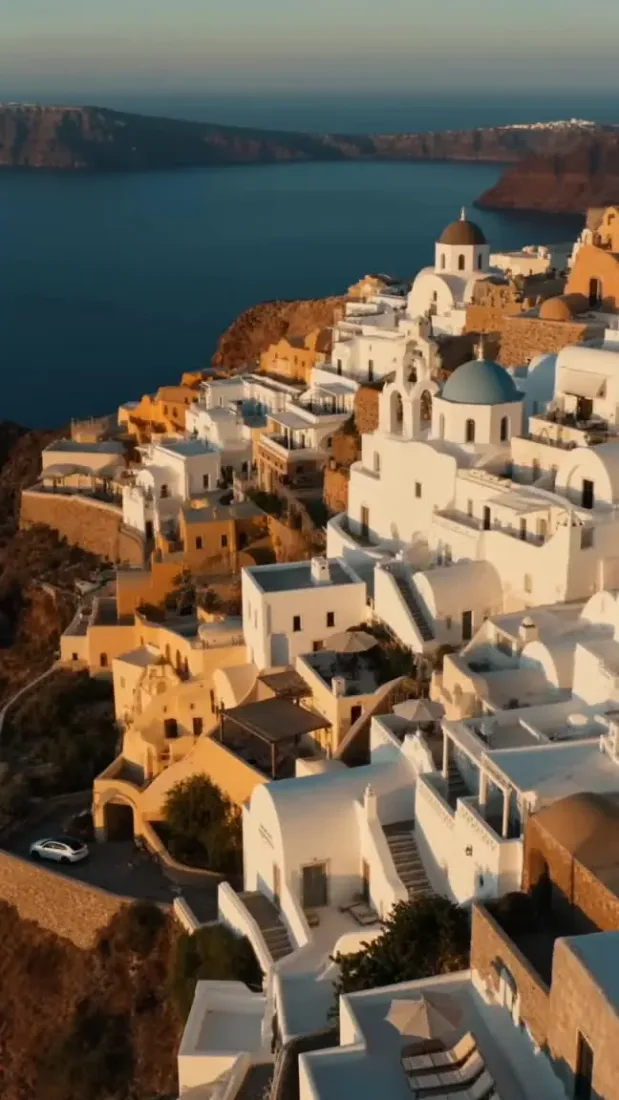
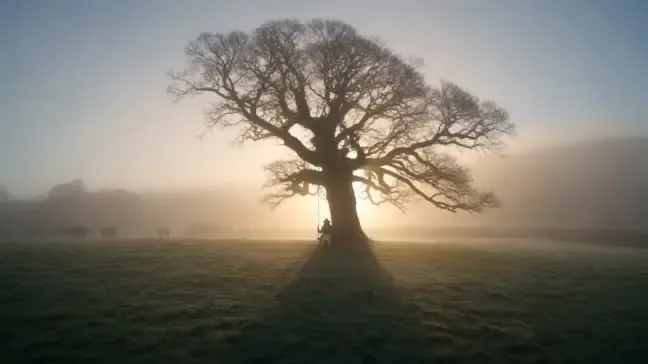
A lone tree in morning mist sets a different tone from a busy street at noon. Name the place, time of day, and light to give your scene a clear direction.
01Flow AI Video
Use Text to Video AI to turn a written scene into a moving shot. Describe the subject and action, choose a model, and generate a clip to preview in Flow AI Video.
A clearer brief, a more deliberate first take
A useful brief tells the model what the viewer should see. Start with one shot, then refine the details that matter to your story.
01
A lone tree in morning mist sets a different tone from a busy street at noon. Name the place, time of day, and light to give your scene a clear direction.
02
Ask for clouds to drift past a mountain or a figure to cross a bridge. One visible action gives you a clear result to evaluate.
03
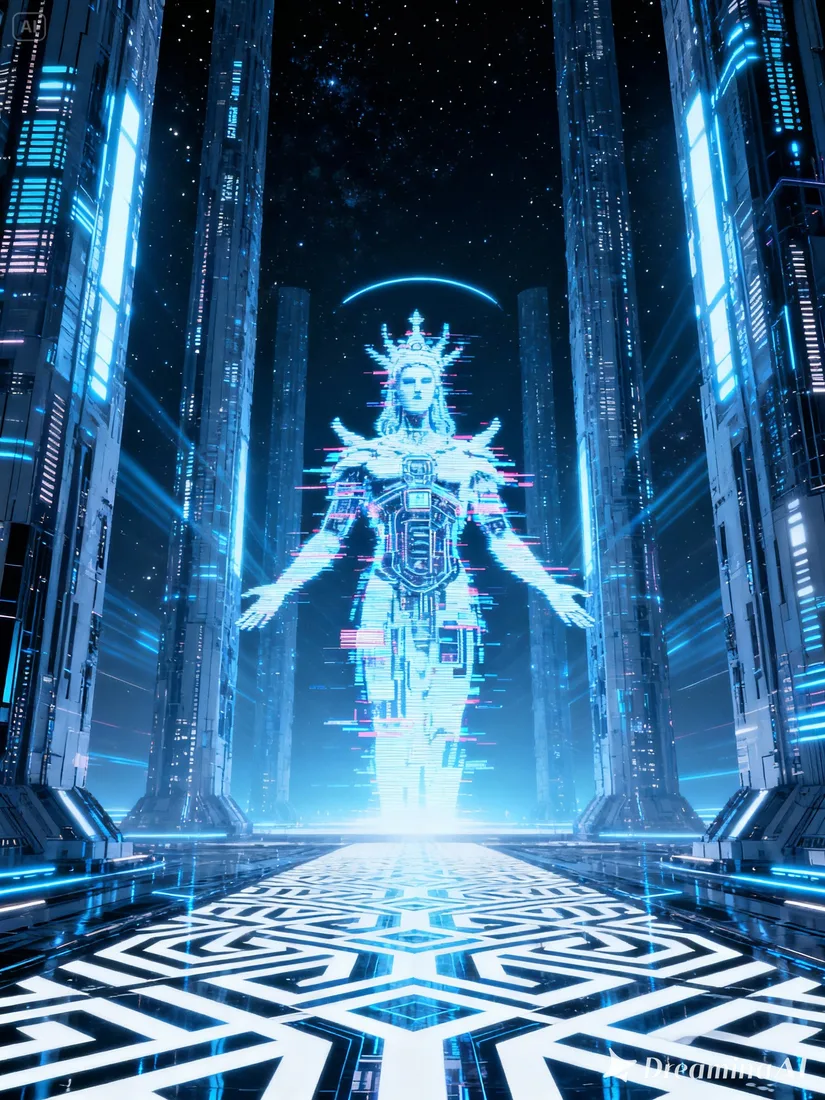
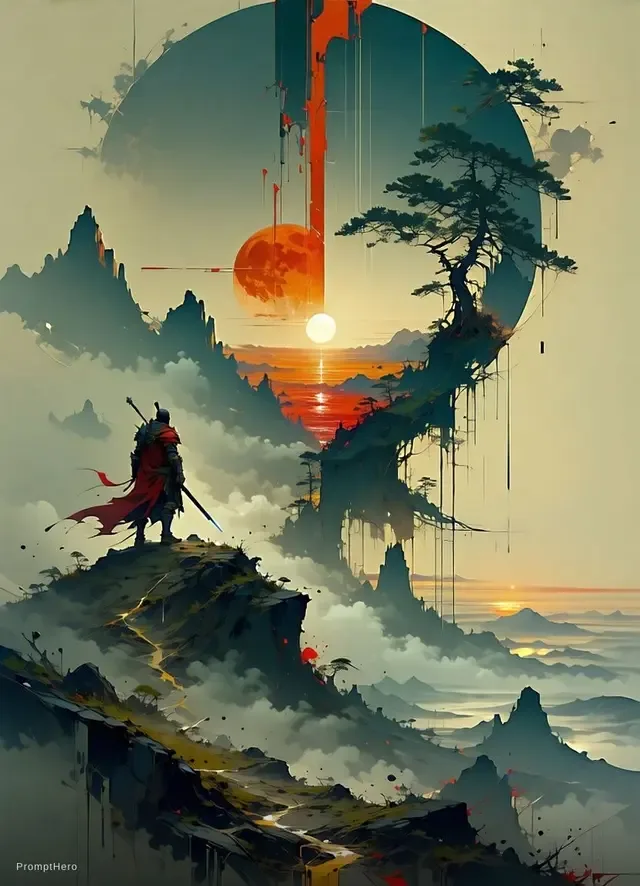
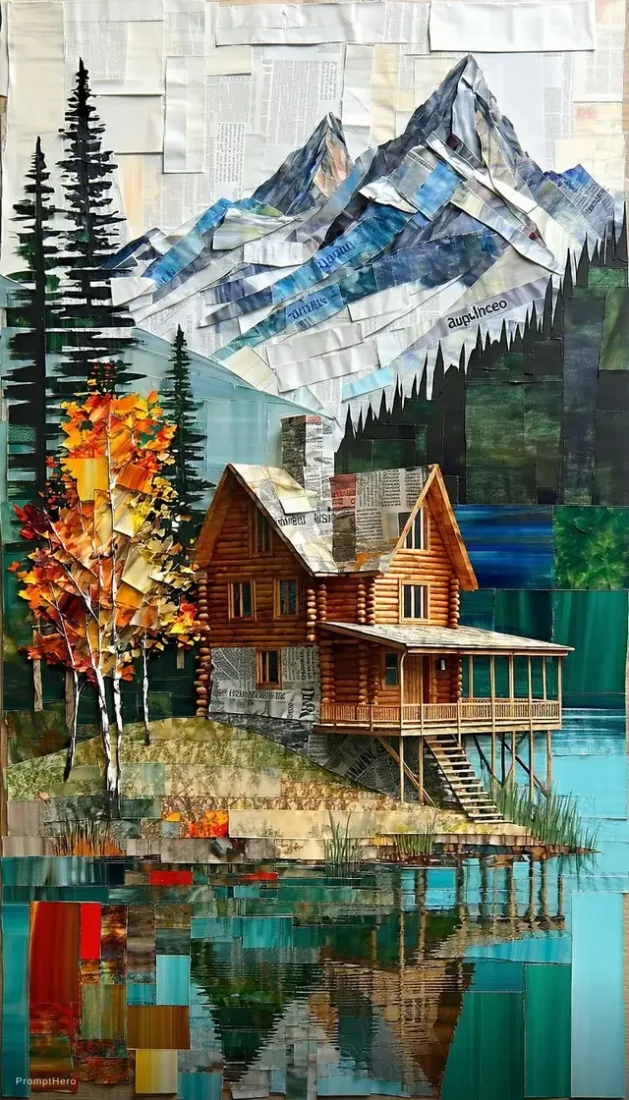
Build a scene around an imagined landscape. Specify a foreground detail and a distant focal point so the camera has somewhere to go.
04
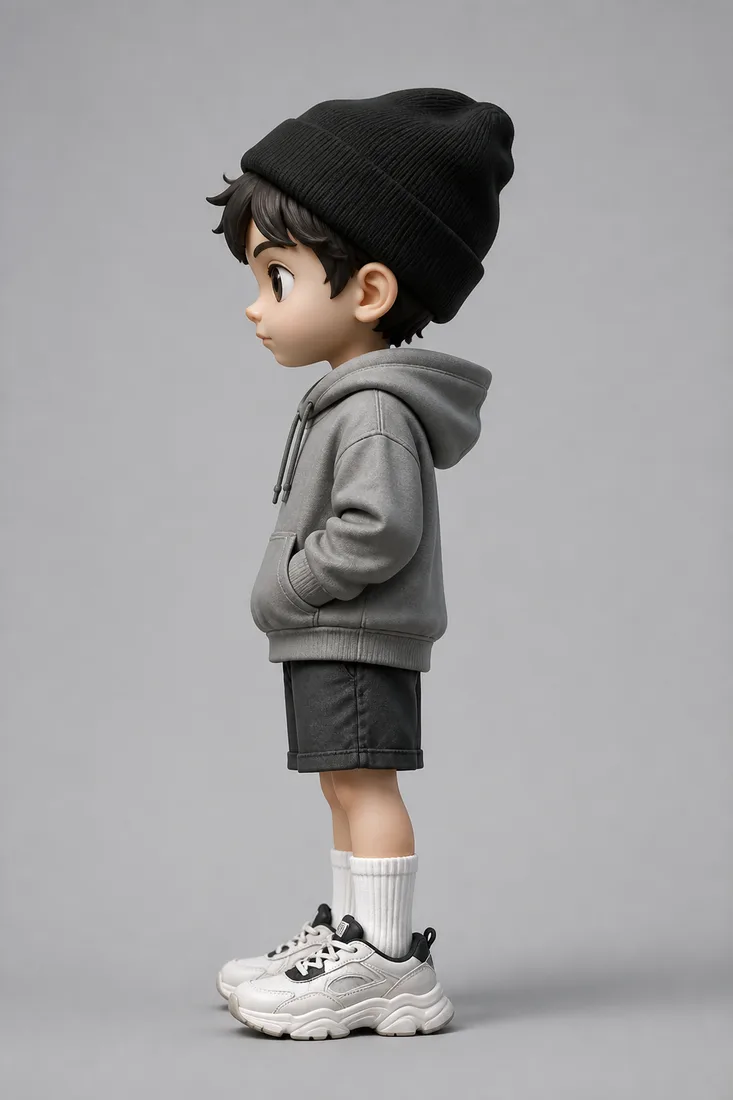
A head turn or a step forward can carry the idea. Review the movement before adding a more involved sequence.
From reference to result
Prepare your brief, choose supported settings, and review the result.
 Flow AI Video
Describe the subject, action, and camera movement in the box above.
Choose a video model and supported duration, resolution, and aspect ratio. Check the credit estimate.
Generate a take, inspect the motion, and change one detail before trying again.
One clip, one creative goal
Use a short generated scene to explore a direction before building the rest of the story.
Concept artists
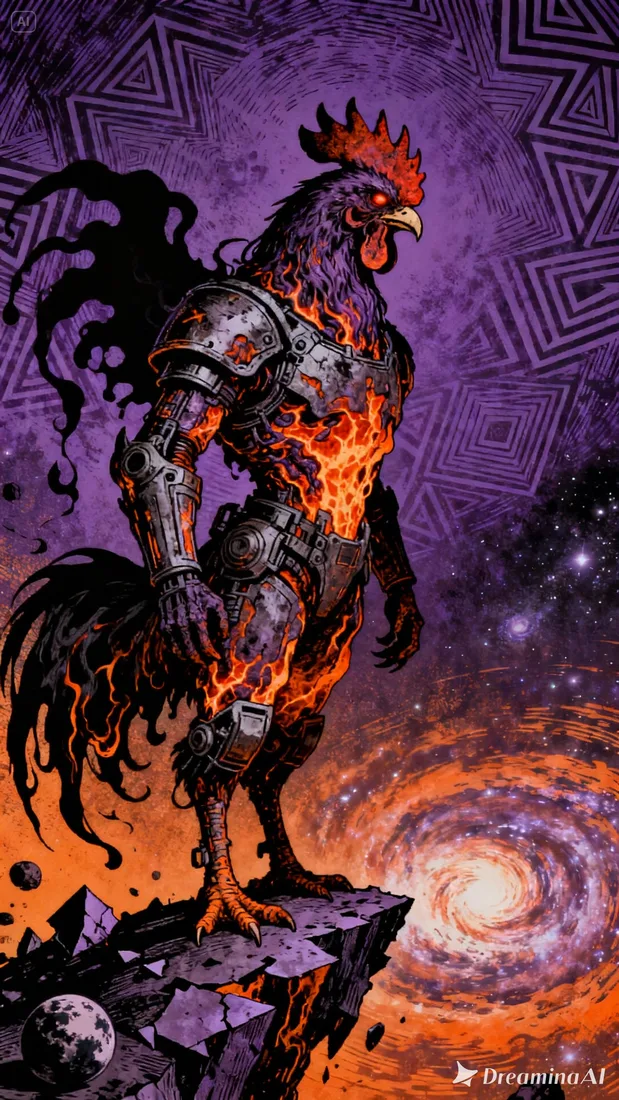
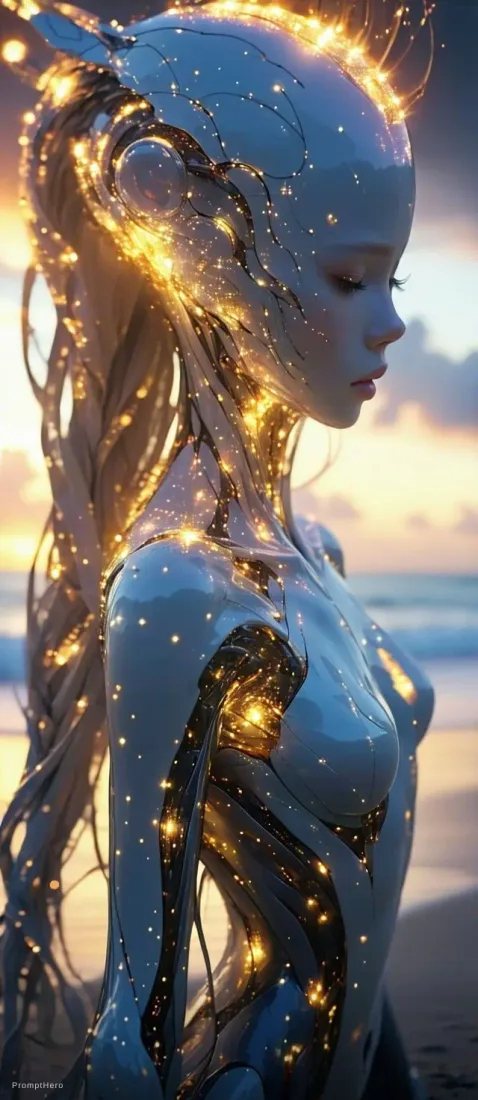
Describe armor catching the light or a figure approaching through mist. Use the take to review the mood of your concept.
Camera and motion inspiration
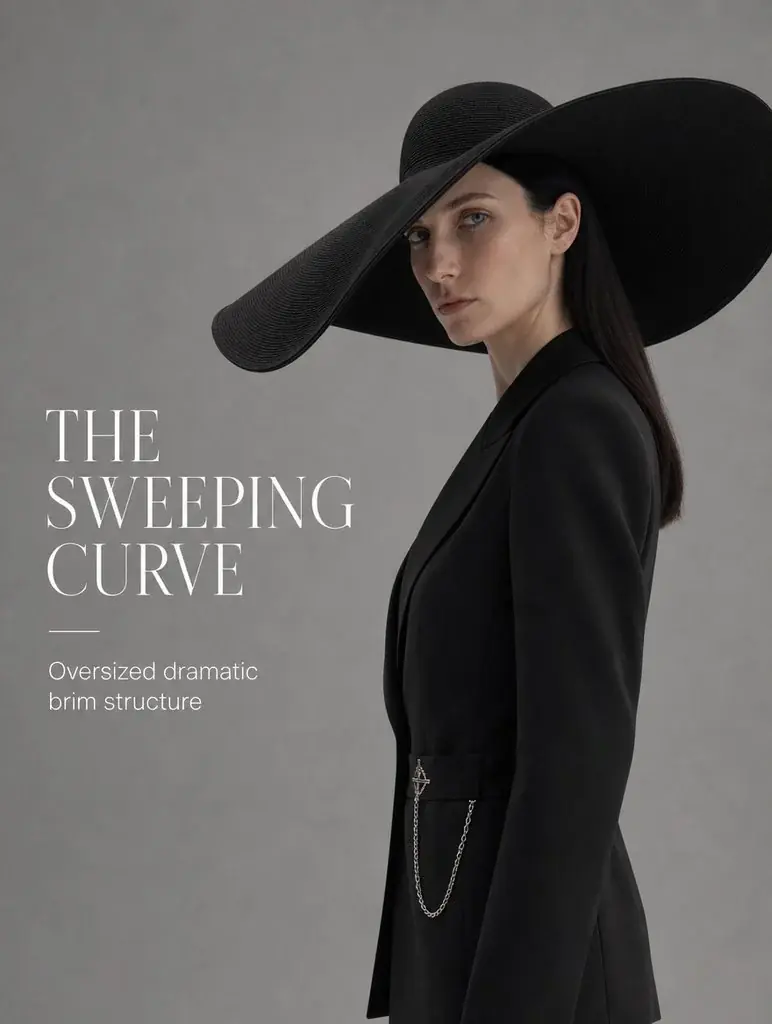
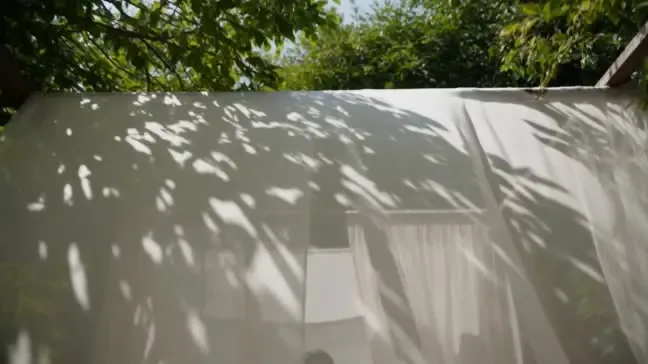
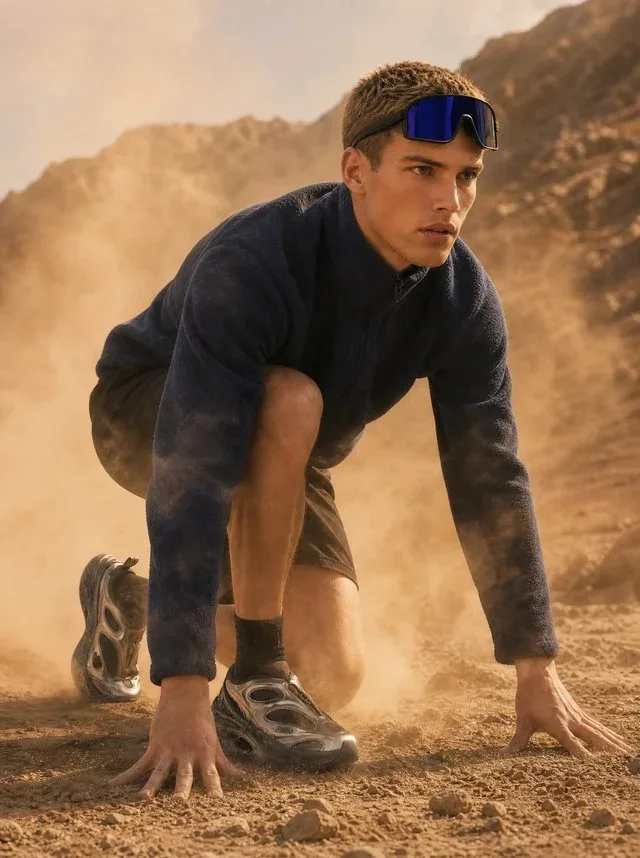
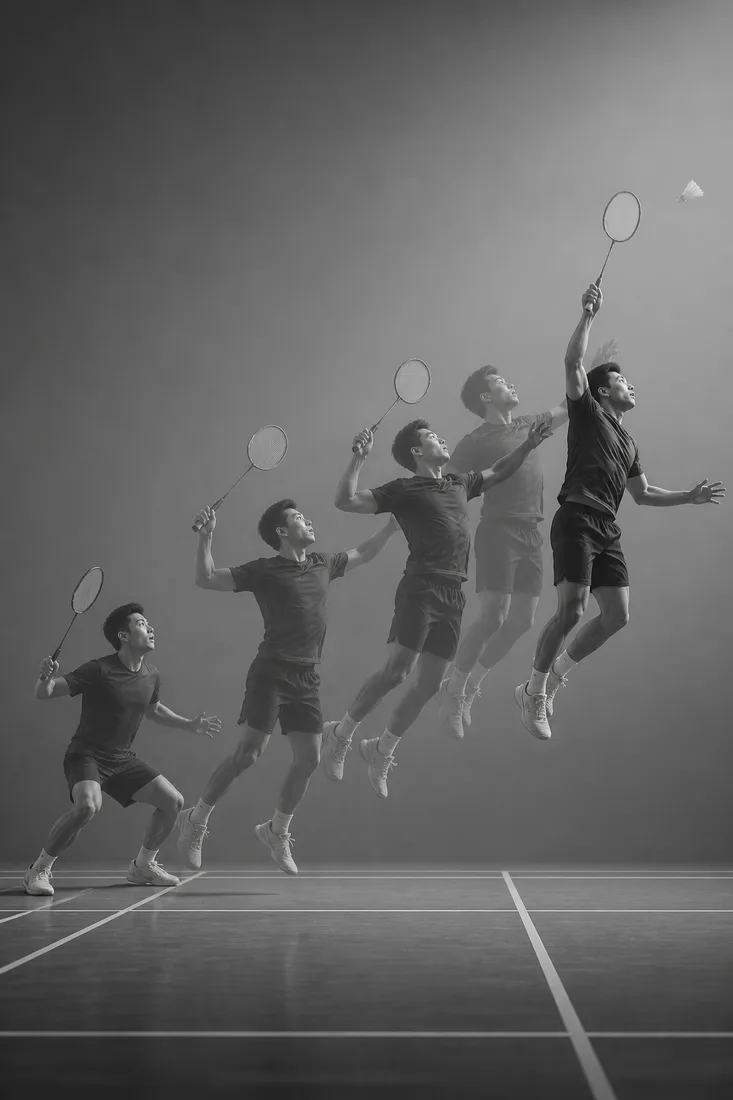
These images are visual references for composition and motion, not verified outputs from your selected model.
 Flow AI Video
Example 1 / 2
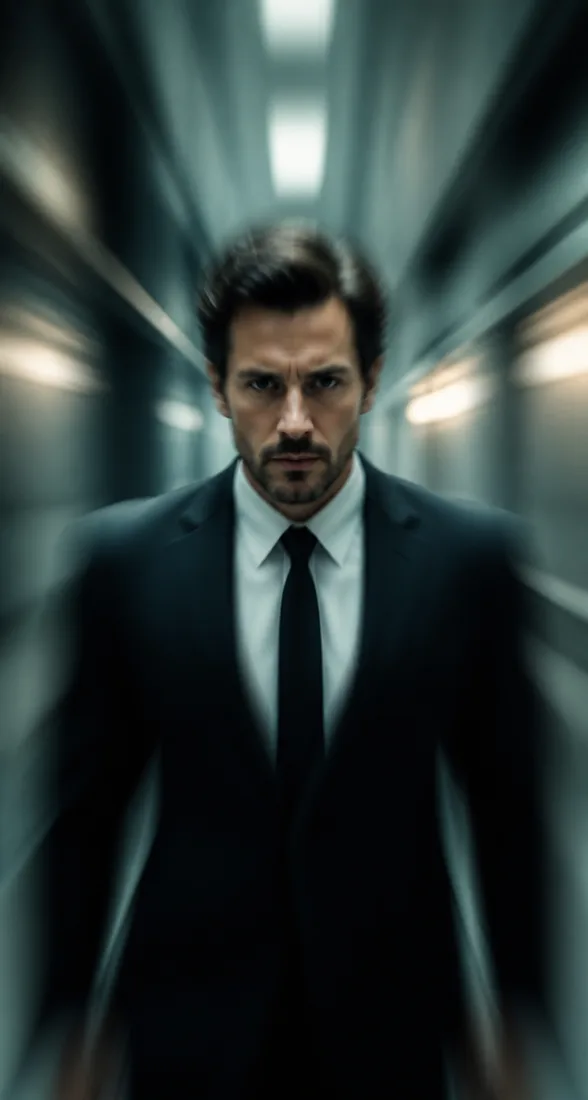
Describe a figure moving across an open space. Specify a fixed camera and the movement you want to follow.
Need a hand?
Review the requirements for this workflow before you generate.
Contact supportYou can start with text alone. Add an image when you want a visual reference and the selected model supports it.
Start with a few concrete sentences. Include the subject, action, setting, and camera move; remove instructions that contradict each other.
Prompts guide generation, but details can vary. Review the output and refine your brief for the next take.
Start with the image you already have
Start with a setting and one action. Your first draft can be a single sentence; refine it after you watch the result.