
01
Choose the action to build on
Start from a clip with a readable action and a visible focal point.
01Flow AI Video
Try Video to Video AI to explore a new subject, setting, or visual style from existing footage. Add a reference clip and a focused prompt, then generate a version to review.
A clearer brief, a more deliberate first take
Combine a source clip with a written direction. Explore a new take while reviewing how much of the original motion and composition carries through.
01
Start from a clip with a readable action and a visible focal point.
02
Specify the material, color, or illustrated treatment you want the next version to explore.
03
Name a new setting and the lighting that should define it. Keep the subject direction clear.

04
Review the new clip against the brief, including motion consistency and unwanted visual changes.
From reference to result
Prepare your brief, choose supported settings, and review the result.
 Flow AI Video
Add a video reference with the action you want to build on.
Explain the scene or style changes and choose supported video settings.
Check estimated credits and generate here. Watch the new clip in Create before downloading.
One clip, one creative goal
Combine a source clip with a written direction. Explore a new take while reviewing how much of the original motion and composition carries through.
Concept artists
Use an existing action to discuss a new illustrated or cinematic direction.
Camera and motion inspiration
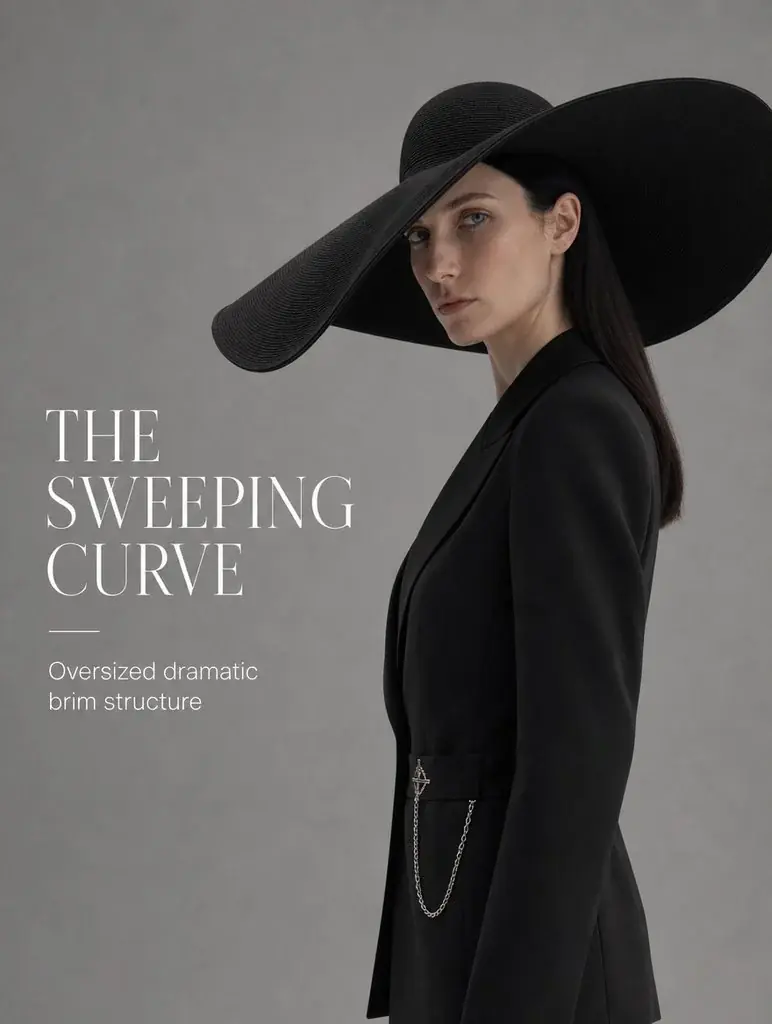
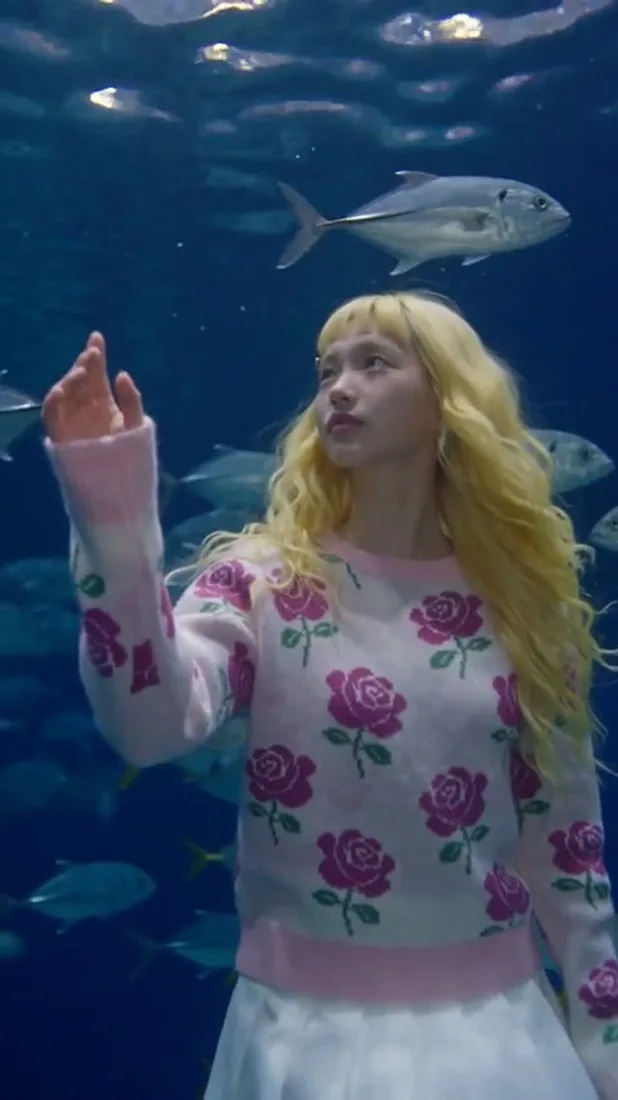
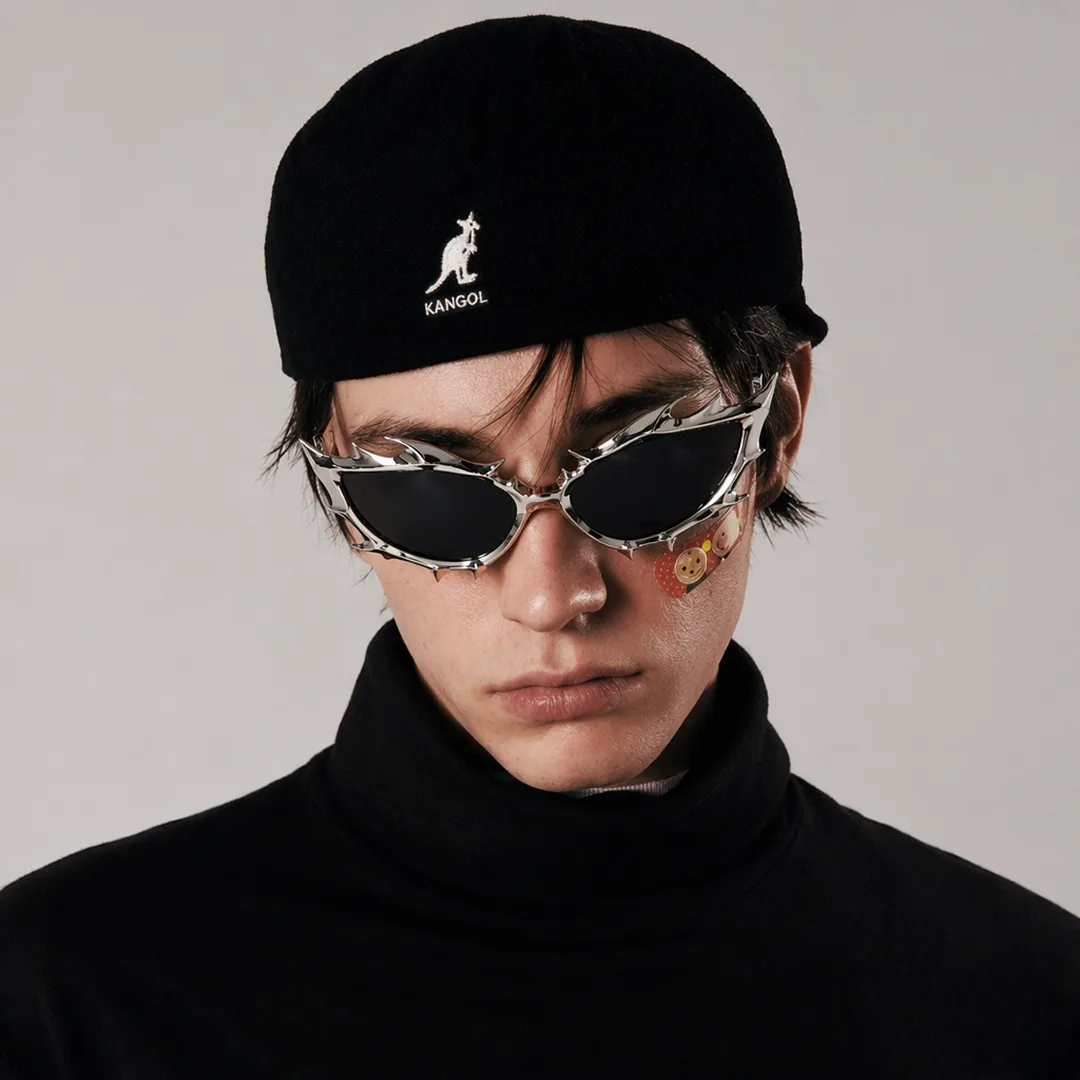
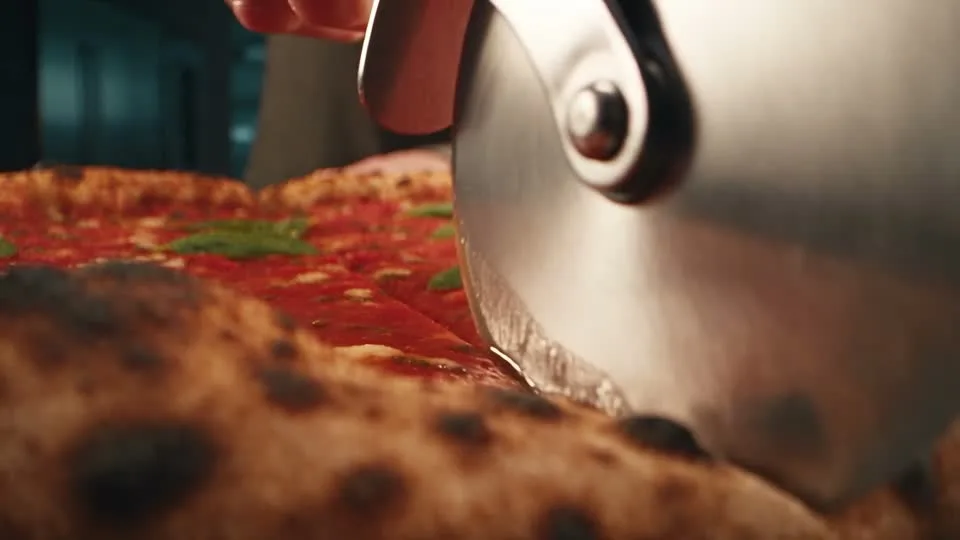
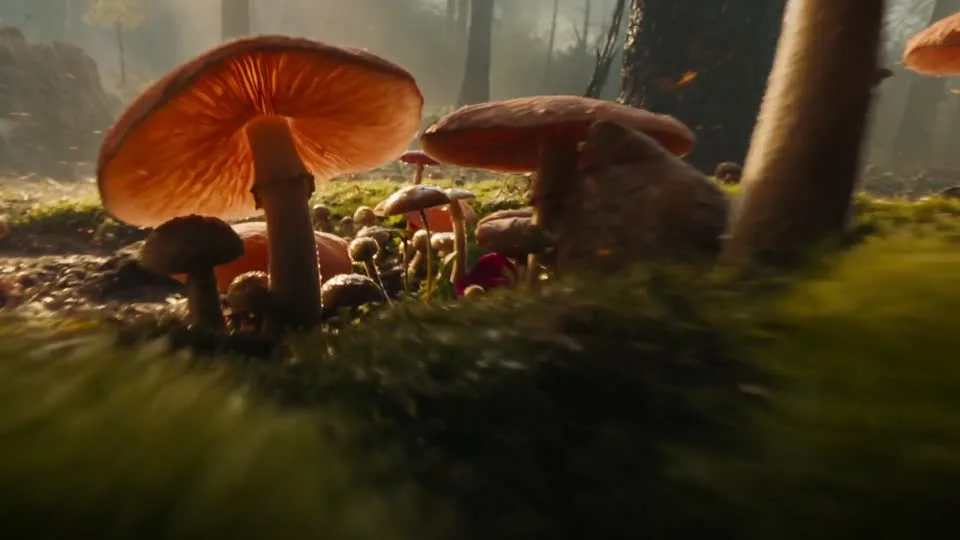
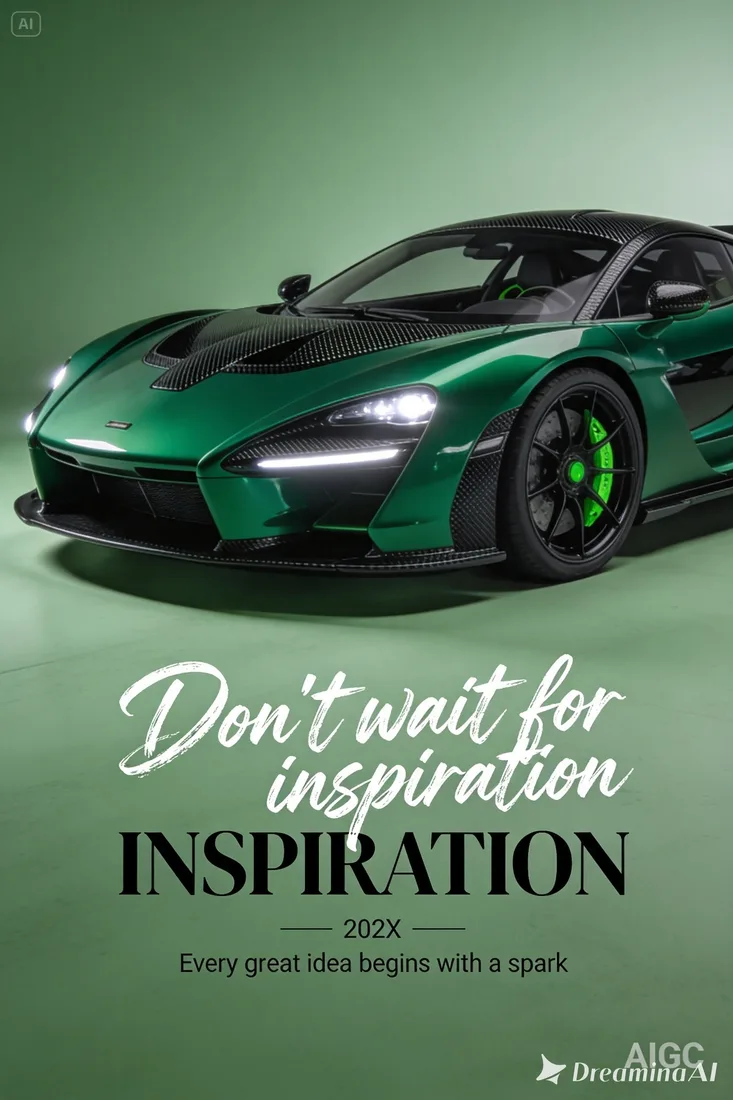
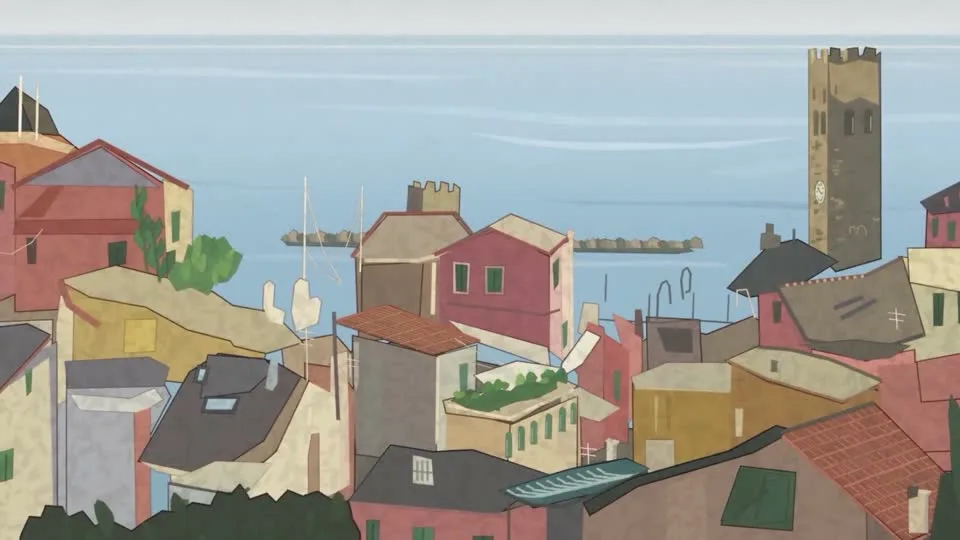
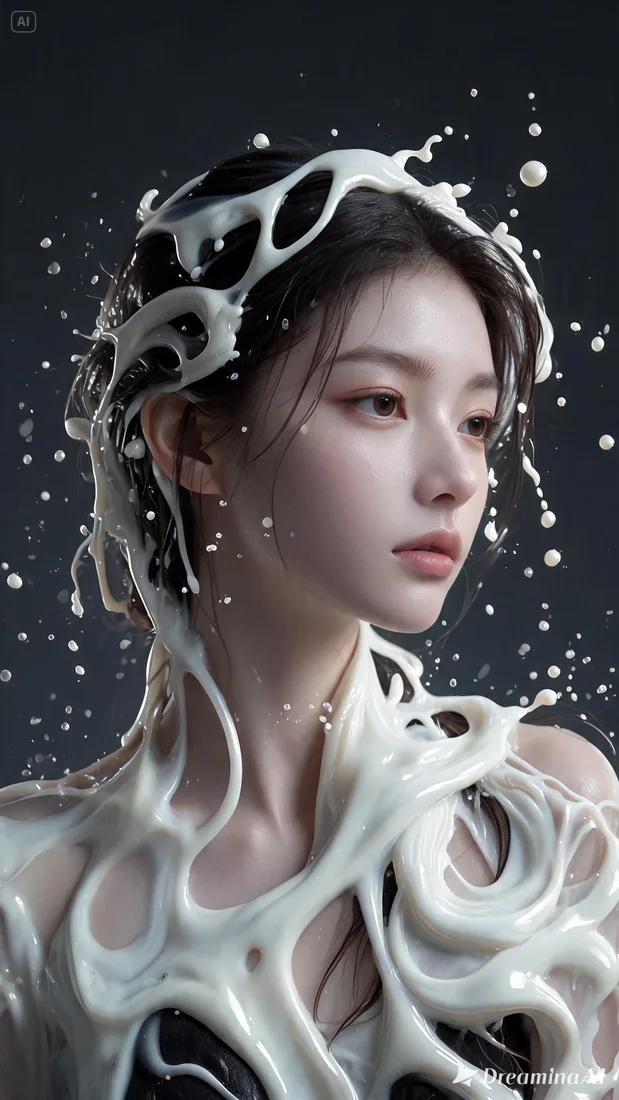
These images are visual references for composition and motion, not verified outputs from your selected model.
 Flow AI Video
Example 1 / 2
Describe a consistent illustrated style and a single action to follow.
Need a hand?
Review the requirements for this workflow before you generate.
Contact supportThis workflow generates a new clip using a video reference. It does not simply transcode or compress the original file.
Reference support depends on the model and available workspace settings. Review compatibility before submitting.
Review the estimated credits in the generation workspace before submitting. Opening this page or preparing a draft does not start a paid generation.
Start with the image you already have
Choose a video and describe one new direction. Build a draft you can compare with the original.