


01
Open with a visible action
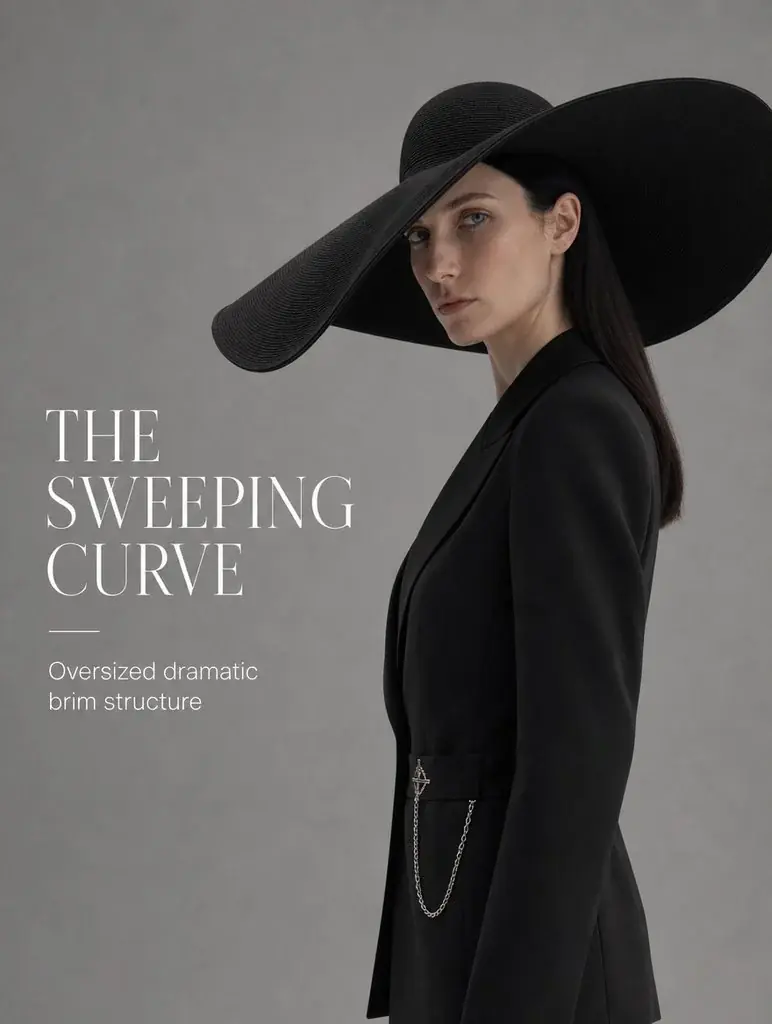
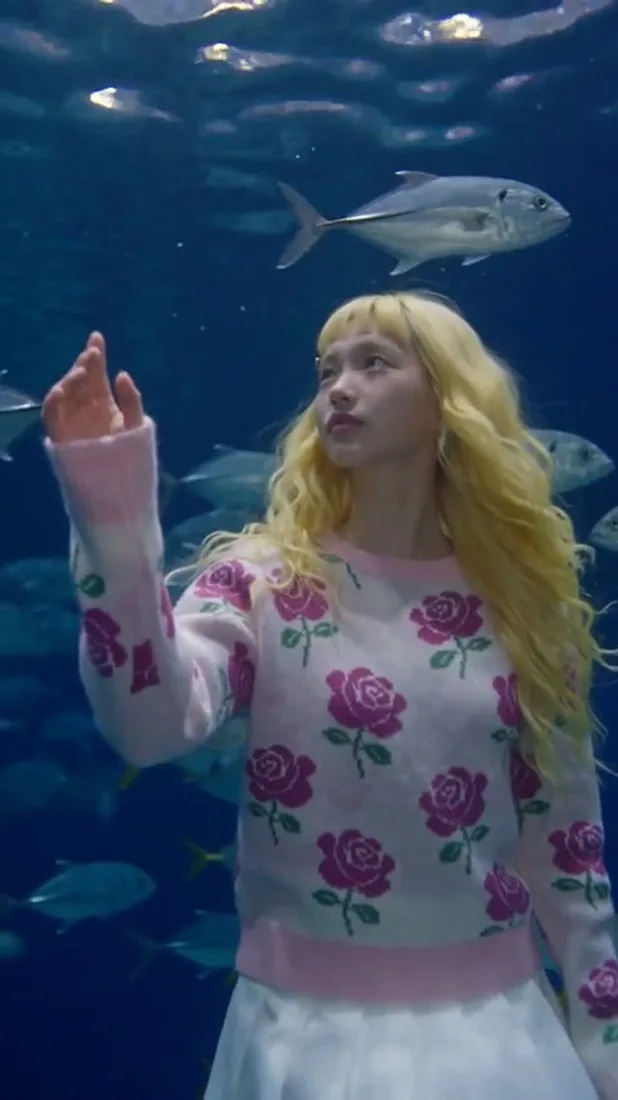
A subject moving into frame gives the opening a clear event. Describe the action and keep the product or styling easy to see.

01Flow AI Video
Create an ad video around one product and a clear opening shot. Upload a product reference, generate a visual concept, then add your verified offer and captions in your editing workflow.
A clearer brief, a more deliberate first take
Give each generated clip one job. A focused product shot or visible action is easier to review and combine with your campaign message.
01
A subject moving into frame gives the opening a clear event. Describe the action and keep the product or styling easy to see.
02
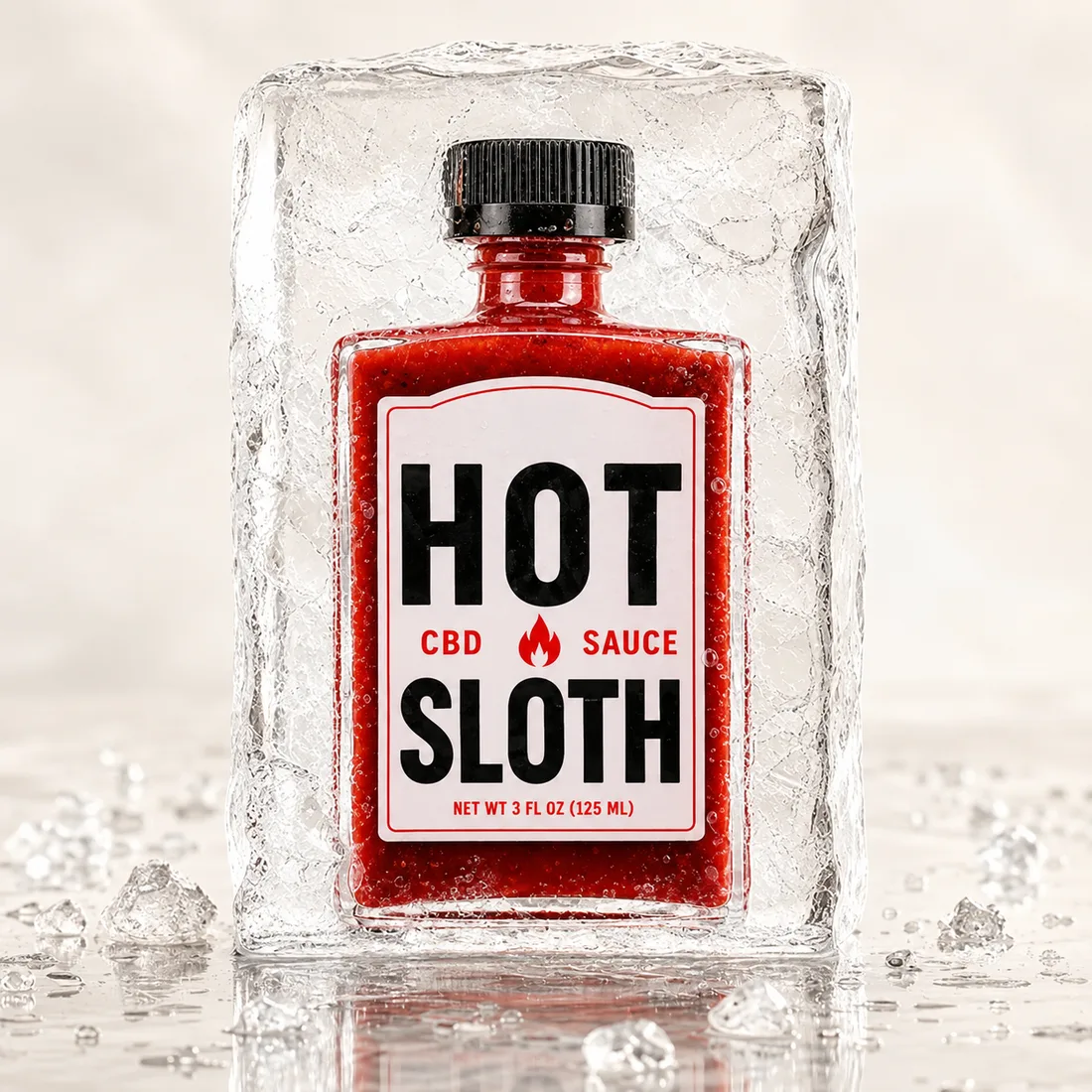
Choose a setting that supports the message, such as an outdoor break or a daily routine. Keep the brief focused on what the viewer should notice.
03
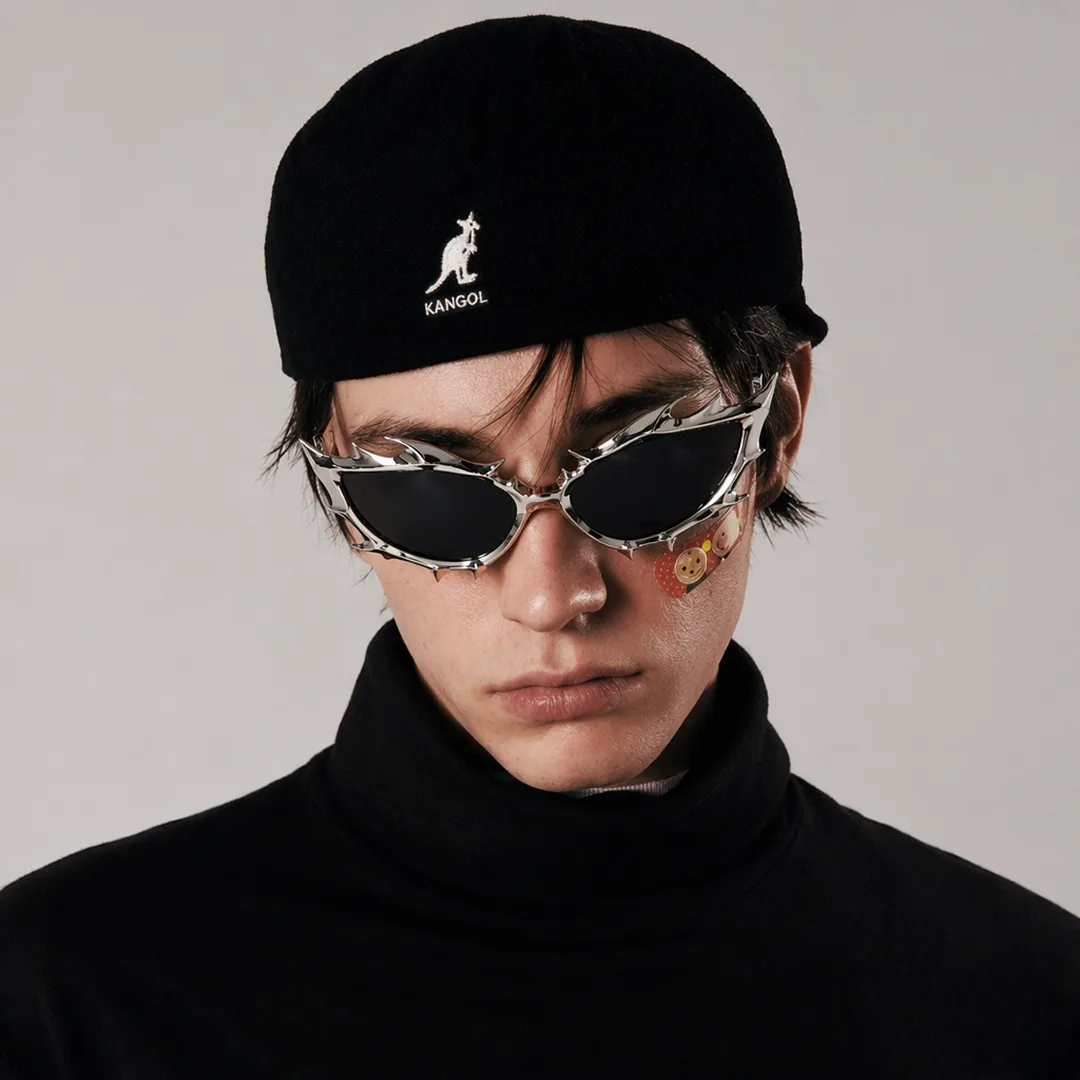
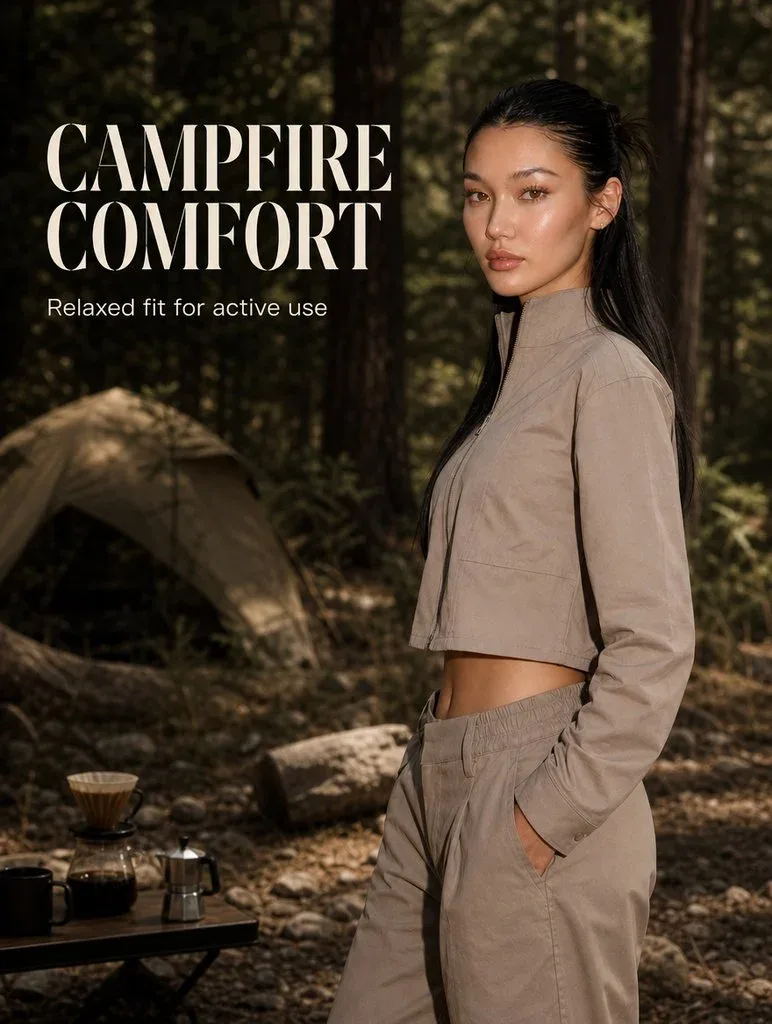
Plan a clean focal point and open space for text you will add in editing. Review the generated shot before placing campaign copy over it.
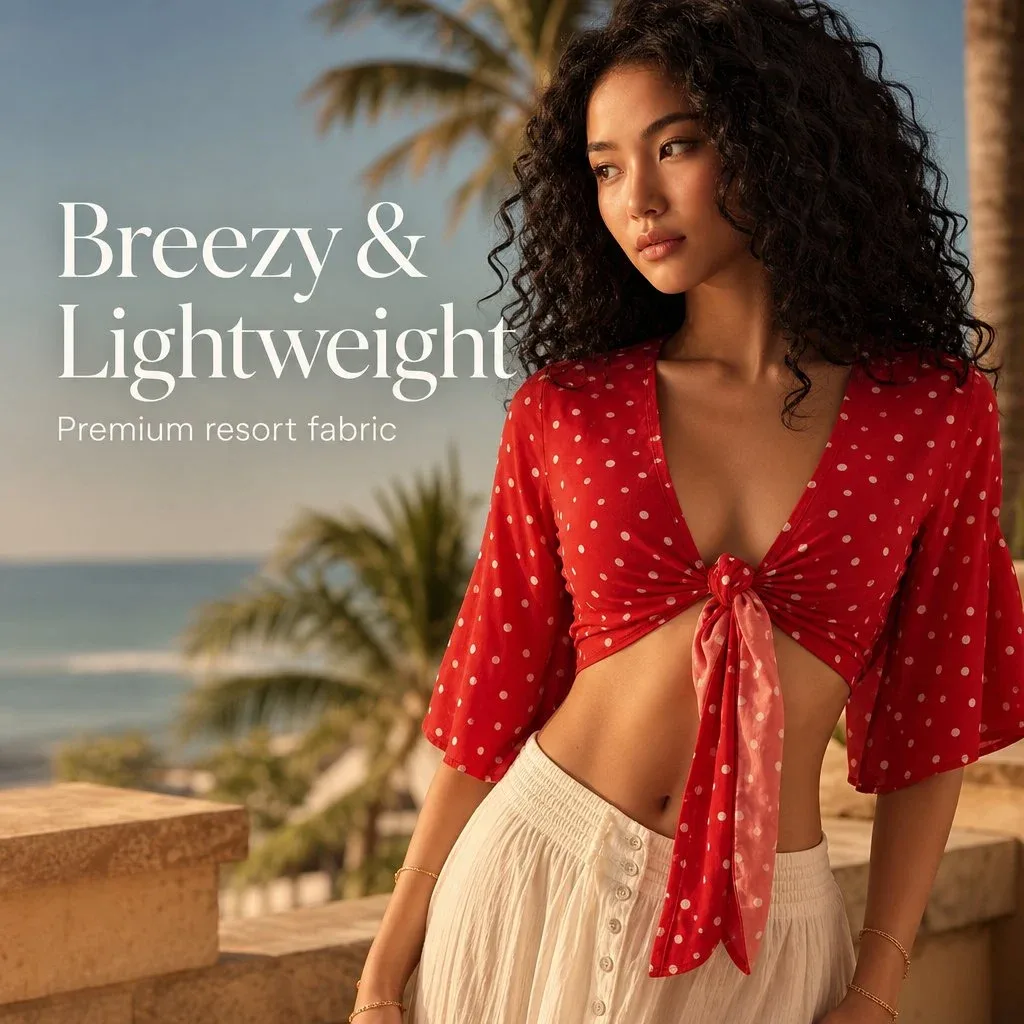
04
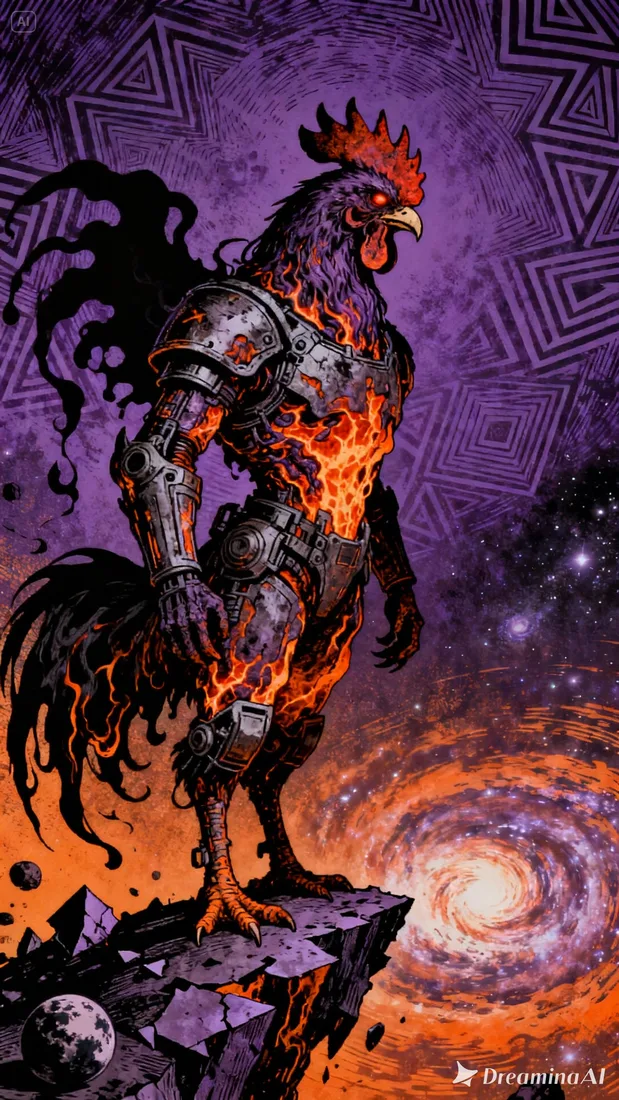
Use a familiar setting and a deliberate camera move. Build a visual direction you can pair with your own offer and call to action.

From reference to result
Prepare your brief, choose supported settings, and review the result.
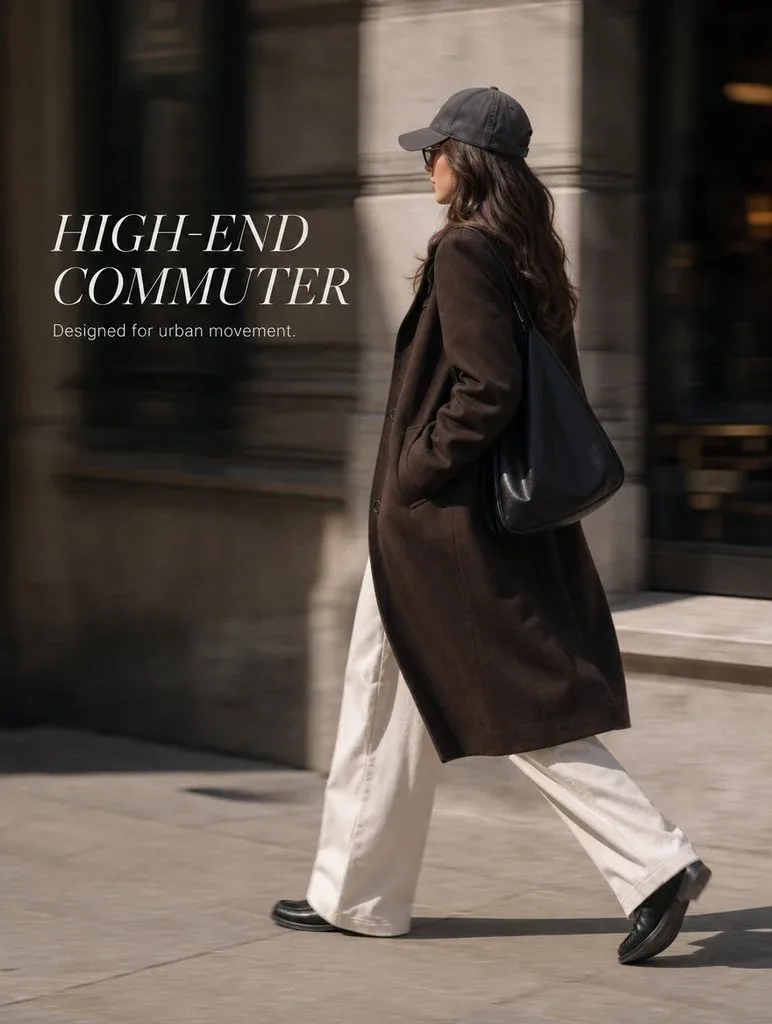 Flow AI Video
Decide what viewers should notice first: the product, a detail, or a visible action.
Upload a reference and describe the opening shot. Choose your model and format.
Inspect the generated clip. Add your verified offer, captions, and final CTA in your editing workflow.
One clip, one creative goal
Use visual drafts to discuss the idea before preparing a finished ad.
Brand marketers
Plan one opening shot that introduces the collection. Review the styling and motion alongside your campaign brief.
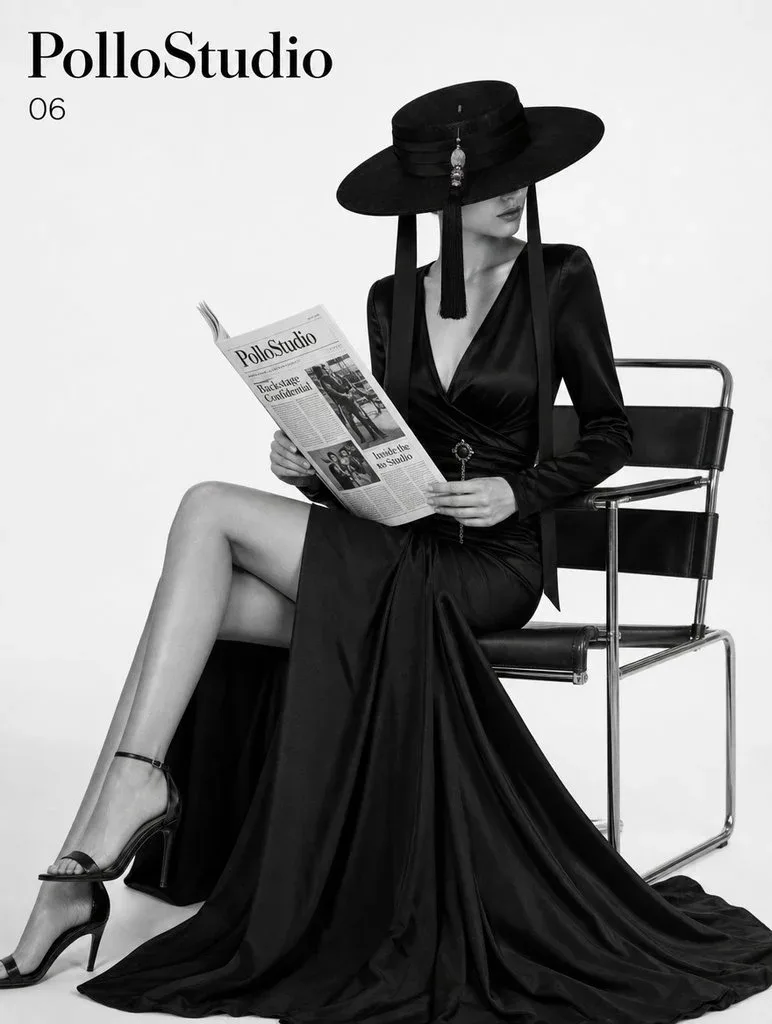
Camera and motion inspiration
These images are visual references for composition and motion, not verified outputs from your selected model.
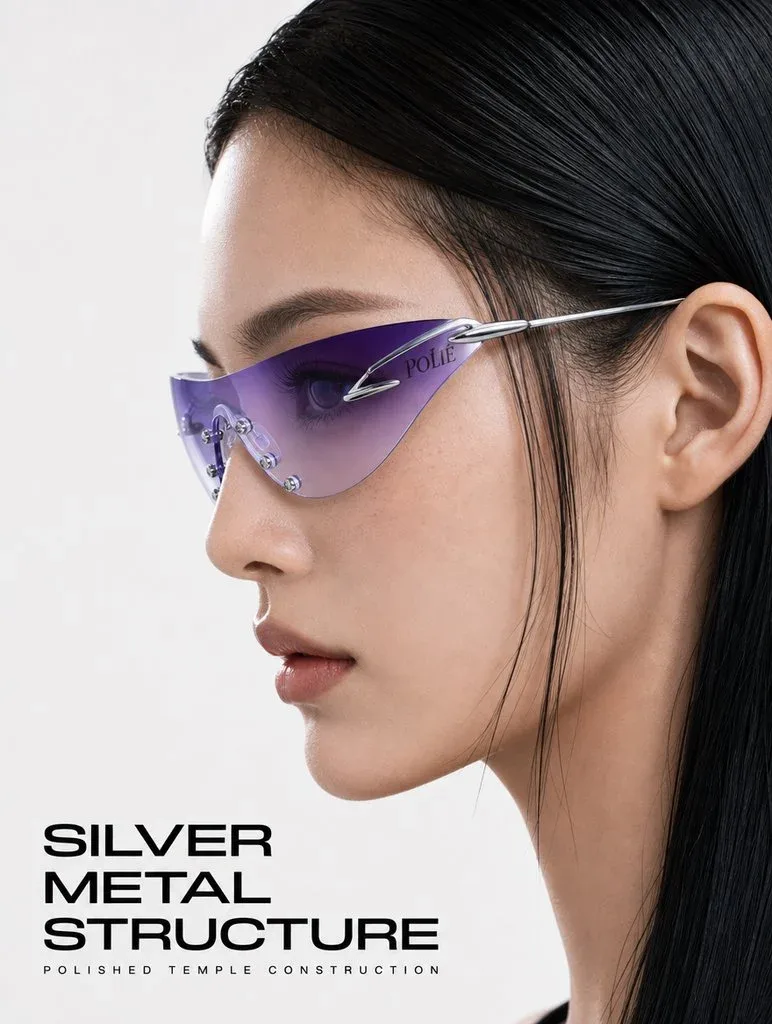 Flow AI Video
Example 1 / 2
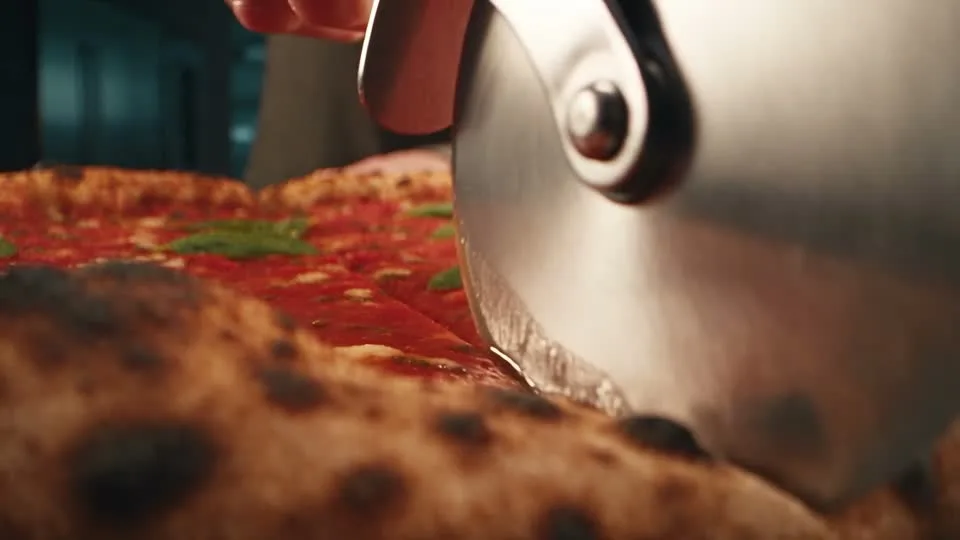
Describe a close framing and a slow move across fabric. Leave the offer and claims for text you control in the final edit.
Need a hand?
Review the requirements for this workflow before you generate.
Contact supportThe generator creates video clips. Review the output and add your offer, captions, music, and final CTA in your editing workflow as needed.
No performance result is guaranteed. Use the clips as creative material and evaluate finished ads with your own campaign data.
Use verified information in your final copy. Check the generated visuals for misleading details before publishing.
Start with the image you already have
Describe the opening you want viewers to see. Add your reference and create a visual draft for your next campaign.