01
Start from a clear reference
Choose an image where the main subject is easy to see.
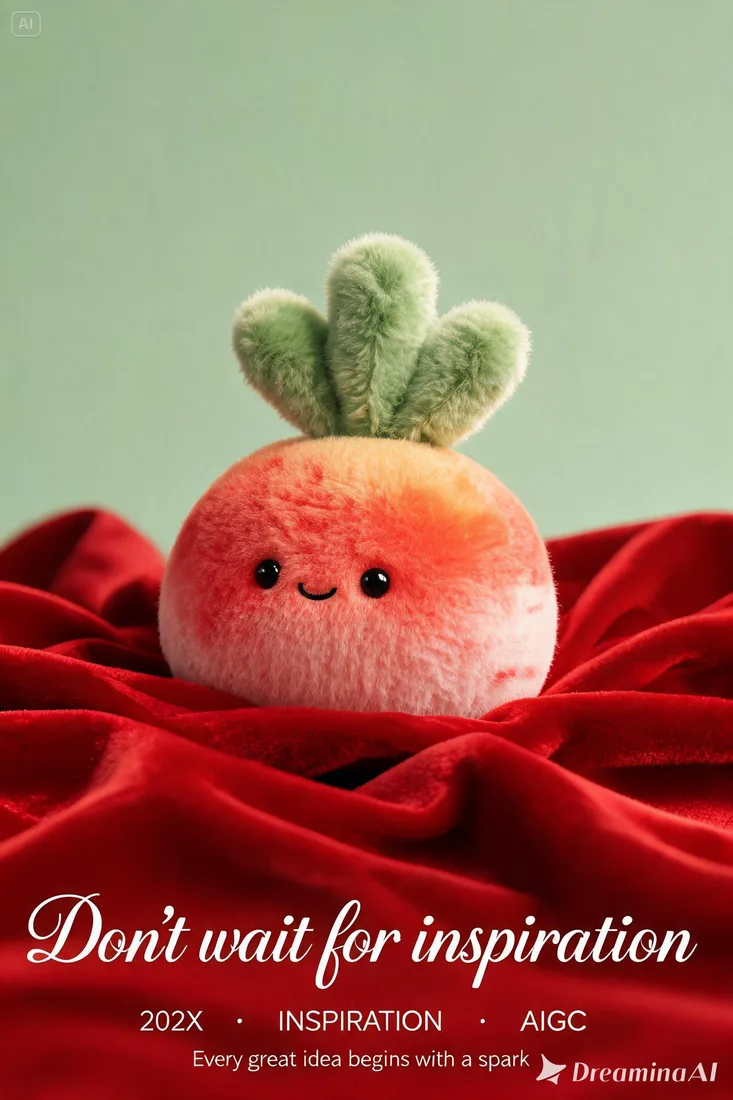
01Flow AI Video
Use Image to Image AI to create variations of an existing visual. Upload a reference, describe what should change and stay recognizable, and generate an image to compare.
A clearer brief, a more deliberate first take
A reference image anchors the composition. Explain the colors, materials, or setting you want to change and review the generated version beside the original.
01
Choose an image where the main subject is easy to see.
02
Describe the framing and spacing you want in the new image.
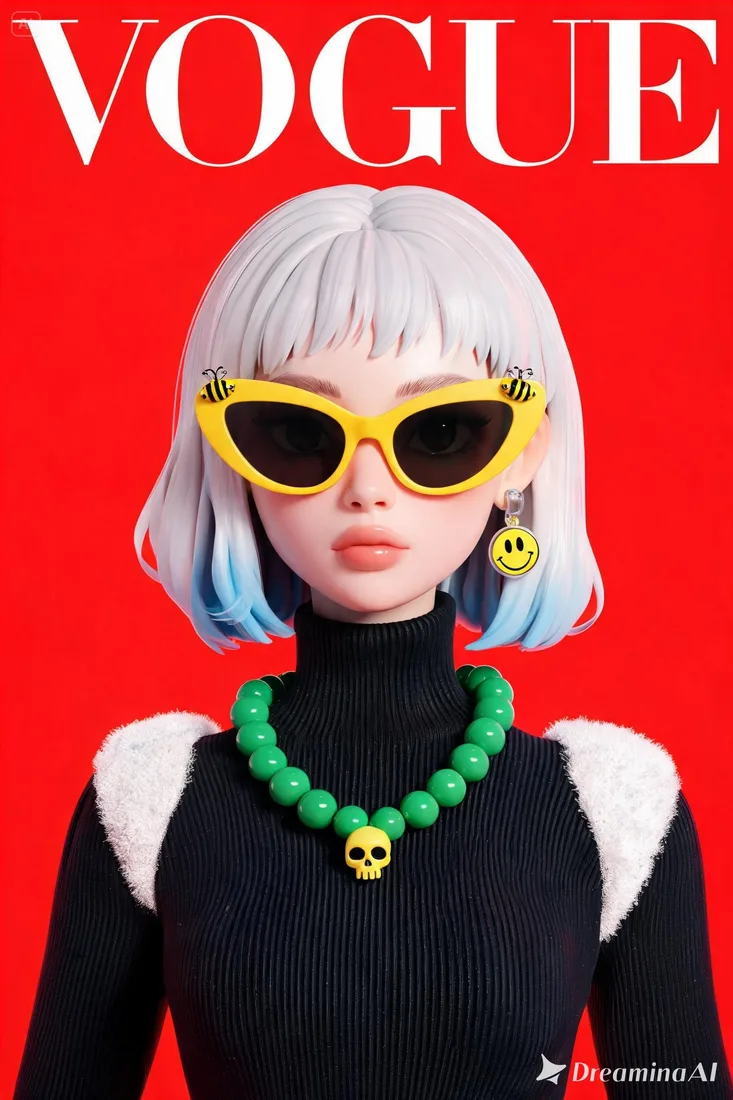
03
Ask for a different palette, material, or illustration style while keeping the brief focused.
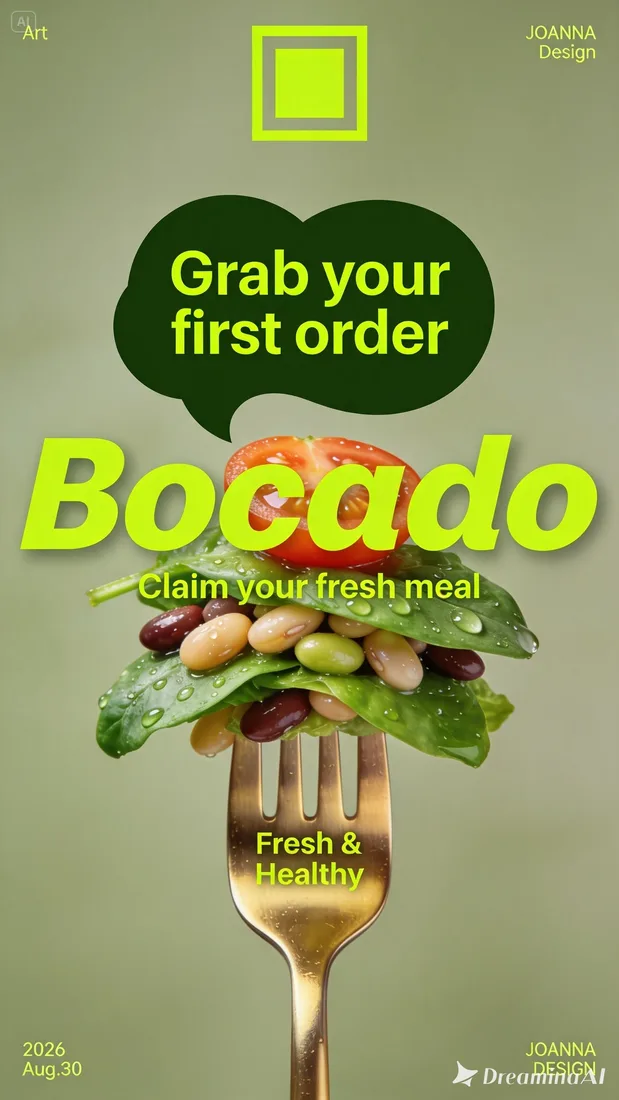
04
Review the subject, text, and fine details before downloading your preferred version.
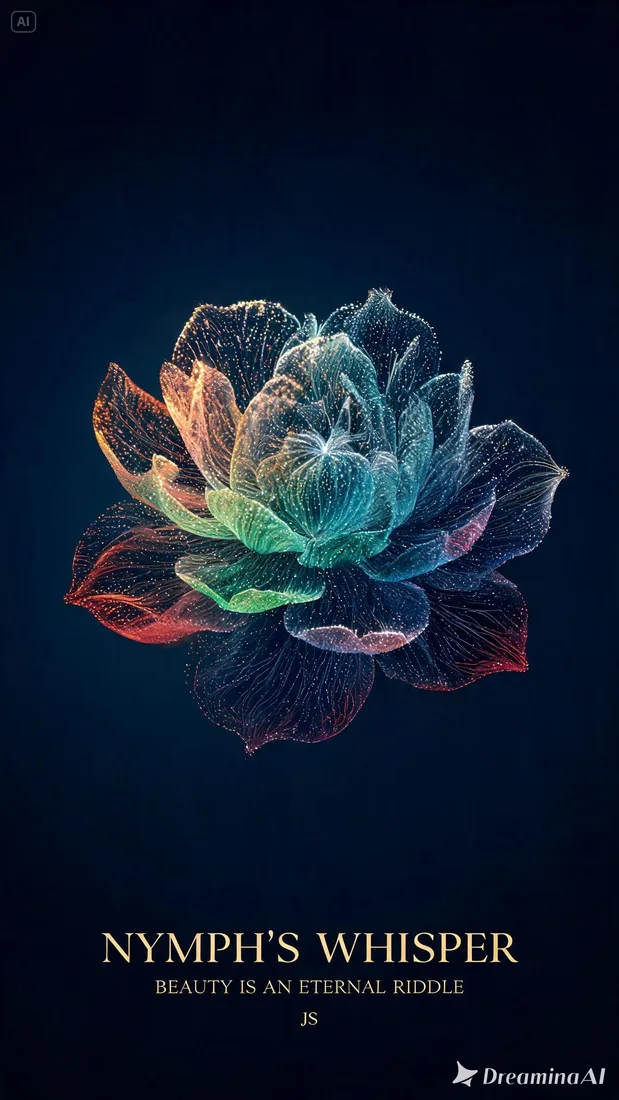
From reference to result
Prepare your brief, choose supported settings, and review the result.
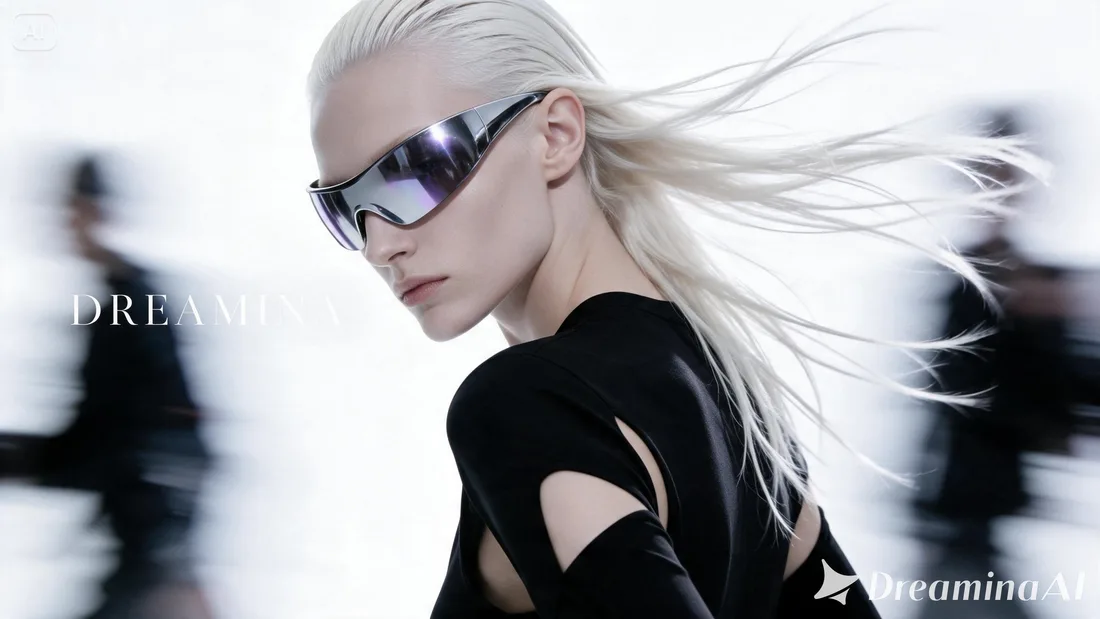 Flow AI Video
Add your reference image in the composer above.
Explain what to change and keep, then choose an image model and format.
Review credits and generate. Your reference stays with the prompt in Create for comparison.
One clip, one creative goal
A reference image anchors the composition. Explain the colors, materials, or setting you want to change and review the generated version beside the original.
Product creators
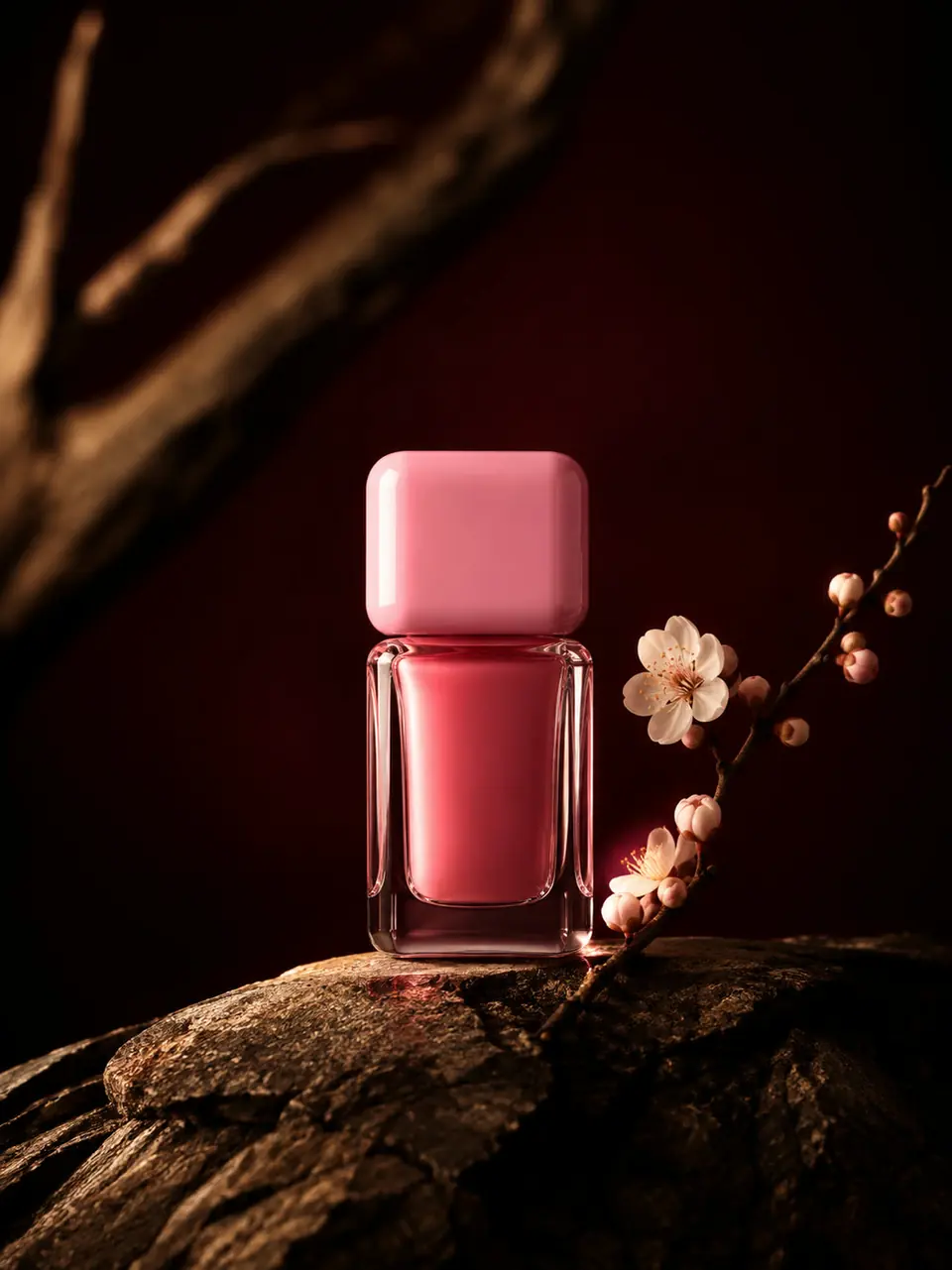
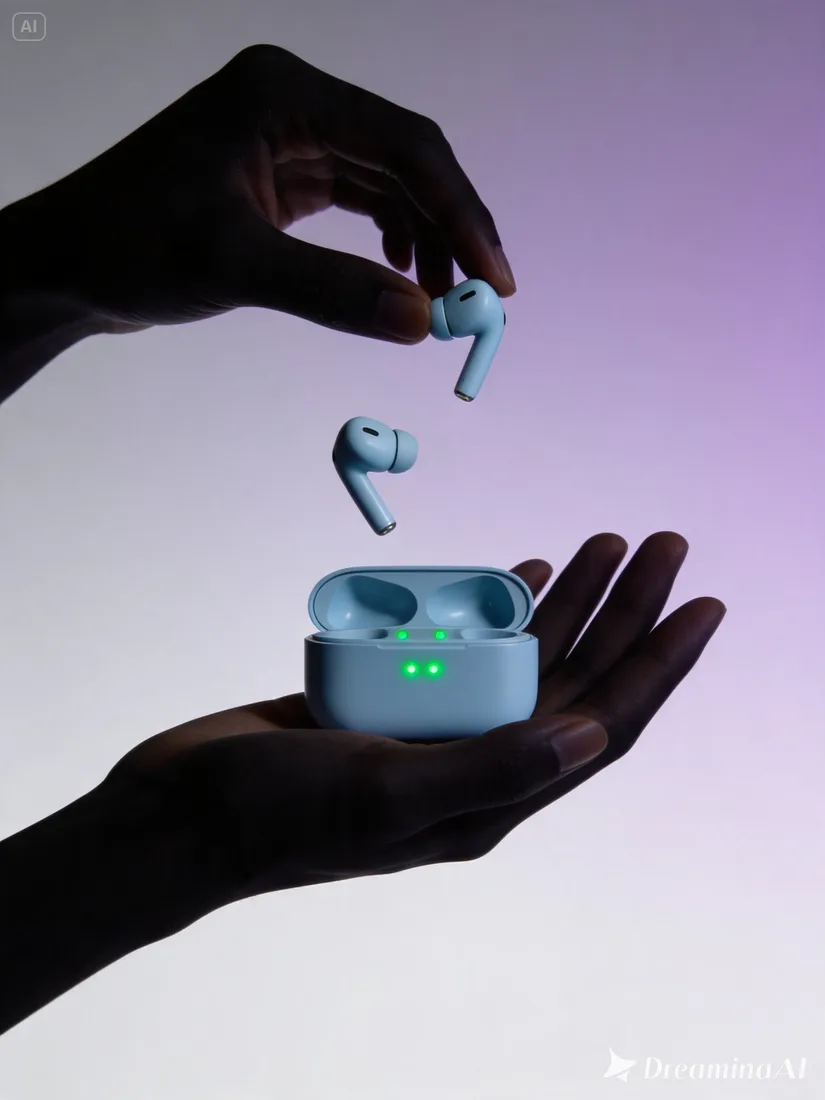
Try a different background or arrangement around a product reference.
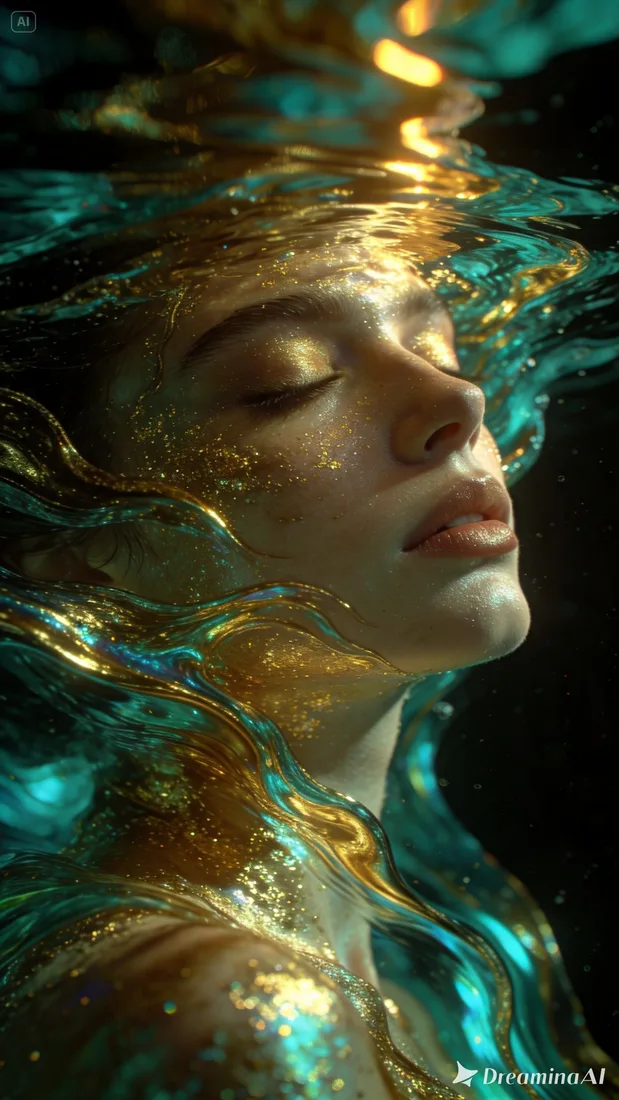
Camera and motion inspiration
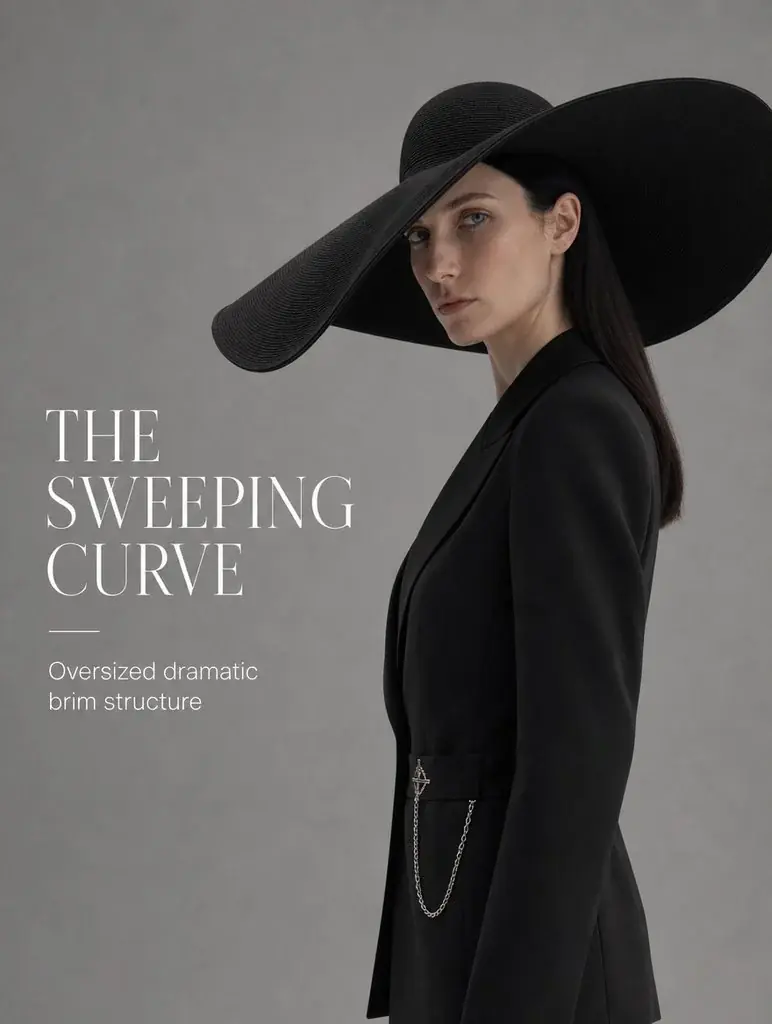
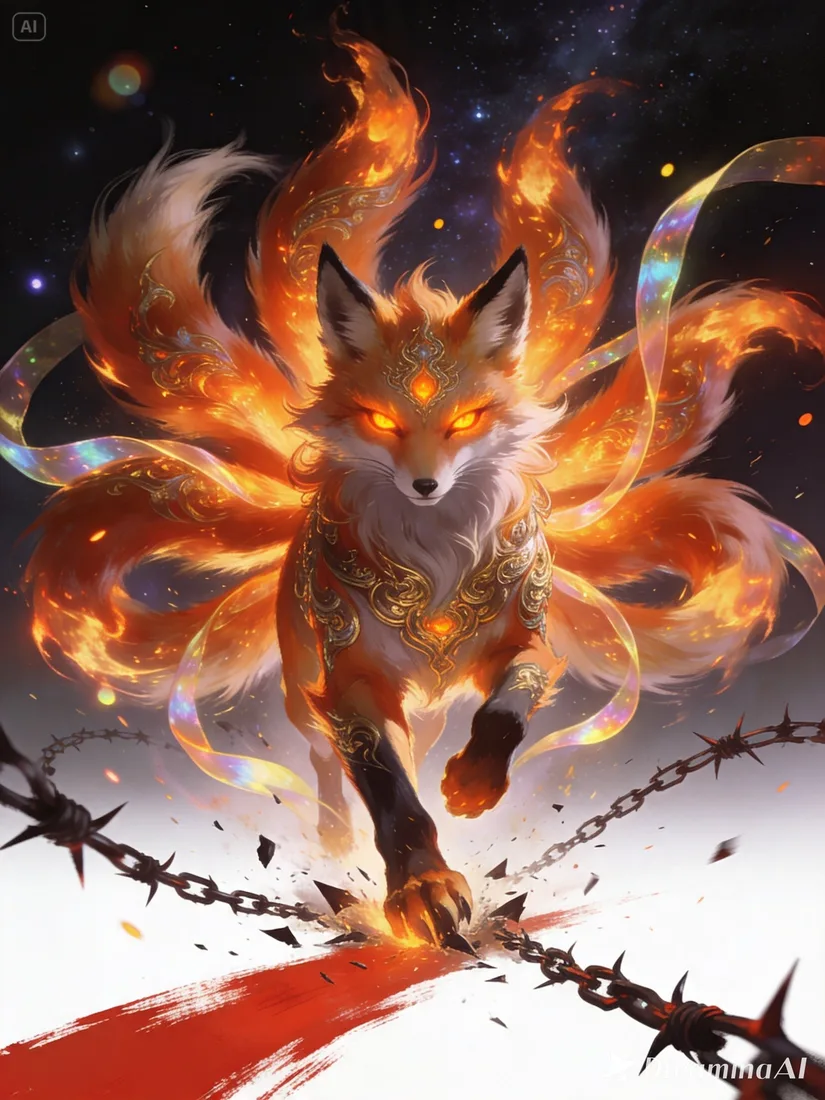
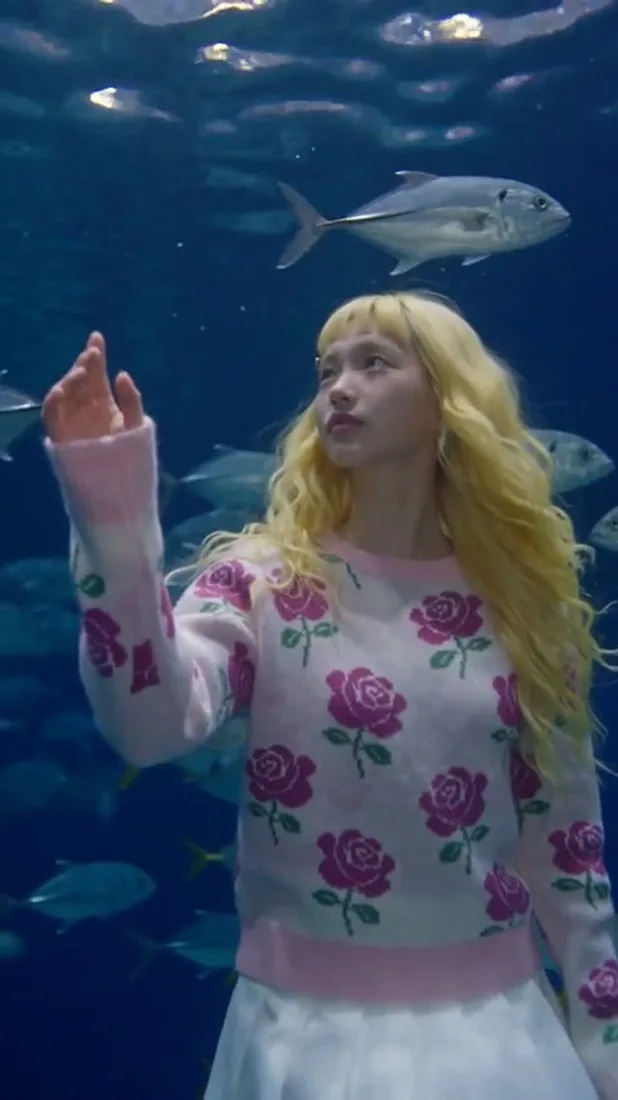
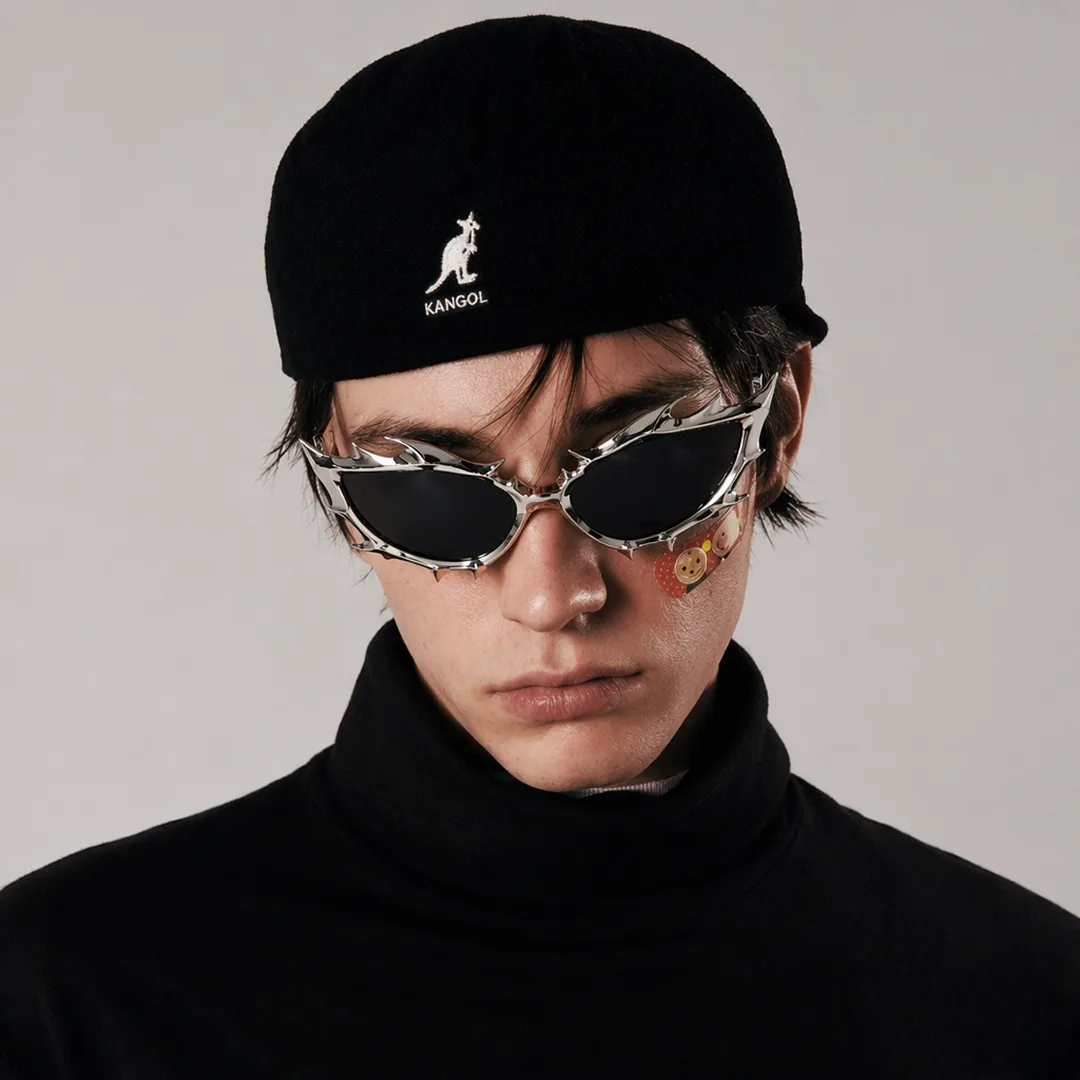
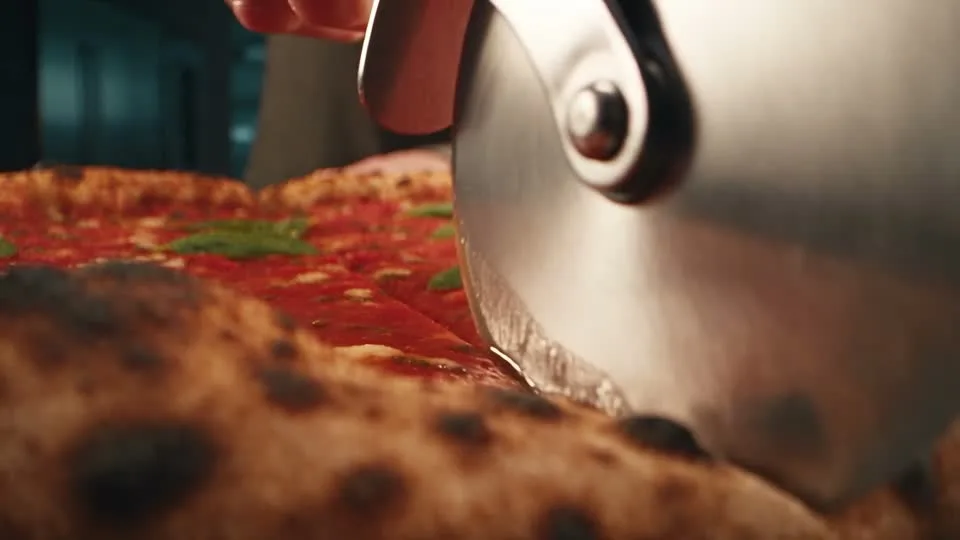
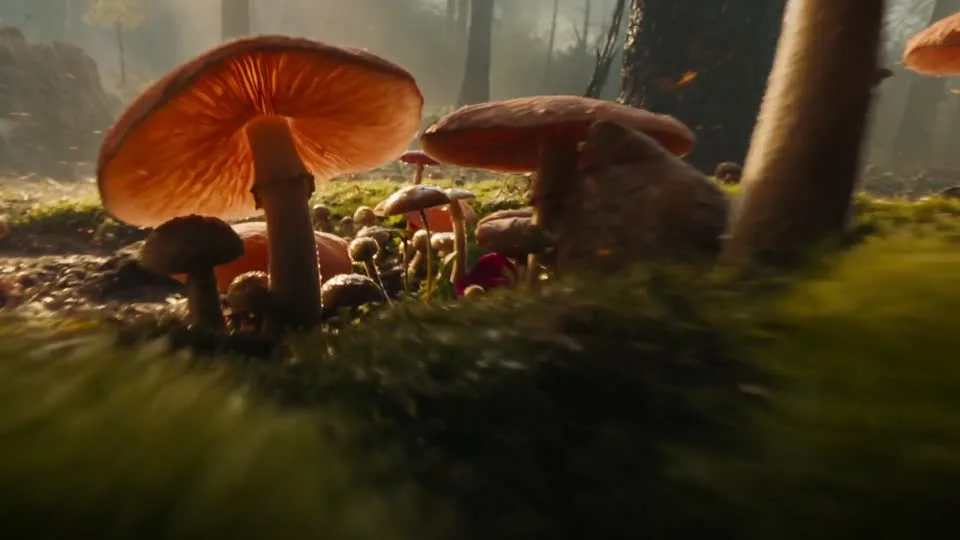
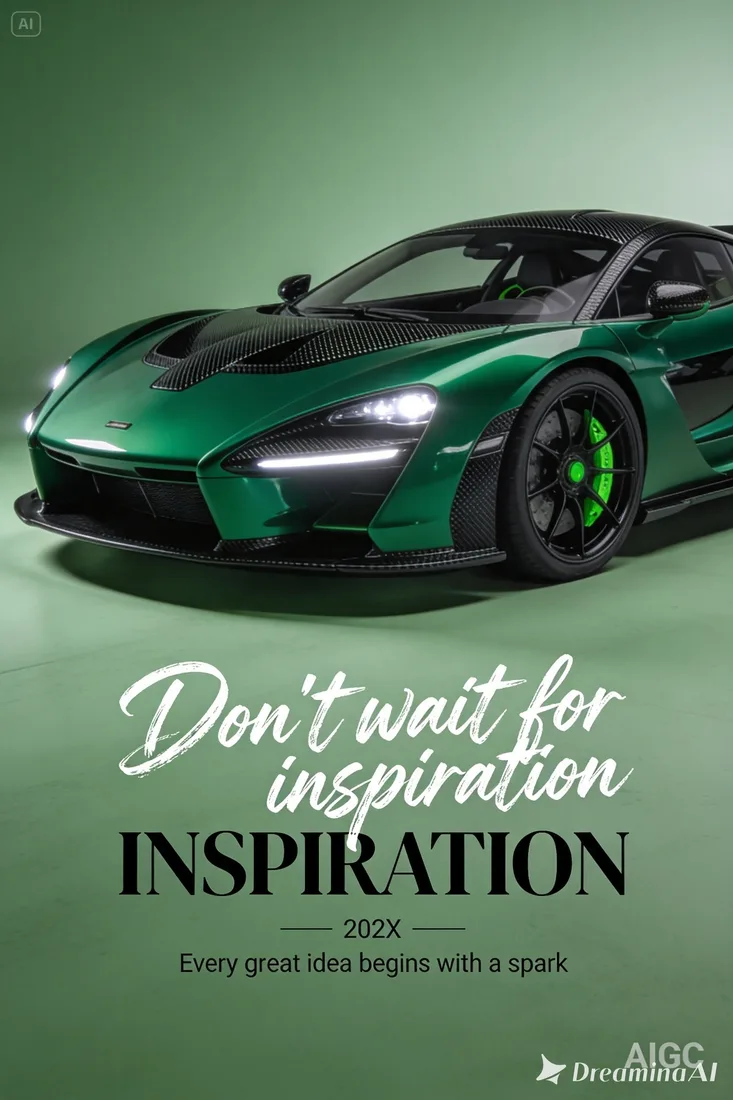
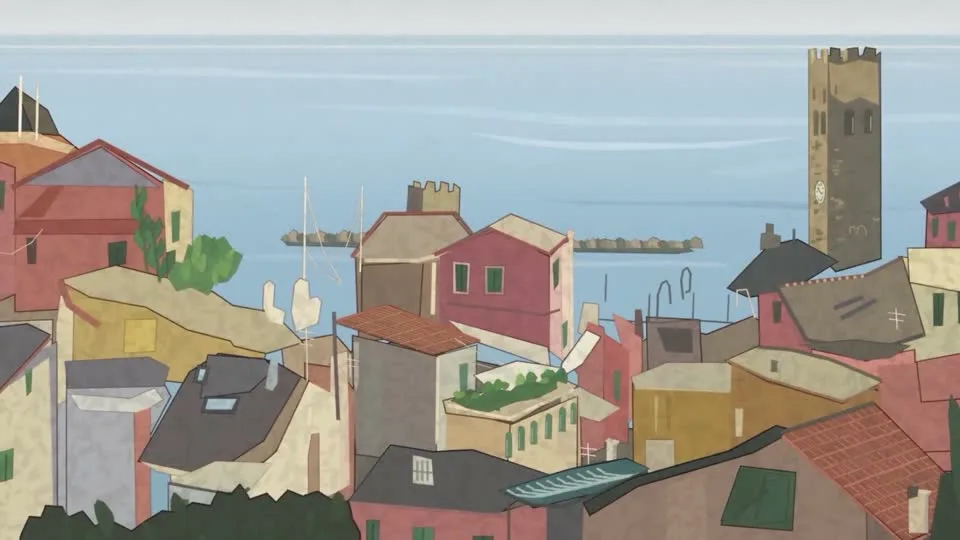
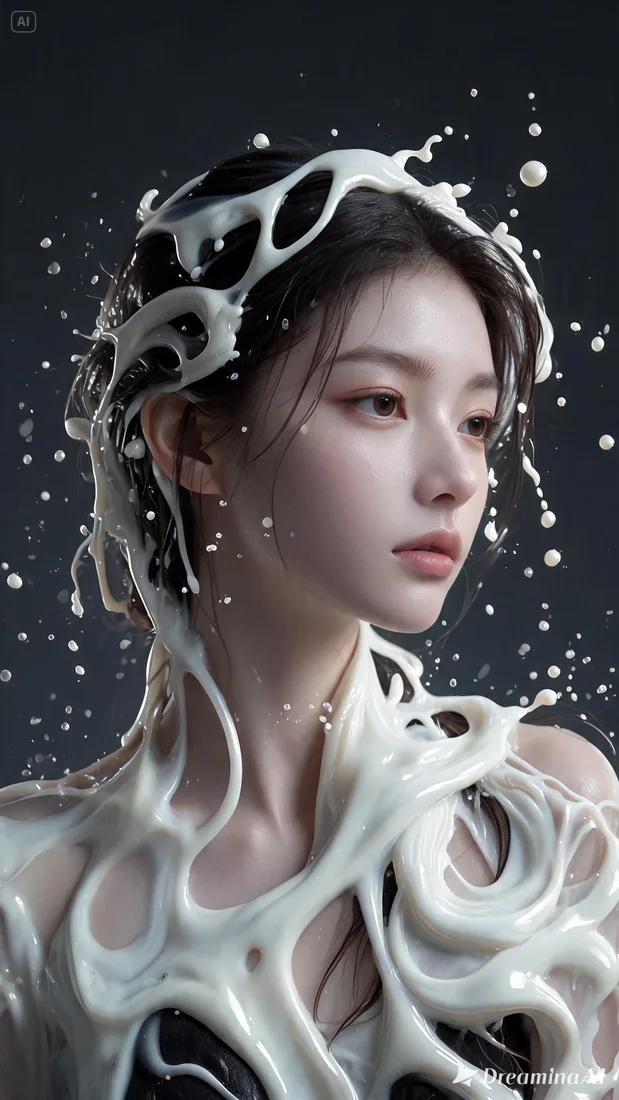
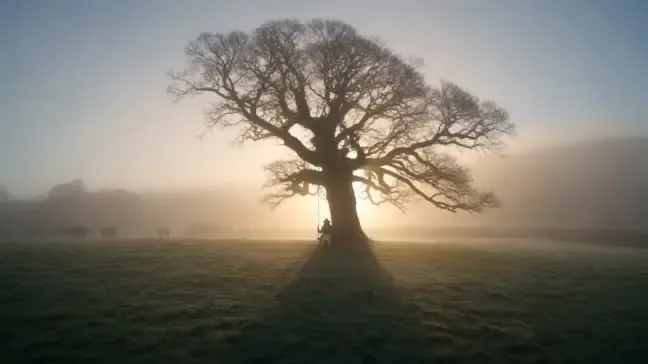
These images are visual references for composition and motion, not verified outputs from your selected model.
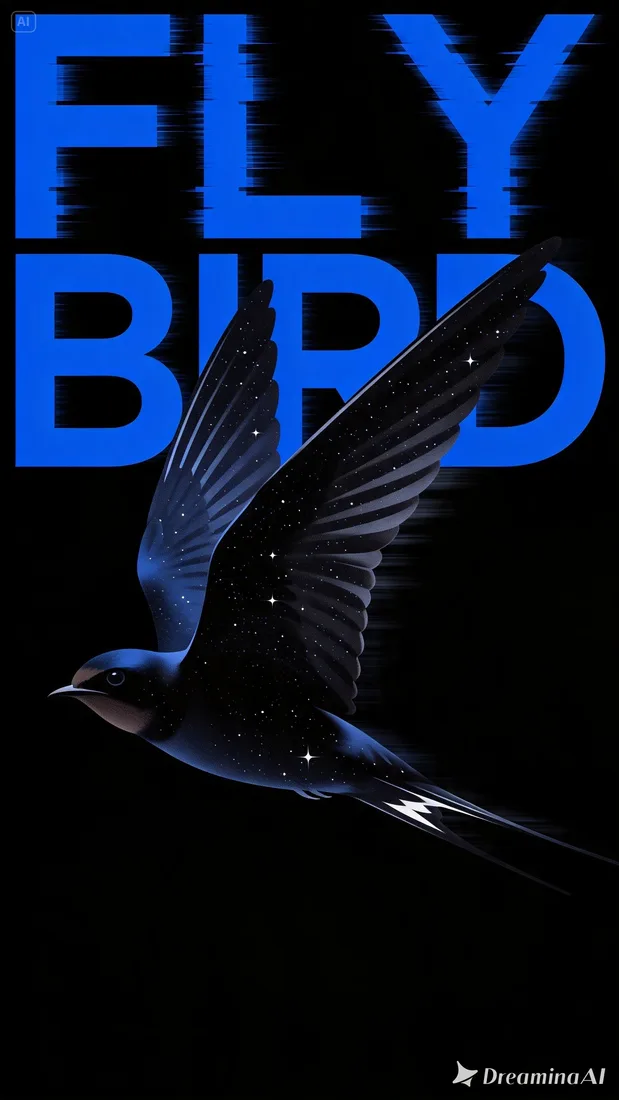 Flow AI Video
Example 1 / 2
Describe the background, light, and arrangement you want to explore.
Need a hand?
Review the requirements for this workflow before you generate.
Contact supportImage to image uses an uploaded reference together with your prompt. Text to image can begin with a description alone.
Generated versions may change shapes, faces, or text. Compare the result with the source before using it.
Review the estimated credits in the generation workspace before submitting. Opening this page or preparing a draft does not start a paid generation.
Start with the image you already have
Upload your reference and name the change that matters most. Review the result before refining another detail.