












01 / START WITH A PROMPT OR REFERENCE
Available settings for Kling 4.0
Create with Kling 4.0: 3s–30s, 720p/1080p, and 21:9/16:9/1:1 formats. Compare settings and review estimated credits before generating.

Create with Kling 4.0: 3s–30s, 720p/1080p, and 21:9/16:9/1:1 formats. Compare settings and review estimated credits before generating.
These are the controls currently offered in this workspace. Availability can change; confirm the selected settings and live estimate before submitting. Version names do not guarantee speed or output quality.
| Model | Duration | Resolution / quality | Aspect ratios | Example estimate |
|---|---|---|---|---|
| Kling 4.0 | 3s, 4s, 5s, 6s, 7s, 8s, 9s, 10s, 11s, 12s, 13s, 14s, 15s, 16s, 17s, 18s, 19s, 20s, 21s, 22s, 23s, 24s, 25s, 26s, 27s, 28s, 29s, 30s | 720p, 1080p | 21:9, 16:9, 1:1, 9:16, adaptive | 4s at 720p: 120 credits |
From brief to finished clip
Keep the same prompt and reference while comparing versions. Review identity, motion, framing, and the full clip before keeping a take.
Flow AI VideoCreate with Kling 4.0: 3s–30s, 720p/1080p, and 21:9/16:9/1:1 formats. Compare settings and review estimated credits before generating.
Keep the same prompt and reference while comparing versions. Review identity, motion, framing, and the full clip before keeping a take.
These are the controls currently offered in this workspace. Availability can change; confirm the selected settings and live estimate before submitting. Version names do not guarantee speed or output quality.
Explore more options in AI Video Generator. Return to the homepage.
Clear references, deliberate shot control
Keep the same prompt and reference while comparing versions. Review identity, motion, framing, and the full clip before keeping a take.
01 / START WITH A PROMPT OR REFERENCE
Create with Kling 4.0: 3s–30s, 720p/1080p, and 21:9/16:9/1:1 formats. Compare settings and review estimated credits before generating.

02 / SET DURATION AND QUALITY
4s at 720p: 120 credits

03 / DIRECT THE CAMERA
Keep the same prompt and reference while comparing versions. Review identity, motion, framing, and the full clip before keeping a take.

04 / REVIEW AND REFINE
These are the controls currently offered in this workspace. Availability can change; confirm the selected settings and live estimate before submitting. Version names do not guarantee speed or output quality.

One video, one clear purpose
Start from a specific shot brief for a product clip or social post.
E-commerce teams
Add product images as visual references, then describe material, action, and camera distance for a draft you can refine.

Prompt and shot inspiration
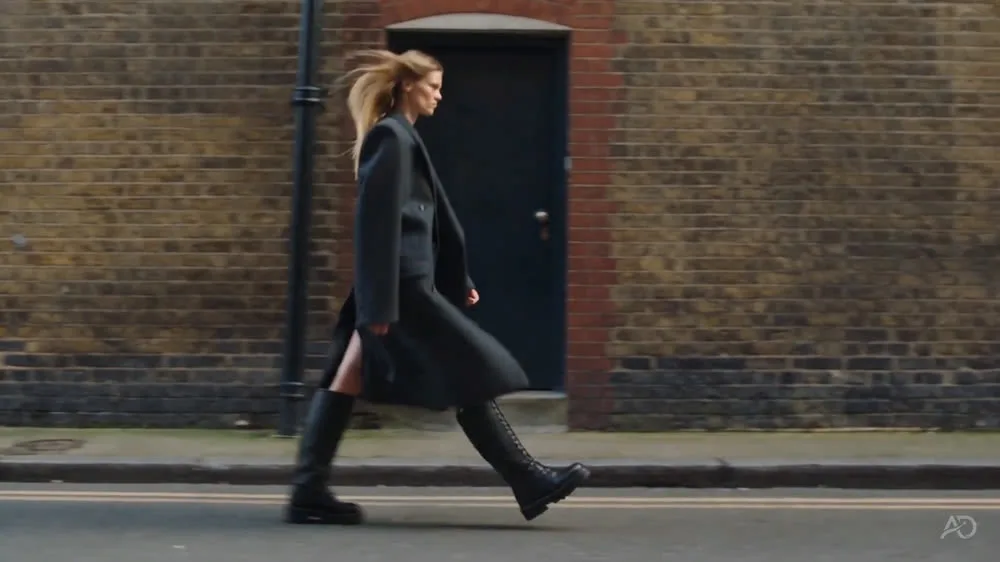
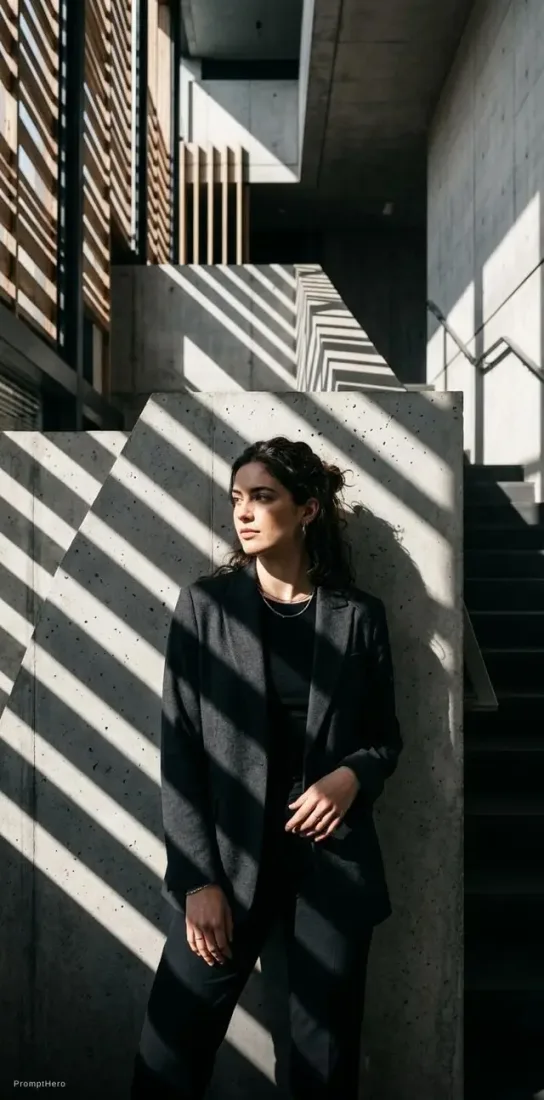
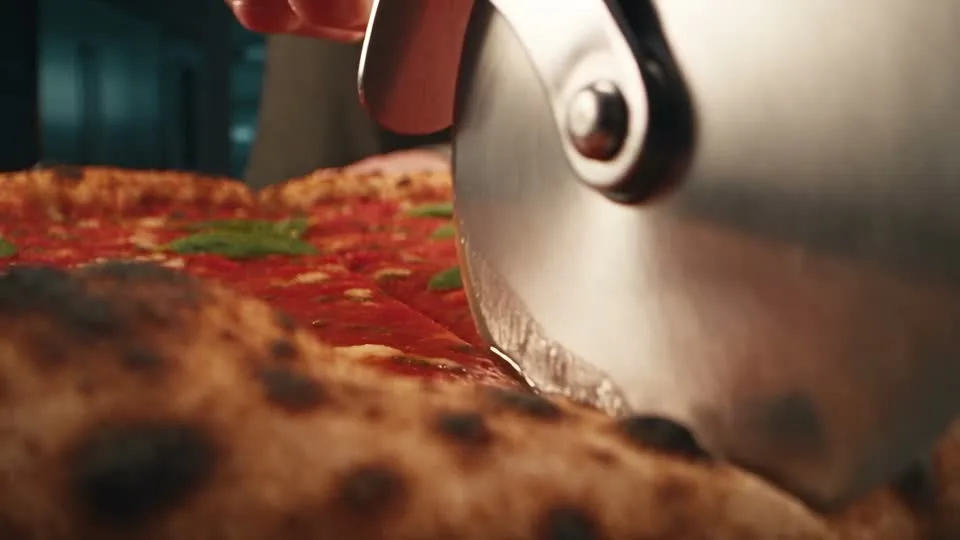
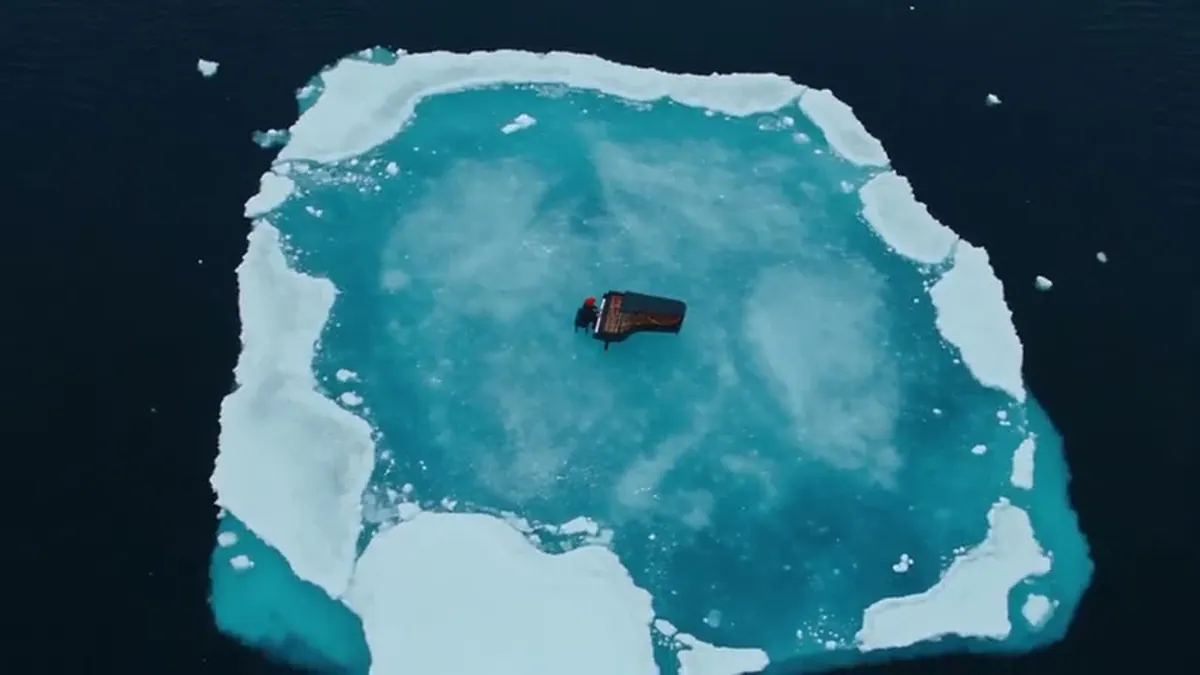
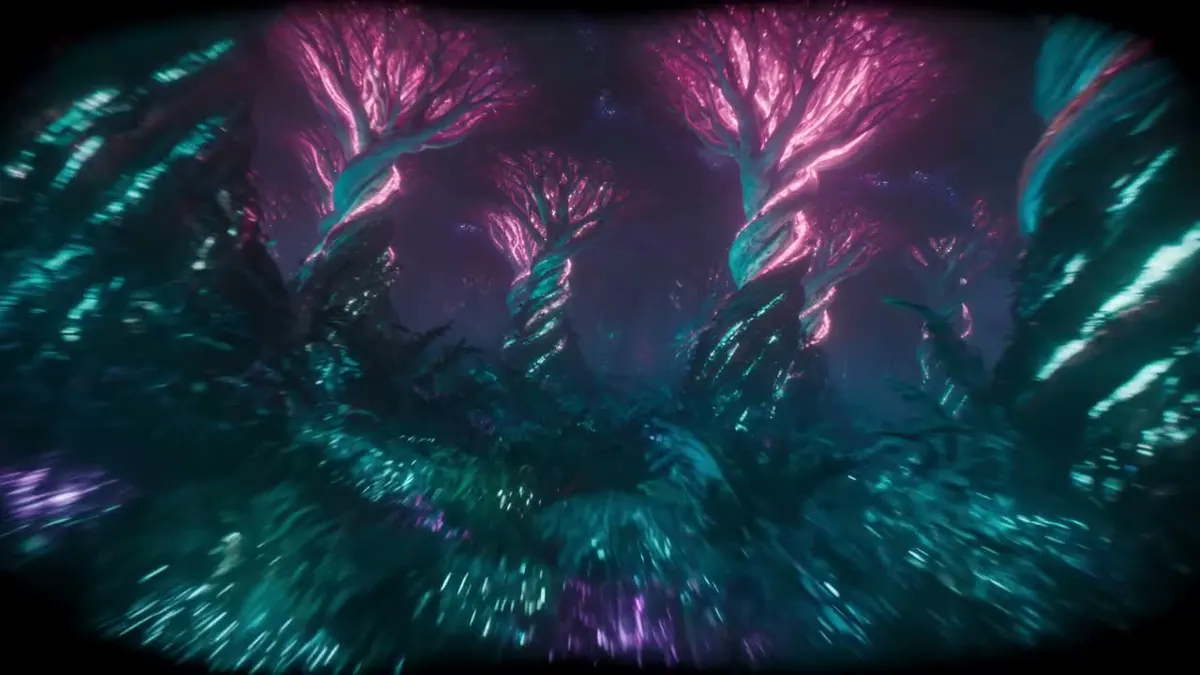
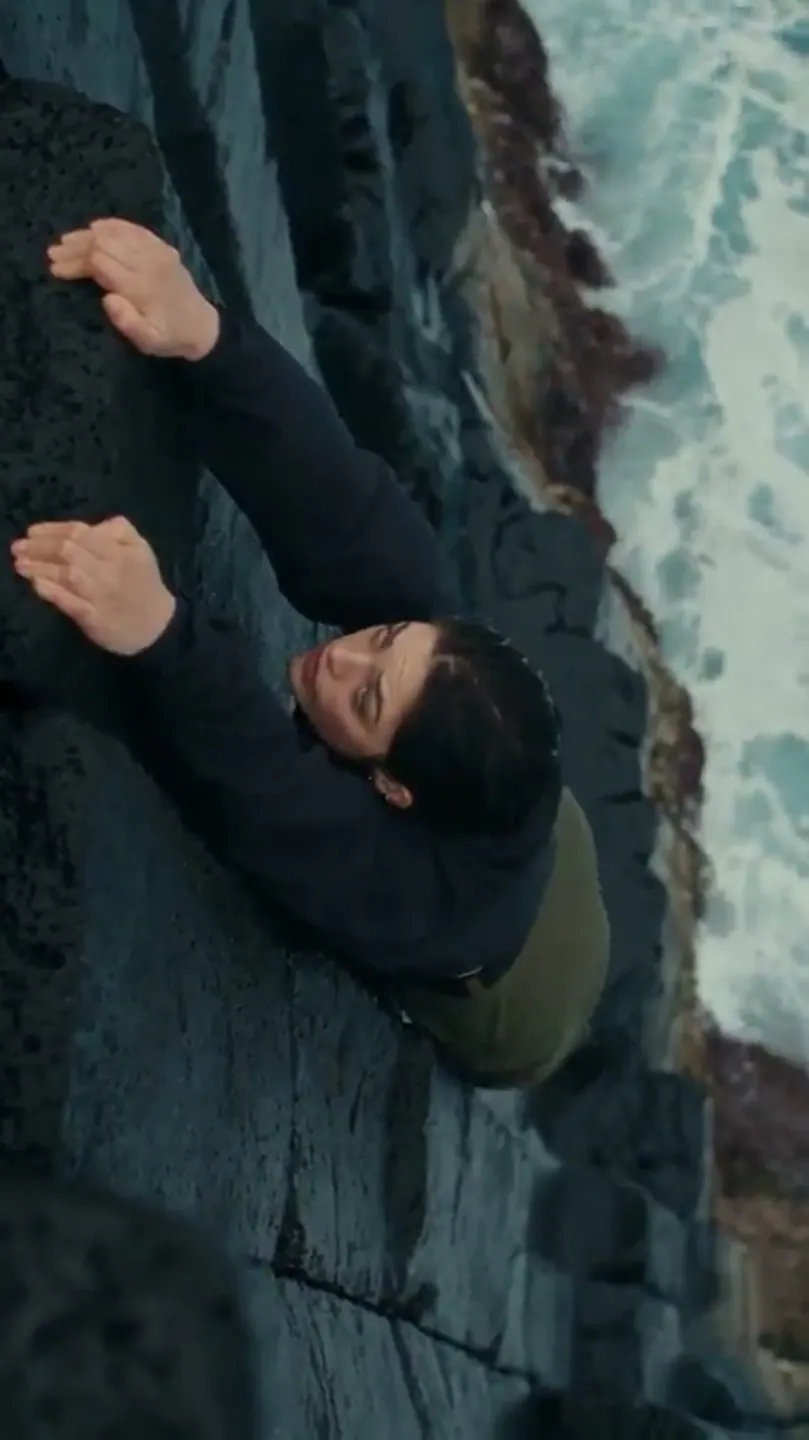
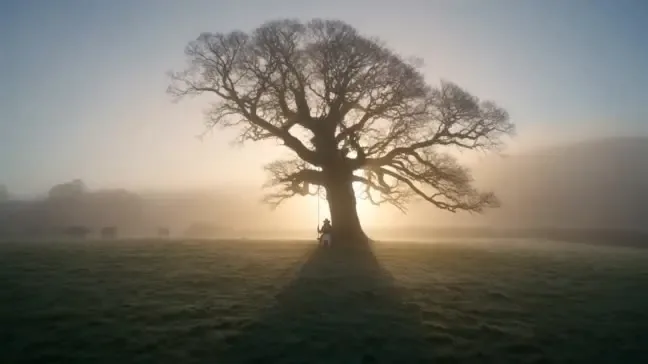
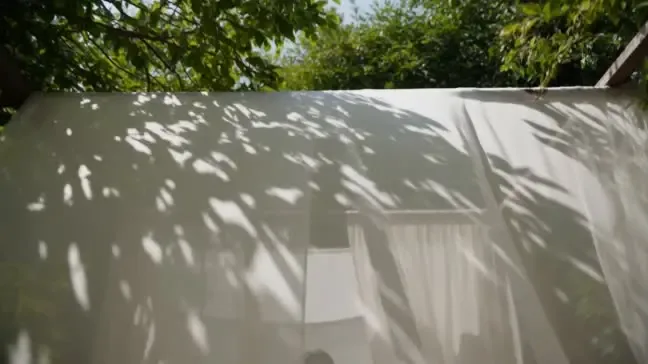
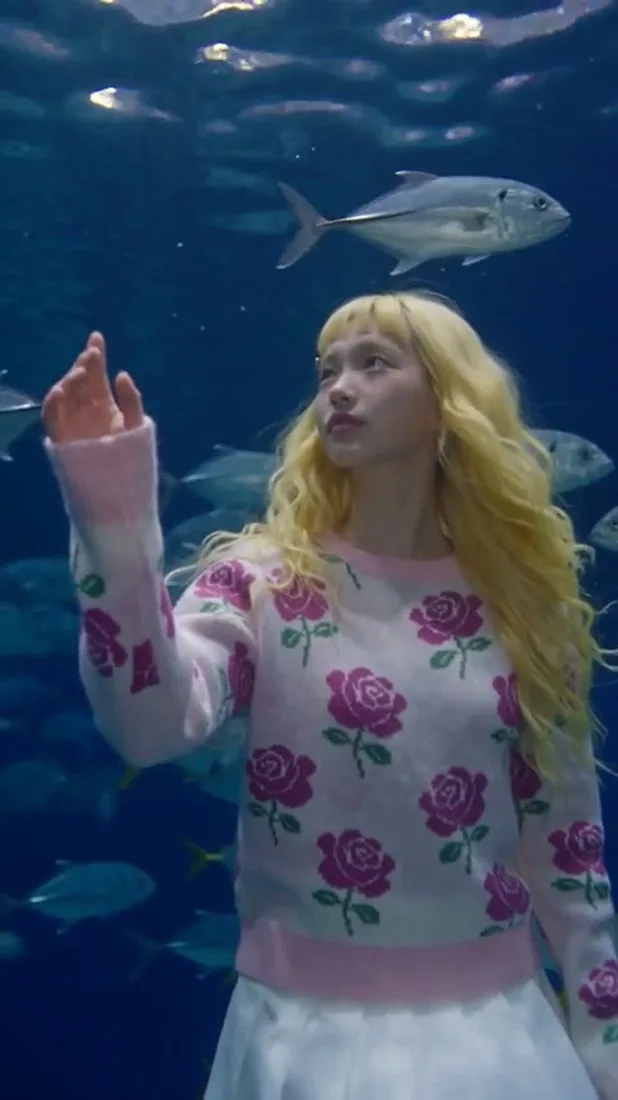
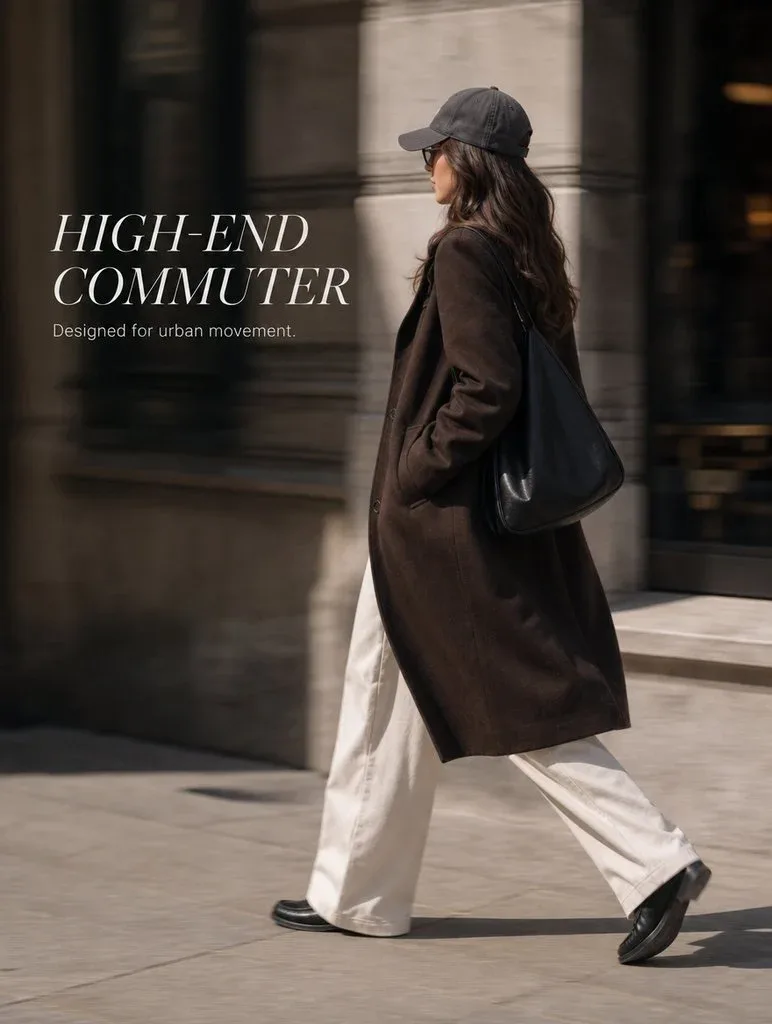
These project assets illustrate prompt directions. They are not verified outputs from Kling 4.0.
Flow AI VideoExample1 / 3
Open on one useful detail, then reveal the full silhouette with a deliberate camera move.
Need a hand?
Understand the modes, reference inputs, available settings, and credit estimate.
Contact supportCreate with Kling 4.0: 3s–30s, 720p/1080p, and 21:9/16:9/1:1 formats. Compare settings and review estimated credits before generating.
4s at 720p: 120 credits. These are the controls currently offered in this workspace. Availability can change; confirm the selected settings and live estimate before submitting. Version names do not guarantee speed or output quality.
Keep the same prompt and reference while comparing versions. Review identity, motion, framing, and the full clip before keeping a take.
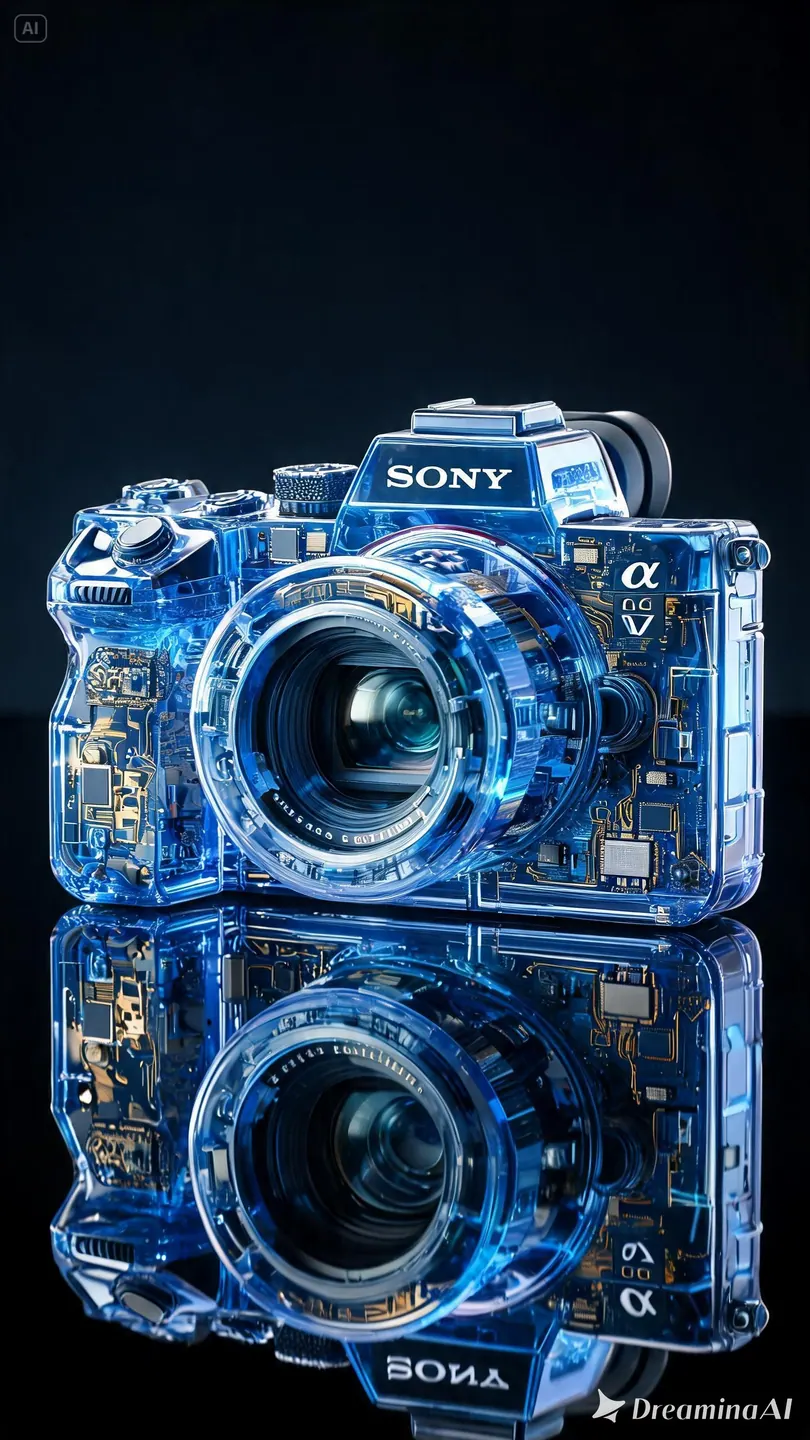
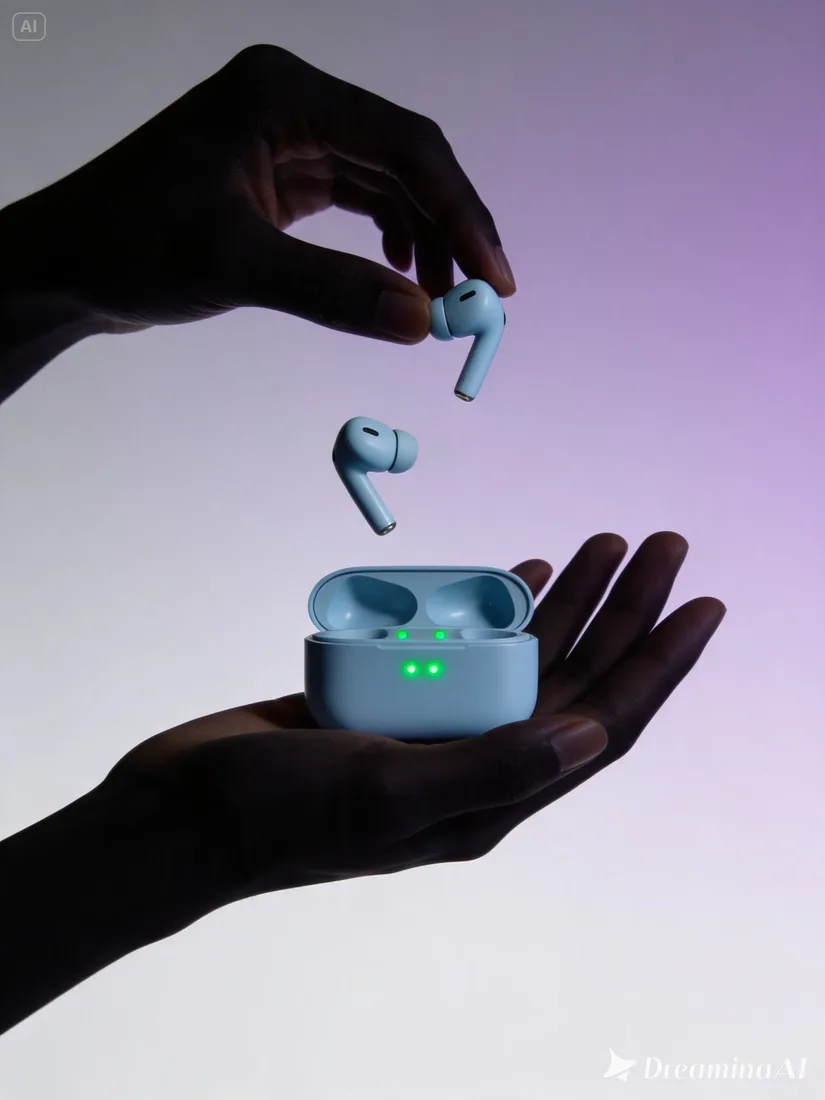
These project images illustrate composition and style, not verified outputs from the selected model.
Bring the assets you already have
Keep the same prompt and reference while comparing versions. Review identity, motion, framing, and the full clip before keeping a take.