01
Available settings for Wan 3.0 Prime
Create with Wan 3.0 Prime: 2s–30s, 480p/720p/1080p, and adaptive/16:9/4:3 formats. Compare settings and review estimated credits before generating.
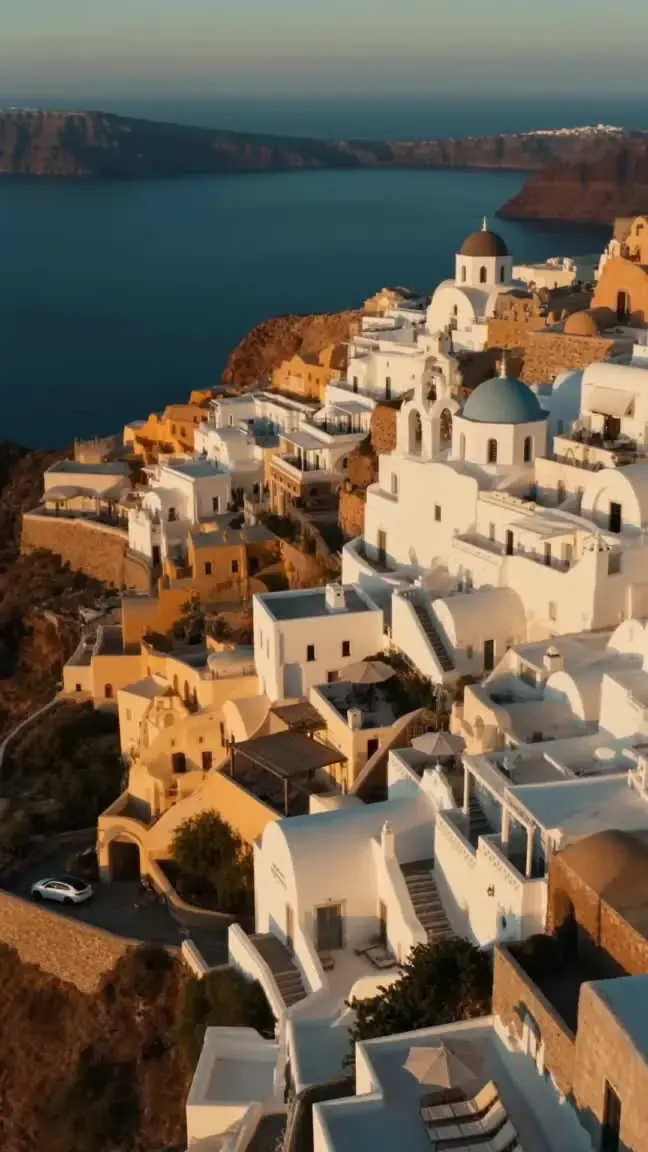
01Creative reference
Create with Wan 3.0 Prime: 2s–30s, 480p/720p/1080p, and adaptive/16:9/4:3 formats. Compare settings and review estimated credits before generating.
From reference to result
Keep the same prompt and reference while comparing versions. Review identity, motion, framing, and the full clip before keeping a take.
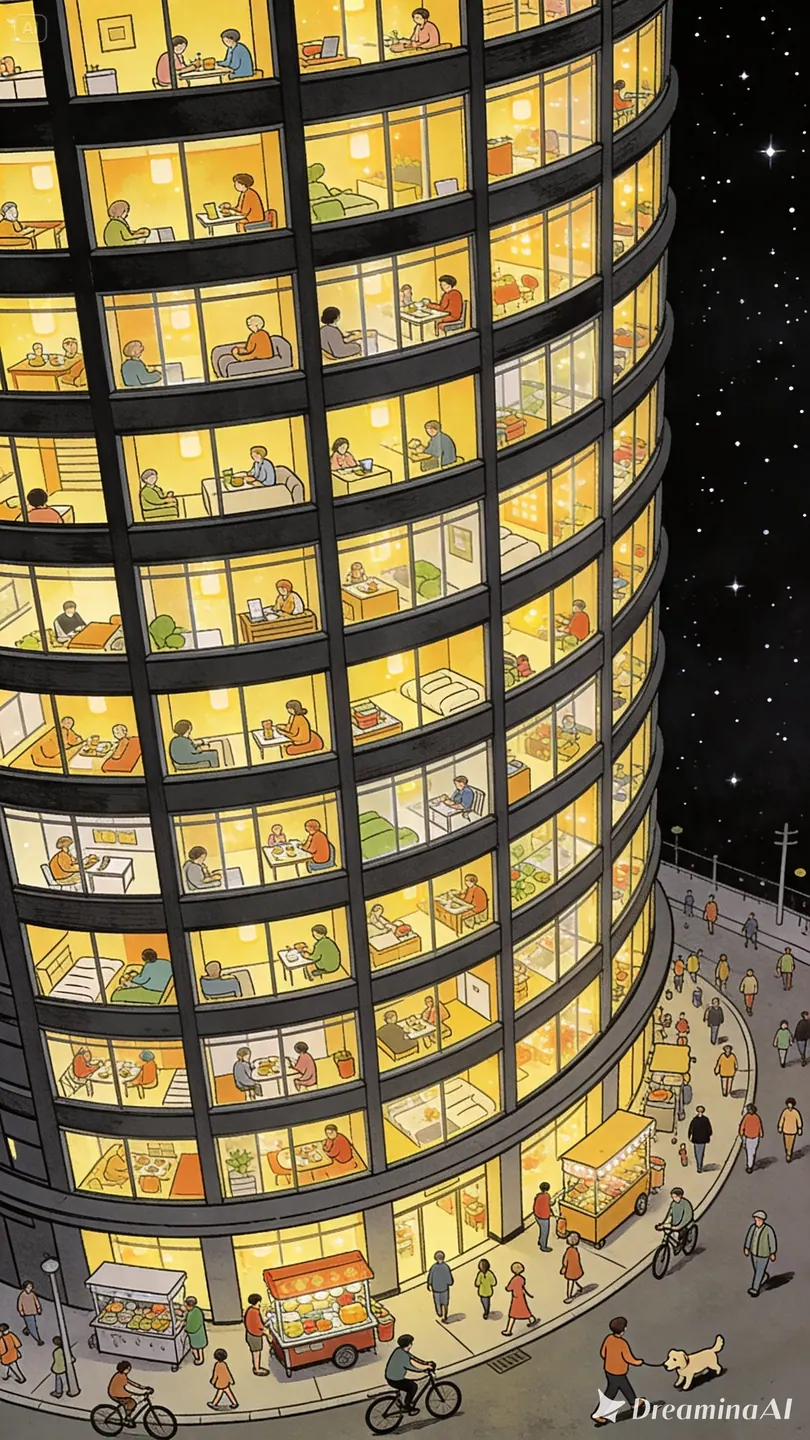 Creative reference
Create with Wan 3.0 Prime: 2s–30s, 480p/720p/1080p, and adaptive/16:9/4:3 formats. Compare settings and review estimated credits before generating.
Keep the same prompt and reference while comparing versions. Review identity, motion, framing, and the full clip before keeping a take.
These are the controls currently offered in this workspace. Availability can change; confirm the selected settings and live estimate before submitting. Version names do not guarantee speed or output quality.
Explore more options in AI Video Generator from Text & Images. Return to the homepage.
A clearer brief, a more deliberate first take
Keep the same prompt and reference while comparing versions. Review identity, motion, framing, and the full clip before keeping a take.
01
Create with Wan 3.0 Prime: 2s–30s, 480p/720p/1080p, and adaptive/16:9/4:3 formats. Compare settings and review estimated credits before generating.
02
4s at 720p: 160 credits
03
Keep the same prompt and reference while comparing versions. Review identity, motion, framing, and the full clip before keeping a take.
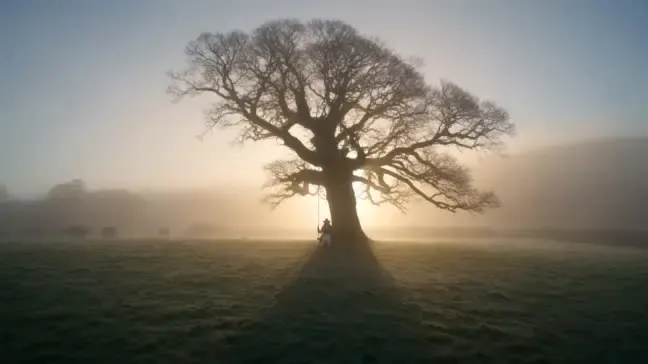
04
These are the controls currently offered in this workspace. Availability can change; confirm the selected settings and live estimate before submitting. Version names do not guarantee speed or output quality.
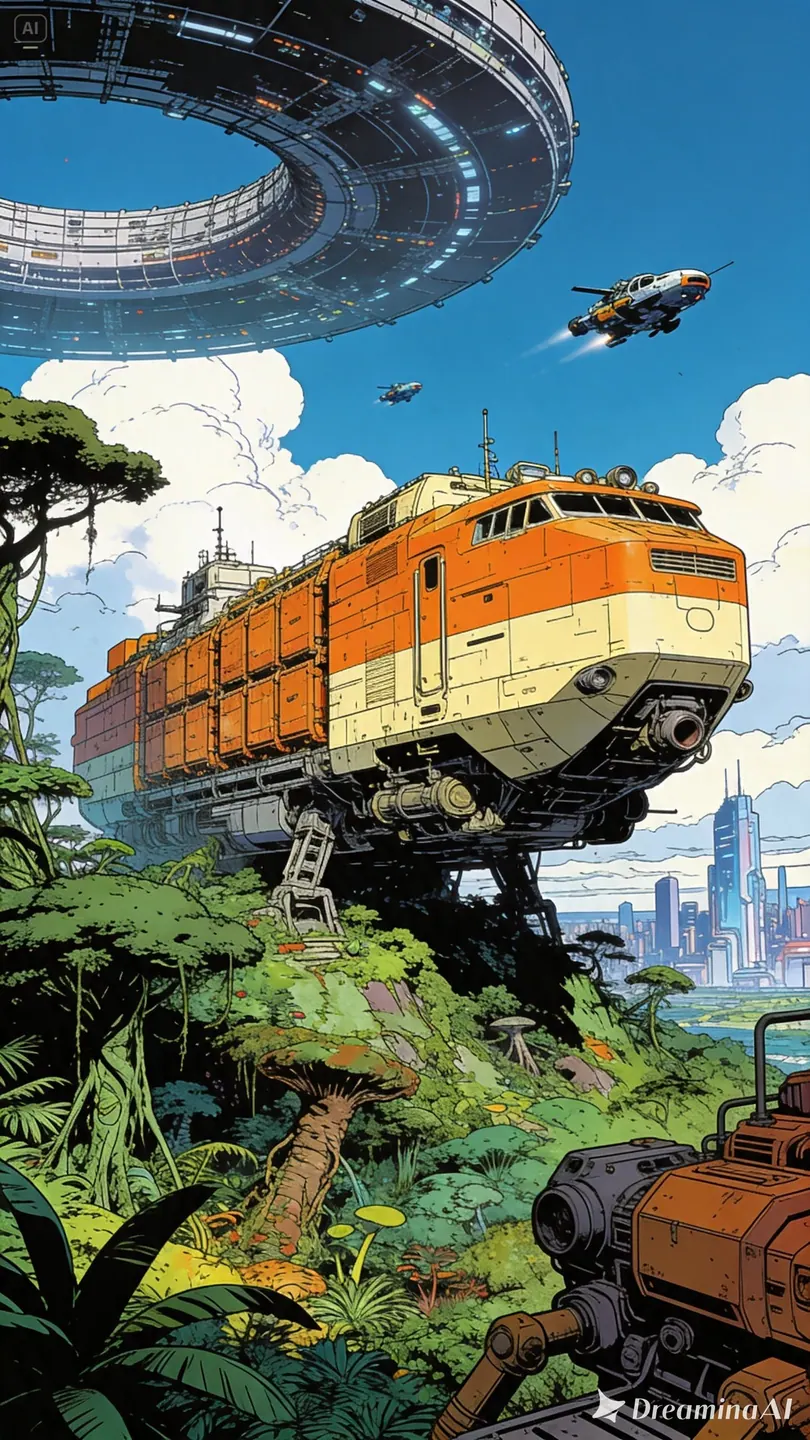
One clip, one creative goal
Start with the destination, then define the subject, style, and details that matter.
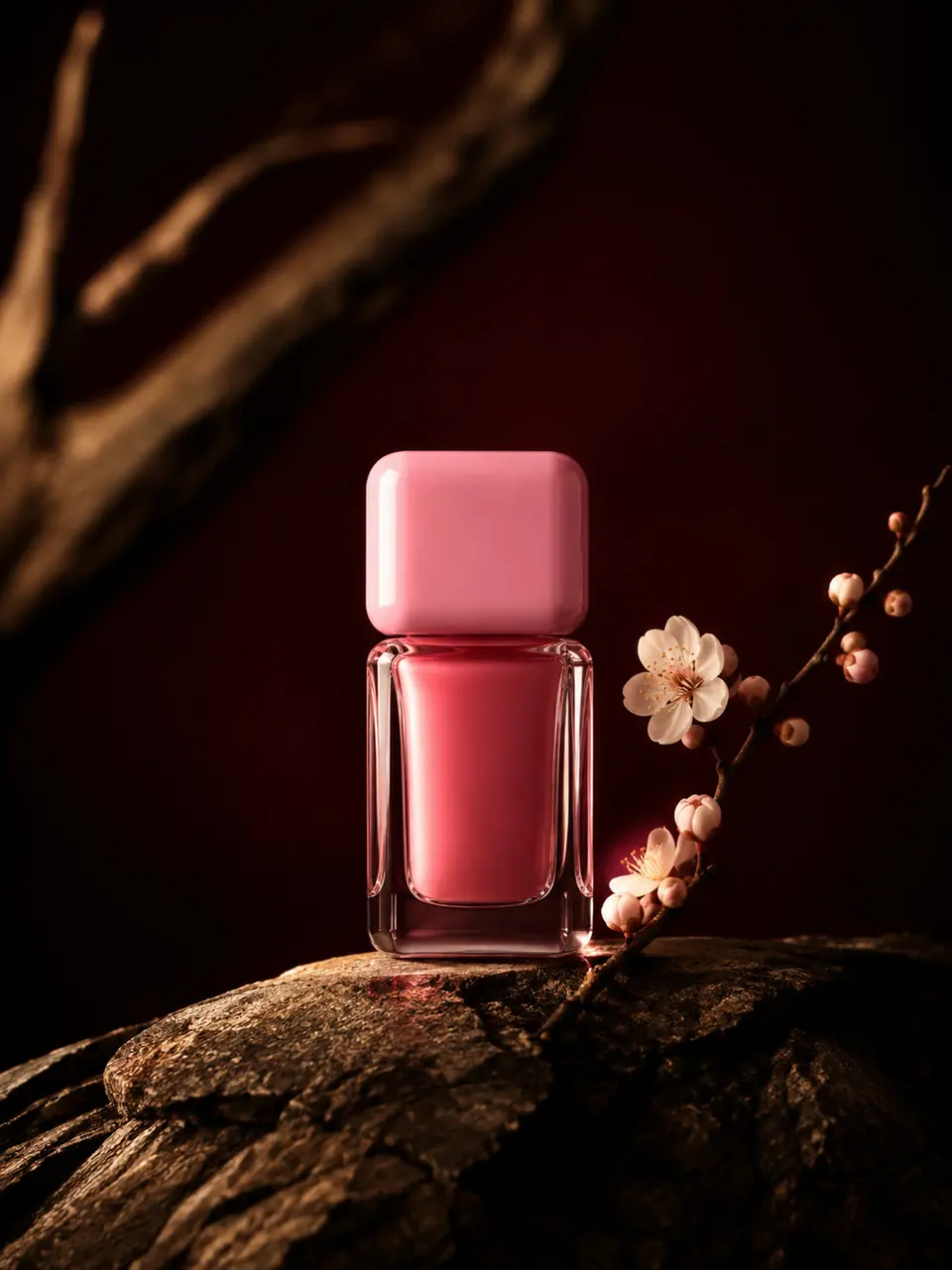
Products and brands
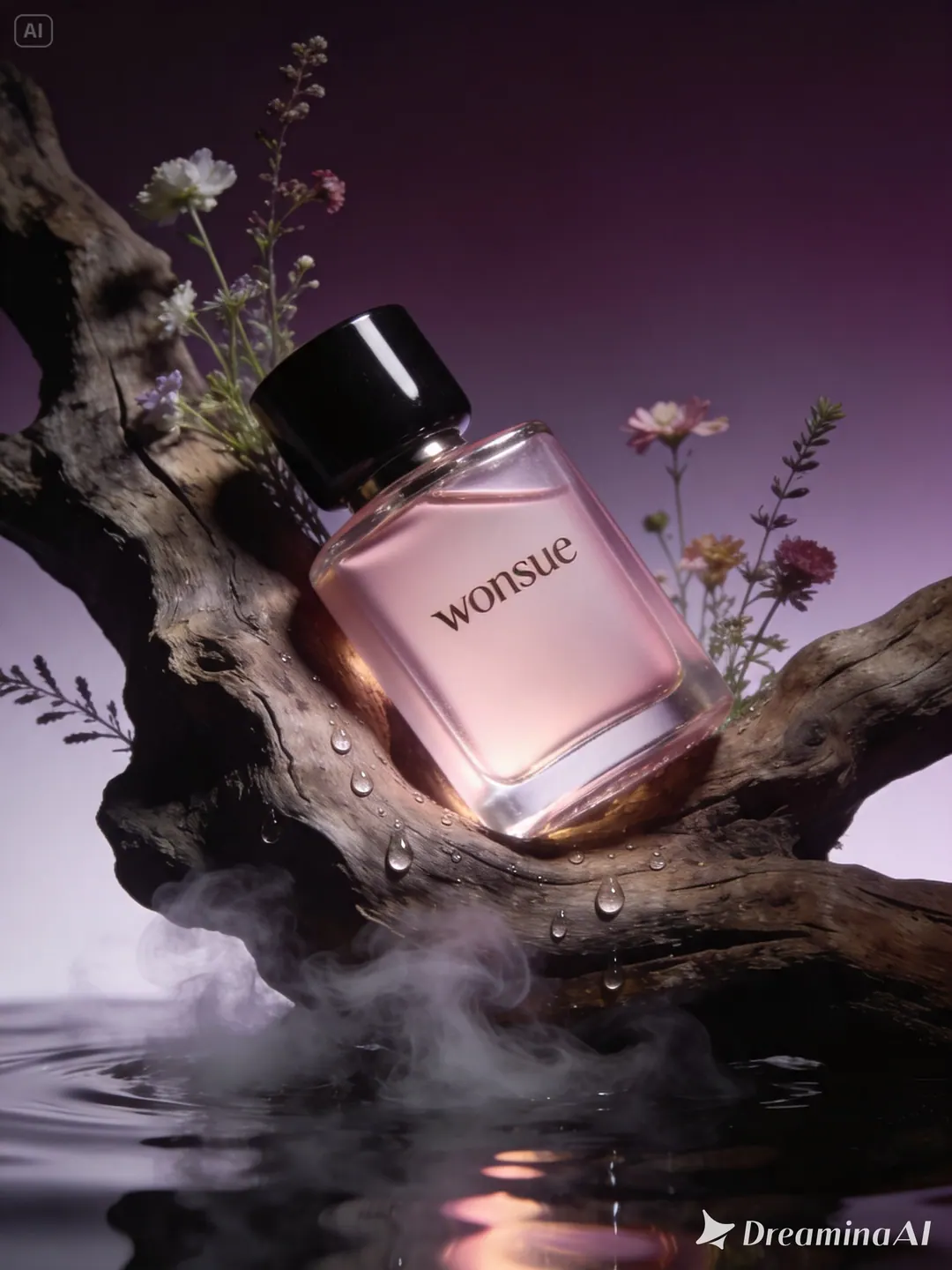
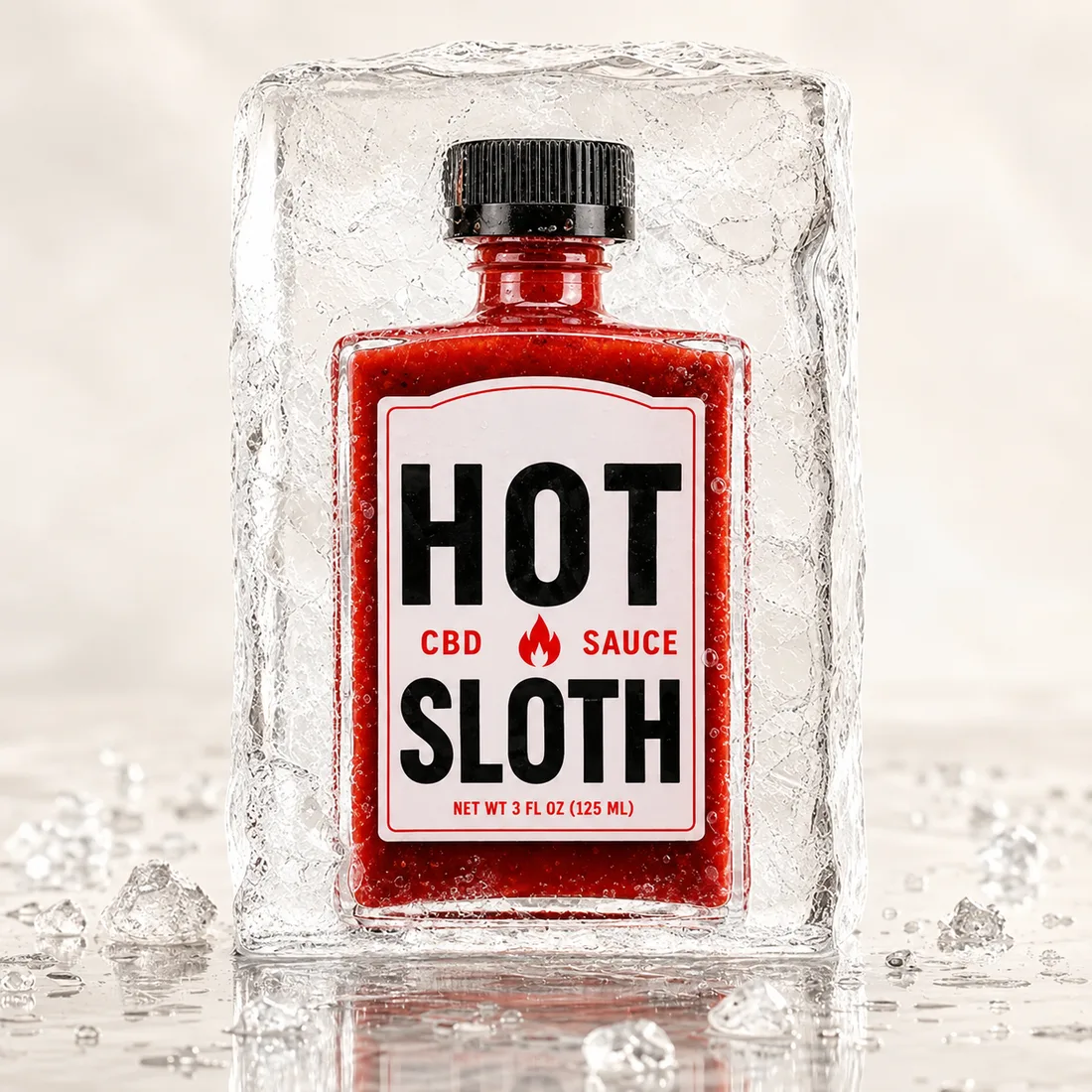
Define the product, setting, and visual treatment, then review the details against your brief.
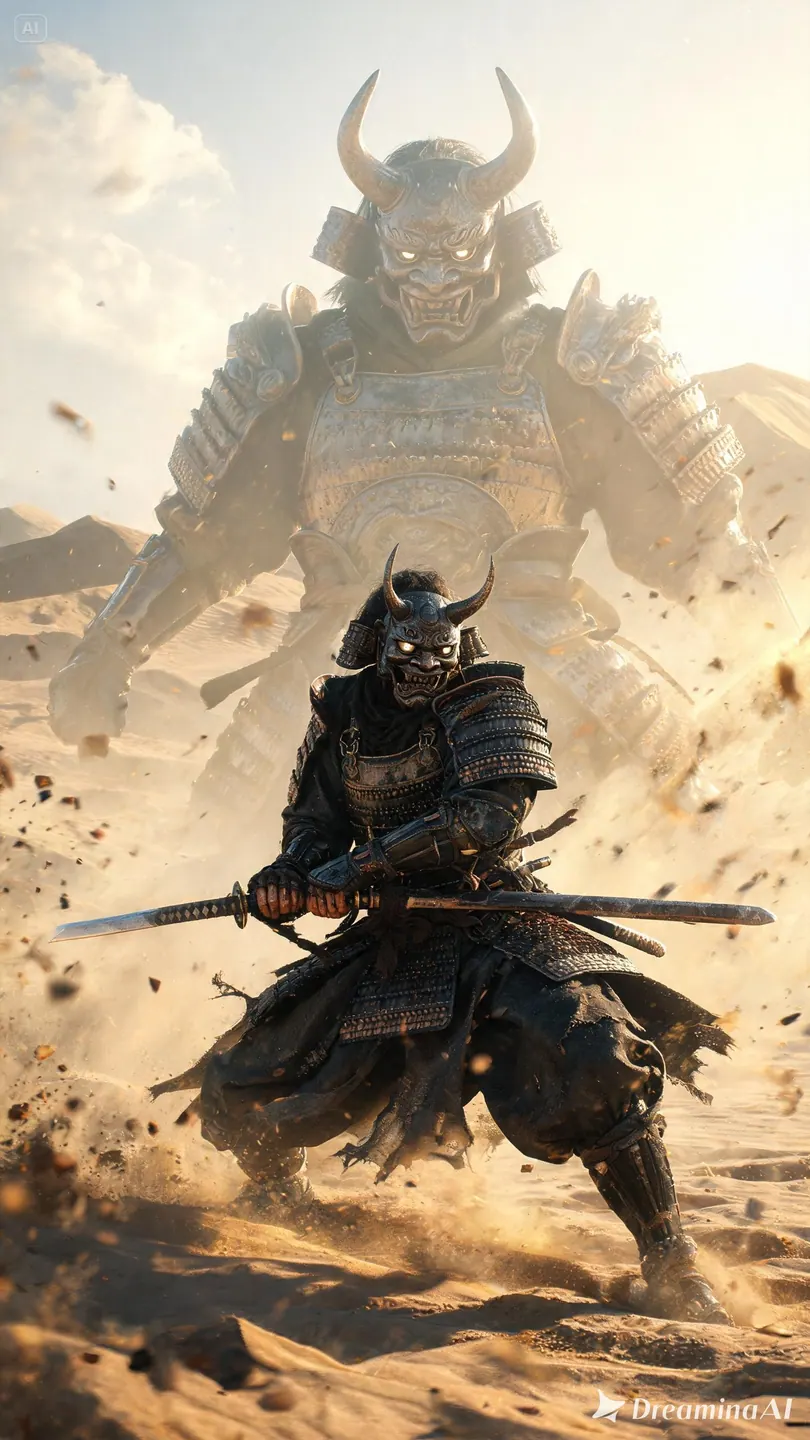
Camera and motion inspiration
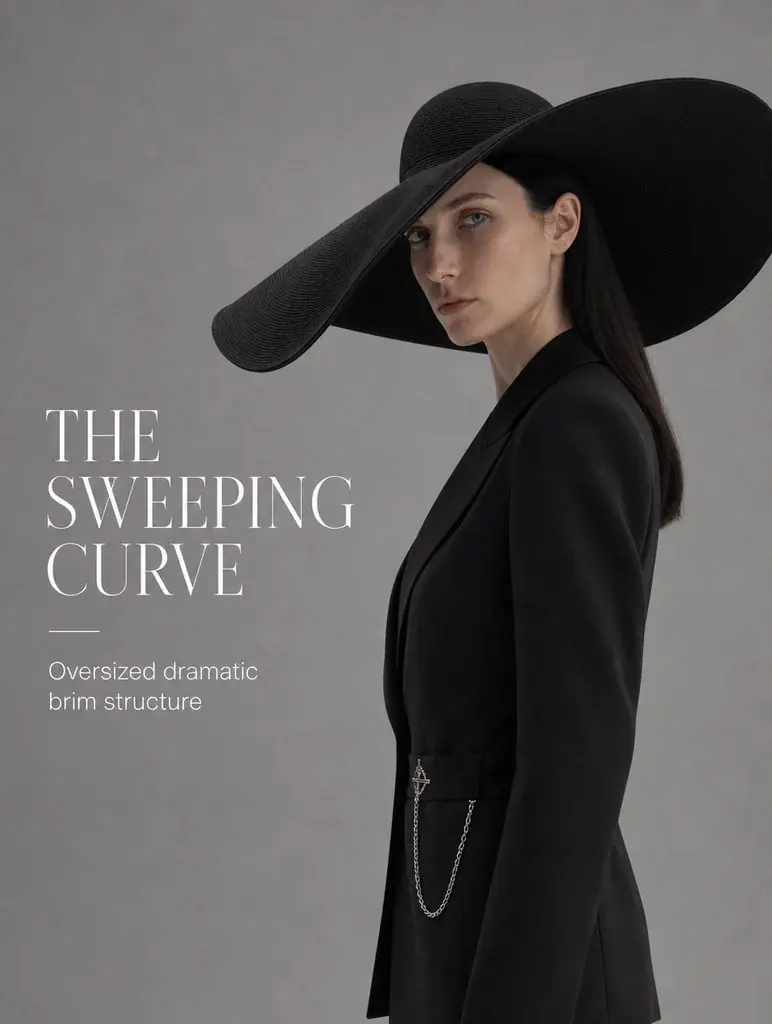
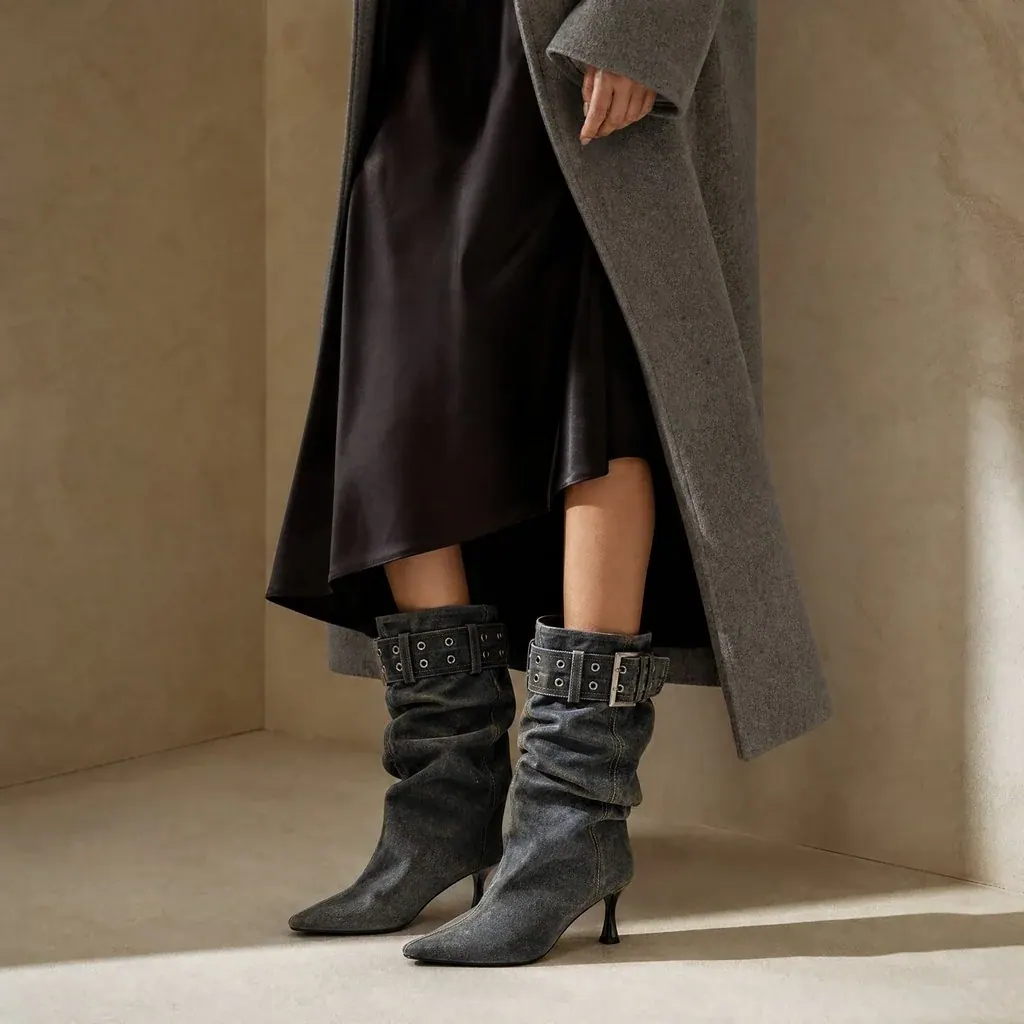
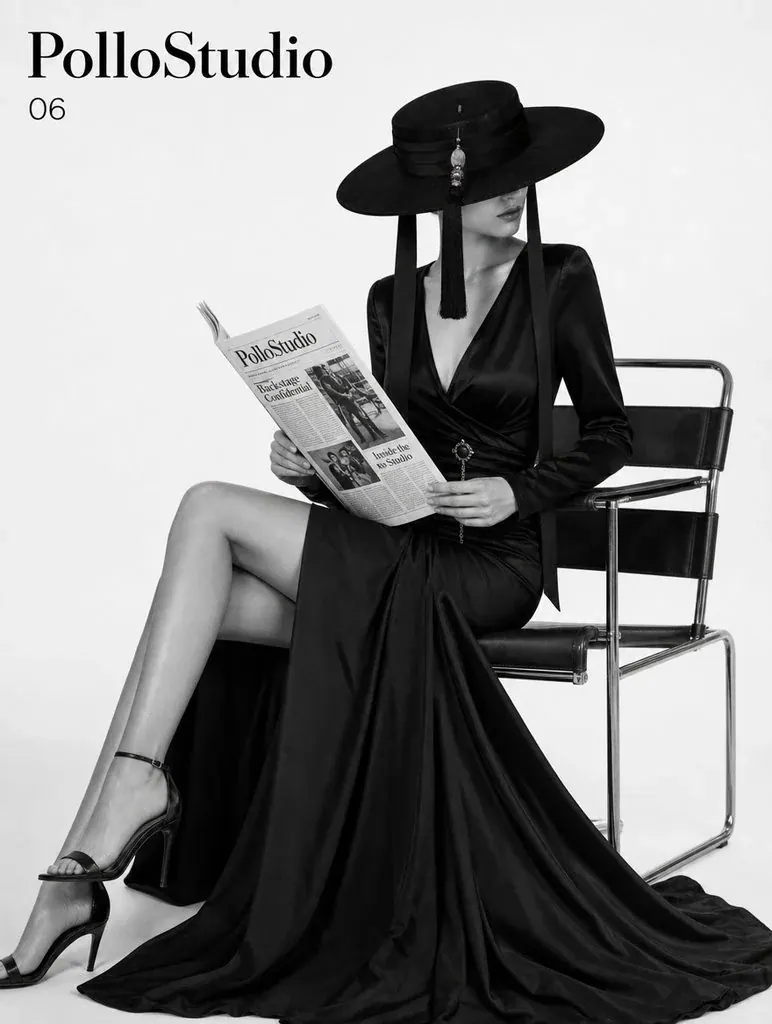
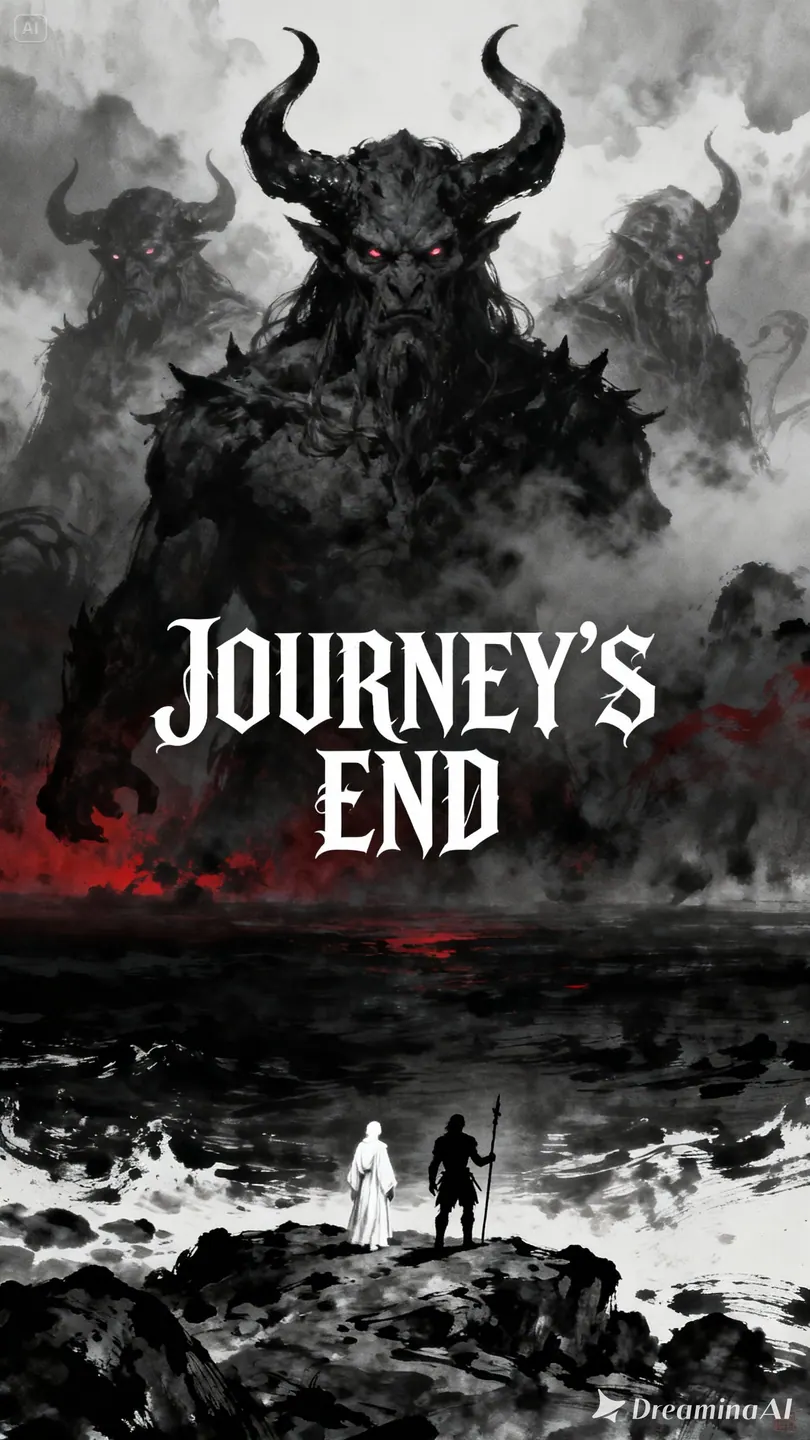
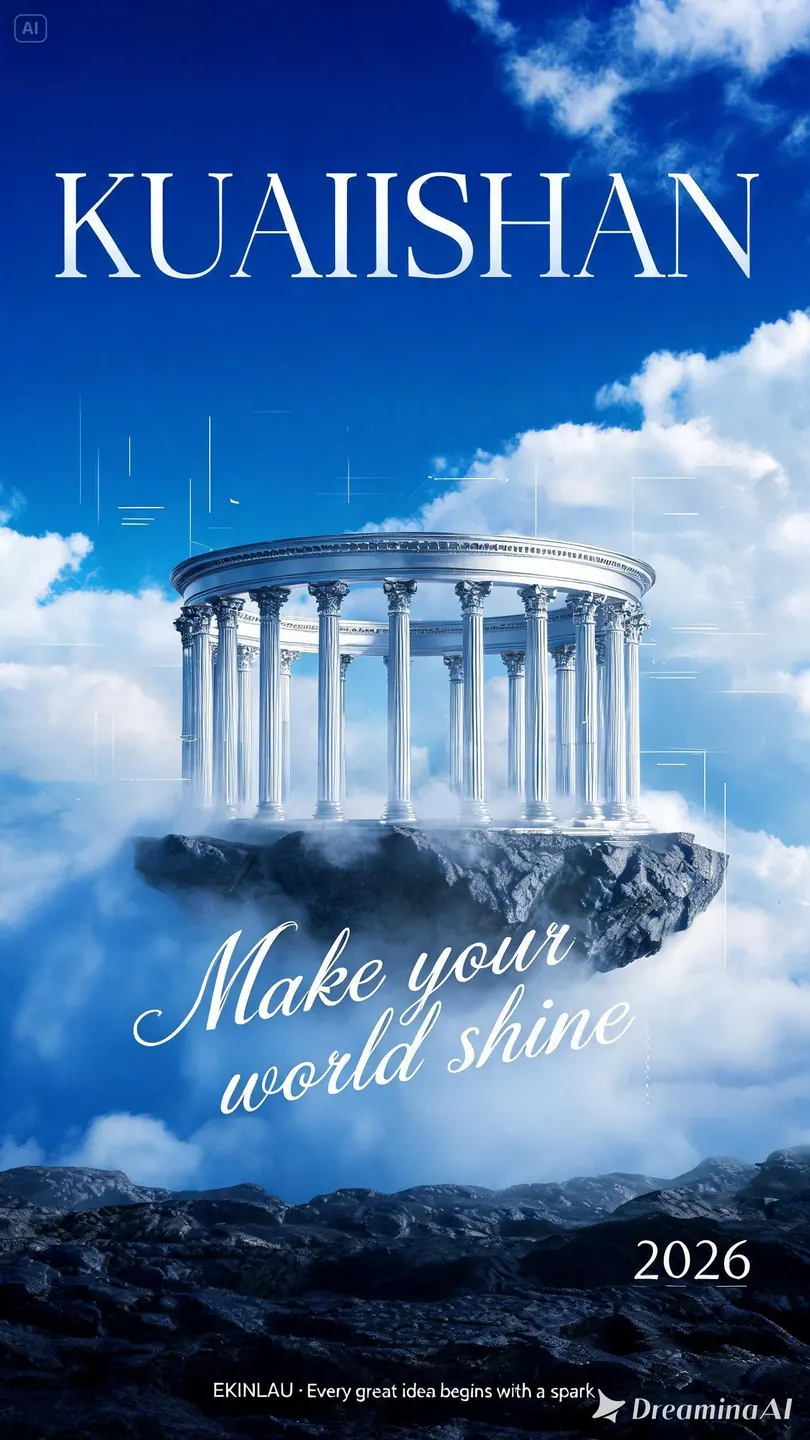
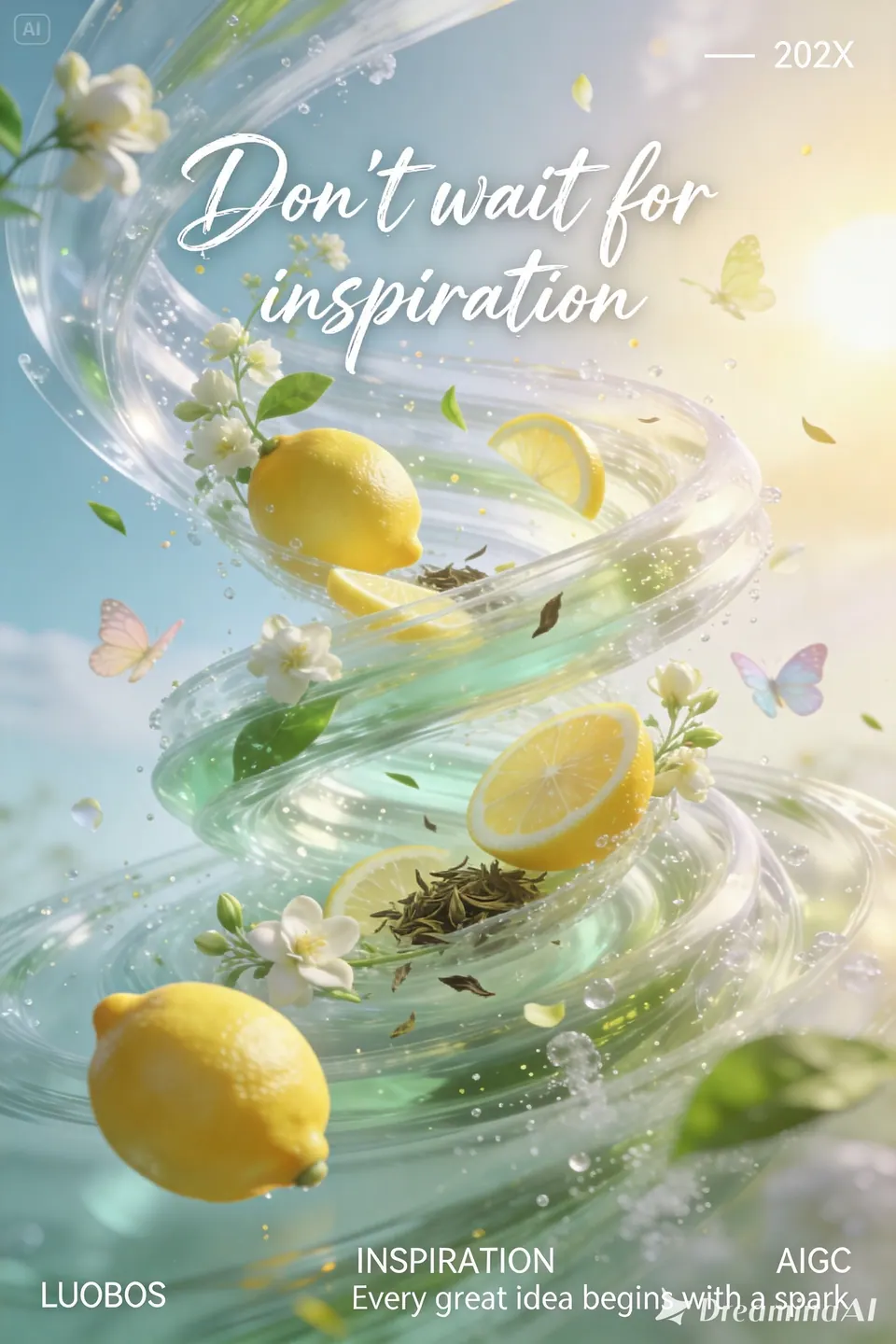
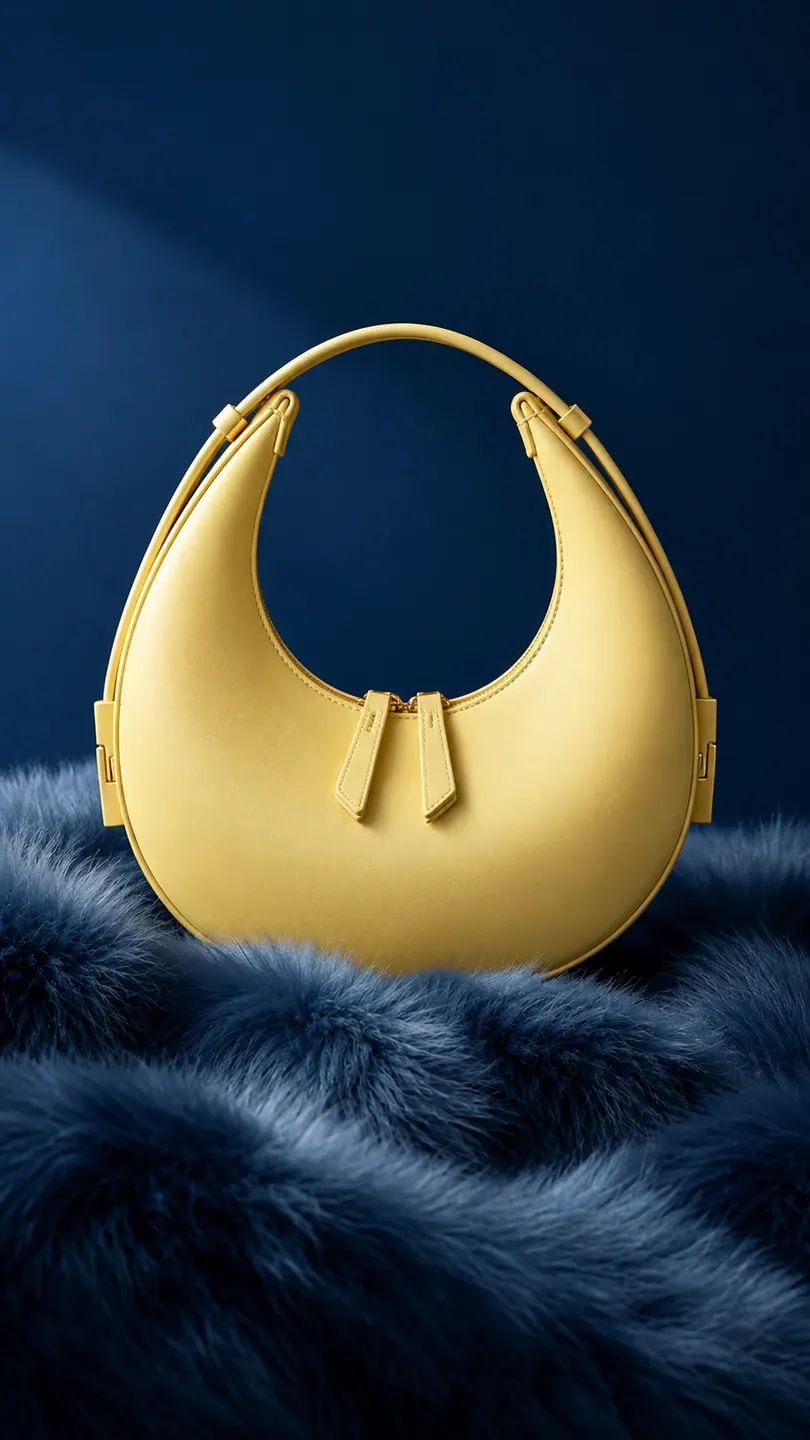
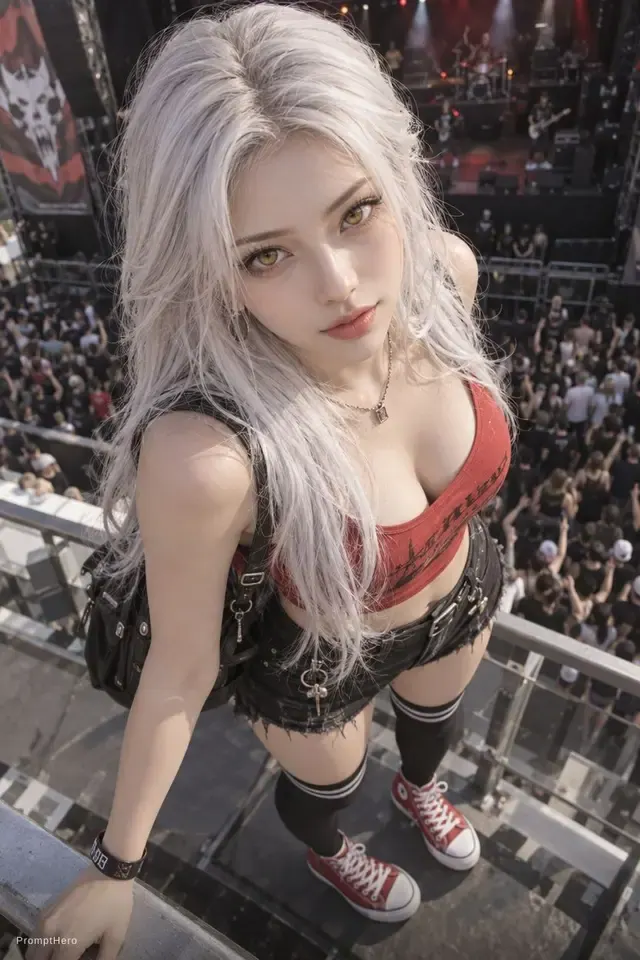
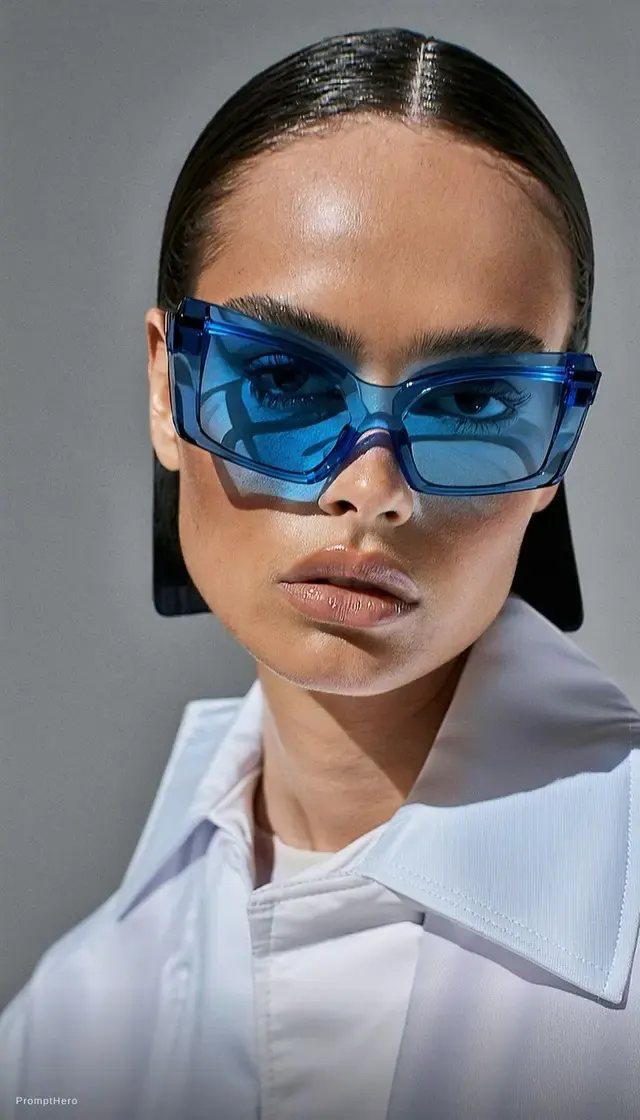
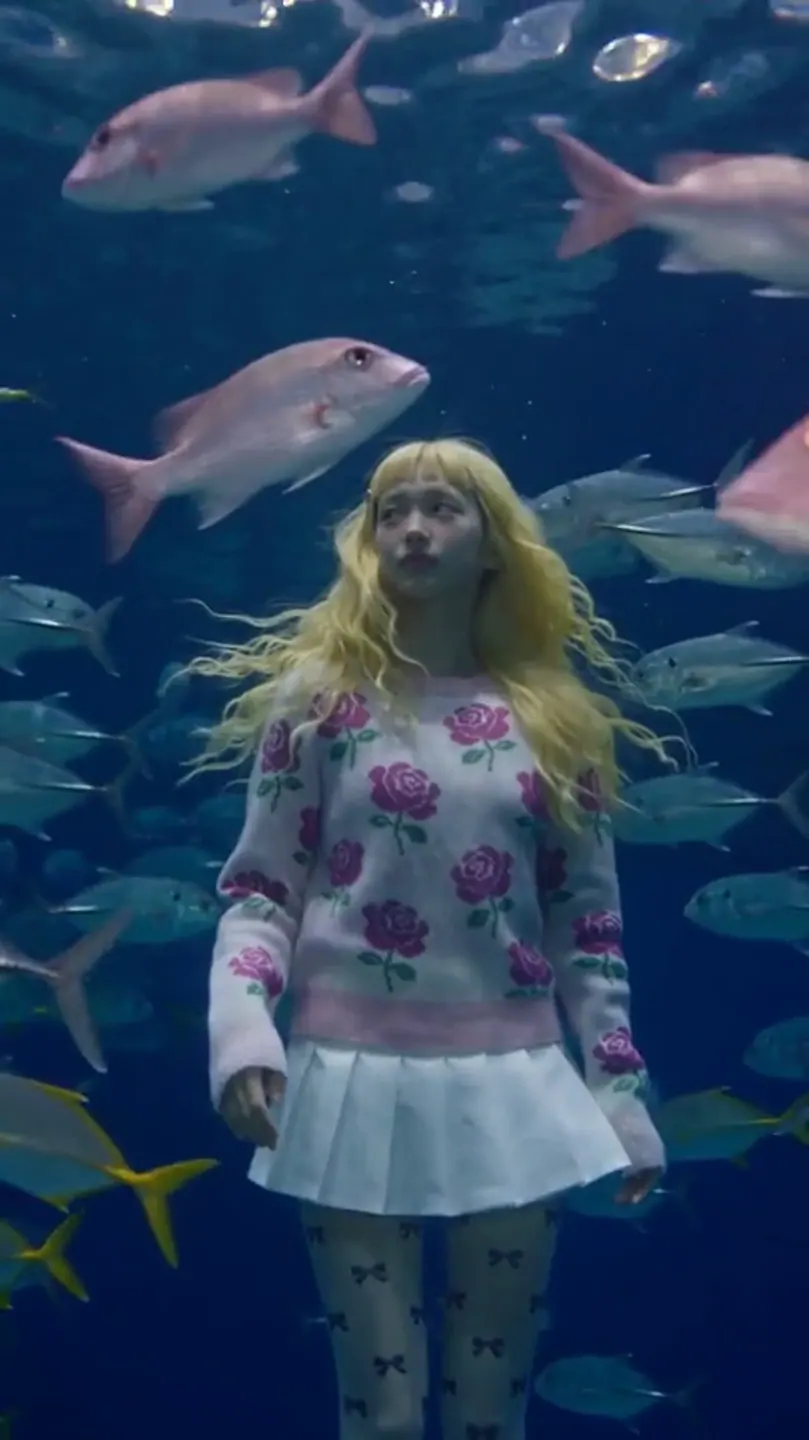
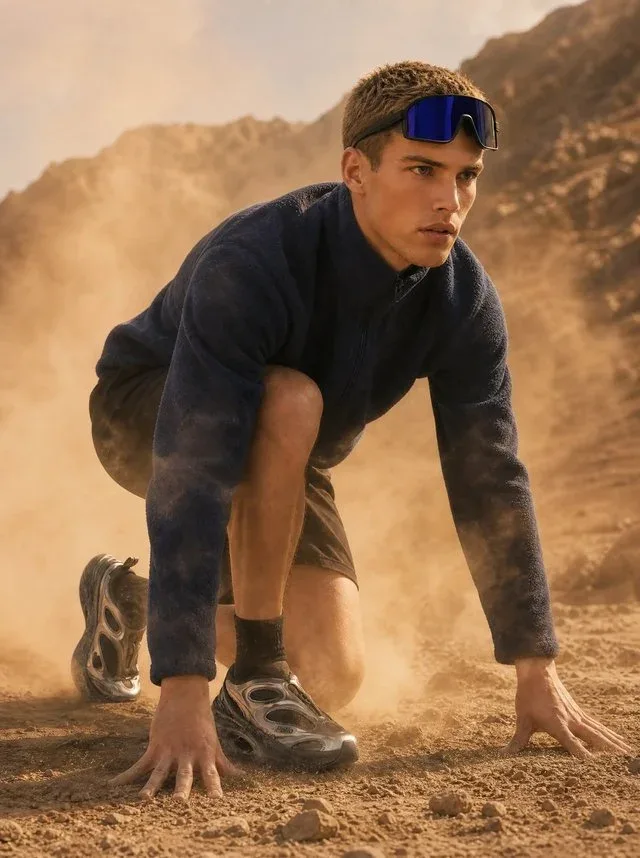
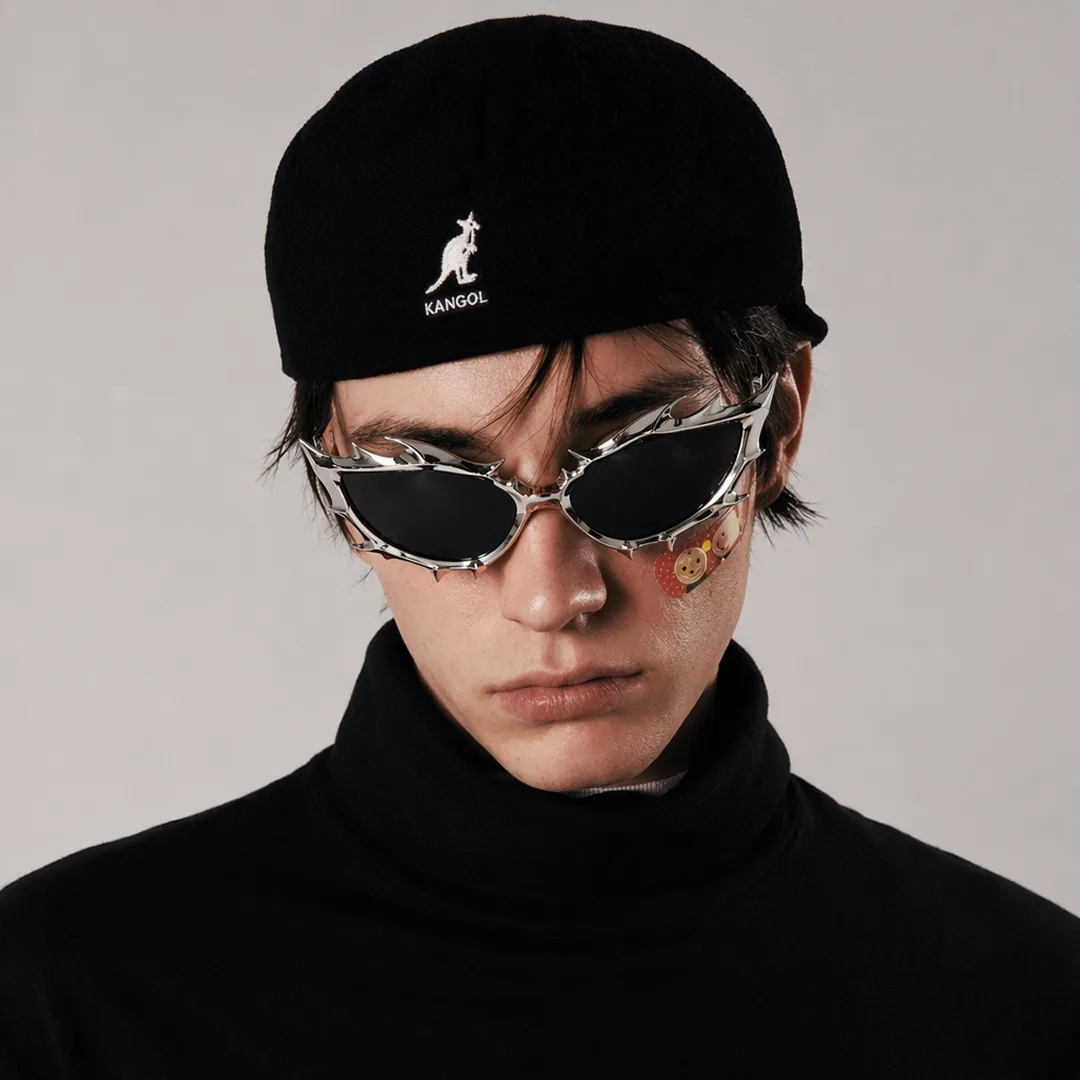
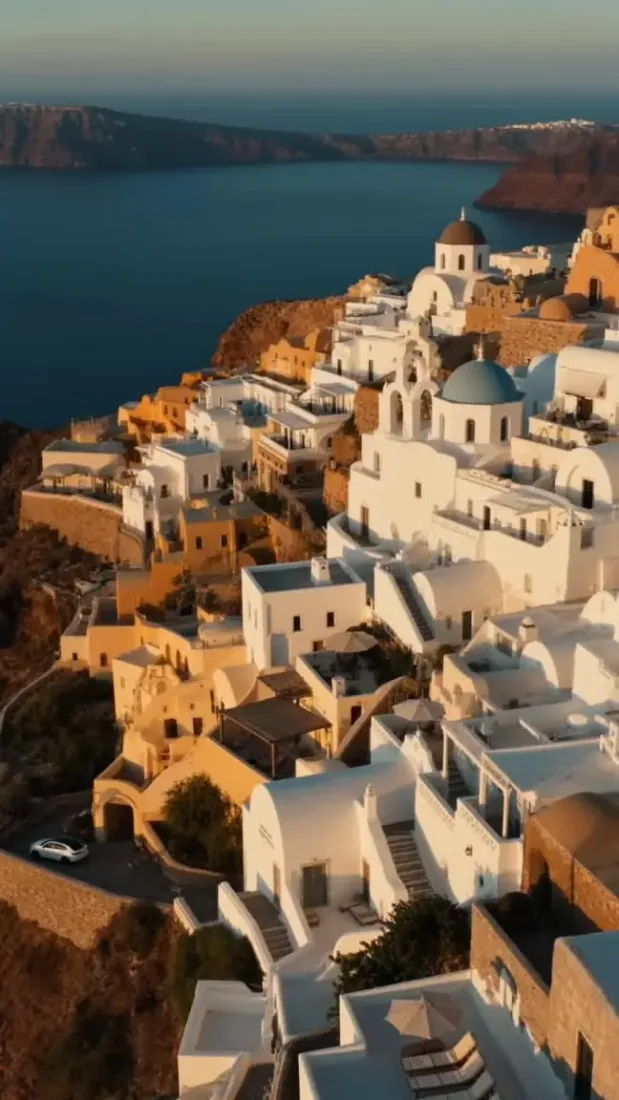
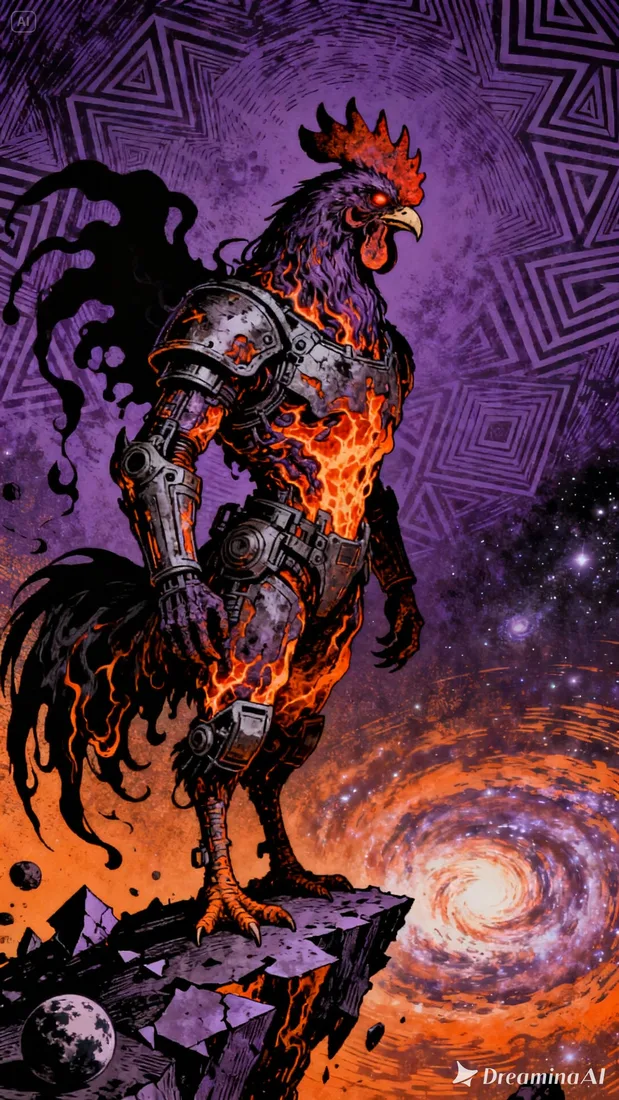
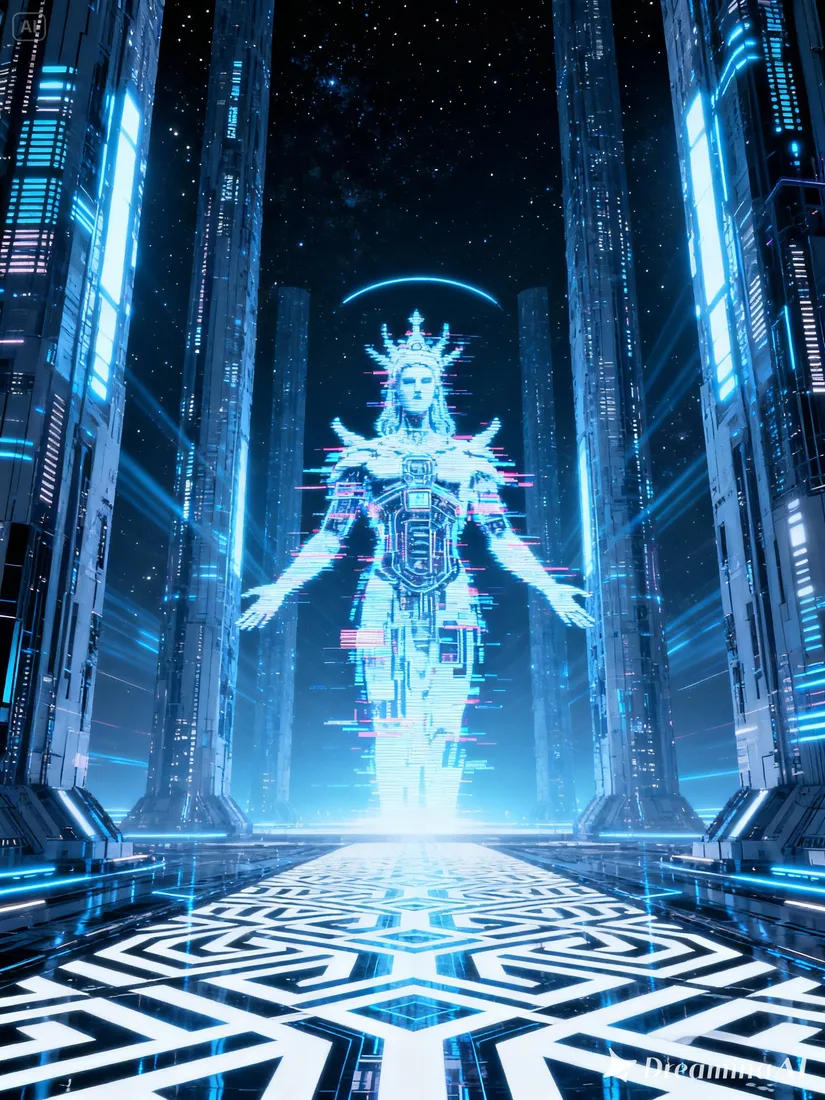
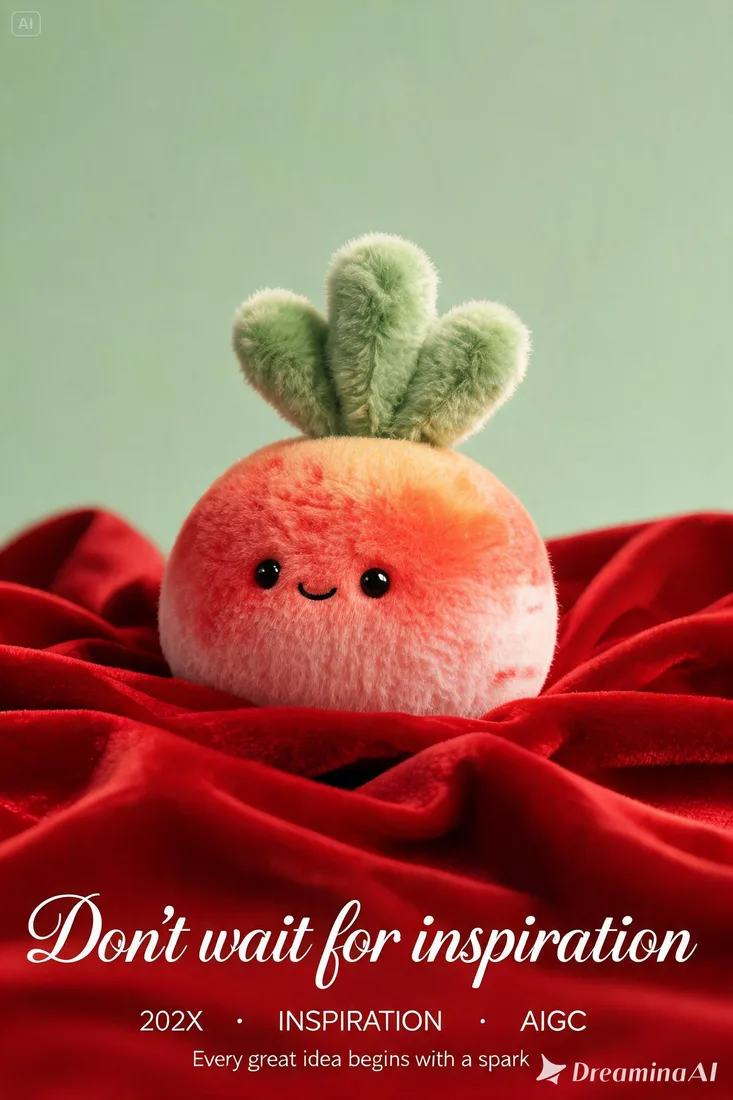
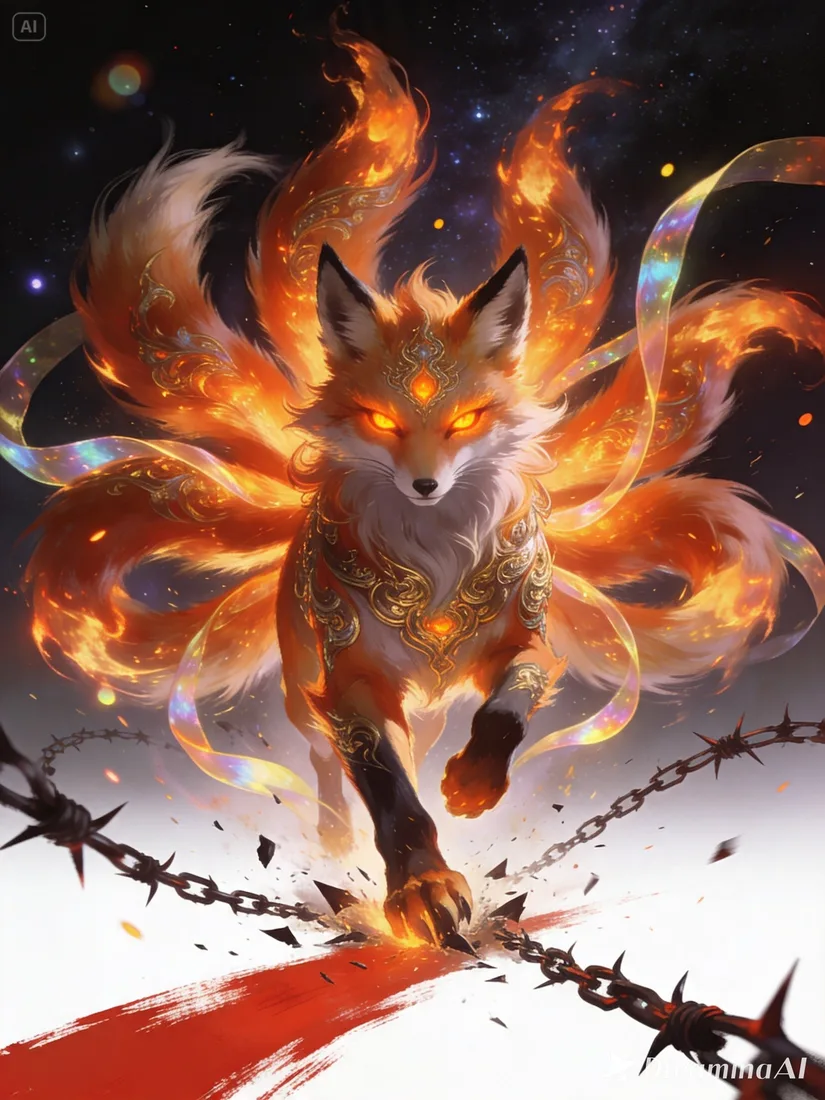
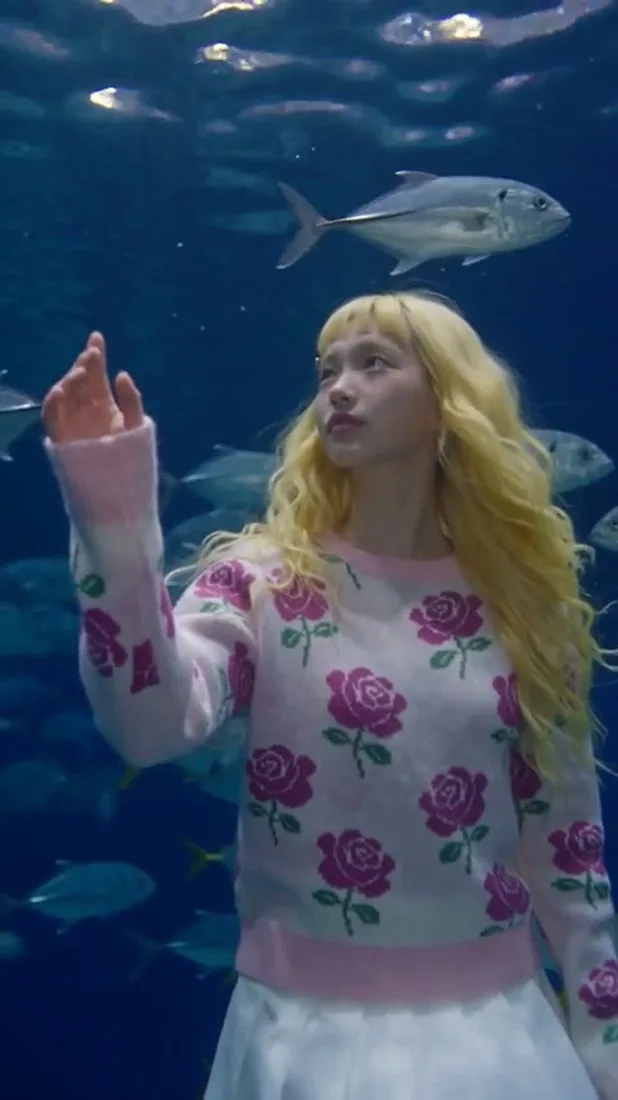
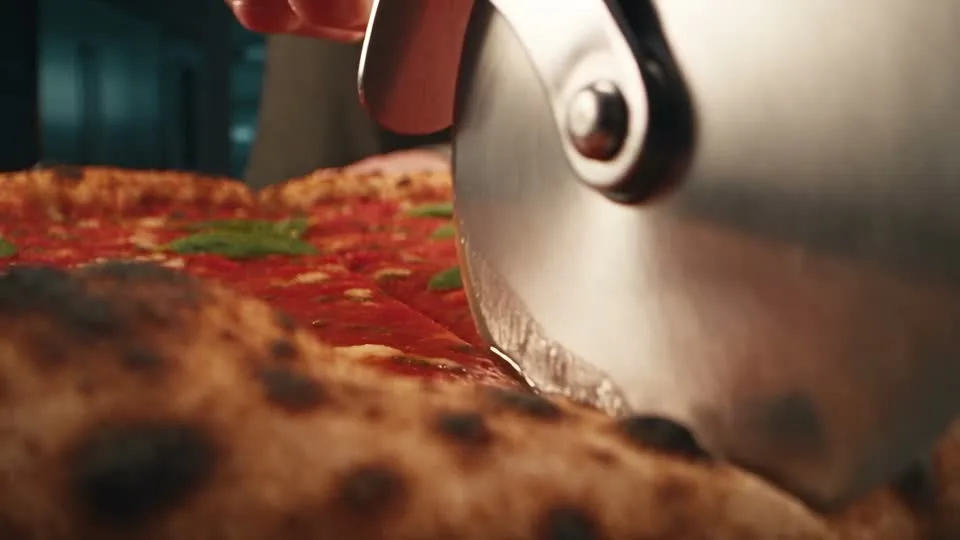
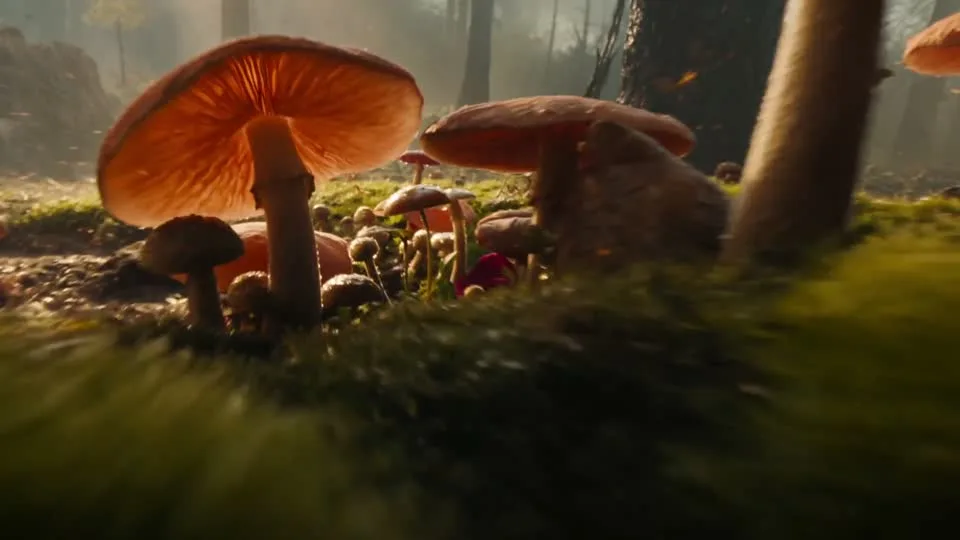
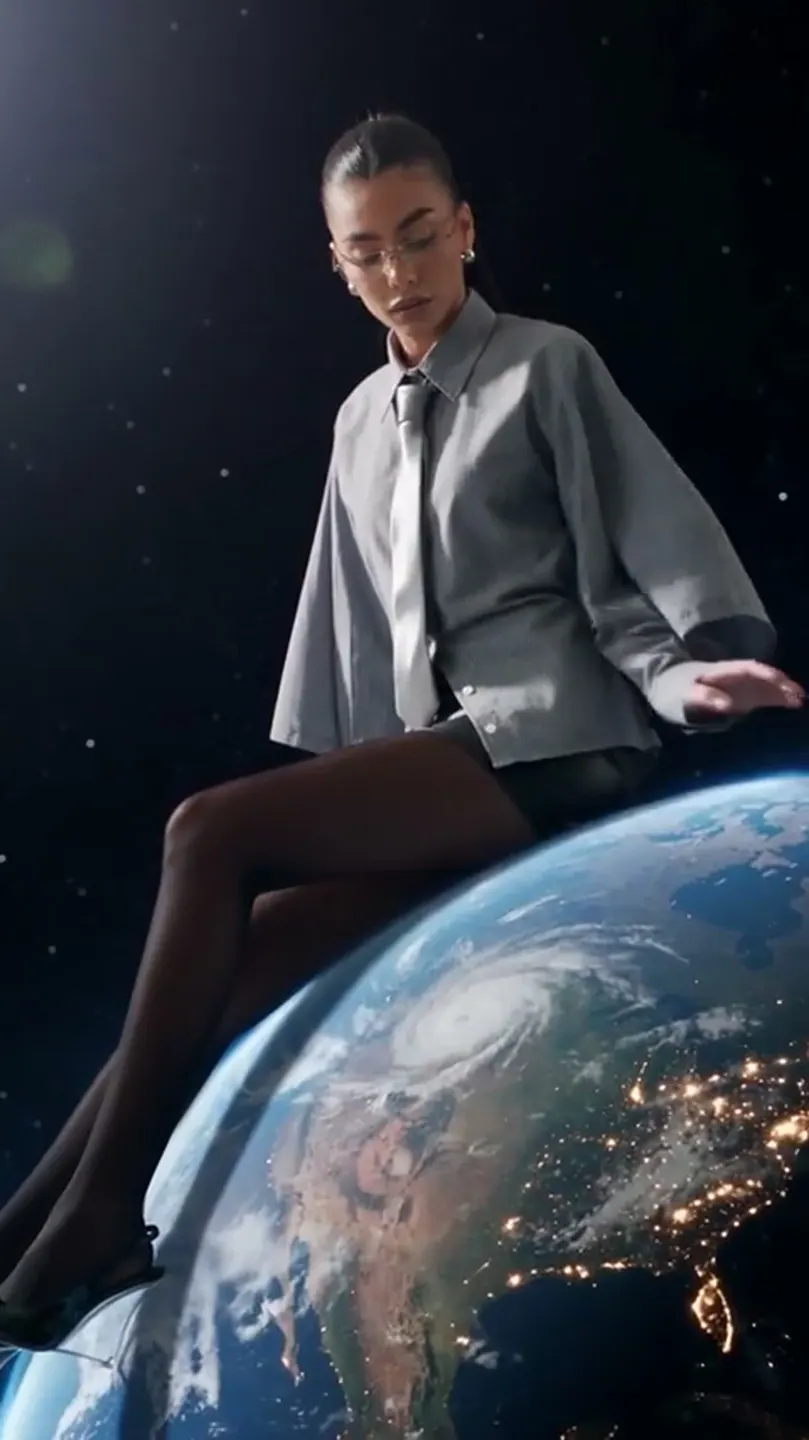
These project images illustrate composition and style, not verified outputs from the selected model.
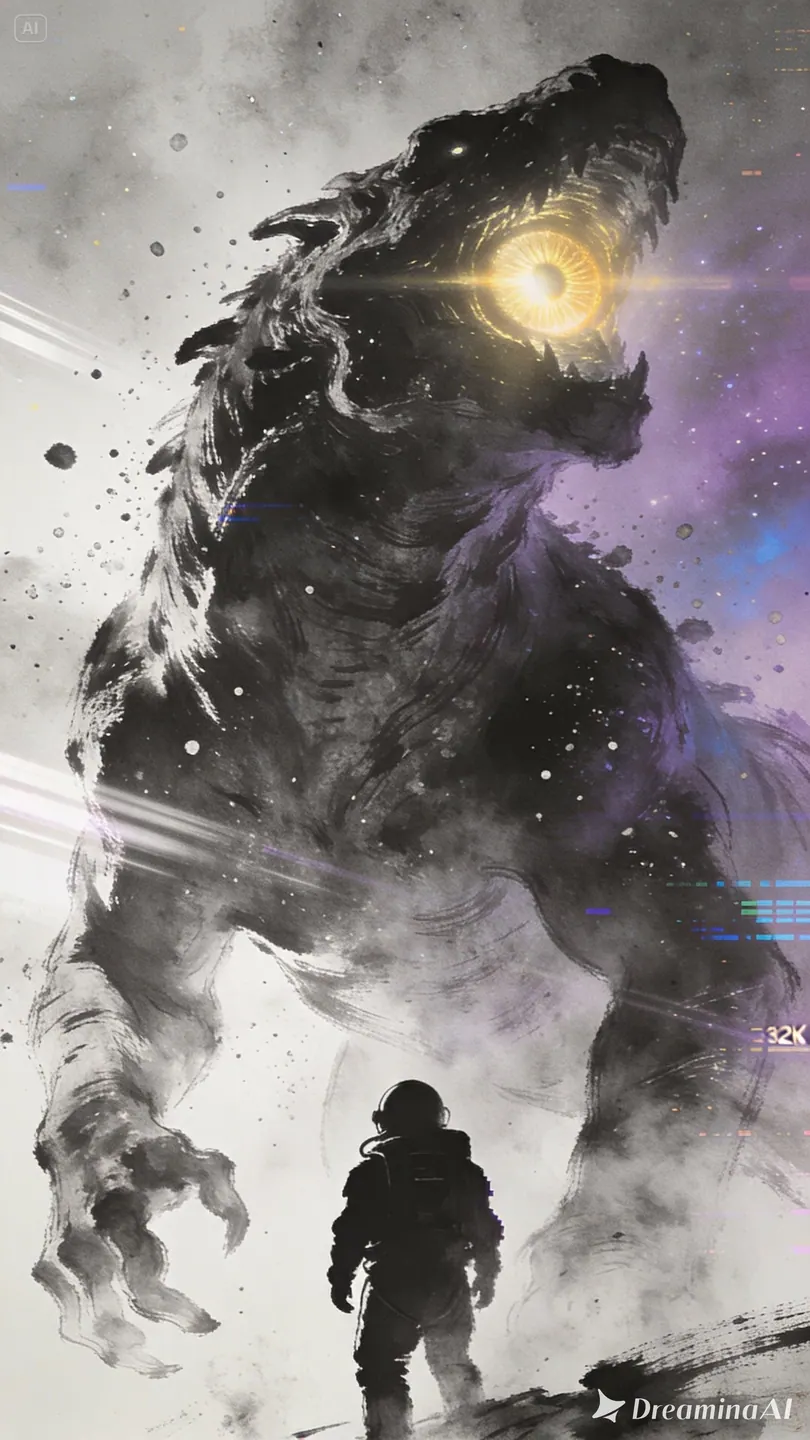 Flow AI Video
Example1 / 2
Describe a new scene or upload a photo to establish its appearance. Give the subject one clear action and explain how the camera should follow it.
Need a hand?
Questions about inputs, output formats, and preparing your next draft.
Contact supportCreate with Wan 3.0 Prime: 2s–30s, 480p/720p/1080p, and adaptive/16:9/4:3 formats. Compare settings and review estimated credits before generating.
4s at 720p: 160 credits. These are the controls currently offered in this workspace. Availability can change; confirm the selected settings and live estimate before submitting. Version names do not guarantee speed or output quality.
Keep the same prompt and reference while comparing versions. Review identity, motion, framing, and the full clip before keeping a take.
These project images illustrate composition and style, not verified outputs from the selected model.
Your next idea is one prompt away
Start with a prompt or image, check the estimate, and follow your generation in Create.