








01
Available settings for Seedance 2.5
Create with Seedance 2.5: 4s–30s, 480p/720p/1080p, and 16:9/4:3/1:1 formats. Compare settings and review estimated credits before generating.
01Flow AI Video
Create with Seedance 2.5: 4s–30s, 480p/720p/1080p, and 16:9/4:3/1:1 formats. Compare settings and review estimated credits before generating.
These are the controls currently offered in this workspace. Availability can change; confirm the selected settings and live estimate before submitting. Version names do not guarantee speed or output quality.
| Model | Duration | Resolution / quality | Aspect ratios | Example estimate |
|---|---|---|---|---|
| Seedance 2.0 | 4s, 5s, 6s, 7s, 8s, 9s, 10s, 11s, 12s, 13s, 14s, 15s | 480p, 720p, 1080p, 4K | 16:9, 4:3, 1:1, 3:4, 9:16, 21:9 | 4s at 720p: 320 credits |
| Seedance 2.5 | 4s, 5s, 6s, 7s, 8s, 9s, 10s, 11s, 12s, 13s, 14s, 15s, 16s, 17s, 18s, 19s, 20s, 21s, 22s, 23s, 24s, 25s, 26s, 27s, 28s, 29s, 30s | 480p, 720p, 1080p | 16:9, 4:3, 1:1, 3:4, 9:16, 21:9, adaptive | 4s at 720p: 240 credits |
From reference to result
Keep the same prompt and reference while comparing versions. Review identity, motion, framing, and the full clip before keeping a take.
 Flow AI Video
Create with Seedance 2.5: 4s–30s, 480p/720p/1080p, and 16:9/4:3/1:1 formats. Compare settings and review estimated credits before generating.
Keep the same prompt and reference while comparing versions. Review identity, motion, framing, and the full clip before keeping a take.
These are the controls currently offered in this workspace. Availability can change; confirm the selected settings and live estimate before submitting. Version names do not guarantee speed or output quality.
Explore more options in AI Video Generator. Return to the homepage.
A clearer brief, a more deliberate first take
Keep the same prompt and reference while comparing versions. Review identity, motion, framing, and the full clip before keeping a take.
01
Create with Seedance 2.5: 4s–30s, 480p/720p/1080p, and 16:9/4:3/1:1 formats. Compare settings and review estimated credits before generating.
02
4s at 720p: 240 credits
03
Keep the same prompt and reference while comparing versions. Review identity, motion, framing, and the full clip before keeping a take.
04
These are the controls currently offered in this workspace. Availability can change; confirm the selected settings and live estimate before submitting. Version names do not guarantee speed or output quality.

One clip, one creative goal
Start with the intended use, then define the subject, style, and details to review.
Product visuals
Describe a recognizable subject and one action so the clip has a clear focus.
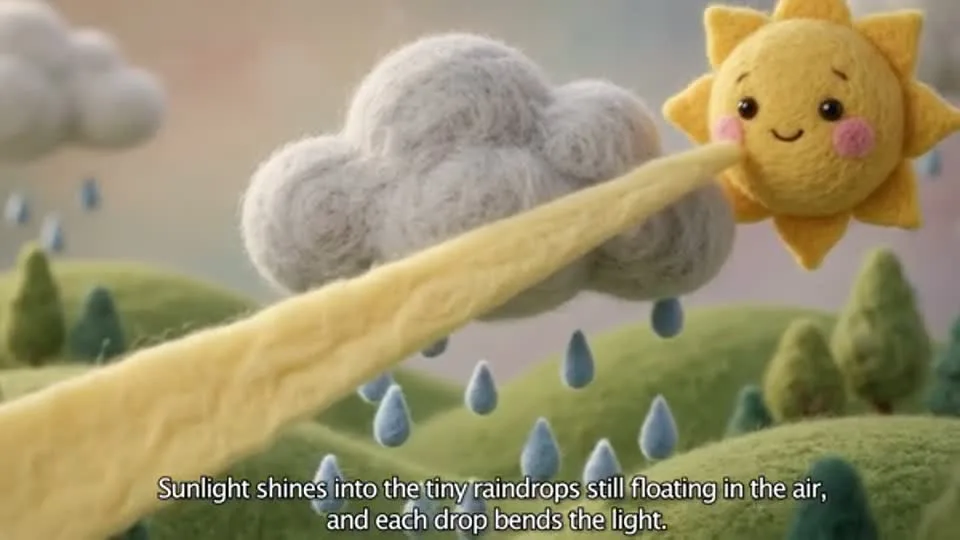
Camera and motion inspiration
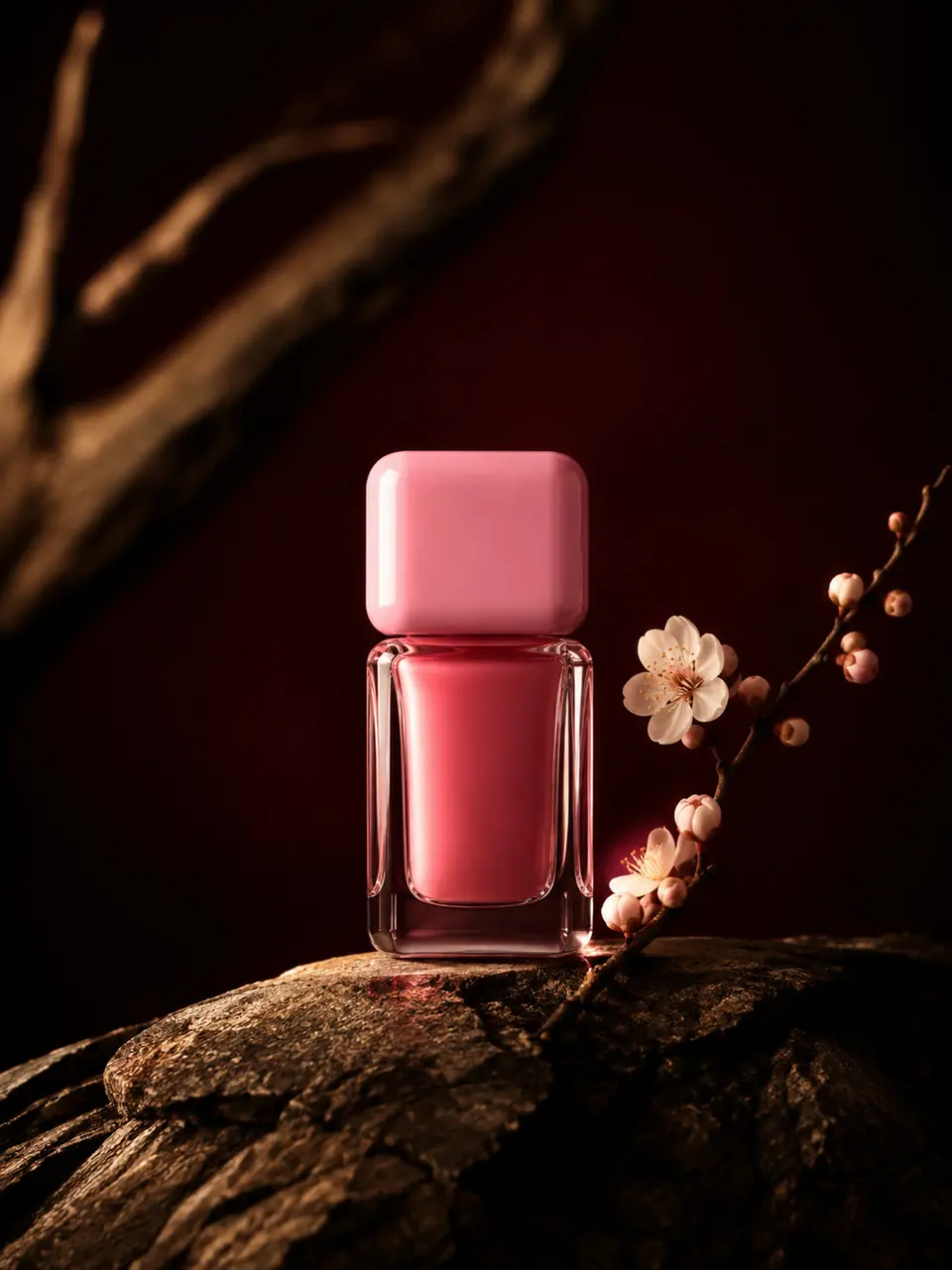
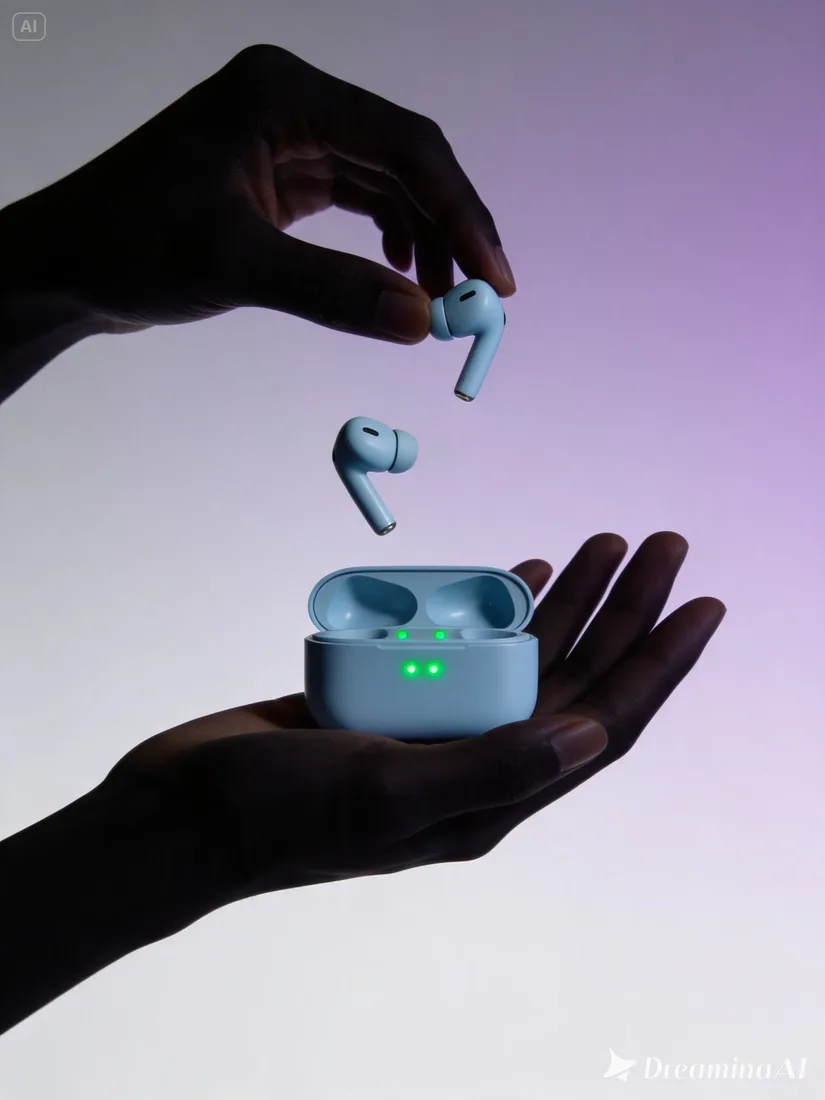
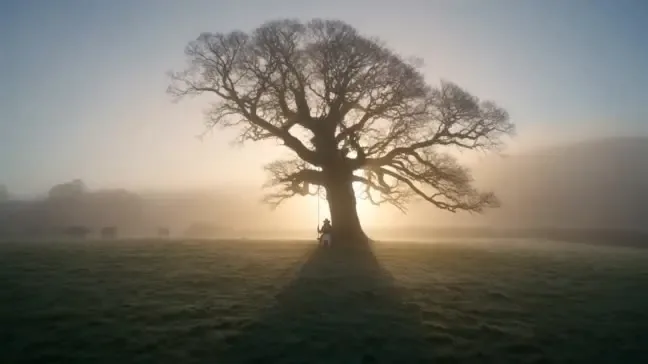
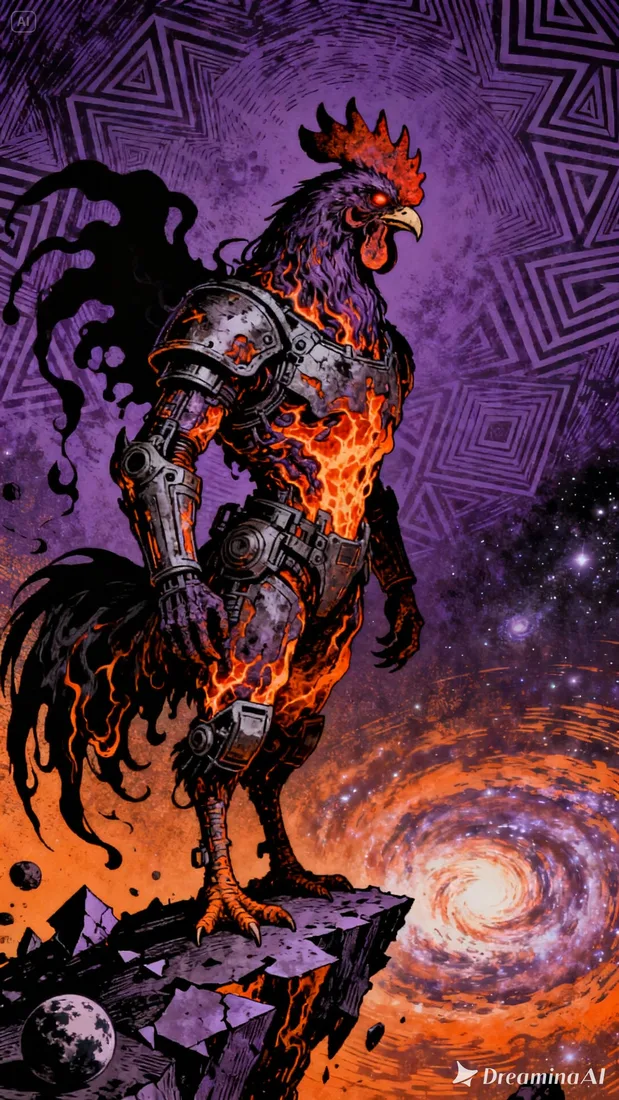
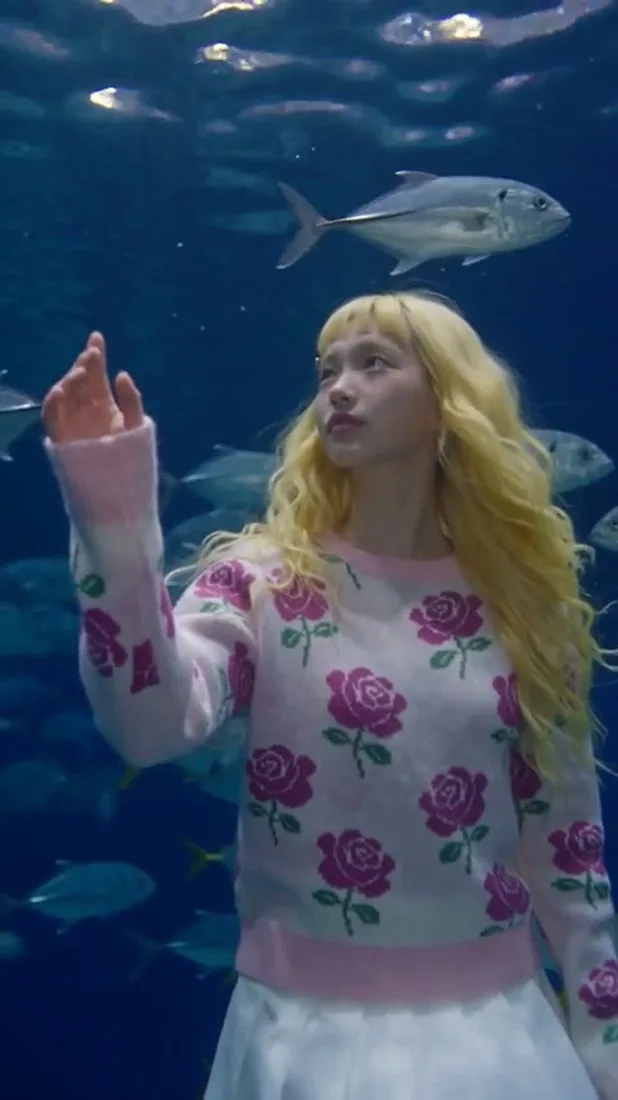
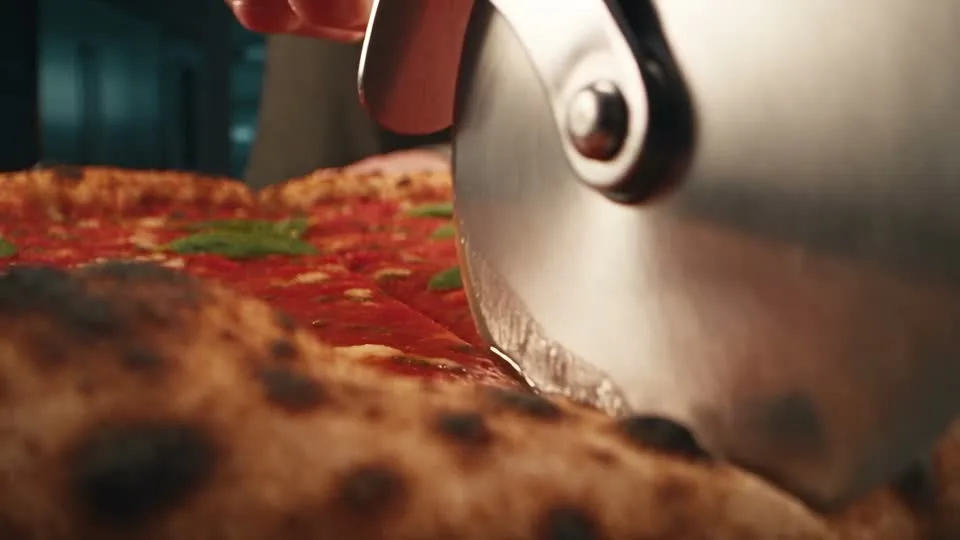
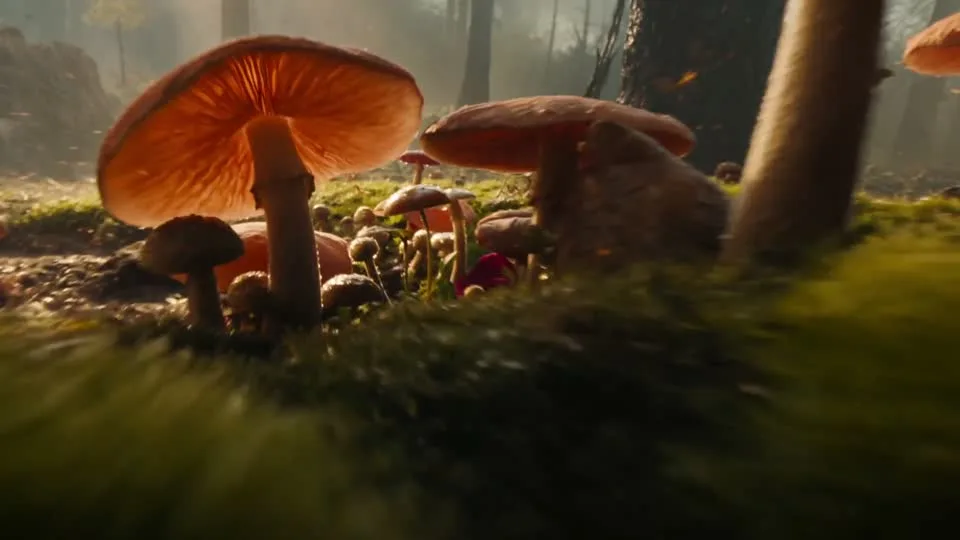
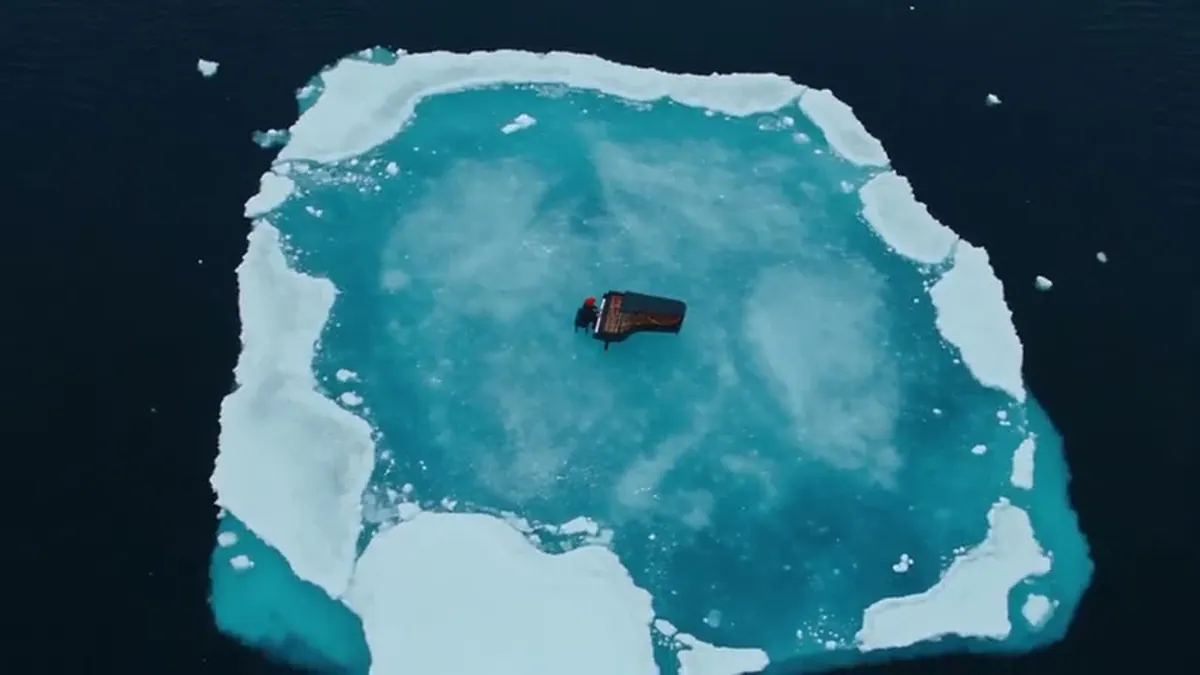
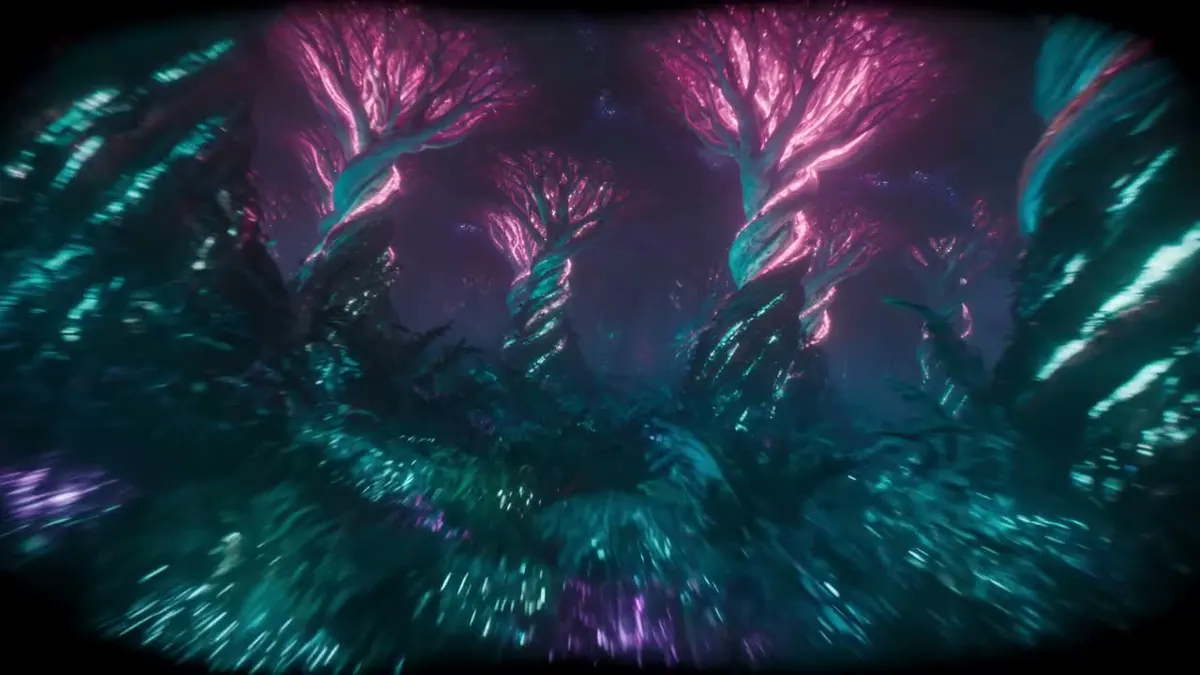
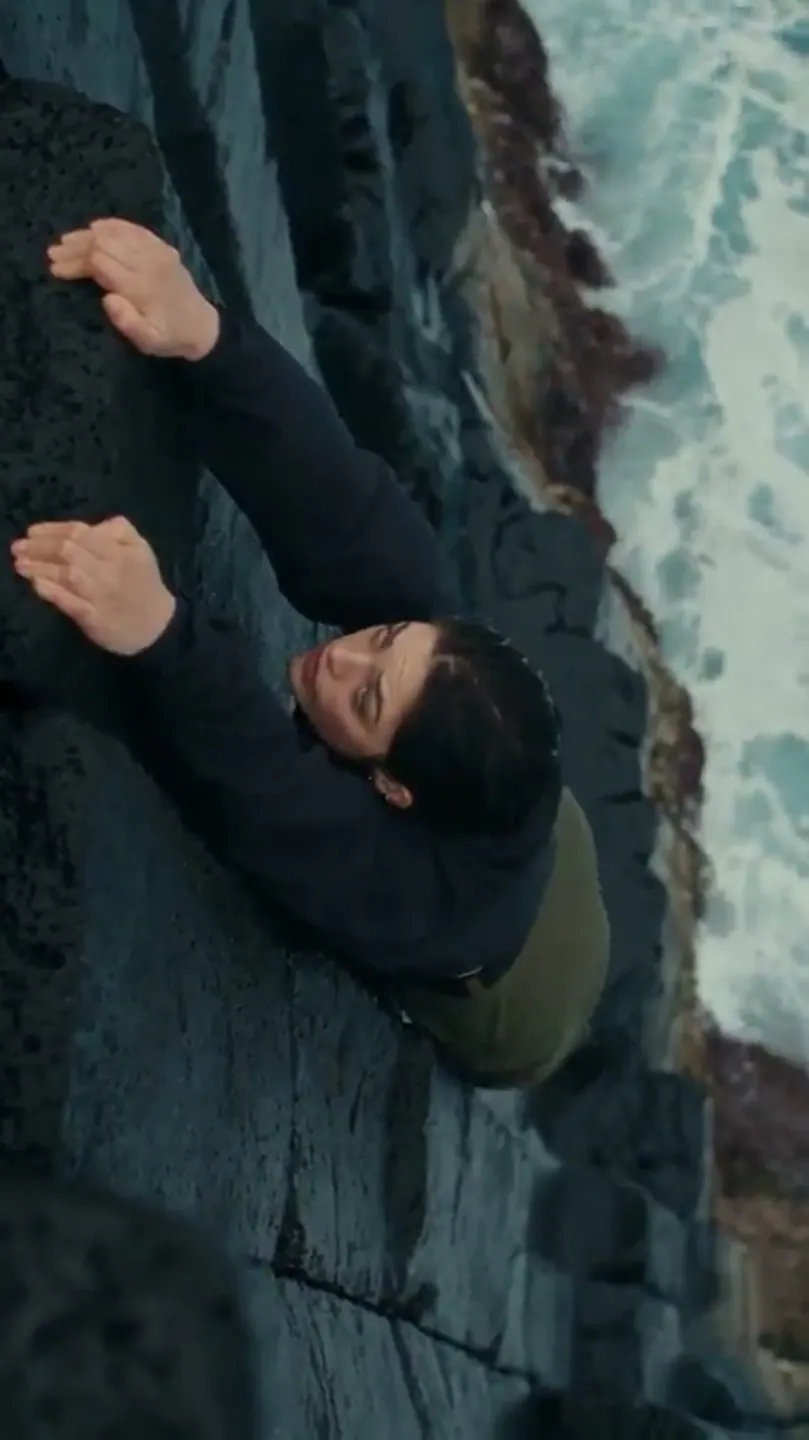
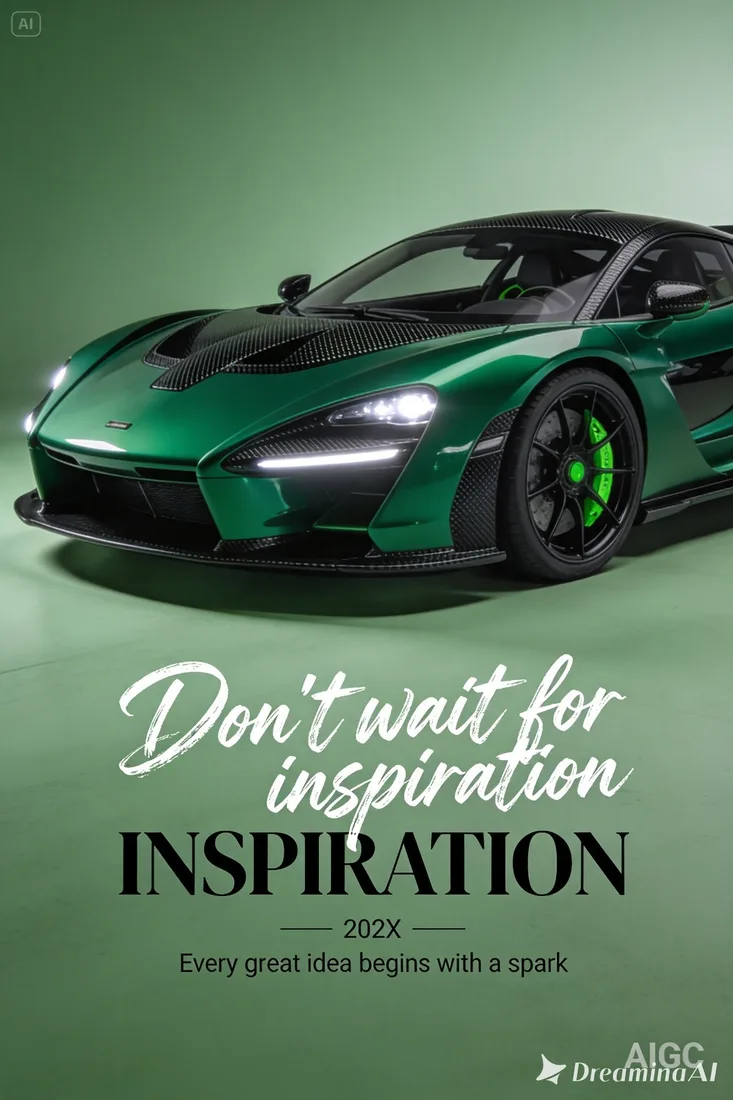
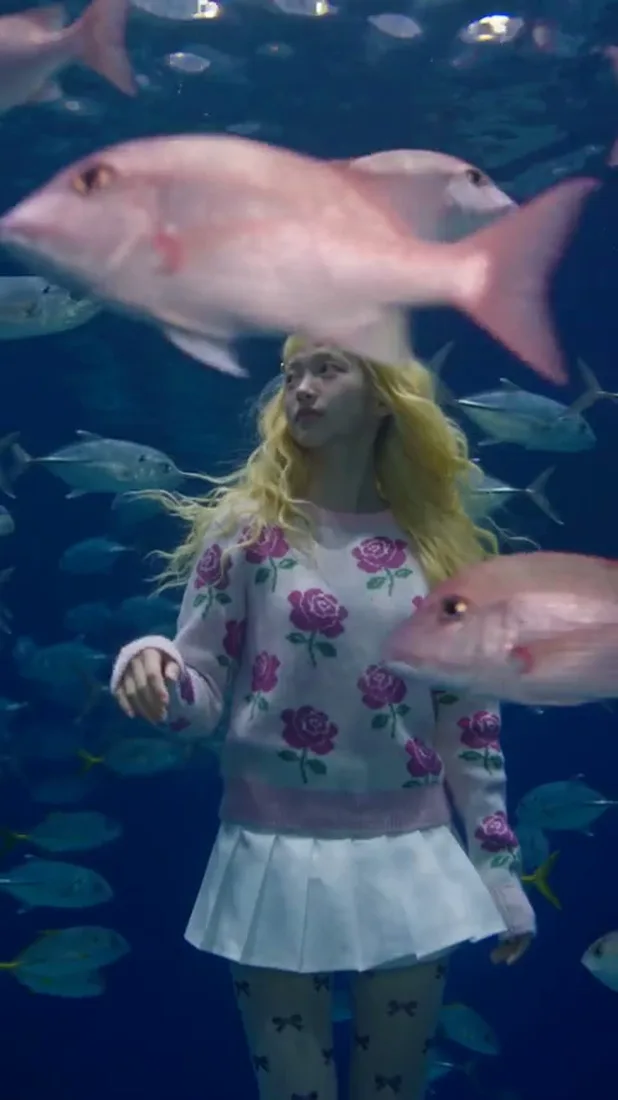
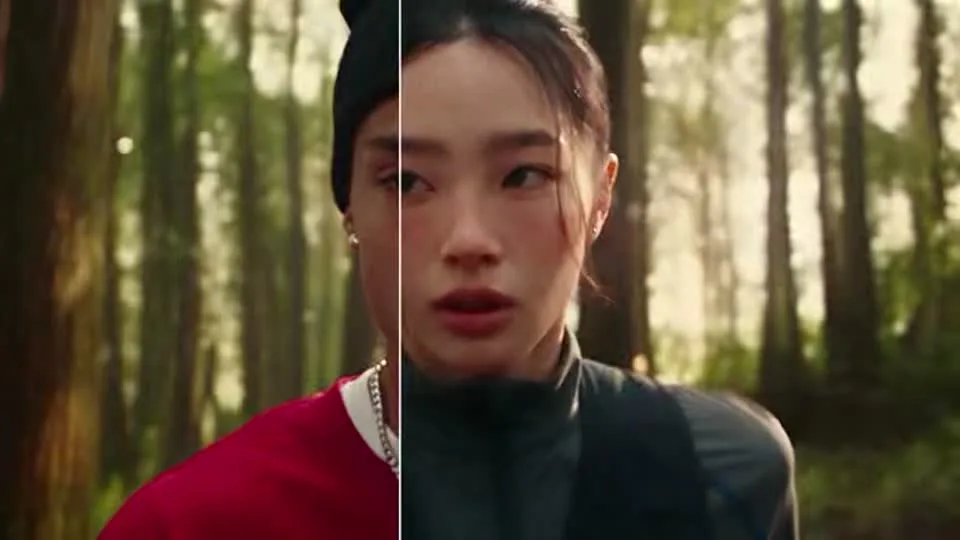
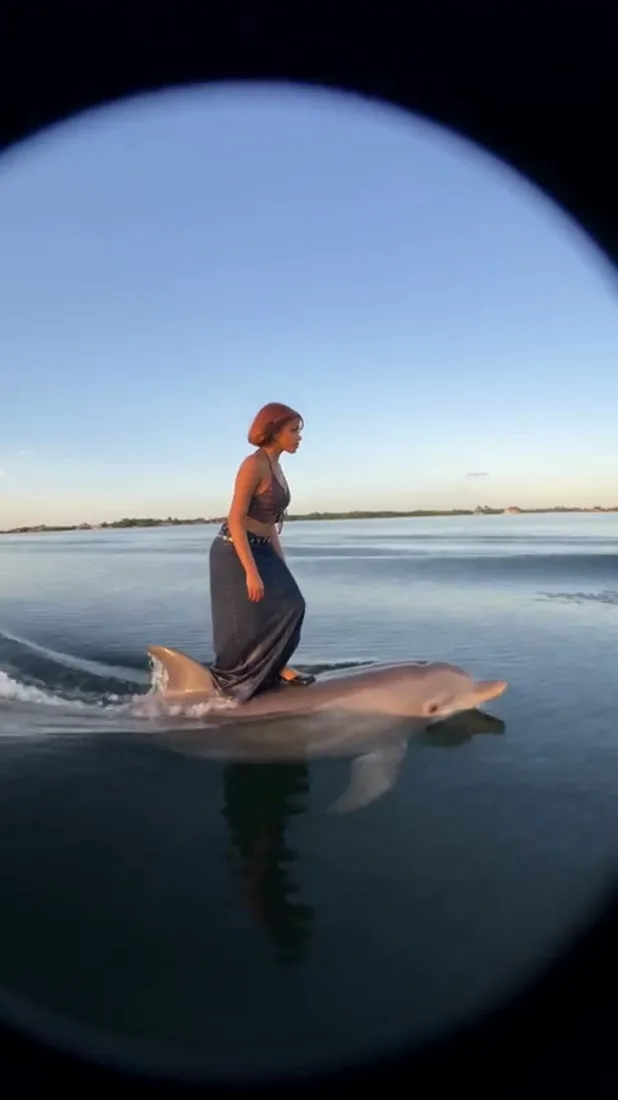
These images are visual references for composition and motion, not verified outputs from your selected model.
 Flow AI Video
Example1 / 2
Describe a recognizable subject and one action so the clip has a clear focus.
Need a hand?
Review the requirements for this workflow before you generate.
Contact supportCreate with Seedance 2.5: 4s–30s, 480p/720p/1080p, and 16:9/4:3/1:1 formats. Compare settings and review estimated credits before generating.
4s at 720p: 240 credits. These are the controls currently offered in this workspace. Availability can change; confirm the selected settings and live estimate before submitting. Version names do not guarantee speed or output quality.
Keep the same prompt and reference while comparing versions. Review identity, motion, framing, and the full clip before keeping a take.
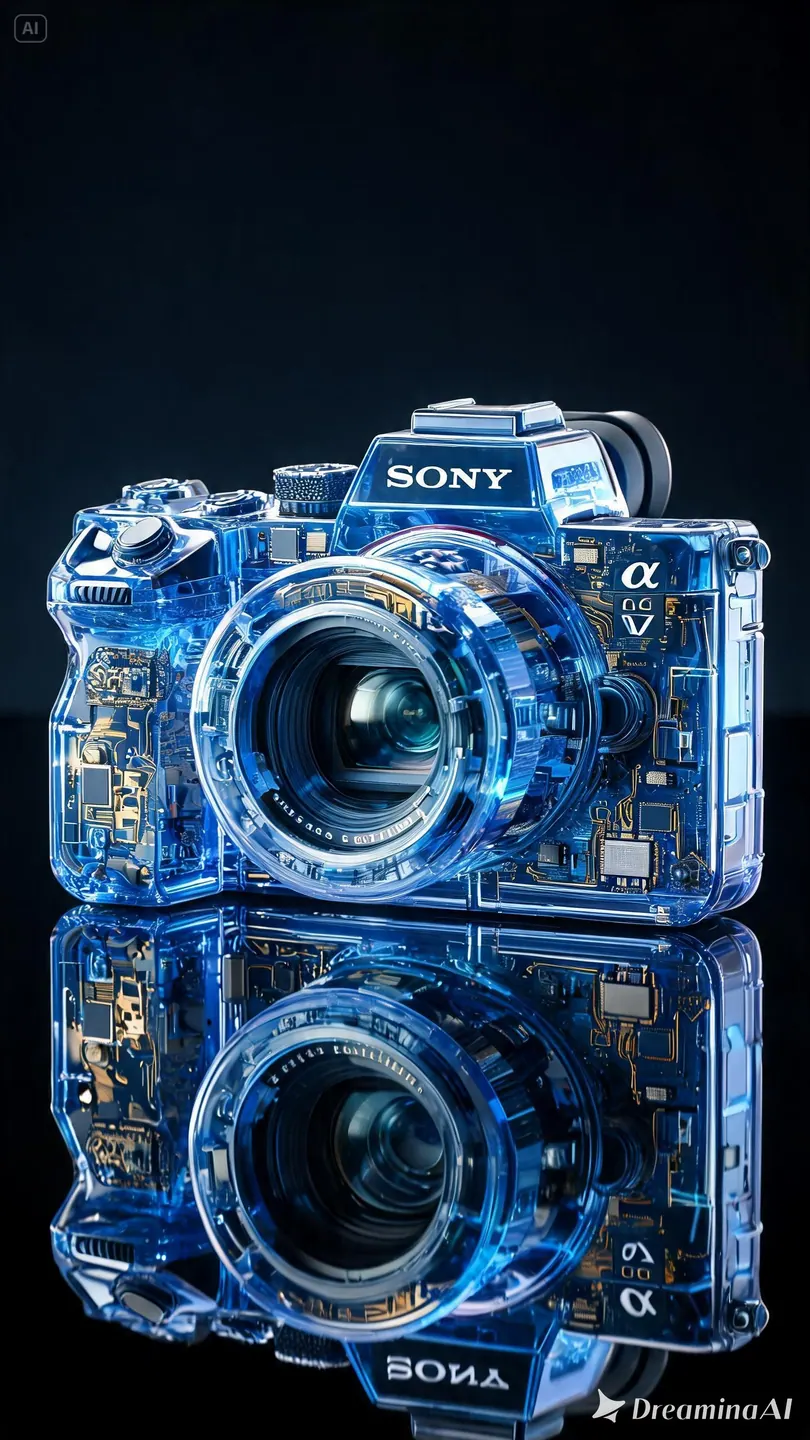
These project images illustrate composition and style, not verified outputs from the selected model.
Start with the image you already have
Keep the same prompt and reference while comparing versions. Review identity, motion, framing, and the full clip before keeping a take.