01
Make the supported dip the main action
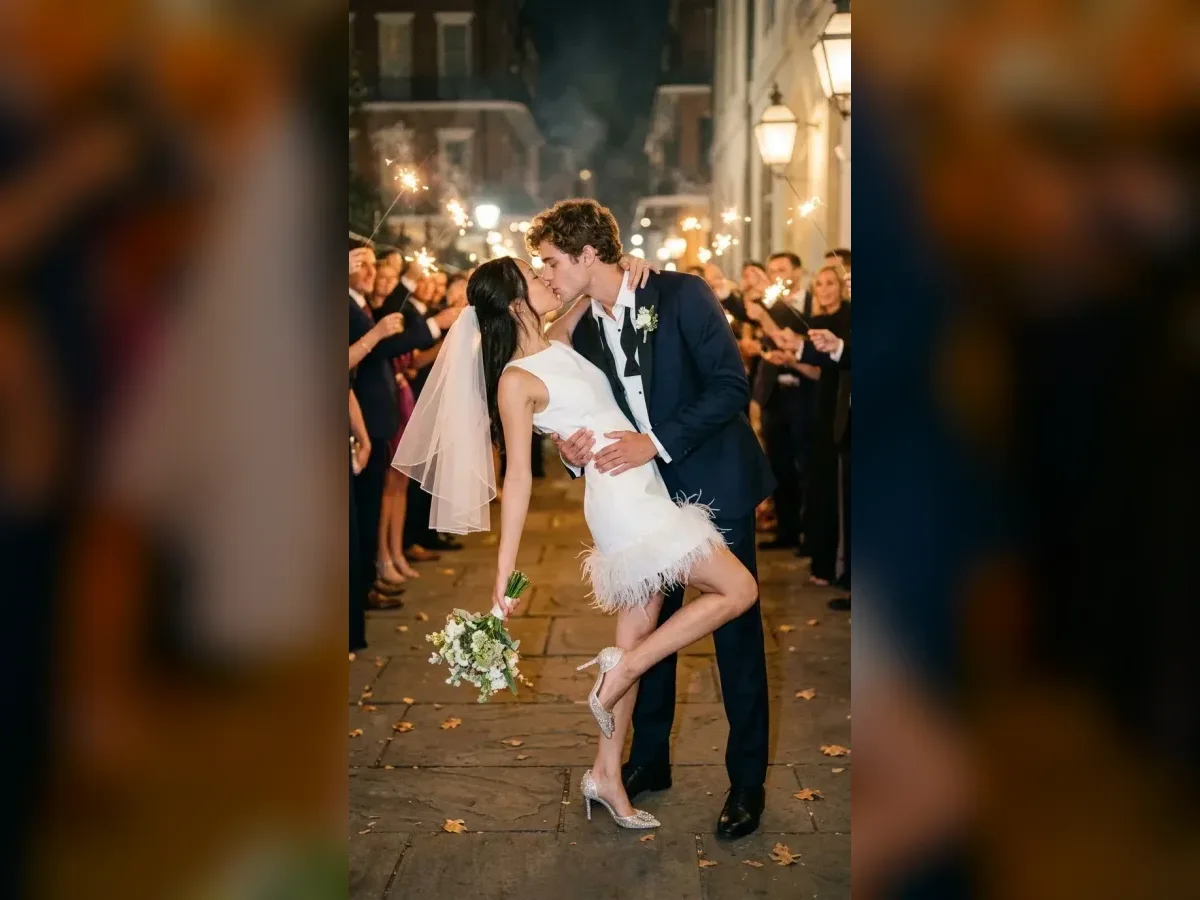
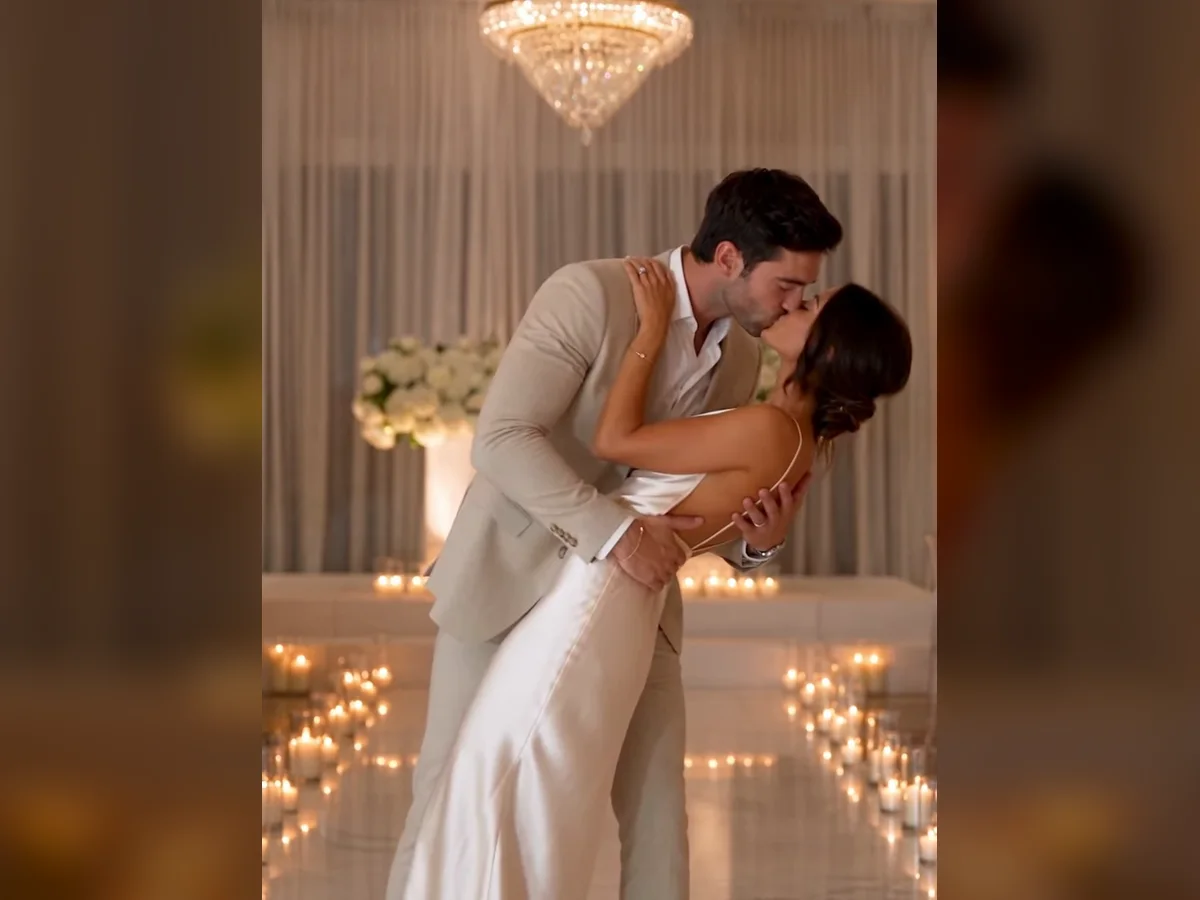
A wedding dip kiss needs a clear support at the waist and back, balanced feet and space for the lean. Give the model one shallow dip and a kiss in a steady wider shot.
01Flow AI Video
Person 1
Person 2
JPG, JPEG, PNG or WebP, up to 16 MB per photo.
1129/4096
Clothing (optional)
Clothing reference
Model
Use photos of adults who have agreed to this creation. Results vary by model and source photos.
Build a wedding dip kiss scene around a supported backbend. Choose a dip preset, add the couple and describe the hold, dress and ceremony setting.
20 templates · Apply to load the prompt and sample photos.
How it works
Choose the references, adapt a template and review the generated result before you download.
 Flow AI Video
Use one clear portrait of each adult, or switch to a photo containing both people. Keep faces visible and evenly lit.
Apply a scene from the gallery to fill the prompt. Change the location, mood or camera direction before you generate.
Pick supported output settings and check the credit estimate. Review both faces and the movement before saving the result.
Explore more options in AI Video Generator. Return to the homepage.
Your creative controls
Compare Crystal Dip and Deep Dip templates, then adjust the pose, scene and framing for your own references.
01
A wedding dip kiss needs a clear support at the waist and back, balanced feet and space for the lean. Give the model one shallow dip and a kiss in a steady wider shot.
02
Upload two clear adult portraits or one couple photo. Describe which person is which and review both faces during close contact.
03
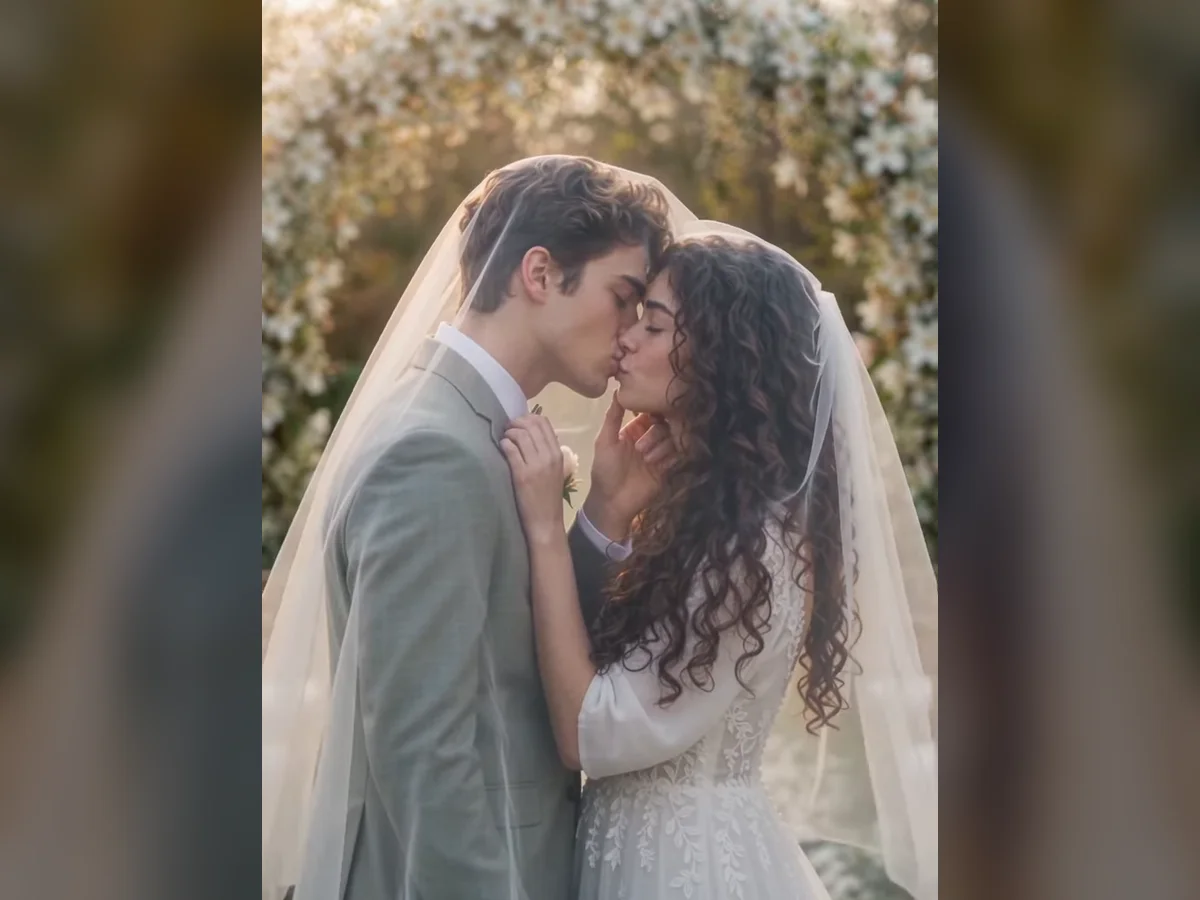
Start with Crystal Dip or Deep Dip. Their editable prompts give you a specific pose and setting to adapt.
04
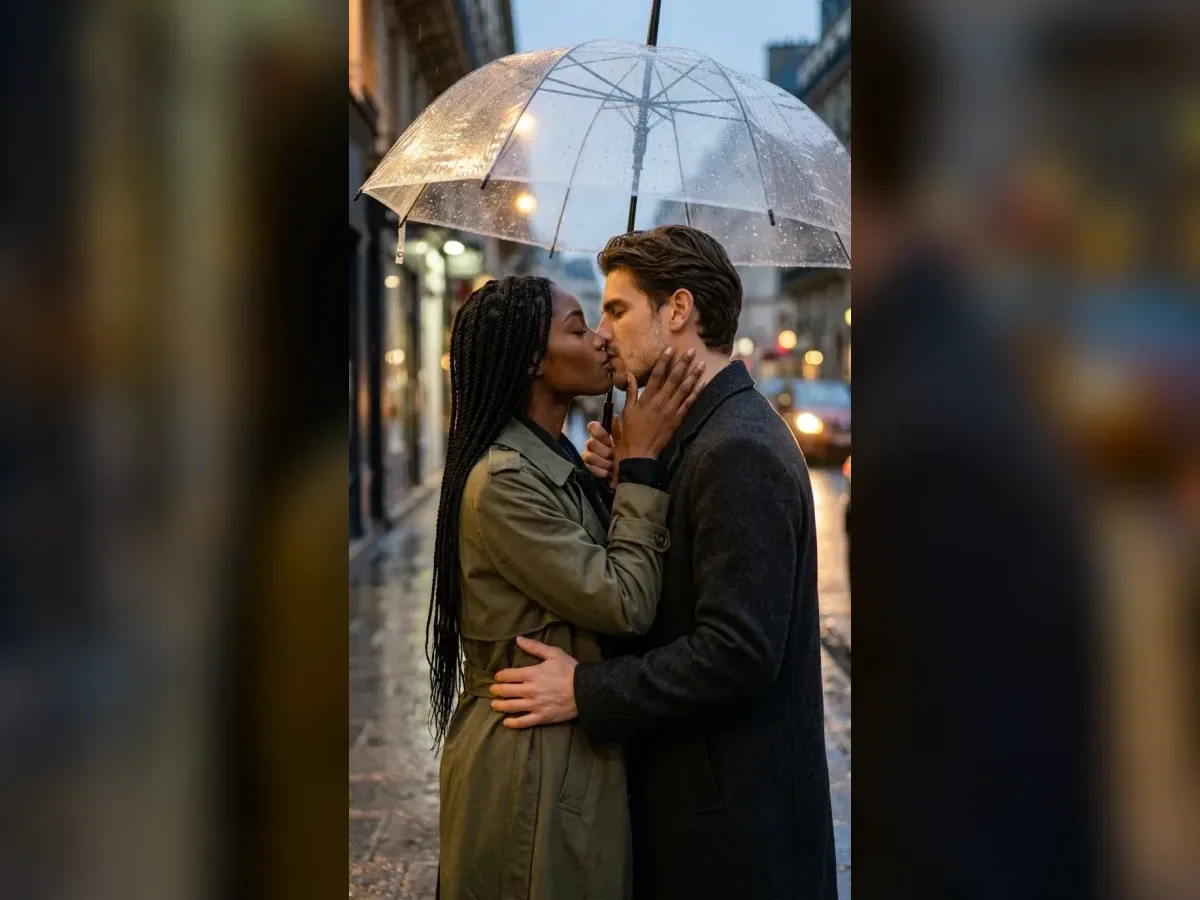
Choose a supported duration and frame shape. Keep the requested action short enough for the clip and check the credit estimate.
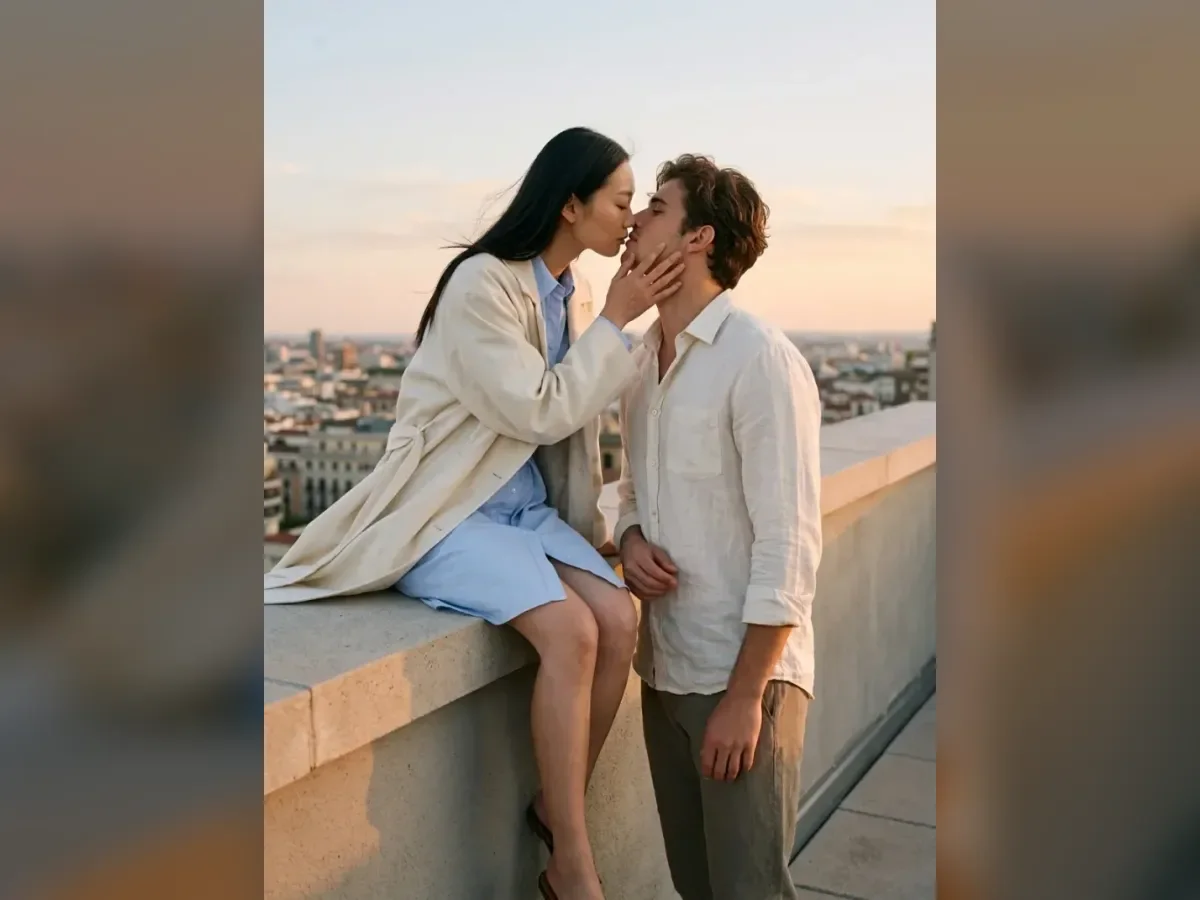
Made for your moments
Choose the occasion for your wedding dip kiss scene, then adapt its setting and format to the person who will see it.
Personal messages
Try a first-dance concept, a wedding teaser scene or a ceremony mood board. A wider frame gives the pose and the wedding outfits room to read.
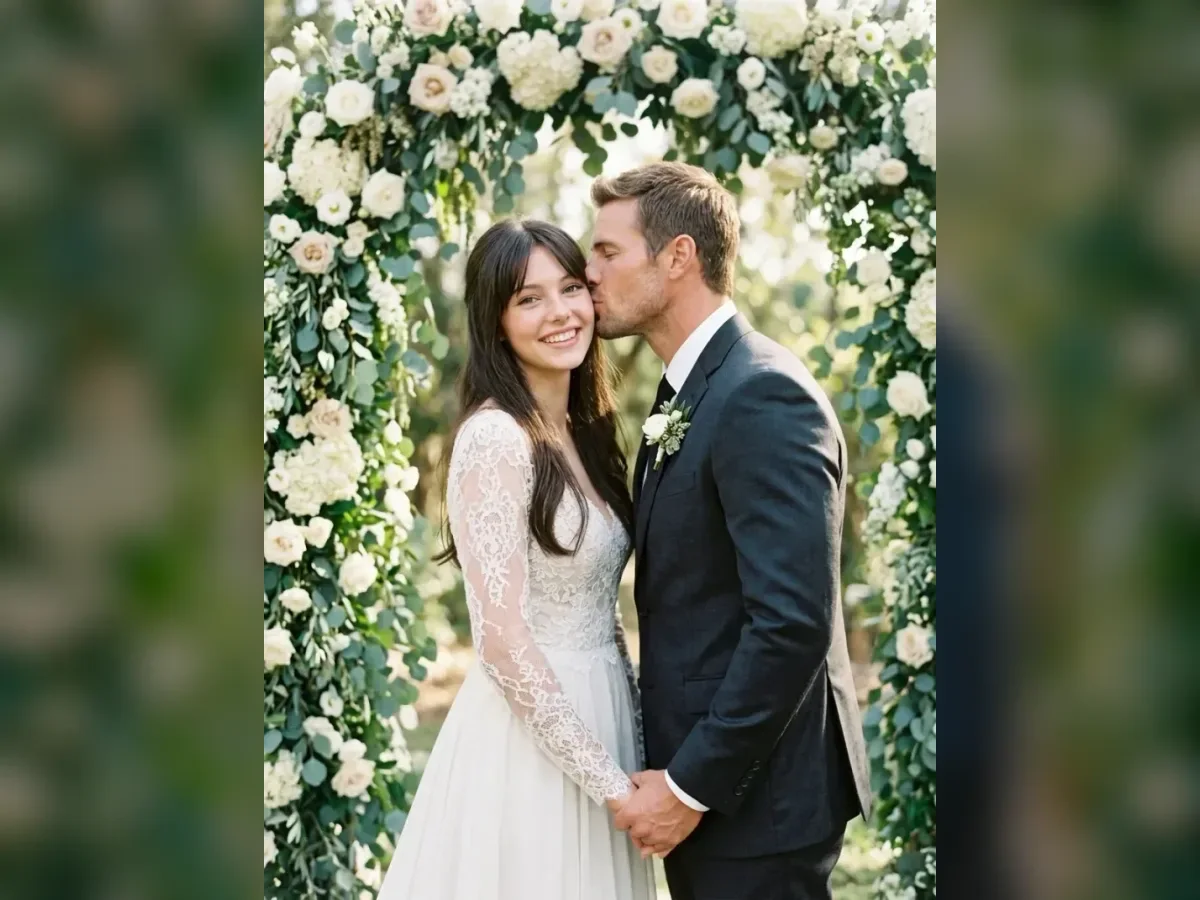
Scene inspiration
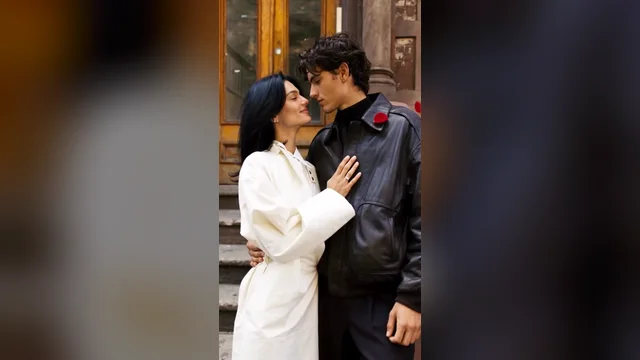
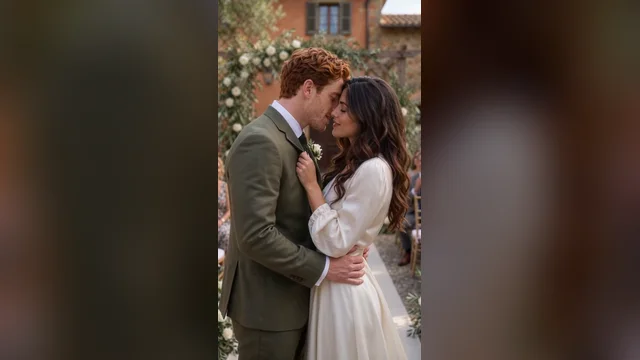
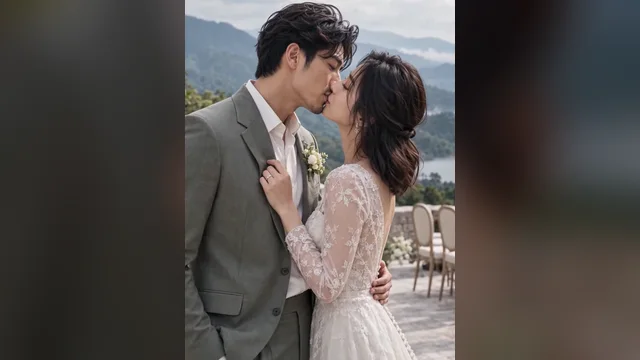
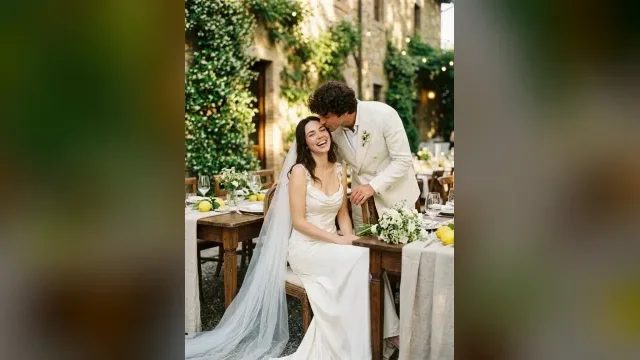
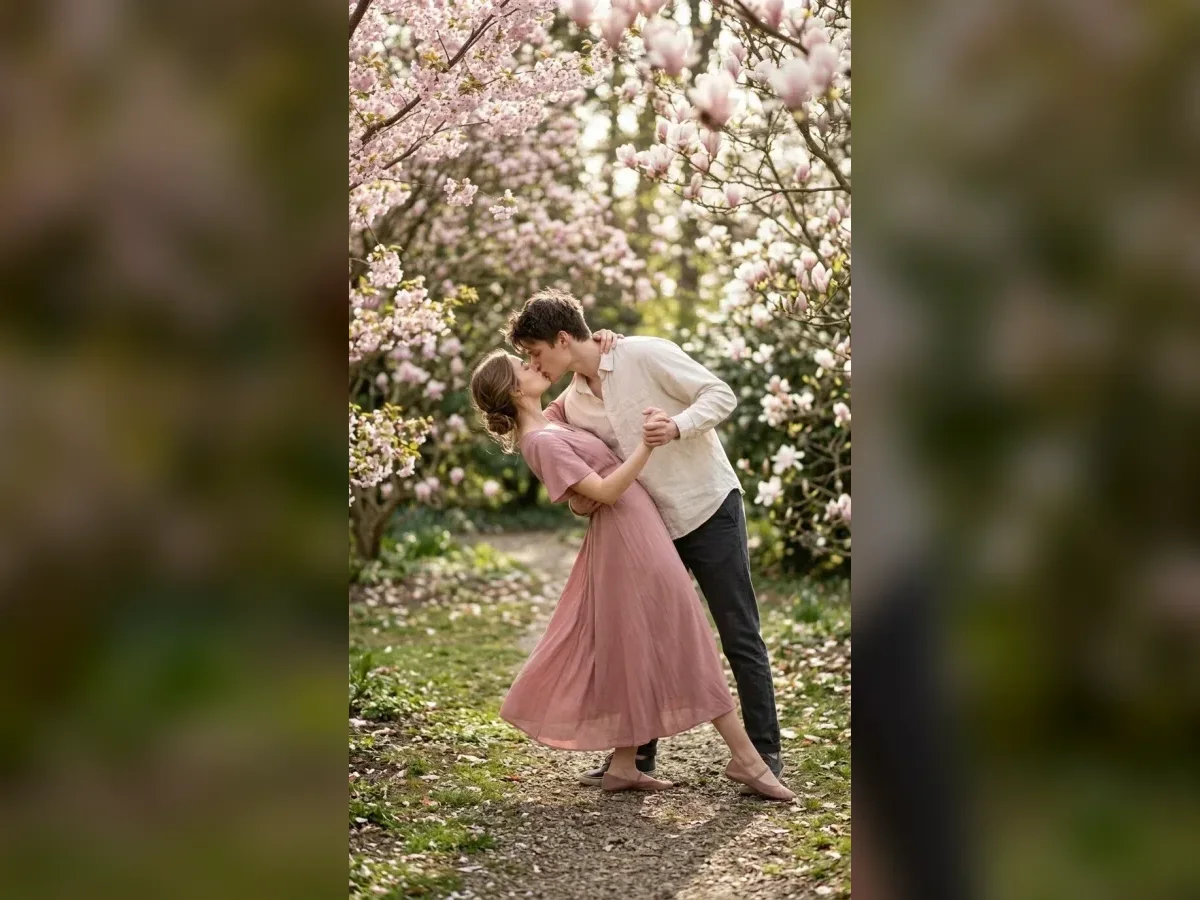
These Crystal Dip and Deep Dip previews show starting scenes. Your reference photos, prompt and selected model shape the generated result.
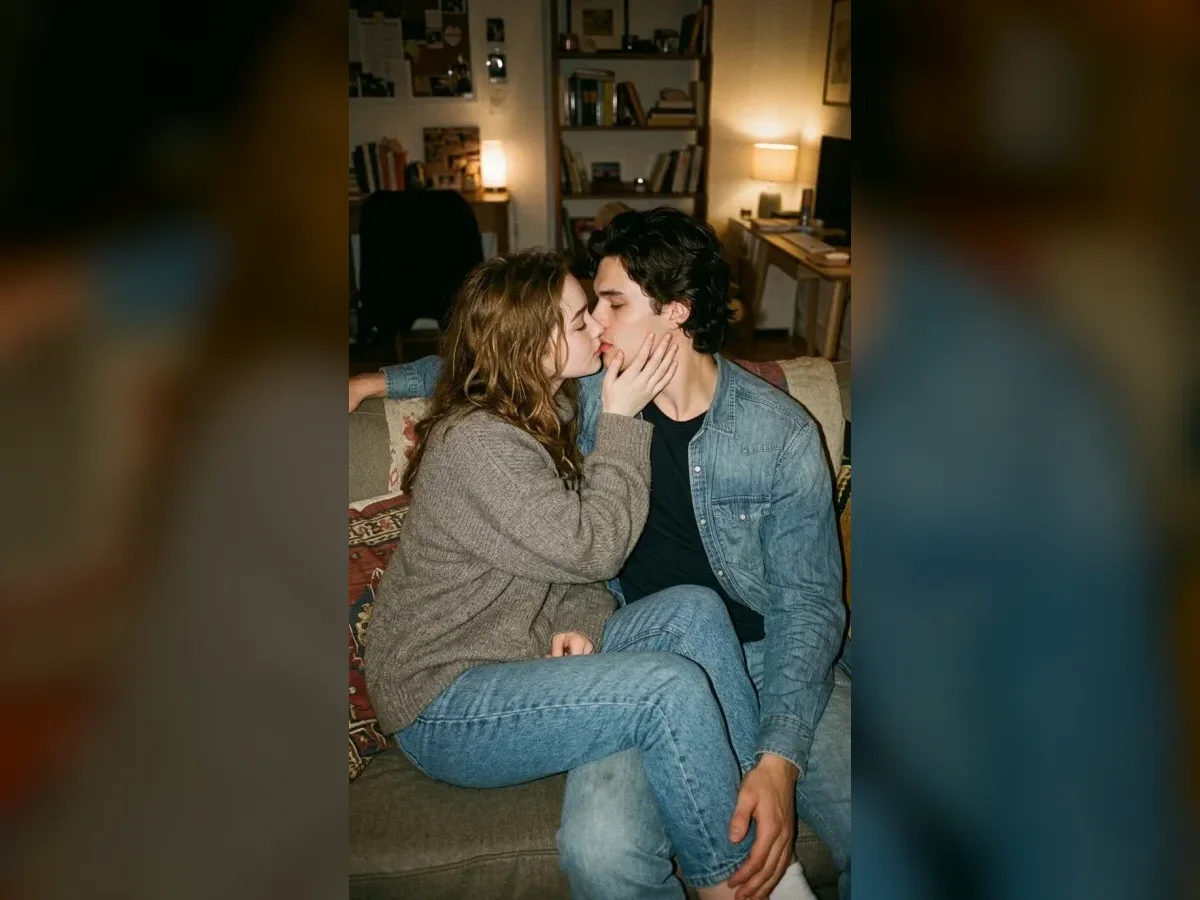 Flow AI Video
Example1 / 2
Crystal Dip frames the supported pose in an elegant indoor wedding setting. Use its preview to decide how much of the couple and the room should be visible.
Need a hand?
Learn about photo inputs, templates, settings and generated results.
Contact supportUpload one portrait of each adult, or switch to one couple photo. Apply a template, replace its sample photos with yours, edit the prompt and choose supported settings before generating.
Wedding Dip Kiss adds a supported leaning pose to the ceremony kiss. A general Wedding Kiss can stay upright. Larger body movement makes hands, support and facial consistency important details to review.
Reference photos guide the model, but identity and anatomy are not guaranteed. Faces can change during close contact. Review the whole result and try another version if needed.
The workspace shows an estimate for your selected model and output settings. Generating uses your account credits. Tasks that fail follow the existing credit refund flow.
This effect is a video tool. For still images, use AI Kissing Generator or Wedding Kiss, which have a separate image mode.
Your next scene
Choose a wedding dip kiss template above, replace its sample photos and edit the scene before generating.