01
Choose a portrait with even lighting
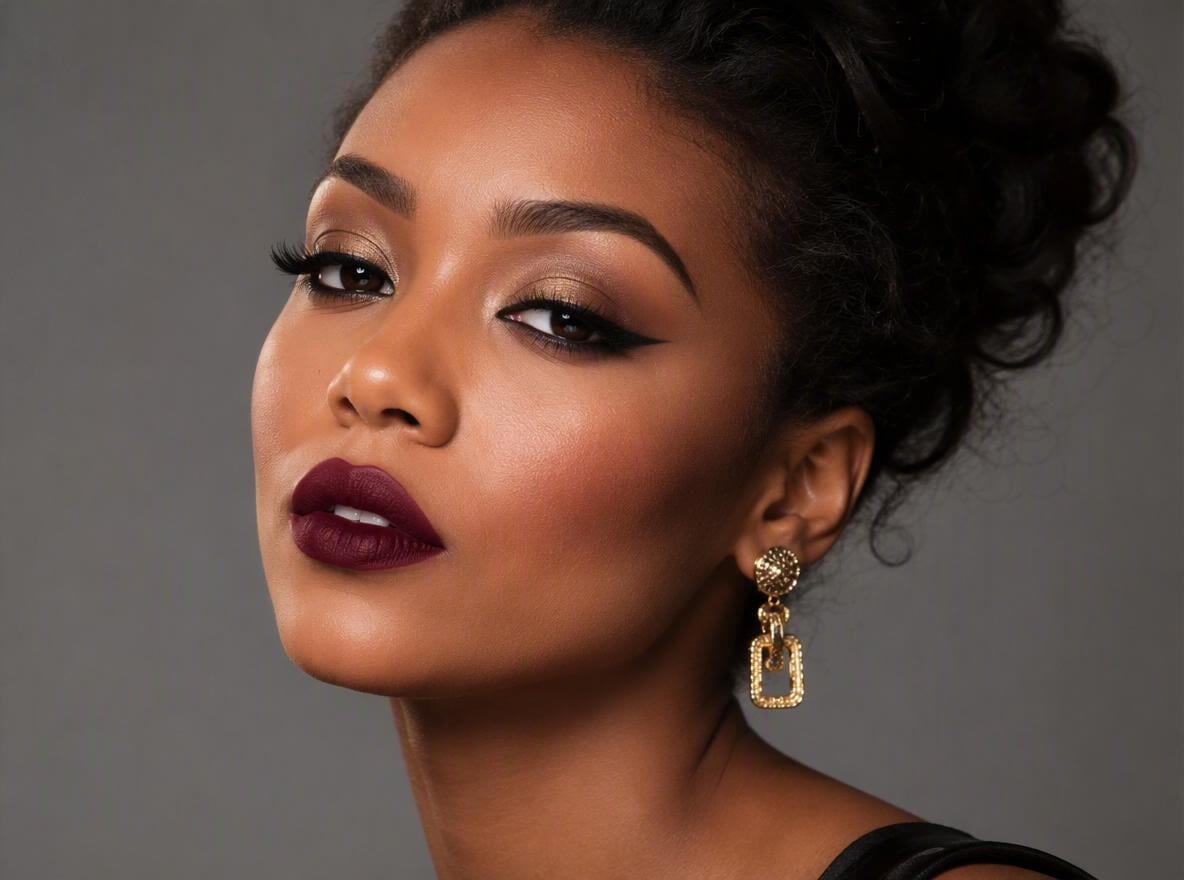
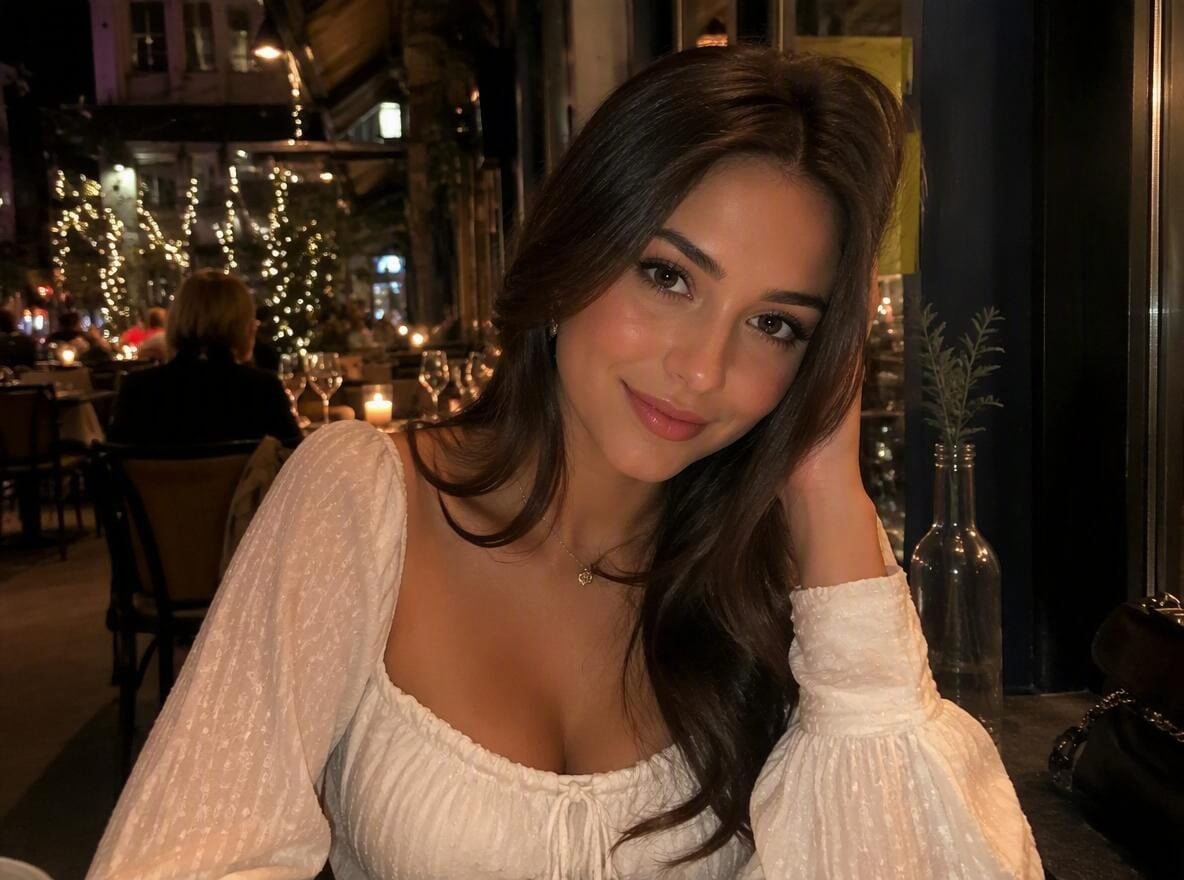
Use one sharp portrait with the face clearly visible and even lighting. Keep the eyes, cheeks and lips unobstructed so you can compare the makeup details.
01Makeup style reference
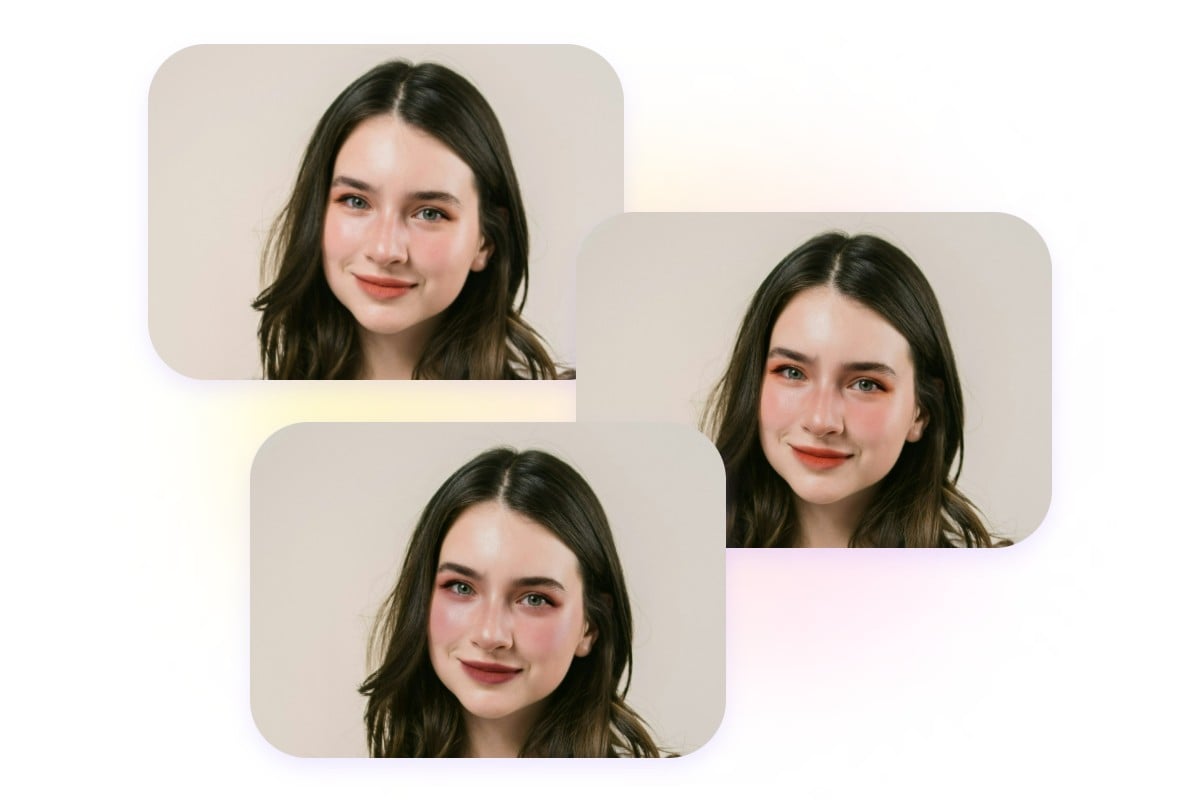
Try a makeup look on your portrait. Upload one clear photo, choose natural, soft glam, smoky eyes or a custom direction, and review a new image before downloading.
Creative Studio
Output model, ratio and quantity are available in Settings.
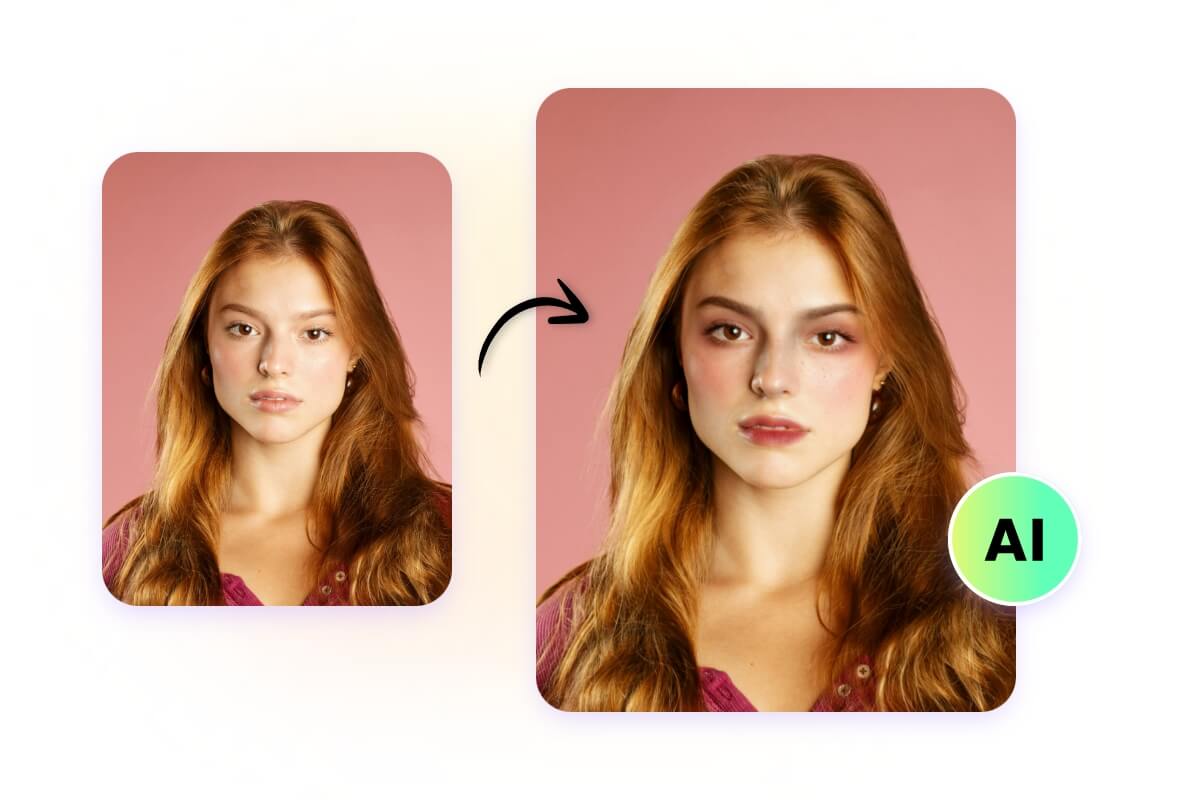 Makeup style reference
Open a reference photo or begin with the text idea accepted by this tool. Keep your original available for comparison.
Select the task options, then describe the change you want. The sections below explain the details worth specifying.
Sign in, check the displayed credit estimate and generate. Review the result before downloading.
Explore more options in AI Image Generator. Return to the homepage.
Creative Studio
Try a makeup look on your portrait. Upload one clear photo, choose natural, soft glam, smoky eyes or a custom direction, and review a new image before downloading.
01
Use one sharp portrait with the face clearly visible and even lighting. Keep the eyes, cheeks and lips unobstructed so you can compare the makeup details.
02
Choose one of six makeup looks, or open Custom to describe your preferred eyeliner, eyeshadow, blush and lip color. Review the selected model, aspect ratio and estimated credits.
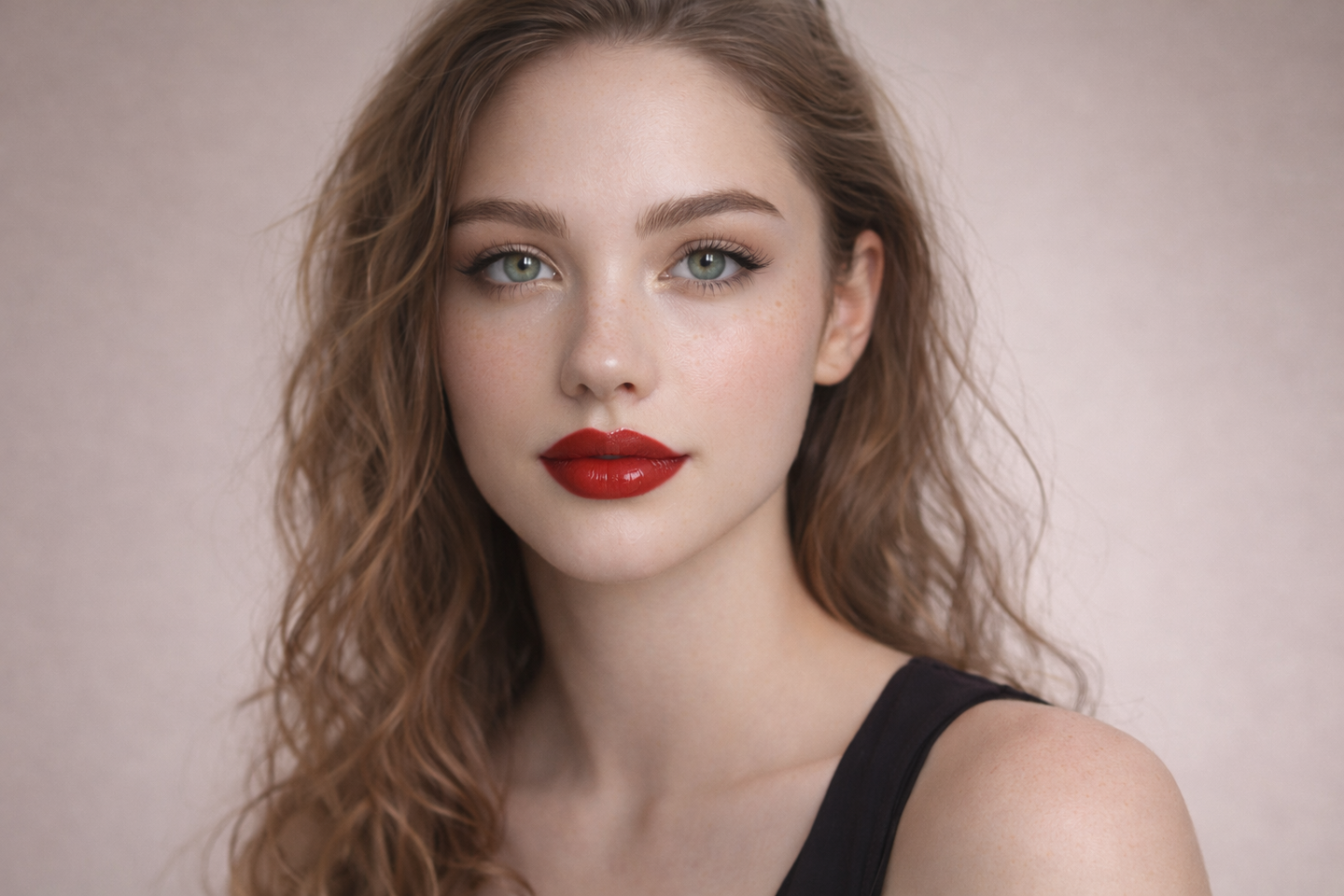
03
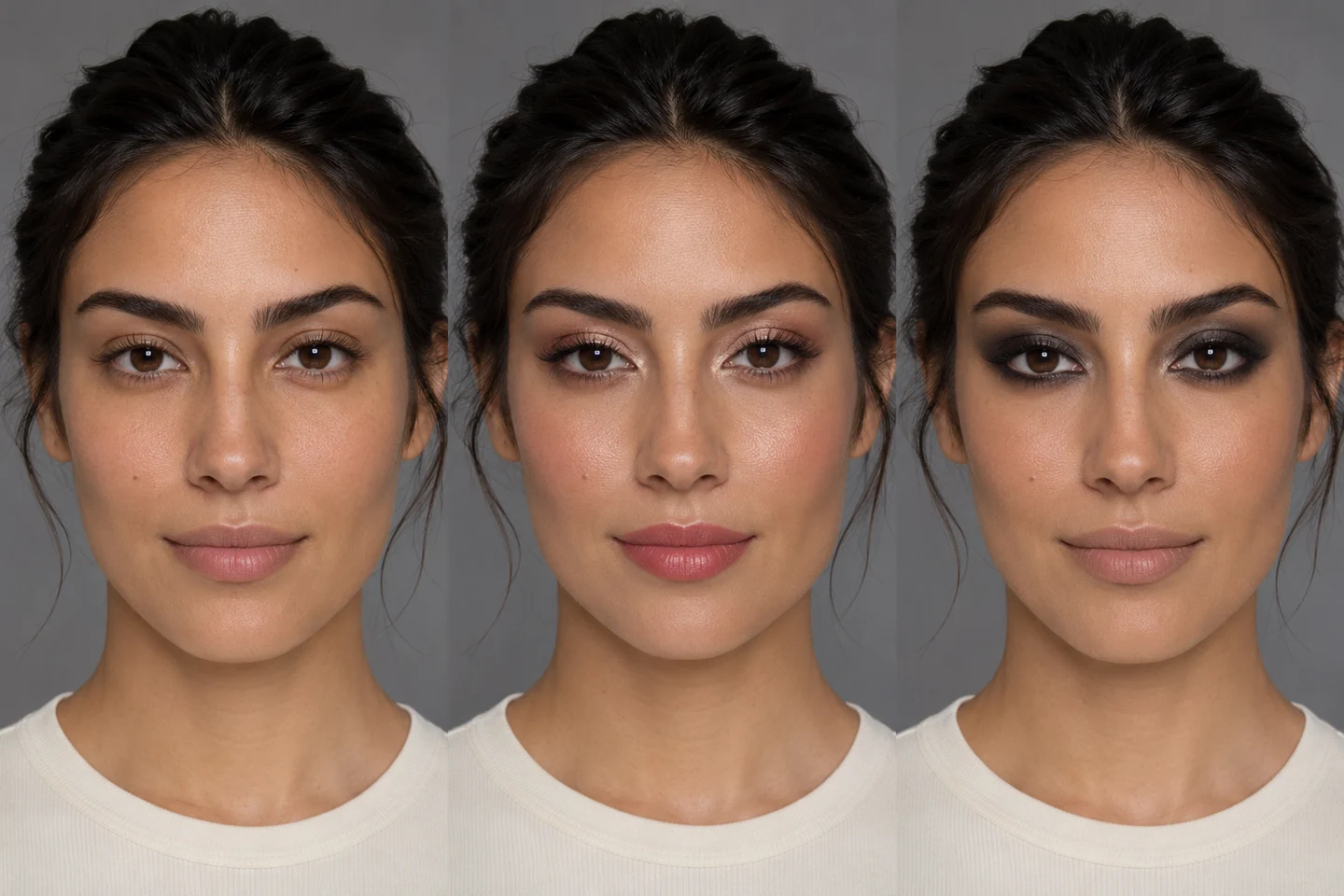
Explore an everyday look, a soft glam idea or a stronger evening direction. Use the generated portrait as a visual reference for your next creative or styling decision.
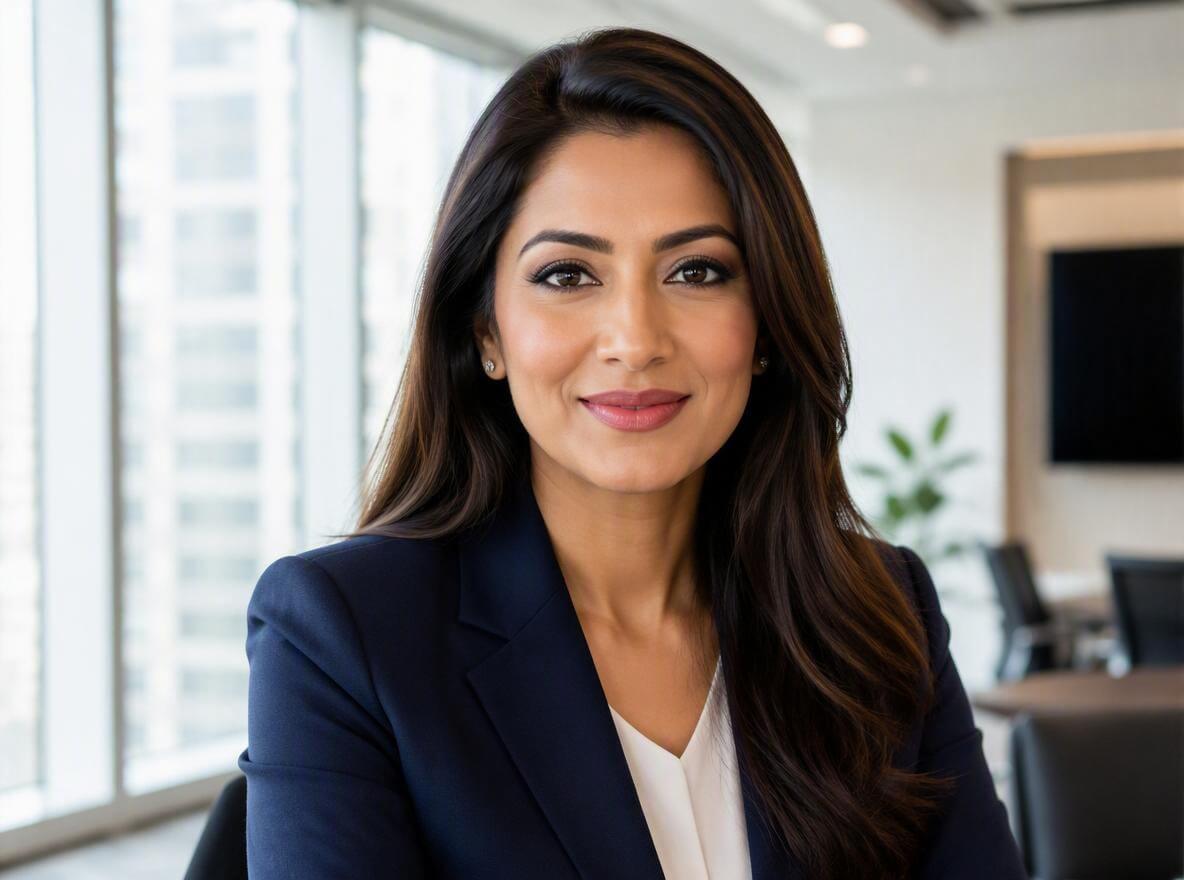
04
Compare eye shape, lip edges, skin tone and facial identity with your original photo. Generated makeup can vary; change one detail at a time and review every result.
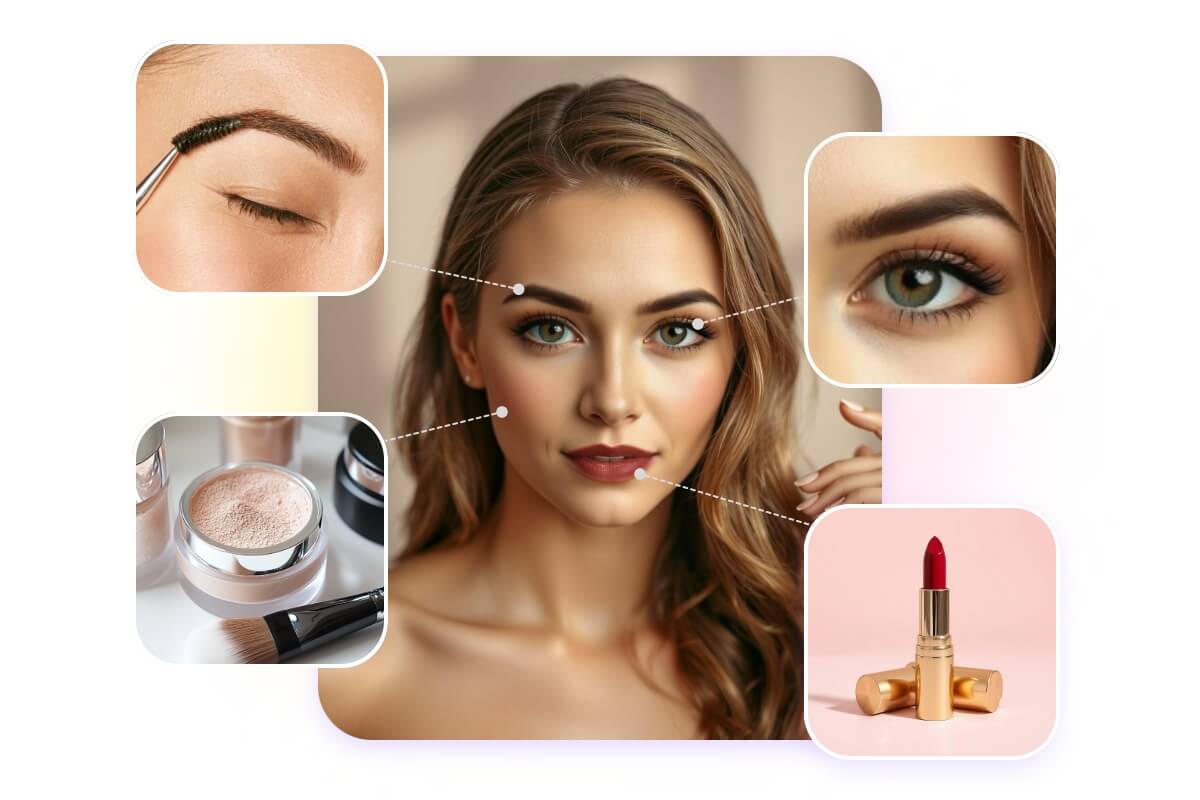
Creative Studio
Use these starting points to plan how the tool fits your own work.
Personal projects
Explore an everyday look, a soft glam idea or a stronger evening direction. Use the generated portrait as a visual reference for your next creative or styling decision.
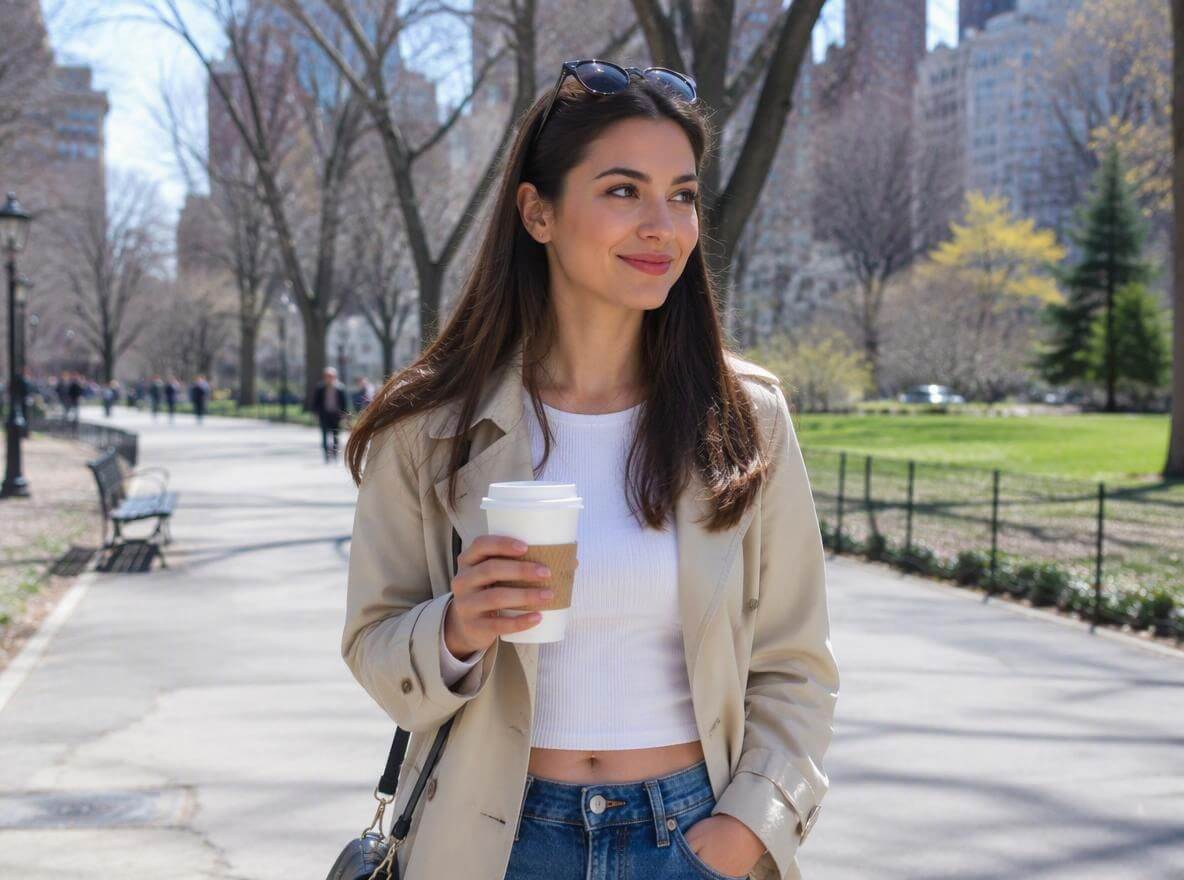
Creative Studio
Makeup style references from Fotor and GoStudio.ai.
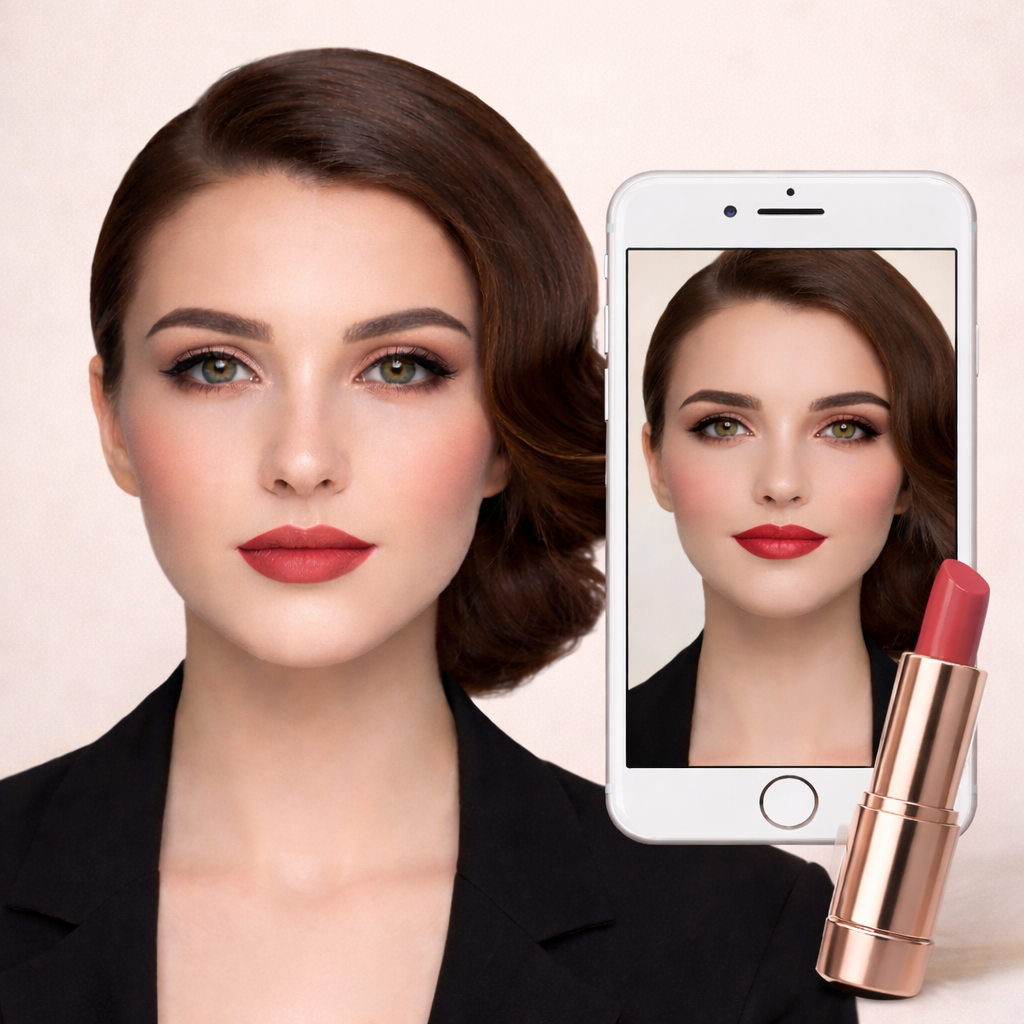 Makeup style reference
Example1 / 2
Explore a natural daytime look with soft lip color and restrained blush. Keep the lighting fixed to compare the changes.
Need a hand?
Learn what to upload, which controls are available and what to check in the result.
Contact supportUse one sharp portrait with the face clearly visible and even lighting. Keep the eyes, cheeks and lips unobstructed so you can compare the makeup details.
Choose one of six makeup looks, or open Custom to describe your preferred eyeliner, eyeshadow, blush and lip color. Review the selected model, aspect ratio and estimated credits.
Generating images or analyzing an image requires an account and credits. Check the cost on the action button before submitting; image cost can change with the model and quantity.
Compare eye shape, lip edges, skin tone and facial identity with your original photo. Generated makeup can vary; change one detail at a time and review every result.
Continue exploring with this related tool. AI Hairstyle Changer
Creative Studio
Bring one clear idea back to the tool above. Your draft stays in place while you explore these examples.