
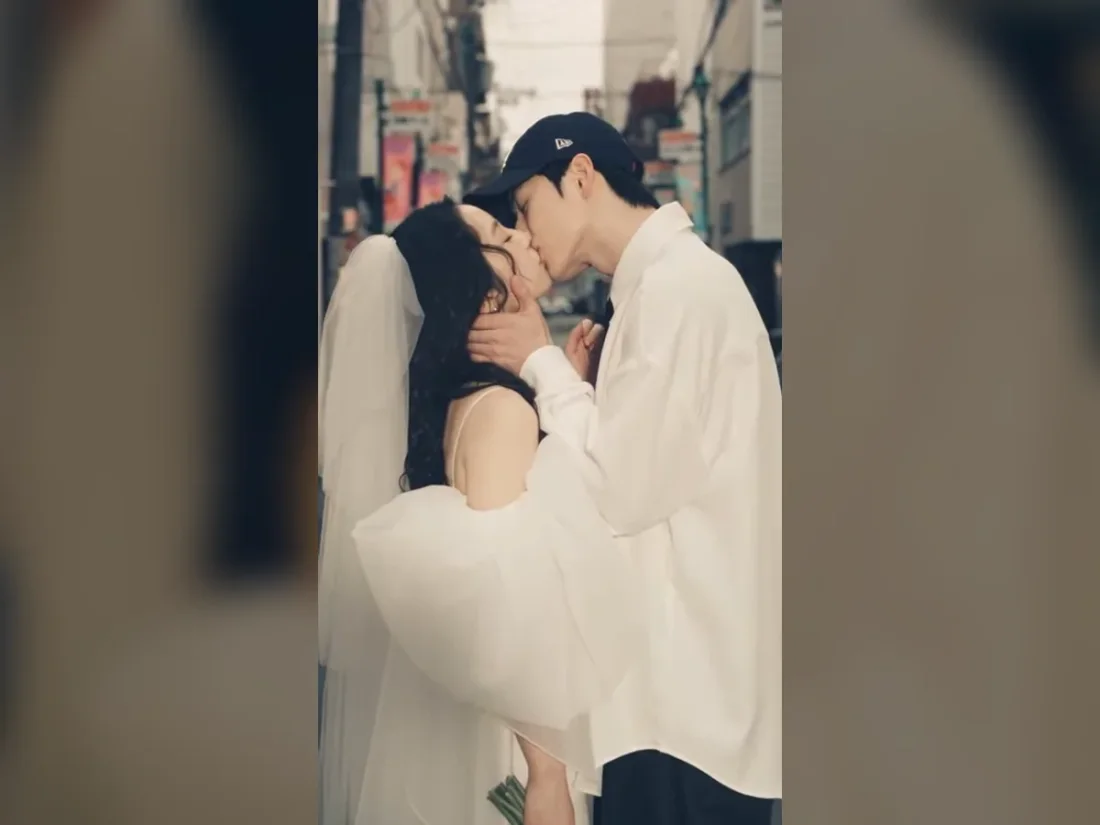
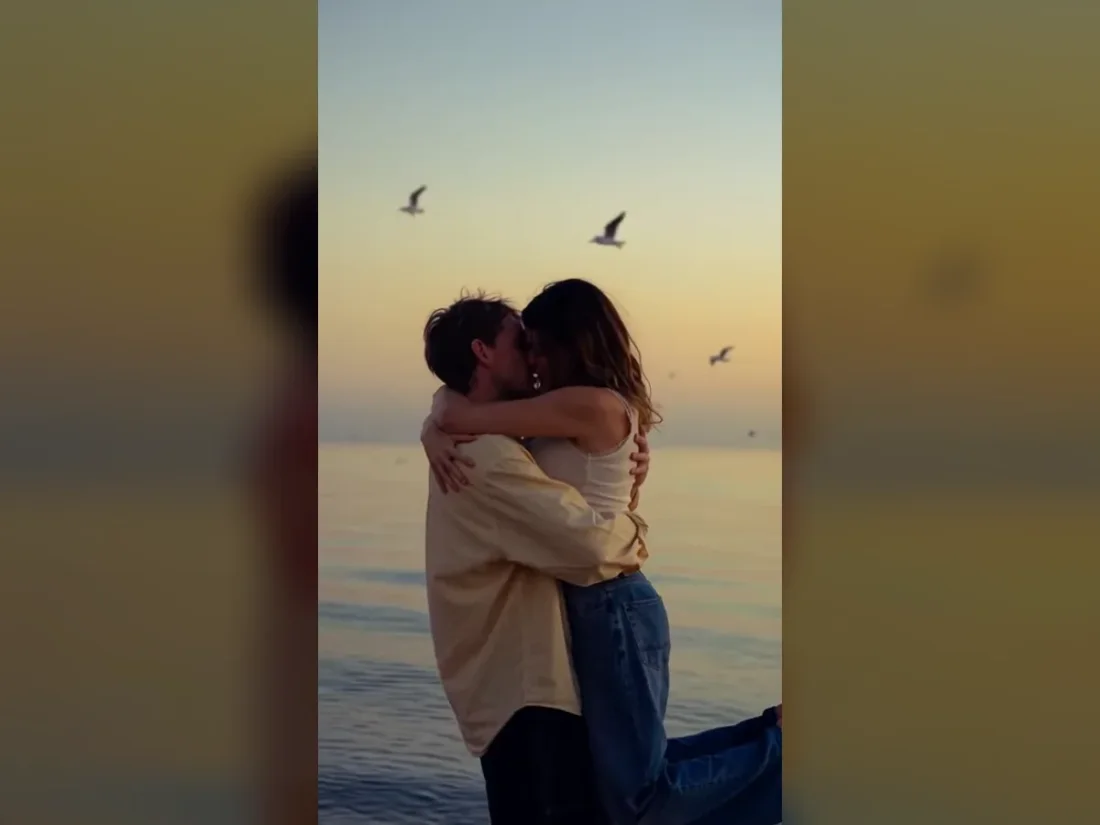
01
Choose a clear portrait for the scene
Choose Two Solo Photos and upload one adult per slot, or choose Couple Photo for a shared portrait.
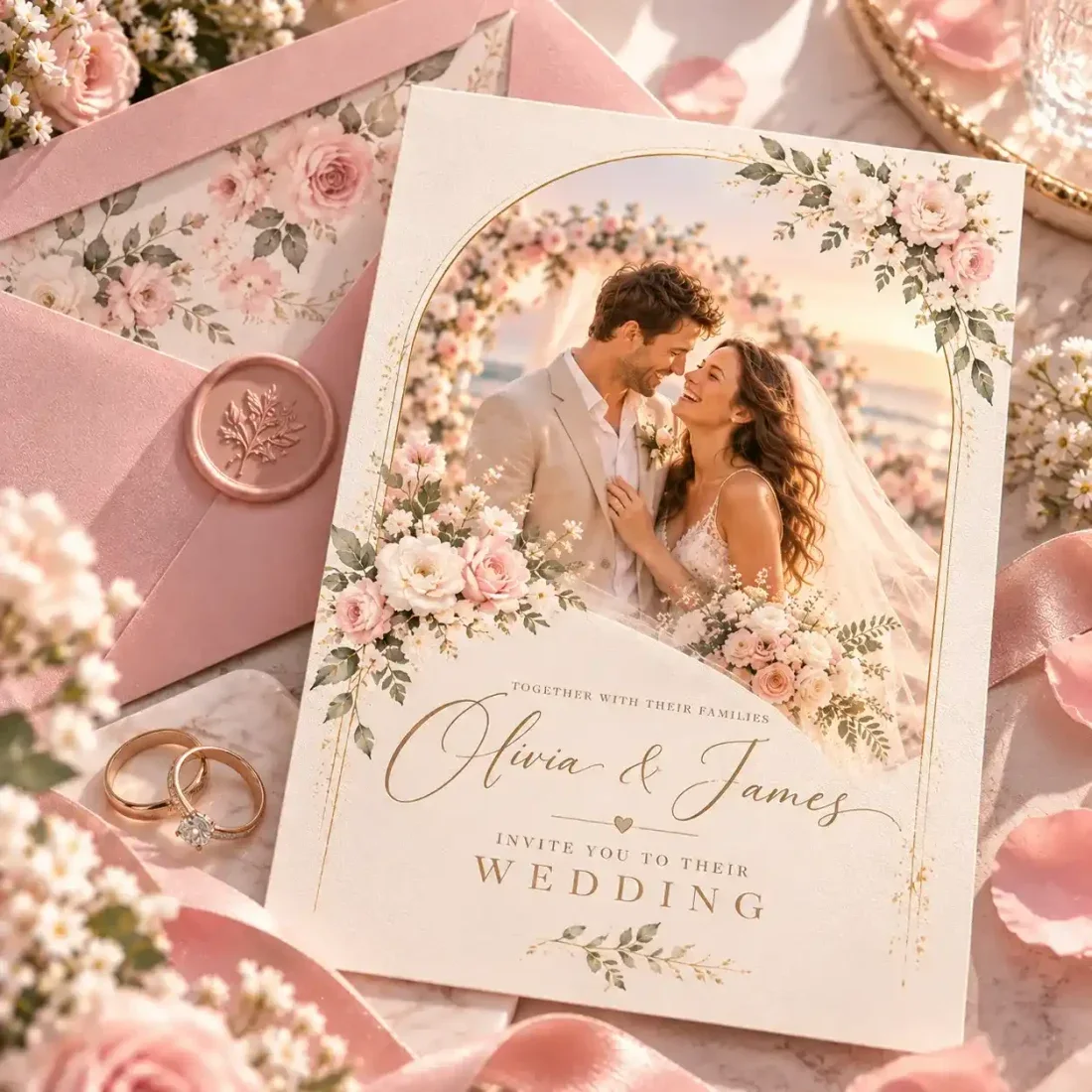
Create AI wedding portraits from two solo photos or one couple photo. Explore photo packs, scene styles or a style reference, then review your chosen images.
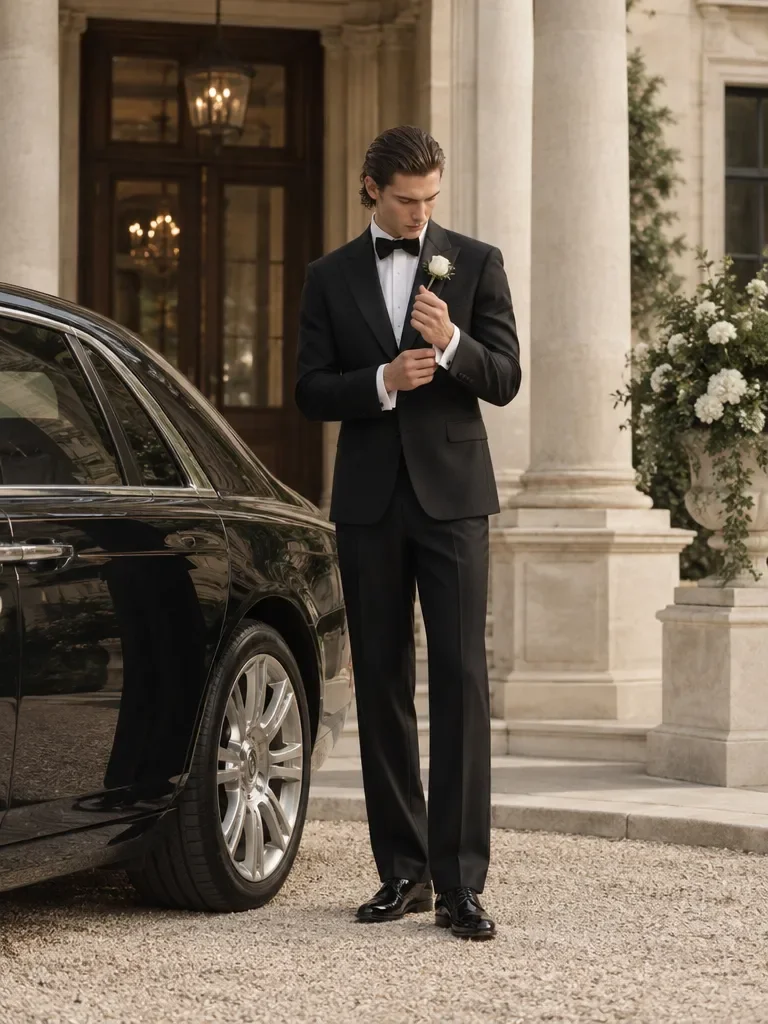
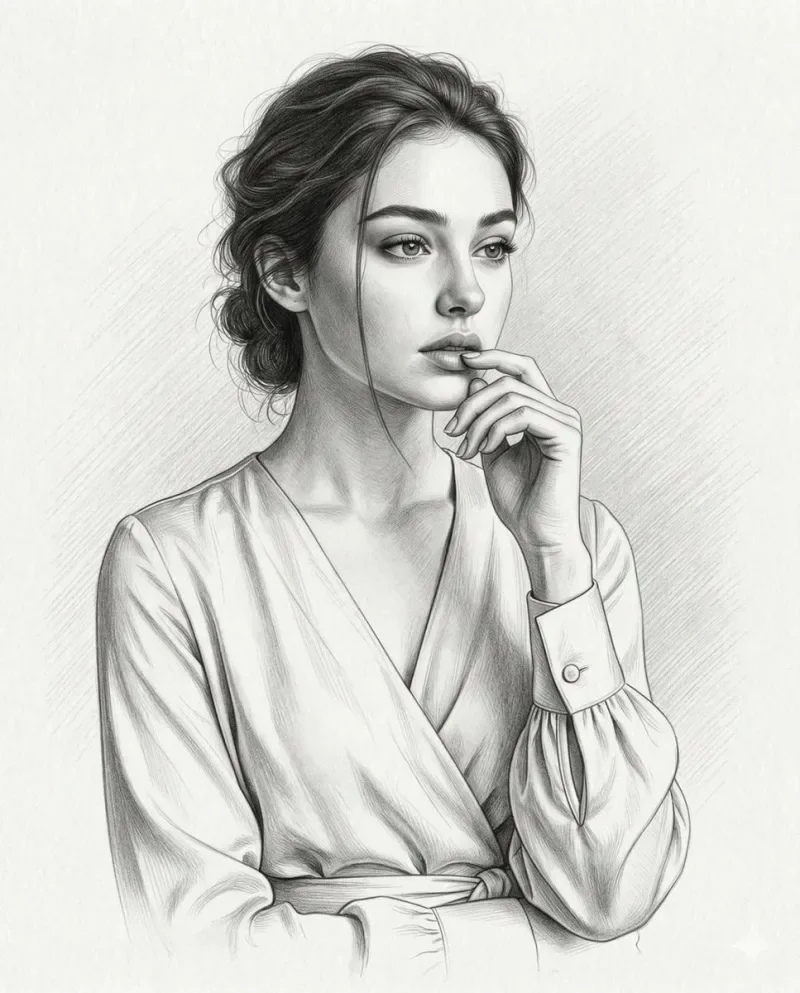
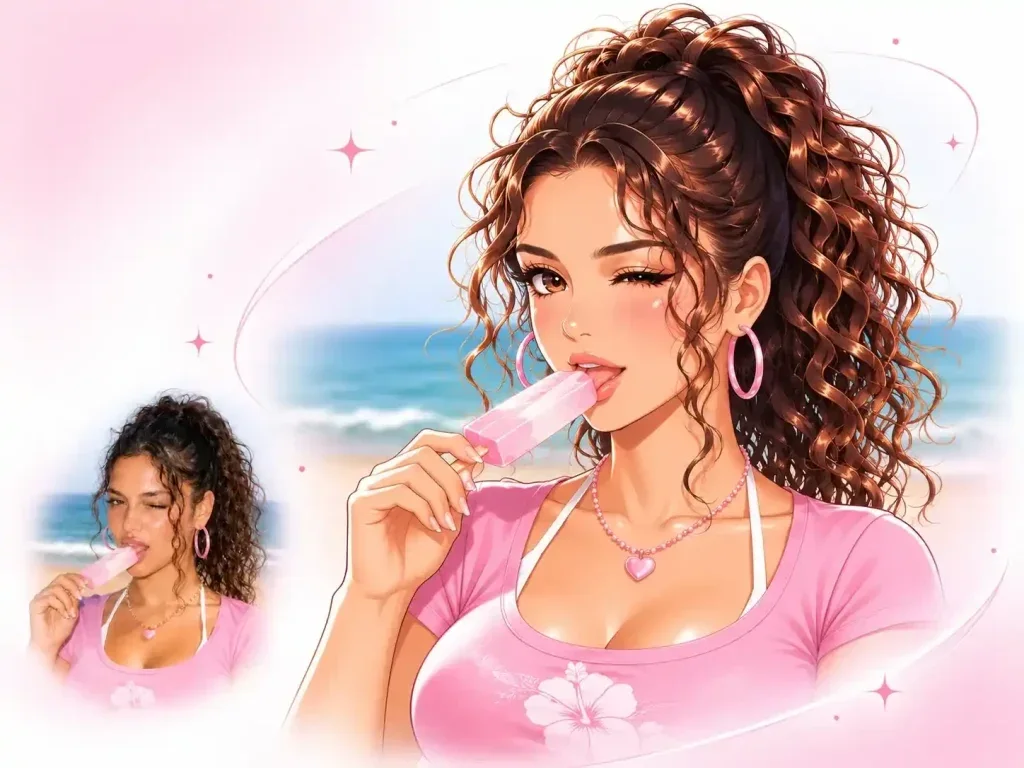
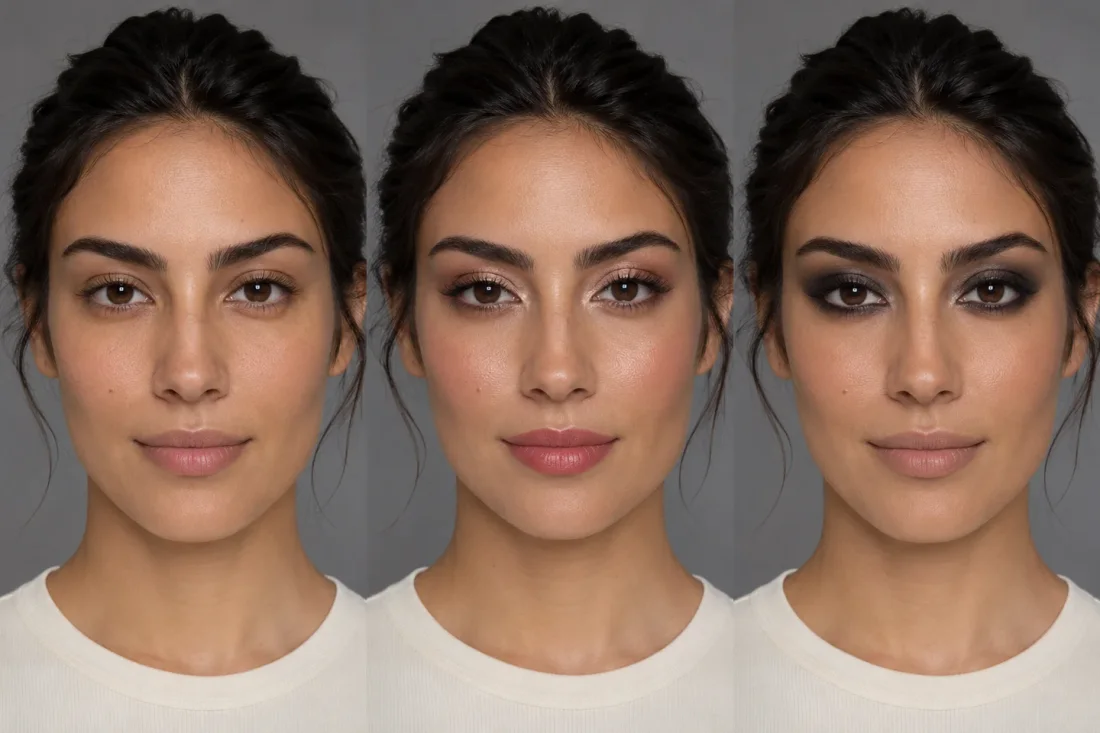
Creative Studio
Output model, ratio and quantity are available in Settings.
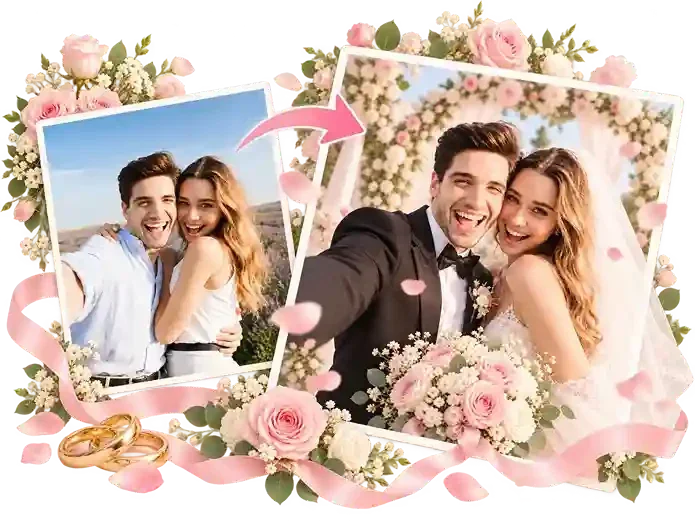
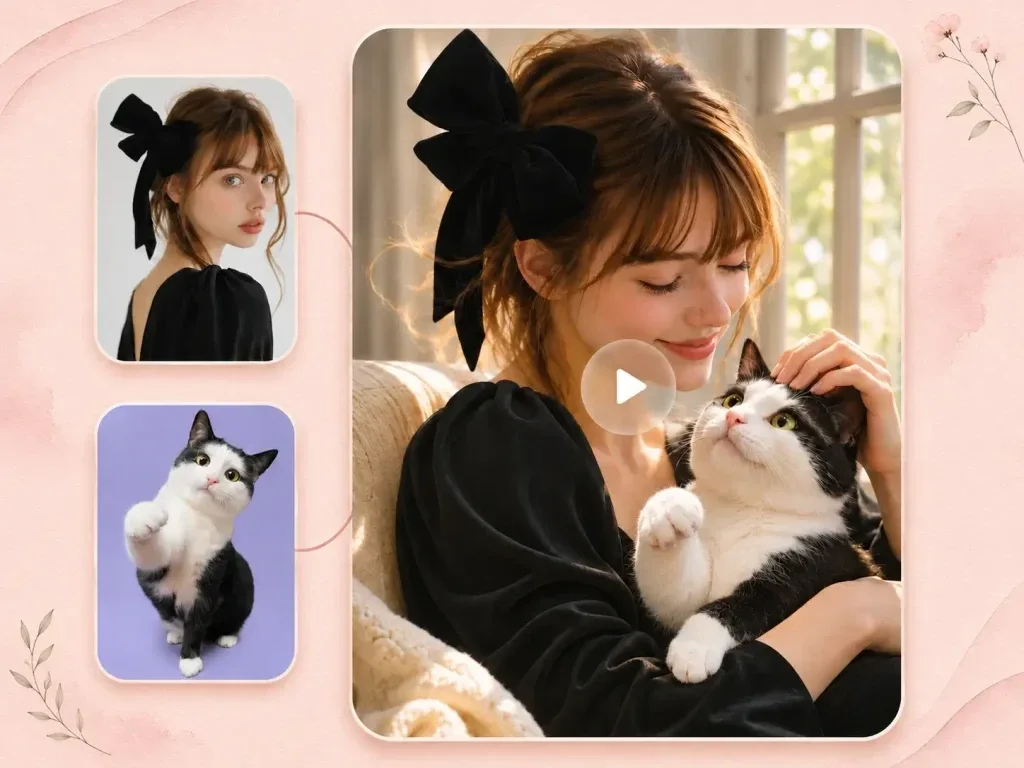
Open a reference photo or begin with the text idea accepted by this tool. Keep your original available for comparison.
Select the task options, then describe the change you want. The sections below explain the details worth specifying.
Sign in, check the displayed credit estimate and generate. Review the result before downloading.
Creative Studio
Create AI wedding portraits from two solo photos or one couple photo. Explore photo packs, scene styles or a style reference, then review your chosen images.
01
Choose Two Solo Photos and upload one adult per slot, or choose Couple Photo for a shared portrait.
02
Choose a photo pack or Photo Style. In Photo Style, use a preset, a style reference or a custom description.
03
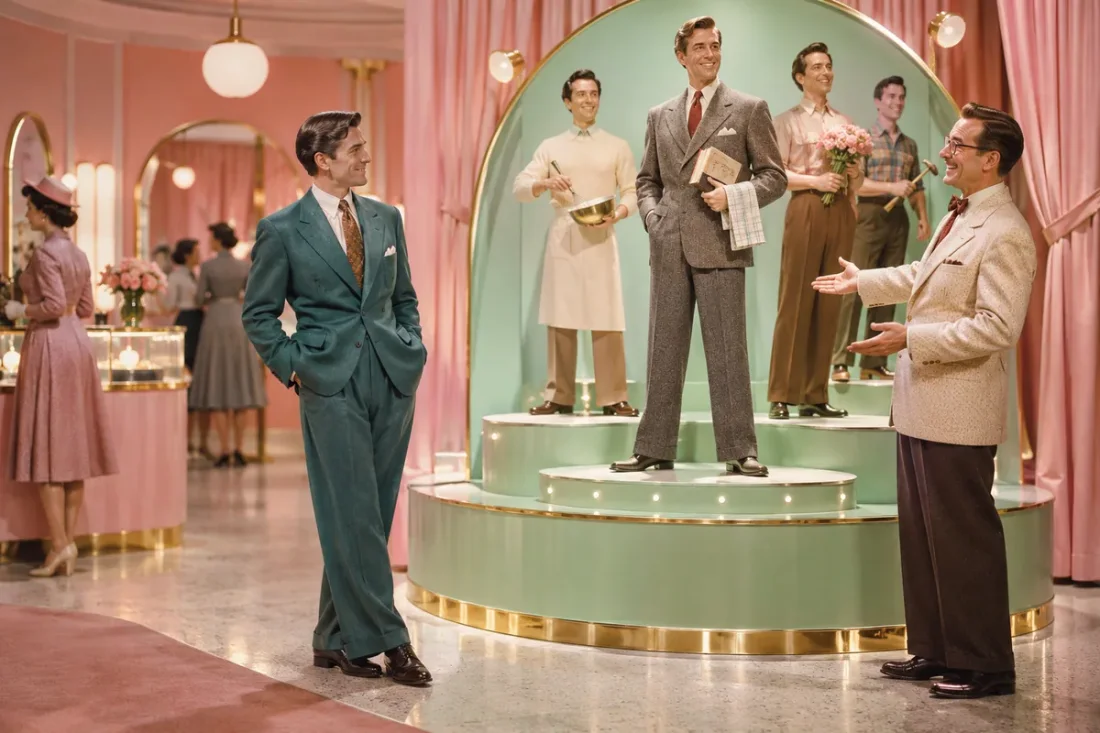
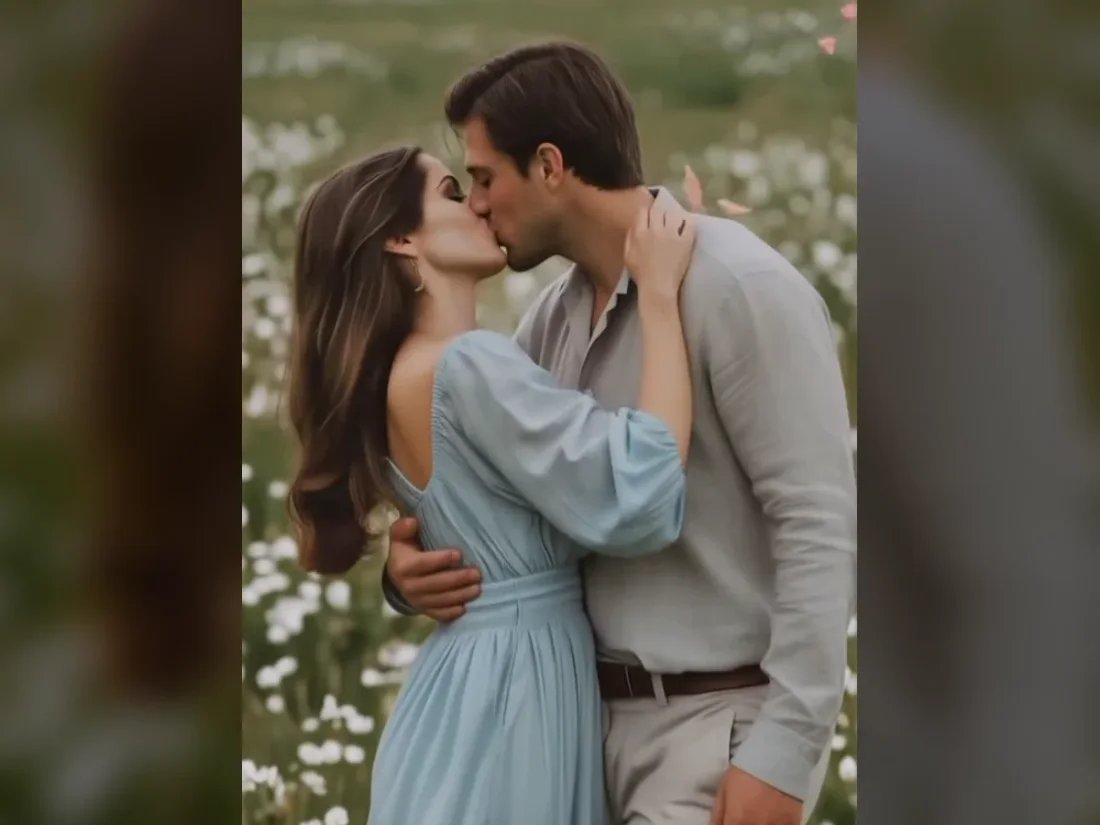
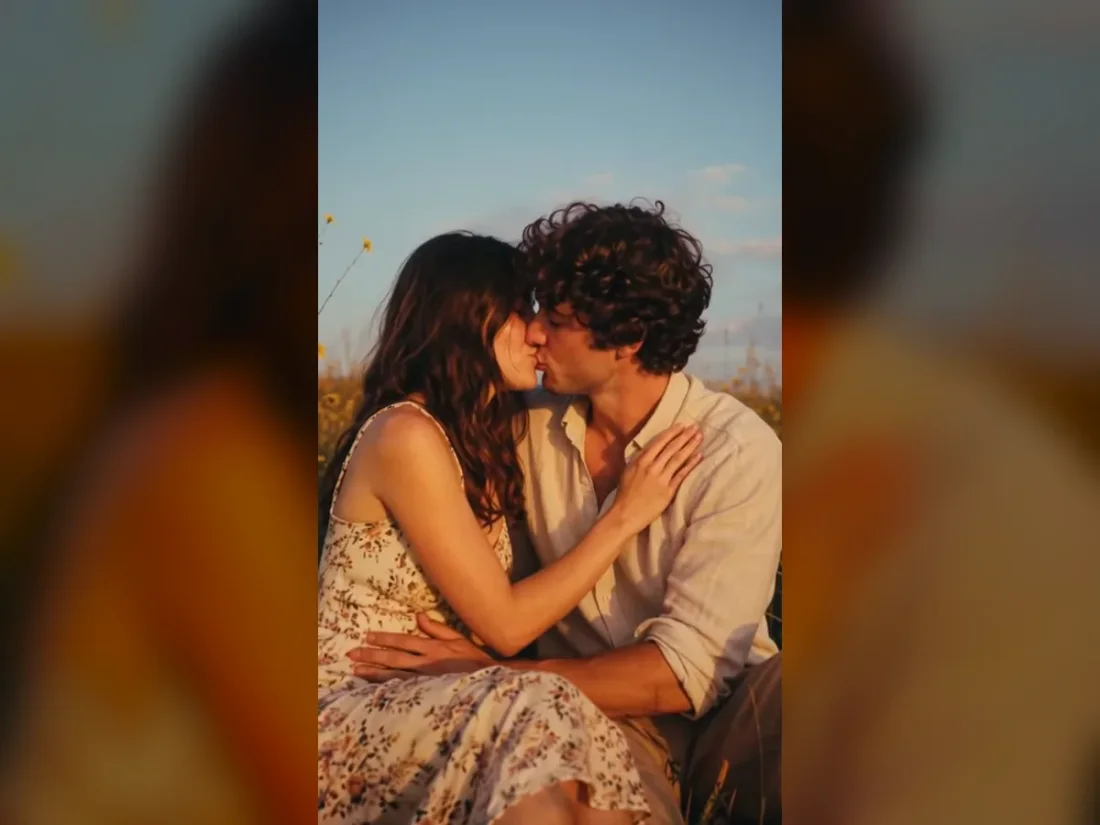
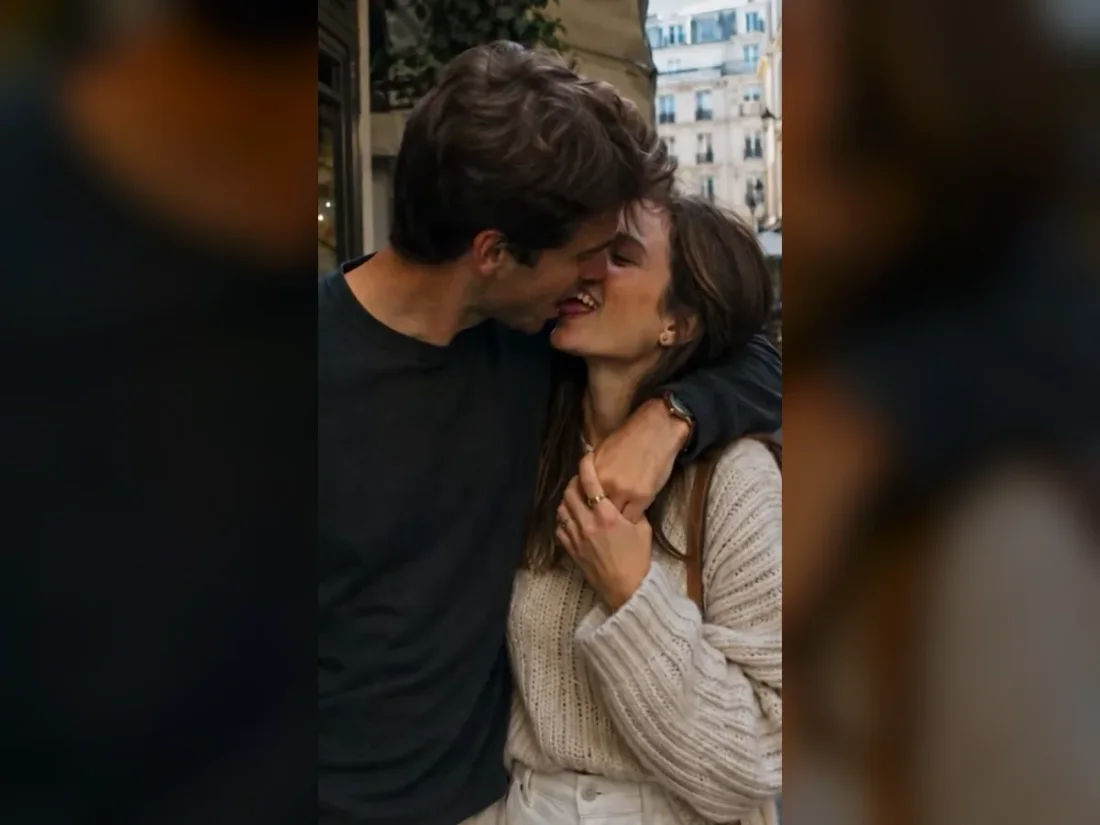
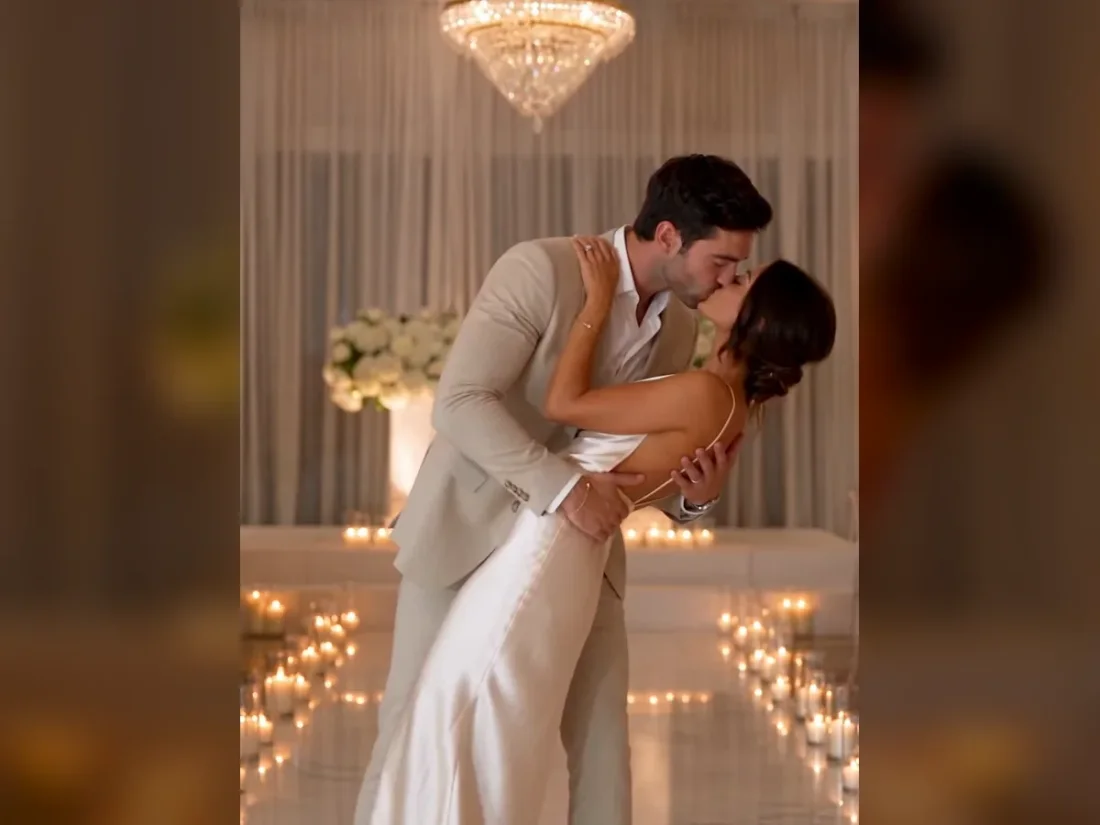
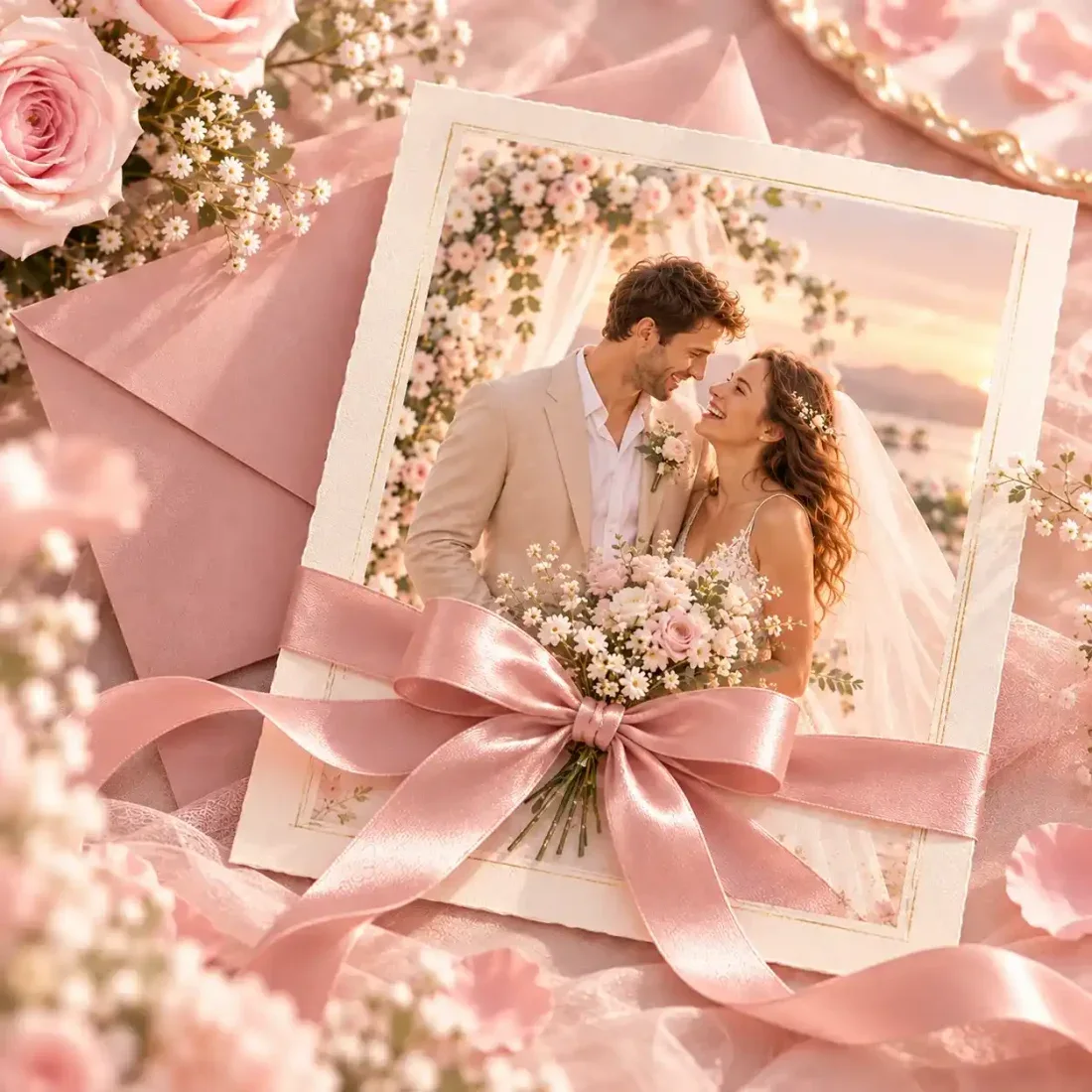
Explore wedding outfits and settings before planning a shoot, or create a portrait concept for a personal project.
04
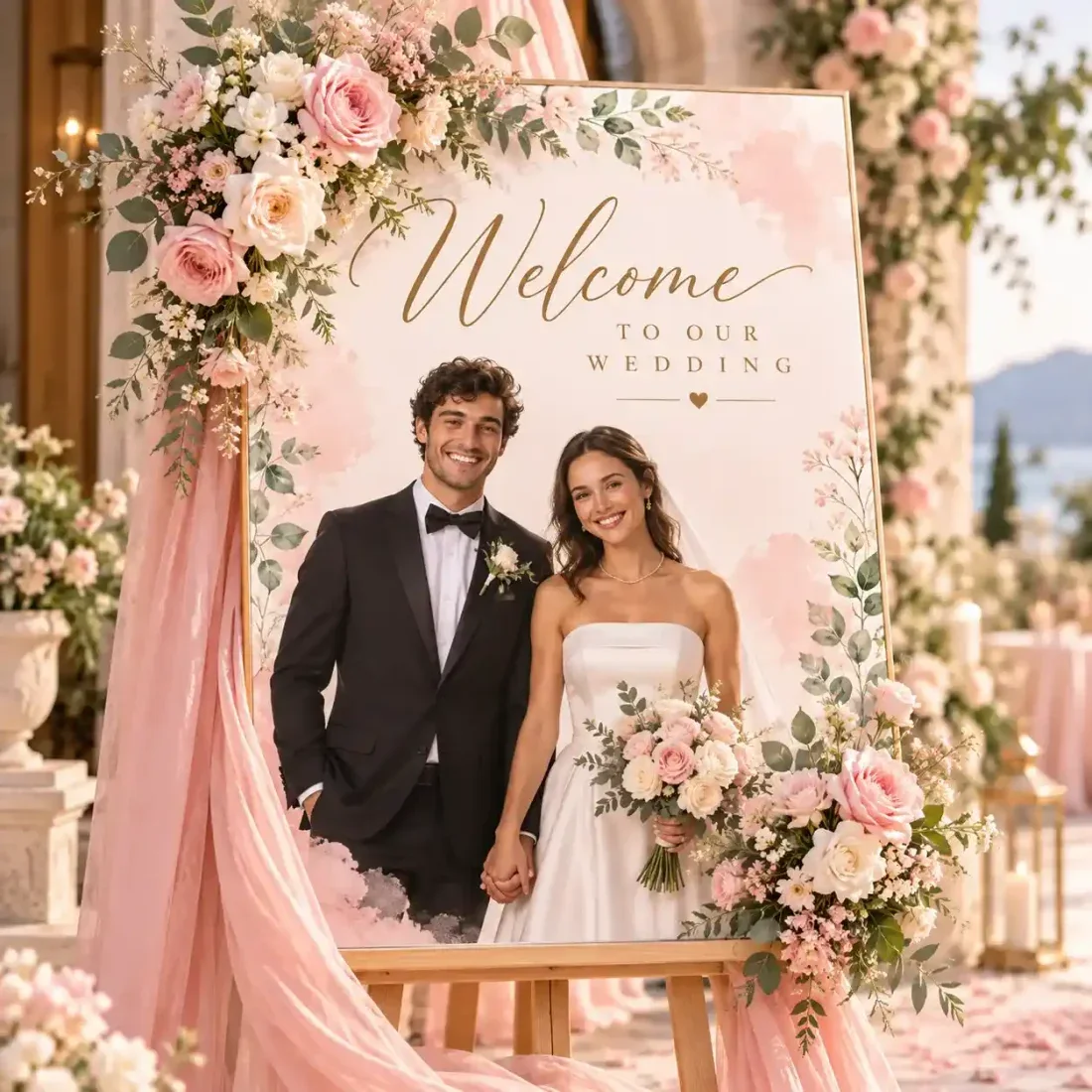
Review both faces, hands and outfit details. A photo pack selects a creative direction; output quantity is set separately.
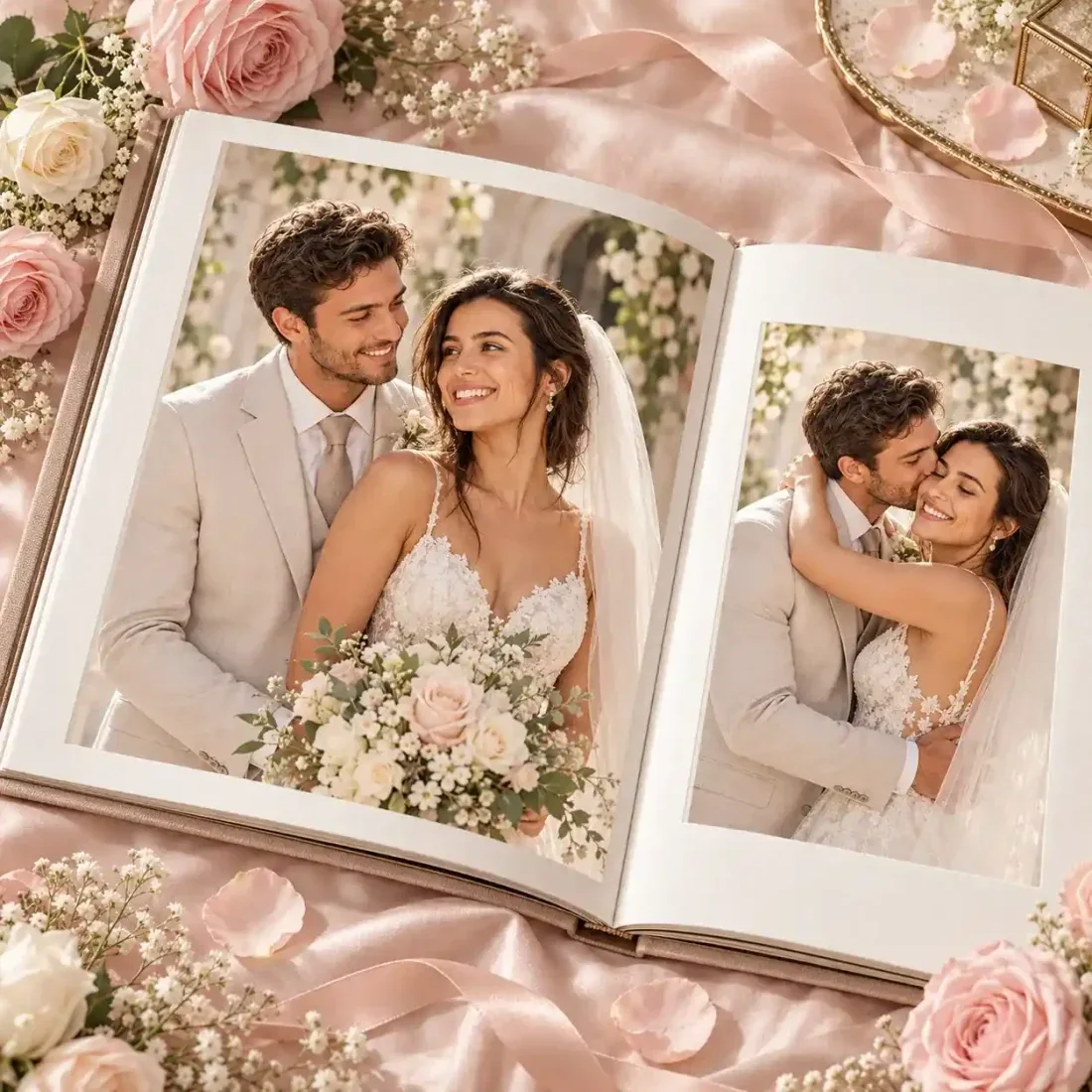
Creative Studio
Use these starting points to plan how the tool fits your own work.
Personal projects
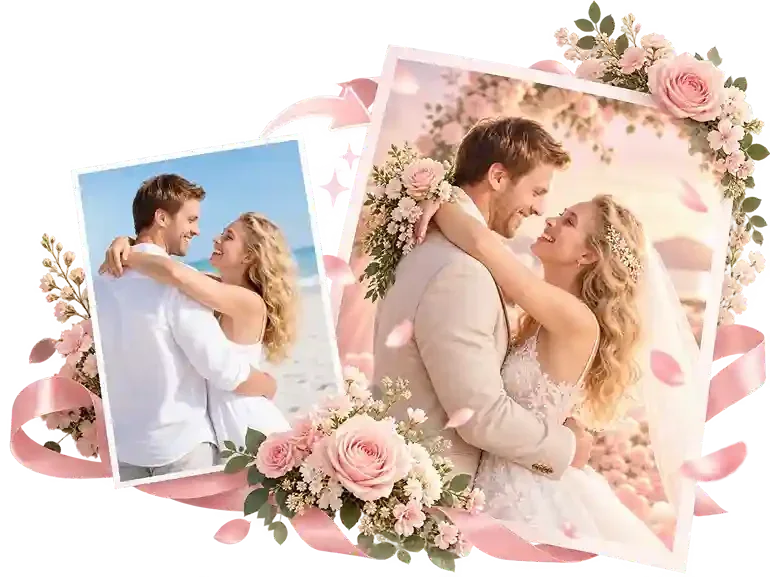
Explore wedding outfits and settings before planning a shoot, or create a portrait concept for a personal project.
Creative Studio
Example1 / 2
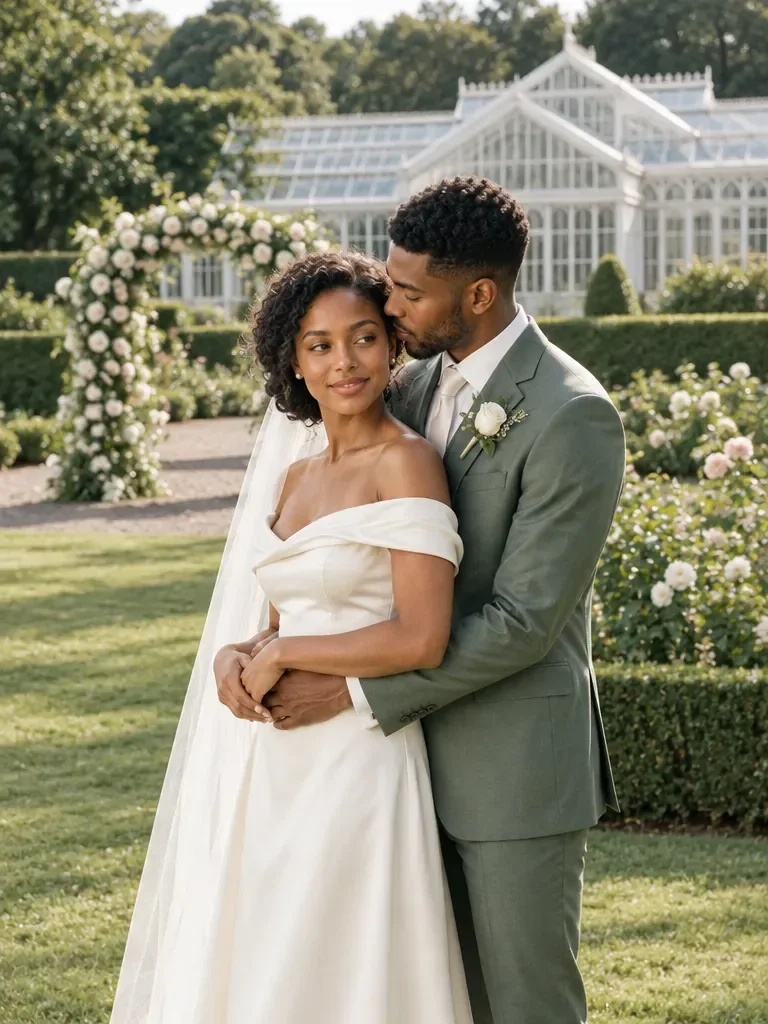
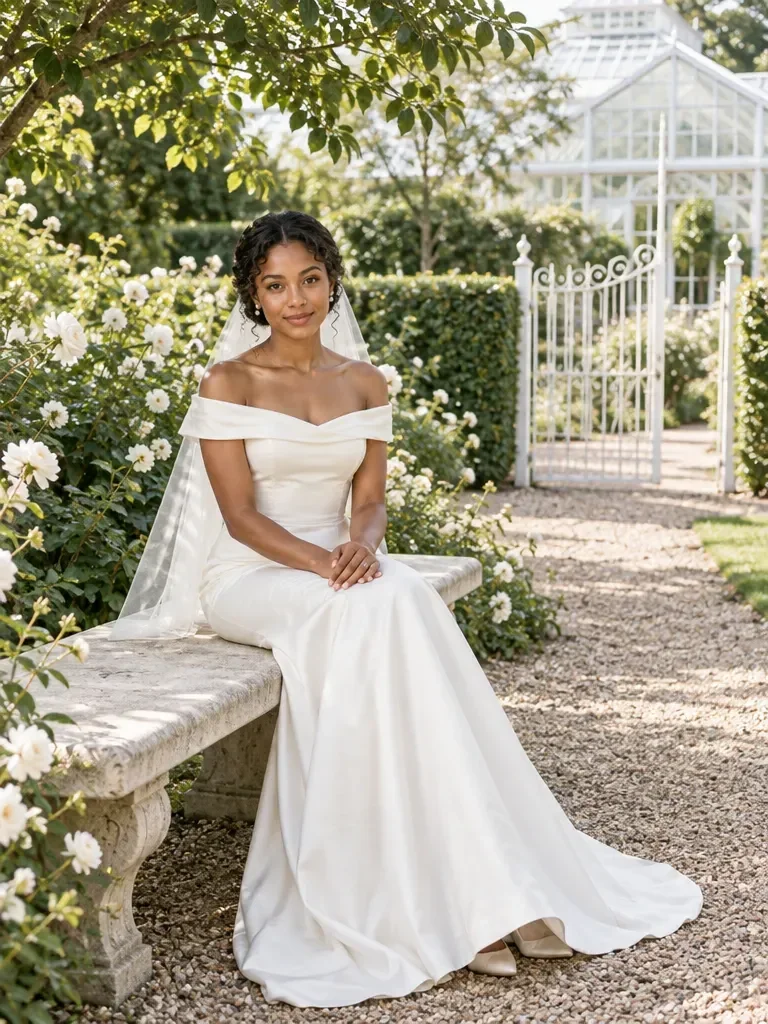
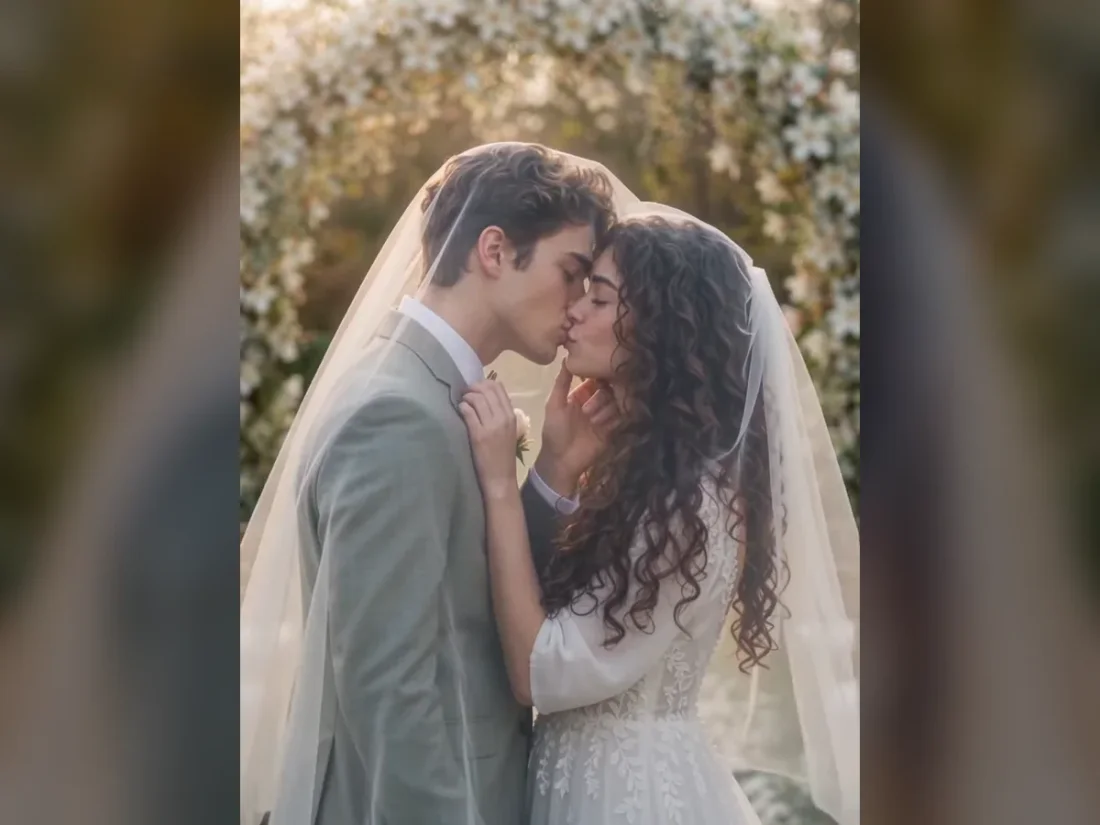
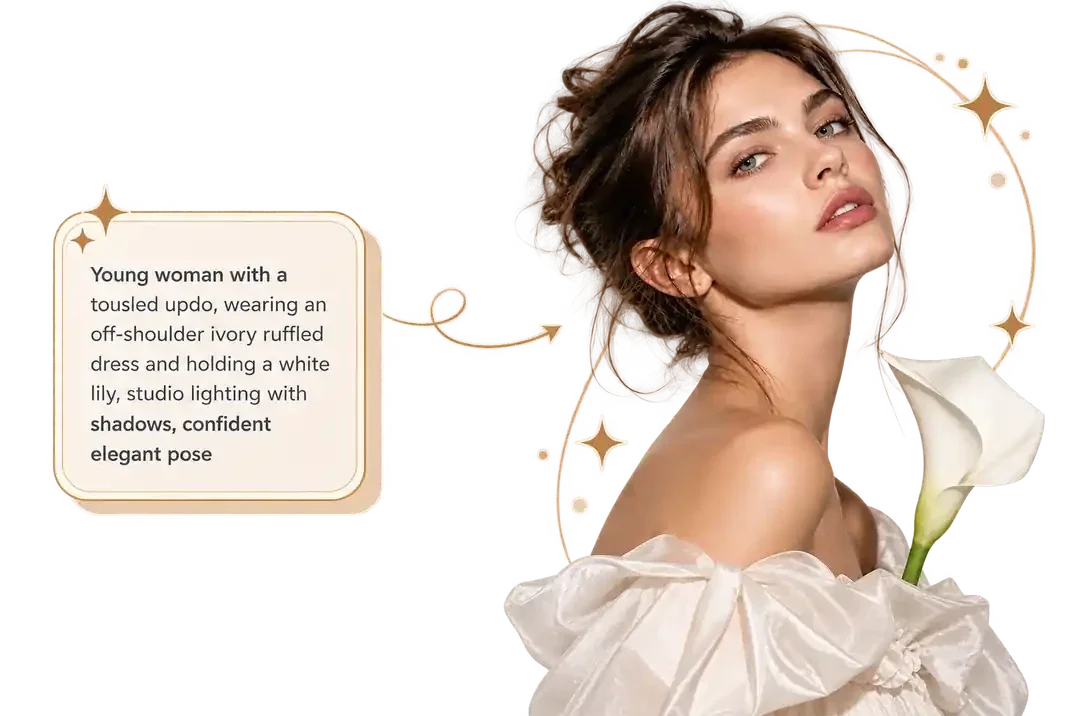
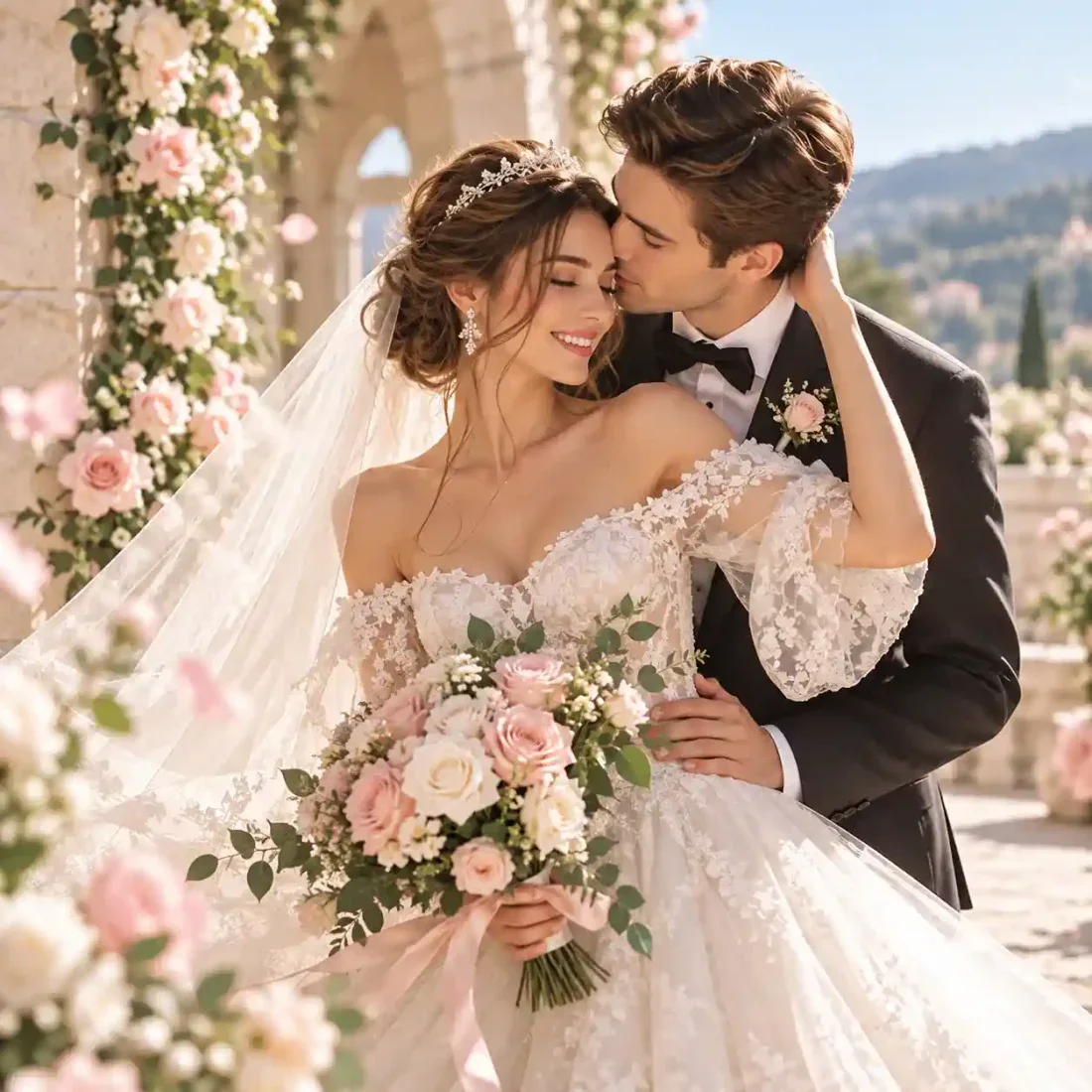
Describe a garden ceremony with soft evening light. Specify the outfit and framing you want to explore from your portrait.
Need a hand?
Learn what to upload, which controls are available and what to check in the result.
Contact supportChoose Two Solo Photos and upload one adult per slot, or choose Couple Photo for a shared portrait.
Choose a photo pack or Photo Style. In Photo Style, use a preset, a style reference or a custom description.
Generating images or analyzing an image requires an account and credits. Check the cost on the action button before submitting; image cost can change with the model and quantity.
Review both faces, hands and outfit details. A photo pack selects a creative direction; output quantity is set separately.
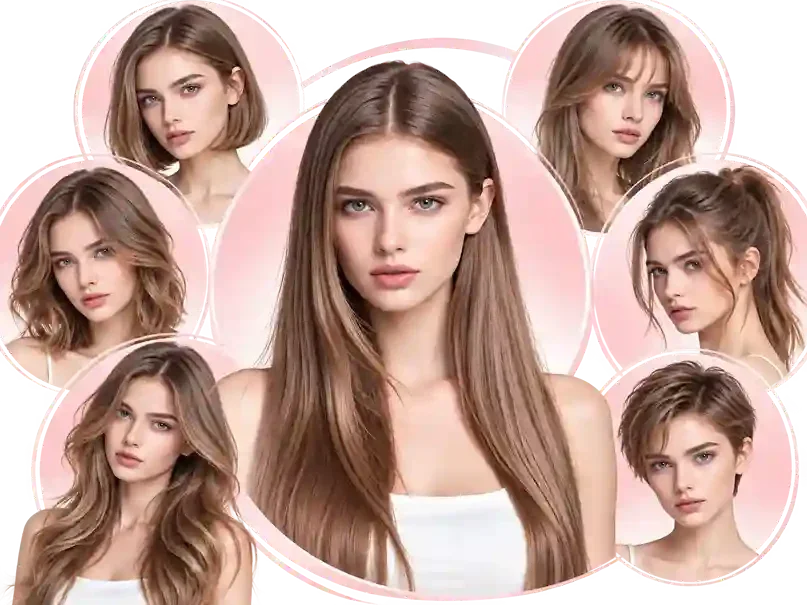
Continue exploring with this related tool. AI Hairstyle Changer
Creative Studio
Bring one clear idea back to the tool above. Your draft stays in place while you explore these examples.