

01
Choose a subject with a readable silhouette
Choose Photo to Cartoon and upload a photo, or choose Text to Cartoon and describe a subject in Custom.
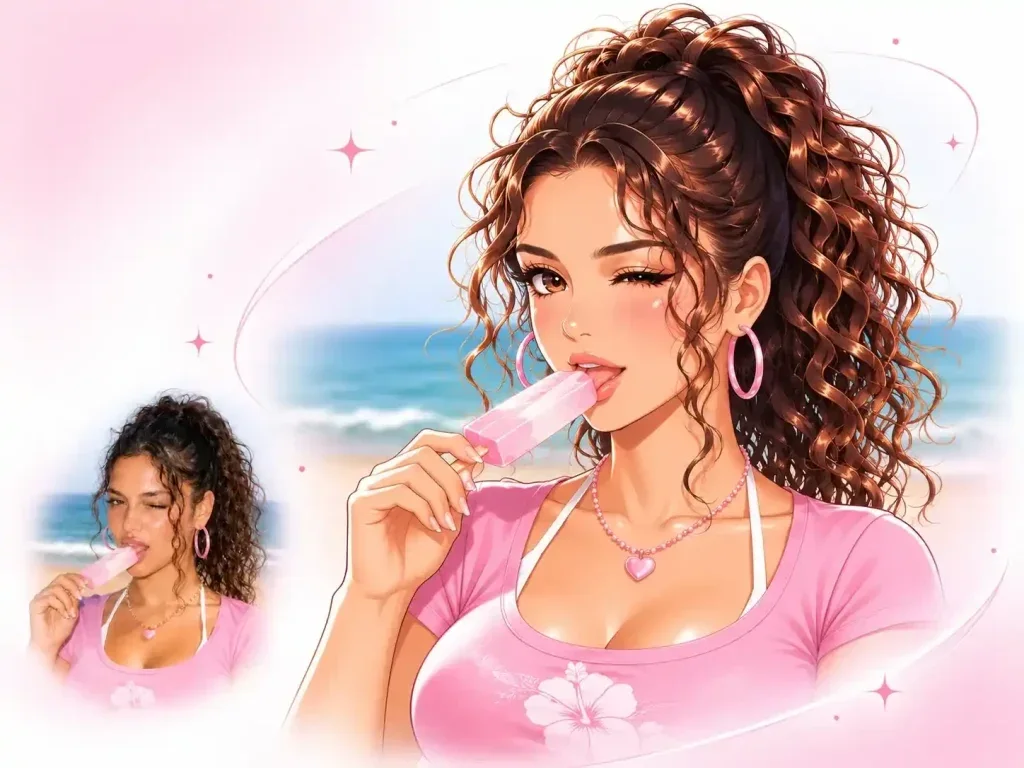
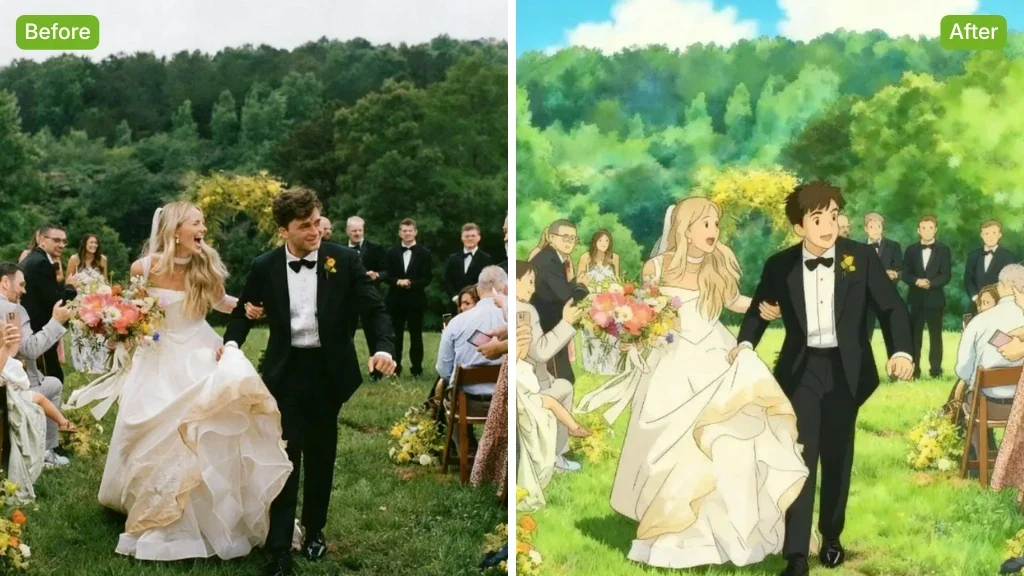
Turn a photo or text idea into a cartoon image with AI. Choose a cartoon style or add a custom description, then review and download your character illustration.


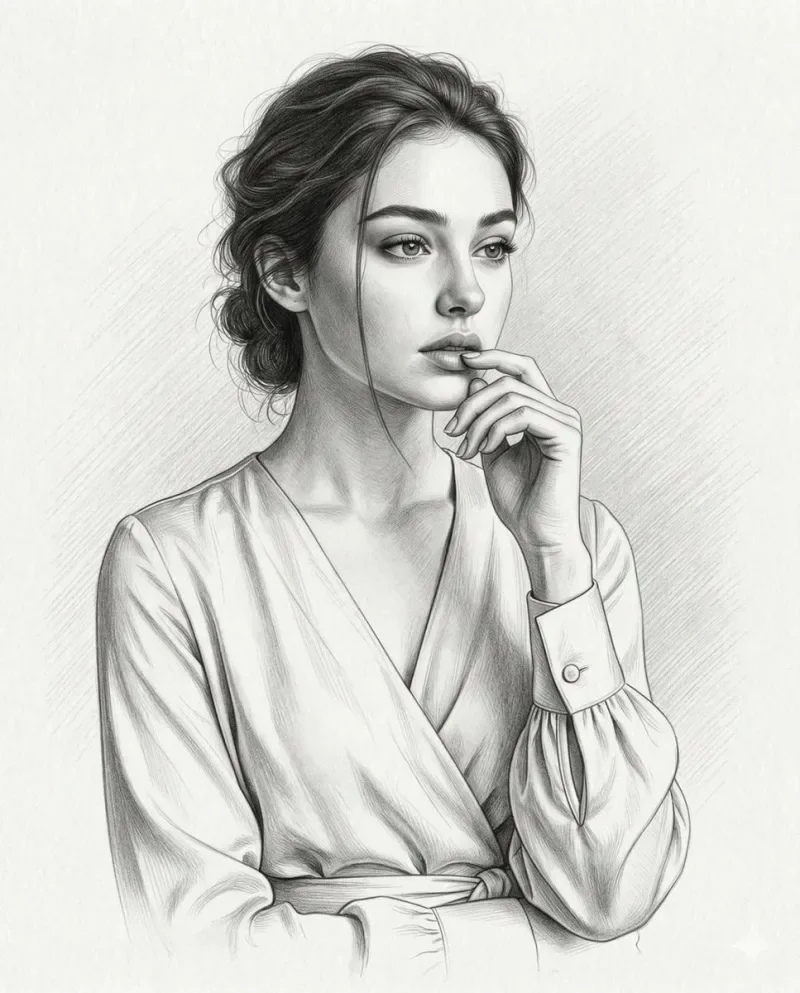
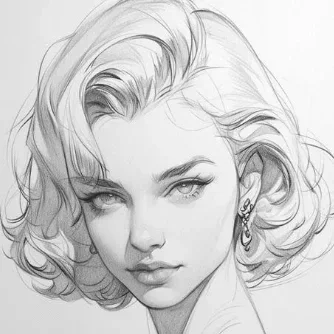
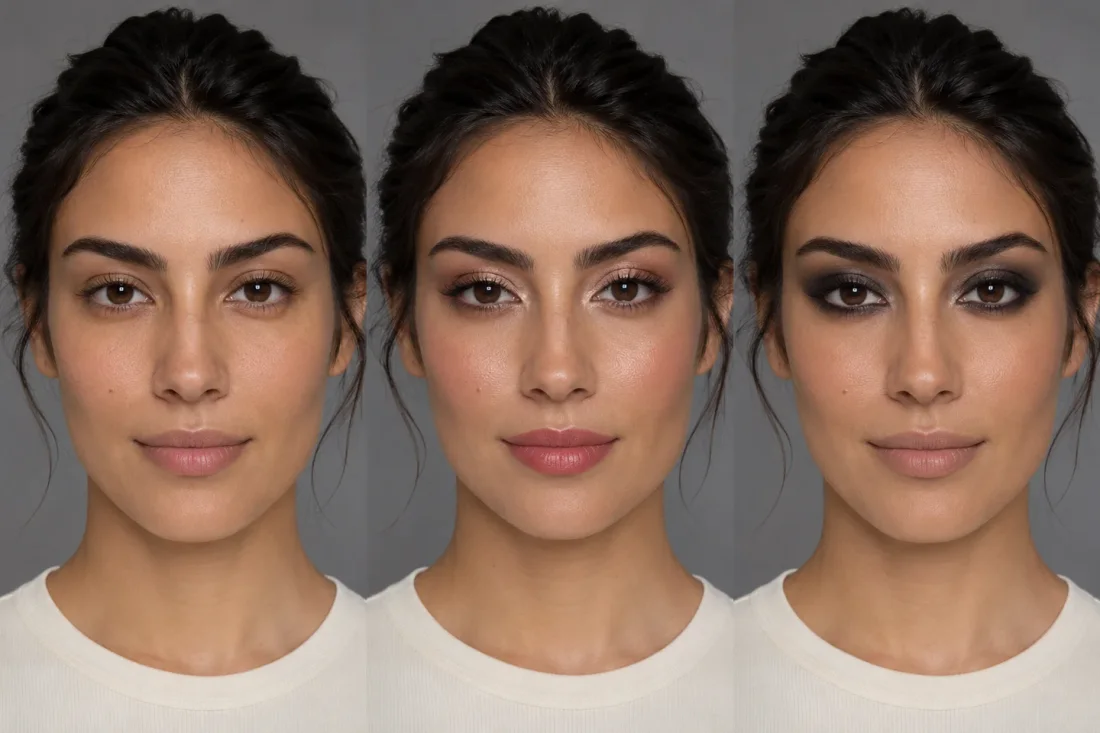
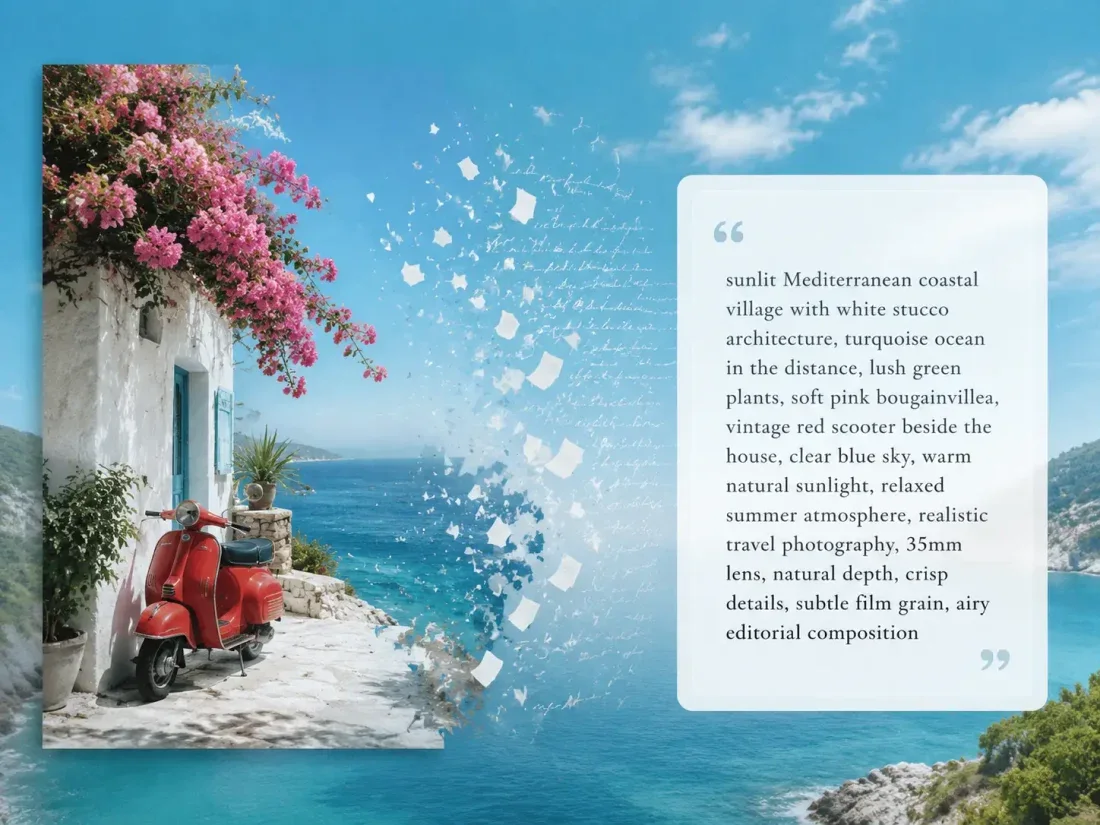
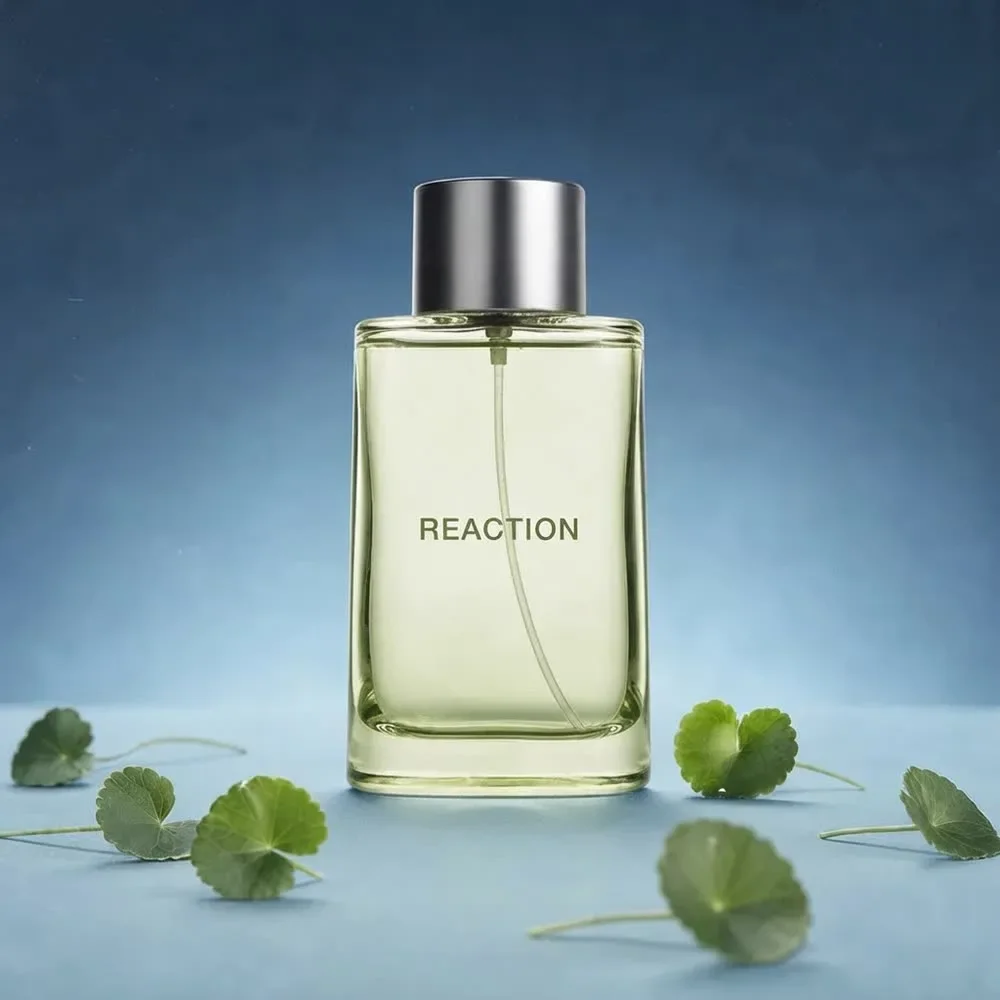
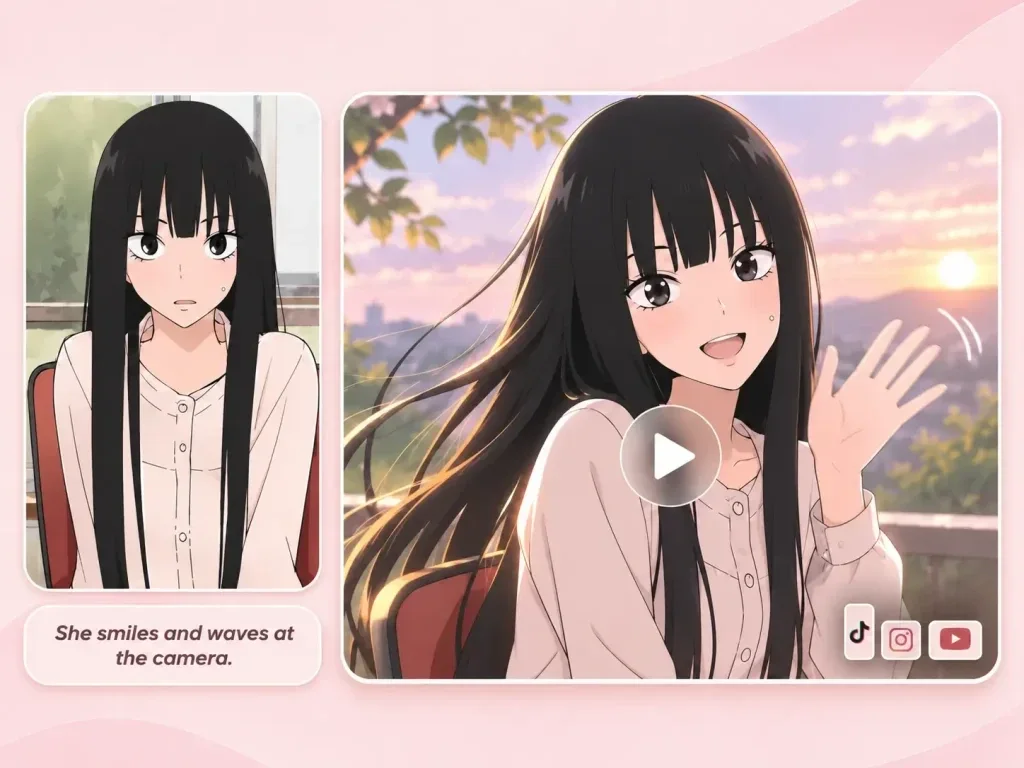



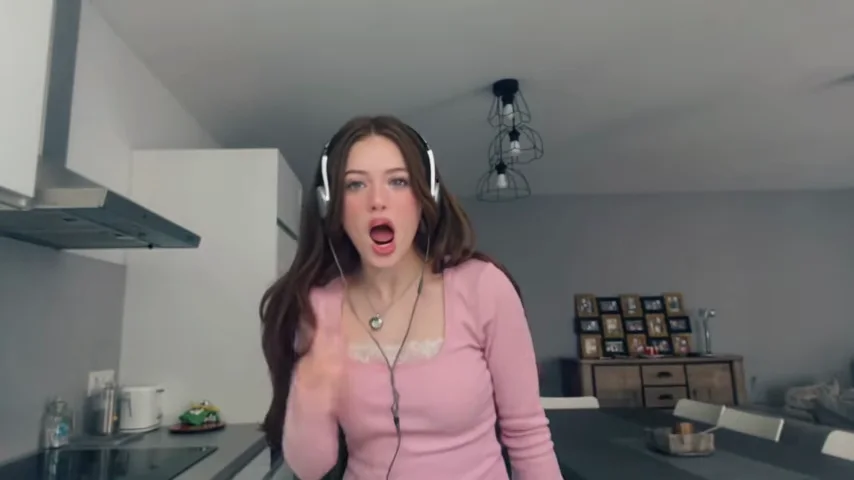
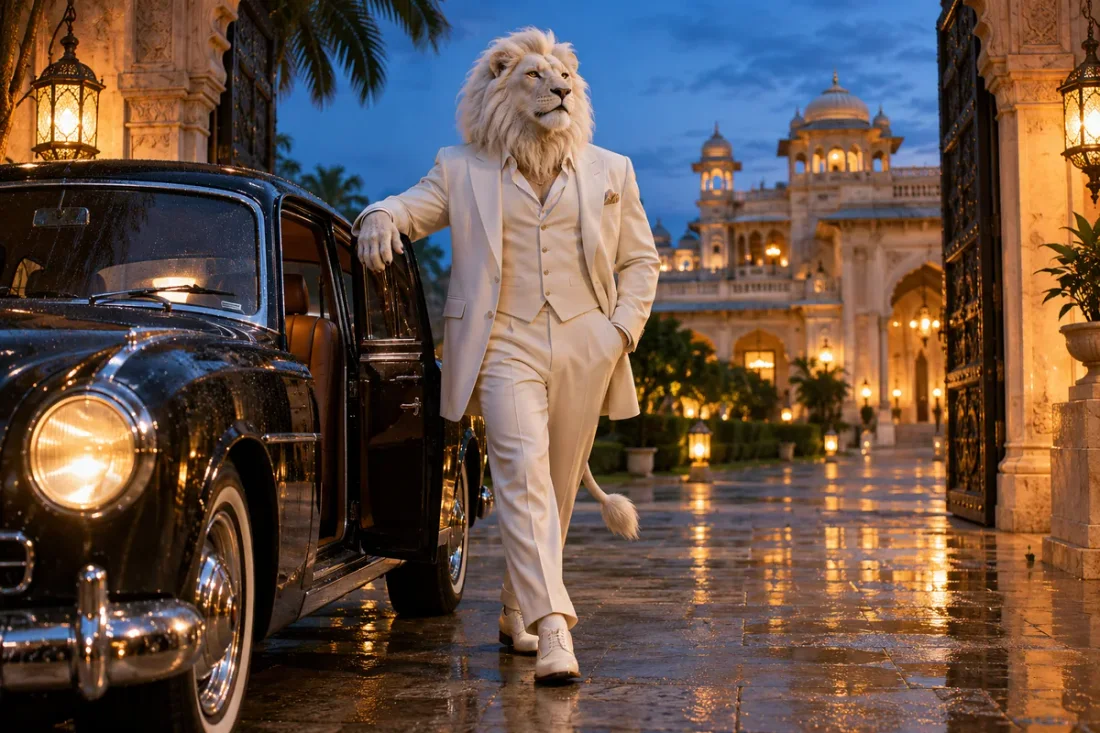
Creative Studio
Output model, ratio and quantity are available in Settings.
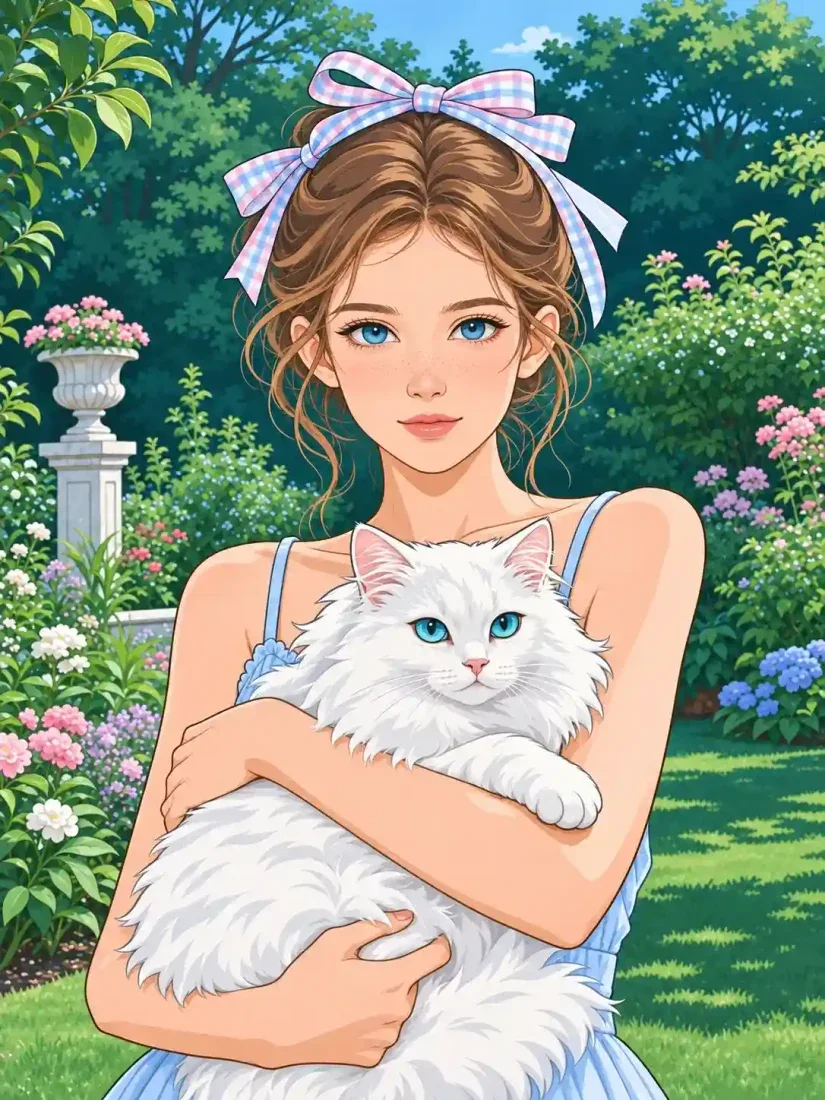
Open a reference photo or begin with the text idea accepted by this tool. Keep your original available for comparison.
Select the task options, then describe the change you want. The sections below explain the details worth specifying.
Sign in, check the displayed credit estimate and generate. Review the result before downloading.
Creative Studio
Turn a photo or text idea into a cartoon image with AI. Choose a cartoon style or add a custom description, then review and download your character illustration.
01
Choose Photo to Cartoon and upload a photo, or choose Text to Cartoon and describe a subject in Custom.
02
Select a Trendy style or use Custom for your own character and scene description.
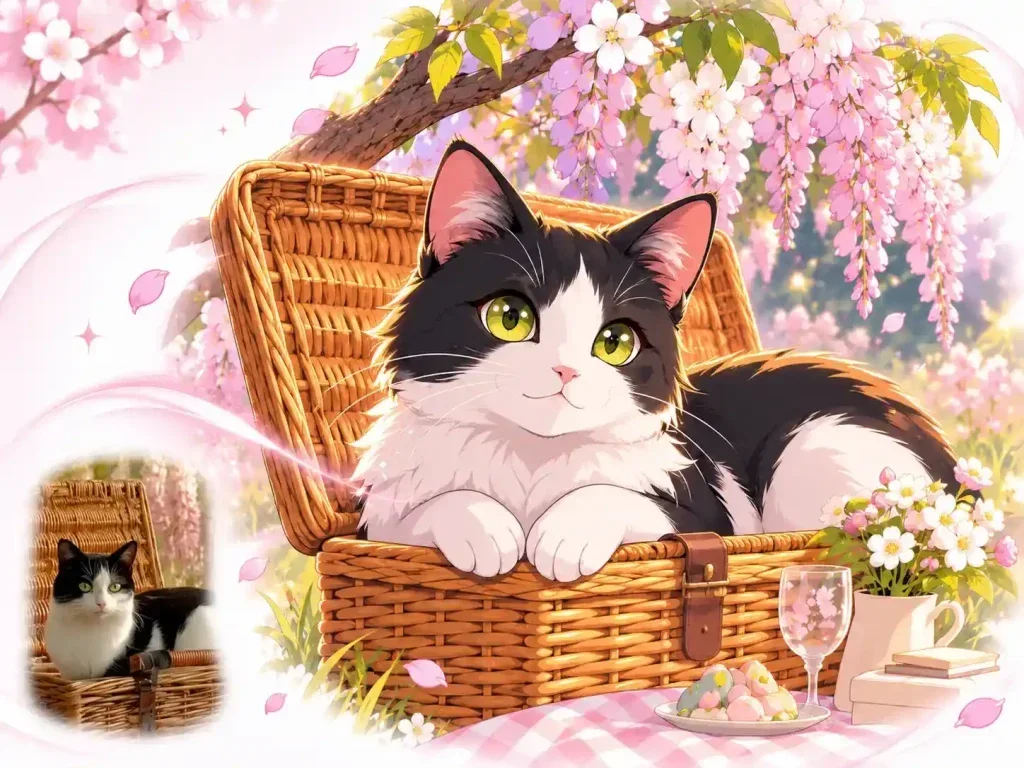
03
Create avatar concepts, illustrated characters and social post ideas from a portrait or a written brief.
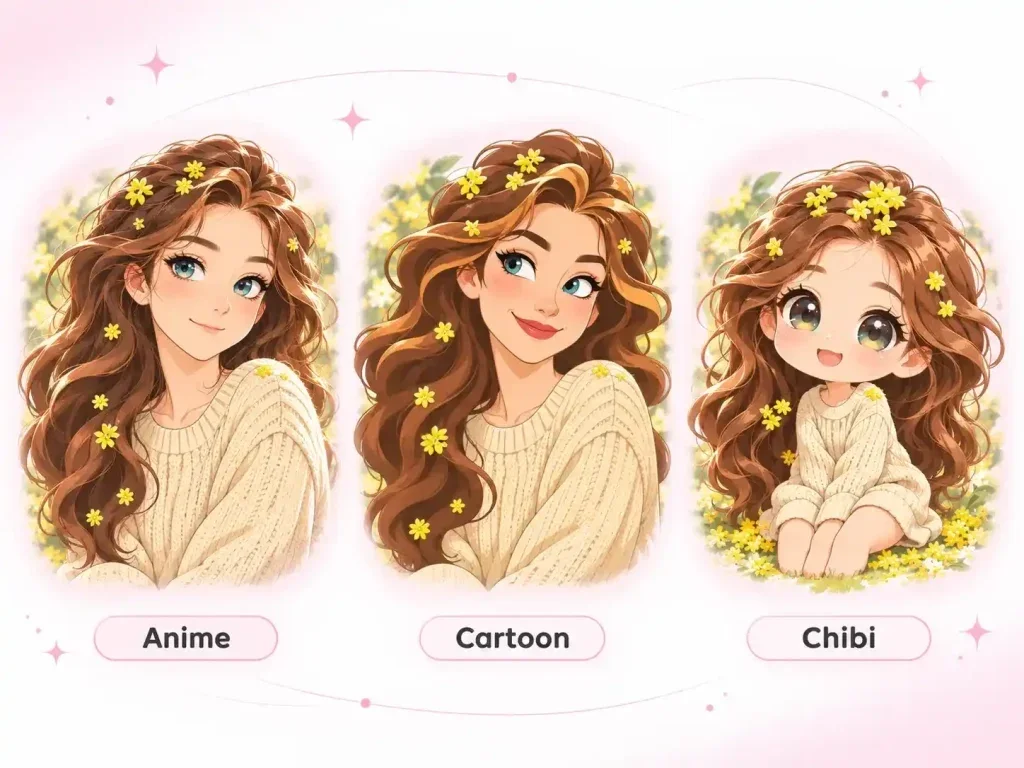
04
Review facial features, hands and scene details. The result is a still cartoon image, not an animated video.
Creative Studio
Use these starting points to plan how the tool fits your own work.
Personal projects
Create avatar concepts, illustrated characters and social post ideas from a portrait or a written brief.
Creative Studio
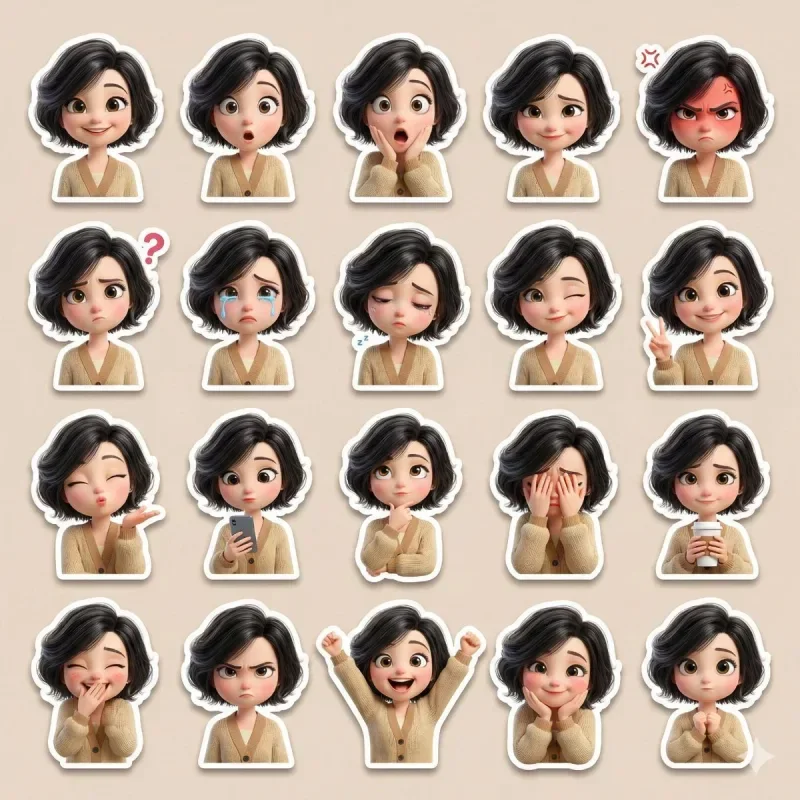
Example1 / 2
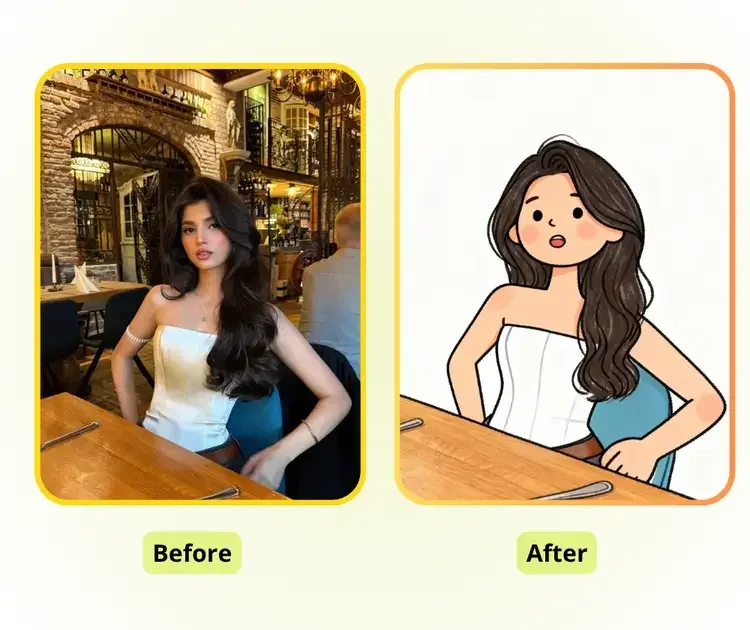
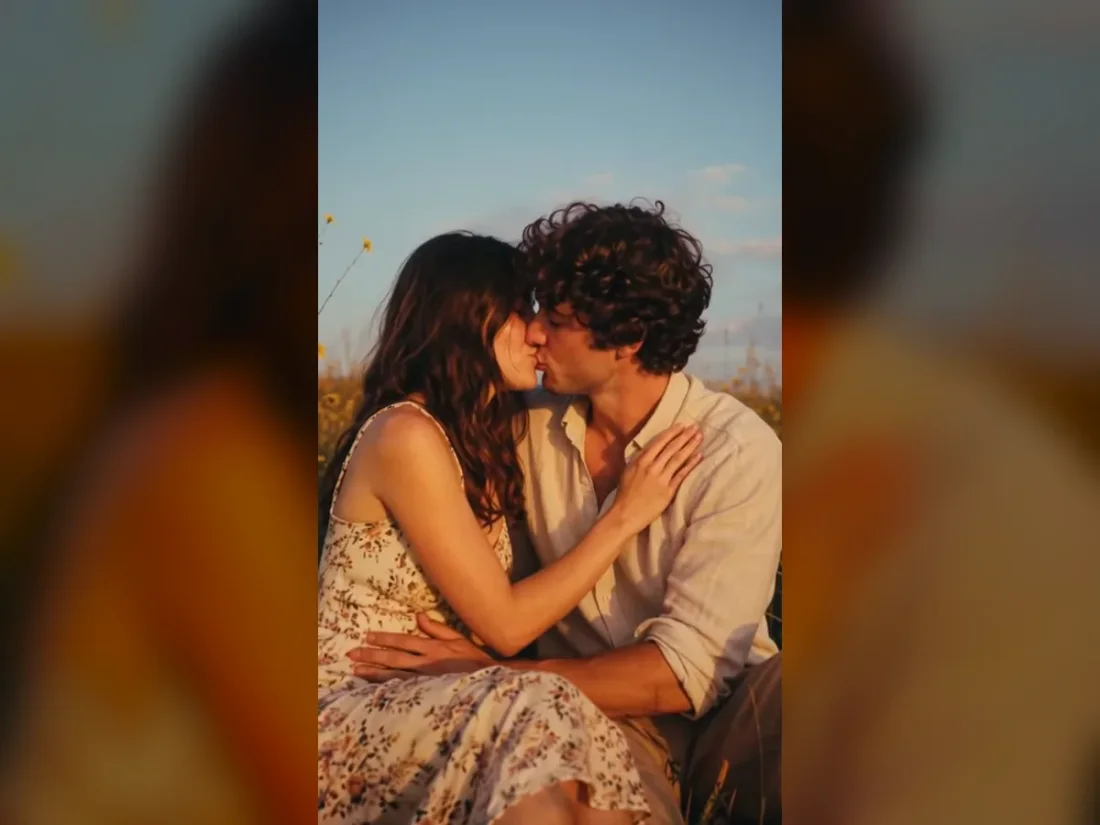
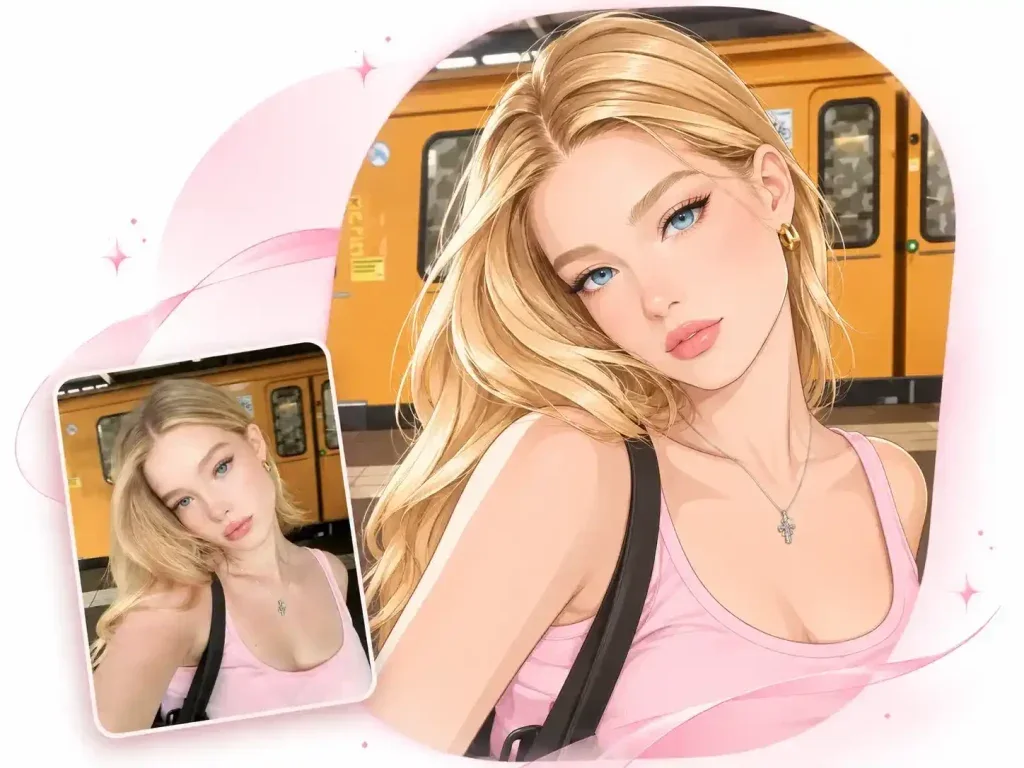
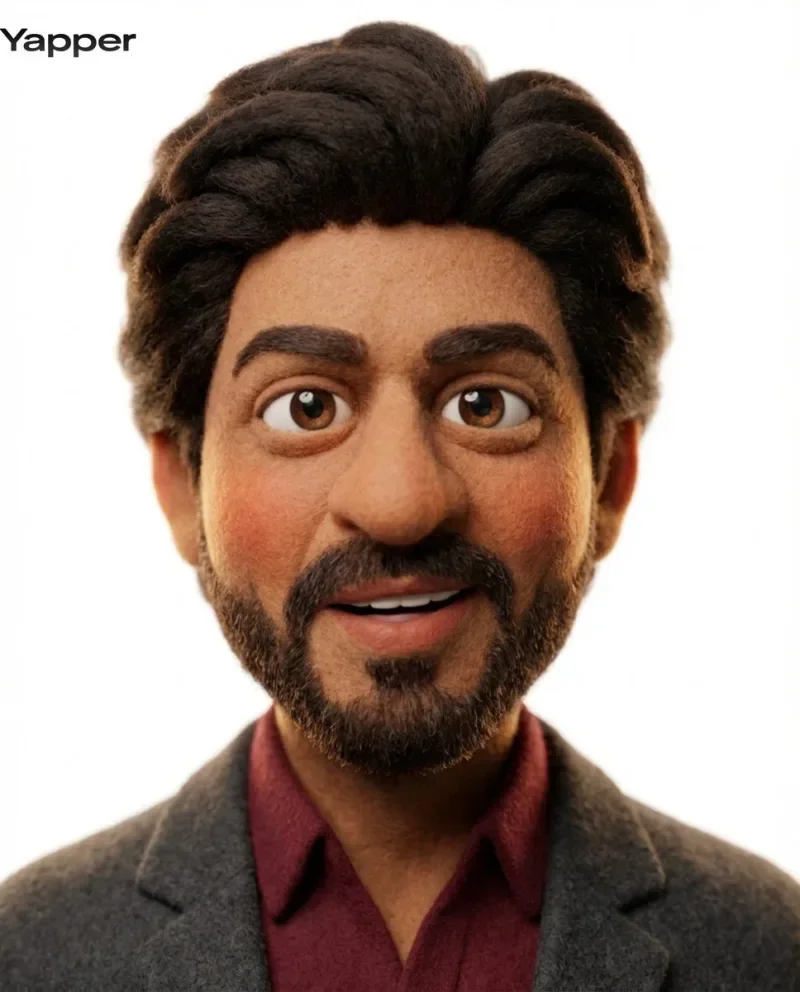
Try clean outlines and flat color for a portrait. Describe the expression to keep while exploring a simpler illustrated form.
Need a hand?
Learn what to upload, which controls are available and what to check in the result.
Contact supportChoose Photo to Cartoon and upload a photo, or choose Text to Cartoon and describe a subject in Custom.
Select a Trendy style or use Custom for your own character and scene description.
Generating images or analyzing an image requires an account and credits. Check the cost on the action button before submitting; image cost can change with the model and quantity.
Review facial features, hands and scene details. The result is a still cartoon image, not an animated video.
Continue exploring with this related tool. Action Figure Generator
Creative Studio
Bring one clear idea back to the tool above. Your draft stays in place while you explore these examples.