

01
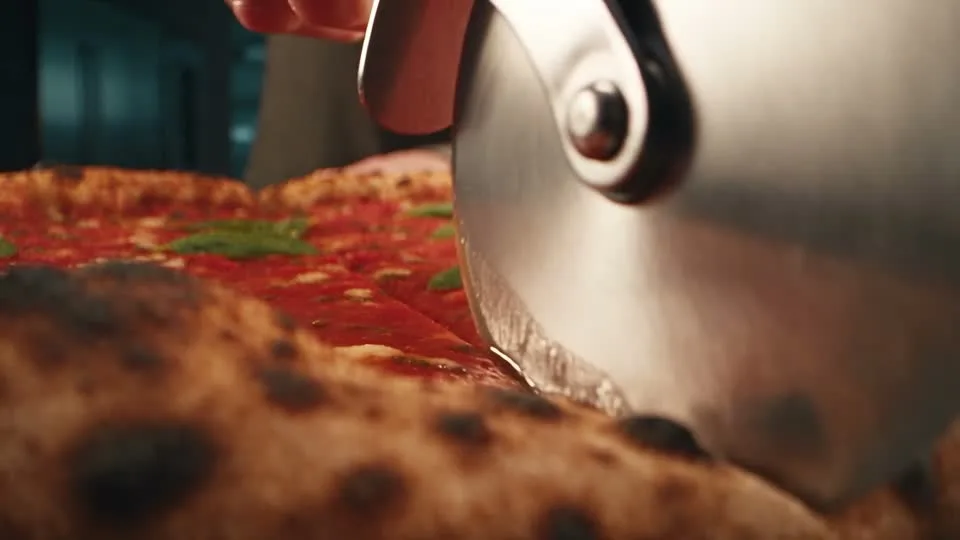
Give the shot a clear action and sound
Describe the movement and the sound of the setting together. MiniMax H3 generates native stereo audio, so review the picture and sound as one scene.
01Creative reference
Turn a shot description or reference images into a scene with MiniMax H3, also called Hailuo 03. Direct the motion and stereo sound, choose 4–15 seconds, and prepare 768p or 2K output.
From reference to result
Prepare your brief, choose supported settings, and review the result.
 Creative reference
Choose a supported duration from 4 to 15 seconds and 768p or 2K output.
Describe the subject, action, camera, and sound. Add images or a video reference when your brief needs them.
Open Create with your draft. Review inputs, settings, and credits before submitting a generation.
Explore more options in AI Video Generator. Return to the homepage.
A clearer brief, a more deliberate first take
Describe a subject, a deliberate camera move, and the sound of the setting. Use a first frame or a pair of frames when appearance matters to the brief.
01
Describe the movement and the sound of the setting together. MiniMax H3 generates native stereo audio, so review the picture and sound as one scene.
02
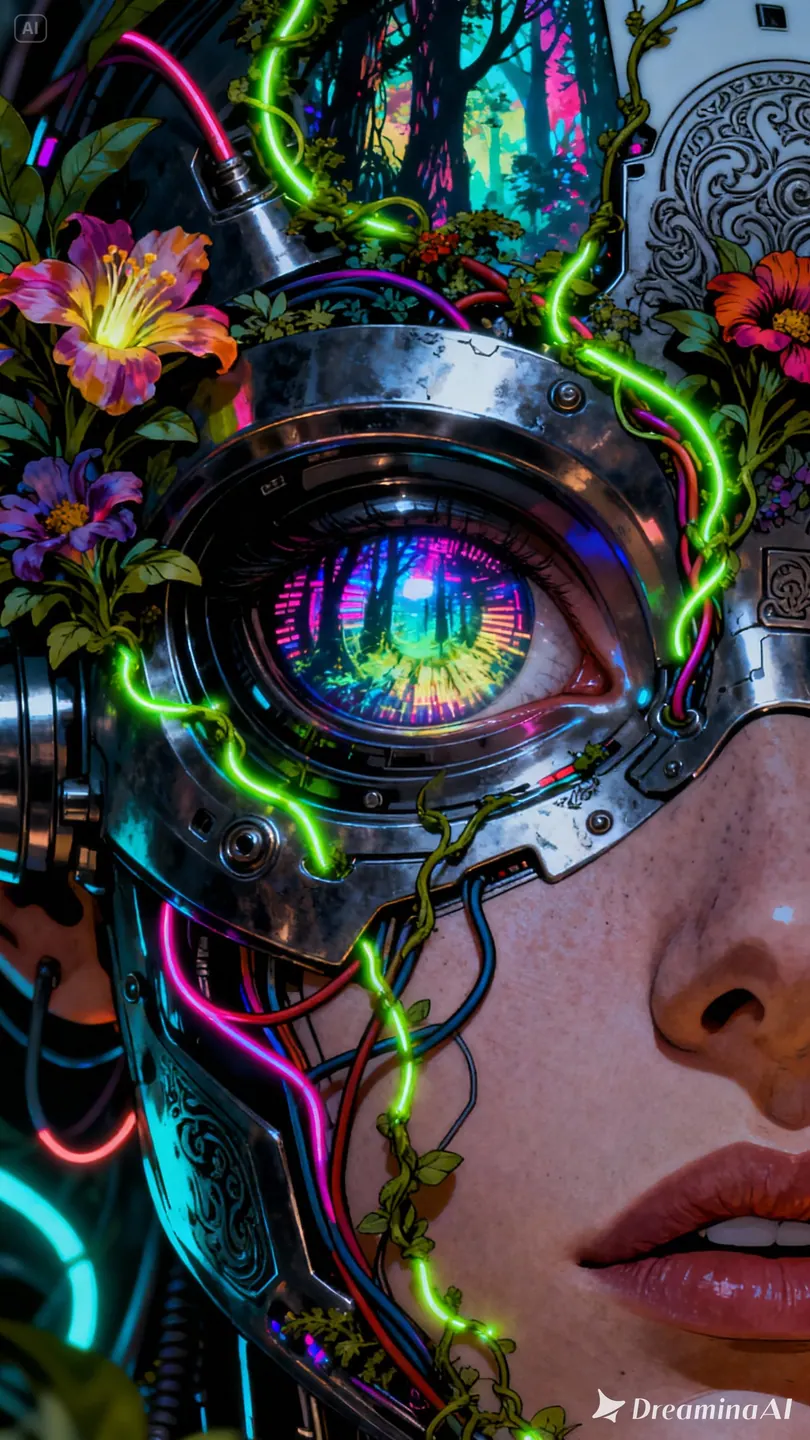
Use a photo to establish a character, object, or environment. Describe the intended movement and compare the result with the details in your reference.
03
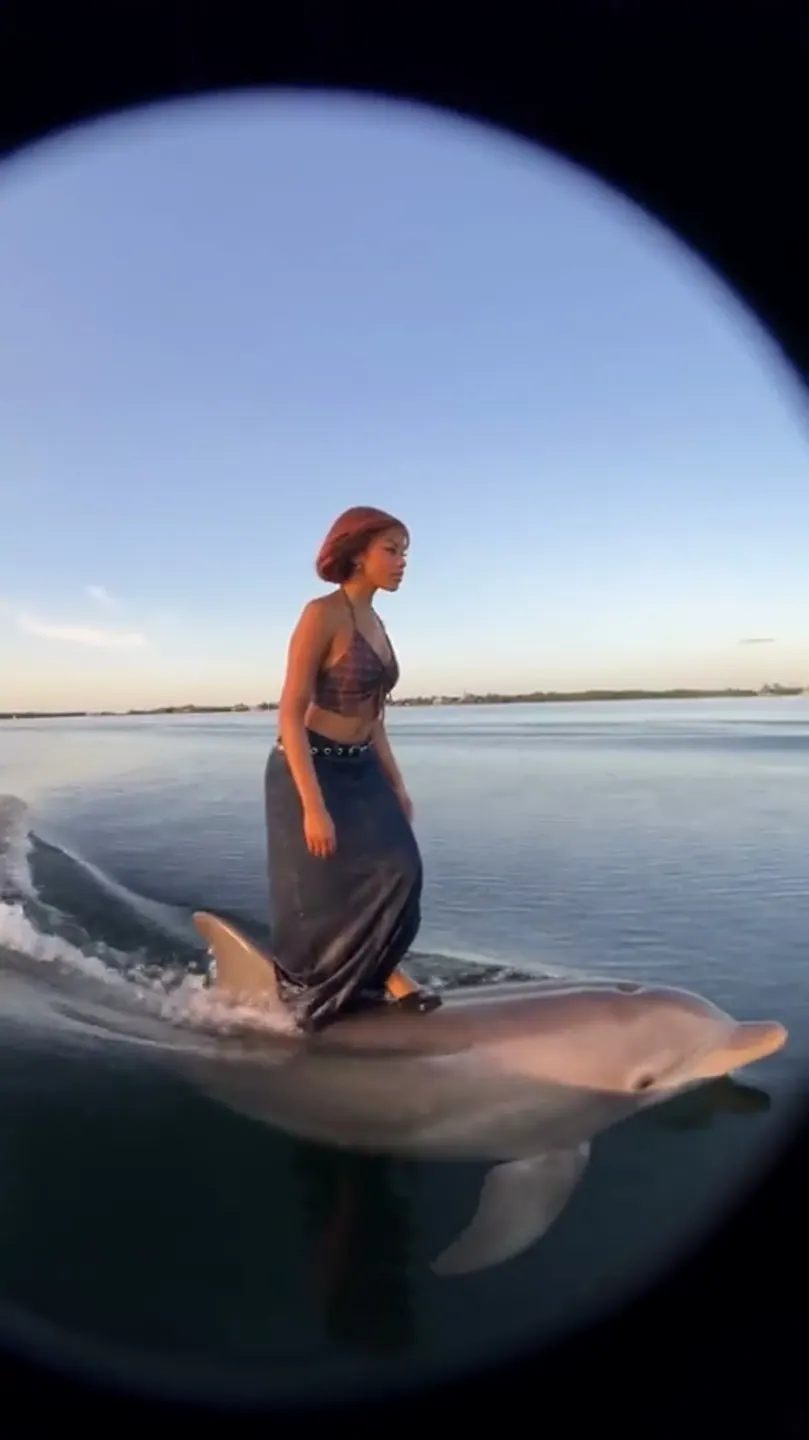
Combine images or a video reference with a focused brief. Specify the subject details and motion you want the model to follow, then review the result against your source materials.
04
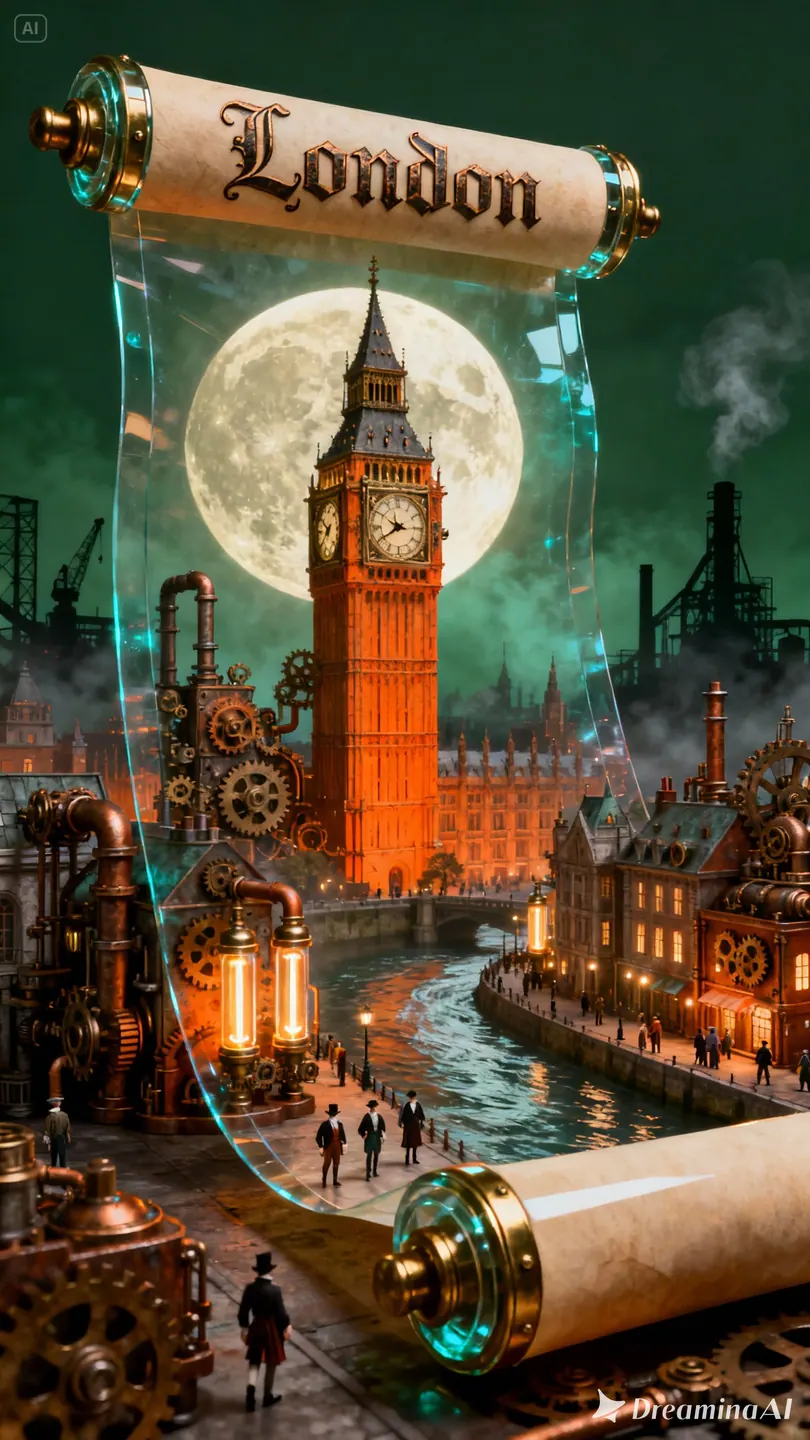
Select a duration from 4 to 15 seconds. Match the resolution to the destination and check the credit estimate before committing to a new generation.
One clip, one creative goal
Start with the intended destination, then decide which subject details, camera movement, and sound matter most.
Product campaigns
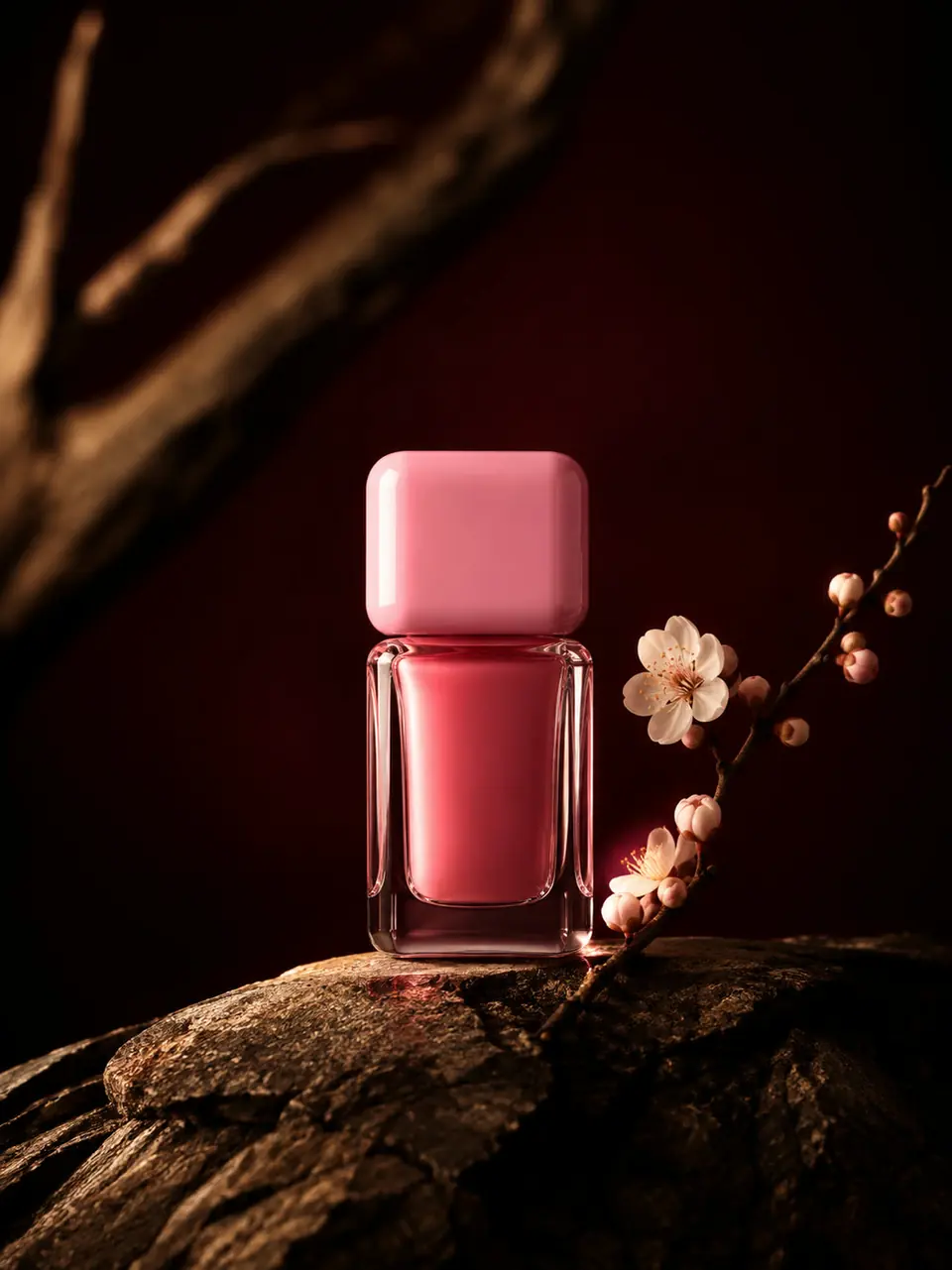
Establish the product, lighting, and one camera move. Check recognizability and material details before using the clip.
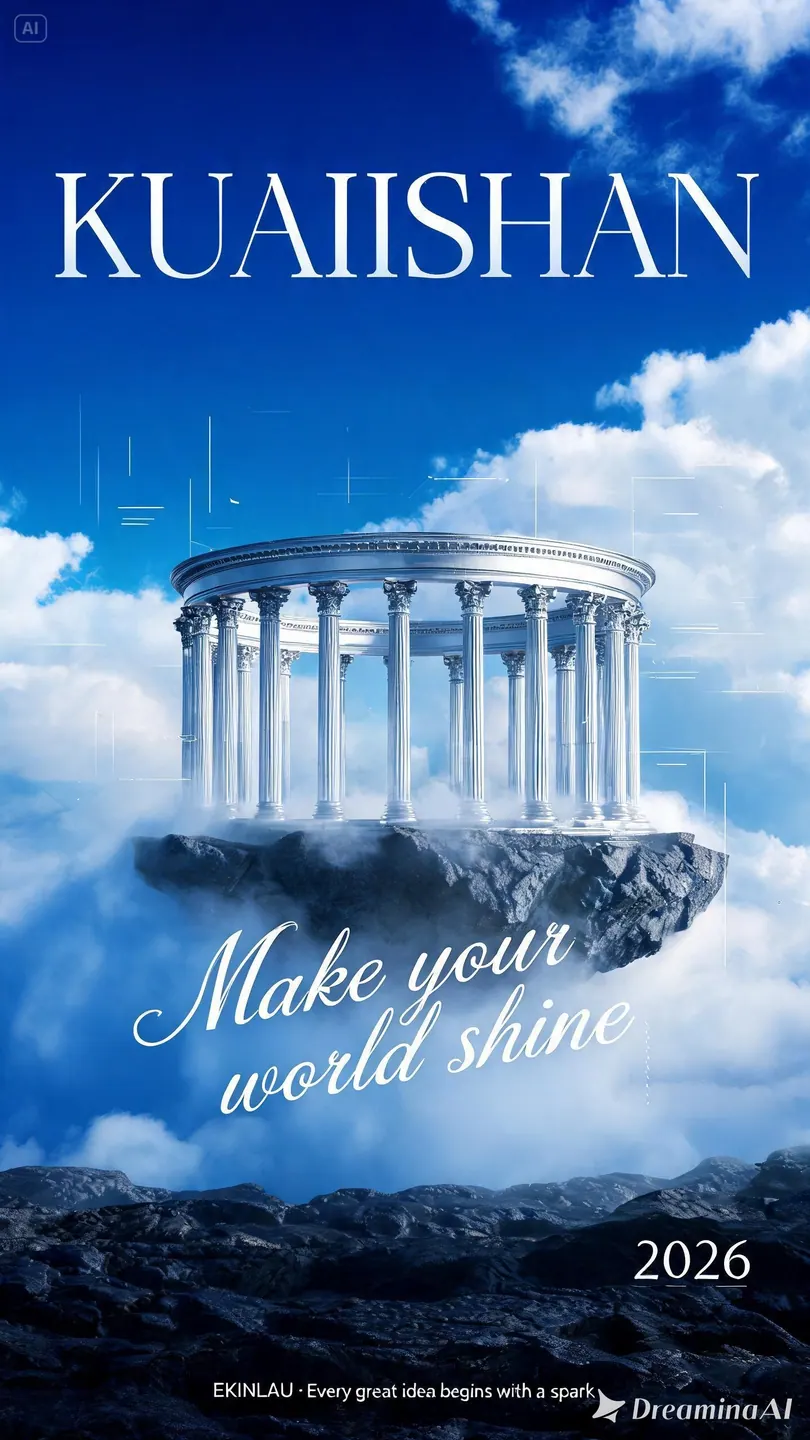
Camera and motion inspiration
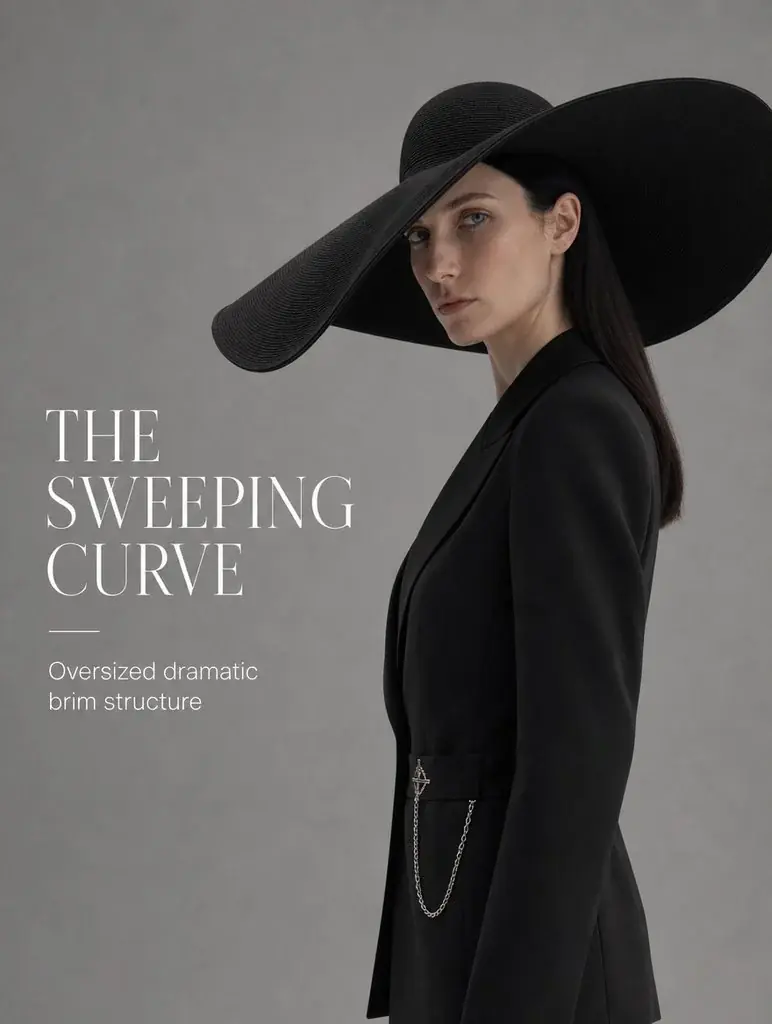
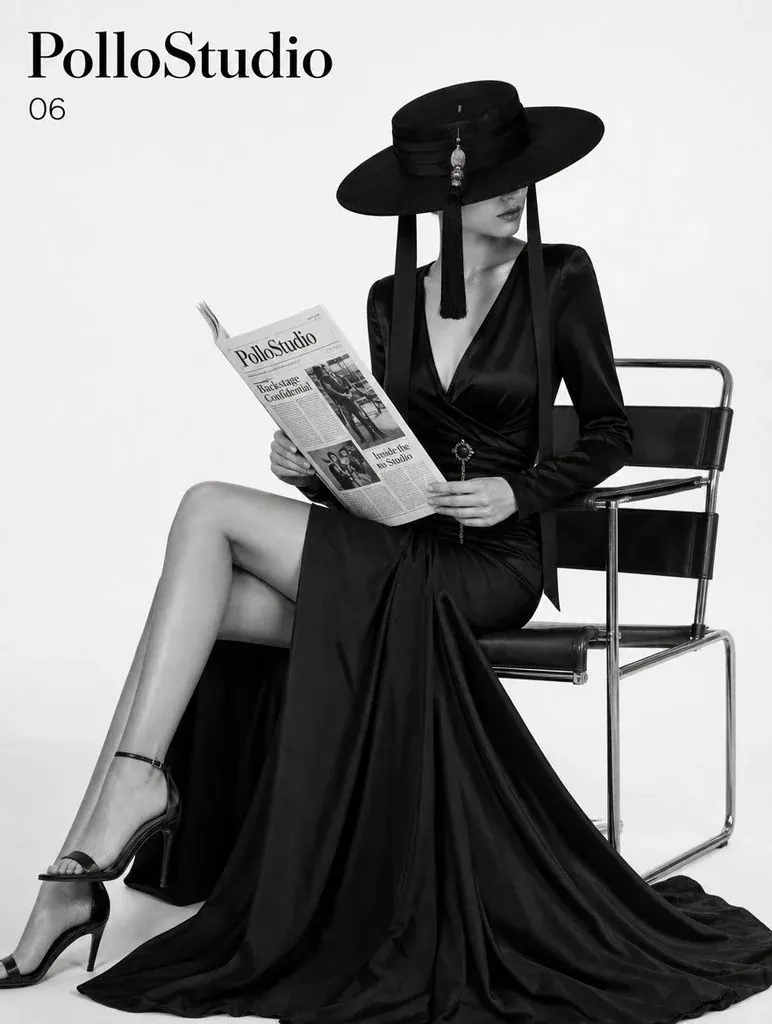
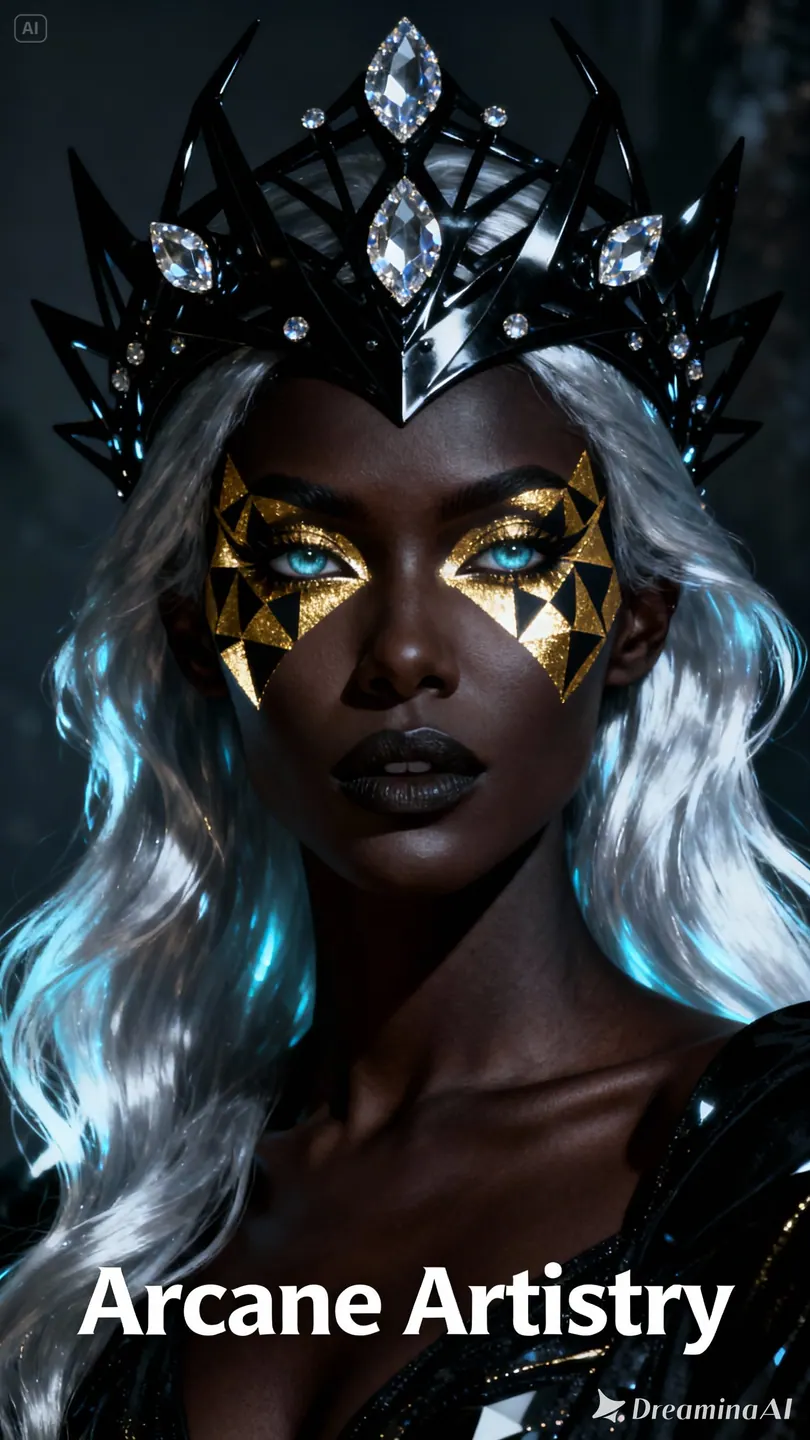
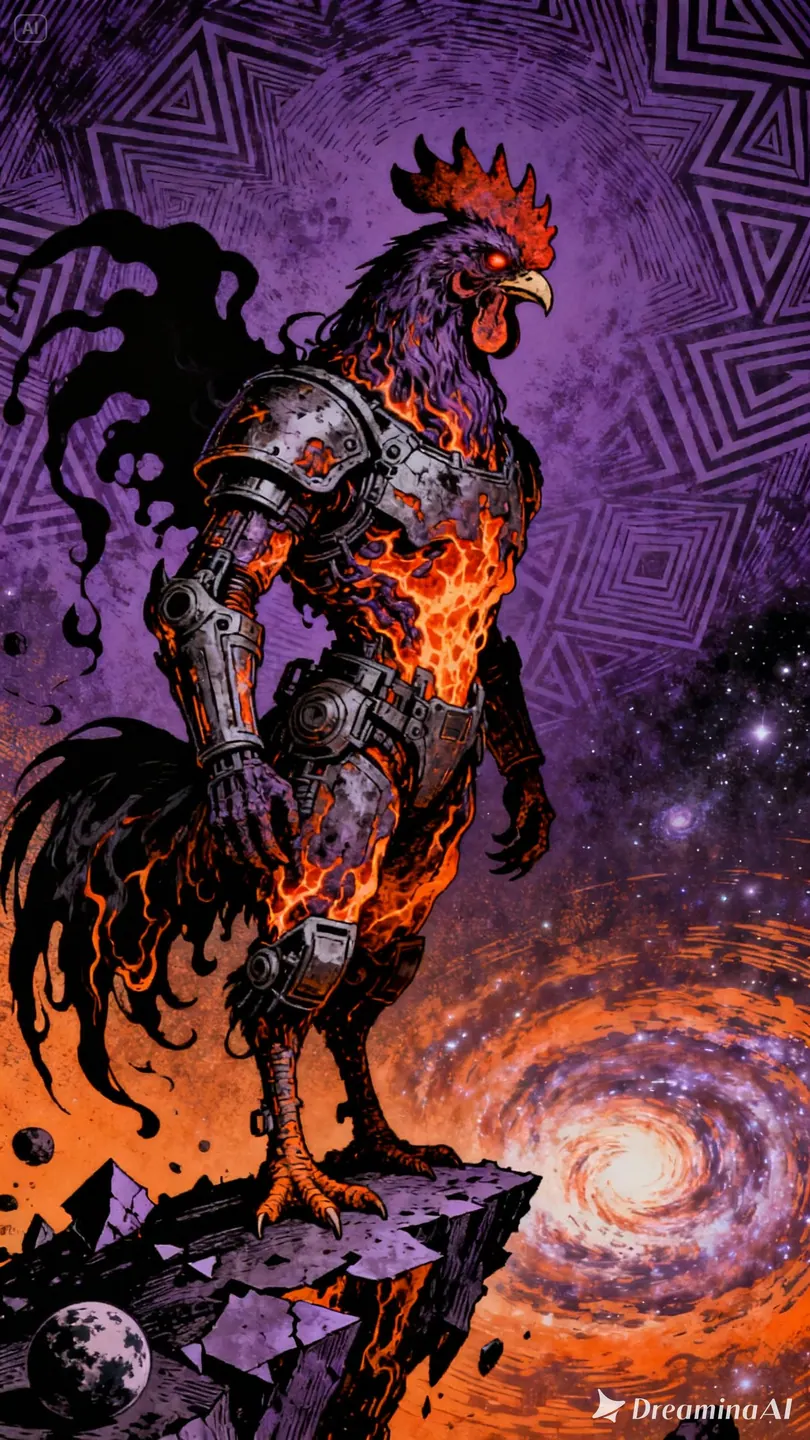
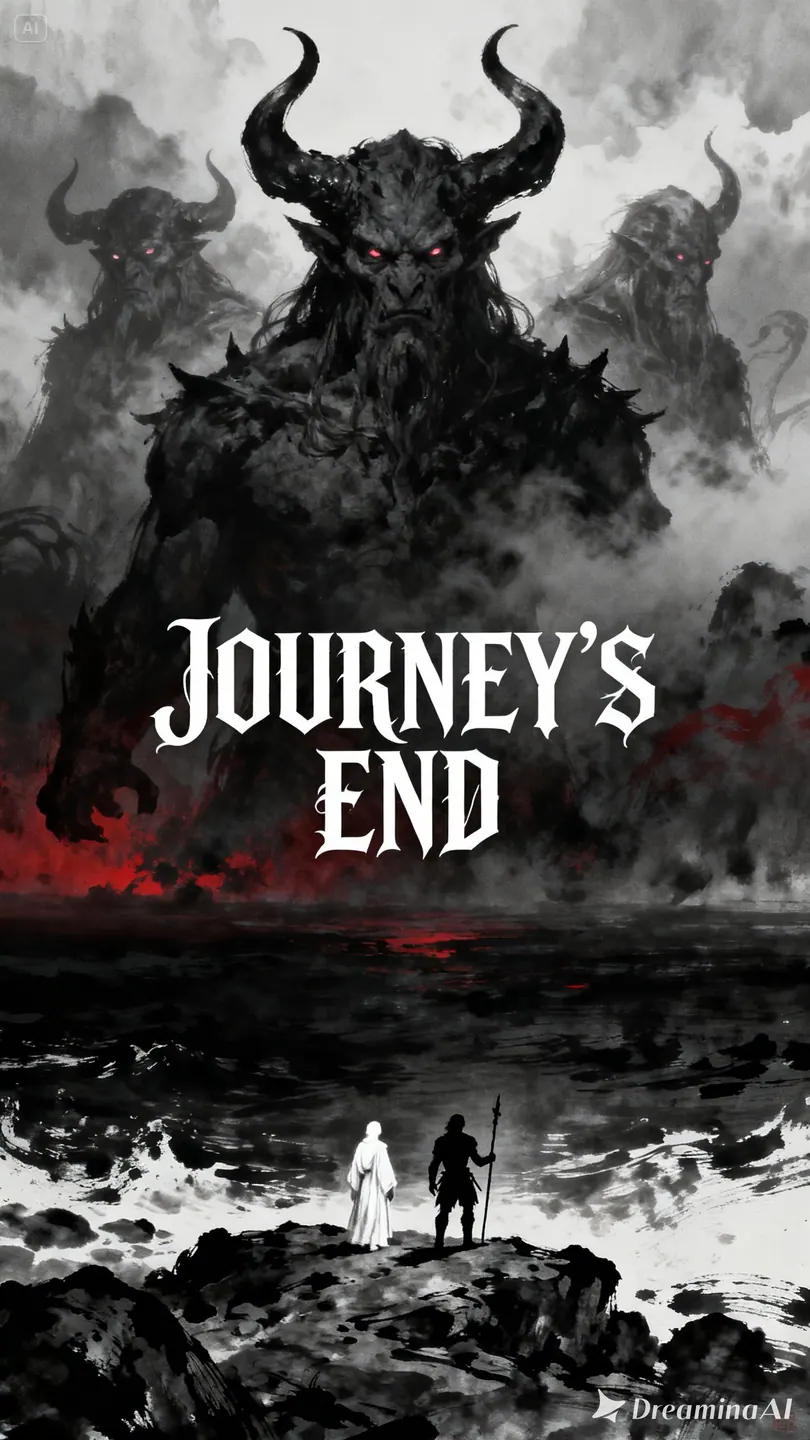
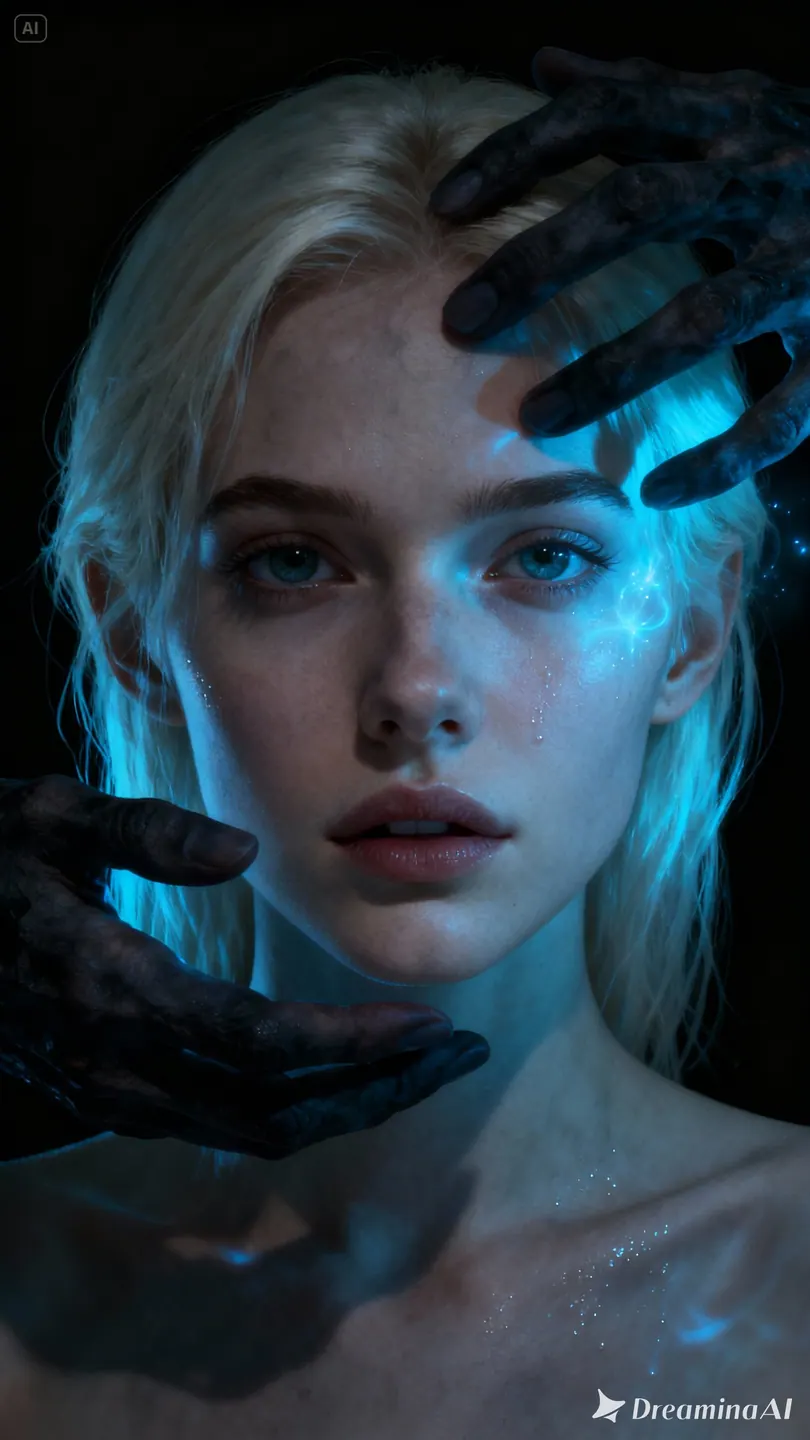
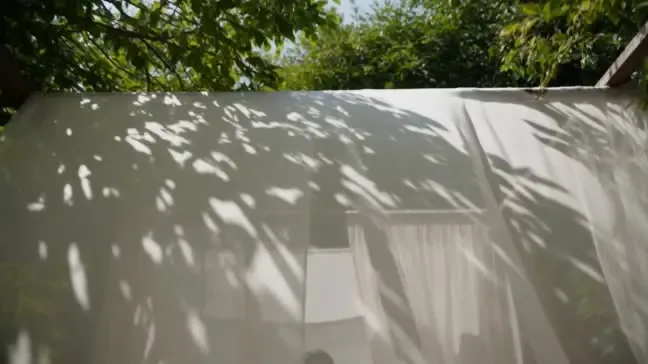
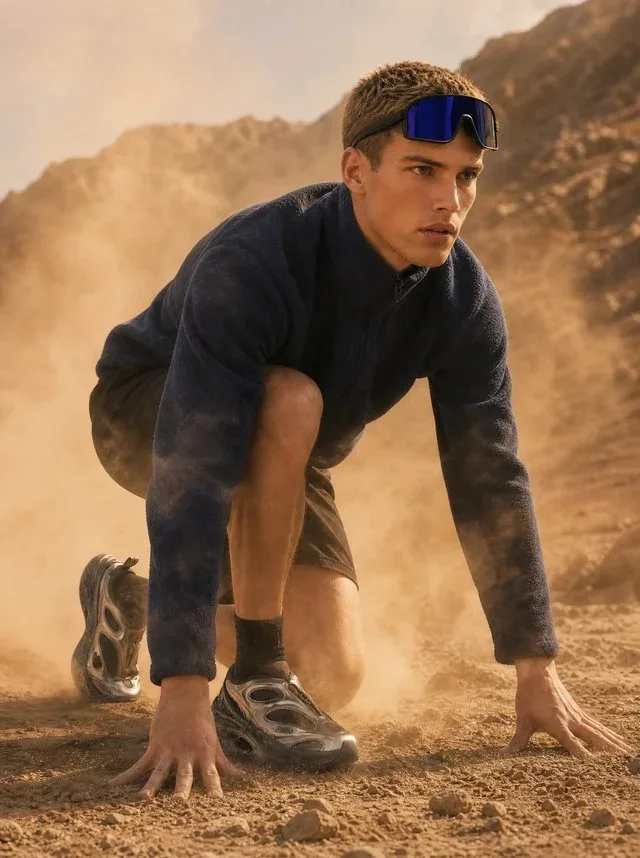
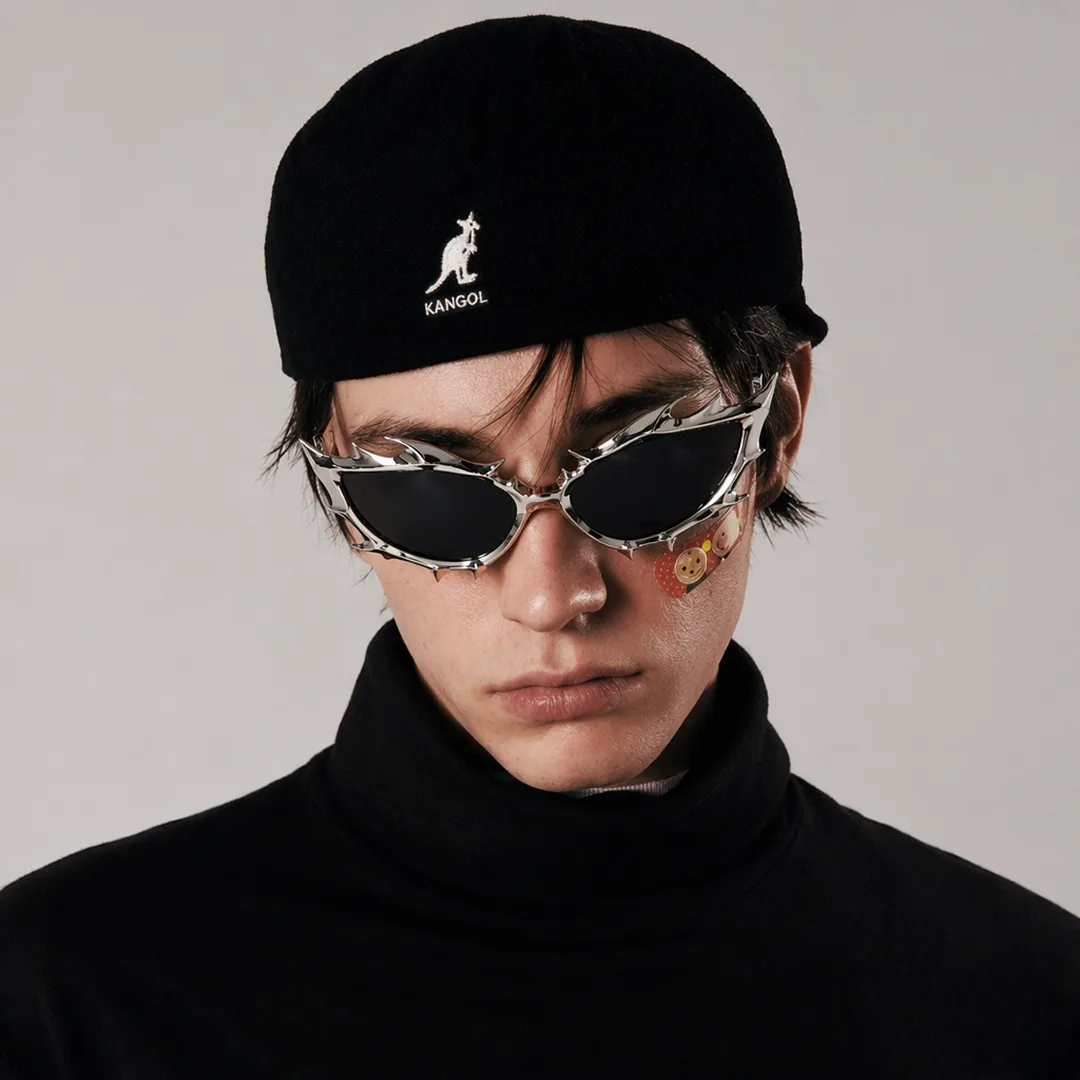
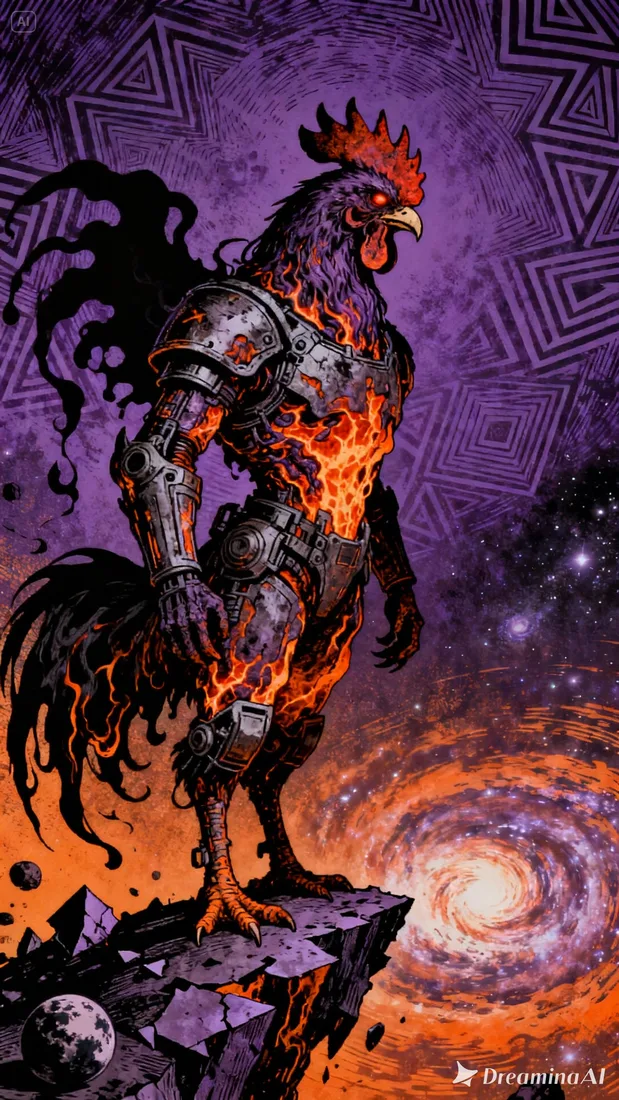
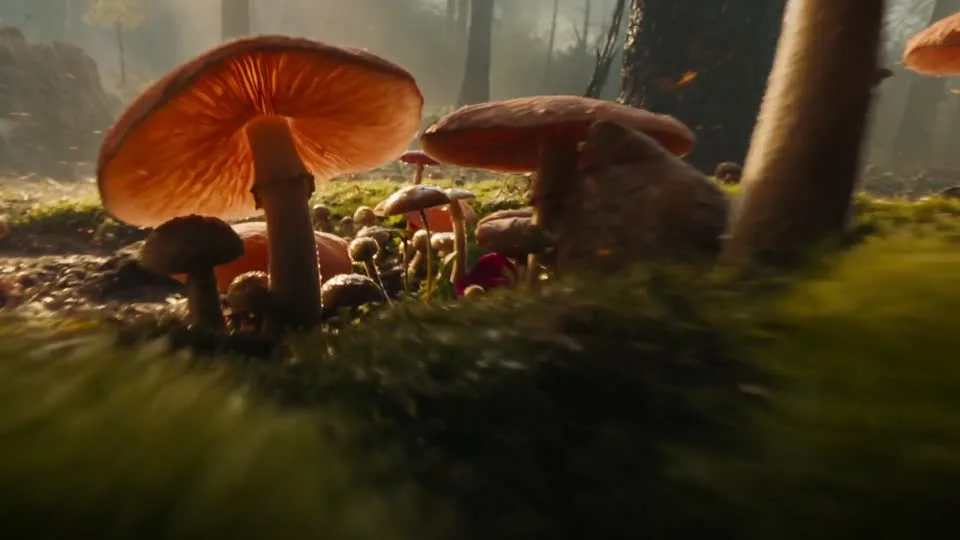
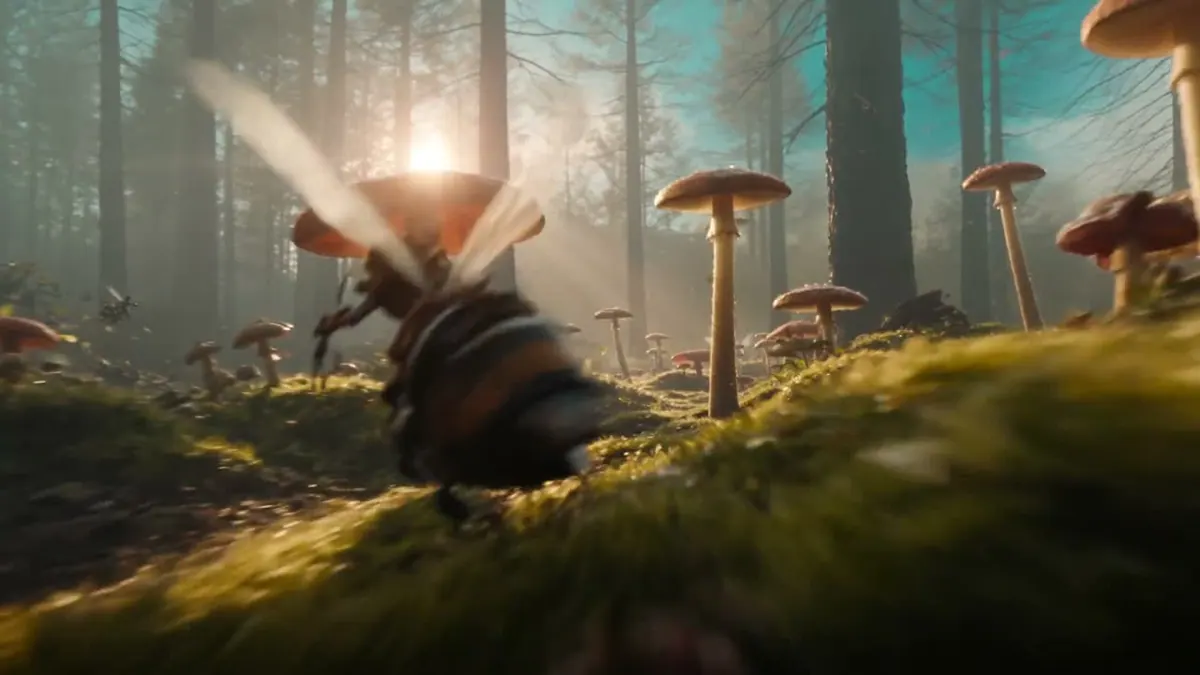
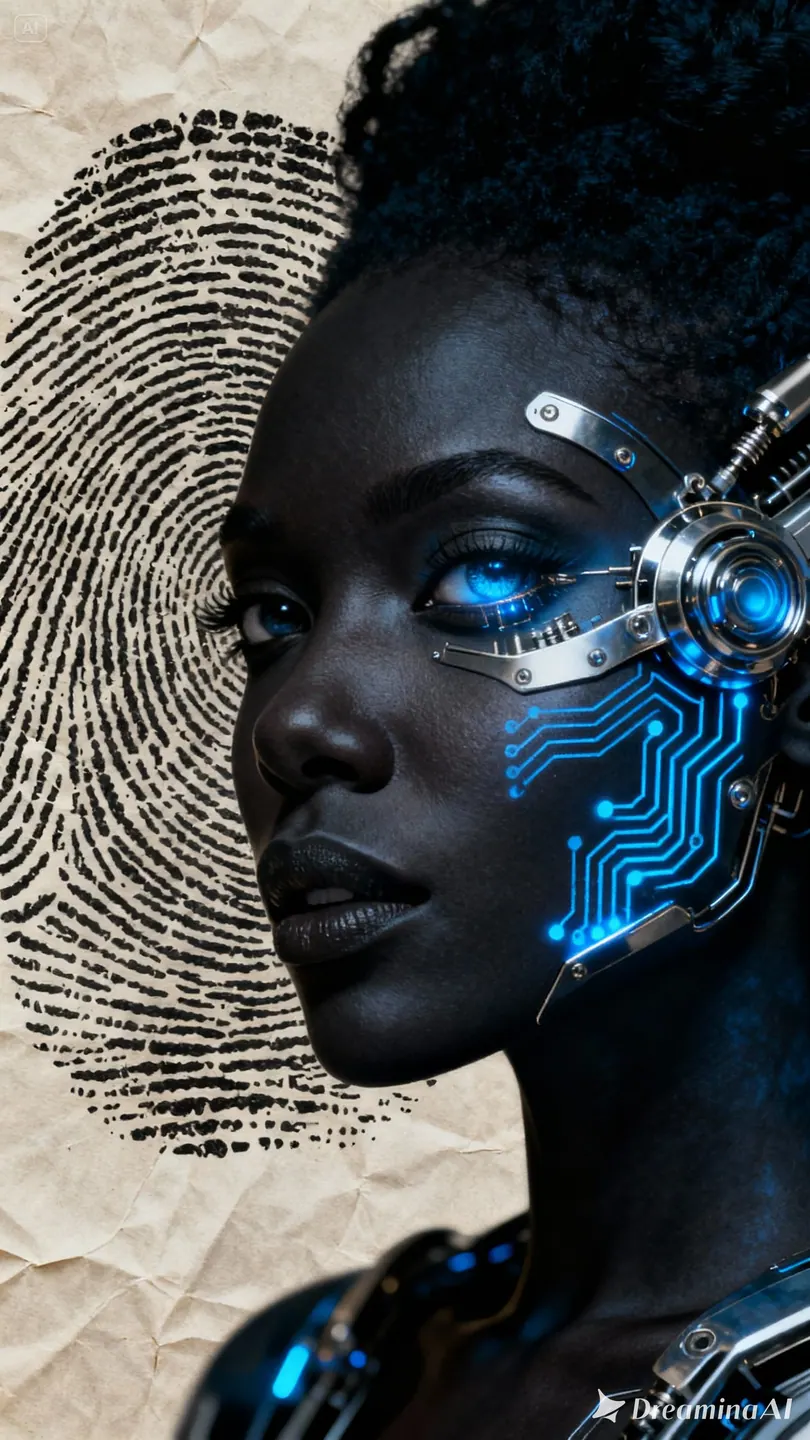
These project images illustrate composition and style, not verified outputs from the selected model.
 Flow AI Video
Example1 / 2
Plan a reveal or a change in emphasis. Write the movement as a short sequence and compare the generated pacing with your brief.
Need a hand?
Questions about inputs, output formats, and preparing your next draft.
Contact supportMiniMax H3, also called Hailuo 03, supports text-based, image-based, and visual-reference workflows here. Use a focused prompt or frames to prepare a shot with native stereo sound.
These local project scenes illustrate creative directions and are not verified outputs from MiniMax H3. Review your own generated result for motion, audio, and reference details.
No. The button opens Create with your draft and does not submit a paid generation. Review the credit estimate there; an insufficient-credit dialog can take you to pricing.
Choose 4–15 seconds at native 768p or 2K. This page does not label 768p as 720p or expose unsupported 480p and 1080p generation settings.
Audio-reference uploads are not exposed in this interface. Text-only clips offer an aspect-ratio choice; image-based framing follows the input, and reference mode uses adaptive framing.
Your next idea is one prompt away
Your next shot starts with a prompt or image. Set up your Flow AI Video generation above, check the estimate, and follow its progress in Create.