




01
Give the scene one clear action
Write the action as a short sequence: a subject turns, a camera moves closer, or light crosses a surface. Choose a Seedance duration that gives that action room to unfold.
01Flow AI Video
Create videos with Seedance 2.5 from text or images. Explore scenes for products and social clips, or choose Seedance 2.0 and review credits before generating.
From reference to result
Prepare your brief, choose supported settings, and review the result.
 Flow AI Video
Choose 480p, 720p, 1080p, or 4K and a duration from 4 to 15 seconds. Defaults: 720p and 5 seconds.
Describe the subject, action, and camera move. Add image references when needed.
Confirm the credit estimate, generate, and inspect motion and reference details in Create.
Explore more options in AI Video Generator. Return to the homepage.
A clearer brief, a more deliberate first take
Build a short scene with Seedance 2.5. Describe one clear action and a camera move, then choose the duration and resolution that suit your project.
01
Write the action as a short sequence: a subject turns, a camera moves closer, or light crosses a surface. Choose a Seedance duration that gives that action room to unfold.
02
Seedance 2.0 costs 40 credits per second at 480p, 80 at 720p, 180 at 1080p, and 360 at 4K. A 5-second clip uses 200, 400, 900, or 1800 credits; a 6-second clip uses 240, 480, 1080, or 2160 credits, respectively.
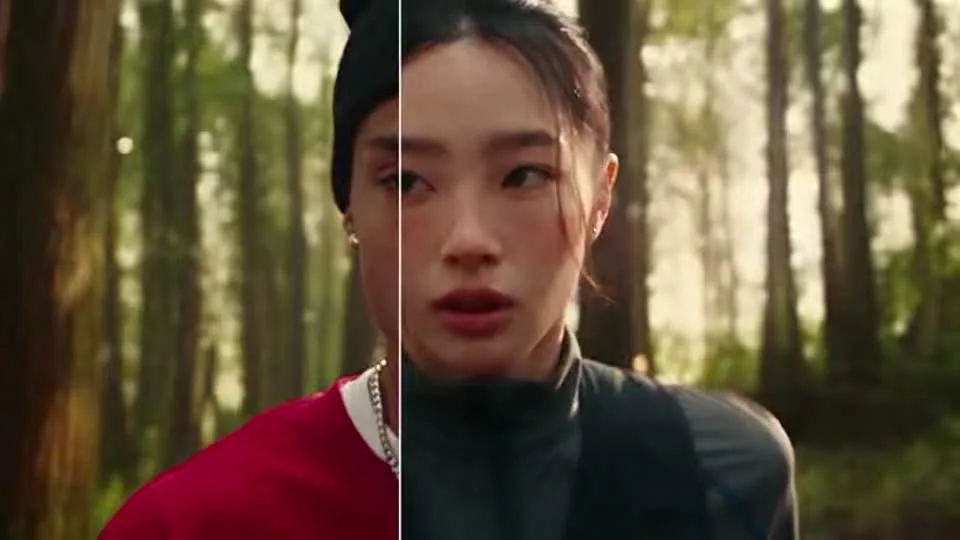
03
Describe the subject, action, and camera move. Add image references when needed.
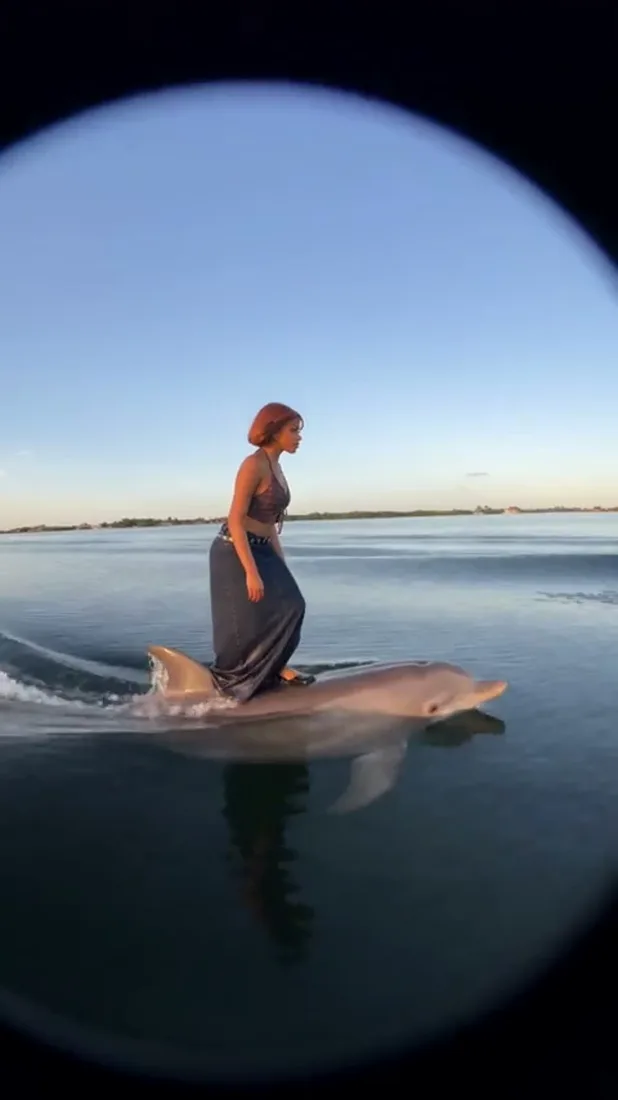
04
Keep the model and reference constant while refining one action or camera move. Compare the resulting clips and keep the direction that fits your brief.
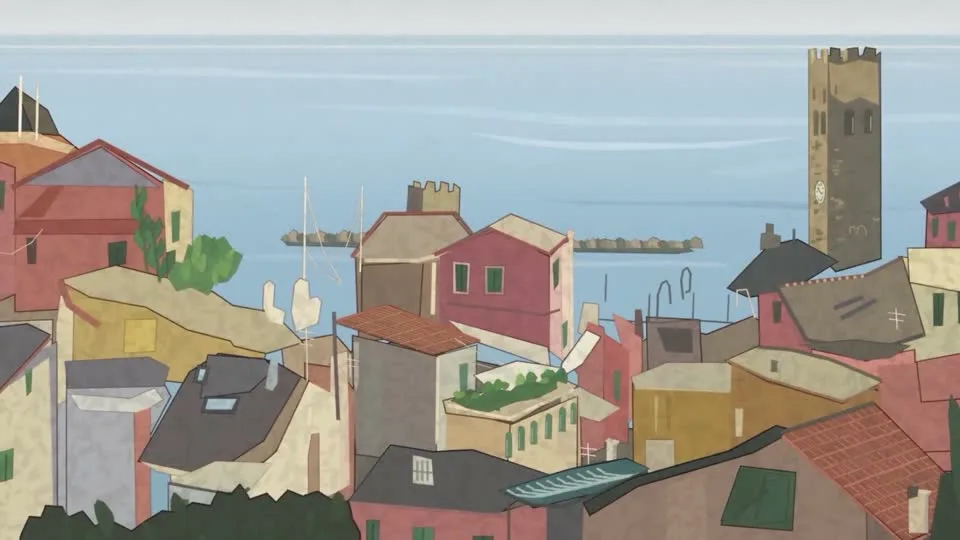
One clip, one creative goal
Start with the intended use, then define the subject, style, and details to review.
Product visuals
Describe a recognizable subject and one action so the clip has a clear focus.
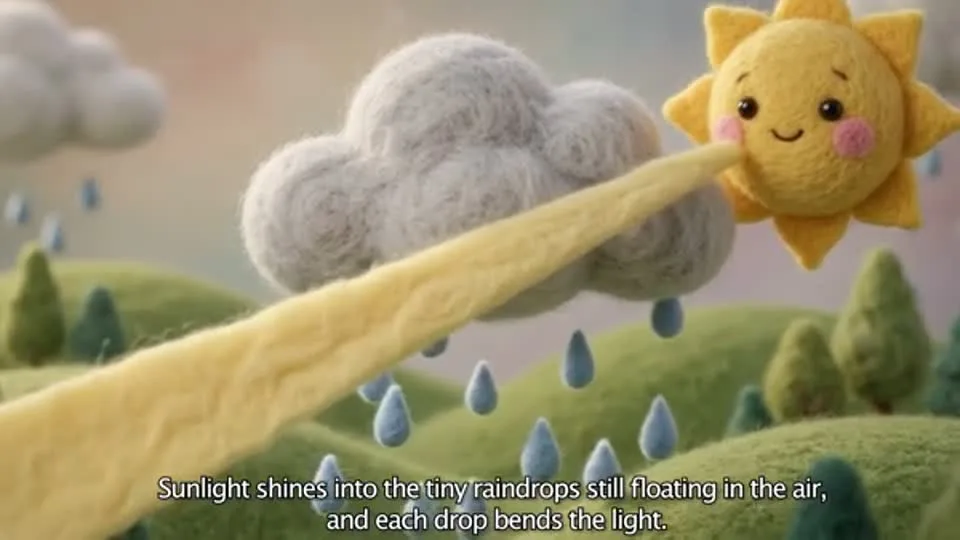
Camera and motion inspiration
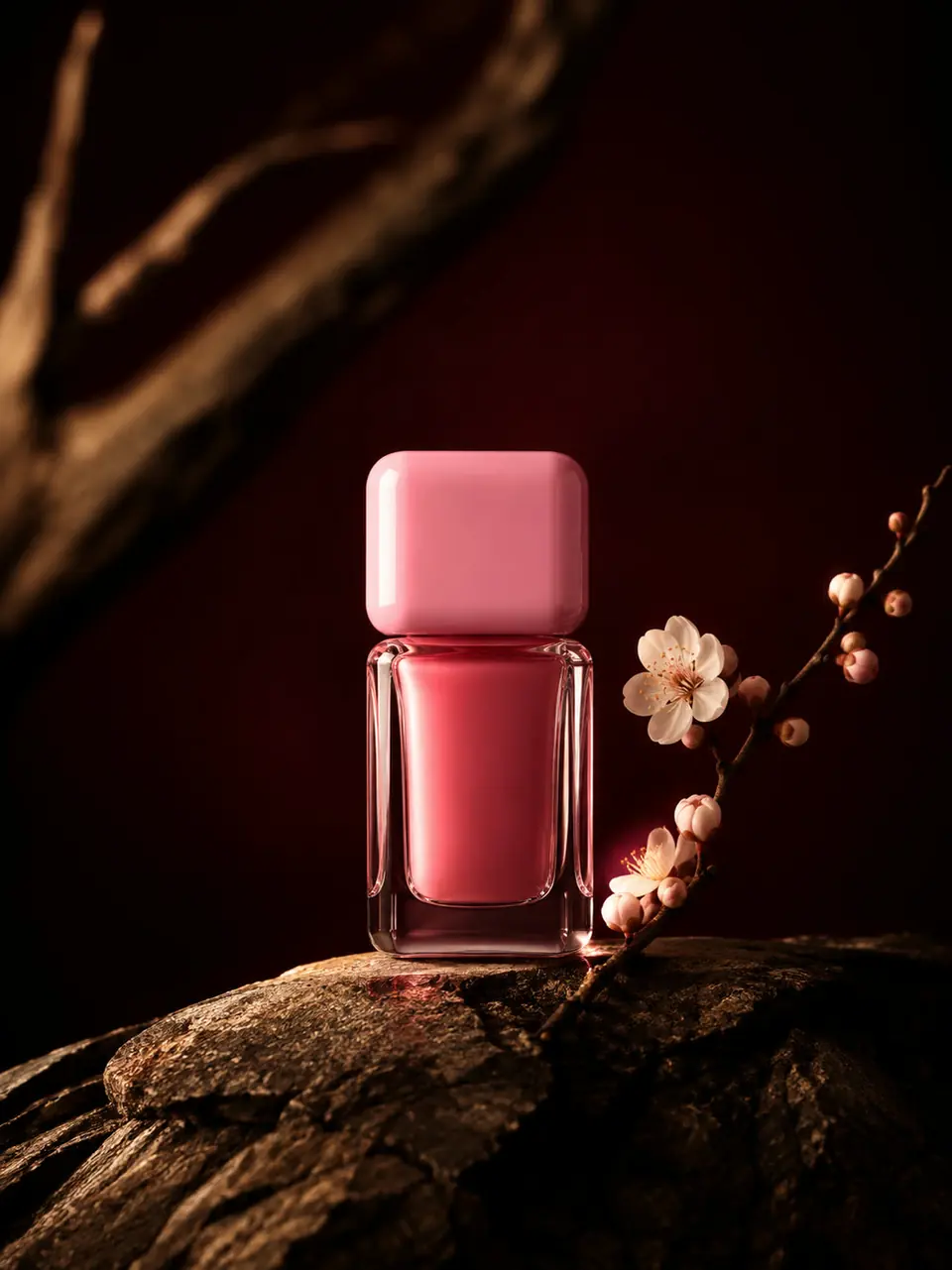
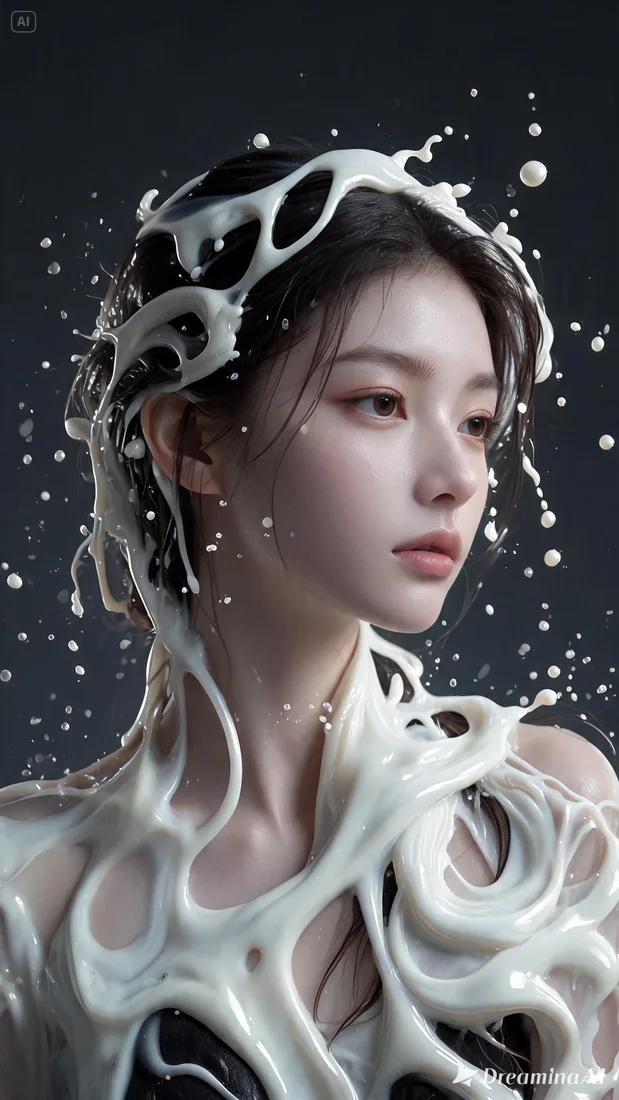
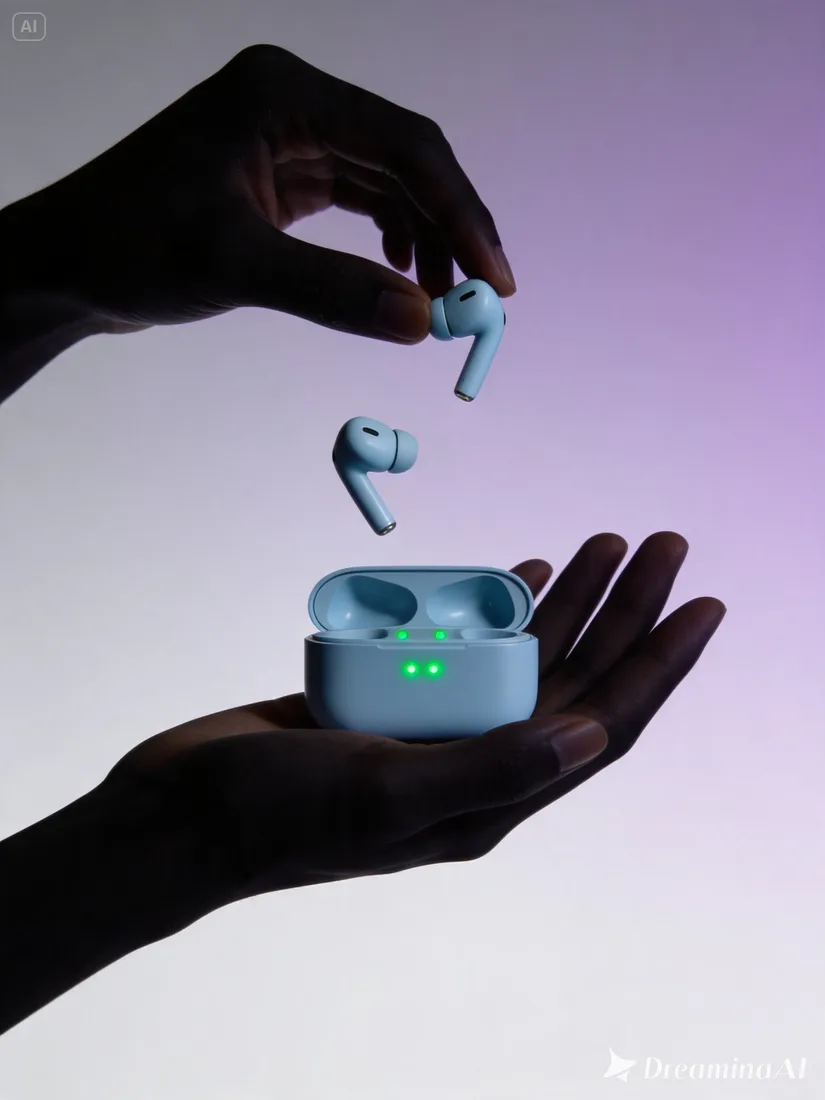
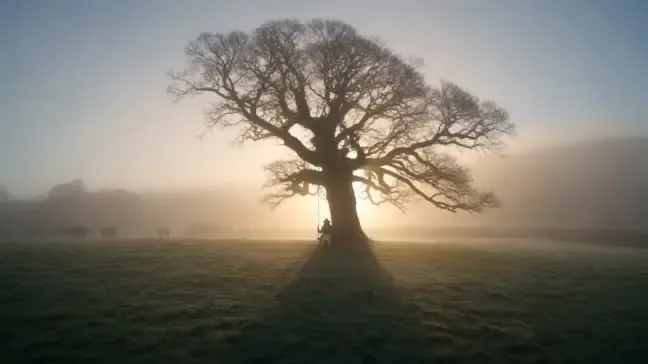
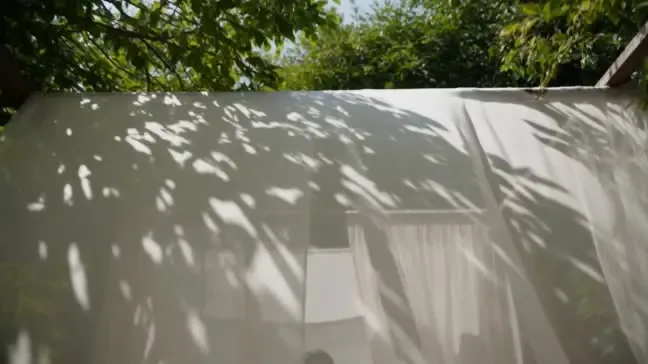
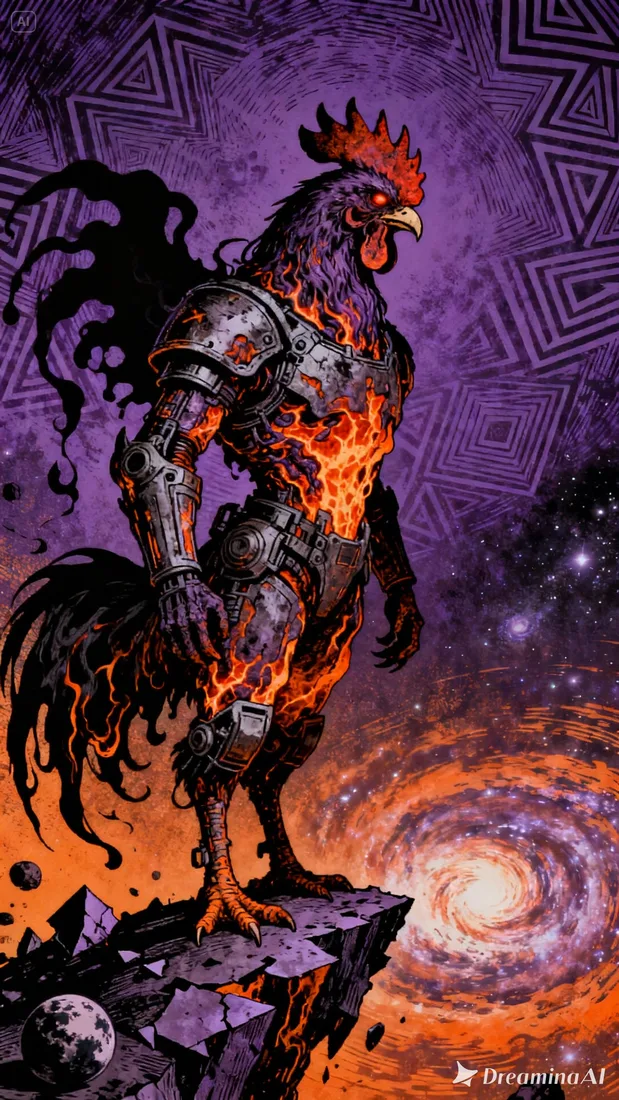
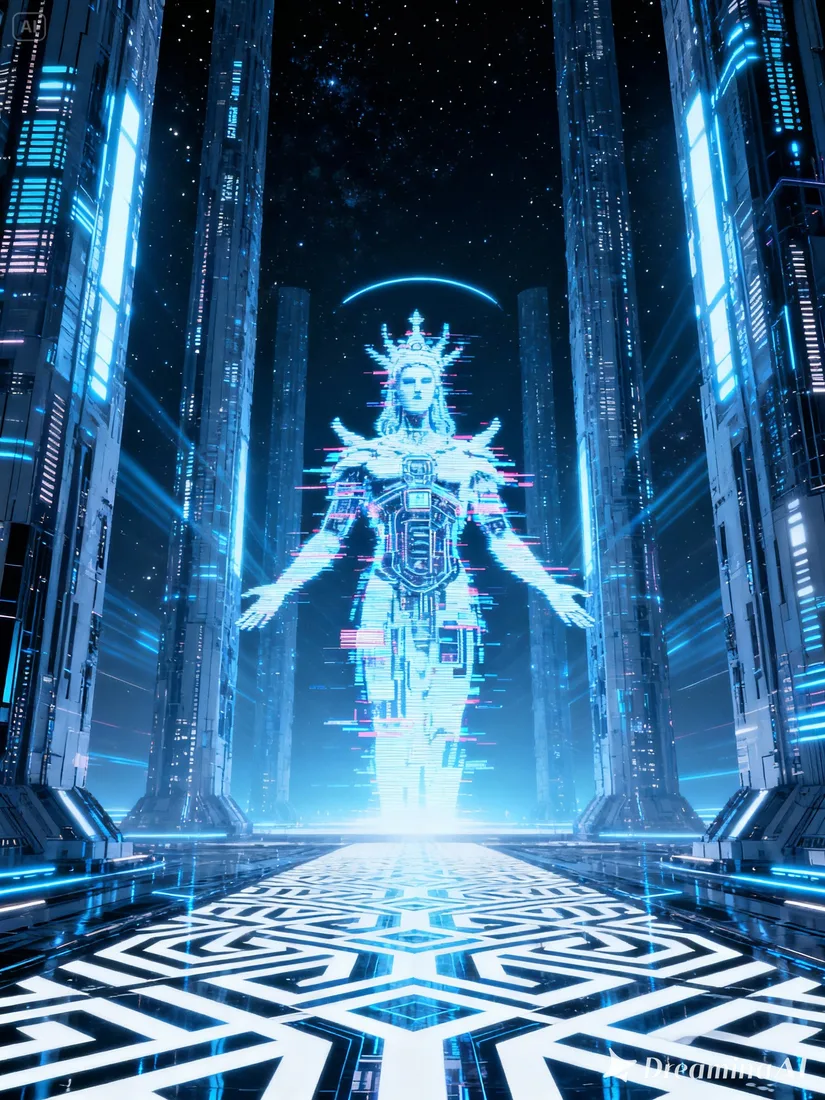
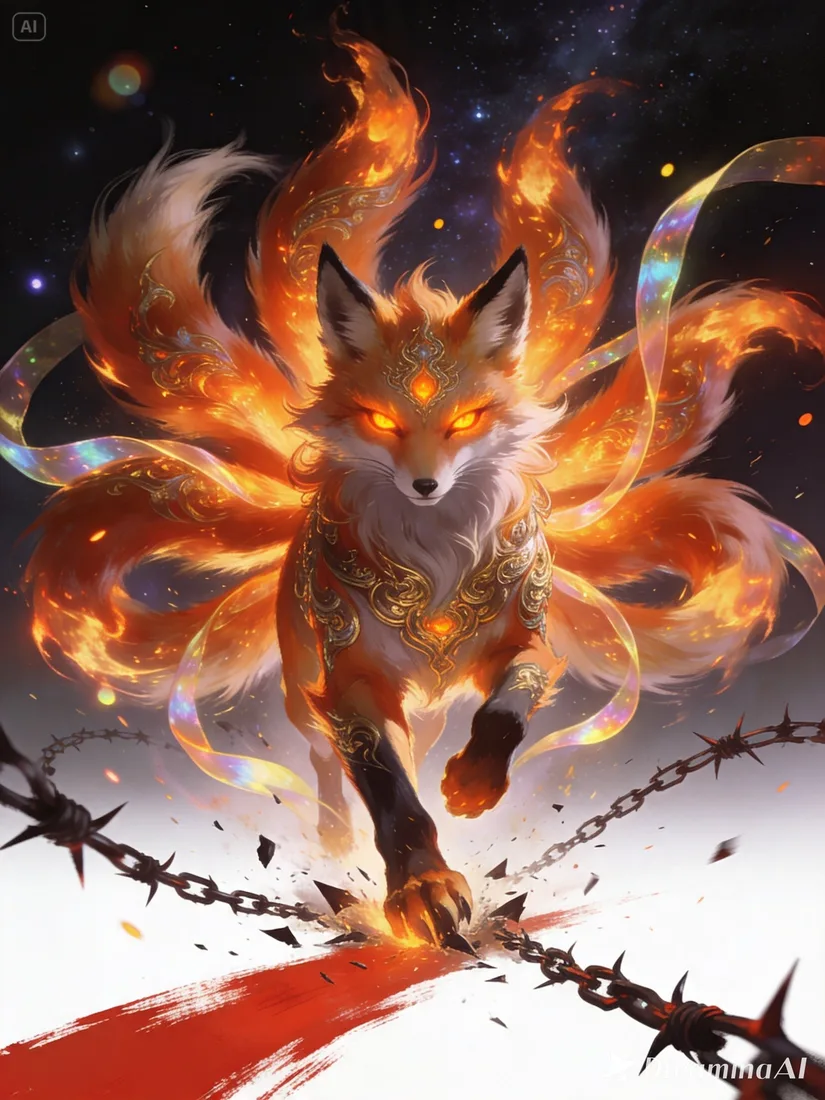
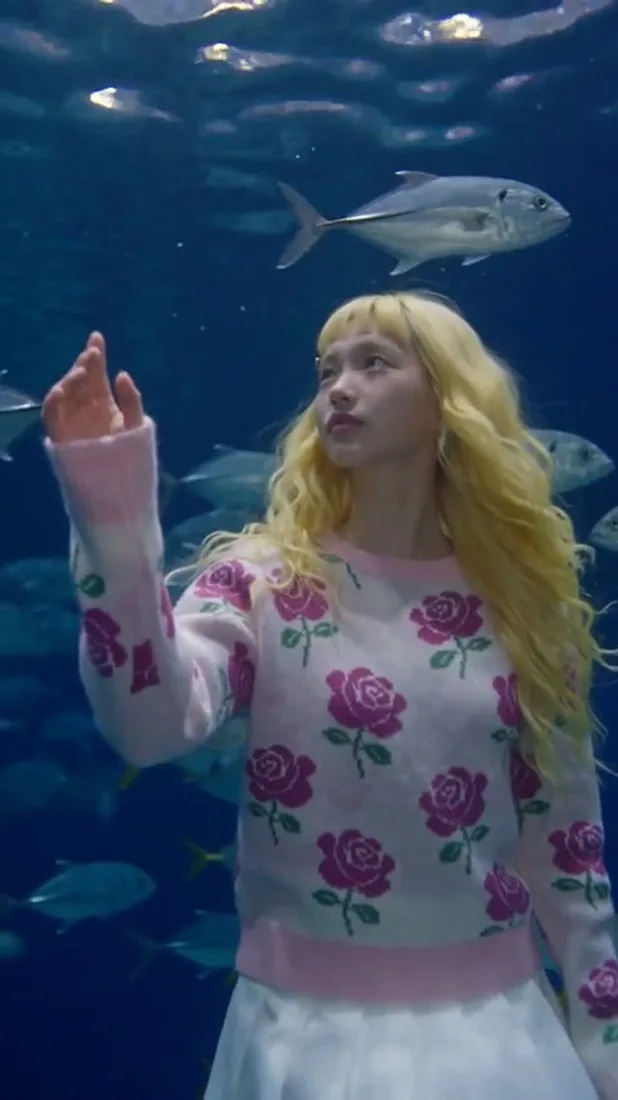
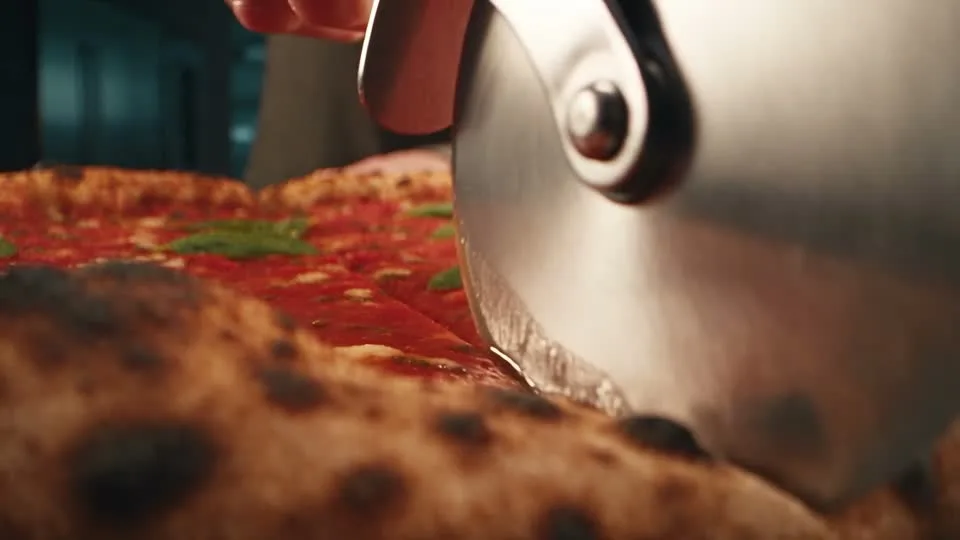
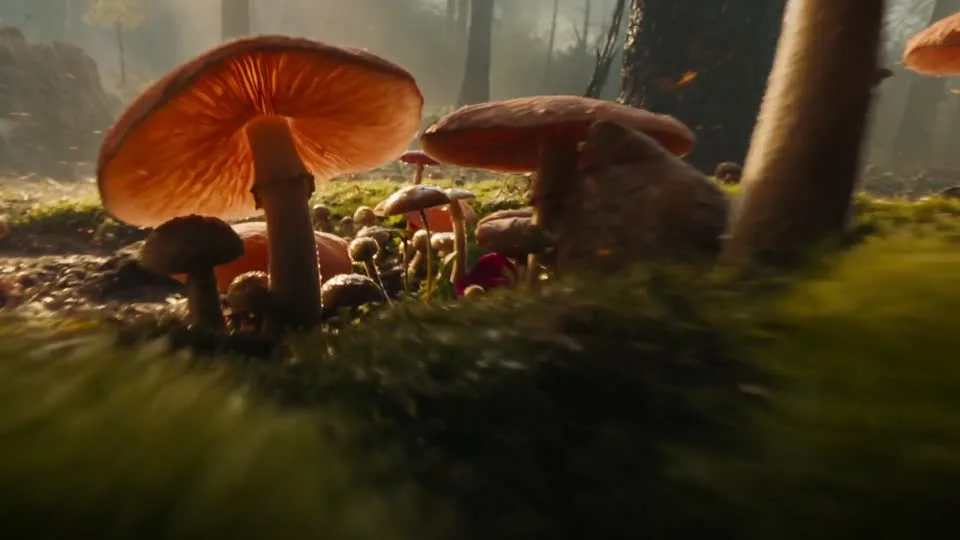
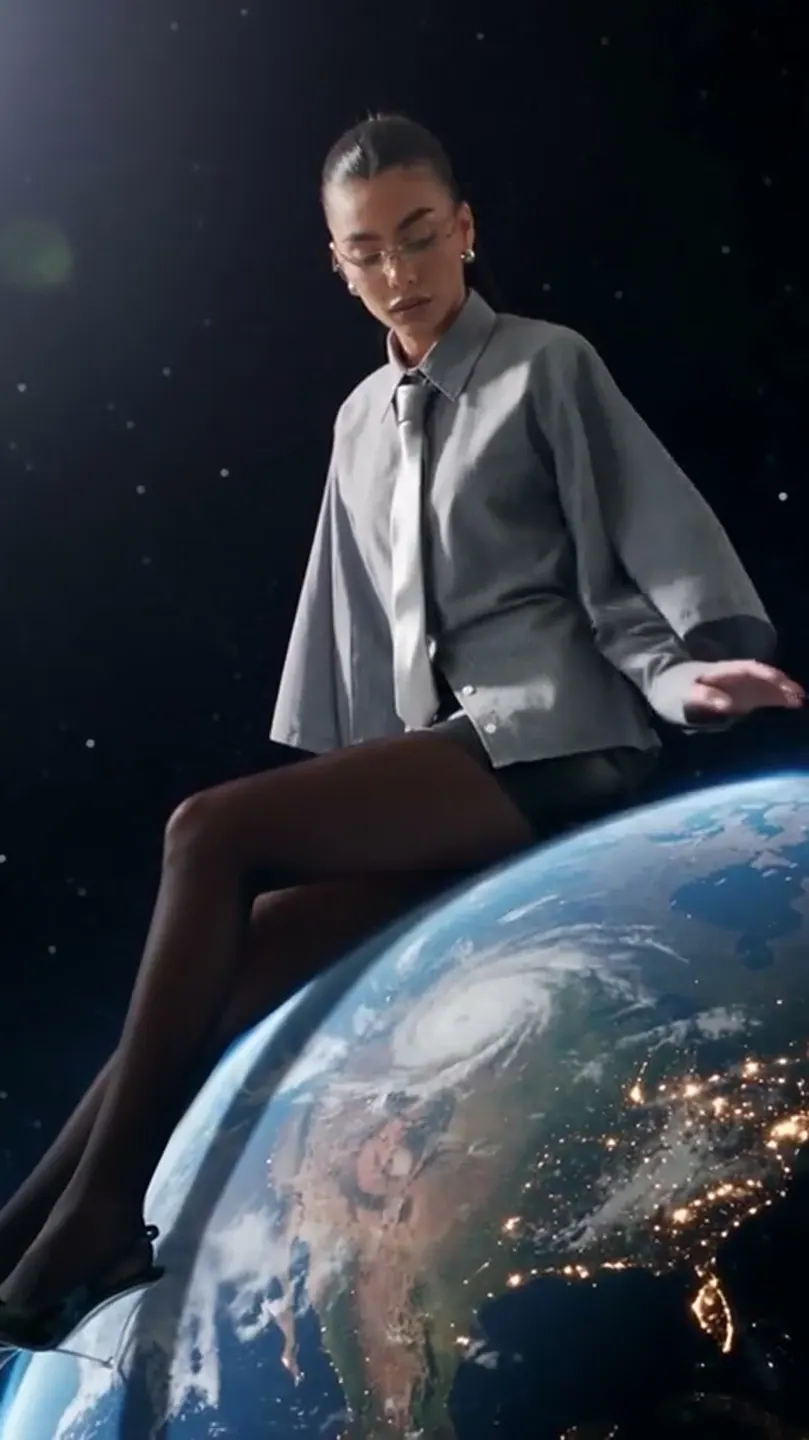
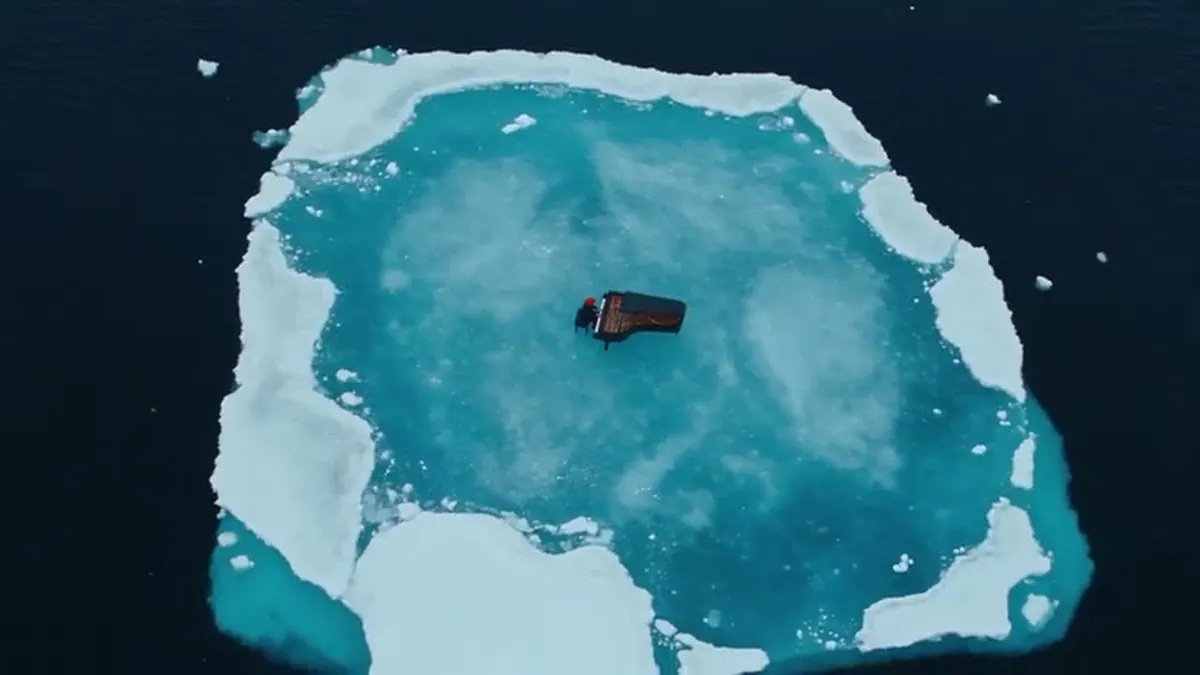
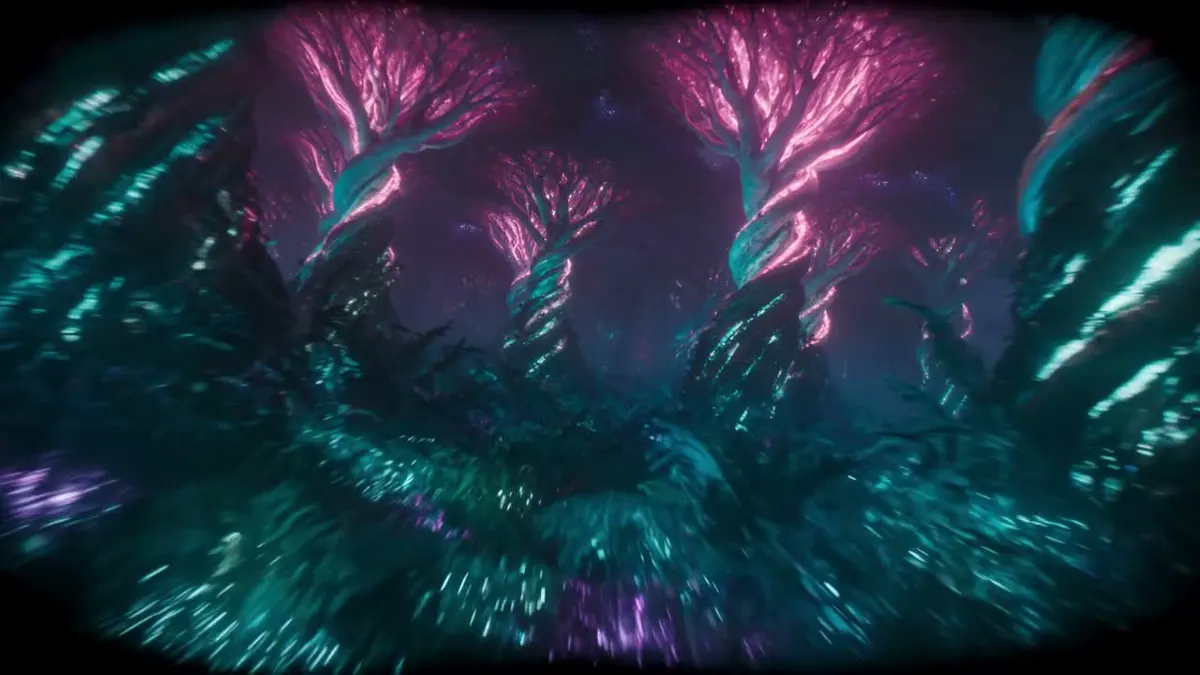
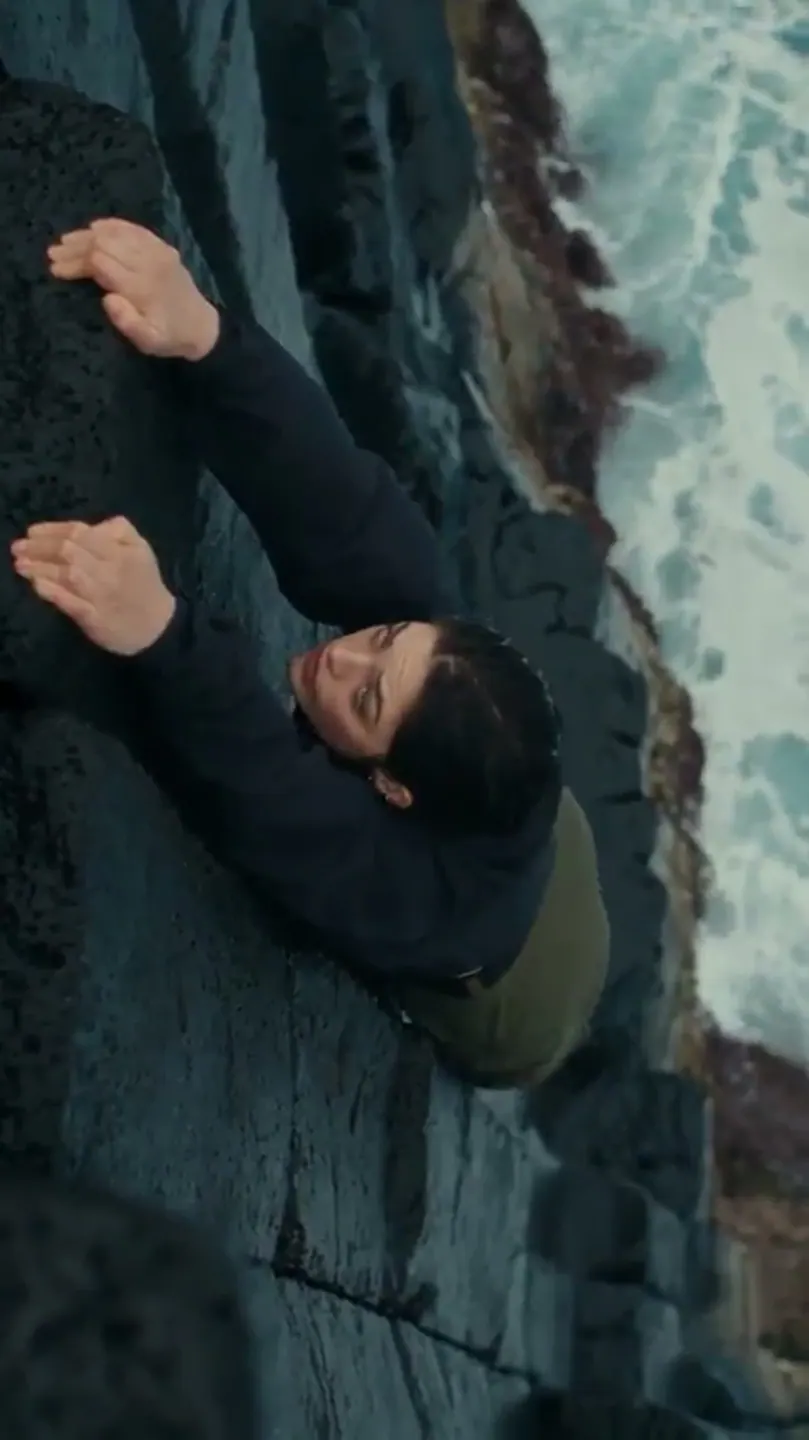
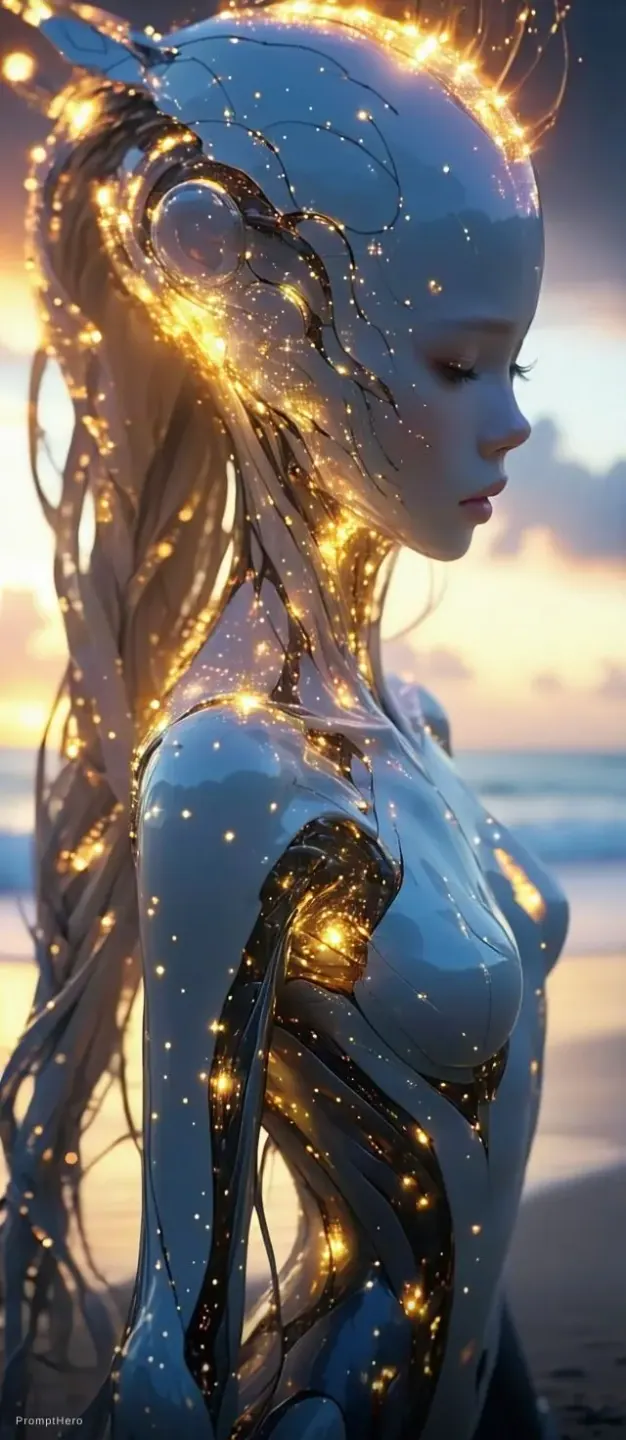
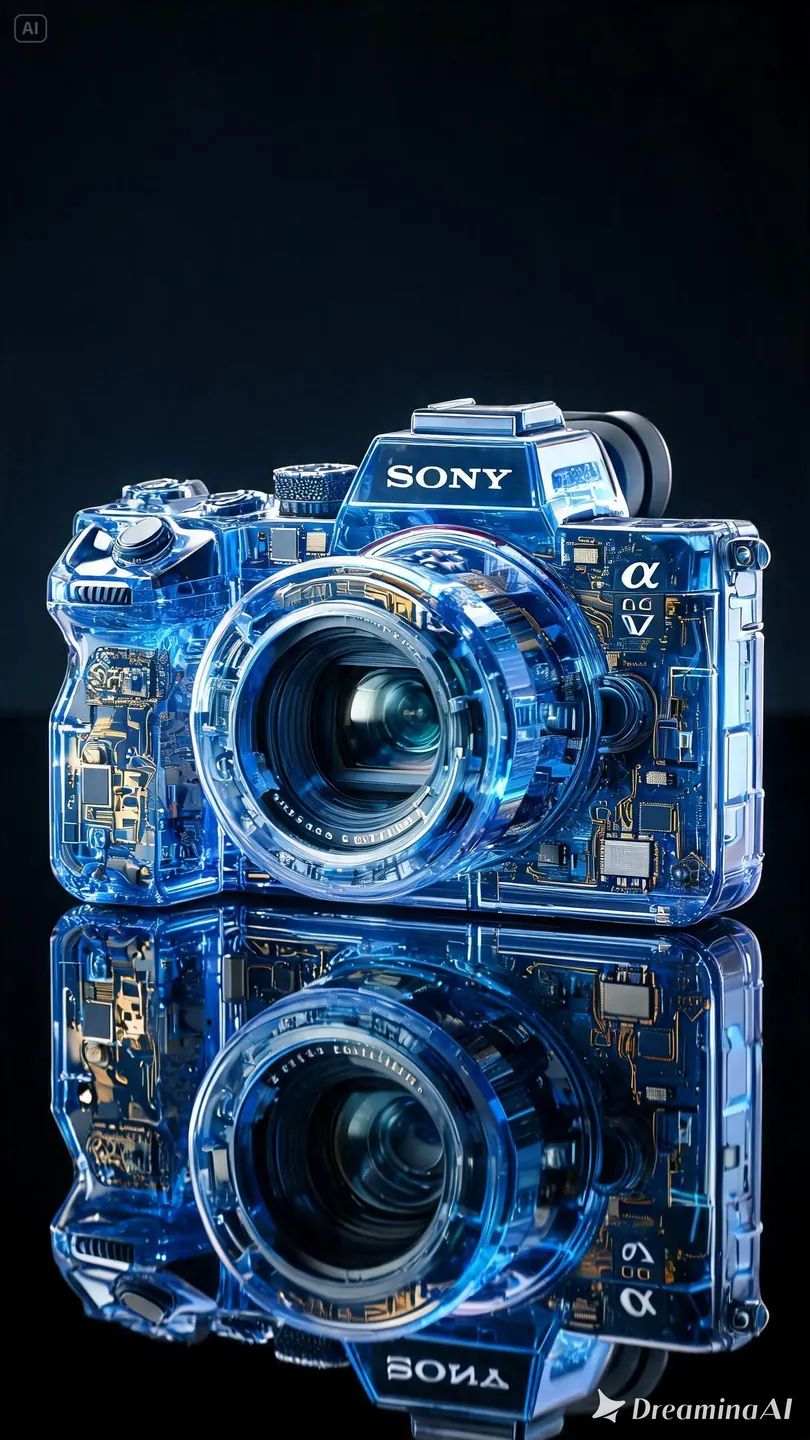
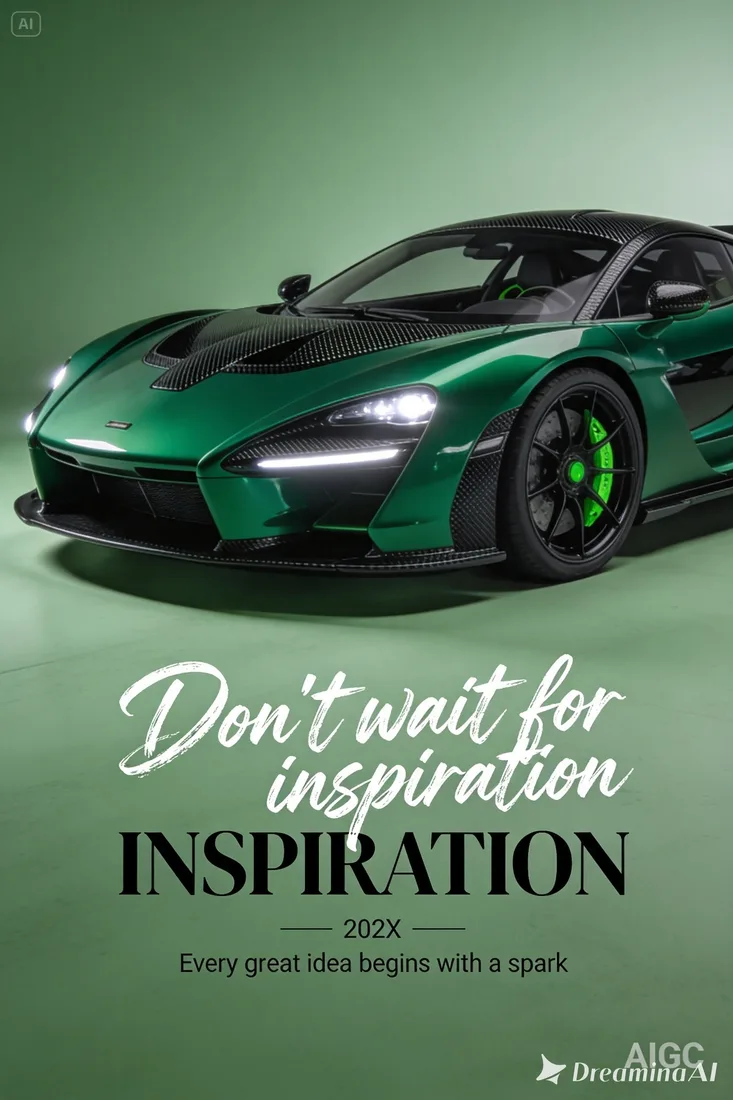
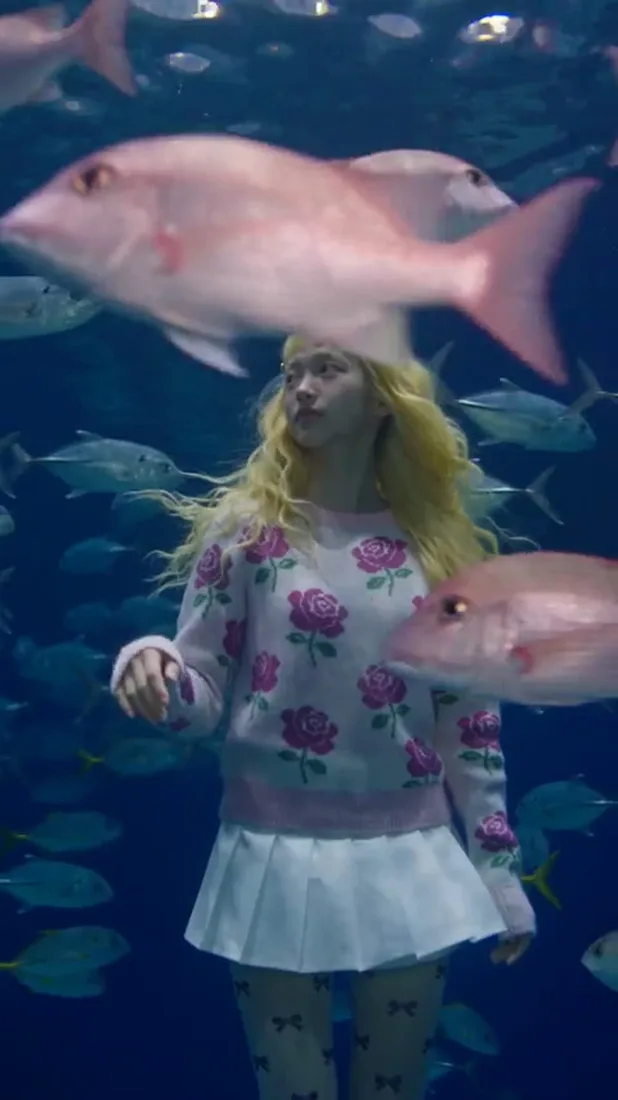
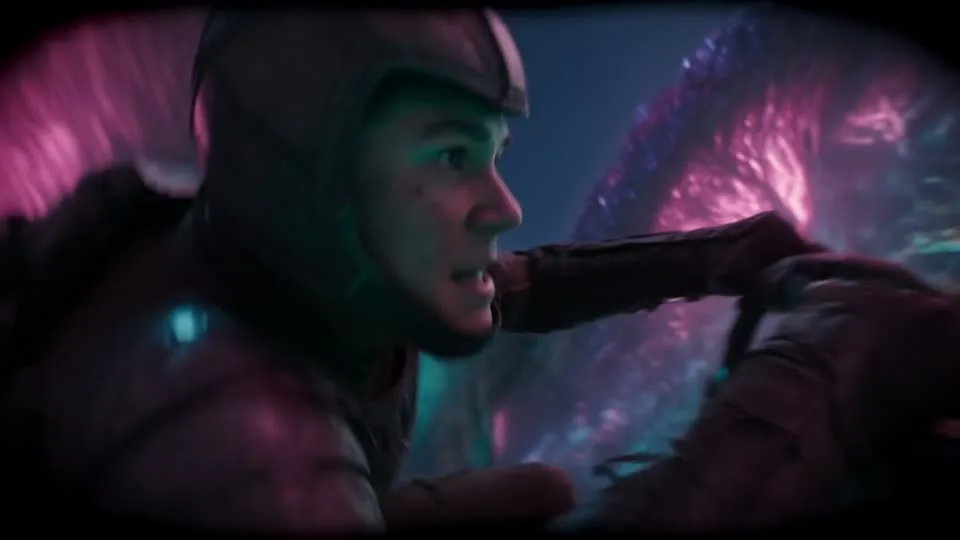
These images are visual references for composition and motion, not verified outputs from your selected model.
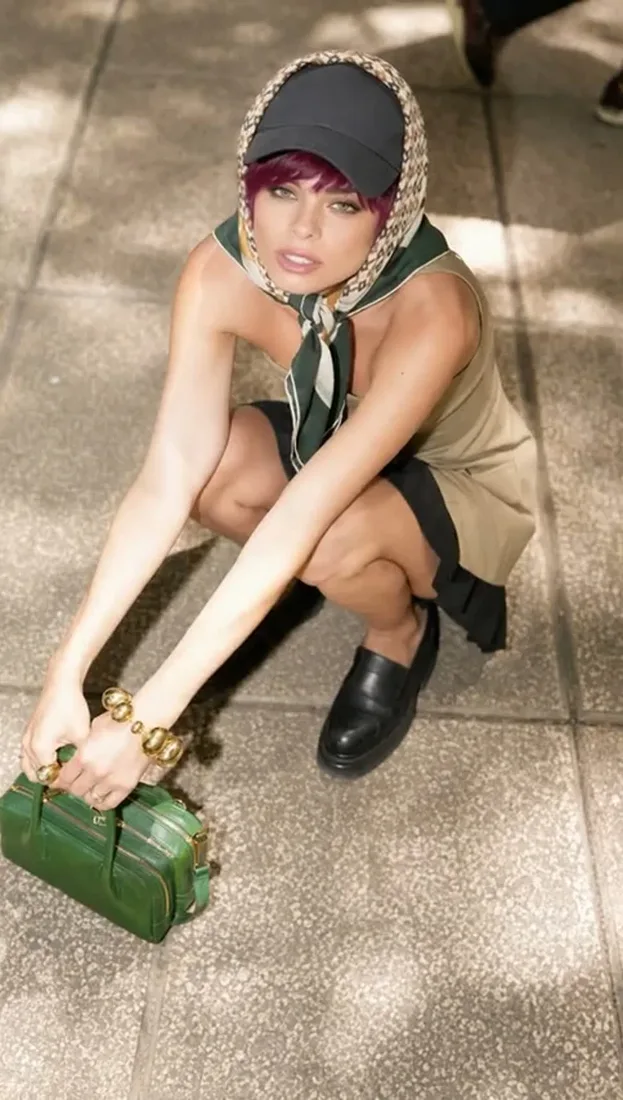 Flow AI Video
Example1 / 2
Describe a recognizable subject and one action so the clip has a clear focus.
Need a hand?
Review the requirements for this workflow before you generate.
Contact supportThis page defaults to Seedance 2.0. Choose 480p, 720p, 1080p, or 4K and a duration from 4 to 15 seconds. Seedance 2.5 remains available as a separate model option with its own settings and credits.
These images illustrate creative directions and are not verified outputs from this model. Review your own generated result for the details that matter.
Choose a model and supported settings to review estimated credits. Opening the page and preparing a draft does not start a paid generation.
Start with the image you already have
Describe one action for Seedance 2.5 and add an image reference if you have one. Review the estimate, generate, and refine the next take from your result.