




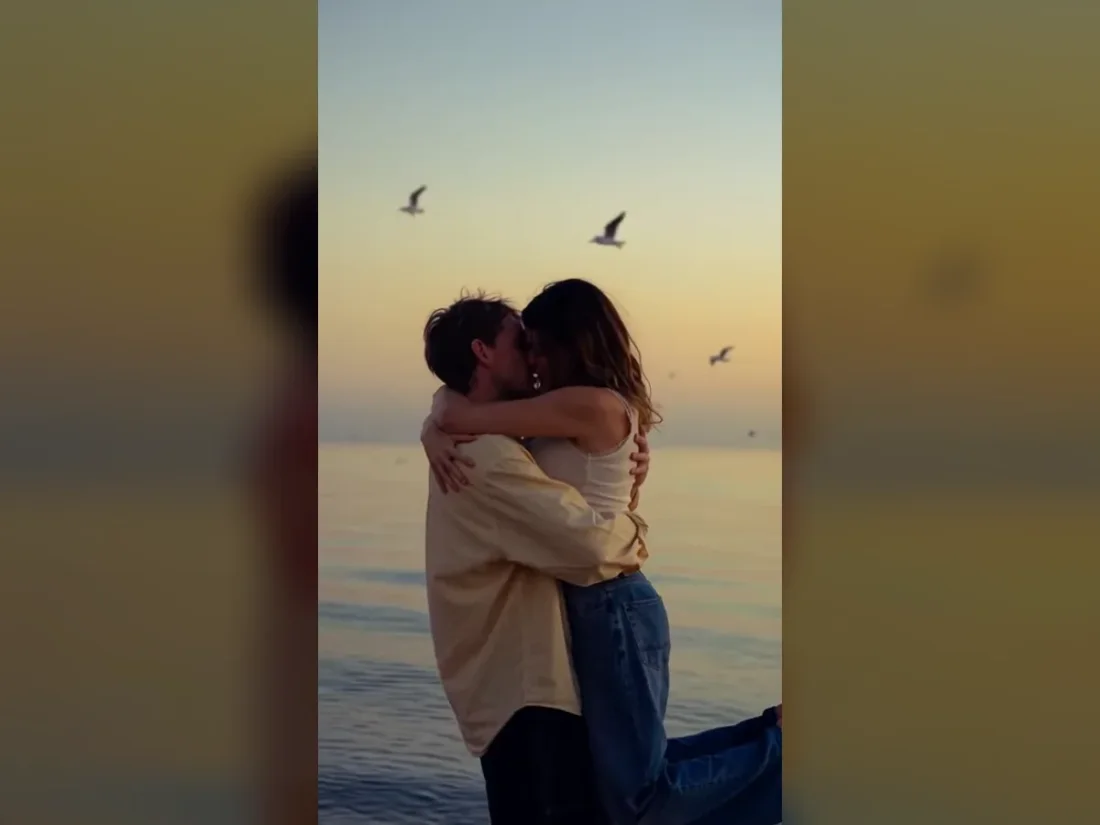
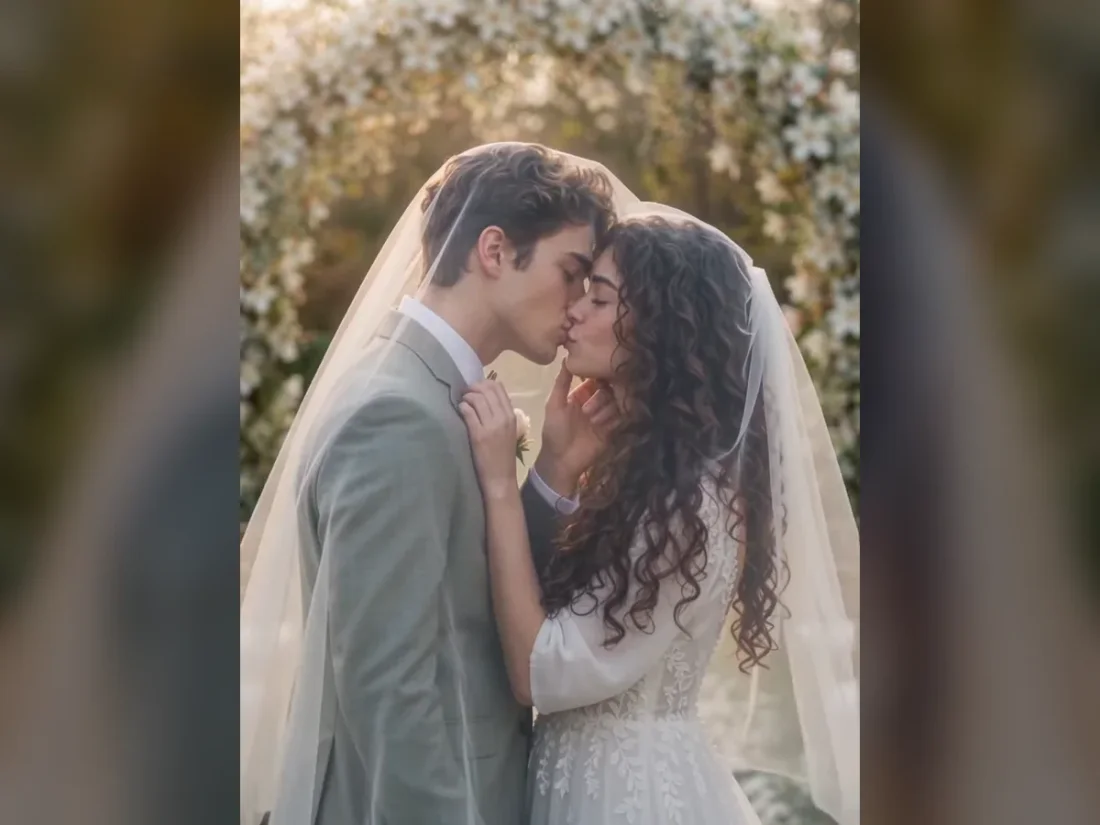
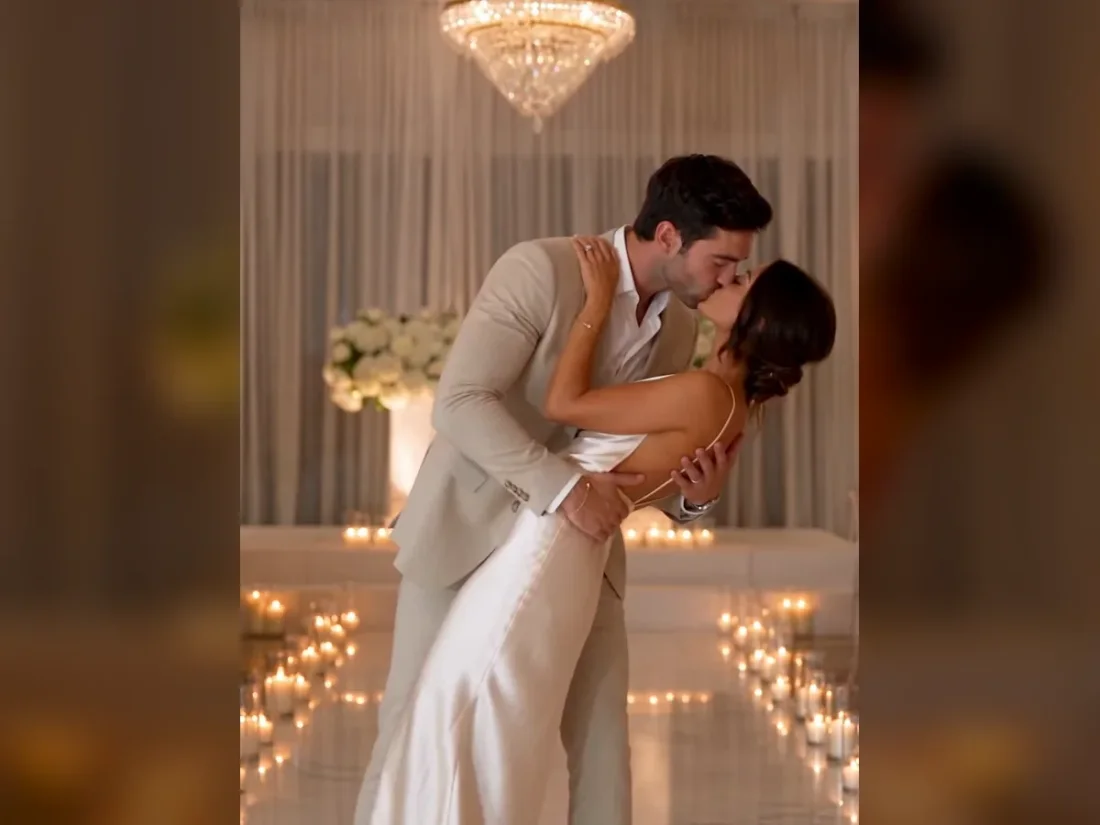
01
Turn a written scene into a shot
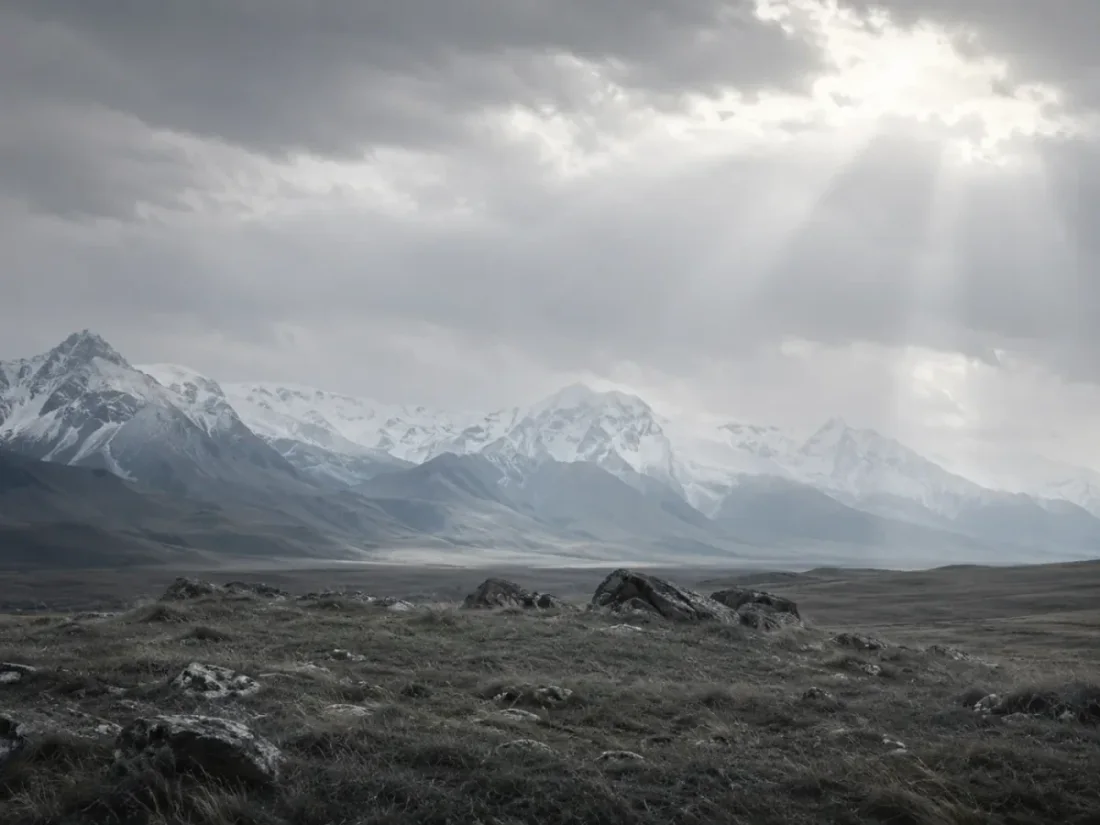
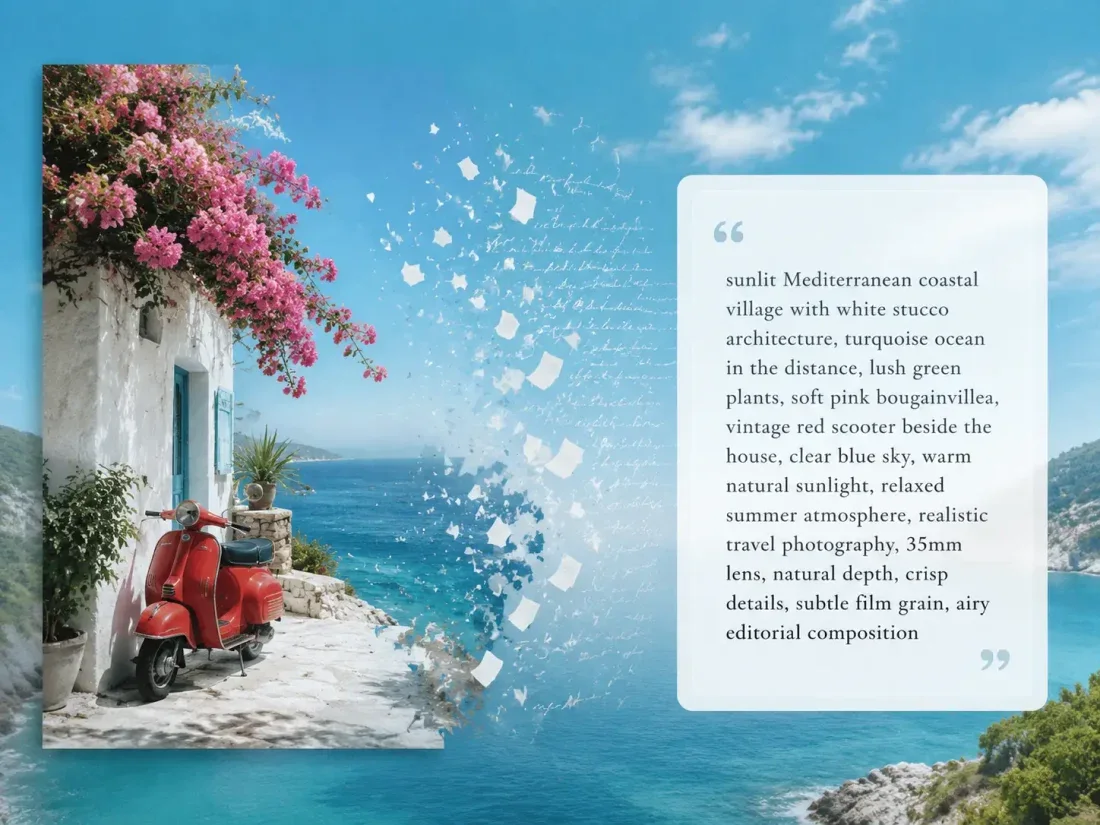
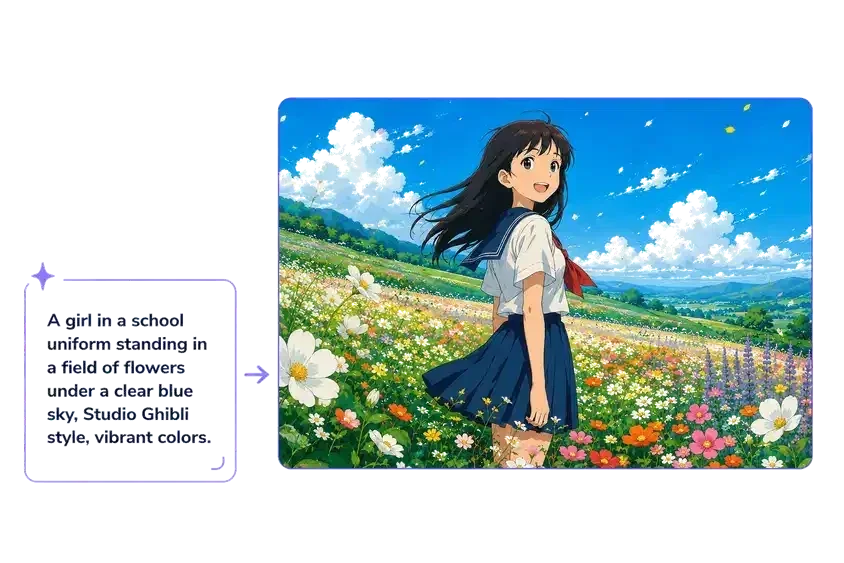
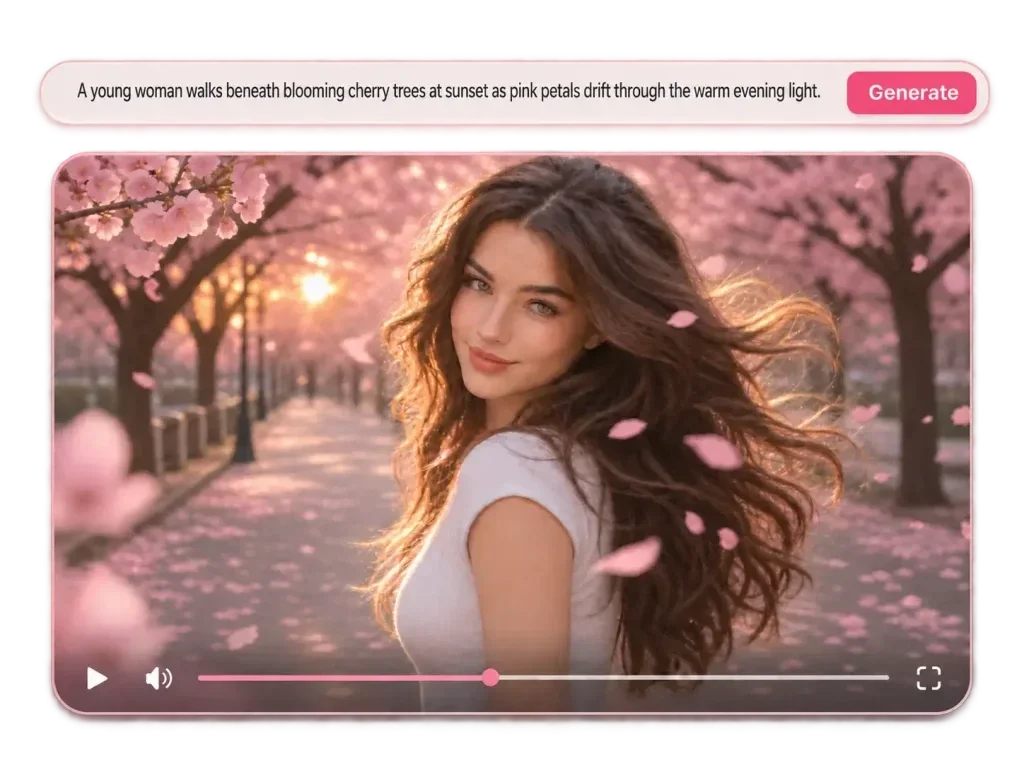
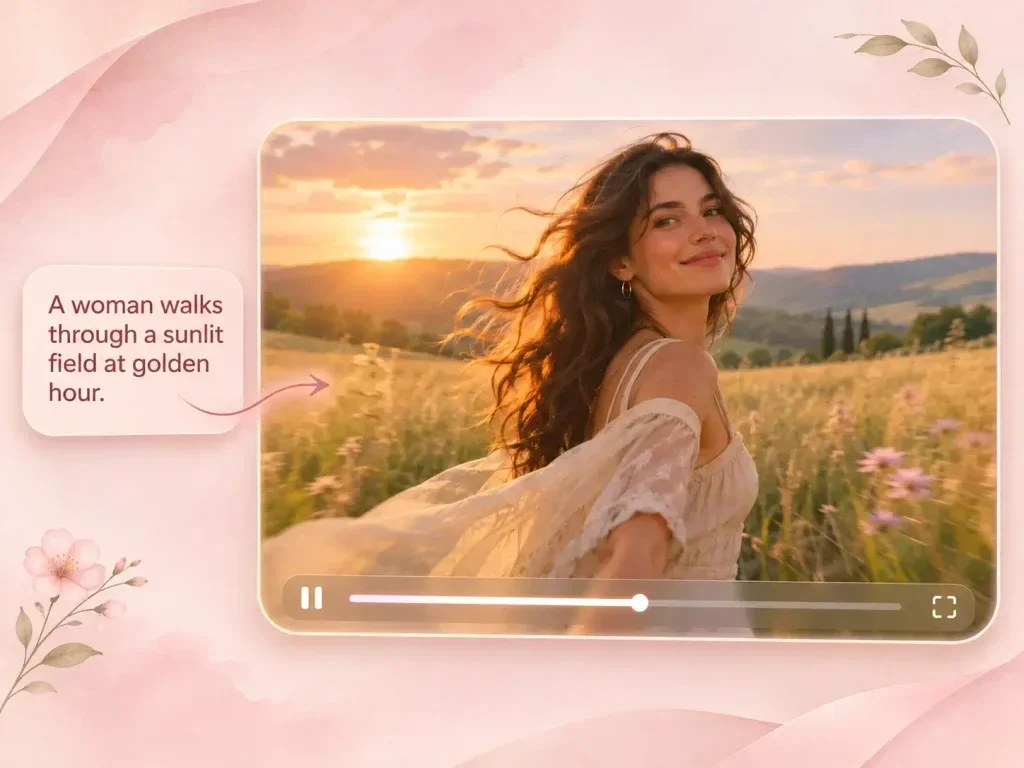
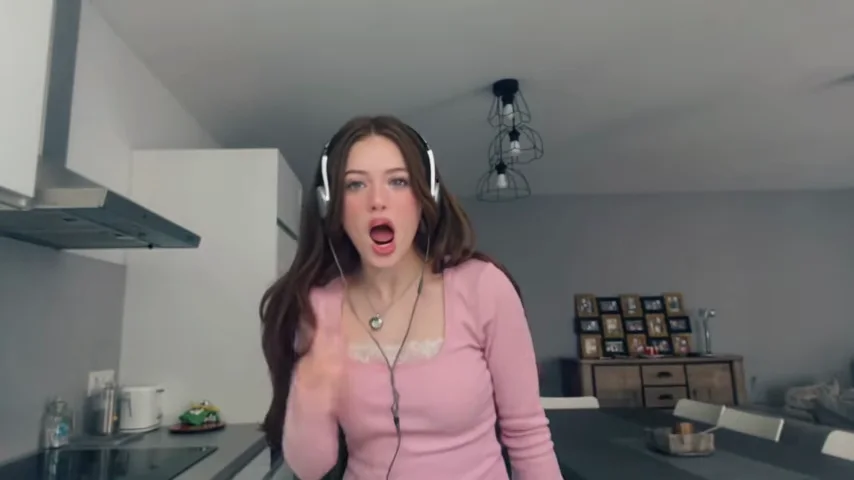
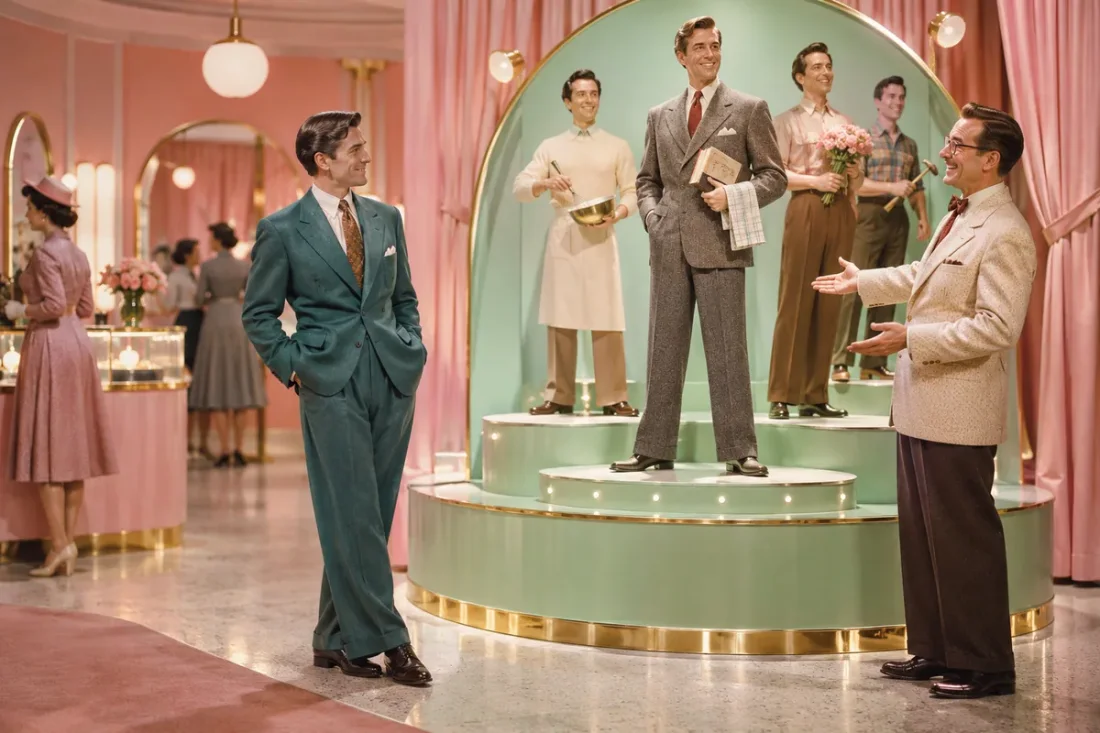
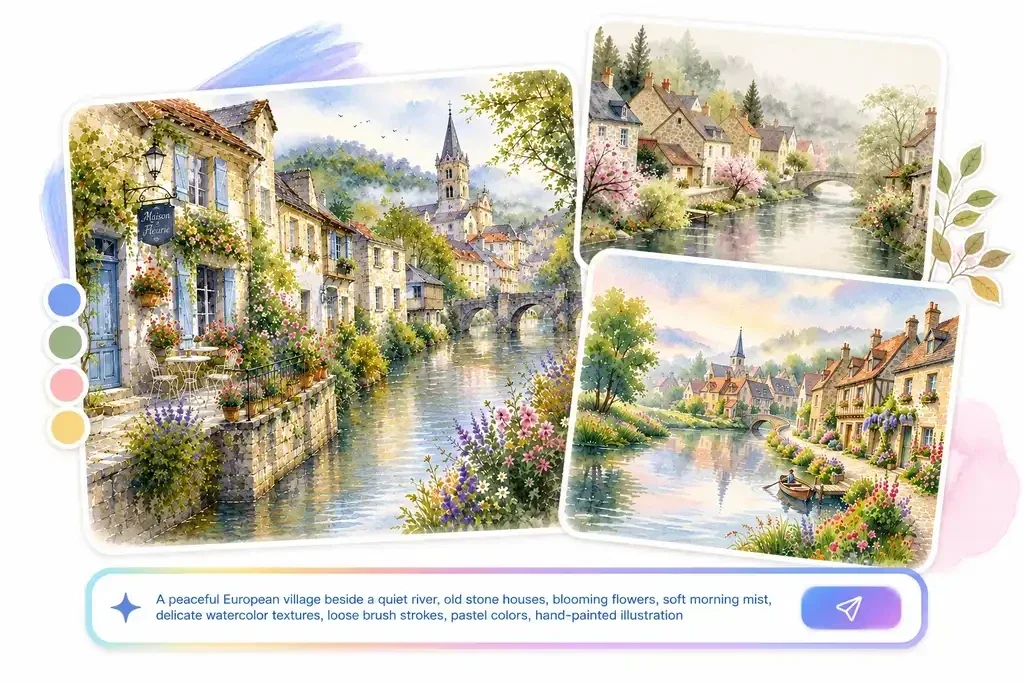
Use Text to Video when you have an action or setting in mind. Describe what enters the frame and how the camera should follow.







Flow AI Video
Browse video and image tools, explore model options, then open the workspace for the task you want to finish.
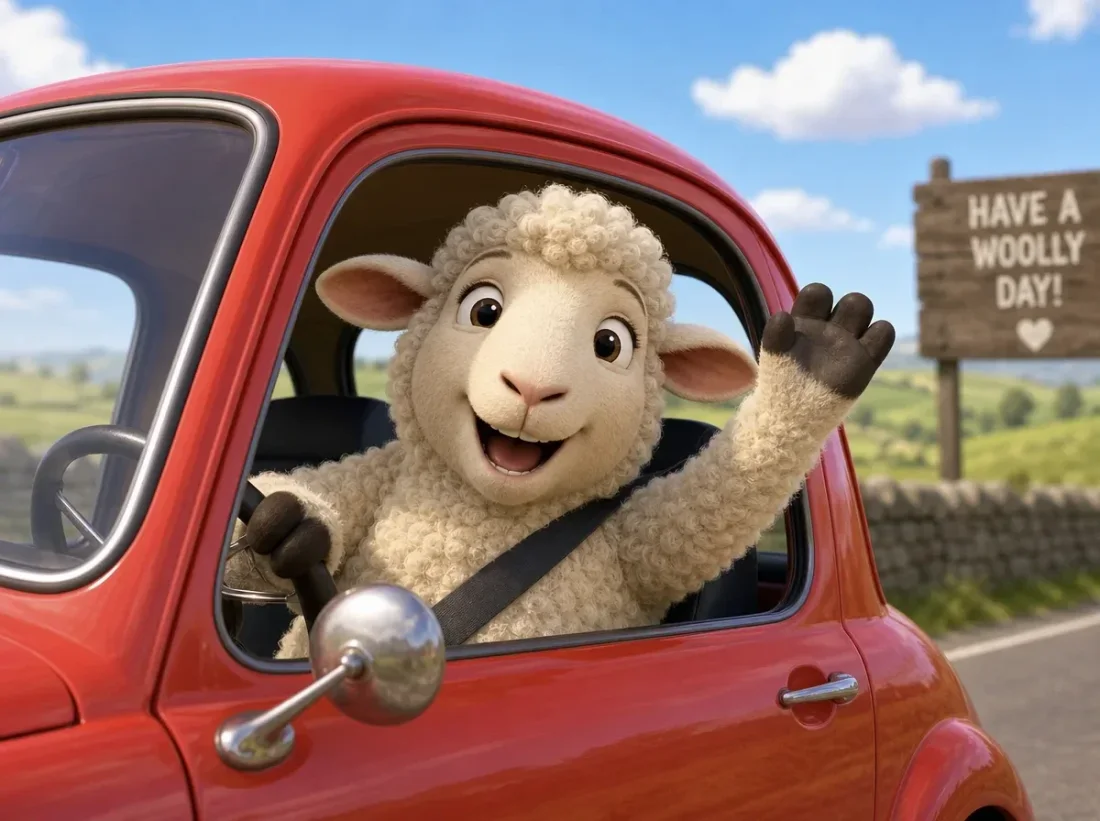
Start with video or image tools in the catalogue above.
Choose the tool that matches your input and the result you want to work toward.
Add a prompt or the required media, then review the available settings.
Sign in to generate with sufficient credits. Review completed work in Create or Assets.
Flow AI Video
A product reveal, a new portrait and a restyled clip need different starting points. Choose the task that matches your intended change.
01
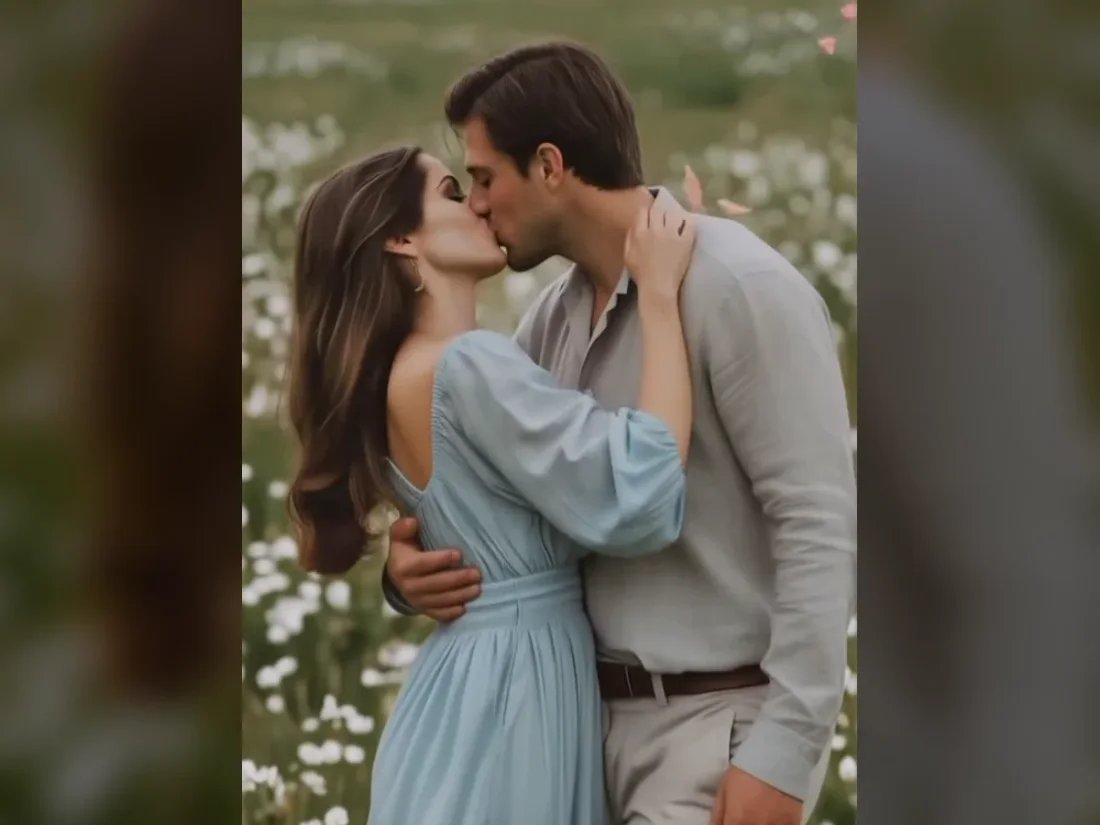
Use Text to Video when you have an action or setting in mind. Describe what enters the frame and how the camera should follow.
02
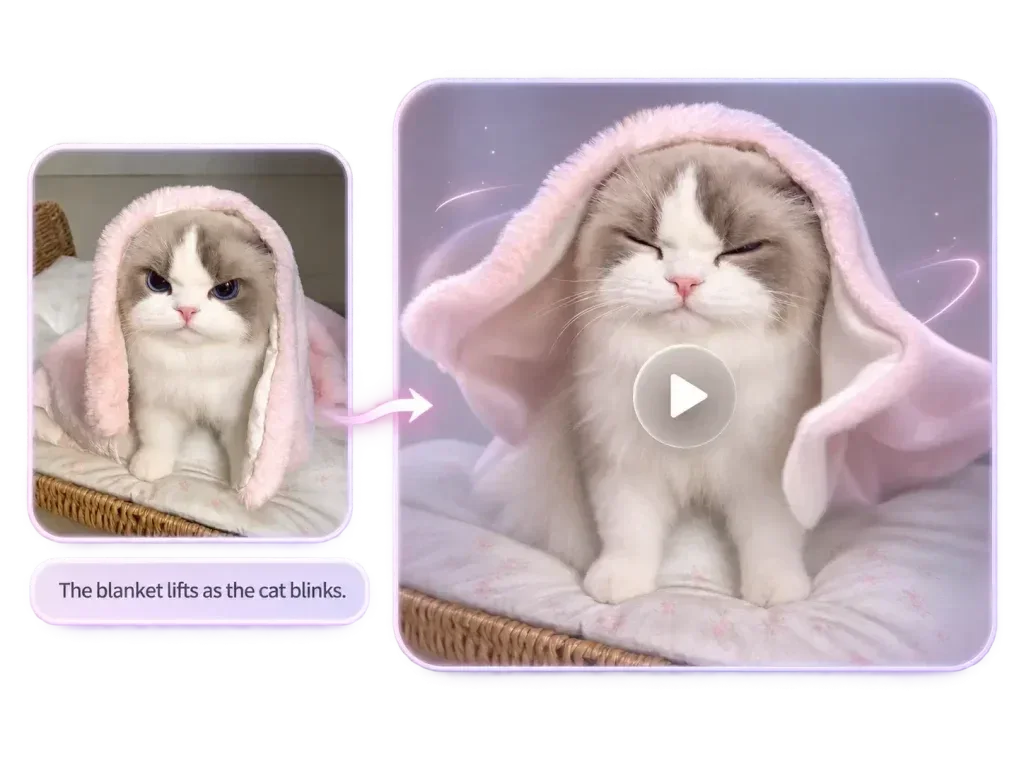
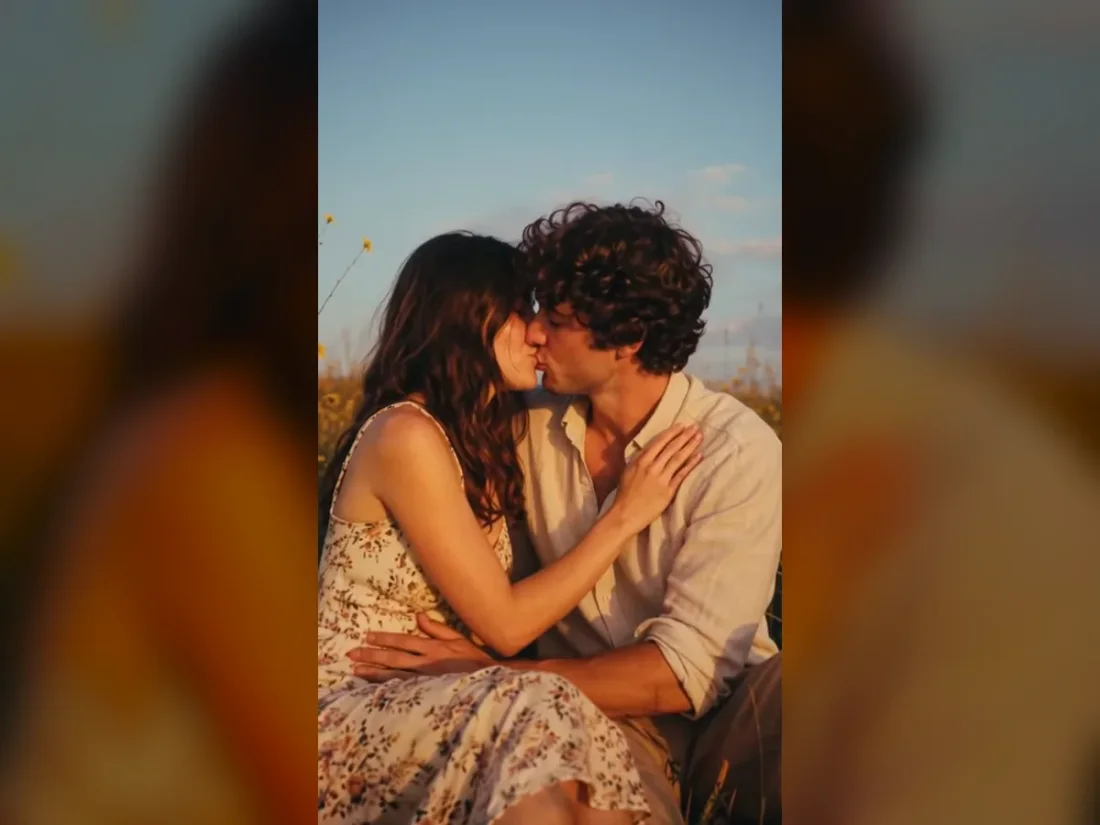
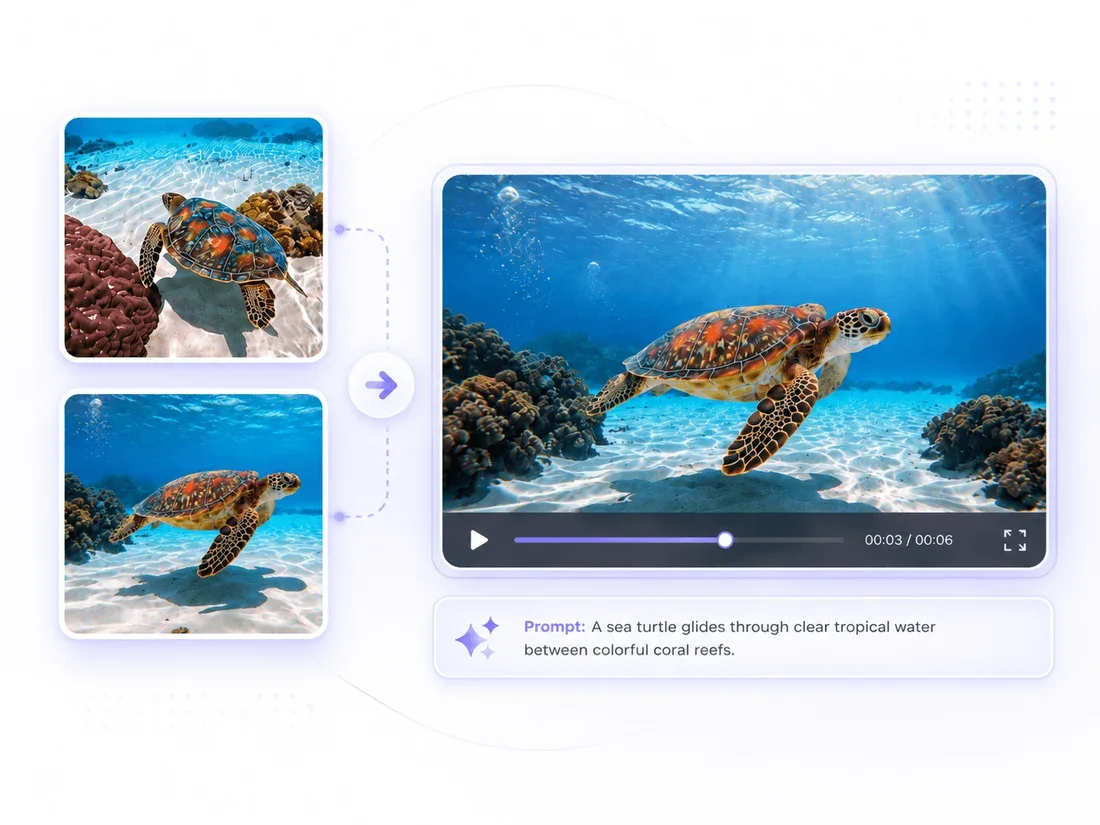
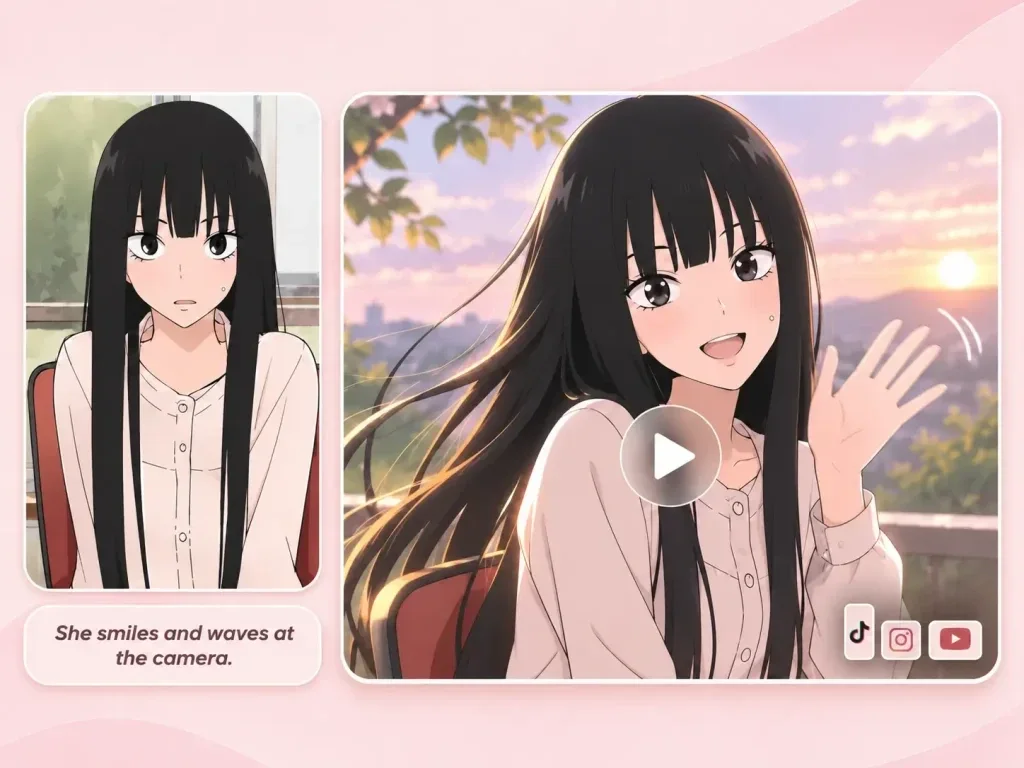
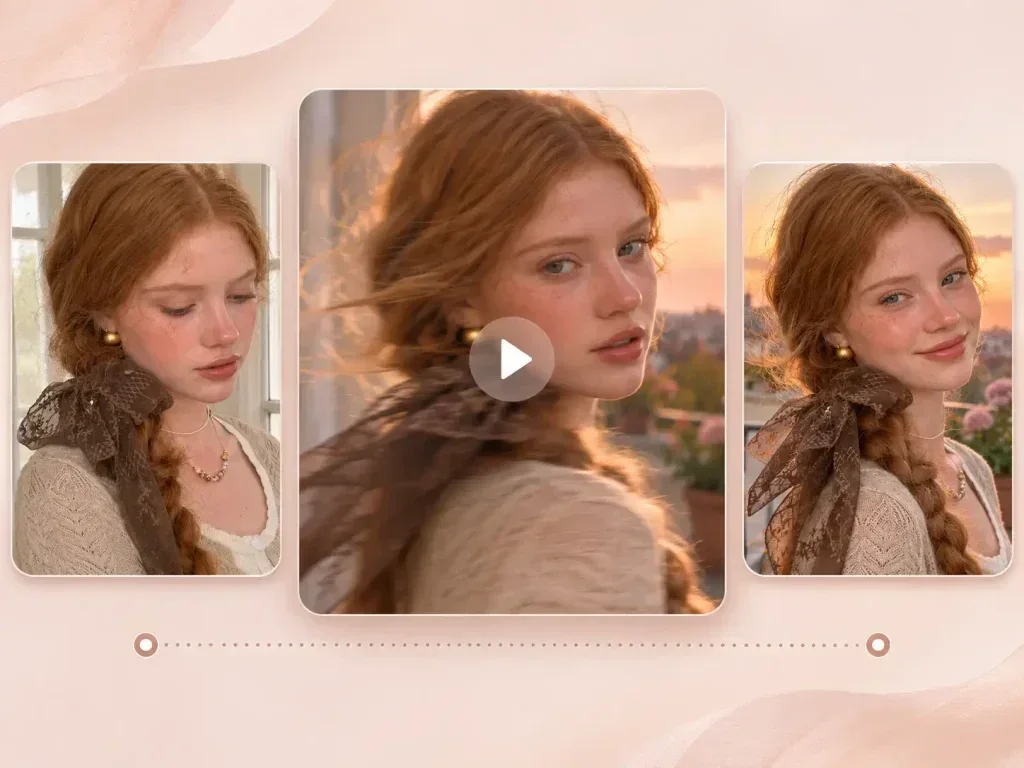
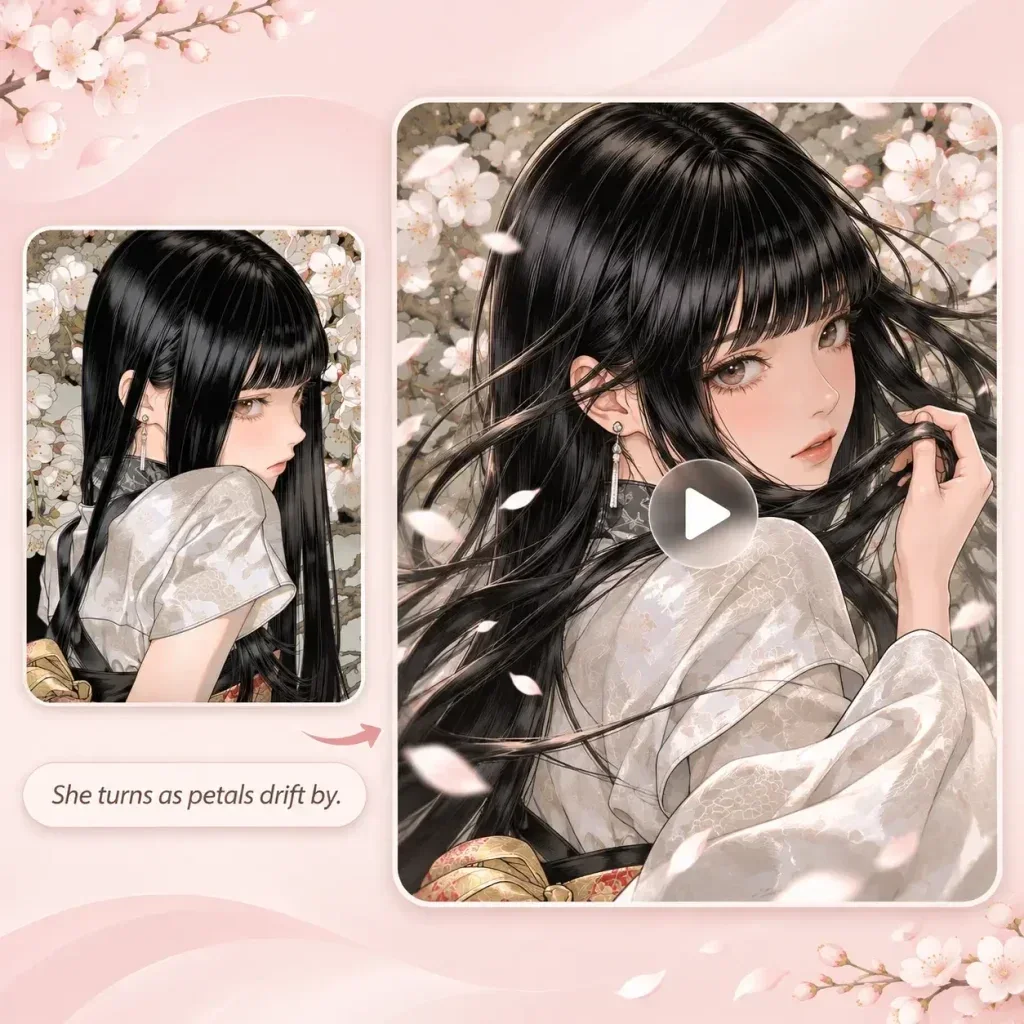
Use Image to Video for a product photograph, portrait or landscape. Begin with one motion that fits the original composition.
03
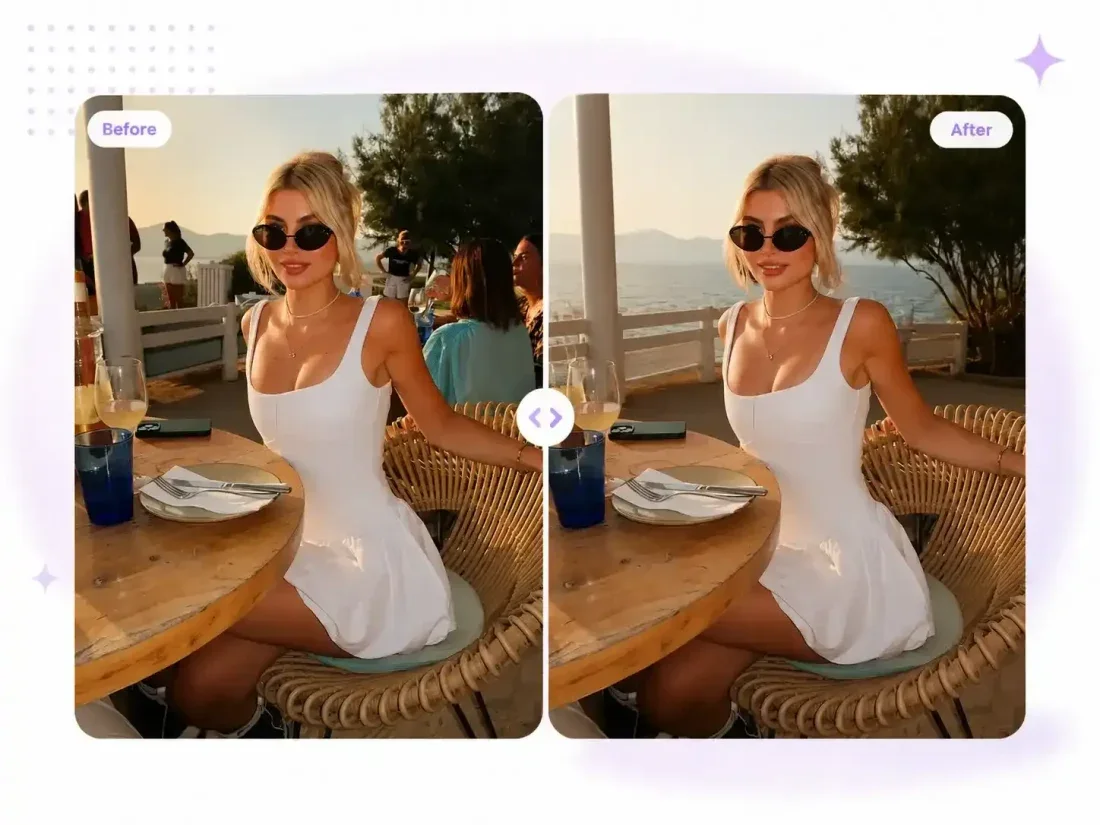
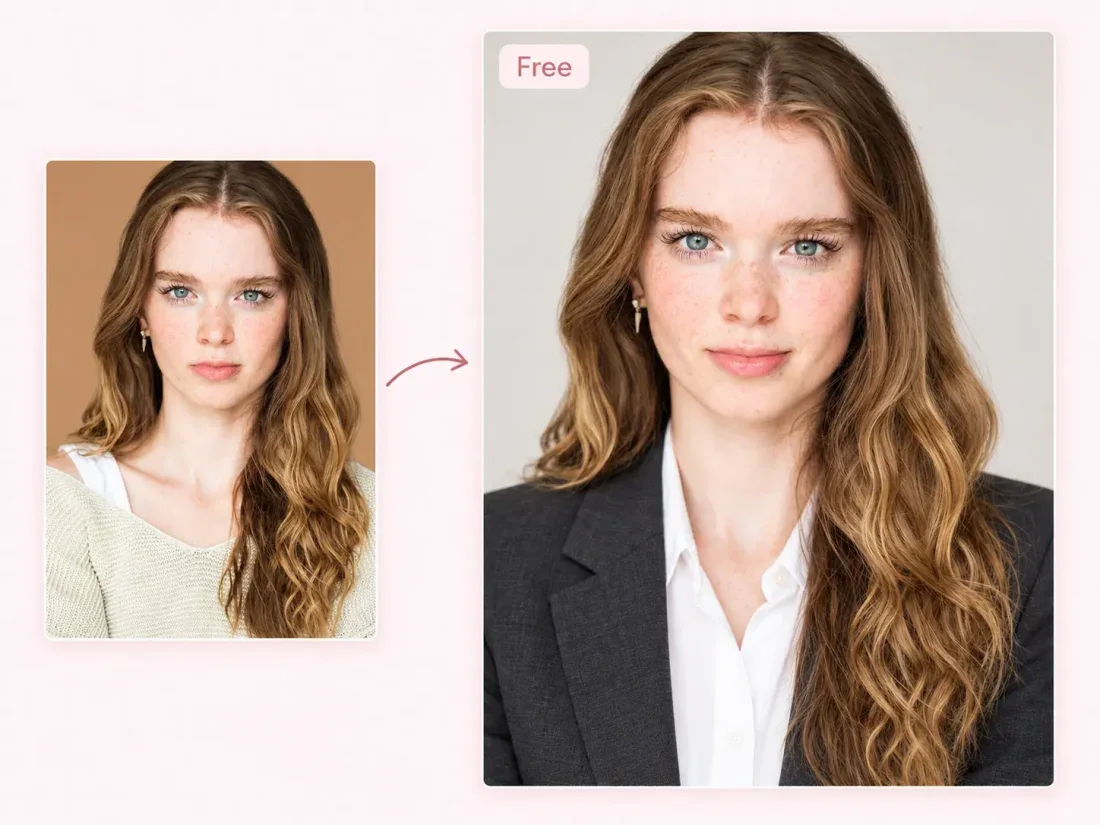
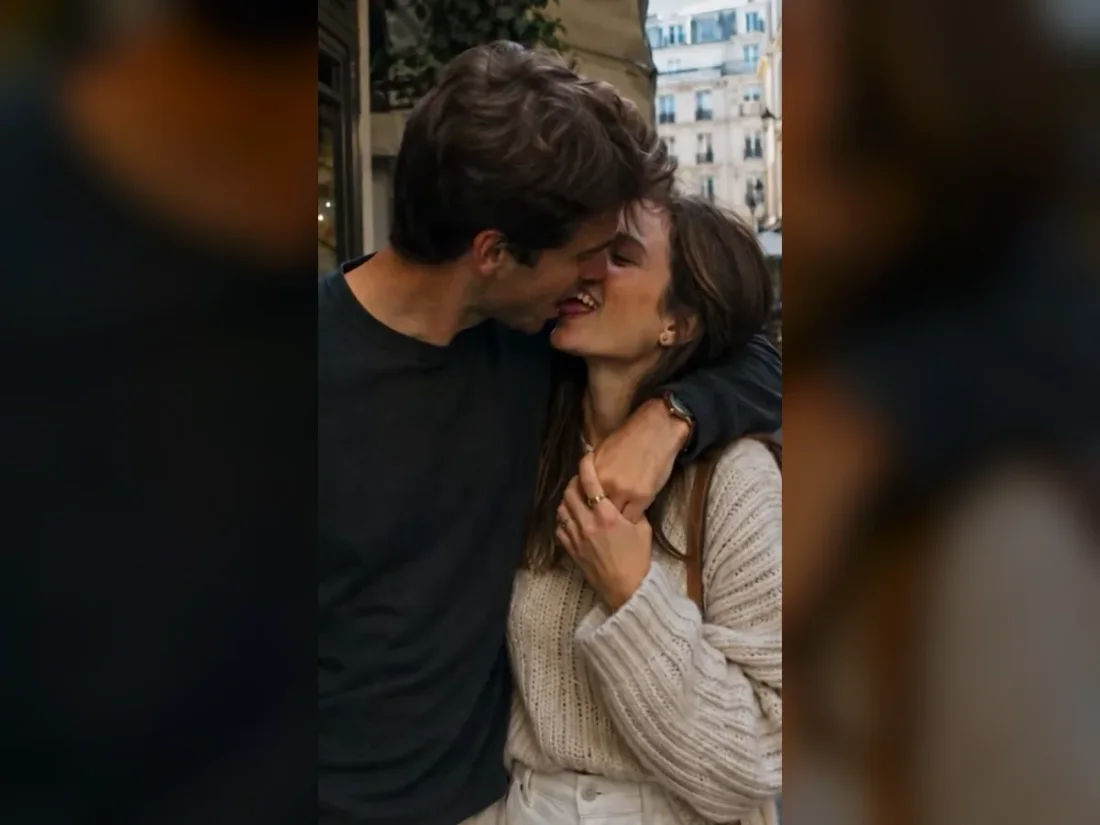
Choose an image editing tool for a still-picture change. For motion or scene treatment from existing footage, open a video reference workflow.
04
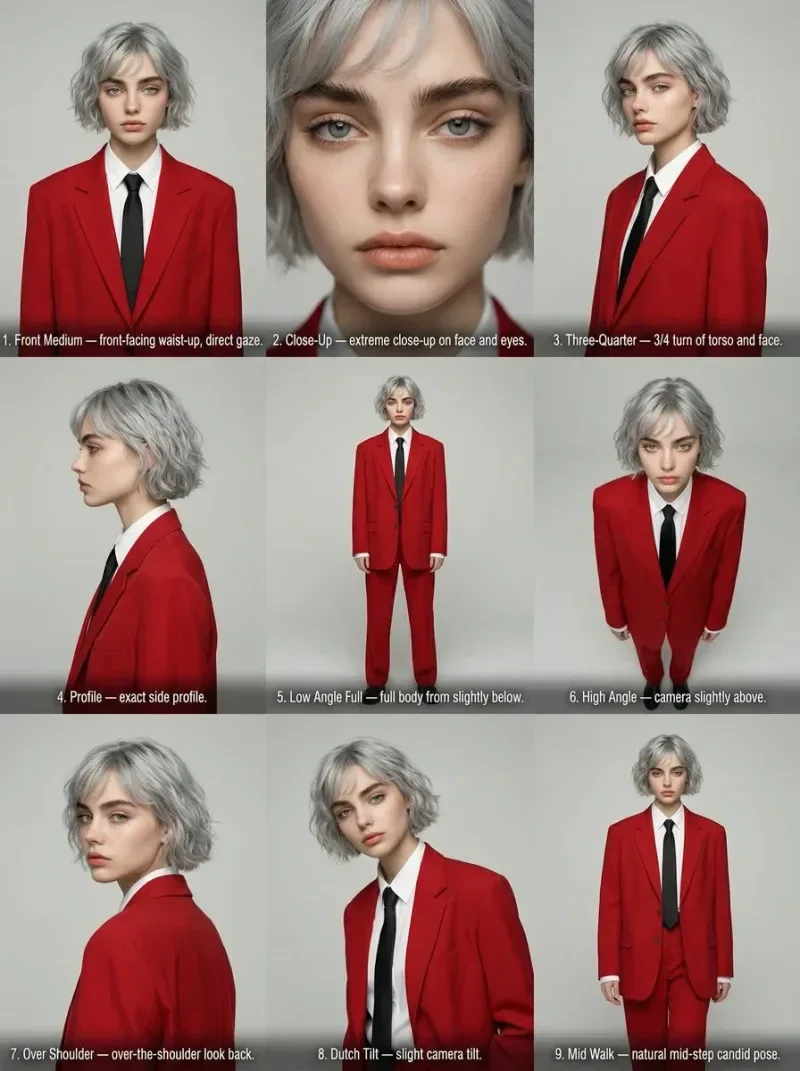
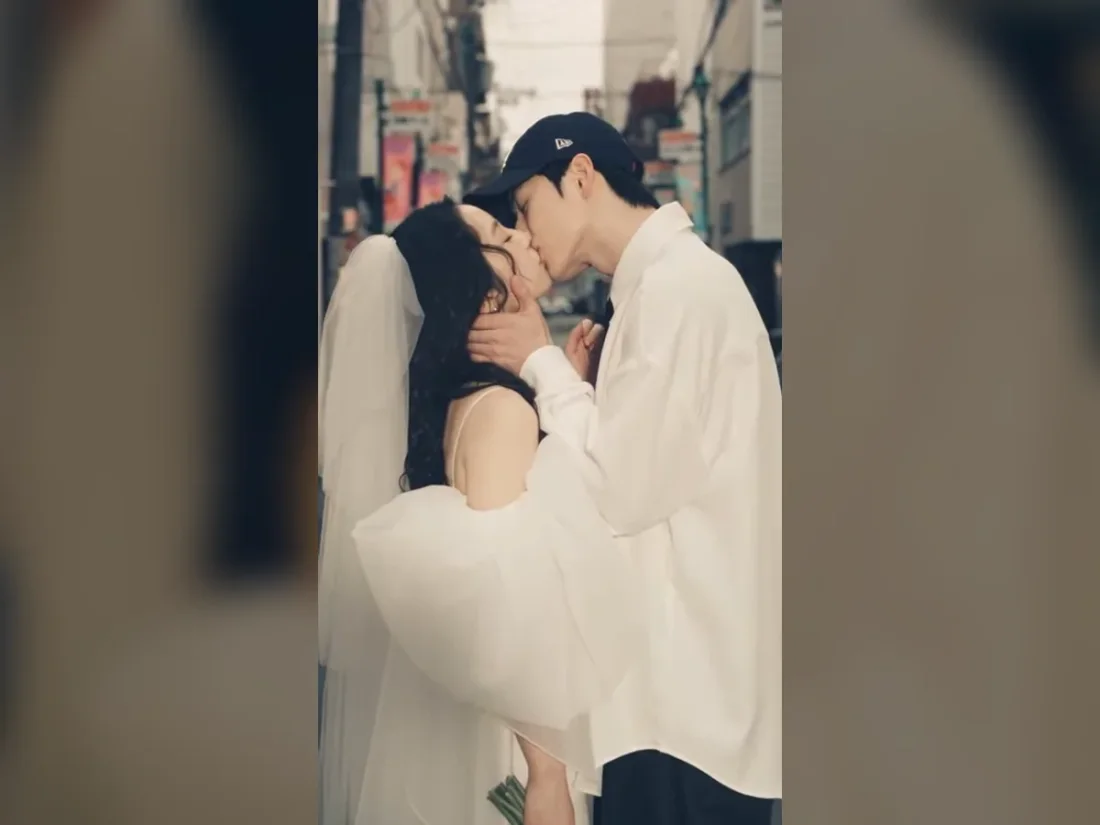
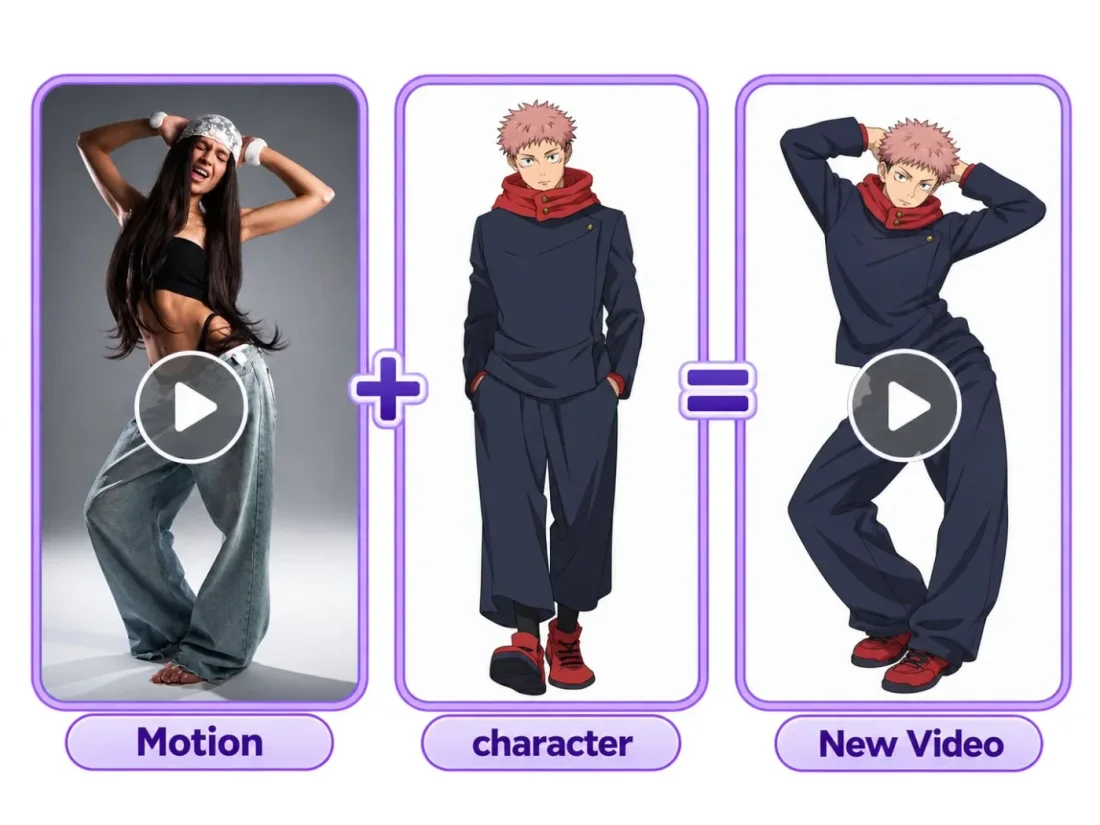
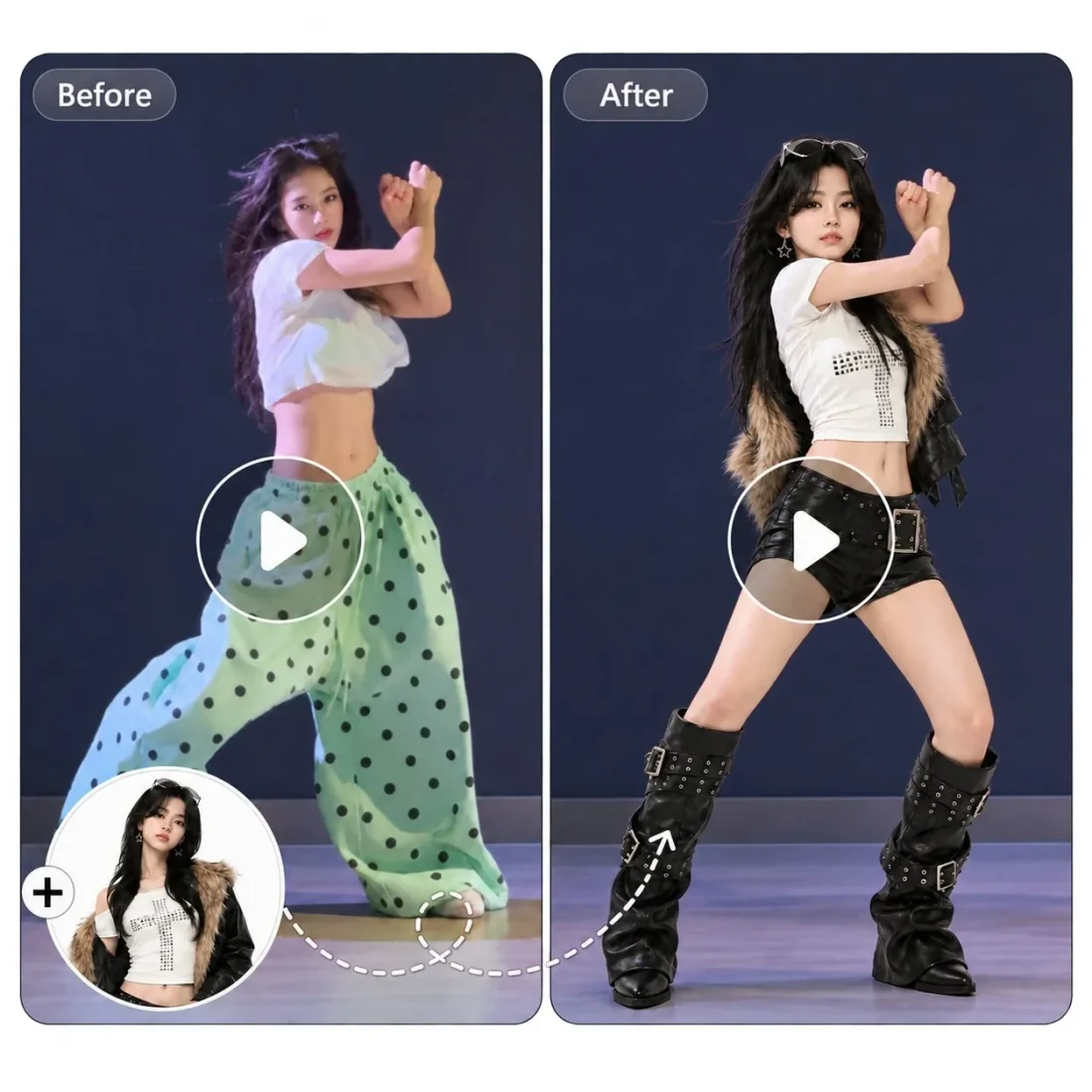
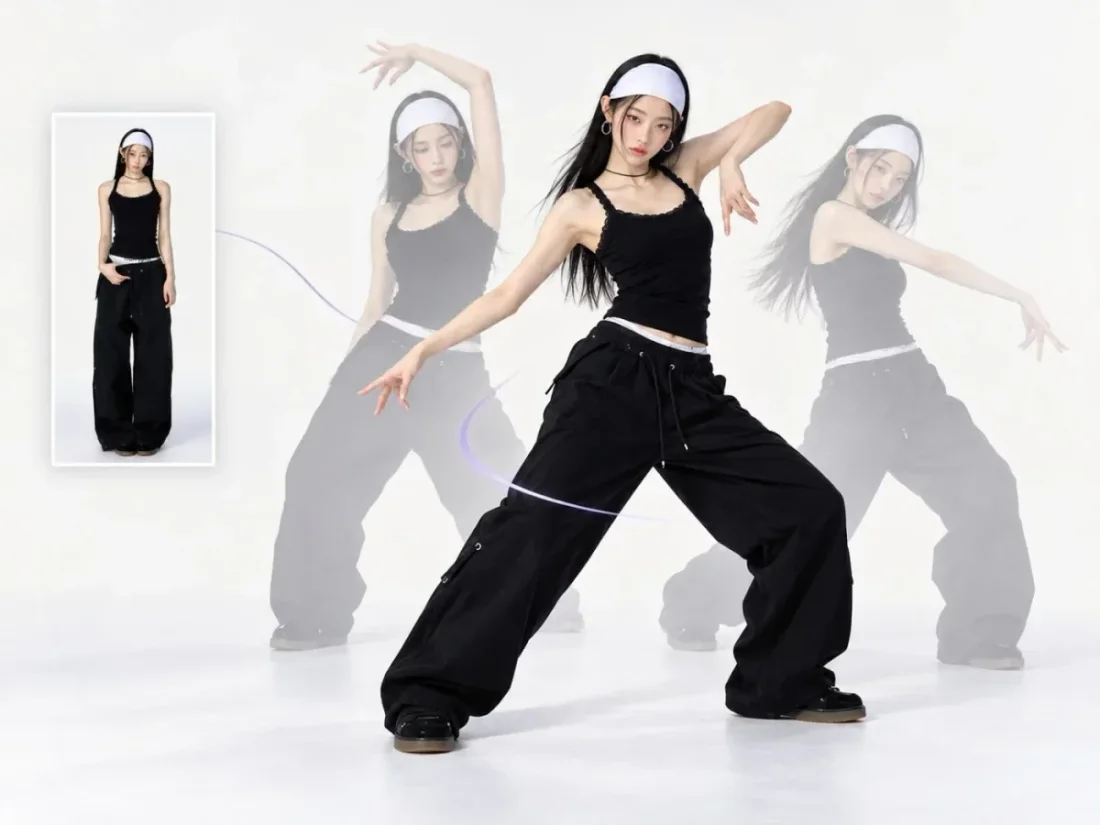
Explore a performance, character scene or photo effect. Check its required portraits or footage before preparing your own version.
Flow AI Video
A product reveal, a new portrait and a restyled clip need different starting points. Choose the task that matches your intended change.
Video tools
Turn a written scene, a still image or reference footage into a video task.
Flow AI Video

Example1 / 2
For a product reveal, start with a clean view of the item. Describe a camera approach or a light change, keeping packaging details available for comparison.
Plans for your creative pace
Compare monthly plans, annual savings, and one-time credit packs. Review the included credits before choosing; generation costs vary by model, duration, and resolution.
Prices are shown as a monthly equivalent and billed annually. All annual credits are issued upfront after payment and again after each successful annual renewal.
A year of credits for steady creation, billed annually.
Billed annually, $144.00/year
All 4,800 credits issued upfront each year
About 120 4-sec 720p Veo 3.1 Fast videos
For weekly publishing and campaign work, with annual billing.
Billed annually · $174.00/year
All 9,600 credits issued upfront each year
About 240 4-sec 720p Veo 3.1 Fast videos
Annual capacity for batch campaigns and frequent publishing.
Billed annually · $1,188.00/year
All 60,000 credits issued upfront each year
About 1500 4-sec 720p Veo 3.1 Fast videos
Need a hand?
Browse video and image tools, explore model options, then open the workspace for the task you want to finish.
Contact supportStart with the media you have: text, a still image or video footage. Choose a matching category, then open the tool to check its inputs.
Yes. You can browse and prepare a brief first. Generating requires an account and enough credits for the selected settings.
A tool organizes the inputs and controls for a task. A model is the generation option you select inside the workspace.
Open Create or Assets to review completed work. Download options appear when a result is ready.
Use the feedback button at the bottom right. Write your message first, then sign in when you submit it.
Flow AI Video
Return to the catalogue and choose a task from your photo, footage or written idea.