01
Choose a clear character portrait
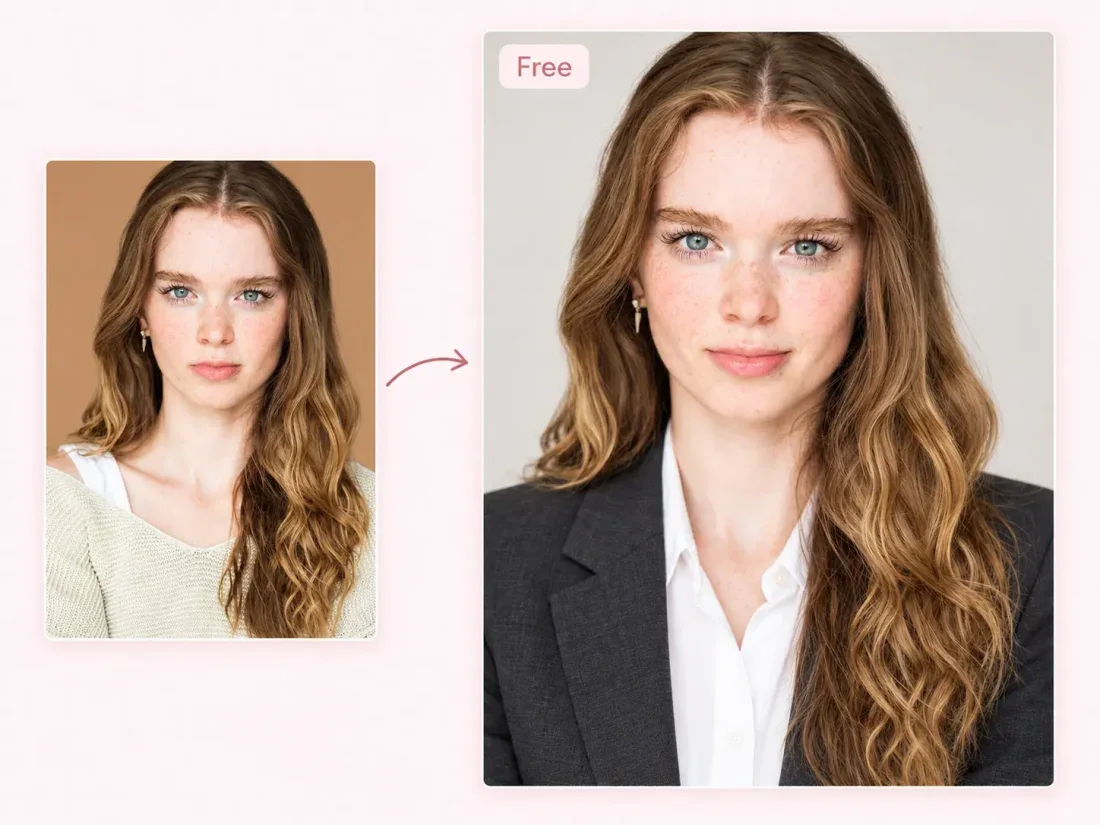
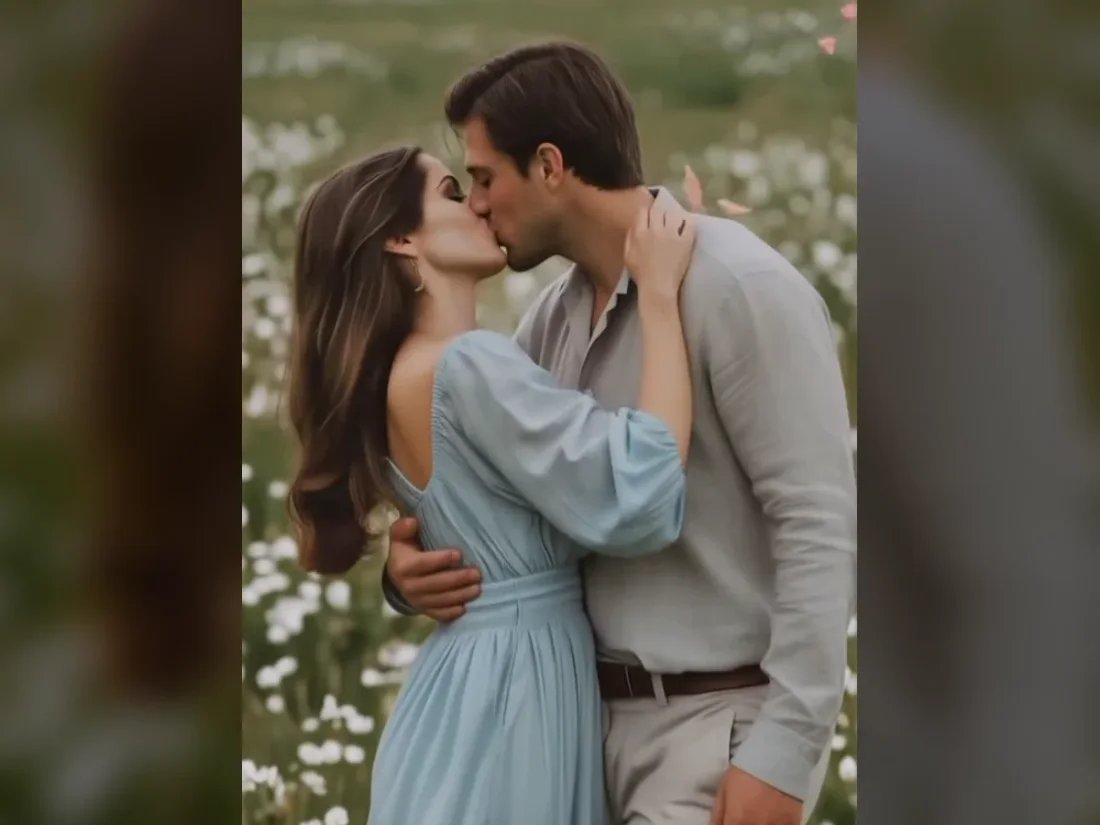
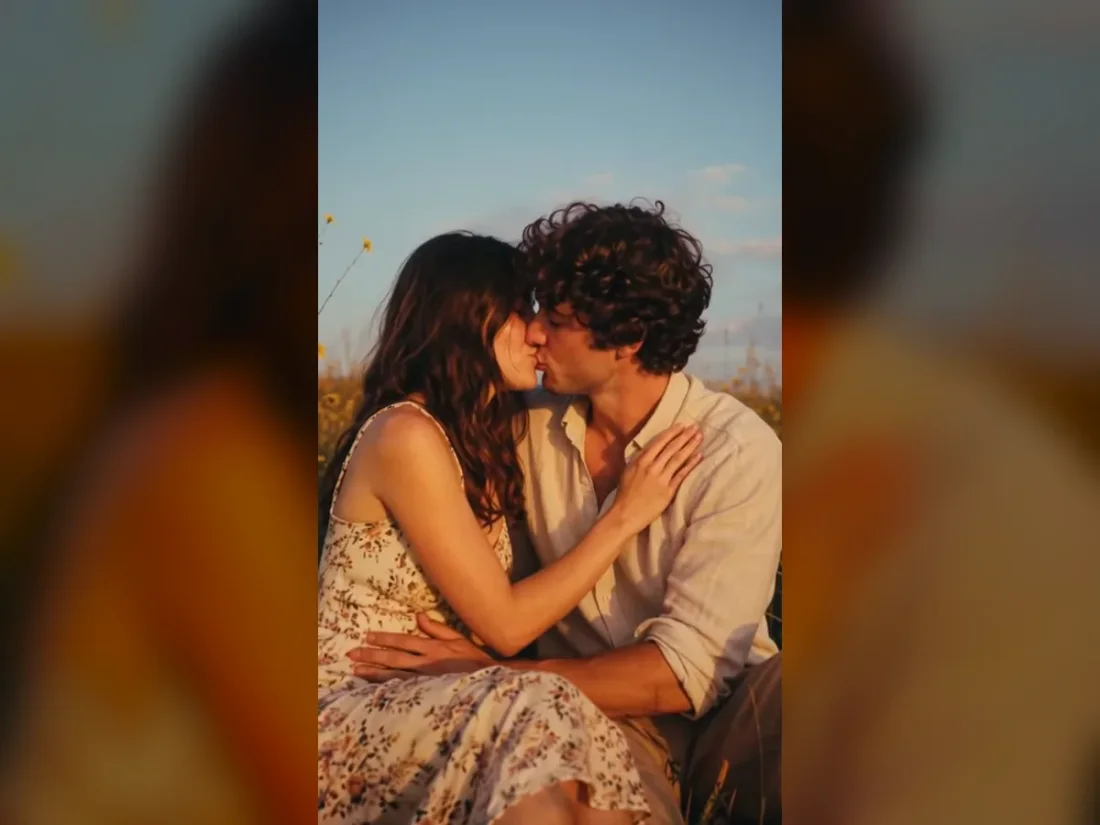
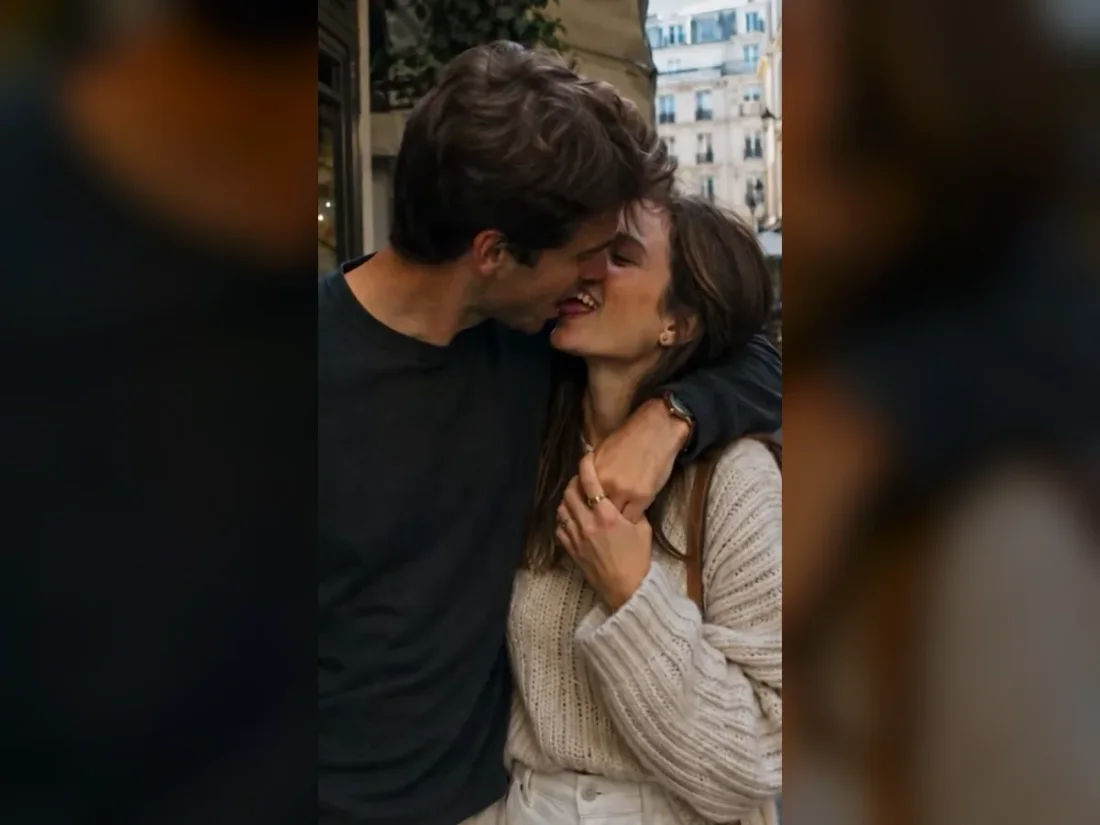
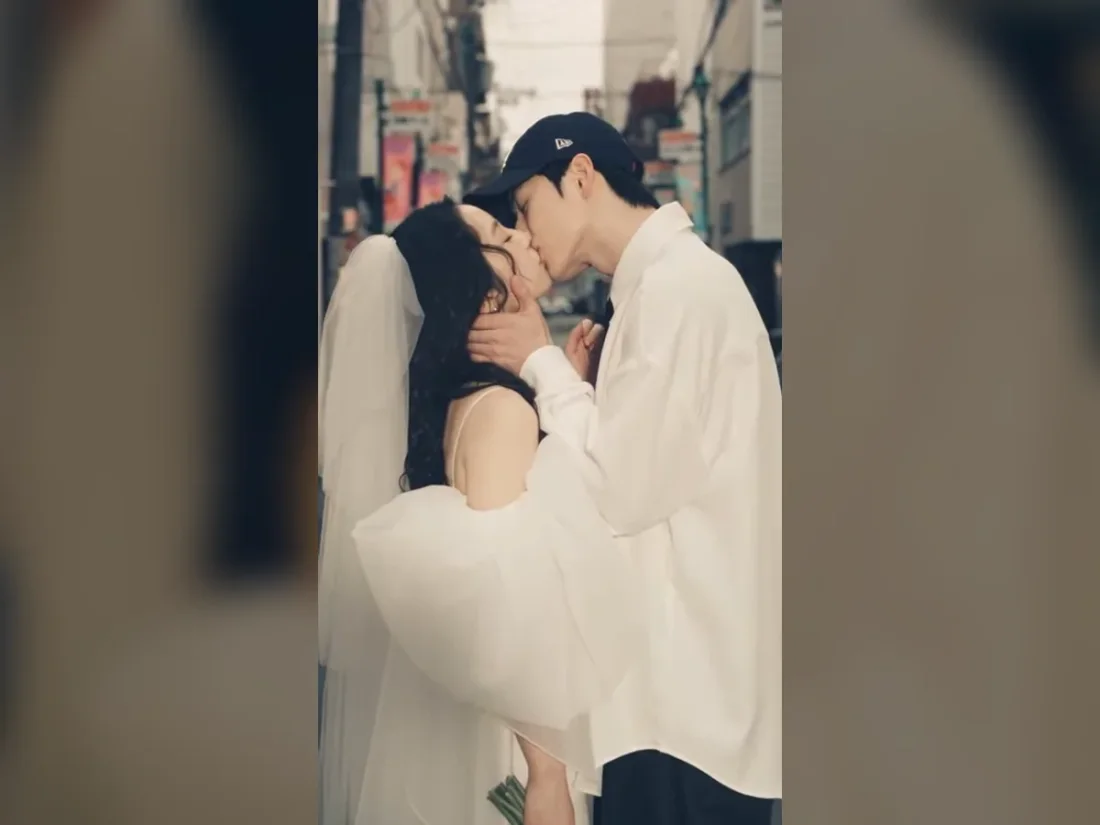
Upload one clear adult portrait for the showroom character. For a two-person scene, use one photo containing both people.
Husband Emporium AI
01Reference photo
Describe the scene, the main action and the camera movement.
360 / 4000
Sign in to upload your photo. Review the credits on the button before generating.
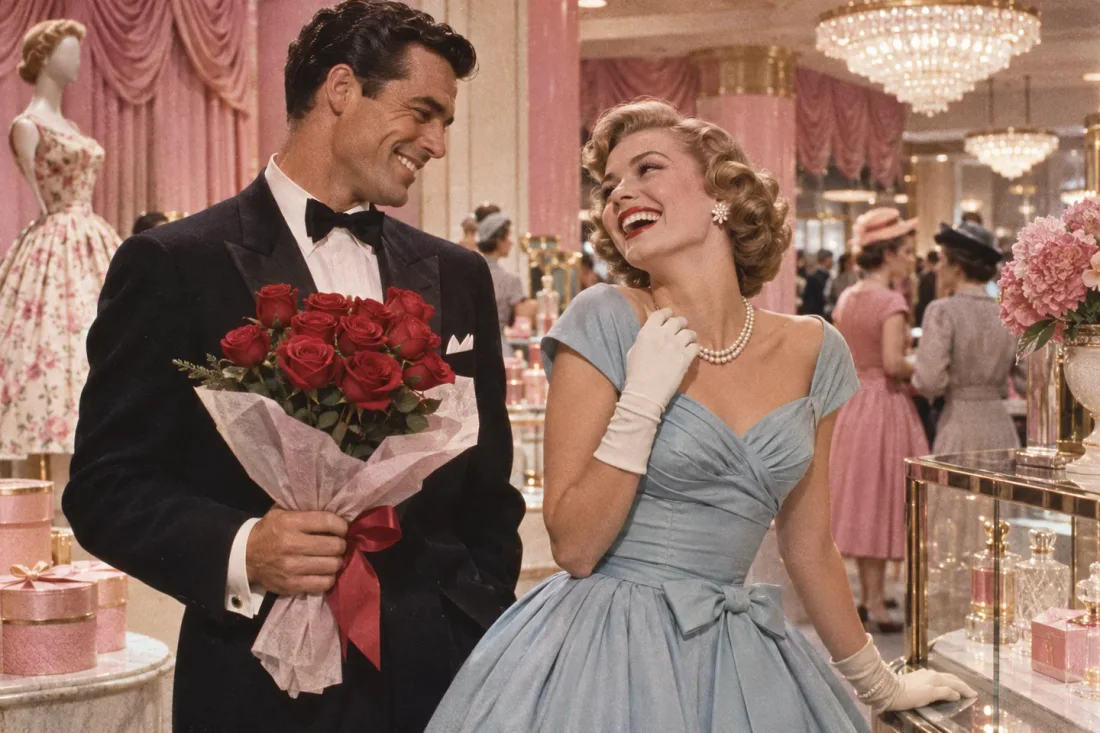
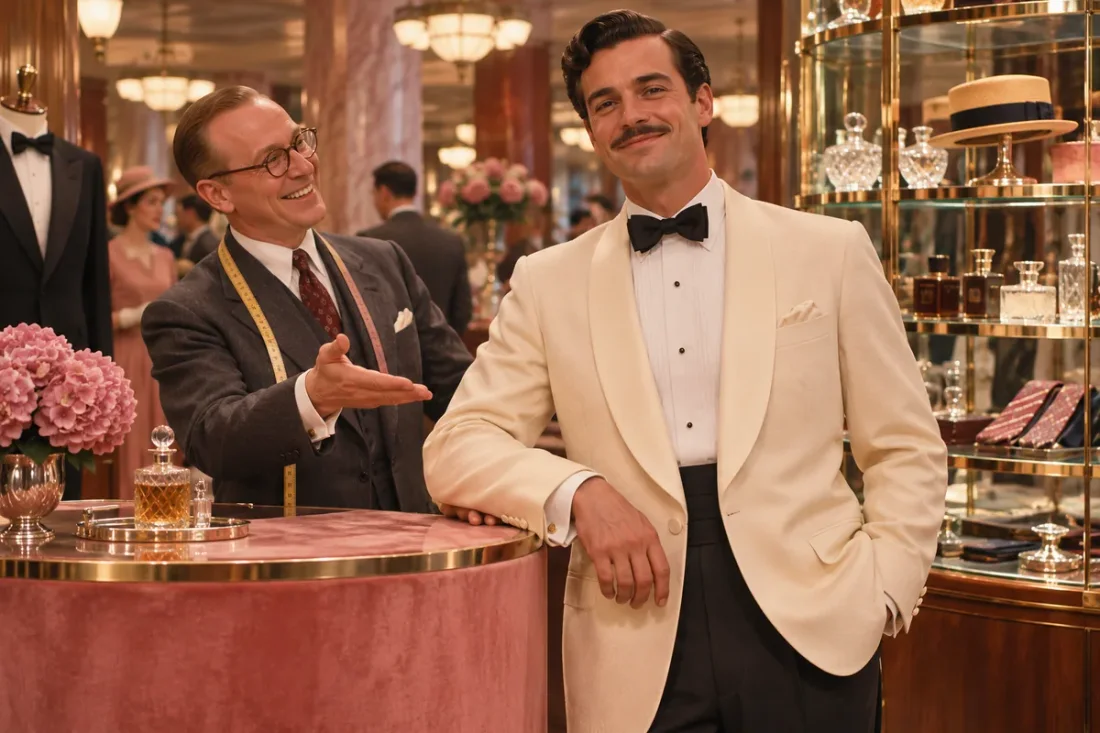
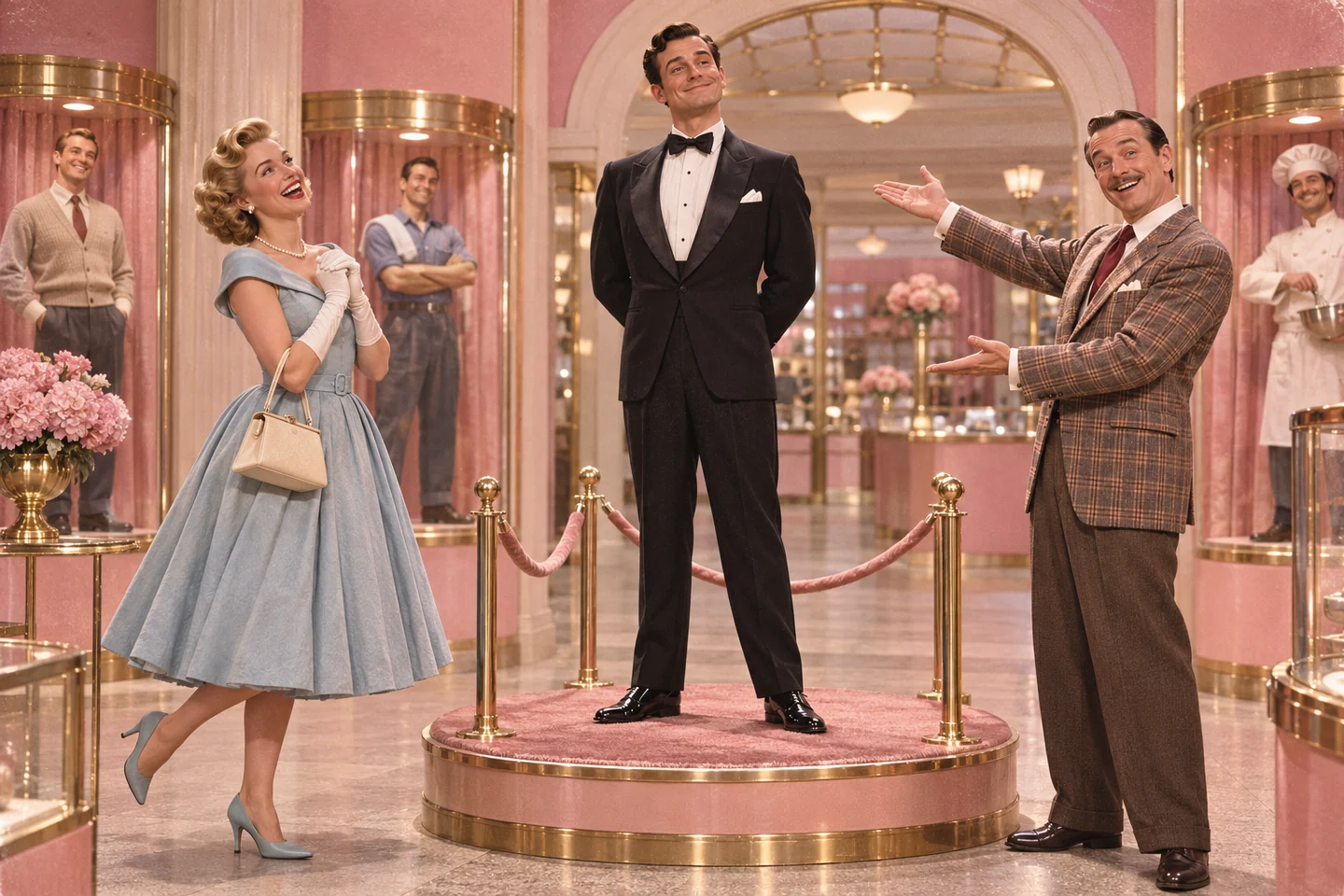
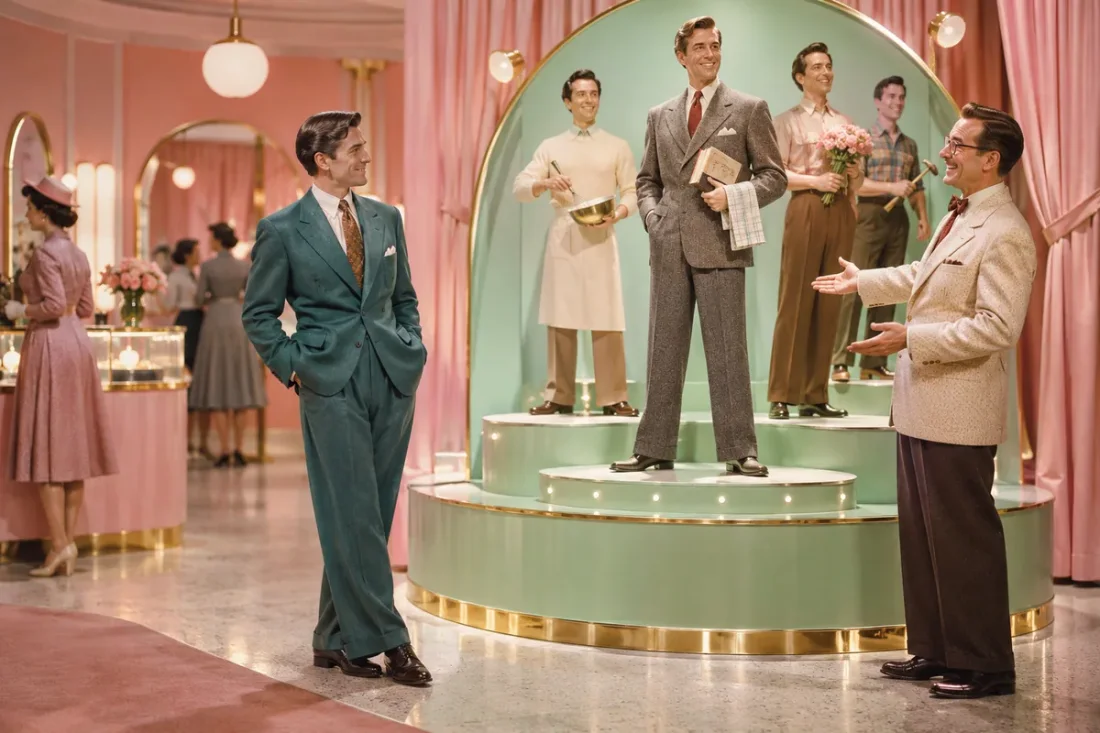
Turn your portrait into a playful Husband Emporium AI ad. Set a 1950s pastel showroom, vintage wardrobe and one charming reveal in the editable prompt.

Viral Studio · Video templates
Plan a retro showroom moment around one character and one reveal. Describe costume and staging; add final advertising text in your edit.
Use one clear photo of the person you want to feature. The current workflow accepts one reference; it does not merge a pair of portraits.
Choose the display or roses prompt. Keep the wardrobe, camera move and showroom action specific, then check the active duration and ratio.
Review face consistency, hands and the reveal timing. Add a precise price tag, captions or voiceover in your video editor.
Viral Studio · Video templates
Use period details and a restrained reveal to make the fictional showroom ad easy to follow.
01
Upload one clear adult portrait for the showroom character. For a two-person scene, use one photo containing both people.
02
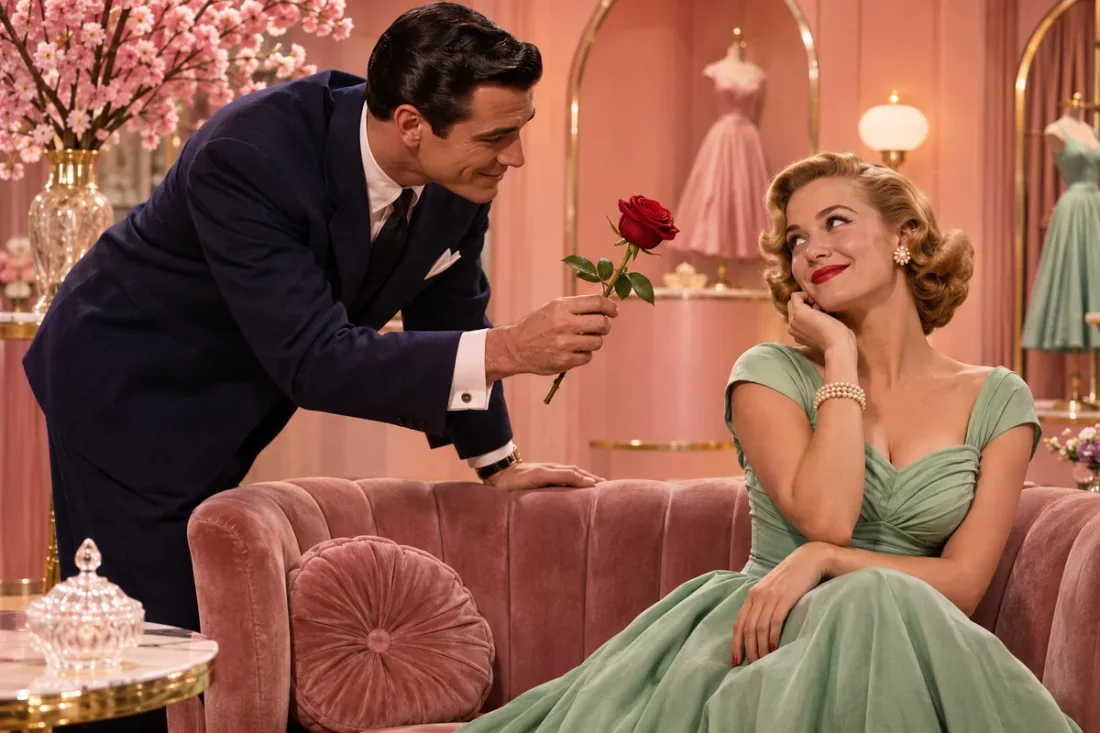
Edit the prompt to describe a showroom reveal or a rose presentation. Choose the wardrobe, pastel palette and one simple gesture for a continuous shot.
03
Make a personal comedy vignette, a vintage-styled couple greeting or a short fictional advertisement.
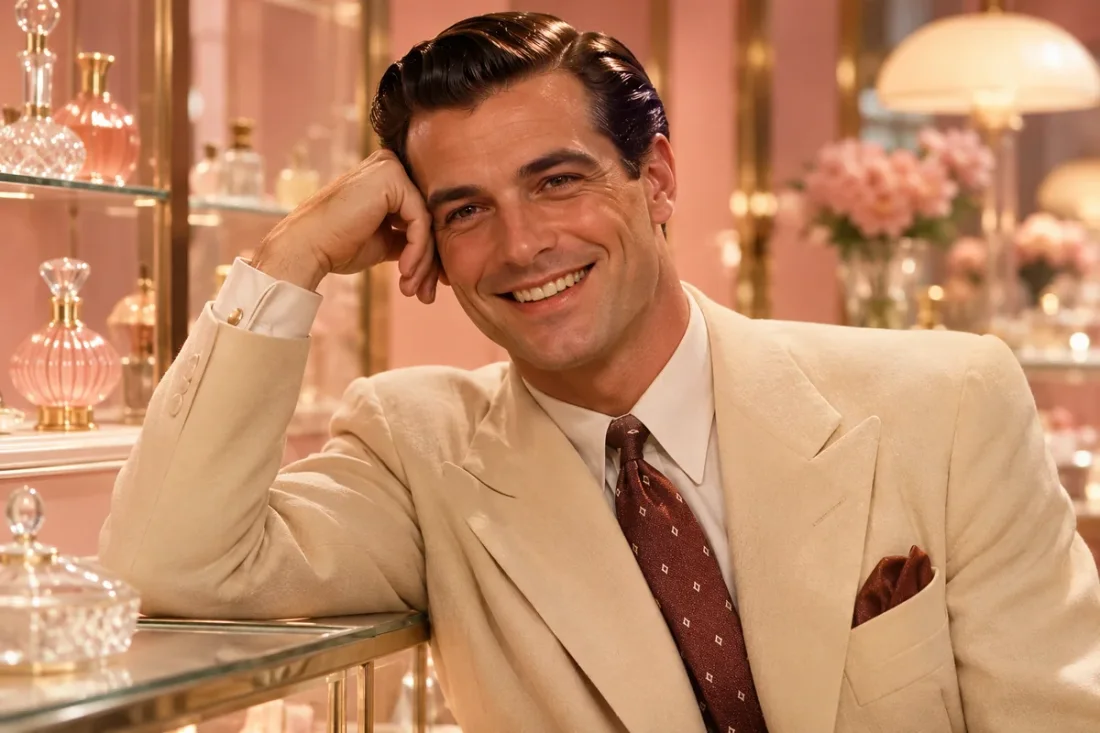
04
Review faces and display positions. Complex labels, dialogue and multi-scene edits may need separate generations and editing.
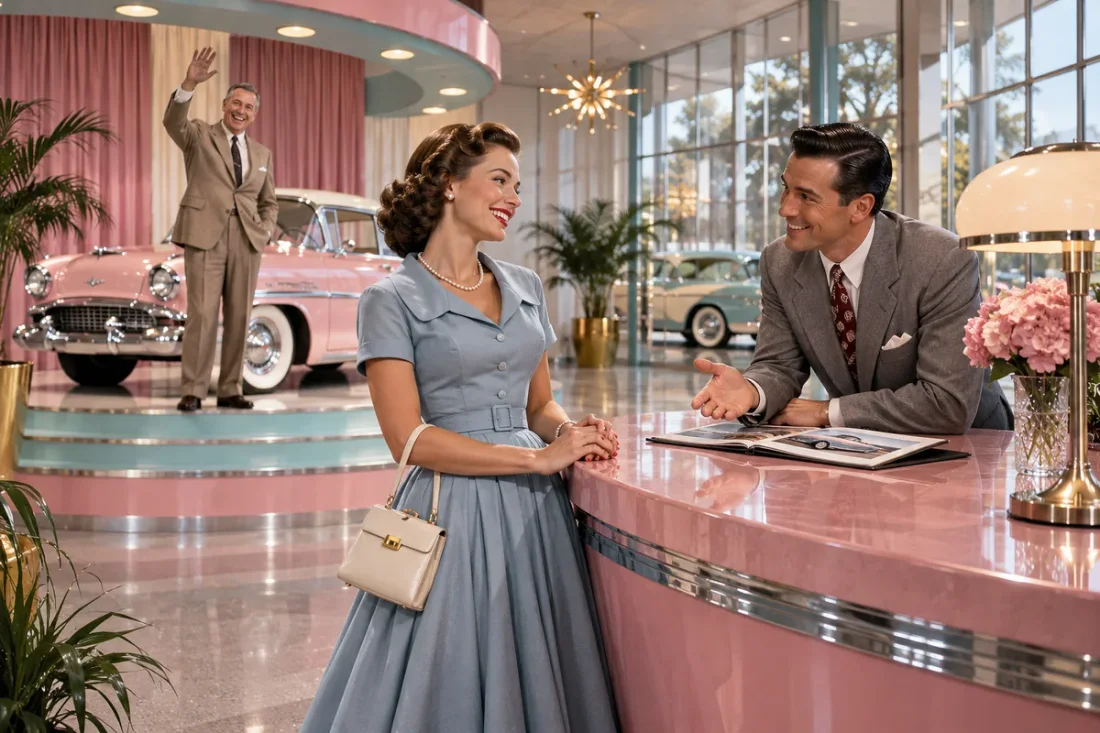
Viral Studio · Video templates
Adapt the vintage display idea to a shared joke, a character story or an original parody ad.
Couples with an inside joke
Turn a partner portrait into a lighthearted fictional showroom scene and personalize the caption with your own shared joke.
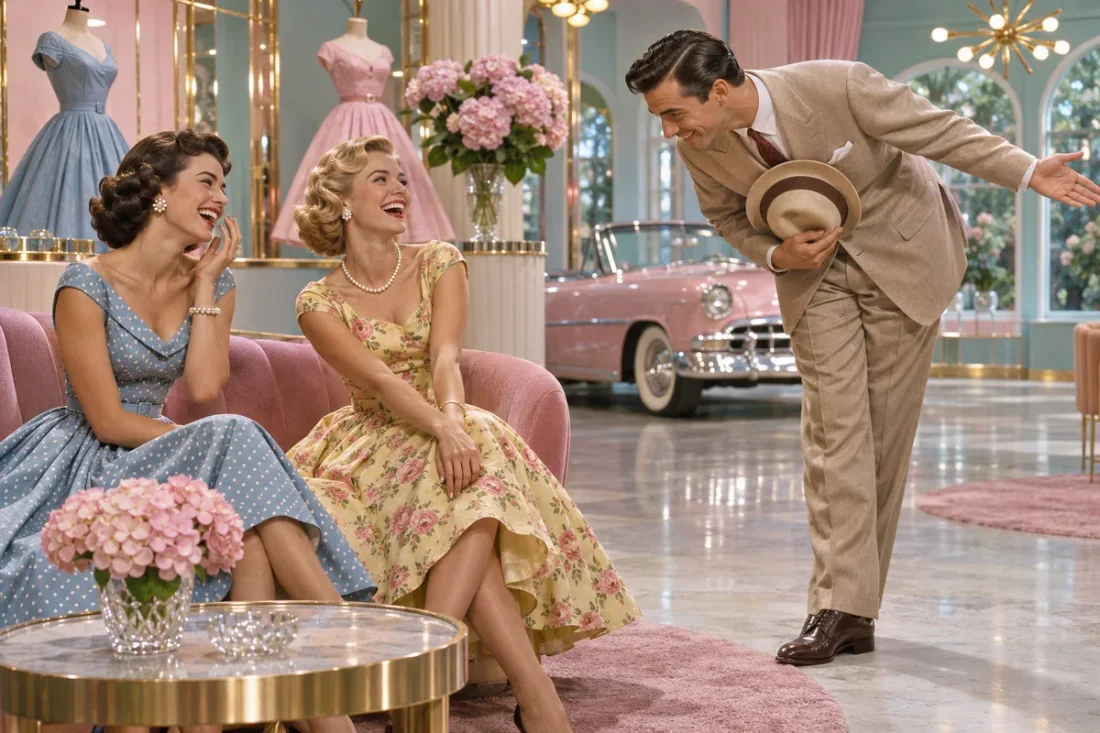
Viral Studio · Video templates
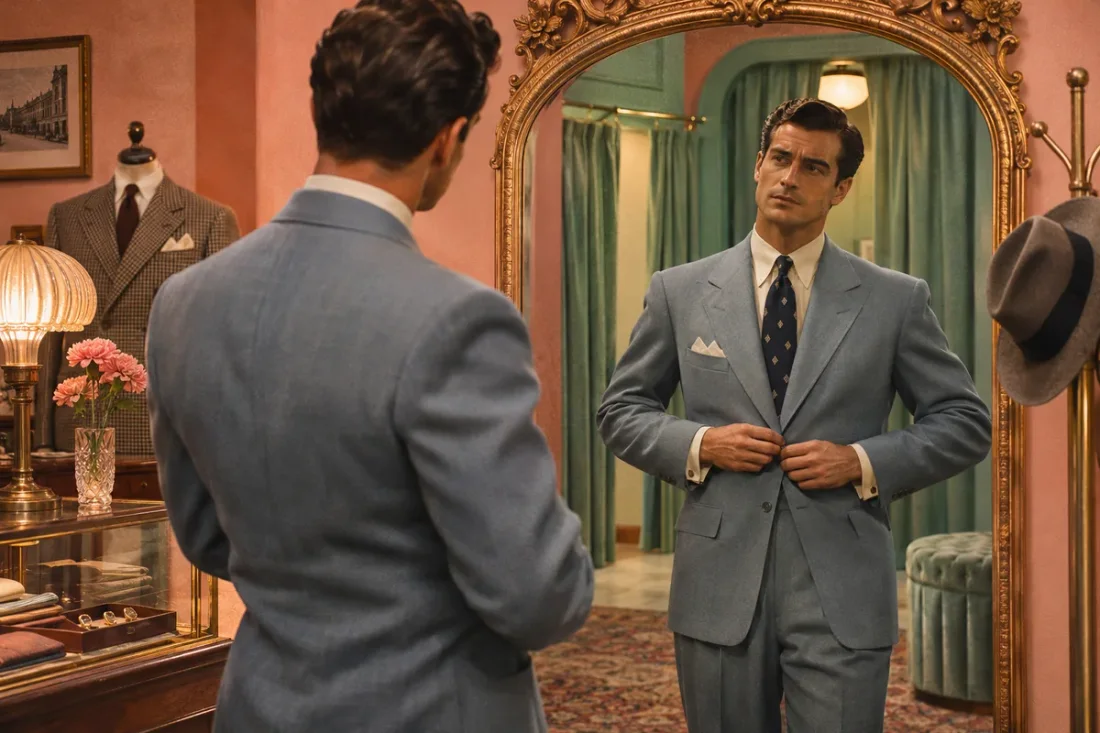
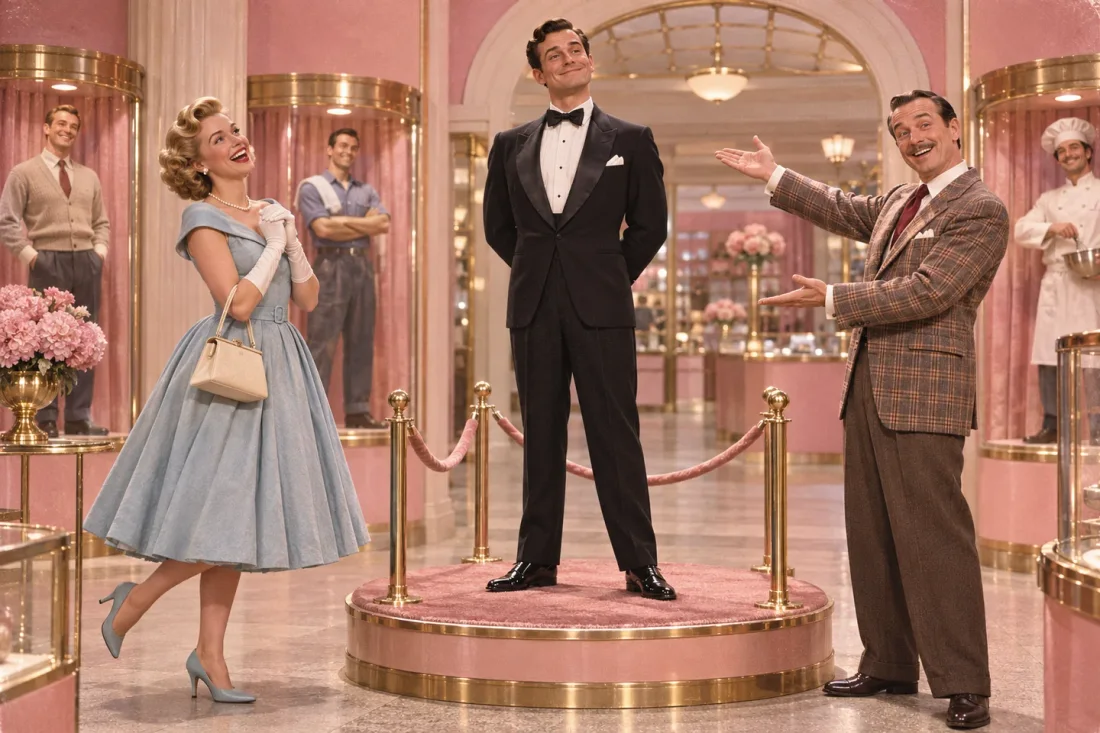
Example1 / 2
Frame the character from head to toe in a pastel display space, with one restrained presenting gesture. This is a visual concept rather than a completed fourteen-second ad.
Need a hand?
Photo inputs, period styling and readable ad lettering for your showroom scene.
Contact supportThis page currently uses one uploaded reference photo. Some versions of the trend use two, but this workflow does not promise a two-photo composition.
Exact lettering is not guaranteed. Add the price and any model-name label in an editor after the video has been generated.
Fourteen seconds is the initial preference where the chosen model supports it. Confirm the duration and live estimate shown in the controls.
Describe pastel showroom colors, period clothing, soft studio lighting and a gentle product-reveal camera move. Avoid mixing several visual eras.
The current upload flow is for one reference. For a second person, prepare an appropriate combined reference yourself and check the result carefully.
Viral Studio · Video templates
Start with one portrait and a vintage reveal prompt. Add exact prices, names and slogans in your editor after export.