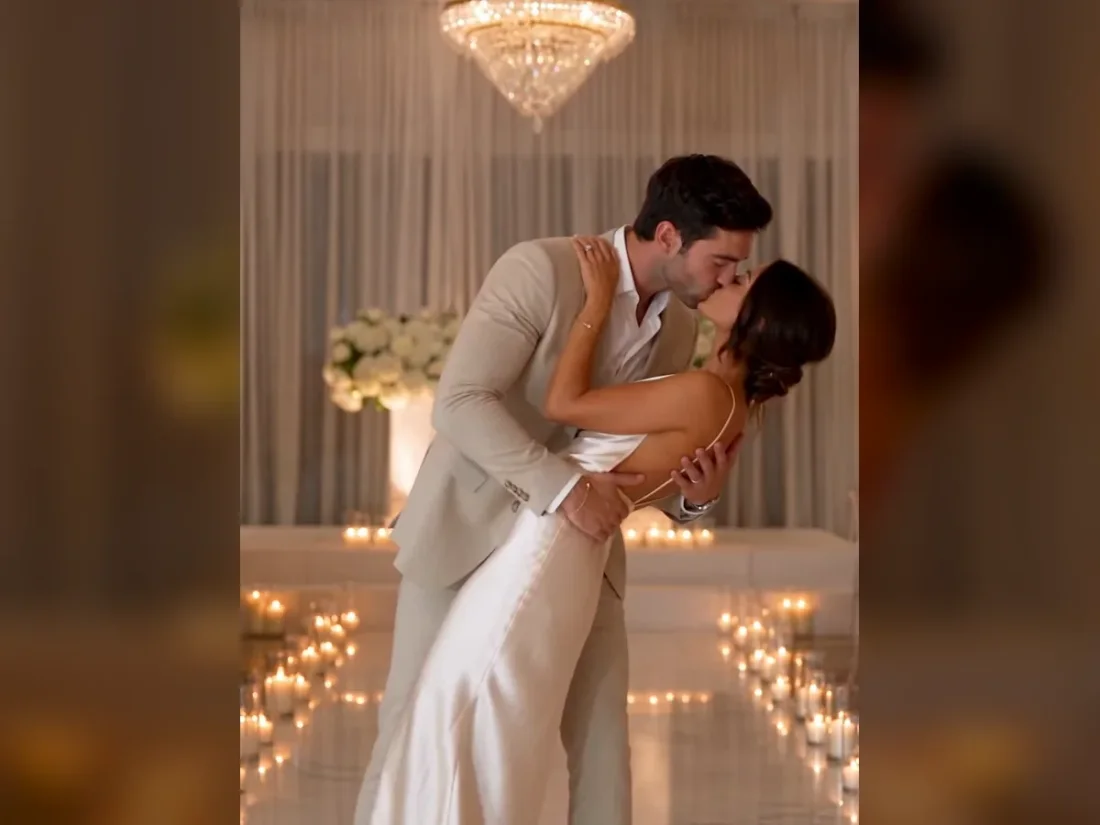
01
Find a reference worth recreating
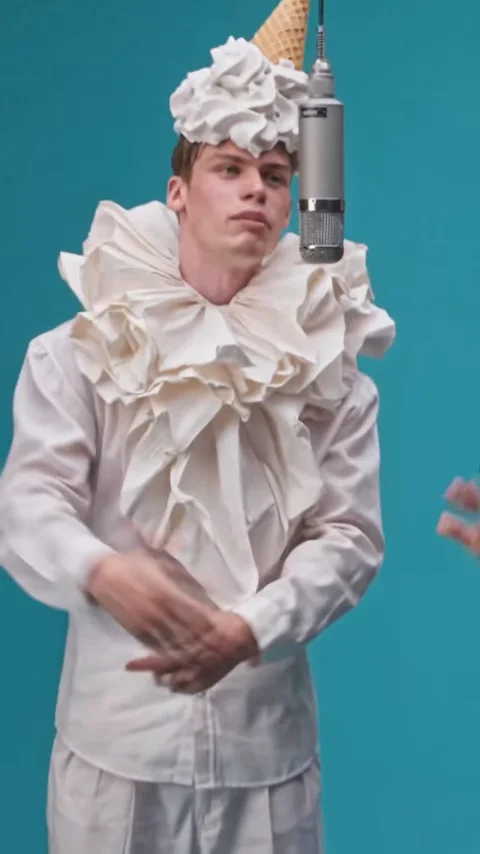
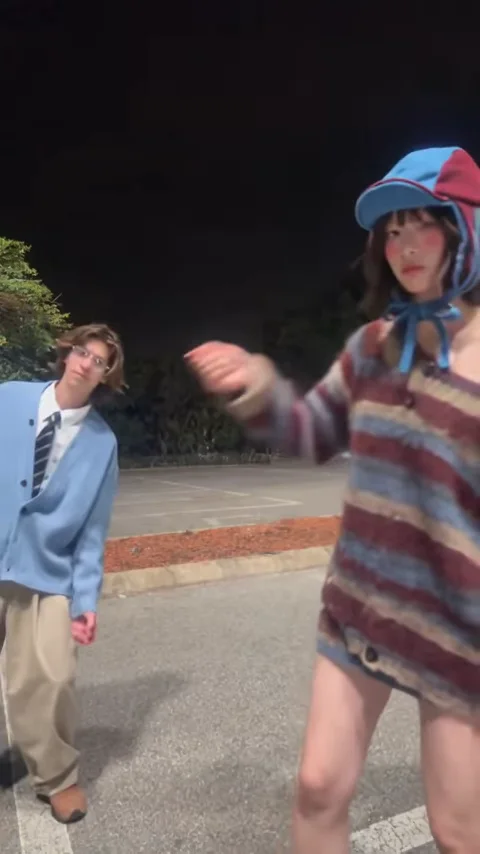
Browse the available dance and performance clips, or upload a short video you have permission to use.
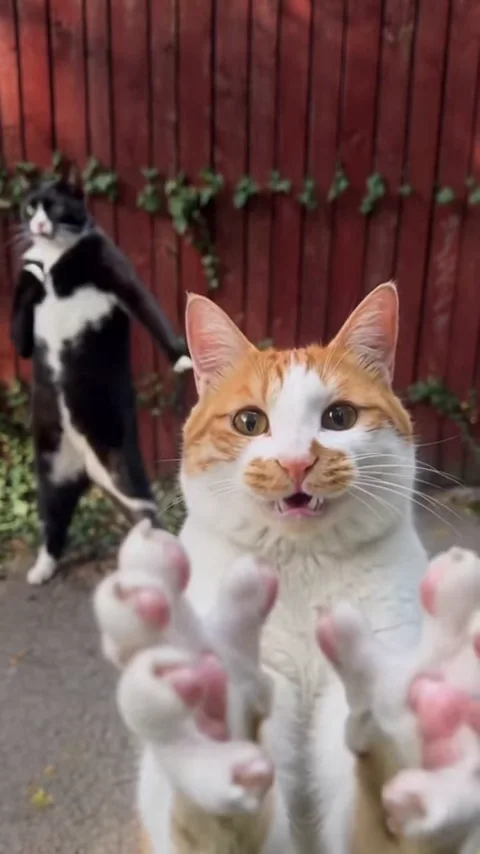
Video to recreate
Character references
0/4JPG, PNG, WEBP · up to 20 MB per photo
Create a new take guided by the clip and your photos. Movement, faces and audio may differ from the reference.
Recreate a short-video idea with your own cast. Choose a reference clip, add character photos and direct a new scene in Viral Studio.
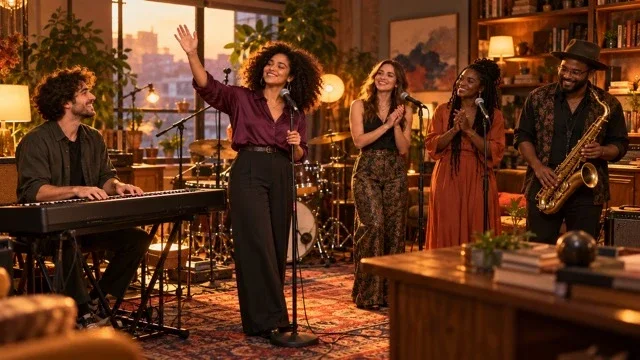
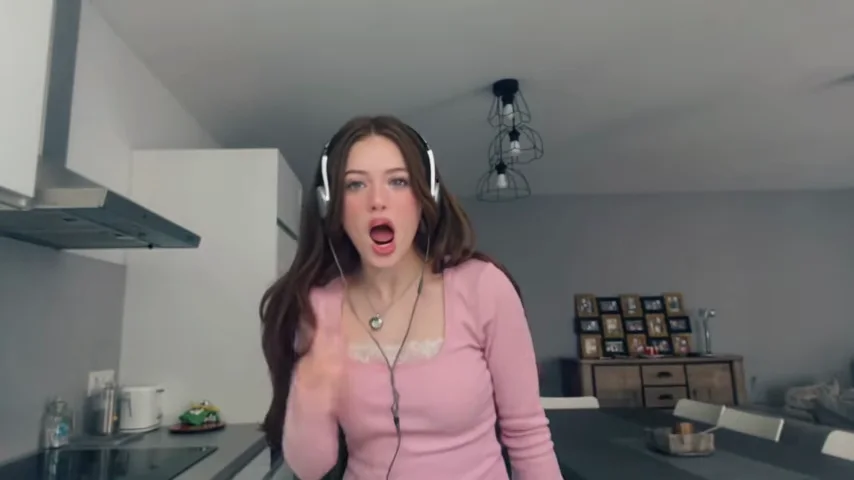
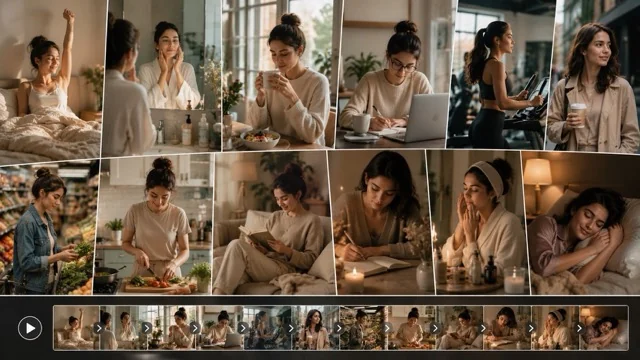
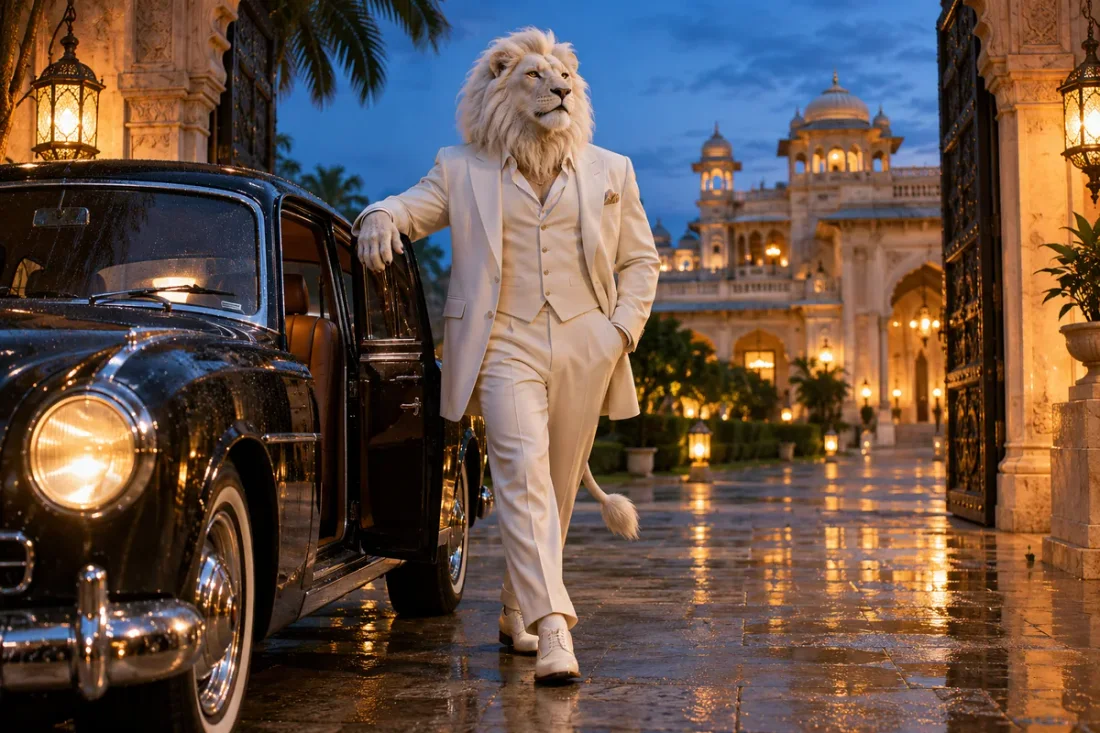
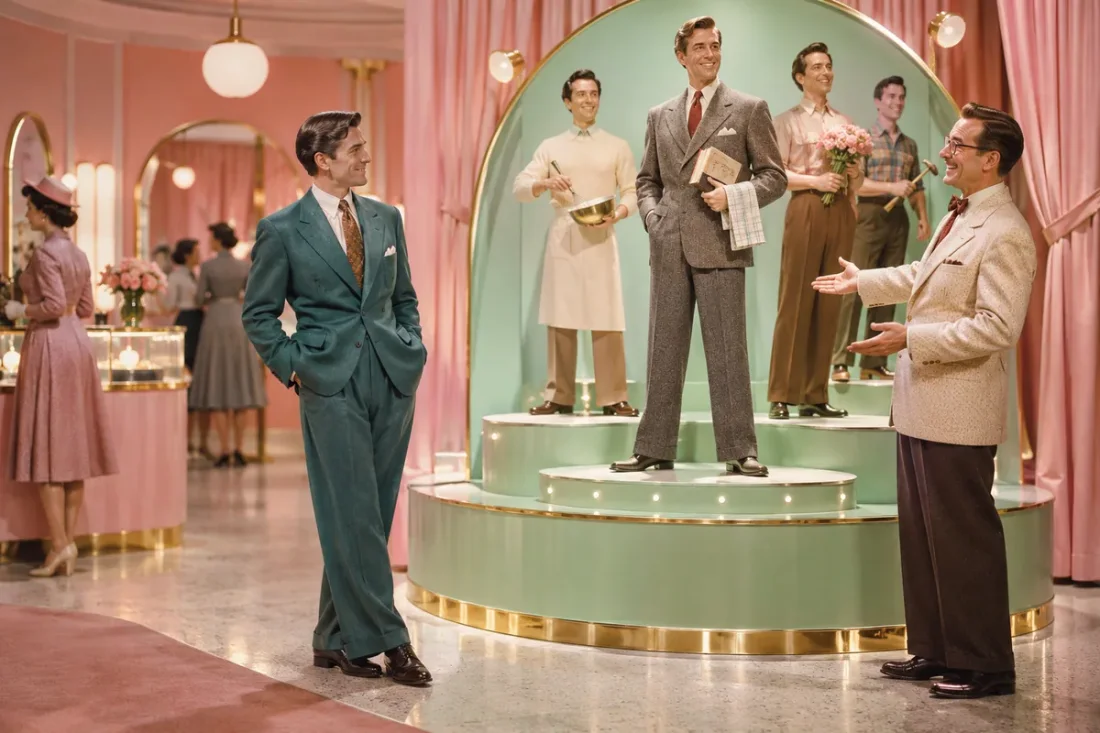
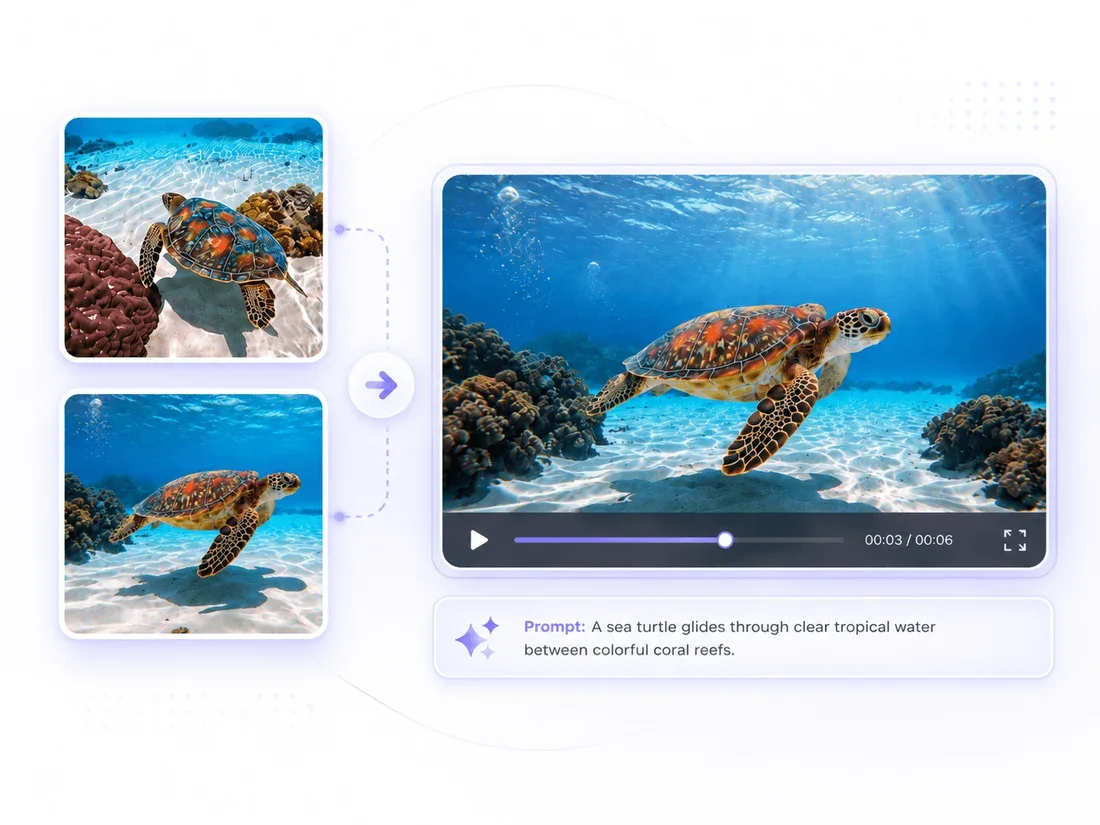
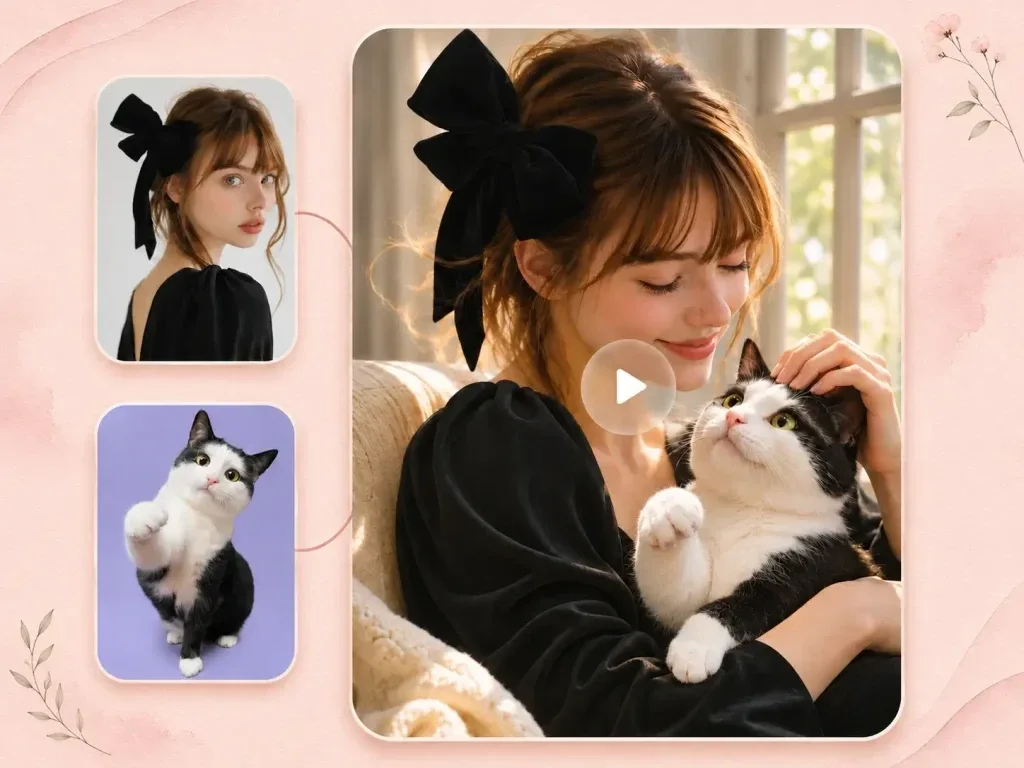
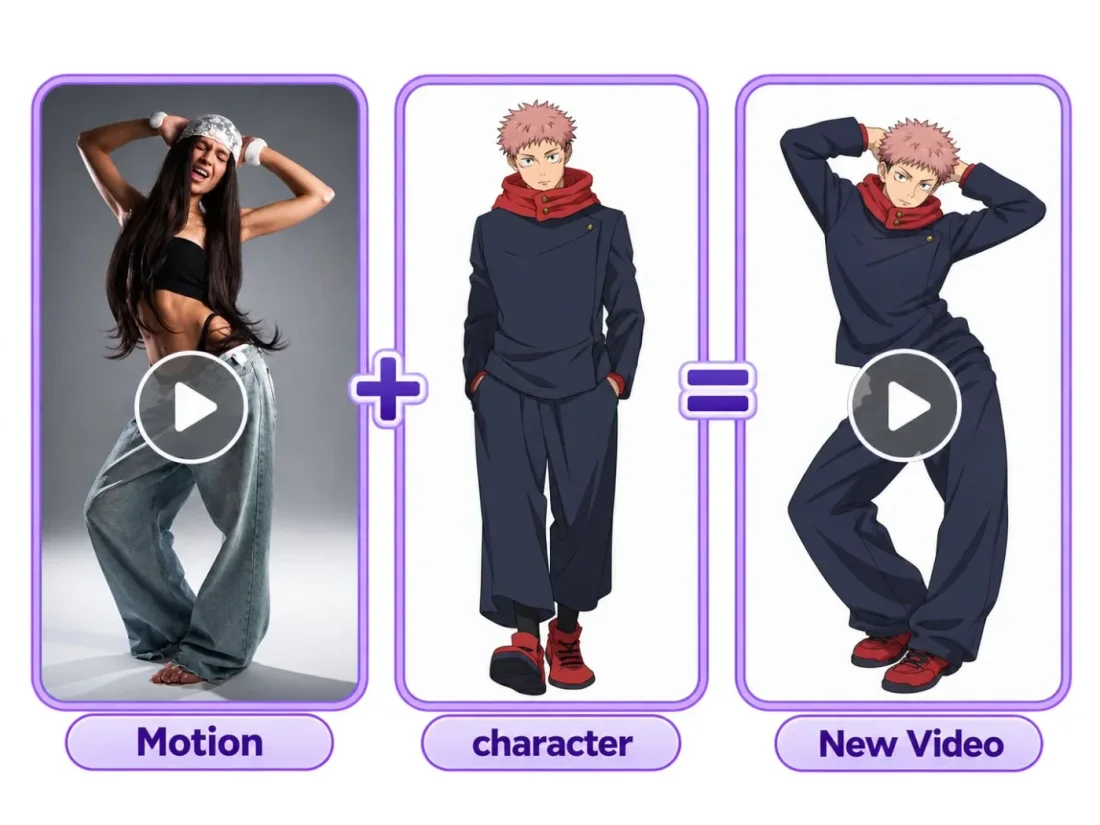
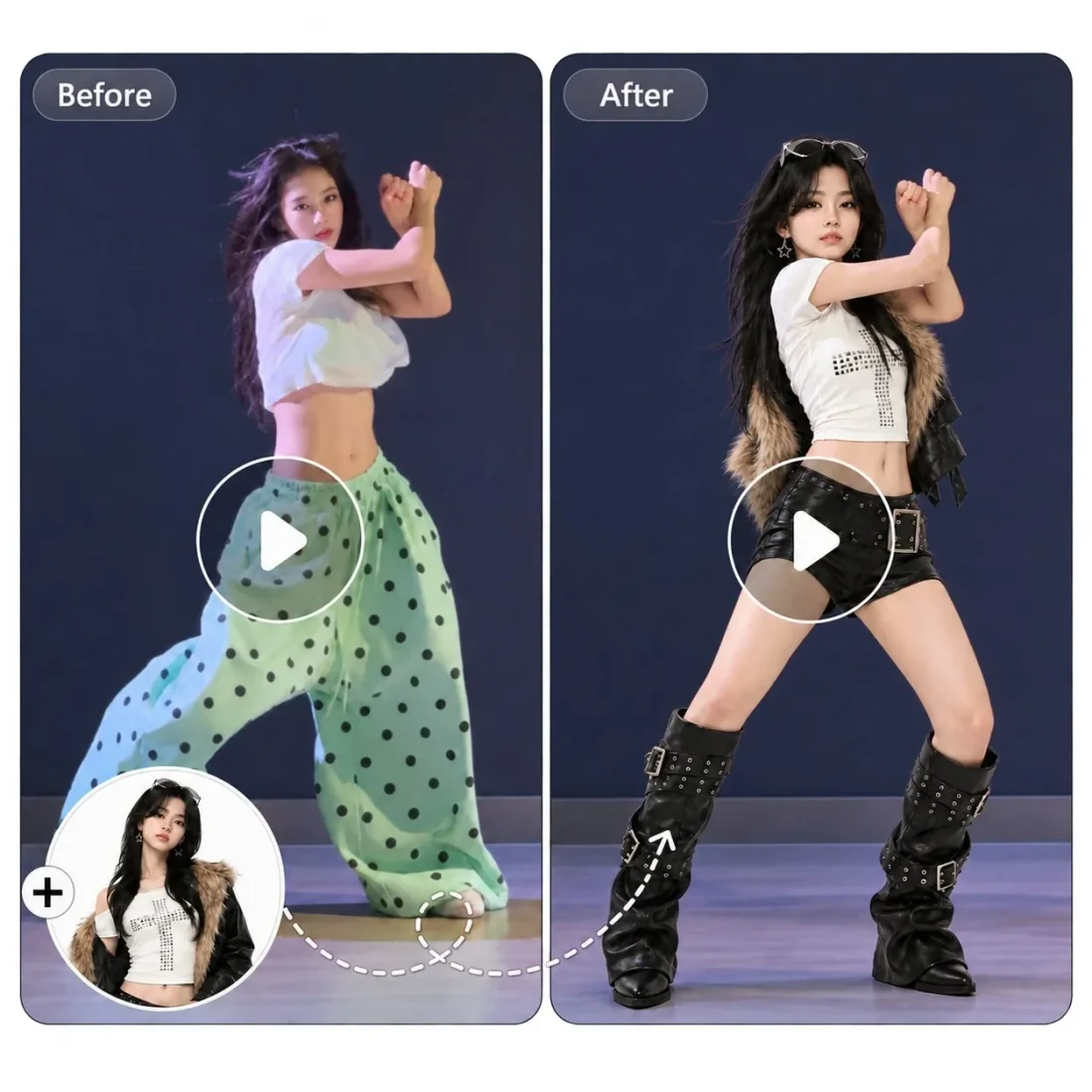
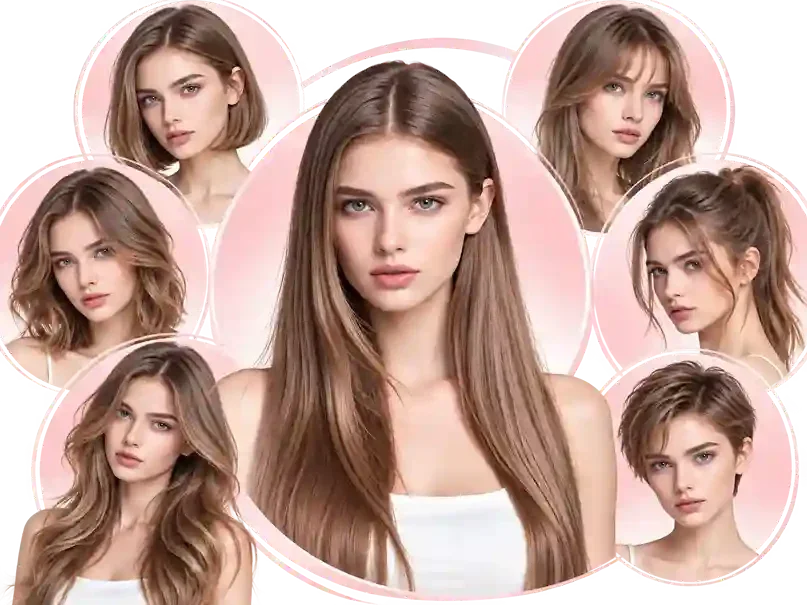
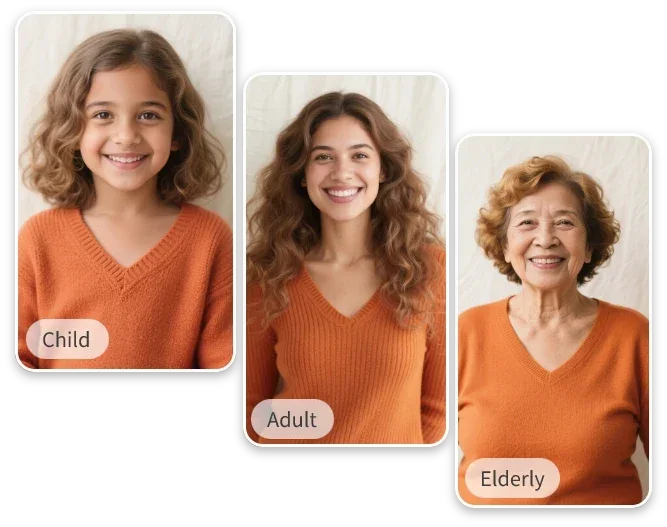
Your workflow
Choose the effect before assigning the cast. Preview the reference so your portraits and prompt fit the action shown.
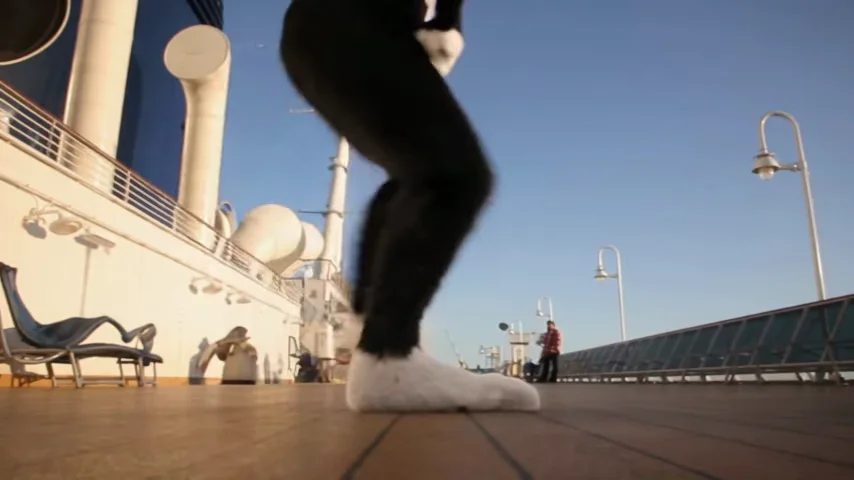
Choose a template or upload a short source video. Start with movement that stays visible throughout the shot.
Upload at least one photo, then fill more role slots if the template supports them. Describe the role assignments when needed.
Check duration, ratio, resolution and credits. Sign in, submit and follow the video task in Create.
Scene direction
Keep the reference movement and your character roles easy to follow.
01
Browse the available dance and performance clips, or upload a short video you have permission to use.
02
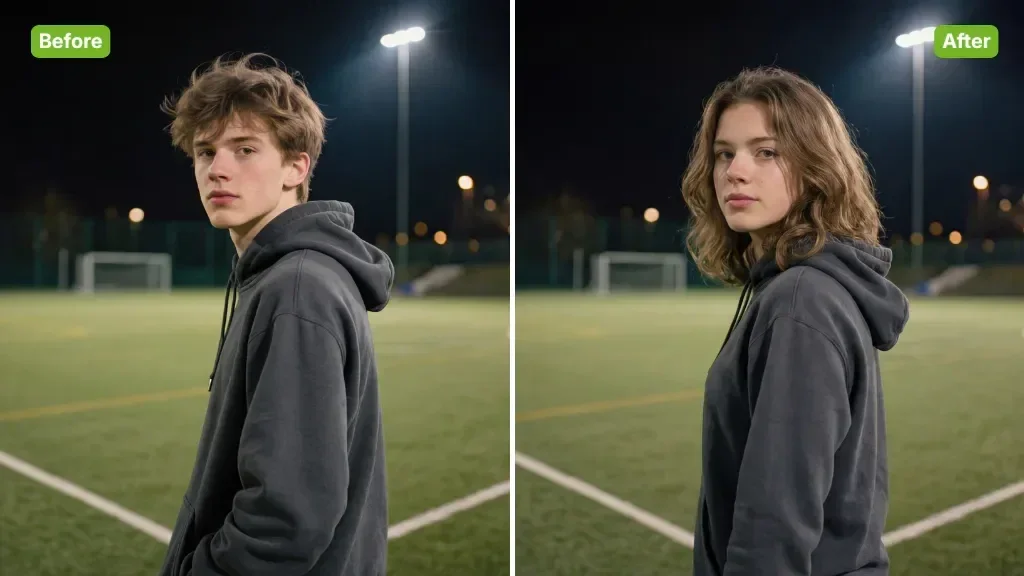
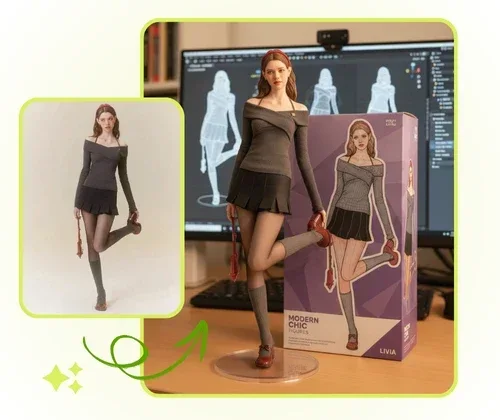
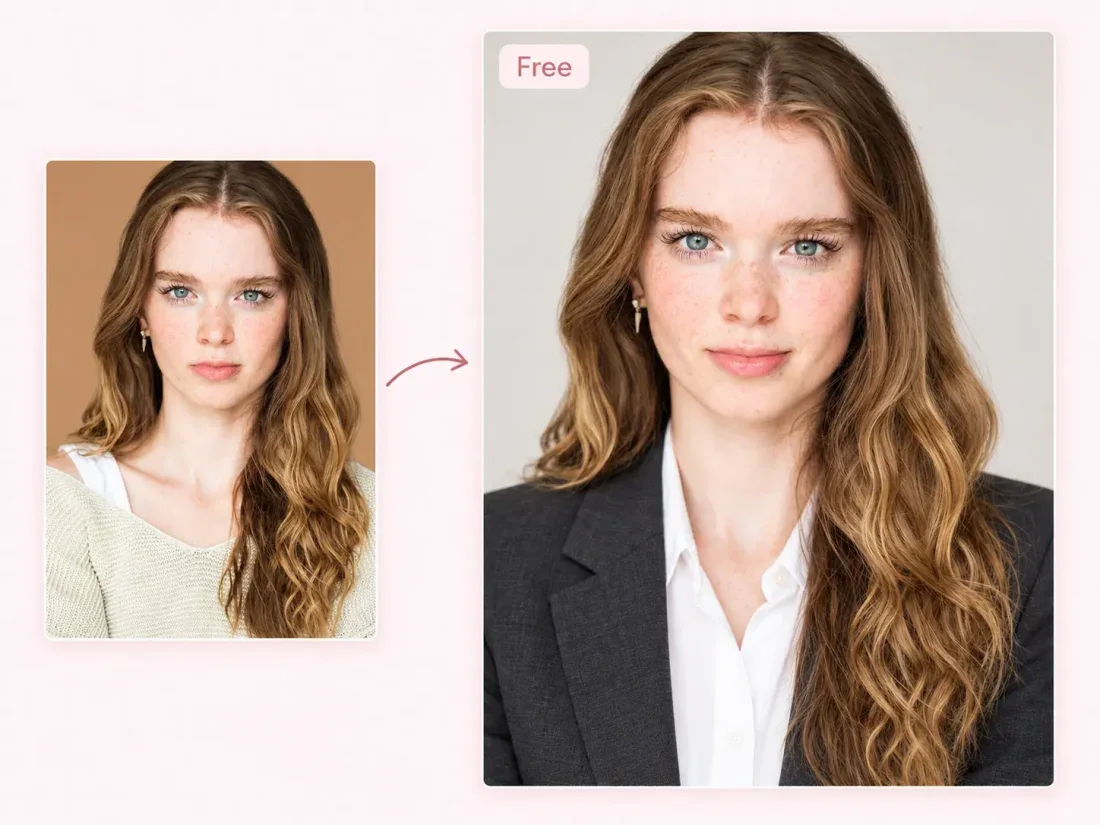
Add a clear photo for each role you want to guide. The selected template determines the available character slots.

03
Use the optional prompt for the setting, clothing or main action. A focused brief makes the result easier to assess.
04
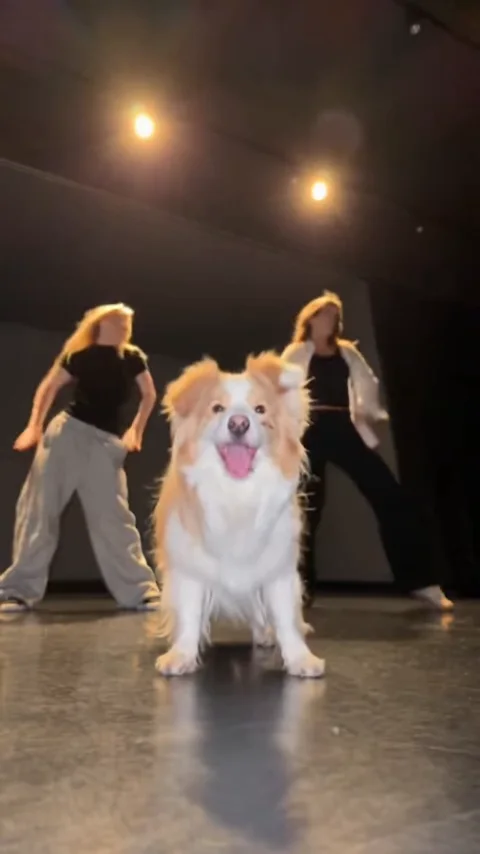
Review faces, hands and camera continuity. Each new attempt is a separate generation with its own credit cost.
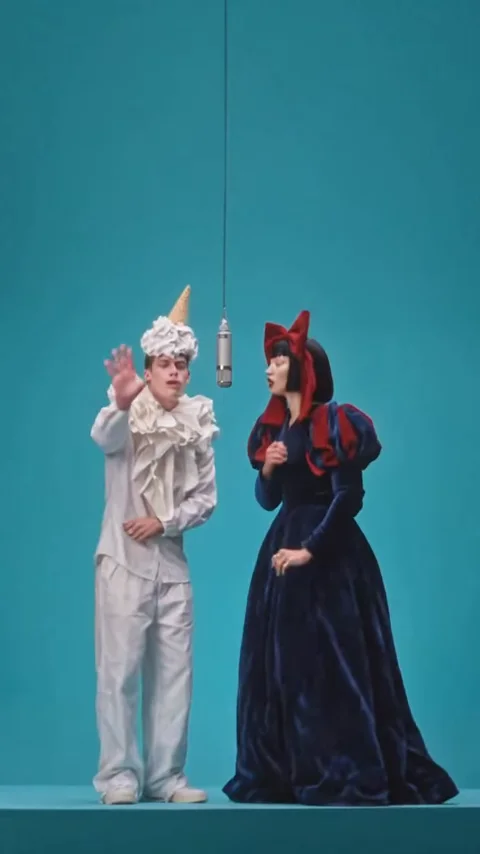
Project ideas
Start with a short scene you can review before building a longer edit.
Short-video creators
Put your own cast into a reference-led scene and add captions after export.
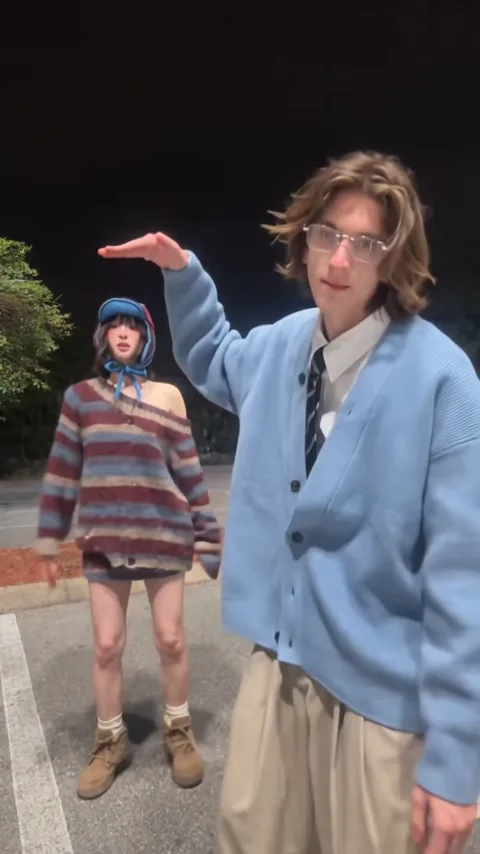
Reference clips

Example1 / 2
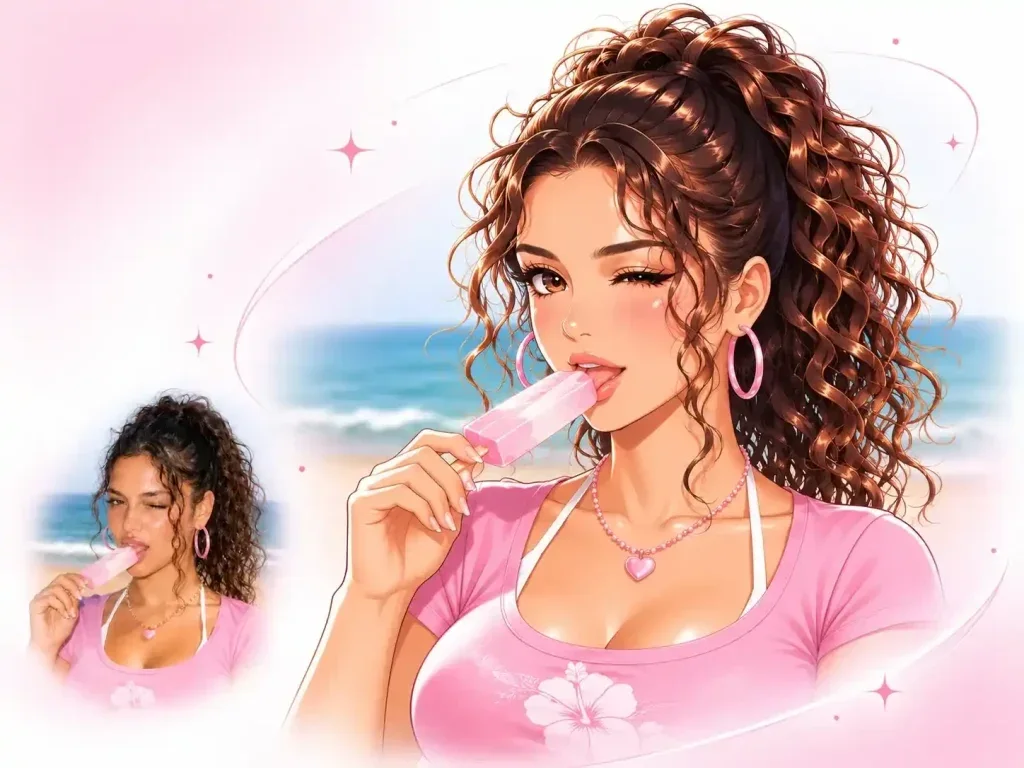
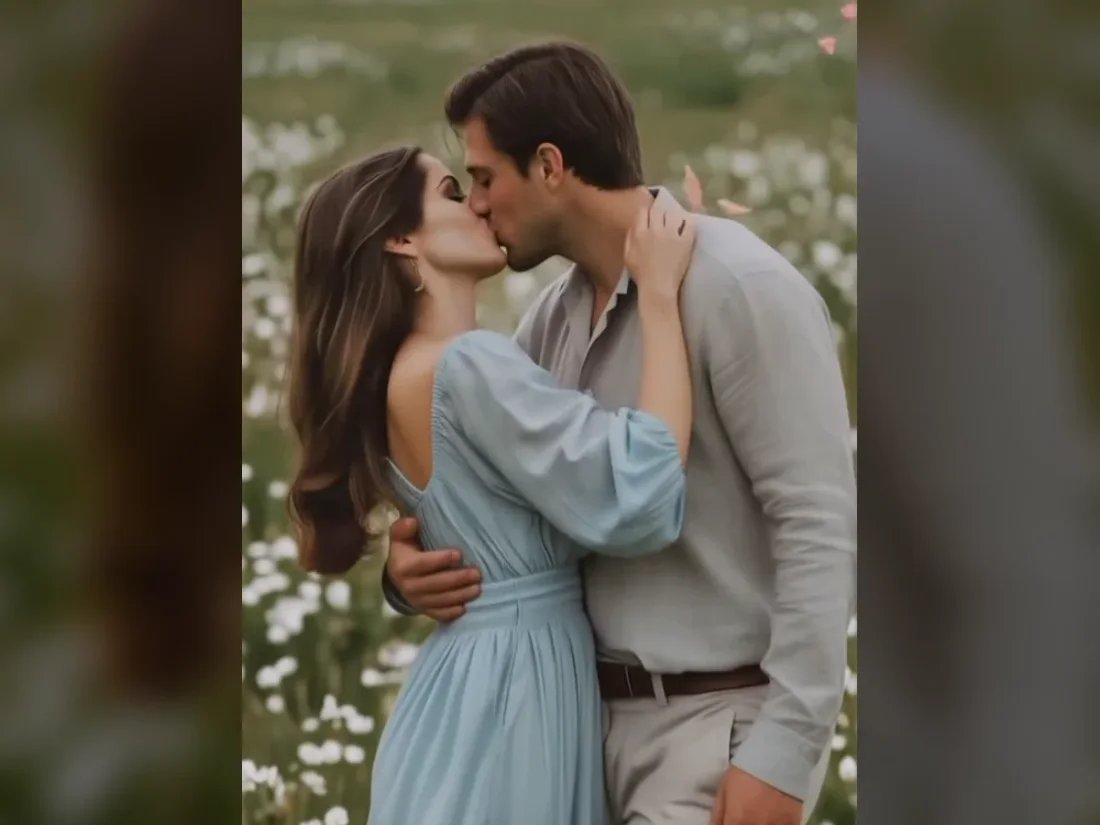
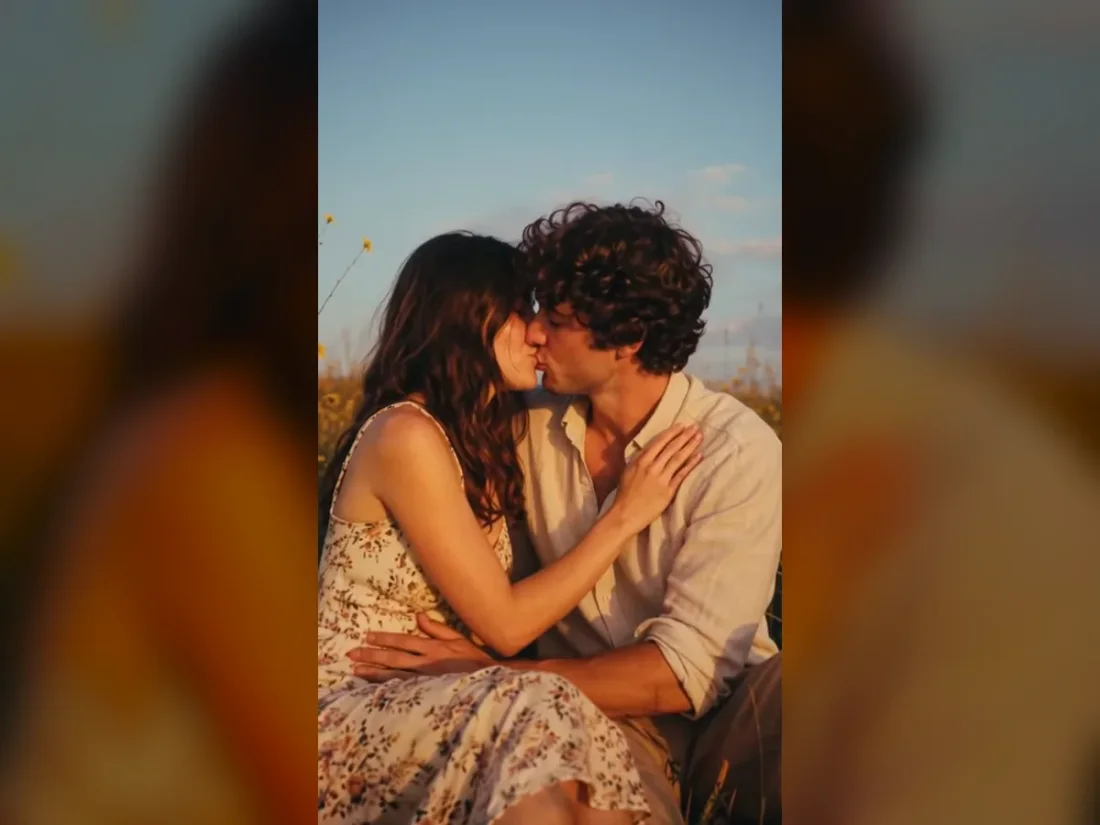
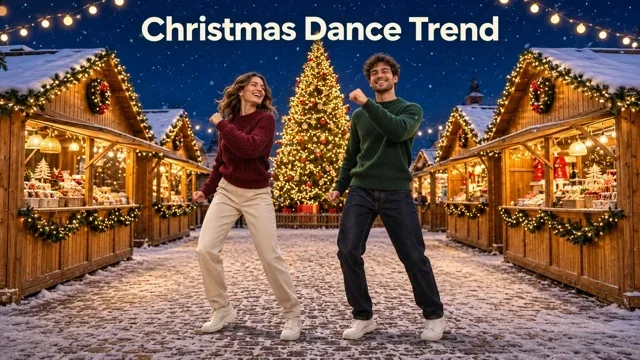
Use a readable dance reference and one character portrait to explore a personal version of the scene.
Need a hand?
Recreate a short-video idea with your own cast. Choose a reference clip, add character photos and direct a new scene in Viral Studio.
Contact supportIt creates a new video guided by a source clip and your character photos. It does not promise an exact face swap or identical choreography.
Yes. Upload a supported short video through the source control. The upload dialog checks the file before it becomes the reference.
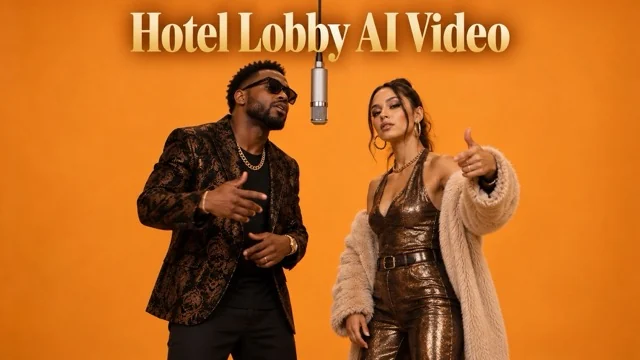
At least one photo is required. The selected template controls the maximum; Hotel Lobby specifically requires two character photos.
Original music and exact audio are not promised. Add a track you have permission to use after export.
The settings show an estimate before submission. Sign in to generate, then open Create to follow the task and review the completed video.
Your next take
Pick a clip and add at least one character photo. Check the live credit estimate before generating.