



01
Define the character for your figure
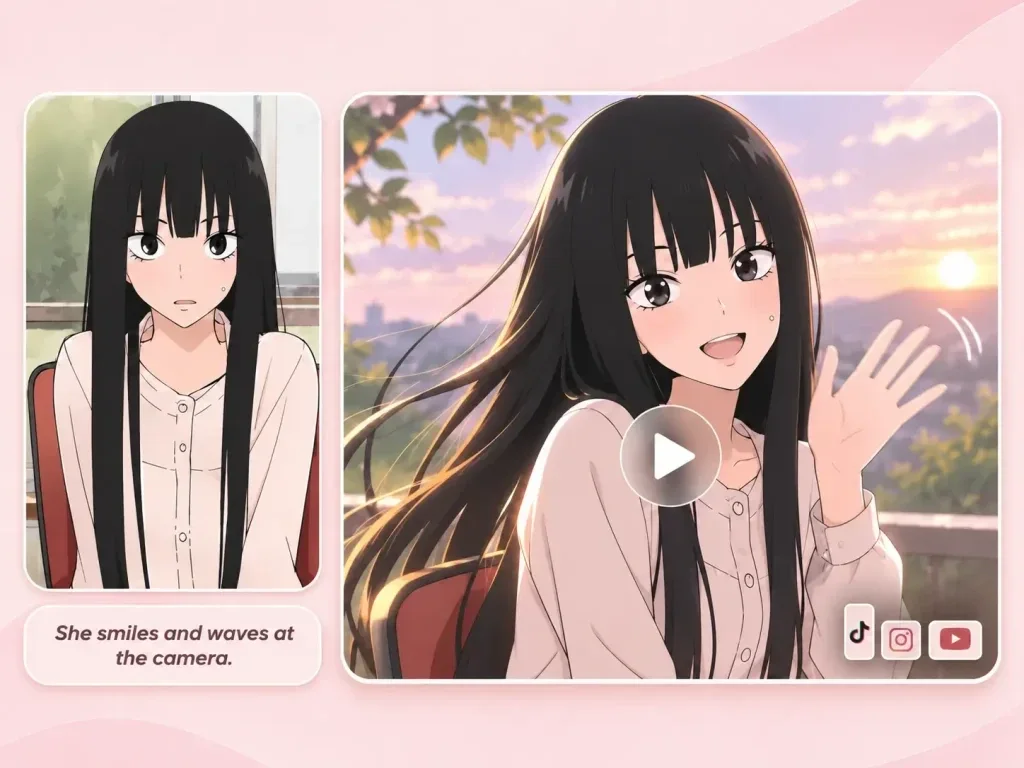
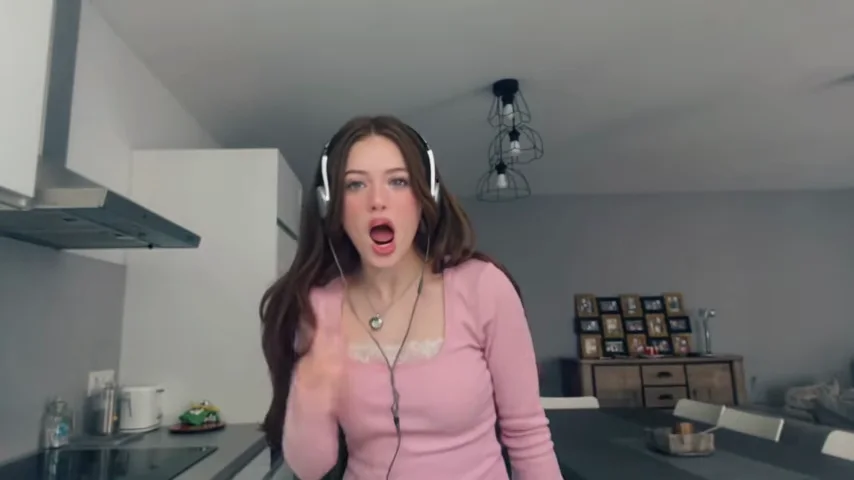
Upload a clear portrait that shows the person or character you want to reinterpret.
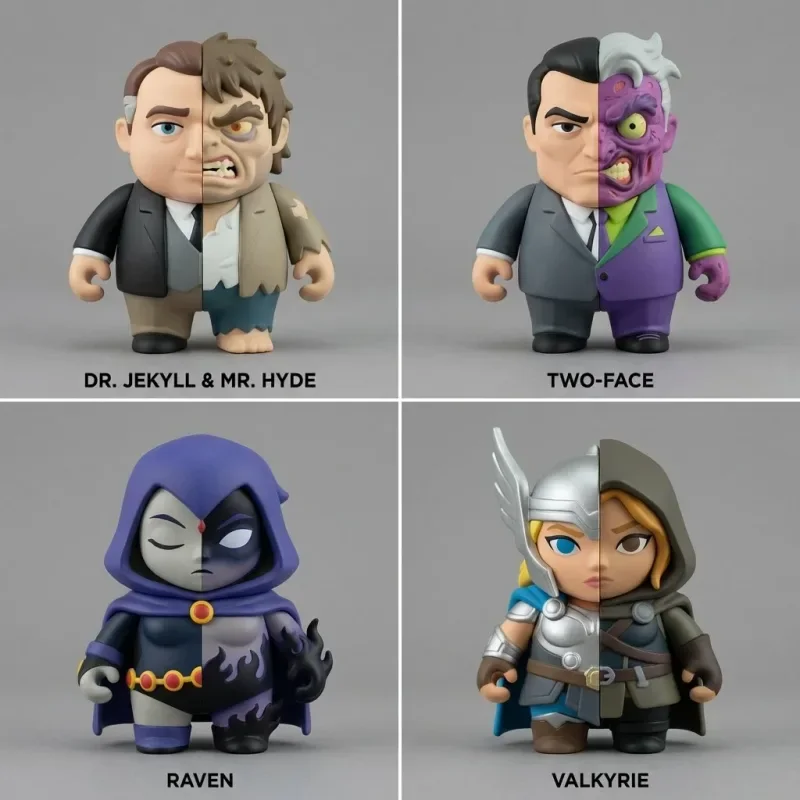
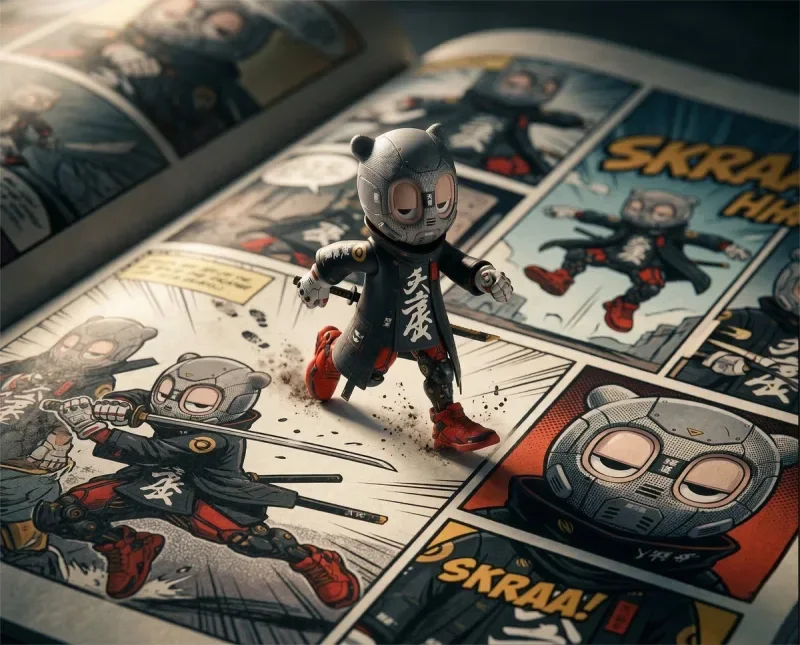
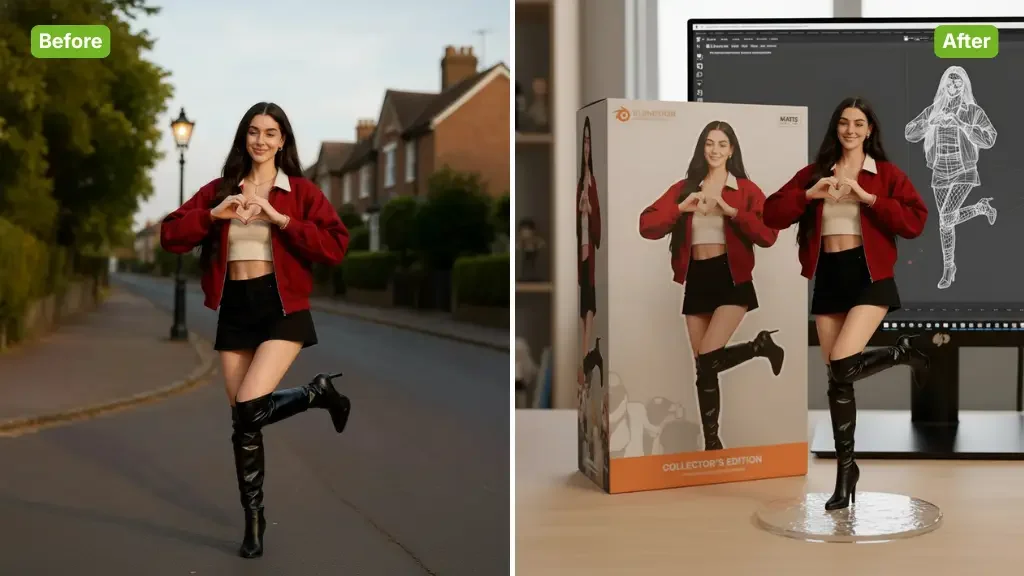
Turn a portrait into an AI action figure concept. Choose a collectible style, set your output preferences and review the generated character illustration.









Creative Studio
Output model, ratio and quantity are available in Settings.
Open a reference photo or begin with the text idea accepted by this tool. Keep your original available for comparison.
Select the task options, then describe the change you want. The sections below explain the details worth specifying.
Sign in, check the displayed credit estimate and generate. Review the result before downloading.
Creative Studio
Turn a portrait into an AI action figure concept. Choose a collectible style, set your output preferences and review the generated character illustration.
01
Upload a clear portrait that shows the person or character you want to reinterpret.
02
Choose an illustrated figure style. Use Settings for model, output ratio and the number of images.
03
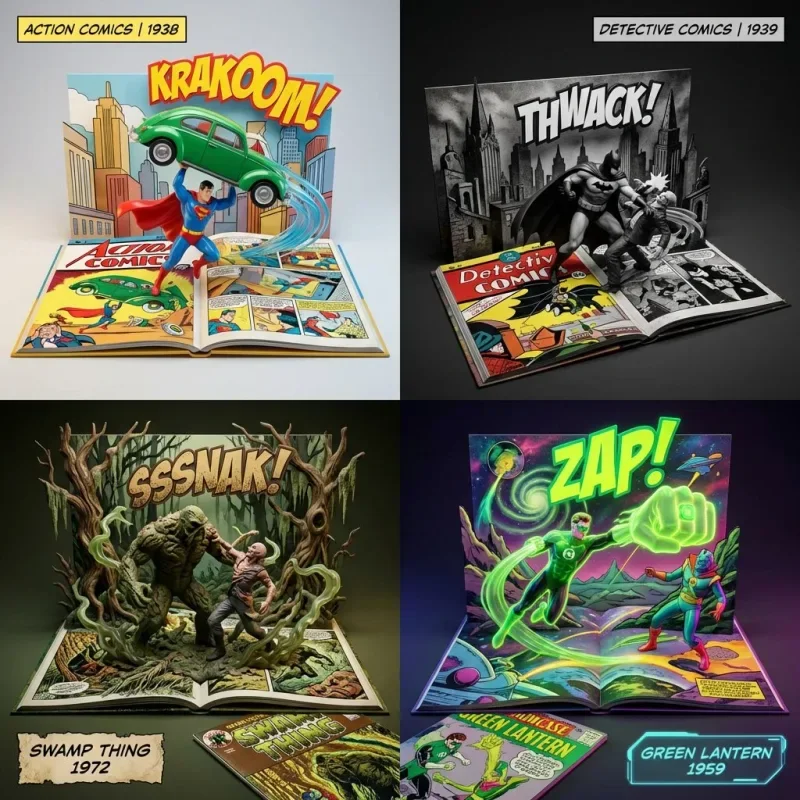
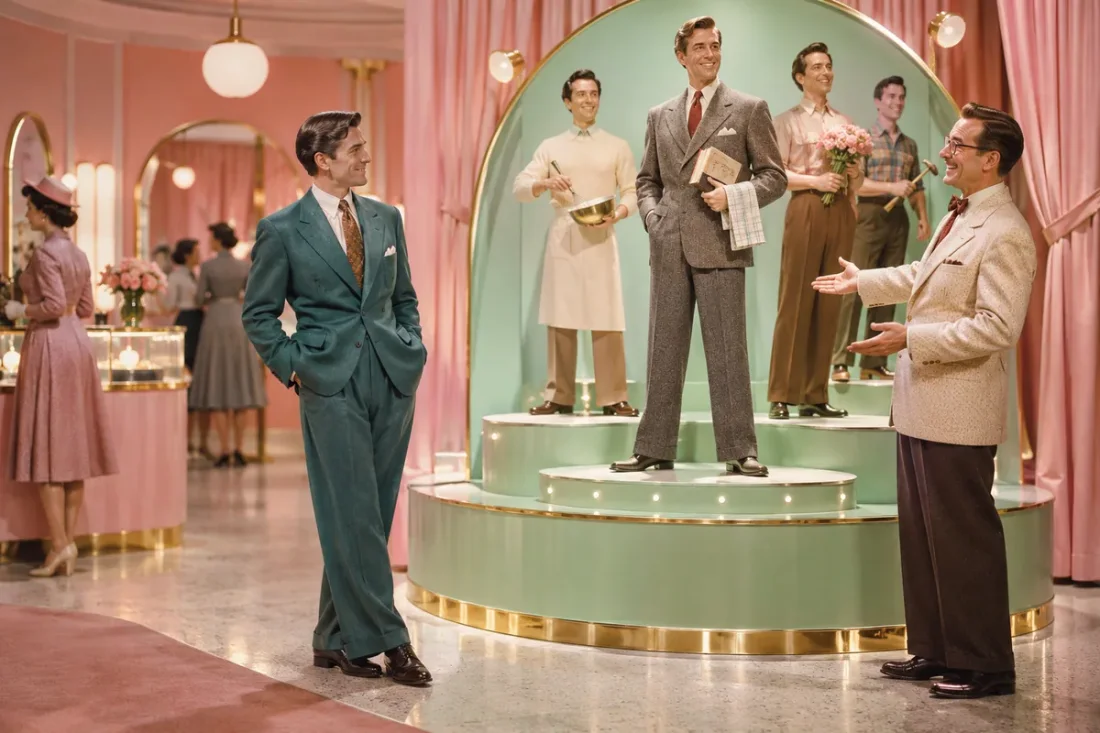
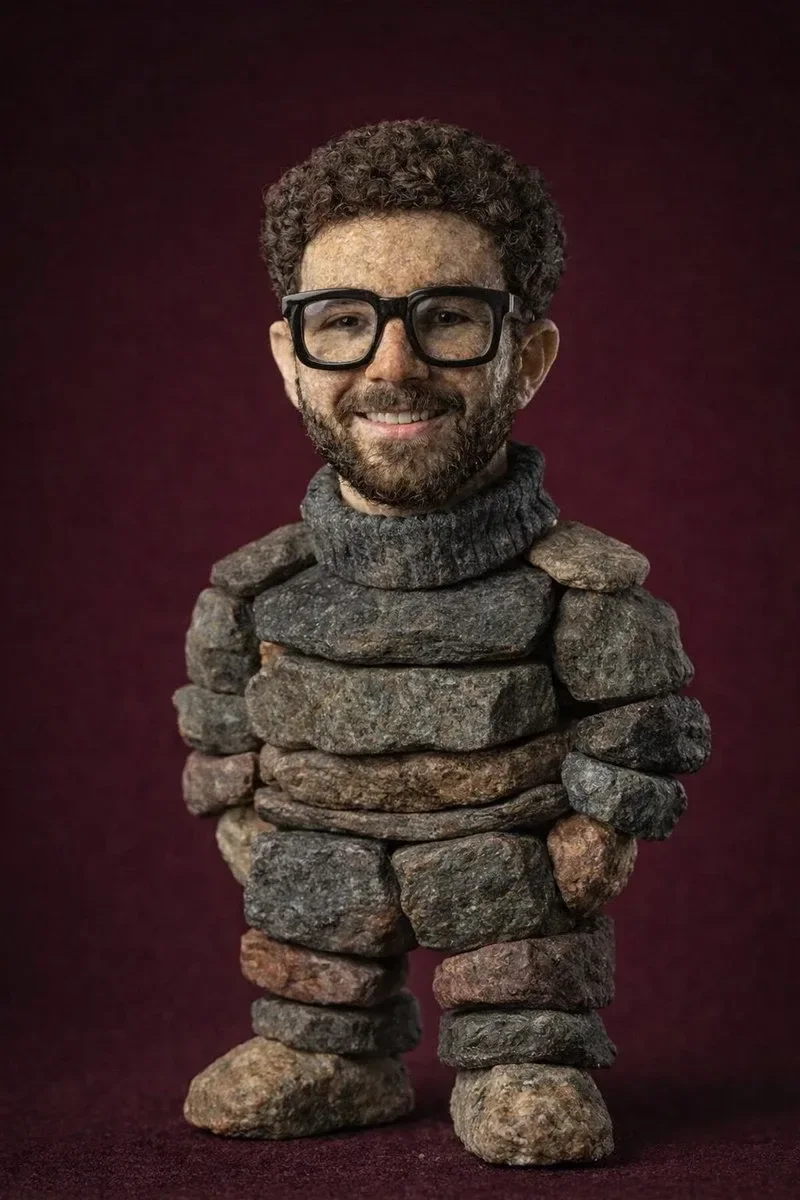
Explore collectible character concepts, gift mockups or social post visuals from a portrait.
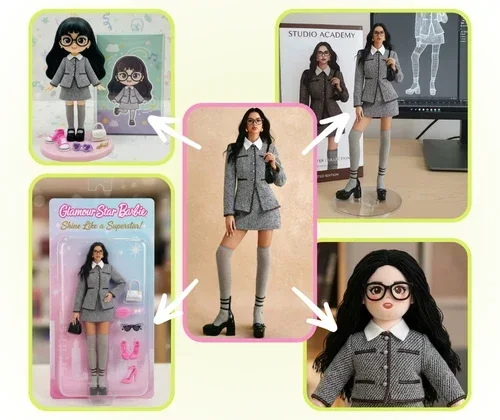
04
Inspect facial details, accessories and any lettering. This creates a digital concept image, not a physical toy or production-ready model.
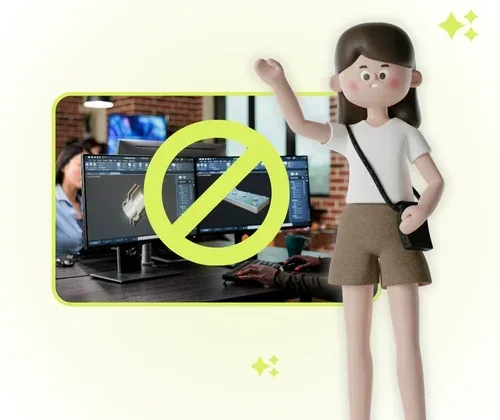
Creative Studio
Use these starting points to plan how the tool fits your own work.
Personal projects
Explore collectible character concepts, gift mockups or social post visuals from a portrait.
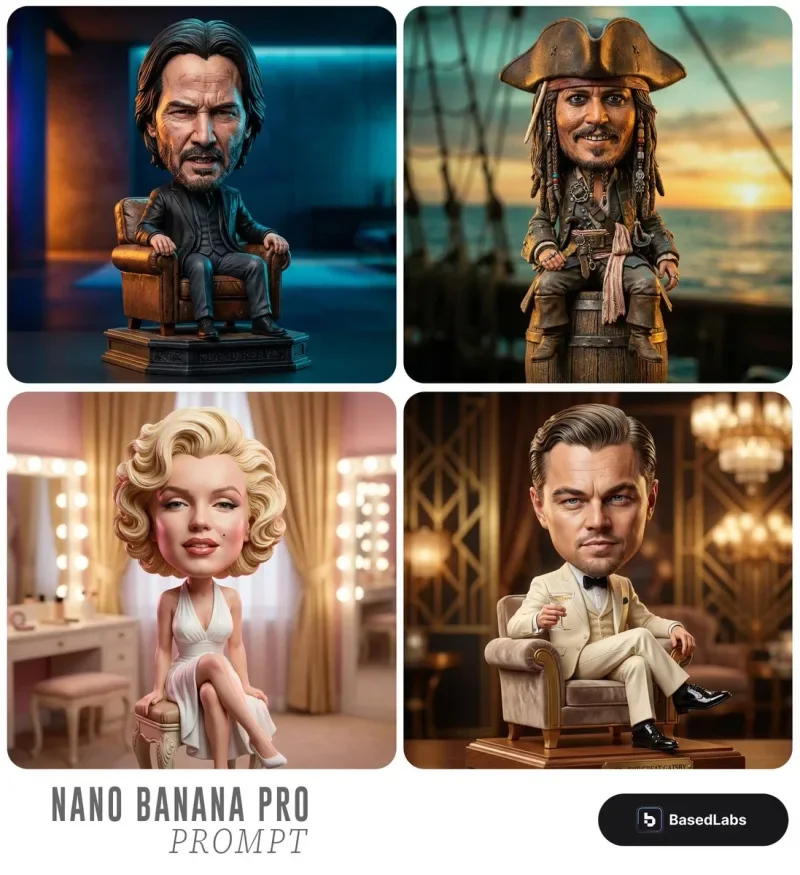
Creative Studio
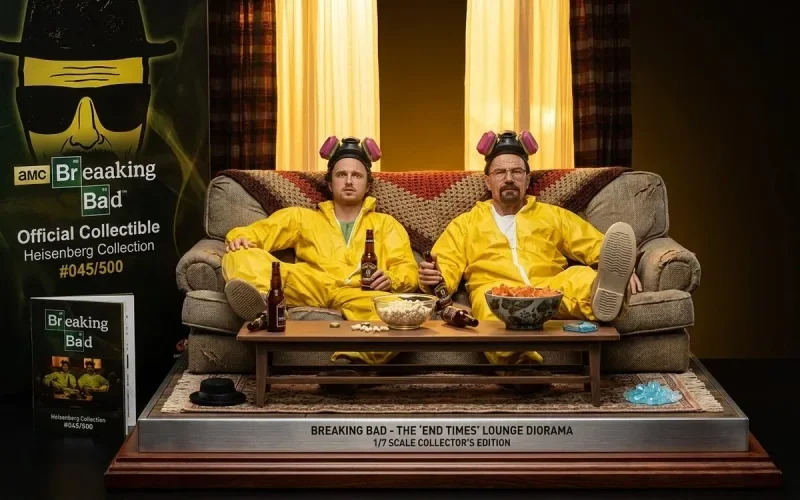
Example1 / 2
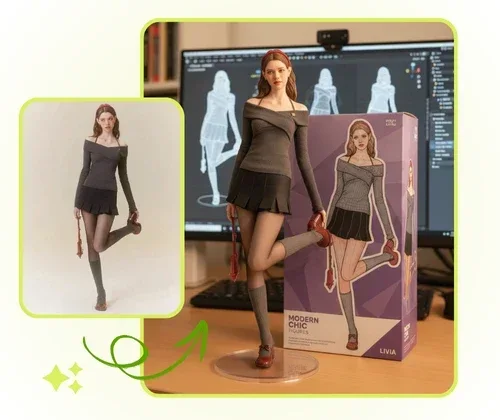
Describe a boxed figure with a few recognizable accessories. Name the materials and the layout instead of filling the package with details.
Need a hand?
Learn what to upload, which controls are available and what to check in the result.
Contact supportUpload a clear portrait that shows the person or character you want to reinterpret.
Choose an illustrated figure style. Use Settings for model, output ratio and the number of images.
Generating images or analyzing an image requires an account and credits. Check the cost on the action button before submitting; image cost can change with the model and quantity.
Inspect facial details, accessories and any lettering. This creates a digital concept image, not a physical toy or production-ready model.
Continue exploring with this related tool. Photo to Cartoon
Creative Studio
Bring one clear idea back to the tool above. Your draft stays in place while you explore these examples.