01
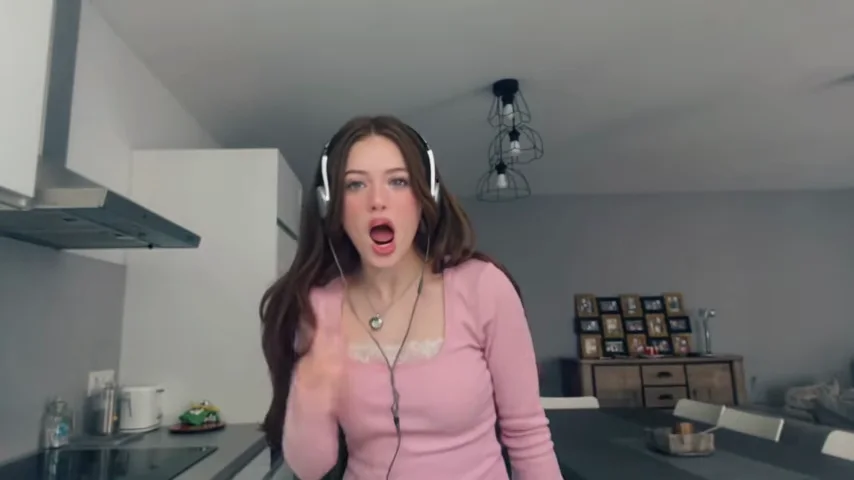
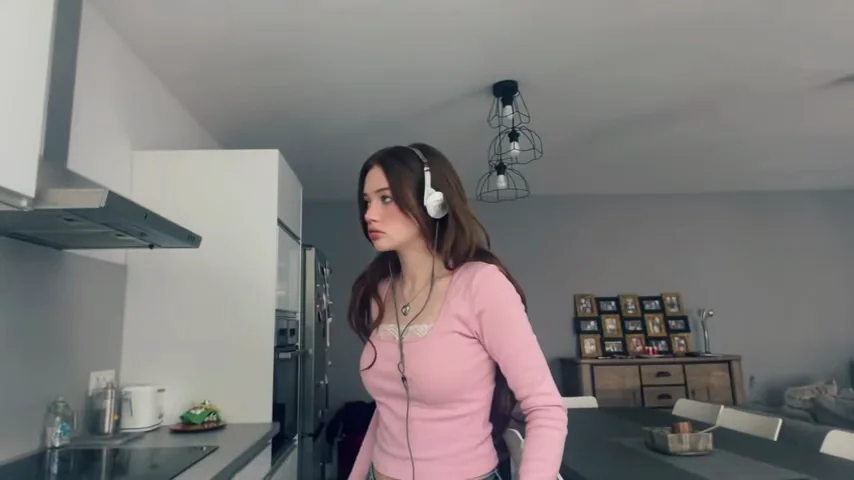
Start with the Angry Dance reference
Preview the motion before generating. Choose a clear part of the dance as the main action for your shot.
Video to recreate
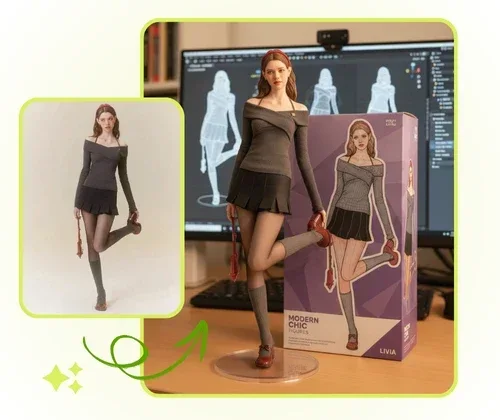
Character references
0/1JPG, PNG, WEBP · up to 20 MB per photo
Create a new take guided by the clip and your photos. Movement, faces and audio may differ from the reference.
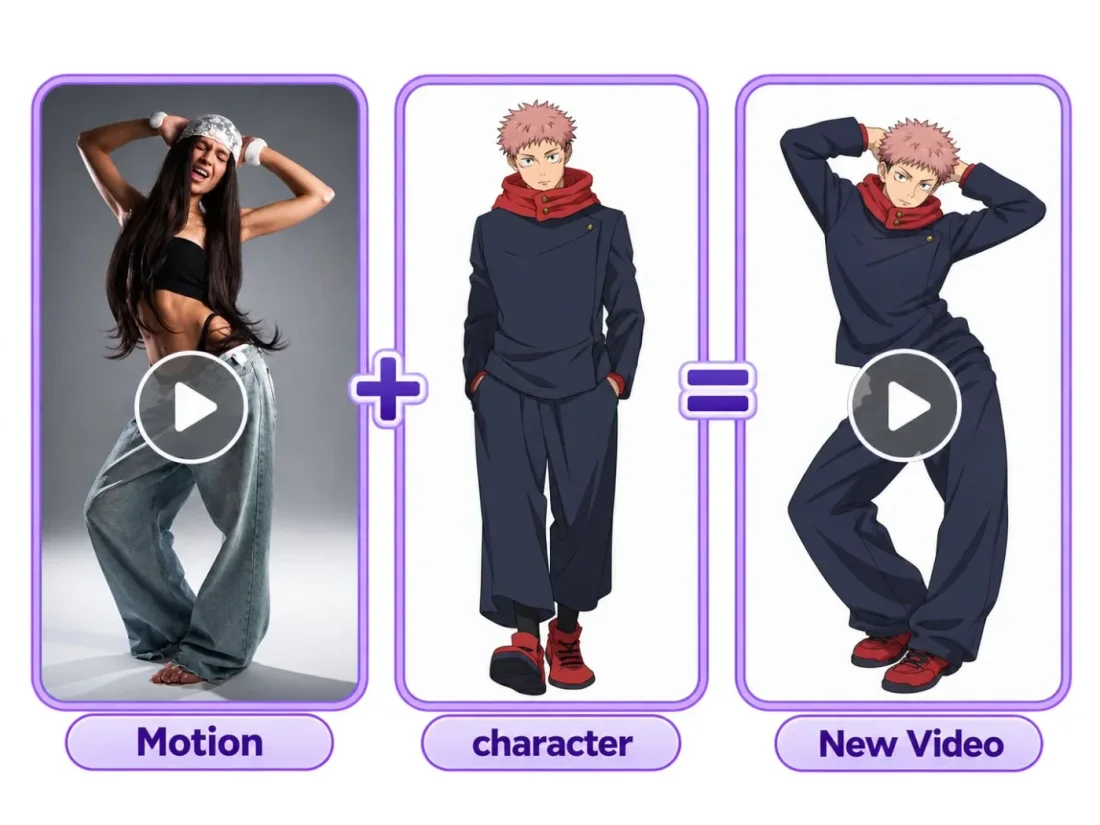
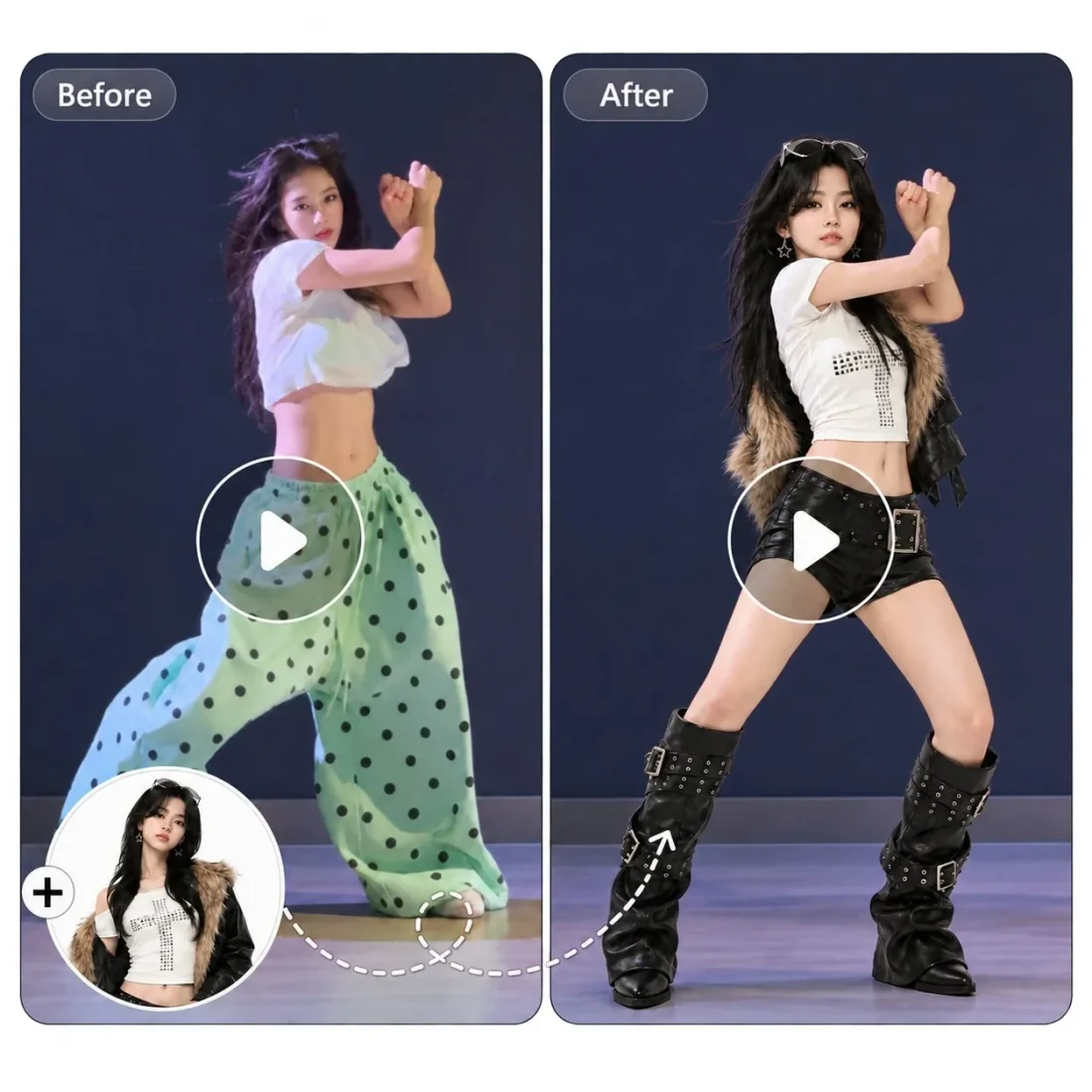
Turn one character photo into an Angry Dance-inspired clip. Use the dance reference and describe the expression and movement you want to explore.
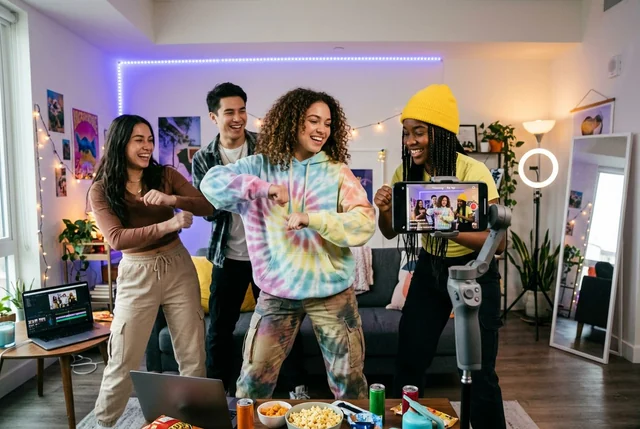
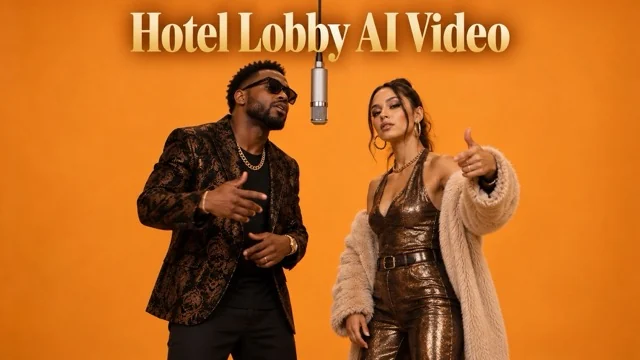
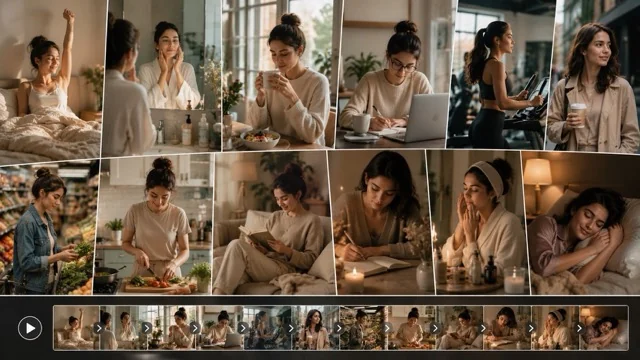
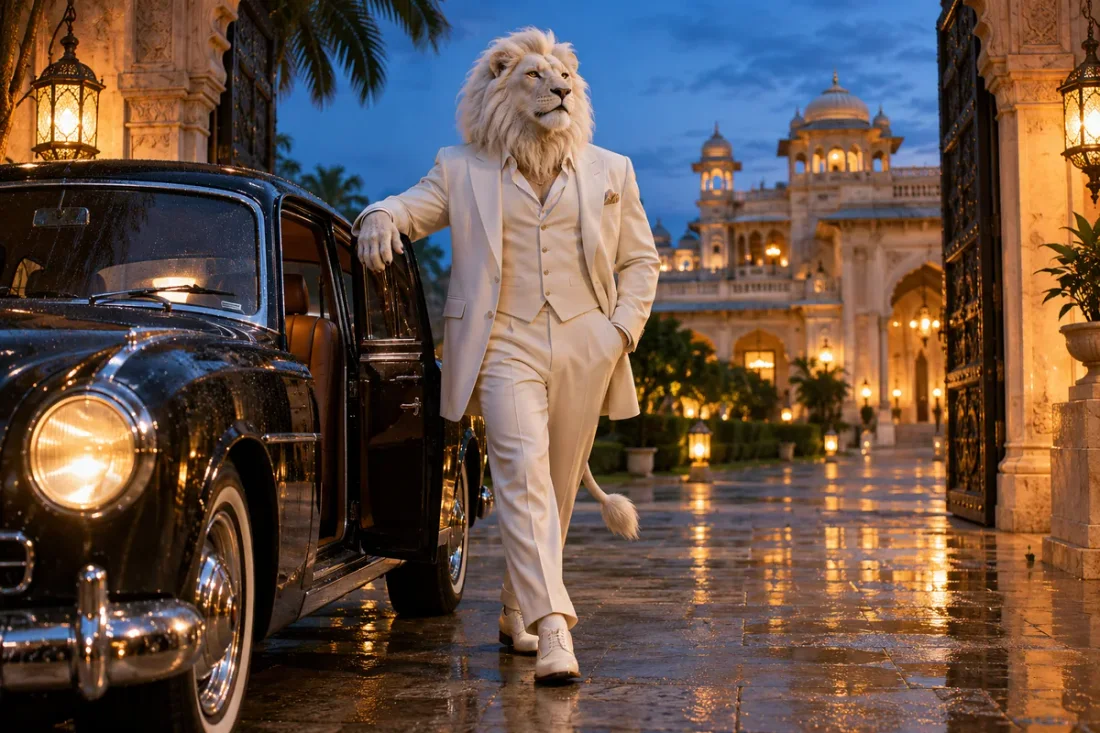
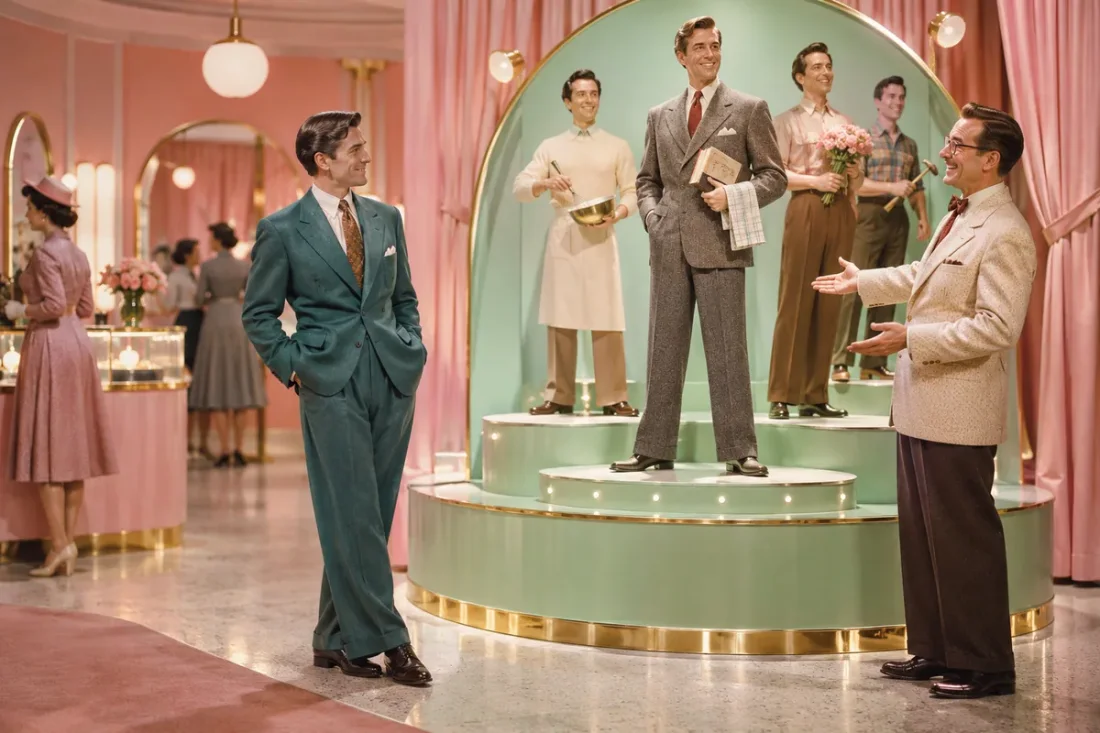
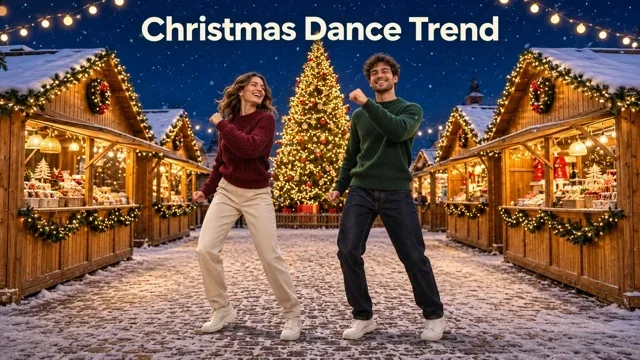
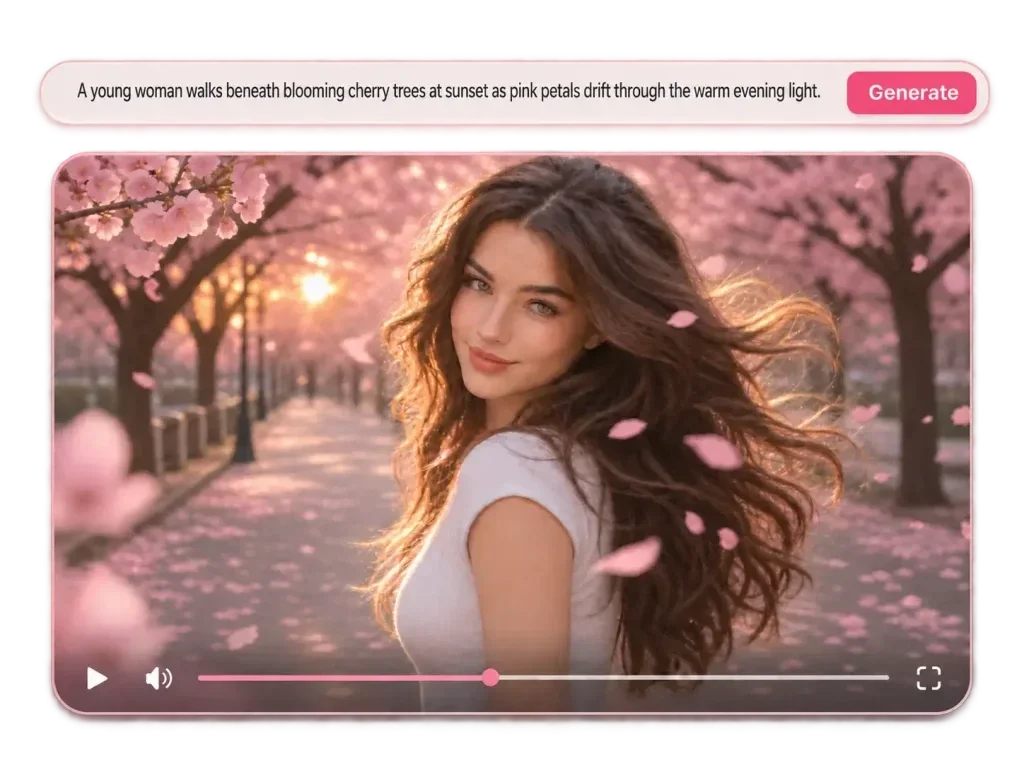
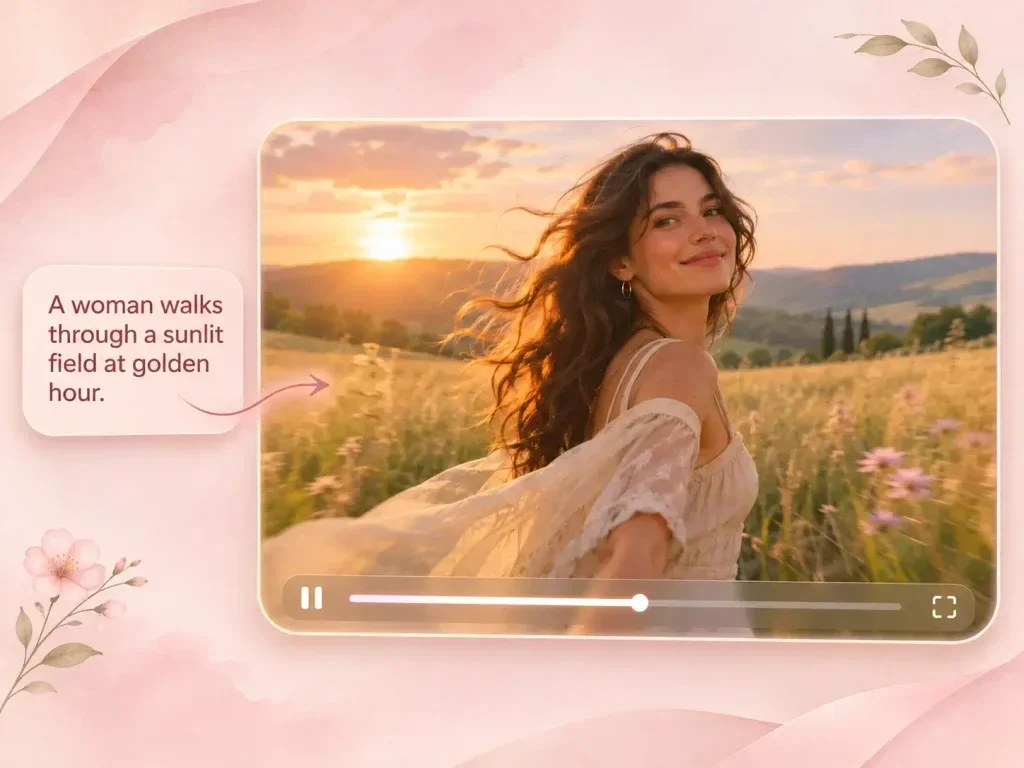
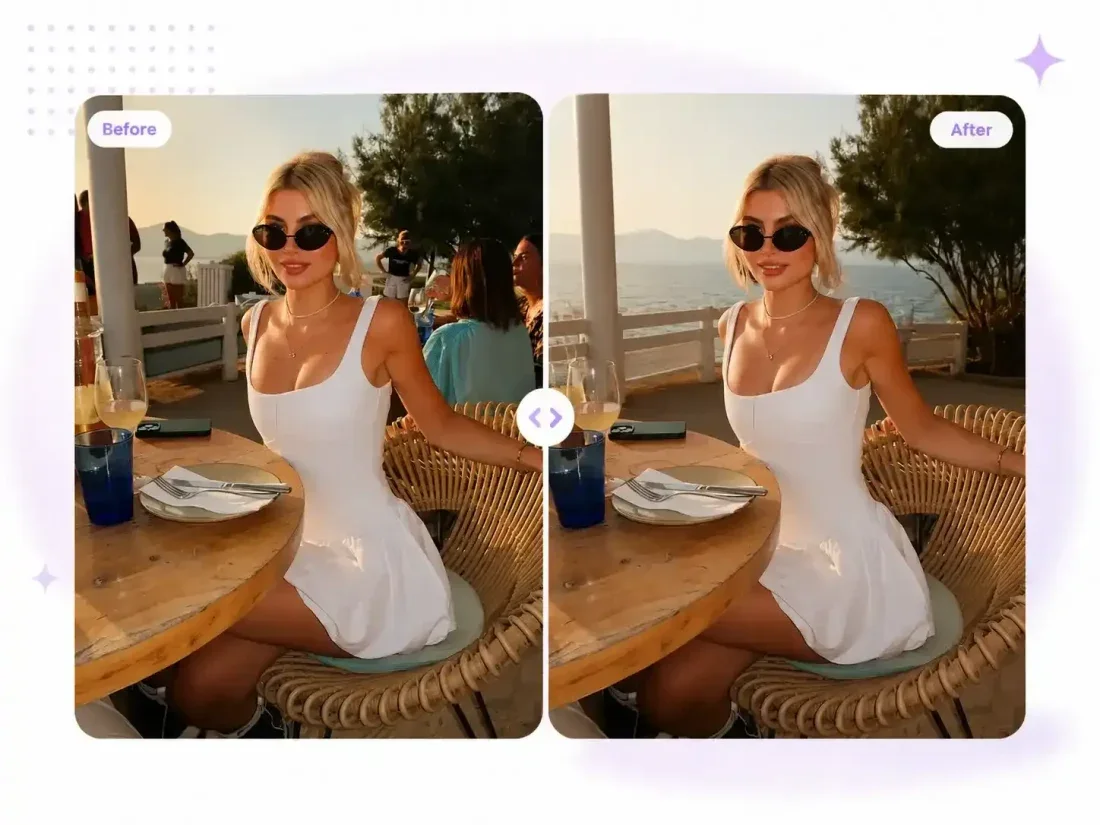
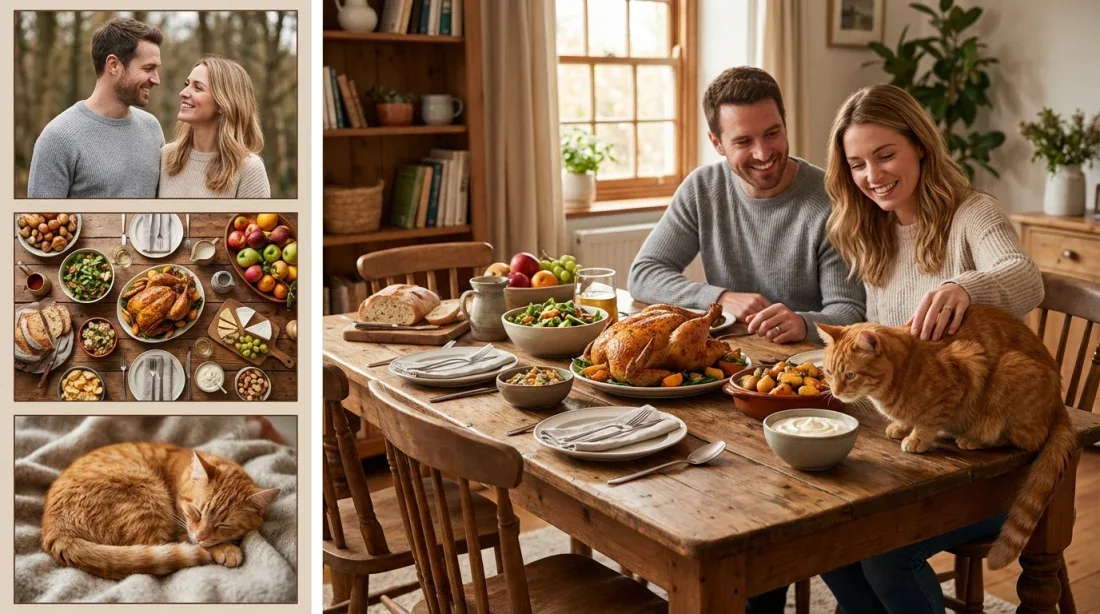
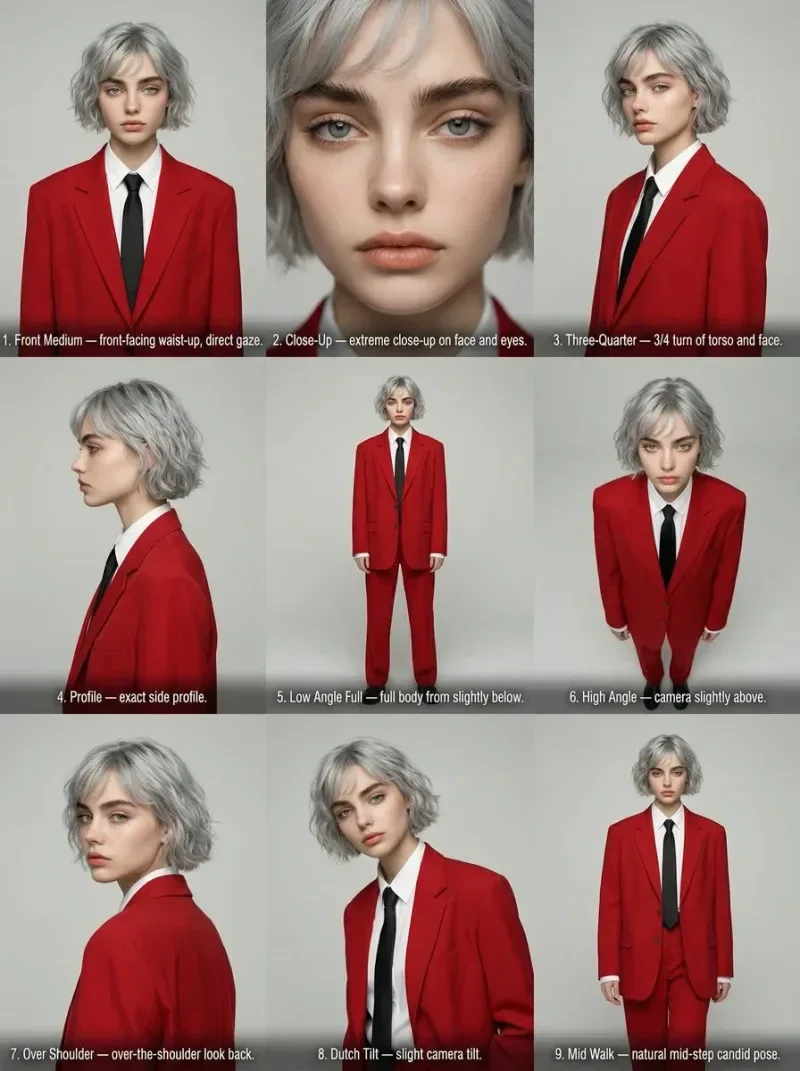
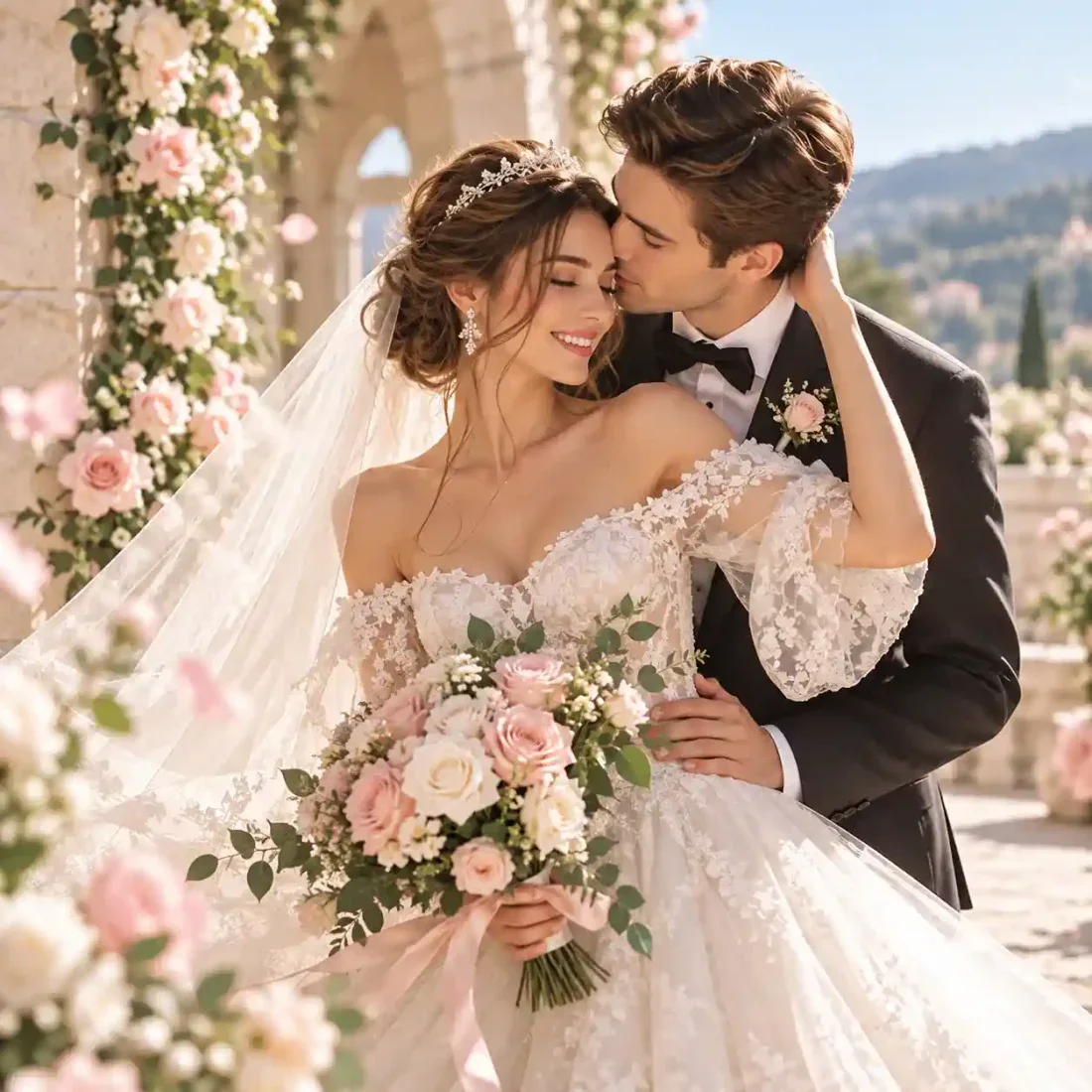
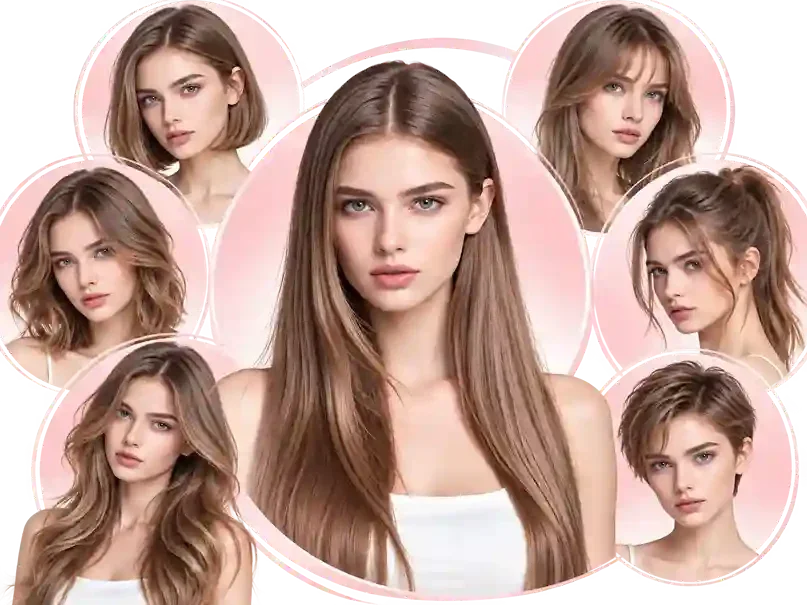
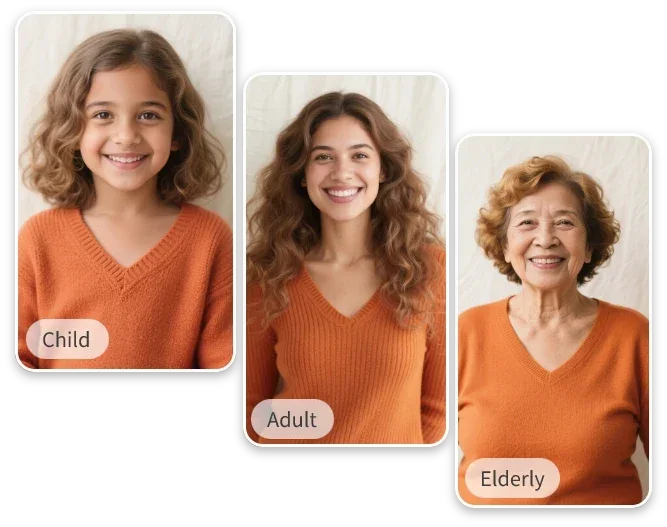
Your workflow
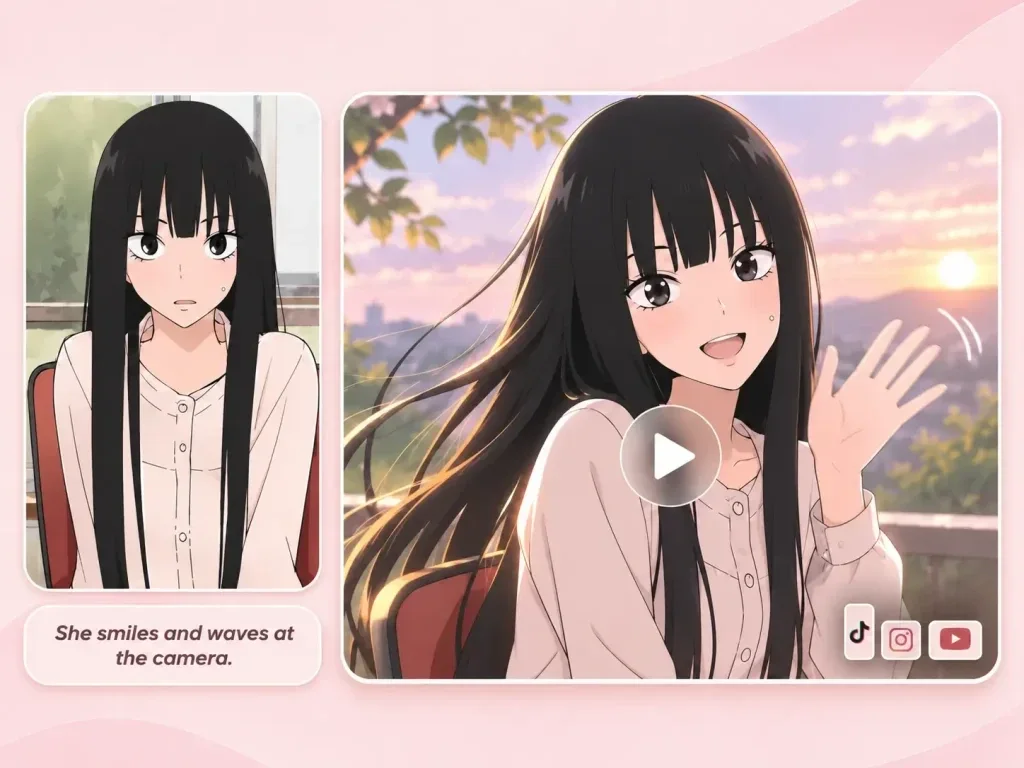
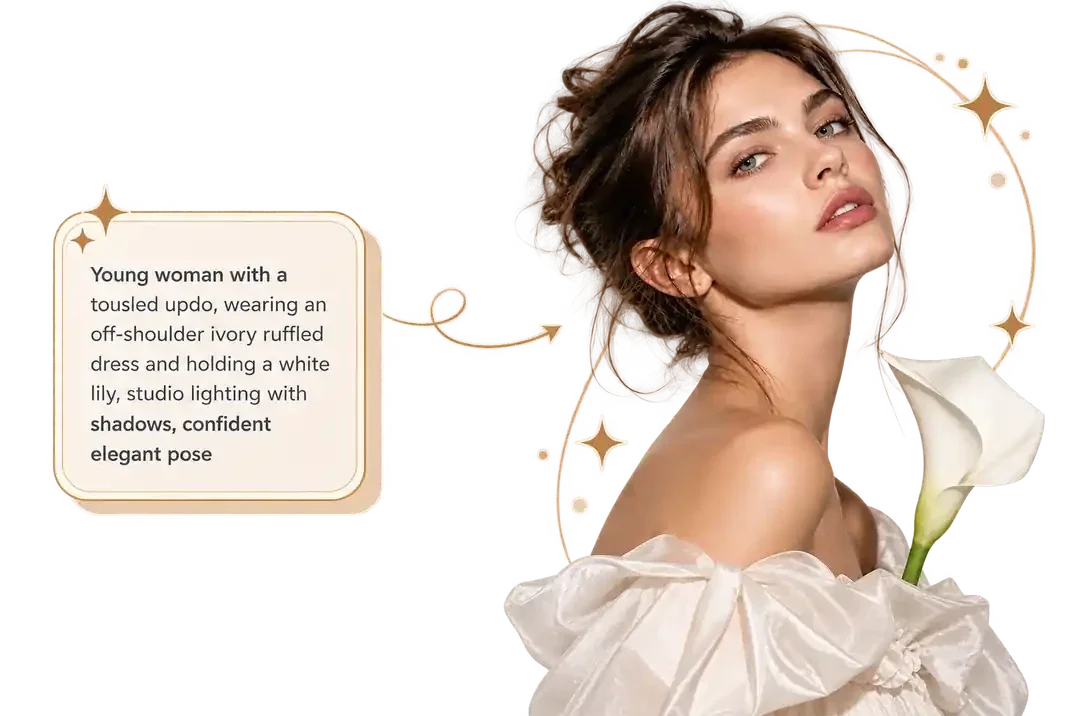
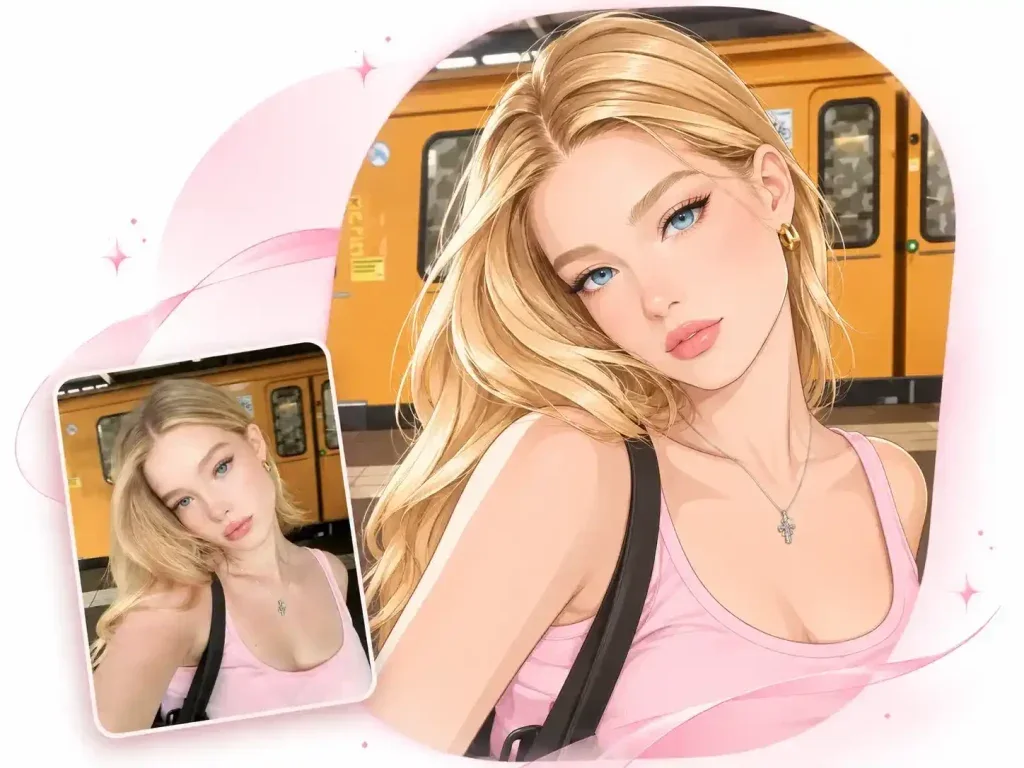
Choose a portrait with room around the upper body. Describe the reaction and movement separately so the expression stays readable.
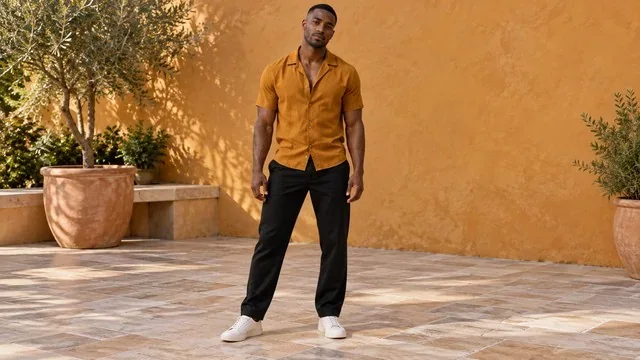
Inspect the reference movement and decide which reaction you want to emphasize.
Add one clear photo and optionally describe the mood, outfit or background for the clip.
Review the estimate and selected settings. Open Create to check the completed motion before sharing.
Scene direction
Guide the character with a photo, then use the reference for the movement direction.
01
Preview the motion before generating. Choose a clear part of the dance as the main action for your shot.
02
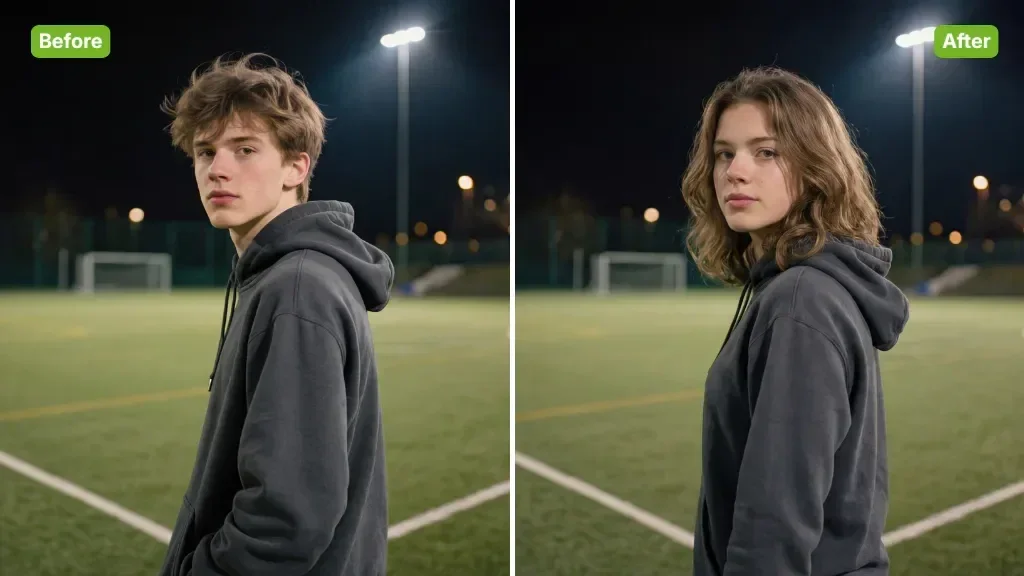
Upload a sharp image with the face unobstructed. Keep the subject easy to recognize before adding exaggerated expressions.
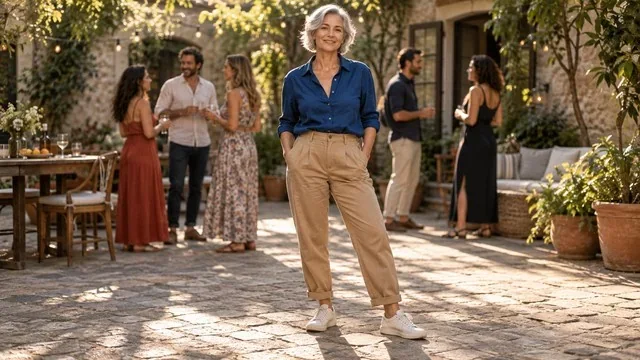
03
Ask for an expressive, playful reaction and a simple gesture. Treat expression and timing as guidance rather than fixed controls.
04
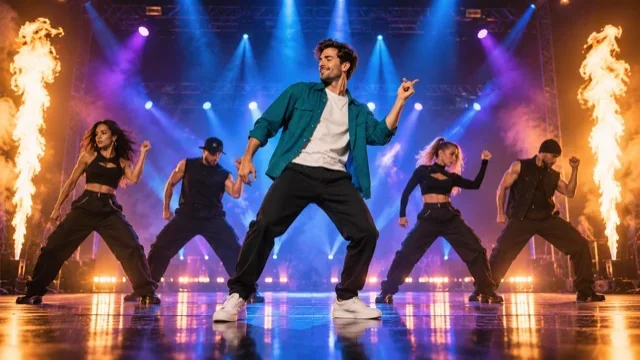
Check whether the character remains consistent through turns and steps. Pay attention to hands, feet and sudden camera changes.
Project ideas
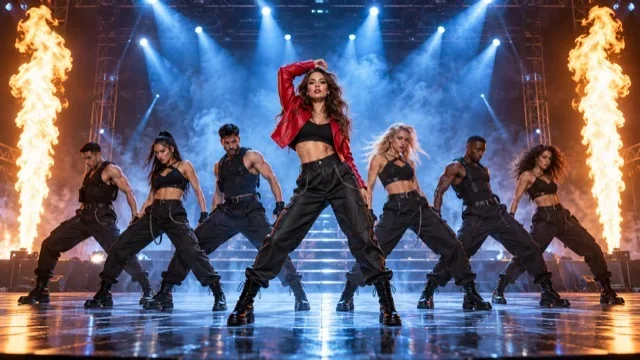
Plan an expressive scene that reads clearly in a vertical frame.
Reaction-video creators
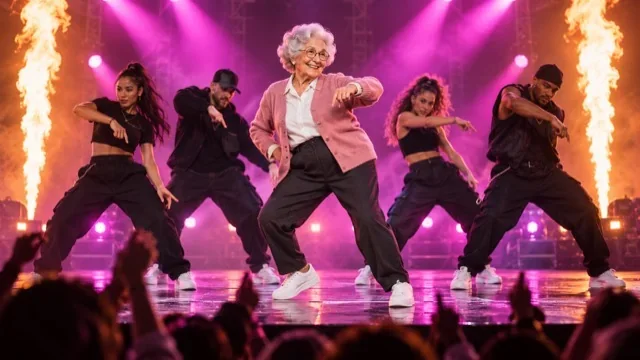
Build a playful dance reaction around one character, then add a caption that explains the joke.
Reference clips
Example1 / 2
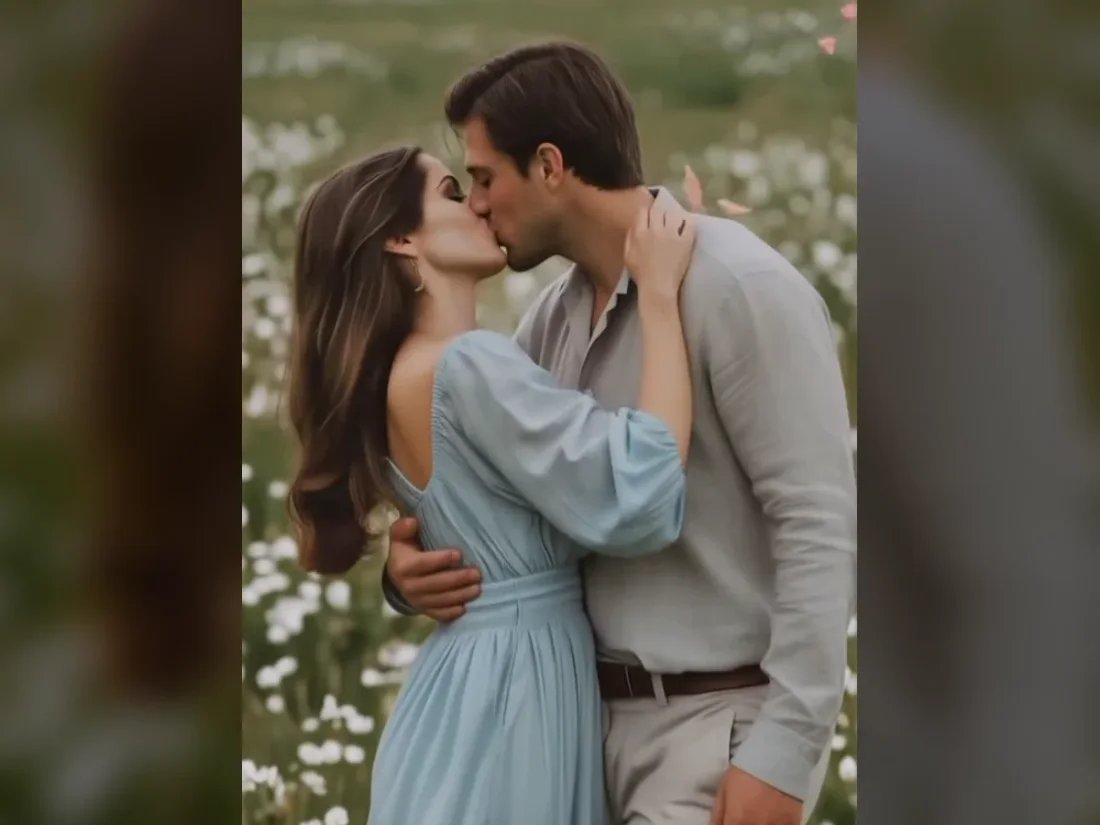
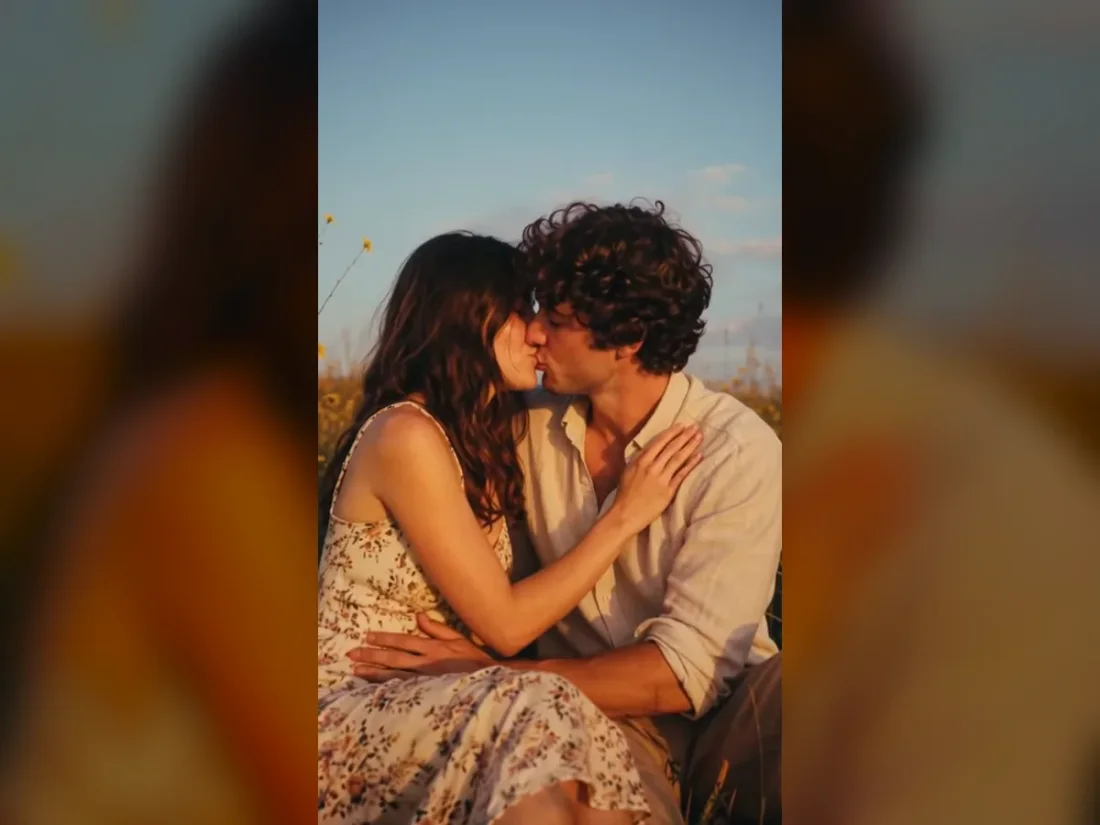
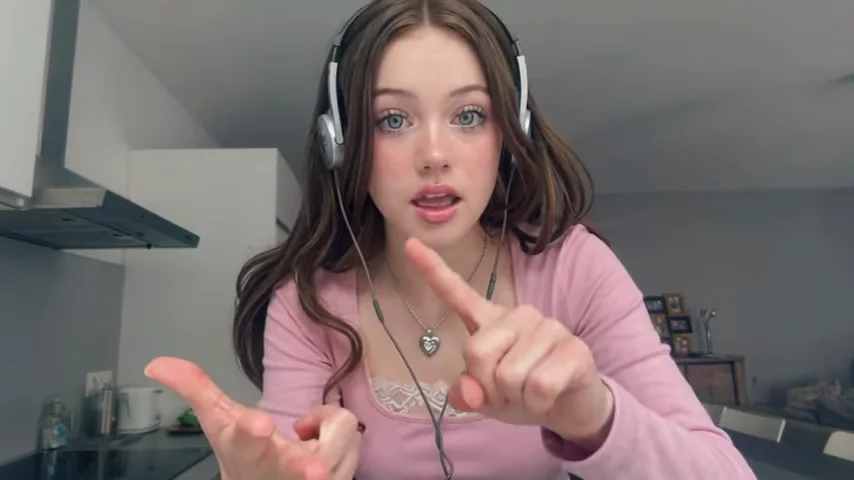
Use a clear stance and one energetic gesture so the face and reaction remain the focus.
Need a hand?
Turn one character photo into an Angry Dance-inspired clip. Use the dance reference and describe the expression and movement you want to explore.
Contact supportThe Angry Dance template uses one character reference photo. A clear, unobstructed face makes the starting reference easier to read.
It generates a new video from the reference clip and uploaded photo. It does not apply an effect to a live camera feed.
The reference guides the motion. Exact choreography, facial expression and timing are not guaranteed.
Add an authorized soundtrack after export if you want a particular song. The template does not promise the reference audio.
Open the generation settings to see supported durations and the estimate. Check your balance before submitting a new attempt.
Your next take
Choose the dance reference, upload one photo and check the settings for your reaction clip.