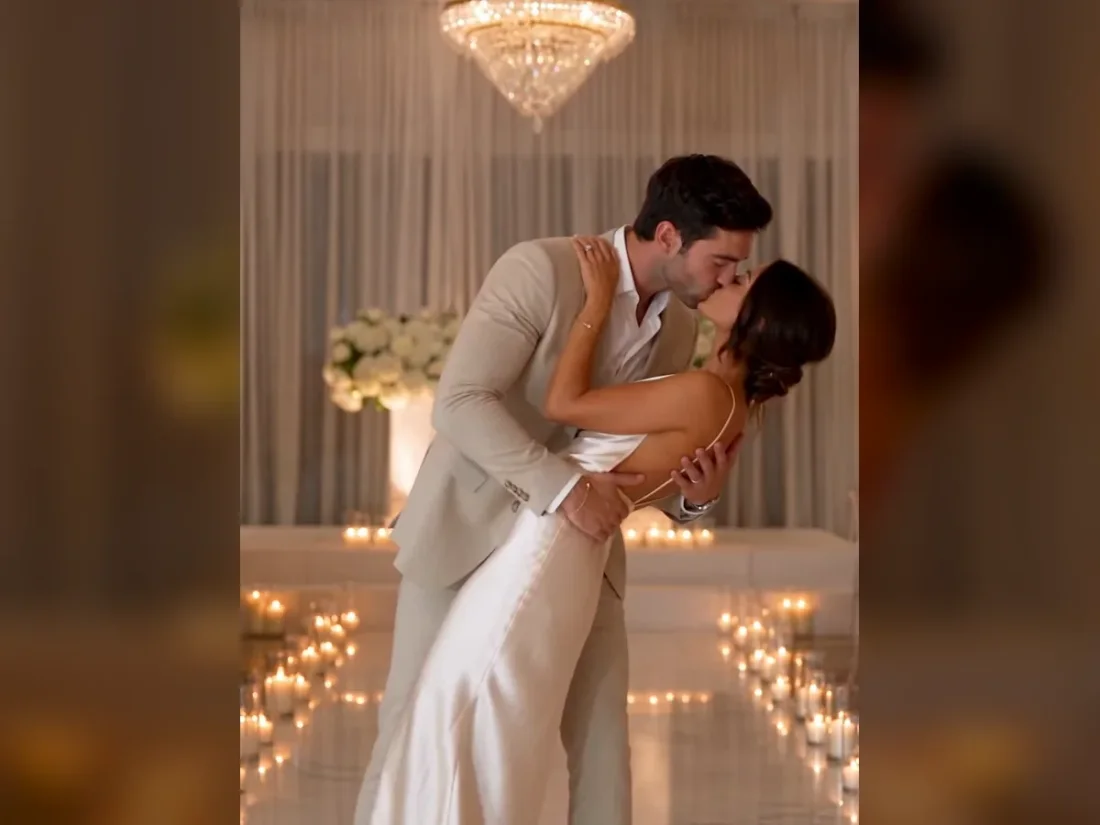
01
Use the booth performance reference
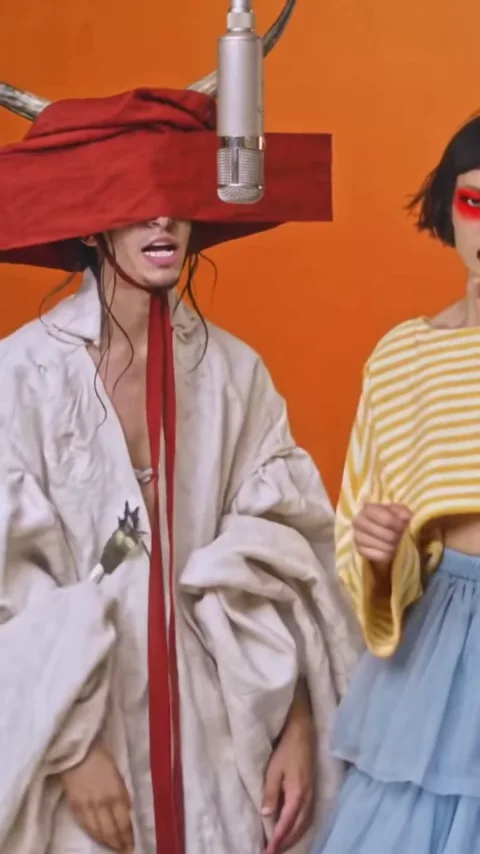
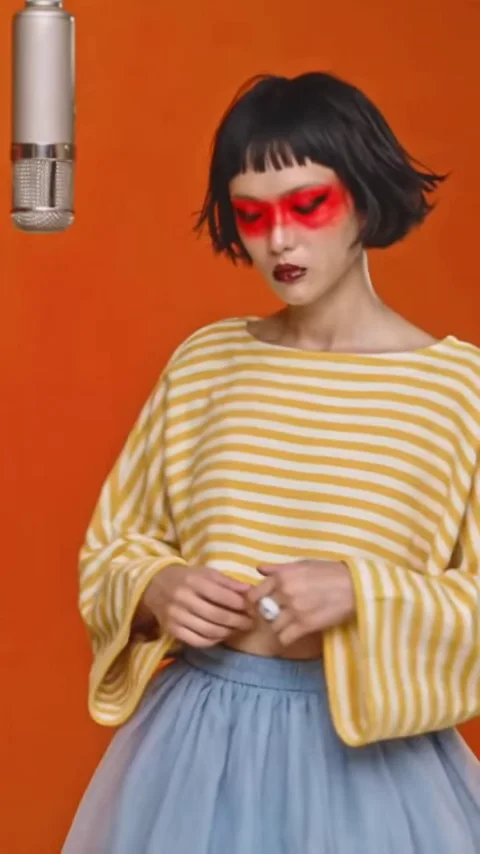
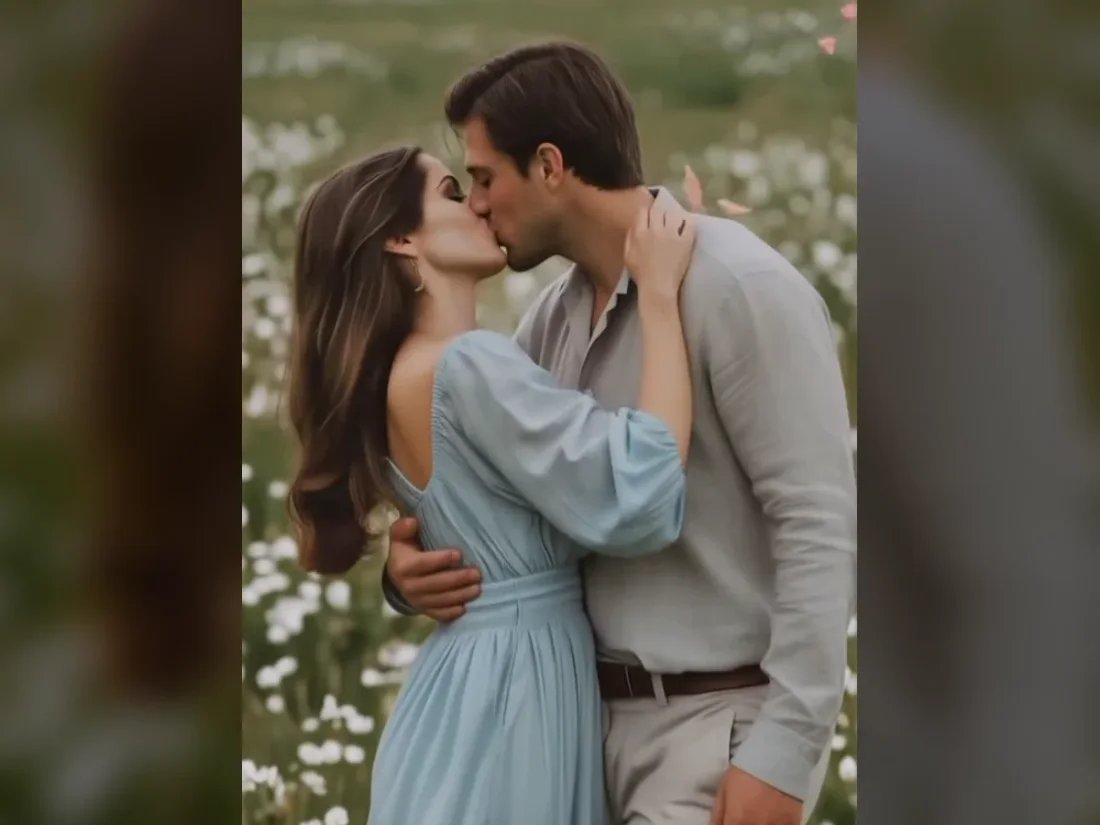
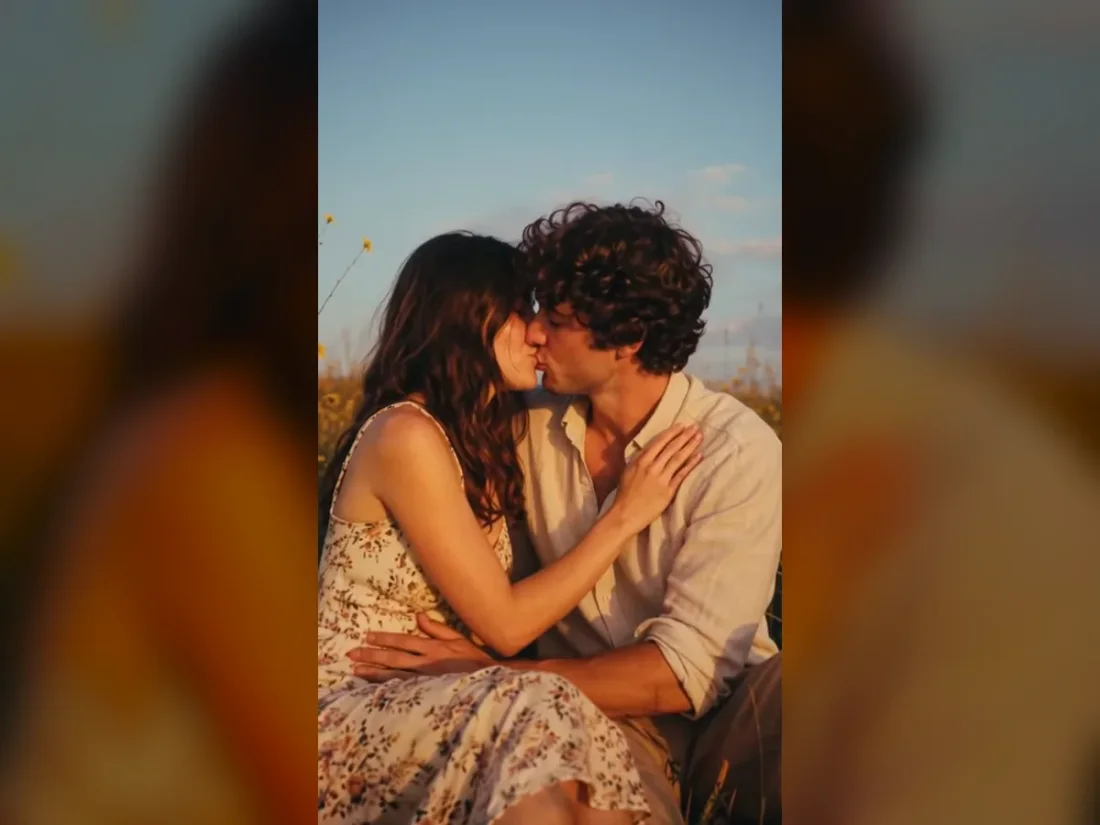
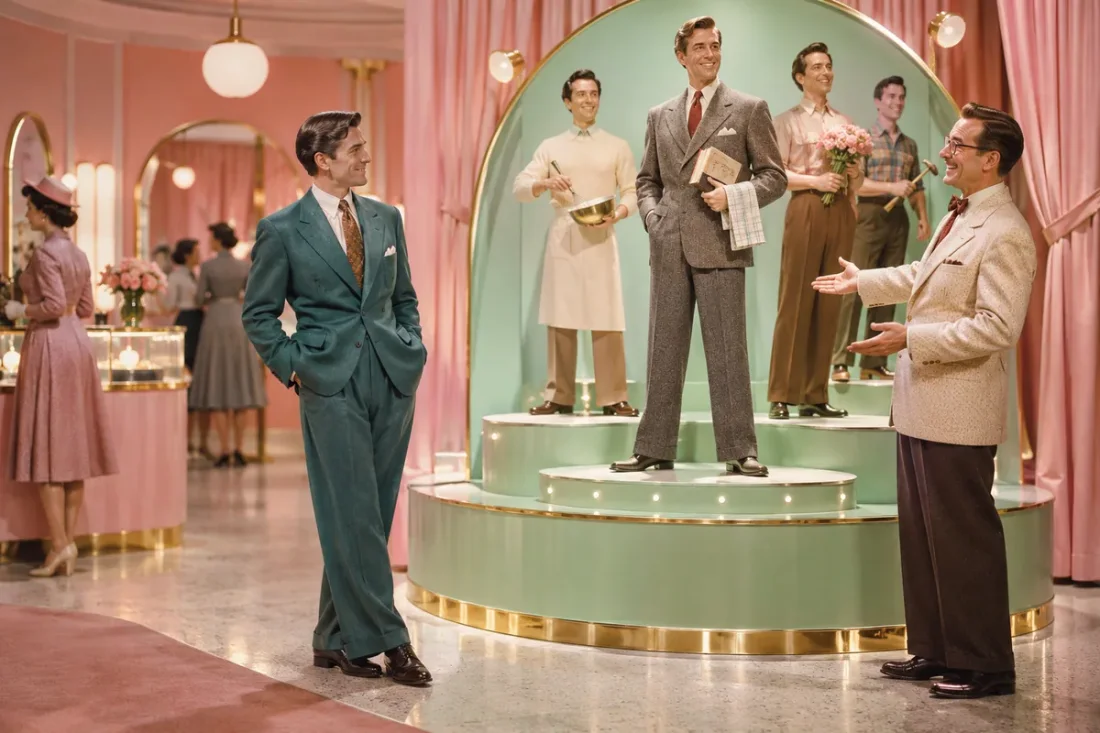
The Hotel Lobby preset uses a two-person performance scene. Preview the booth composition before selecting your cast.
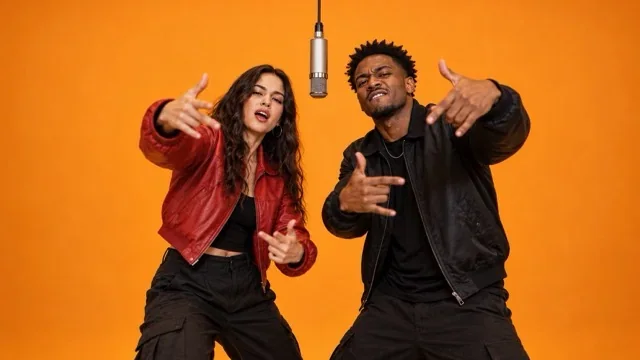
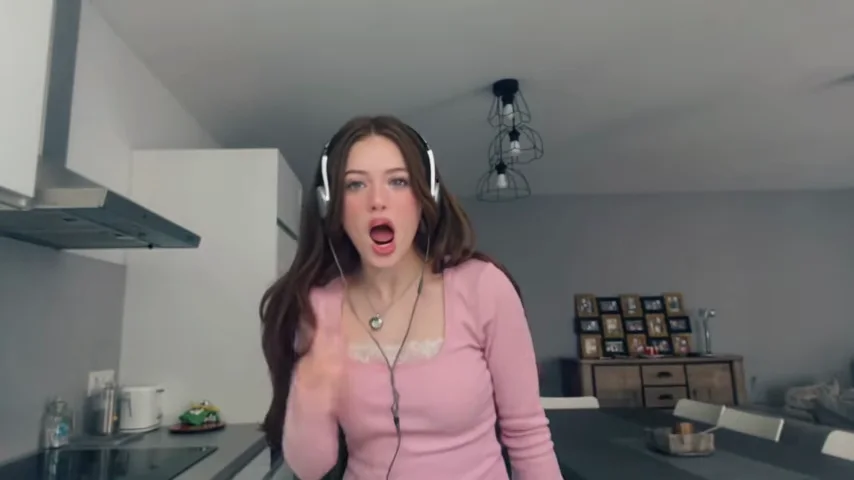
Video to recreate
Character references
0/2JPG, PNG, WEBP · up to 20 MB per photo
Create a new take guided by the clip and your photos. Movement, faces and audio may differ from the reference.
Create a Hotel Lobby-style duet scene with two character photos. Use the booth reference to guide the framing and direct each performer.
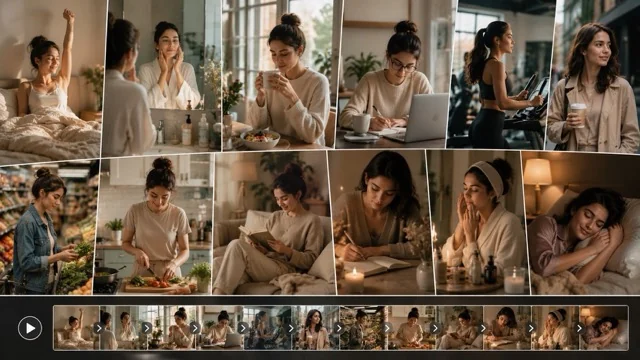
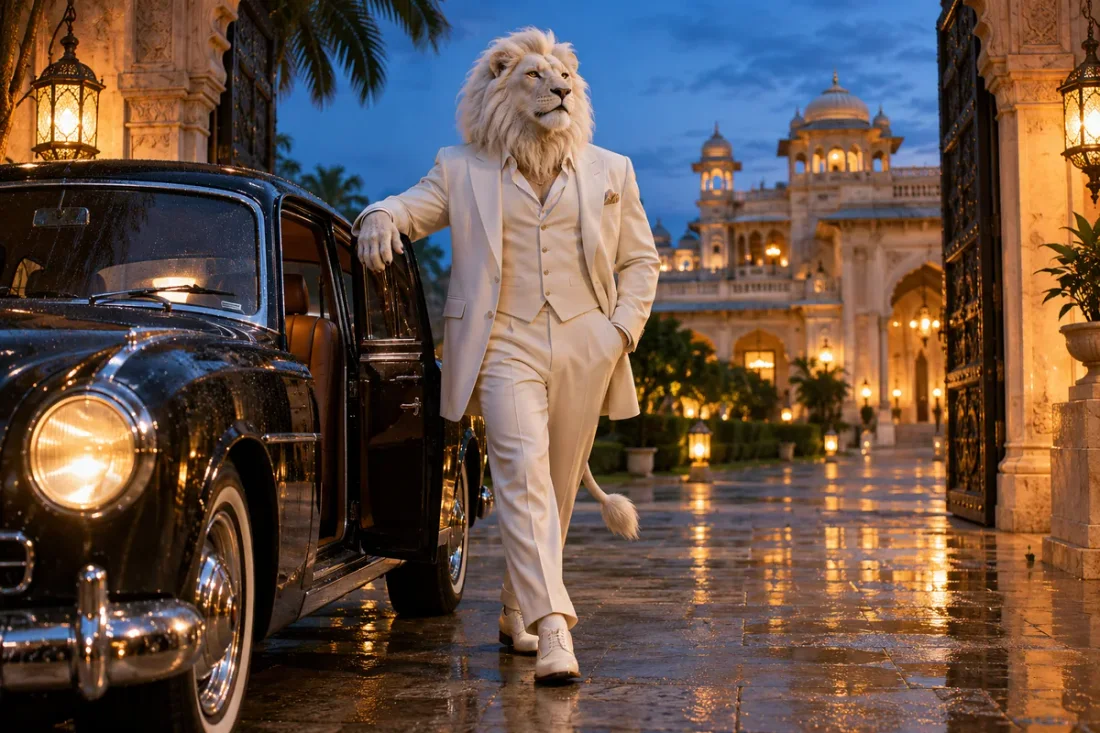


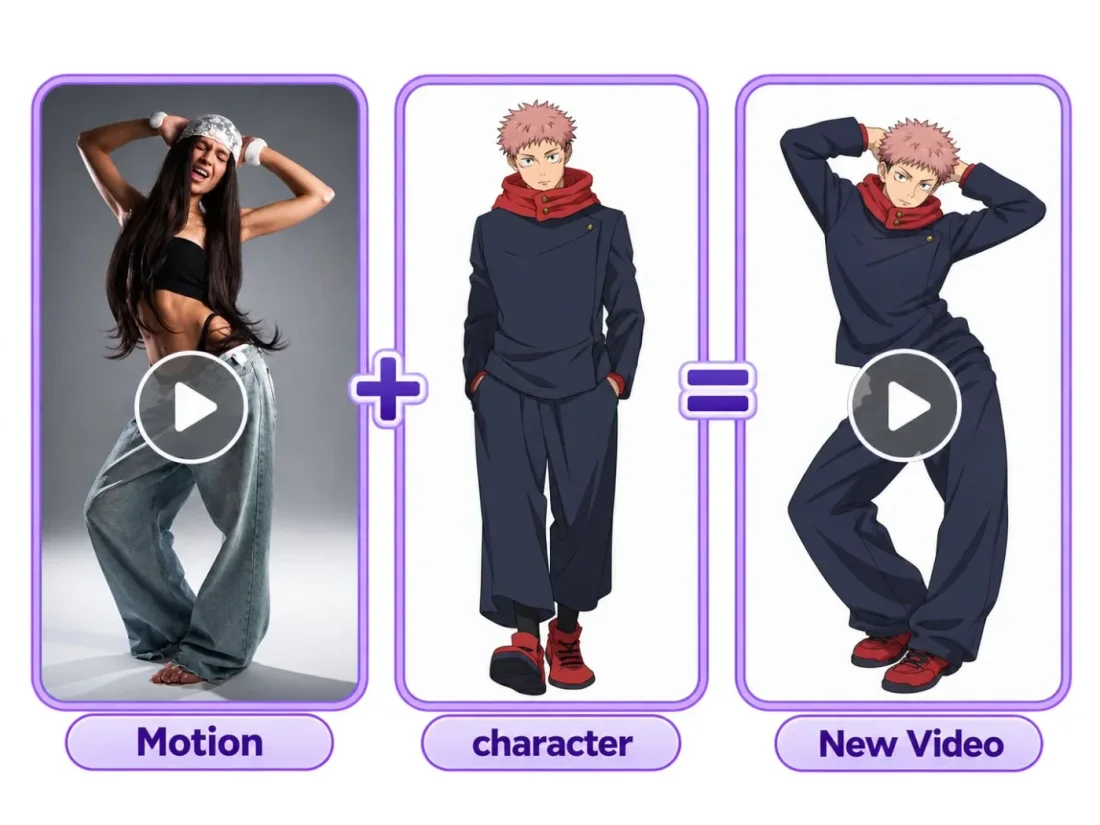
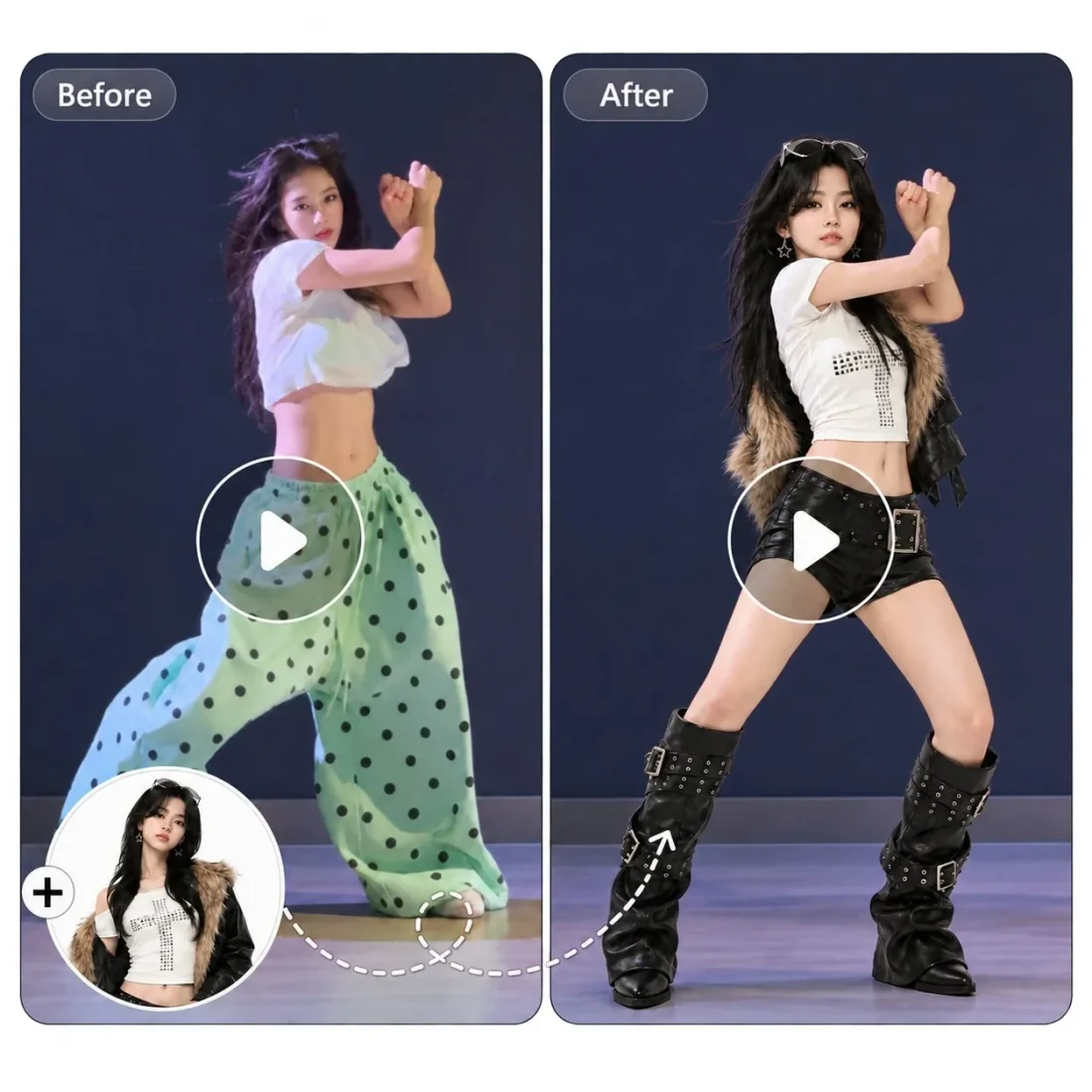
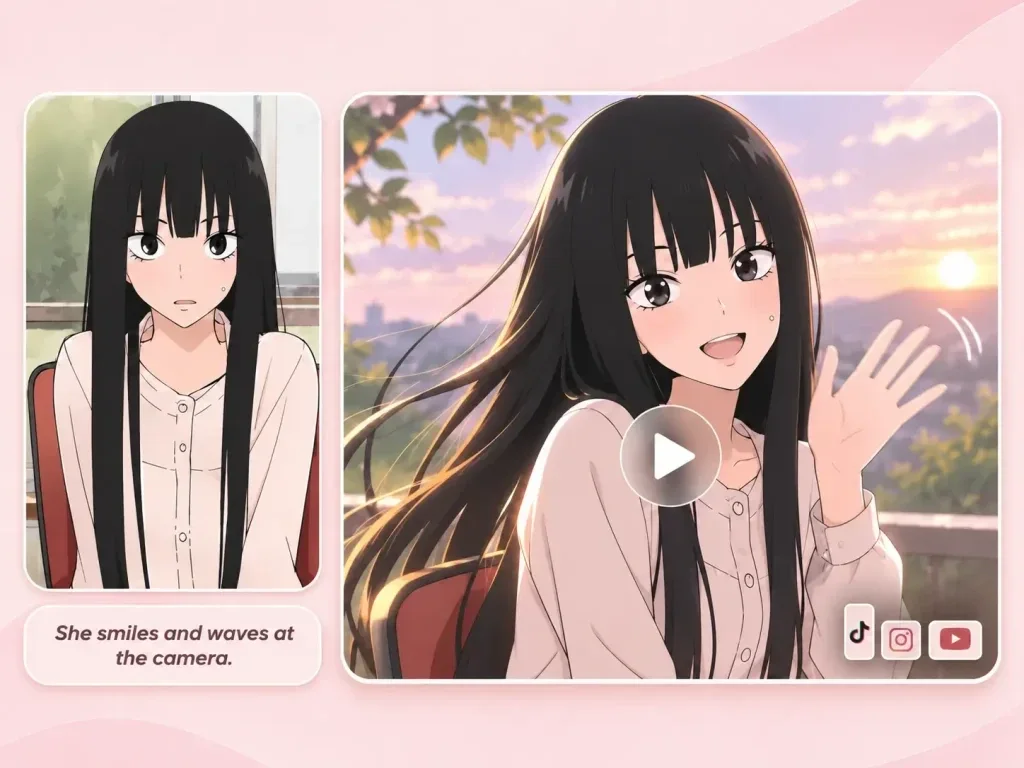

Your workflow
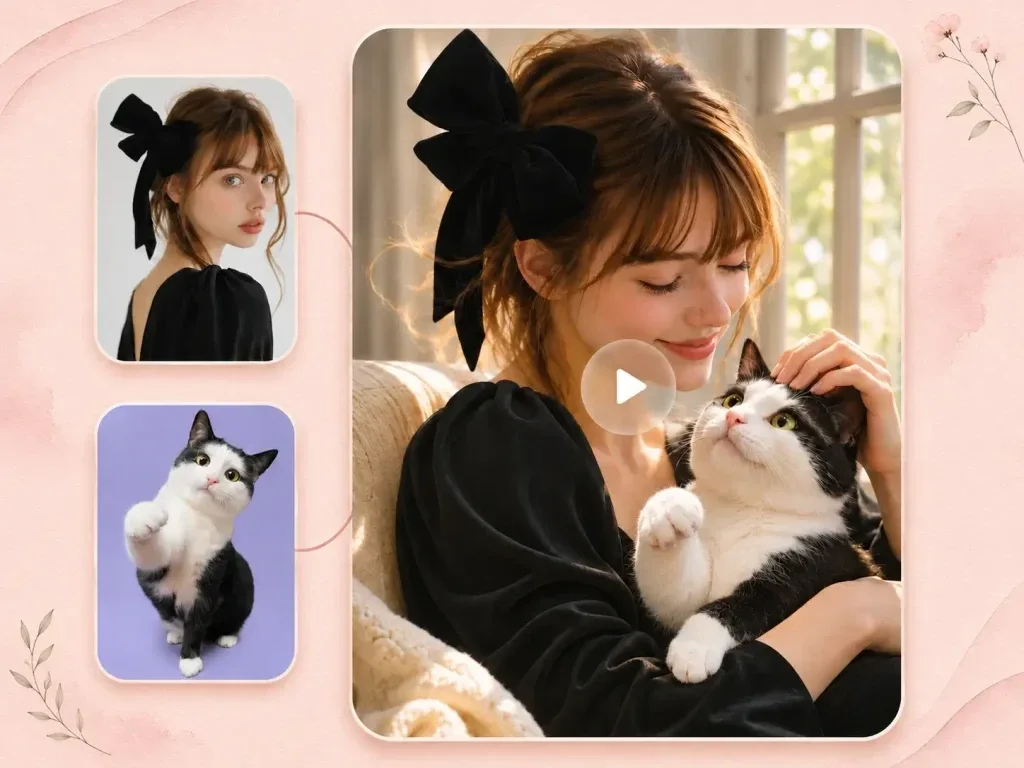
Assign a separate portrait to each performer. Describe who leads the duet and how the other person responds within the shared frame.
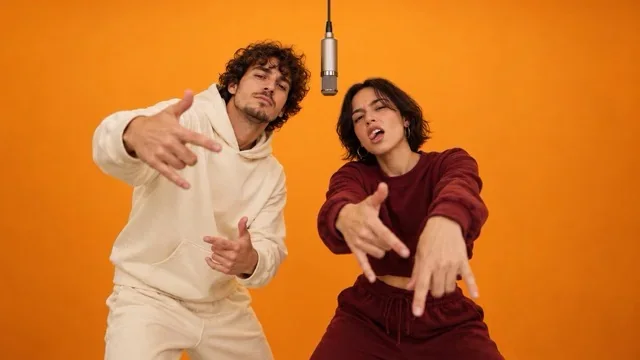
Choose the booth duet and check how both characters fit in the frame.
Upload two clear portraits. Use the optional prompt to describe which person leads and which responds.
Confirm supported settings and credits, submit and review both identities in the completed Create task.
Scene direction
Keep each character and gesture clear within one reference-led shot.
01
The Hotel Lobby preset uses a two-person performance scene. Preview the booth composition before selecting your cast.
02
Upload a clear photo for each person. Both character photos are required for the Hotel Lobby template.
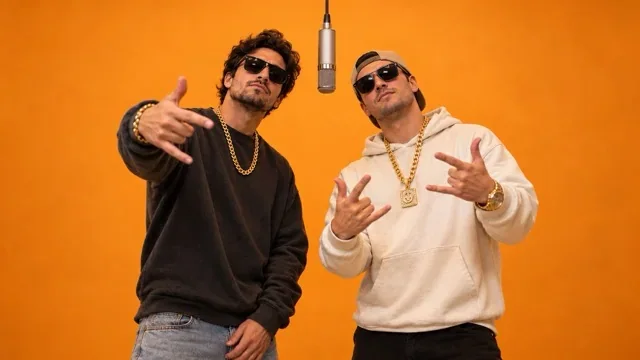
03
State who leads and how the other person reacts. Distinct role descriptions help you assess whether both characters remain consistent.
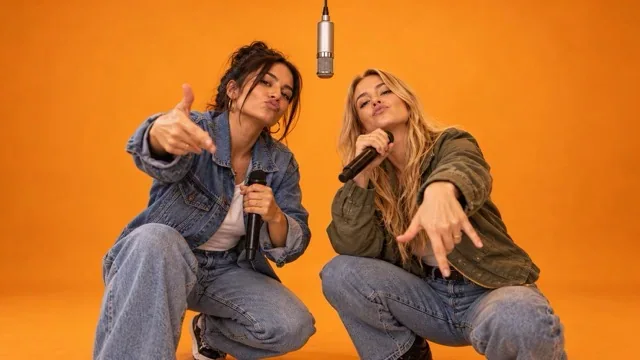
04
Watch both faces and their interaction throughout the take. Review hand movement and any contact around the microphone.
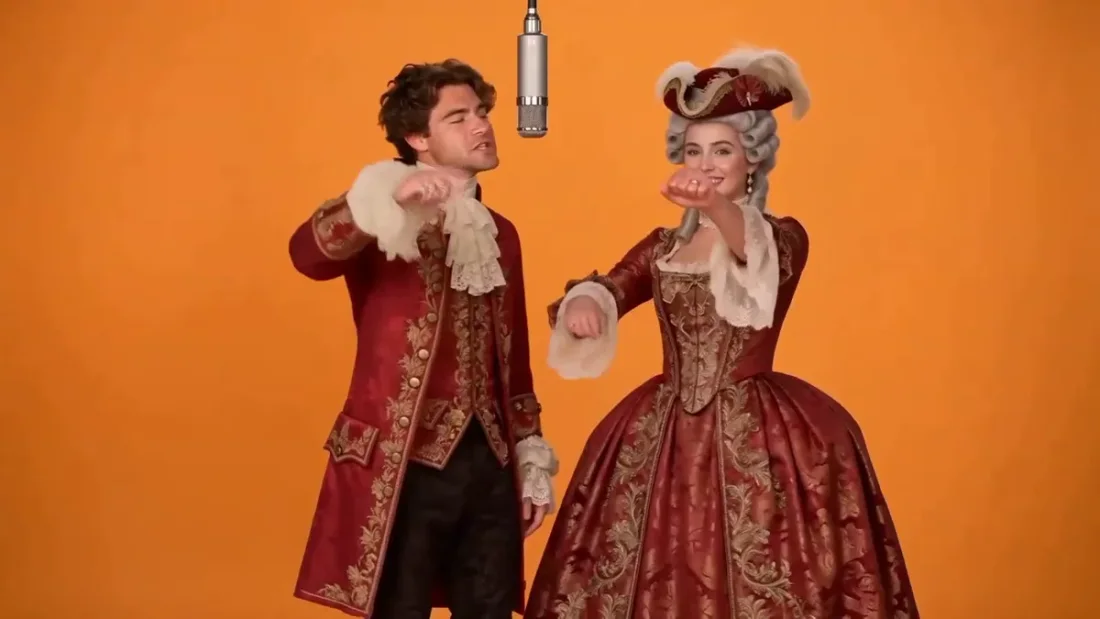
Project ideas
Build a short scene around two people sharing the frame.
Friends planning a duet
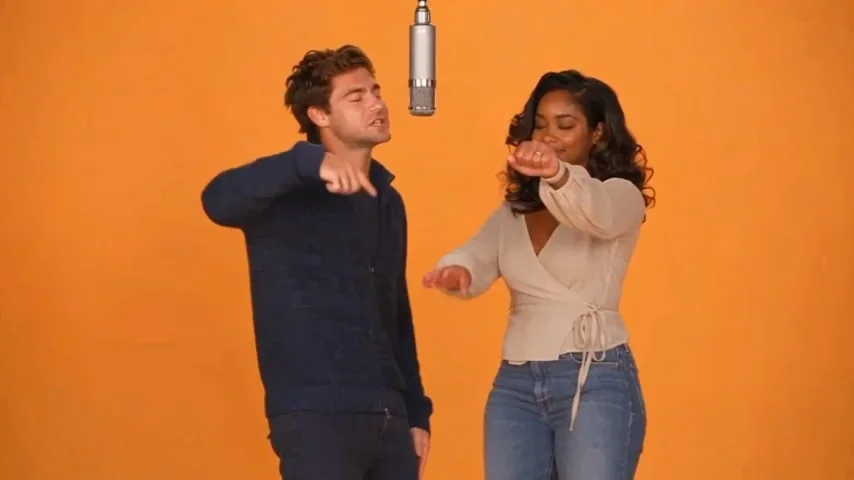
Bring two friends into a fictional booth performance using a separate portrait for each role.
Reference clips
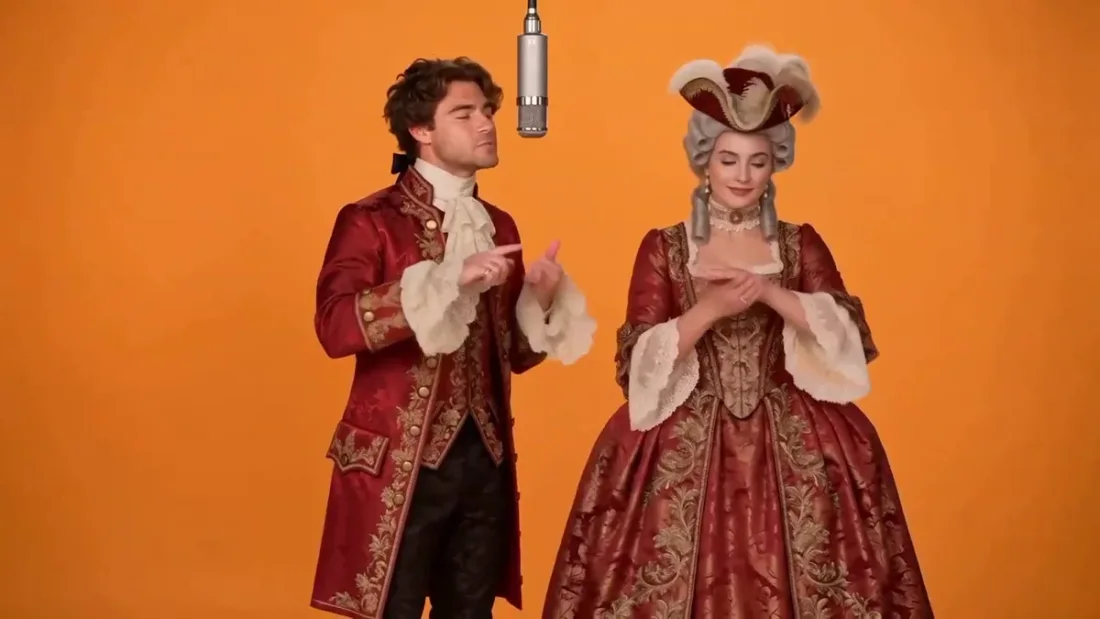
Example1 / 2
Keep both faces visible and describe one person leading while the other reacts with a simple gesture.
Need a hand?
Create a Hotel Lobby-style duet scene with two character photos. Use the booth reference to guide the framing and direct each performer.
Contact supportThe Hotel Lobby template requires two character photos, one for each role. A single portrait cannot fill the required duet input.
Here the name identifies the booth performance template. The selected reference shows the intended scene; it is not a hotel interior design tool.
Describe the two role assignments in the optional prompt. Check the generated take because exact placement and behavior are not guaranteed.
This workflow does not promise synchronized singing, exact lip movements or the original soundtrack. Add or edit audio separately if needed.
Confirm both portraits are uploaded, then check duration, resolution, aspect ratio and the live credit estimate.
Your next take
Prepare two character photos, select the booth reference and check the estimate before generating.