01
Choose a story before a model
Start with one clear portrait or scene image. For a paired scene, prepare a single photo that already contains both people.
AI Video Templates
01Reference photo
Describe the scene, the main action and the camera movement.
309 / 4000
Sign in to upload your photo. Review the credits on the button before generating.
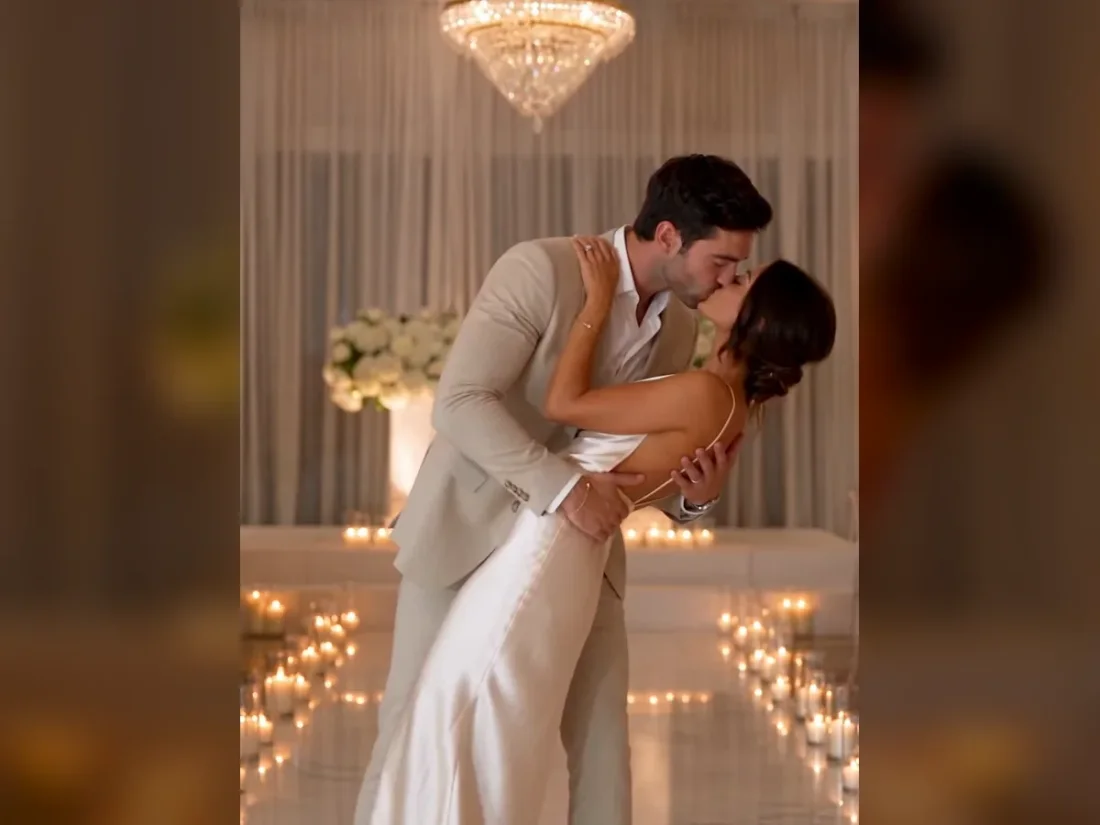
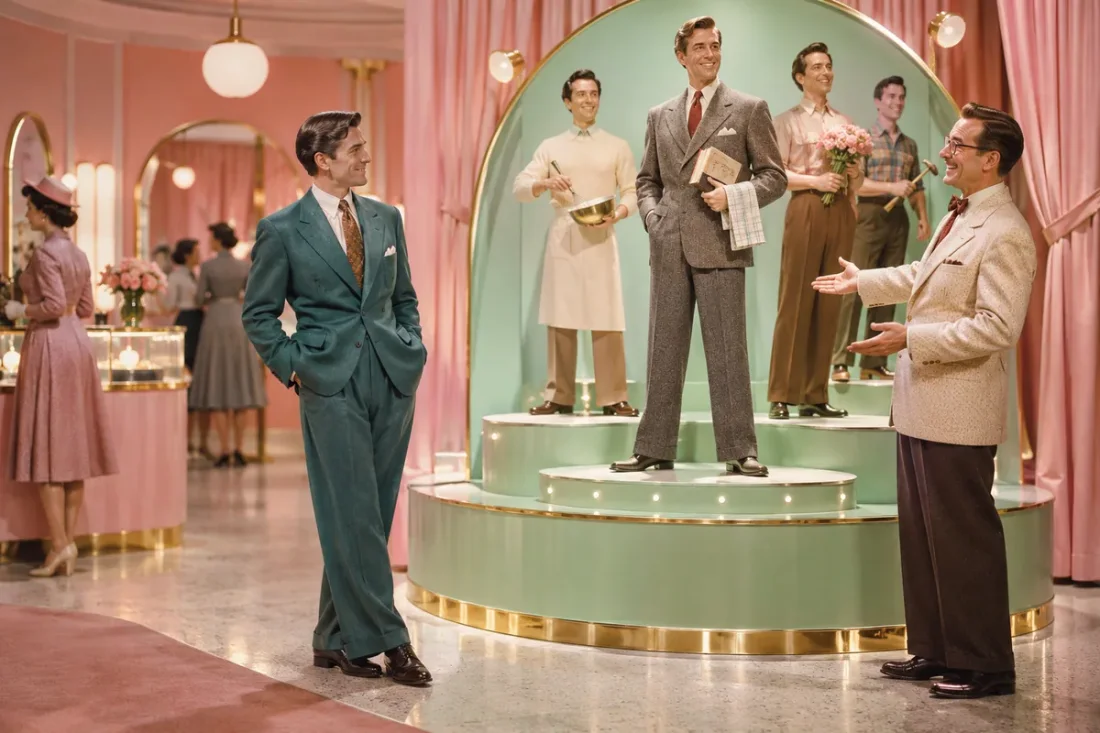
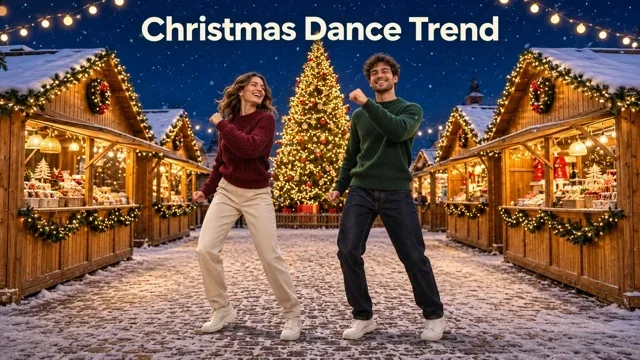
Turn a portrait into a lion story, a retro showroom ad or a Christmas scene. Open a guide or edit the ready-to-use prompt, upload one photo and generate your video.
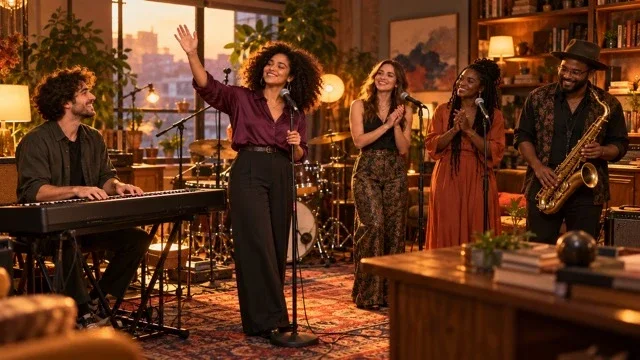
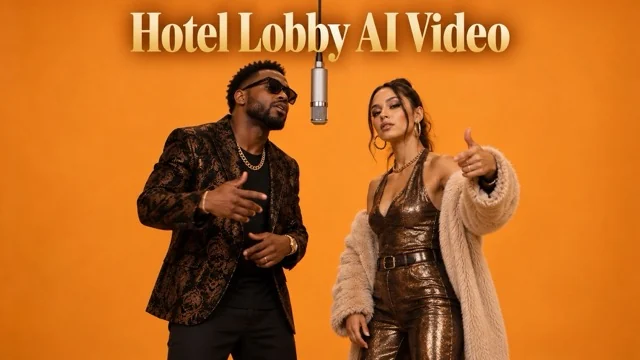
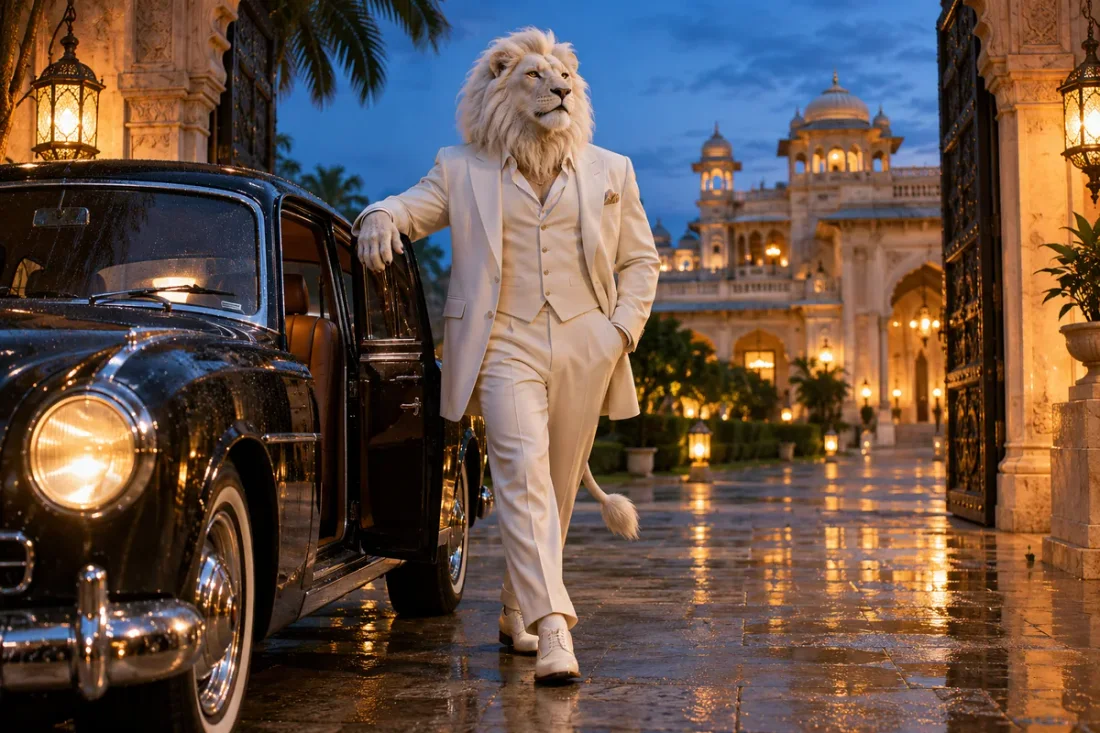
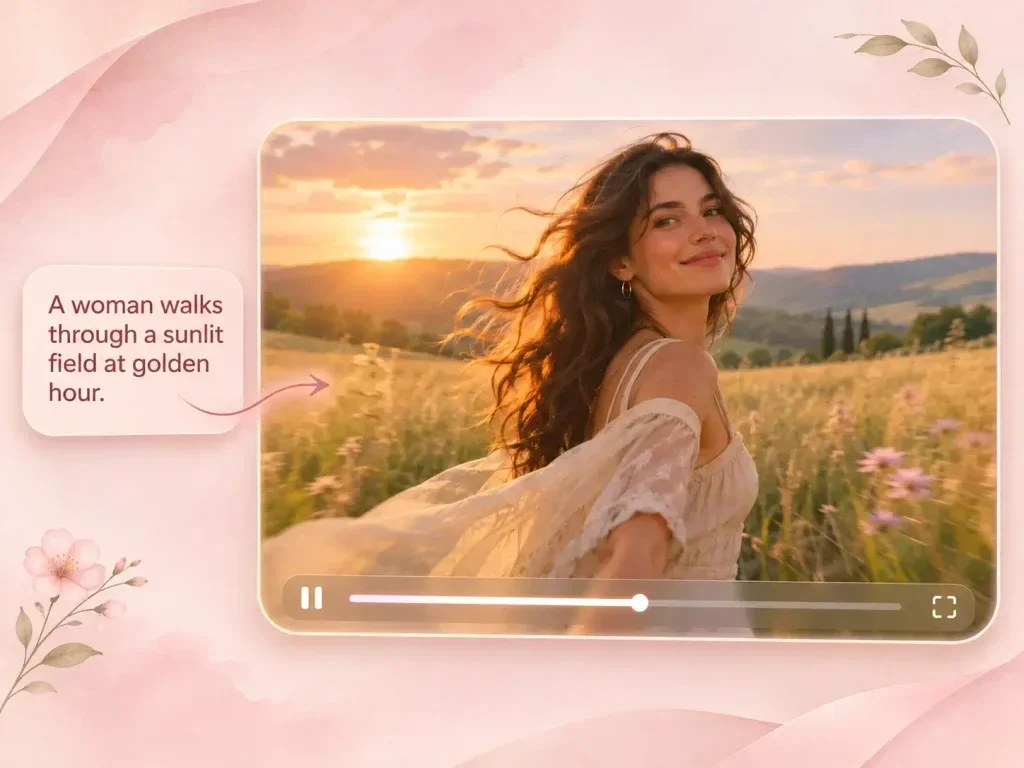
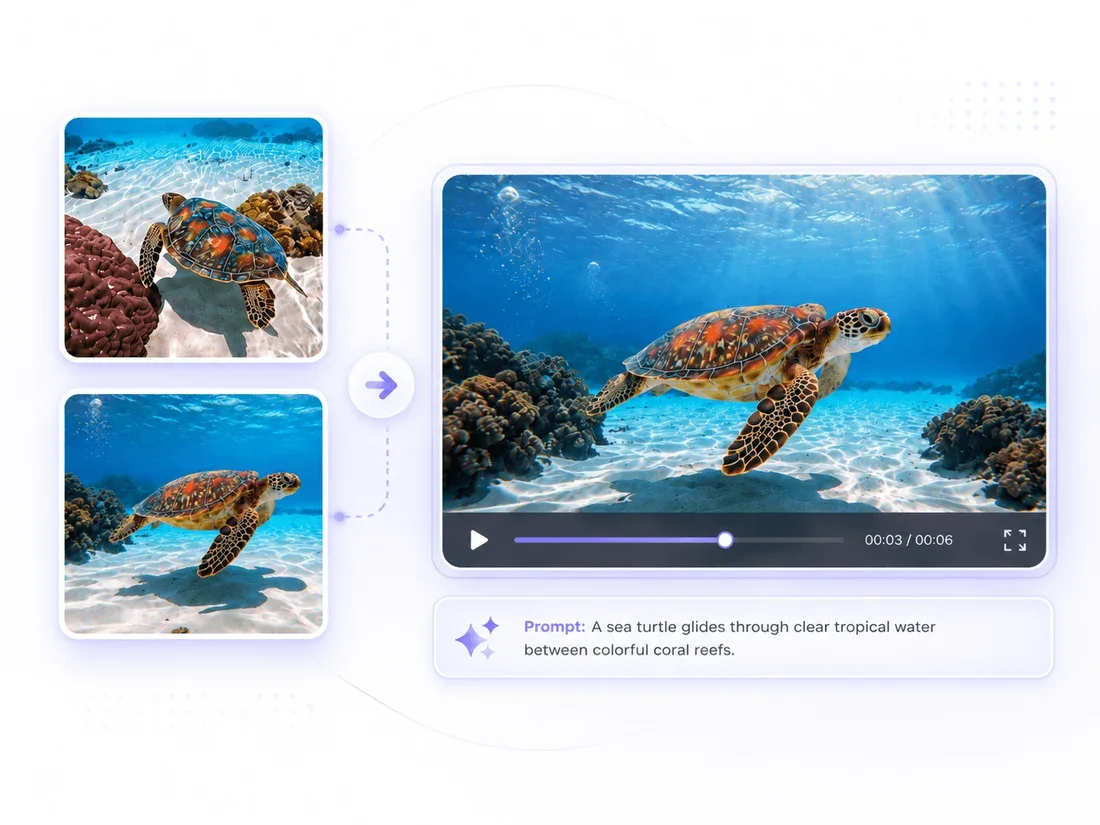
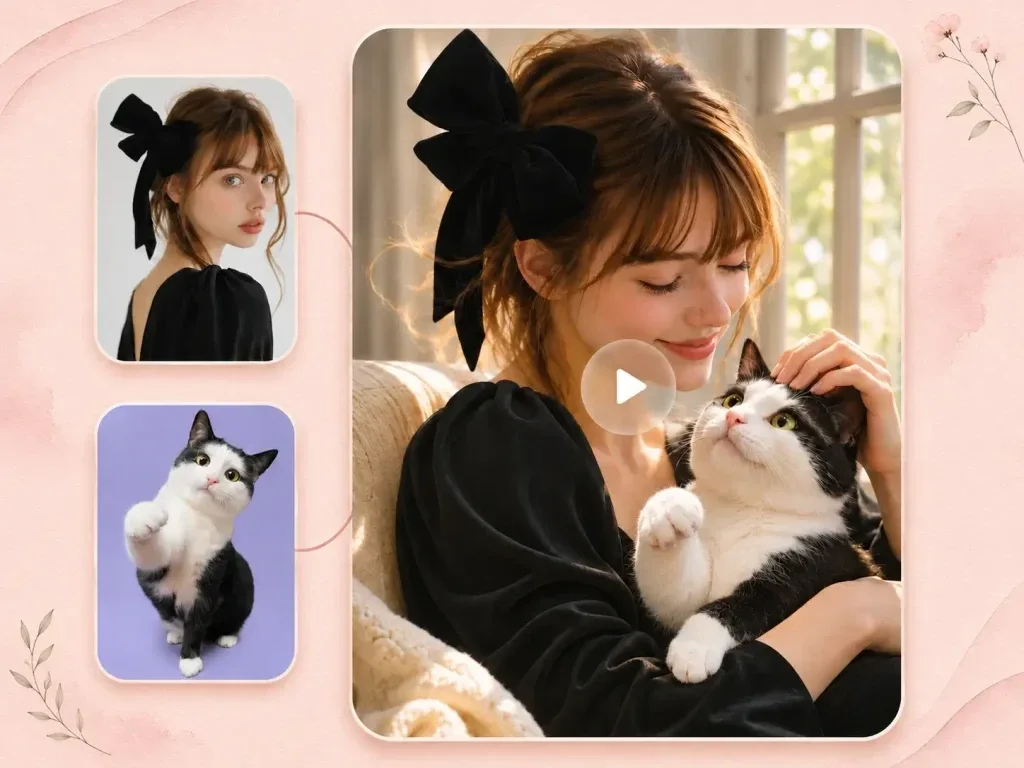
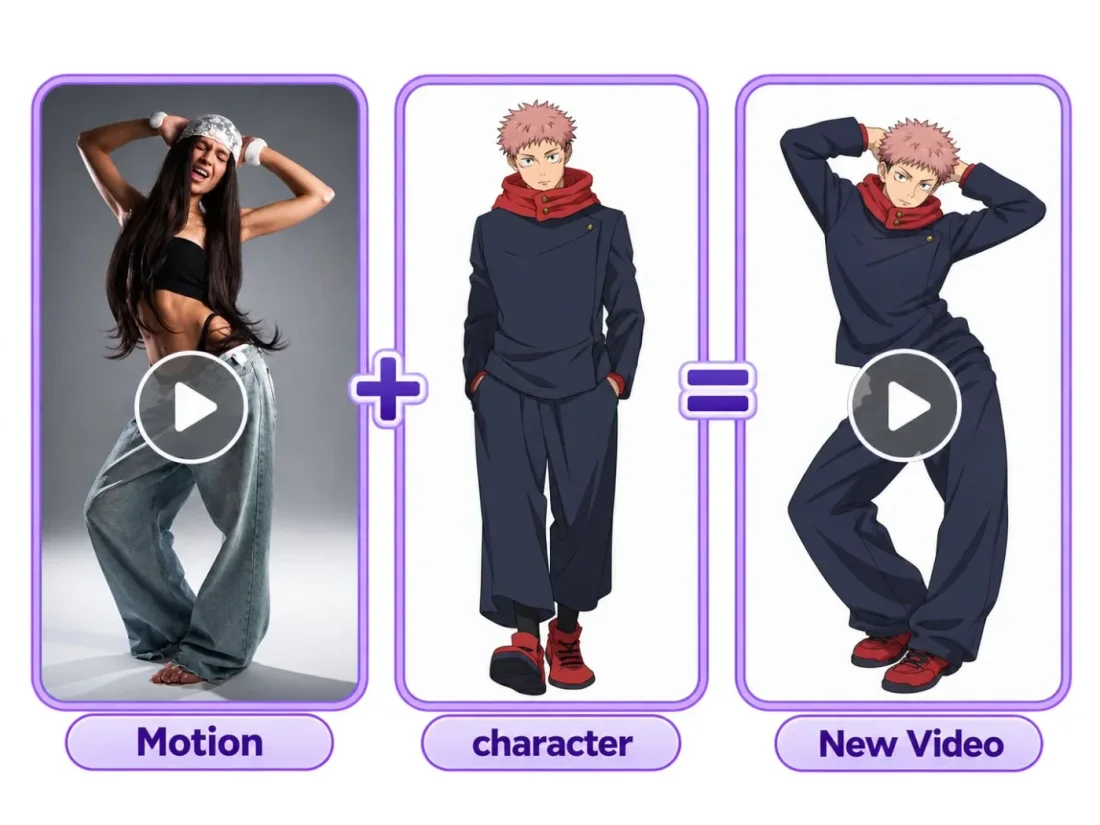
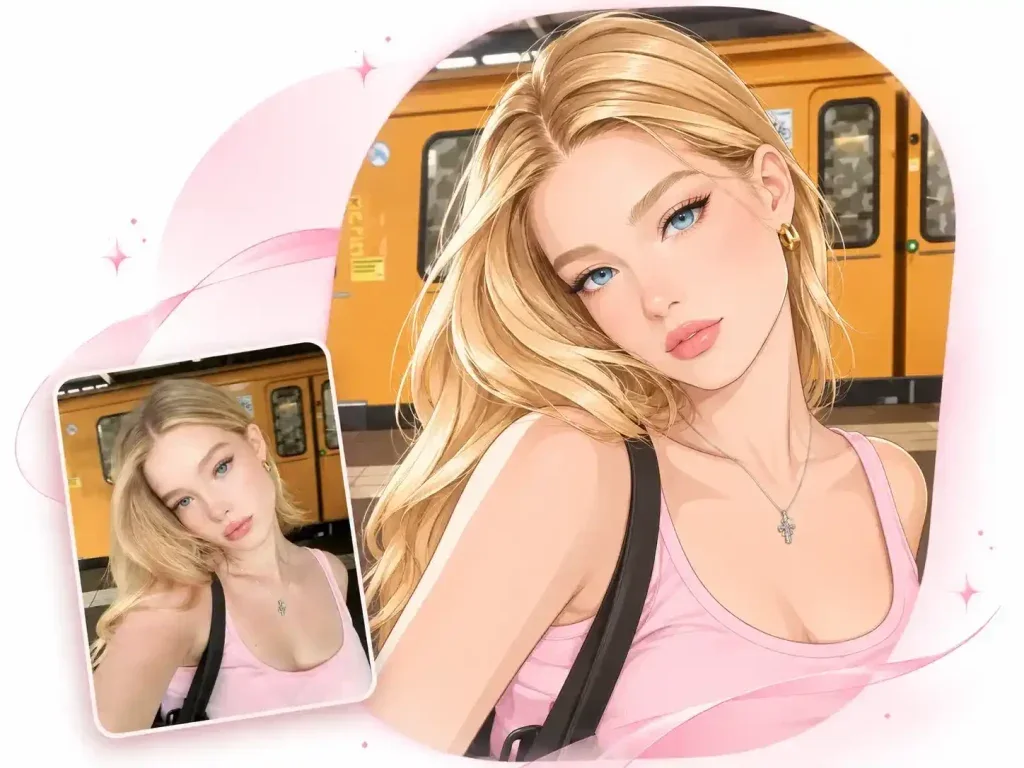
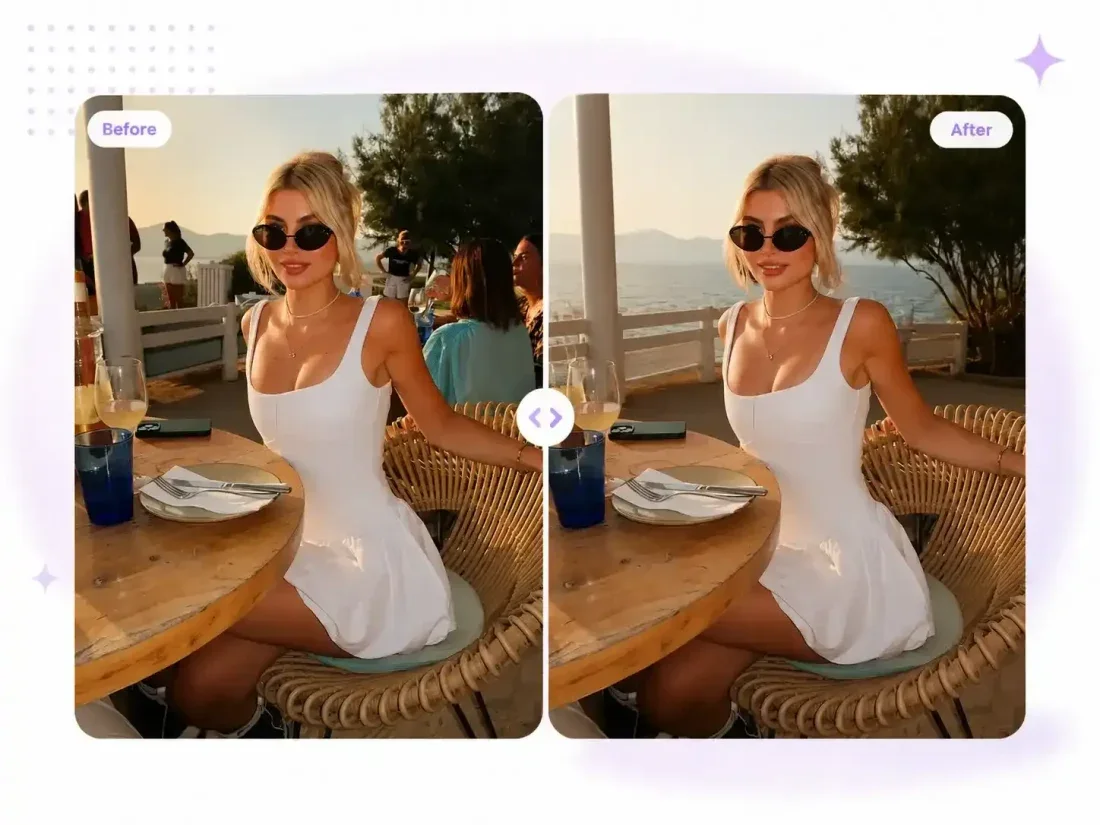
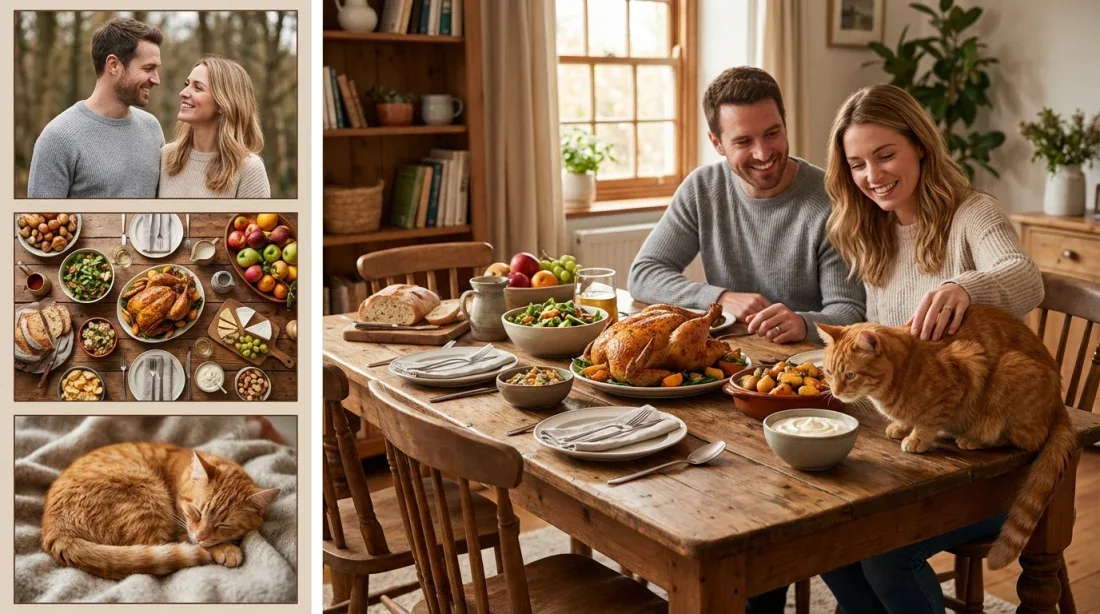
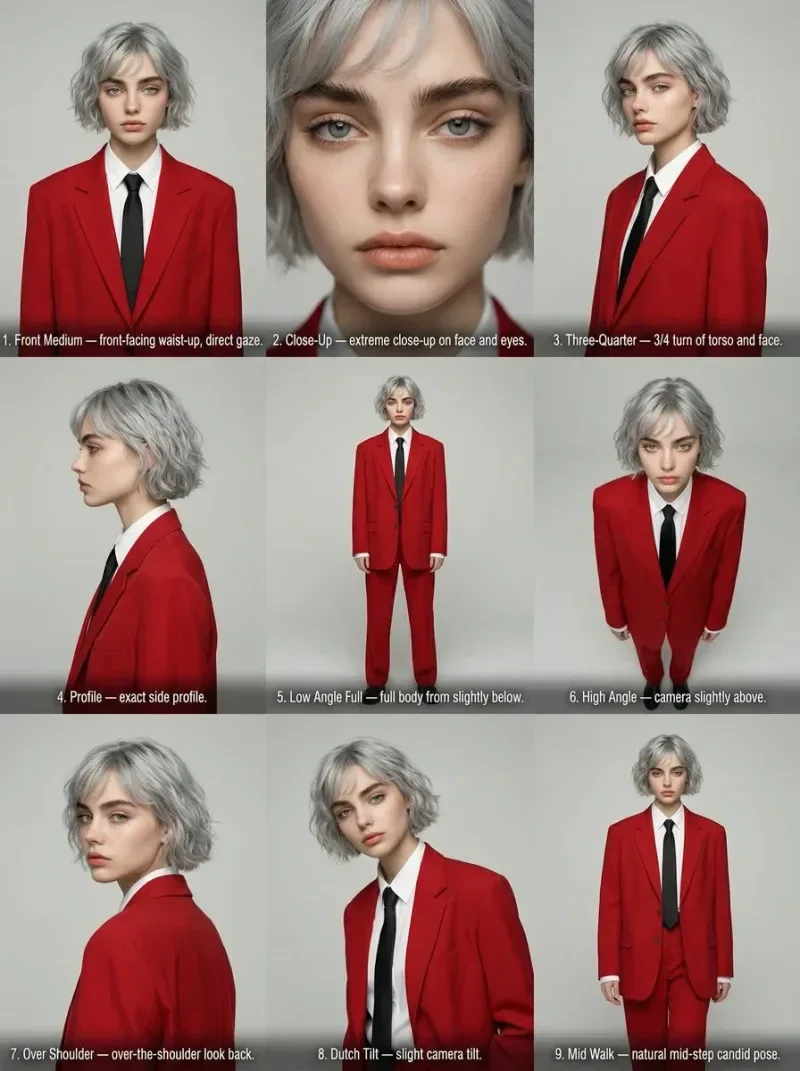
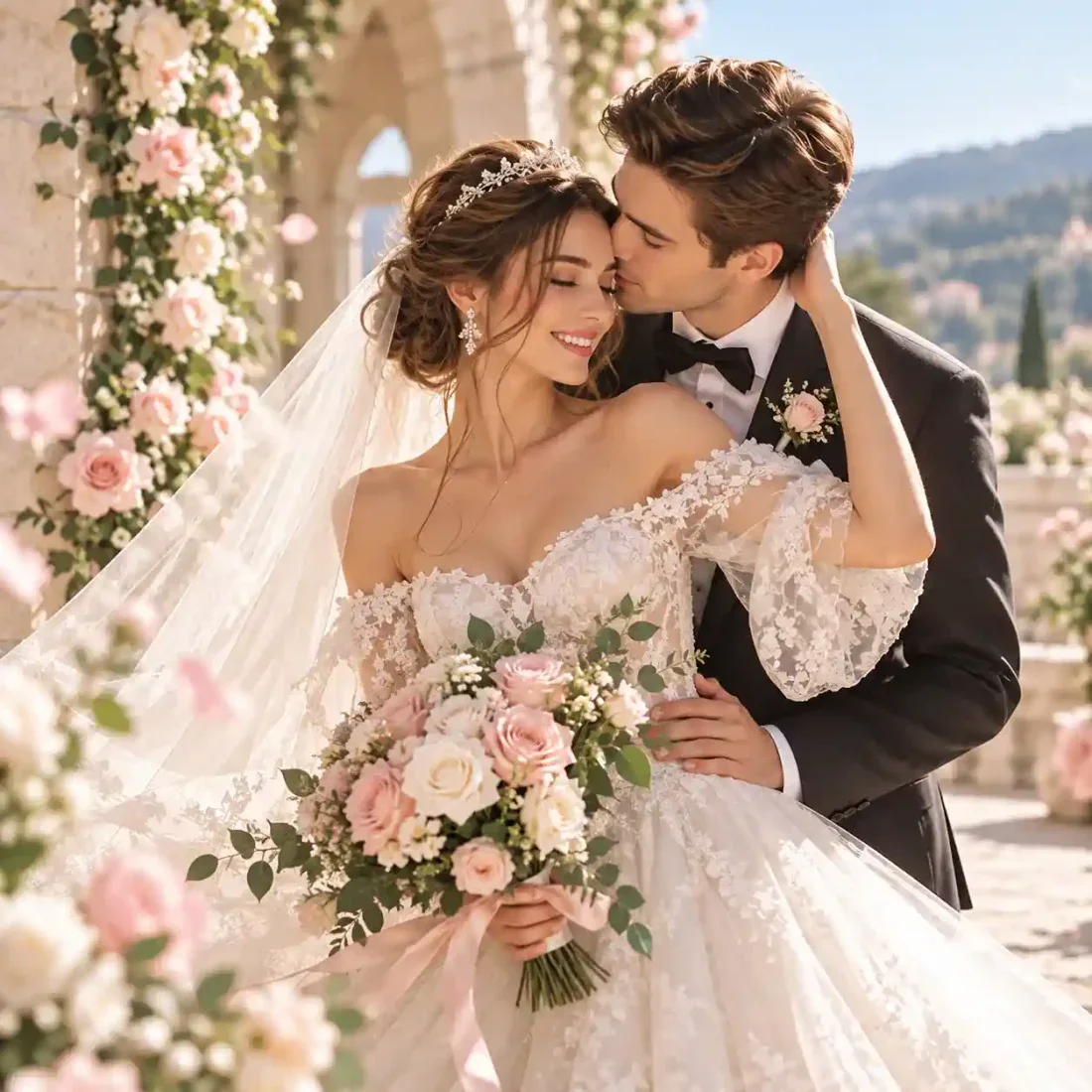
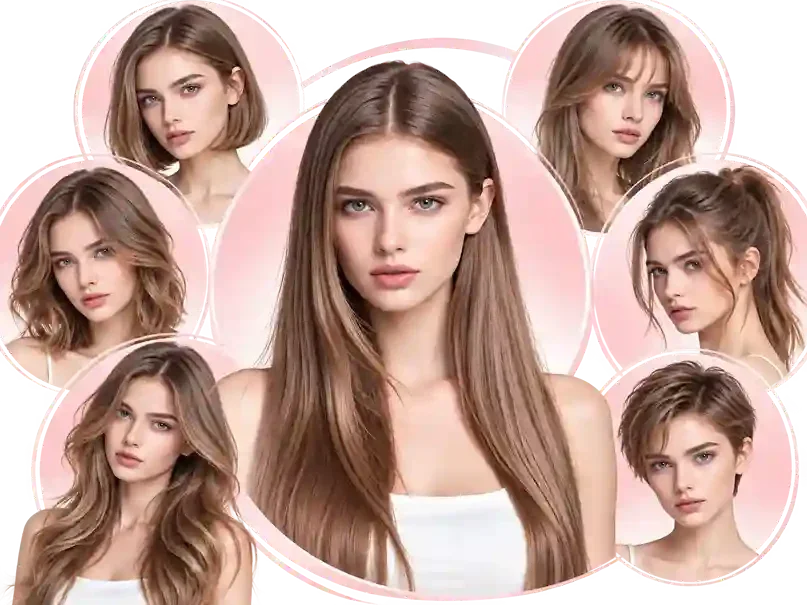
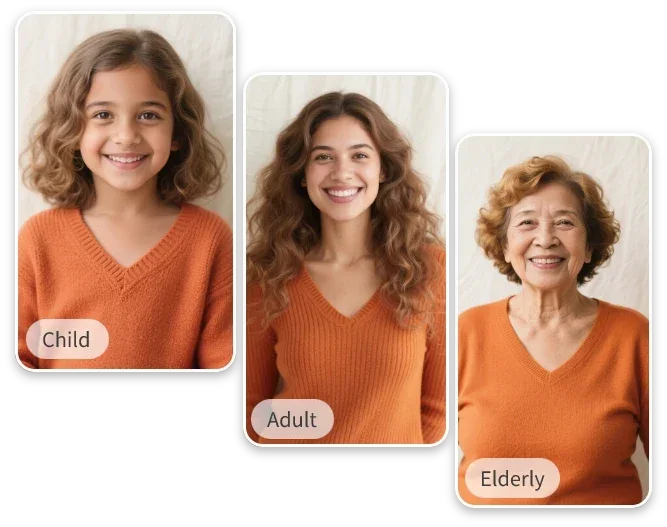
Viral Studio · Video templates
Choose the scene family before editing the prompt. Match character photos and framing to the template you actually want to explore.
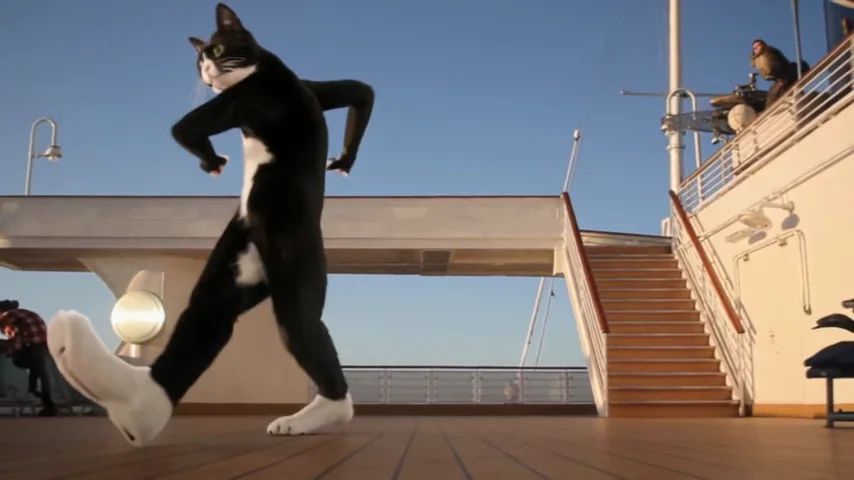
Compare lion transformations, vintage ads and holiday scenes, then open the dedicated guide for your chosen style.
Choose a well-lit portrait and adjust the selected prompt. Start with one scene rather than combining several stories.
Check identity, motion and framing before exporting. Add captions and licensed music in your editor.
Viral Studio · Video templates
Compare the photo requirements and scene directions before choosing a specialist guide.
01
Start with one clear portrait or scene image. For a paired scene, prepare a single photo that already contains both people.
02
Edit the prefilled prompt for your story. Choose the model, aspect ratio, duration and resolution, then review the credits on the generate button.
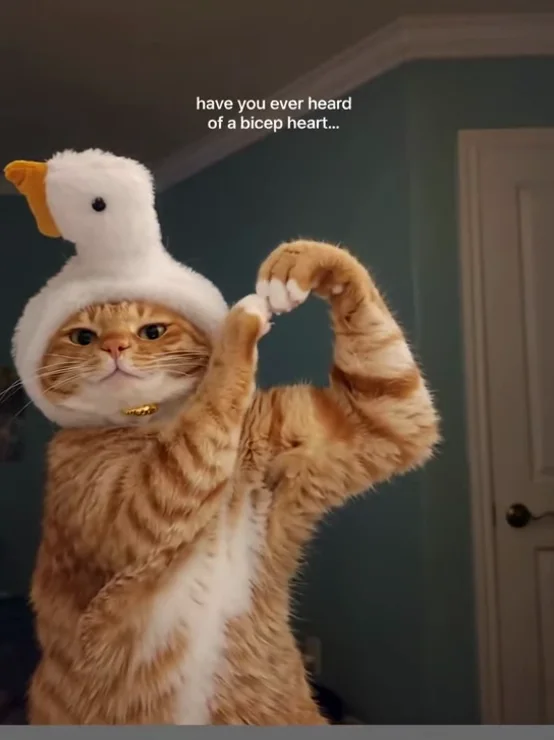
03
Compare the story formats before generating: character transformation, vintage advertising or a seasonal greeting.
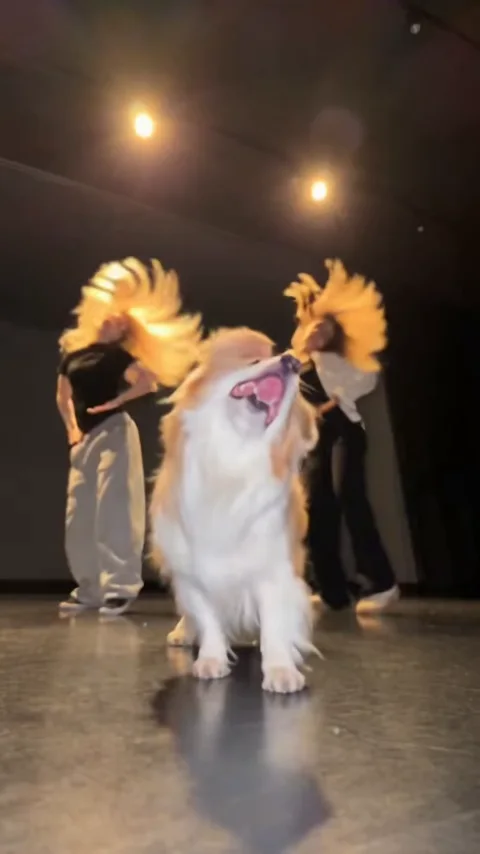
04
Check that the movement matches your chosen story and that faces remain consistent. Save a useful prompt with its settings.
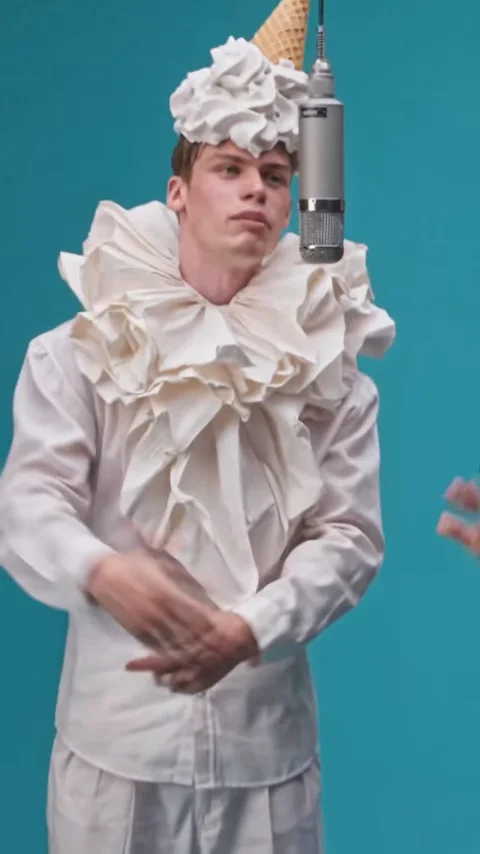
Viral Studio · Video templates
Use the collection to decide what to make, who appears and how you will use the short clip.
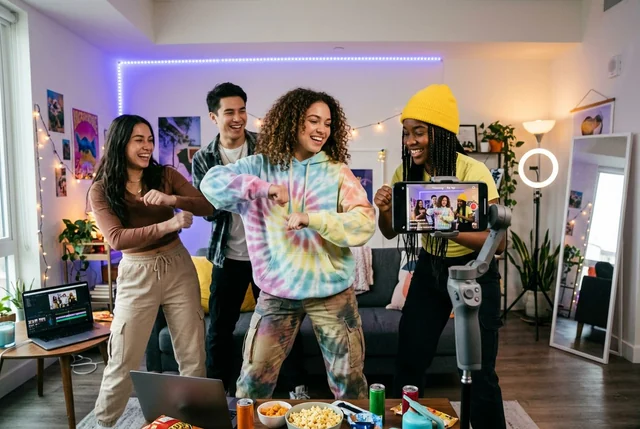
Short-form creators
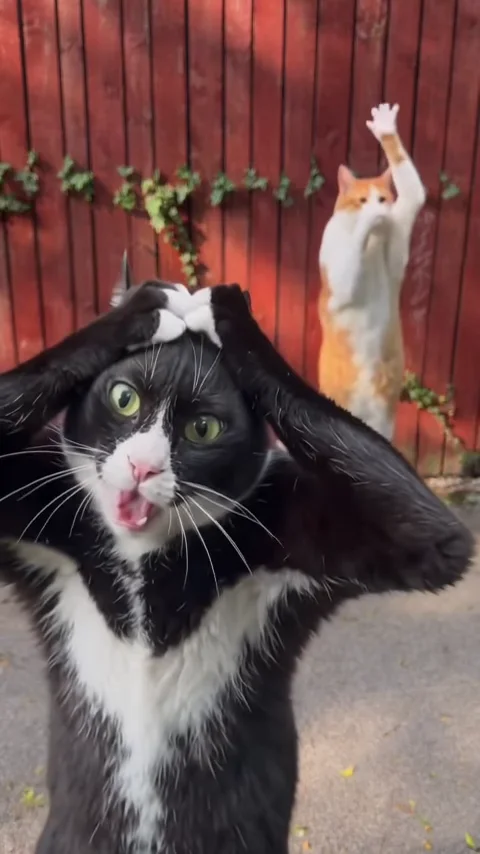
Pick a recognizable story for Reels or Shorts and change the subject, setting and action to fit your own idea.
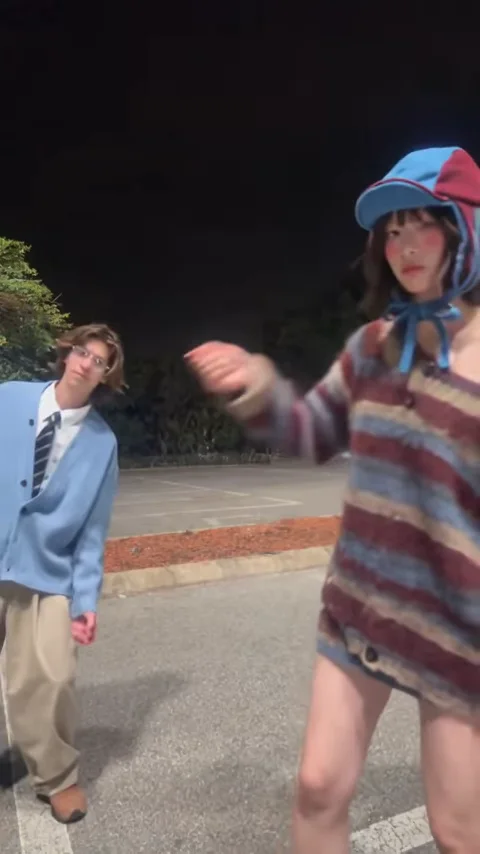
Viral Studio · Video templates
Example1 / 2
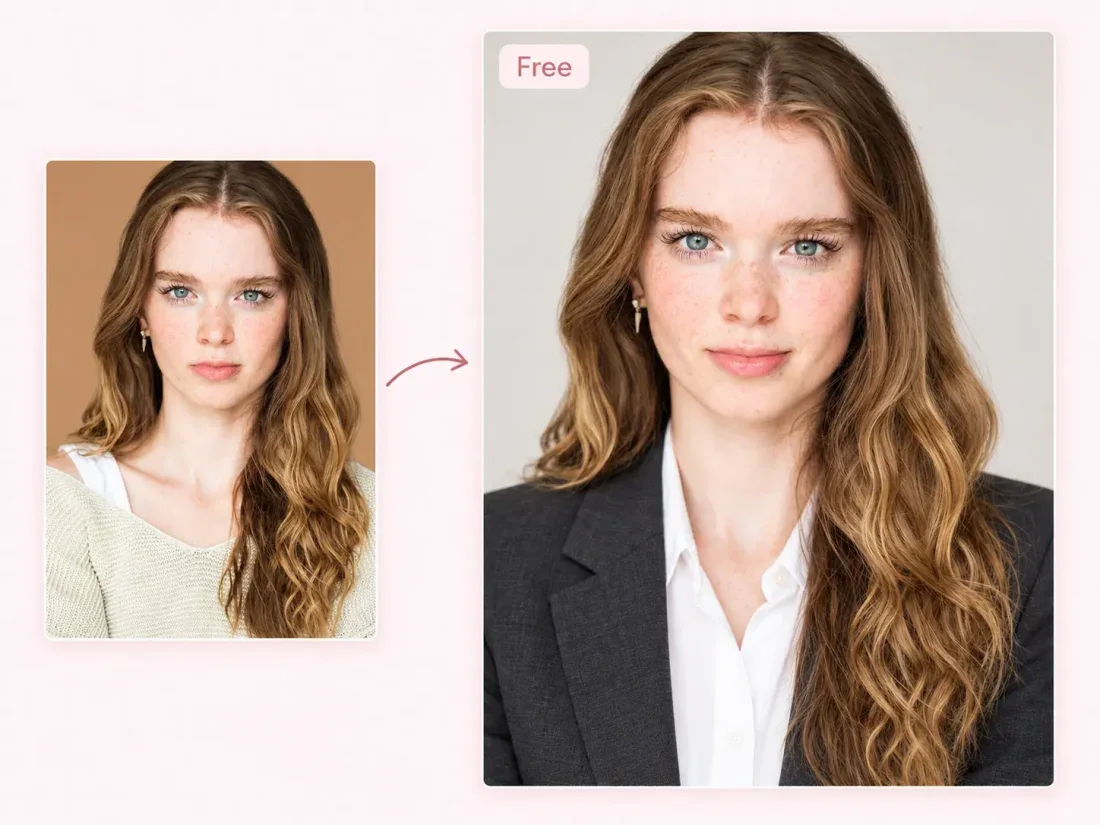
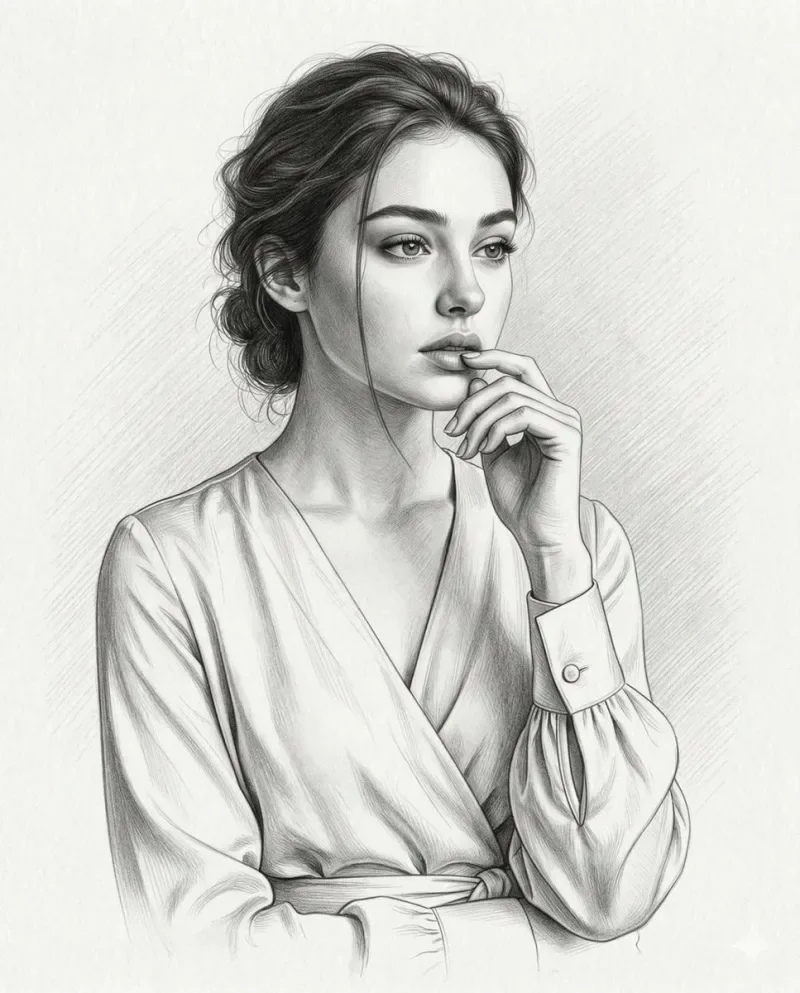
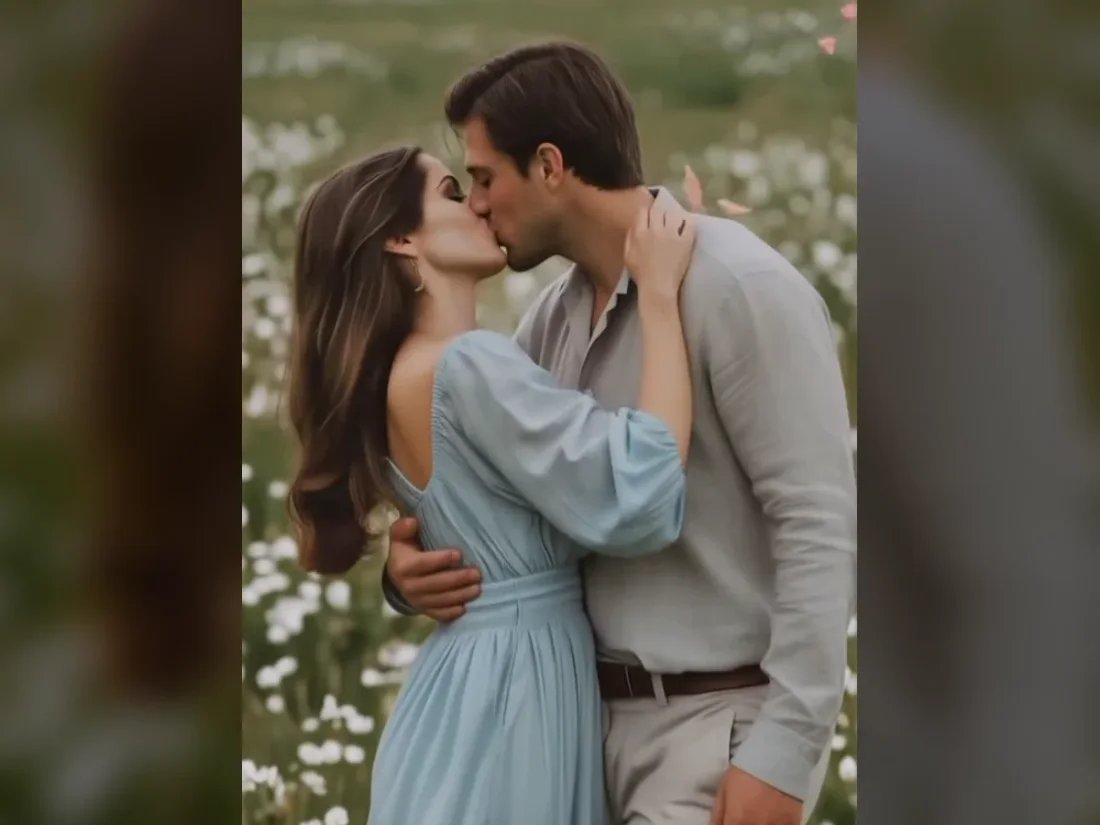
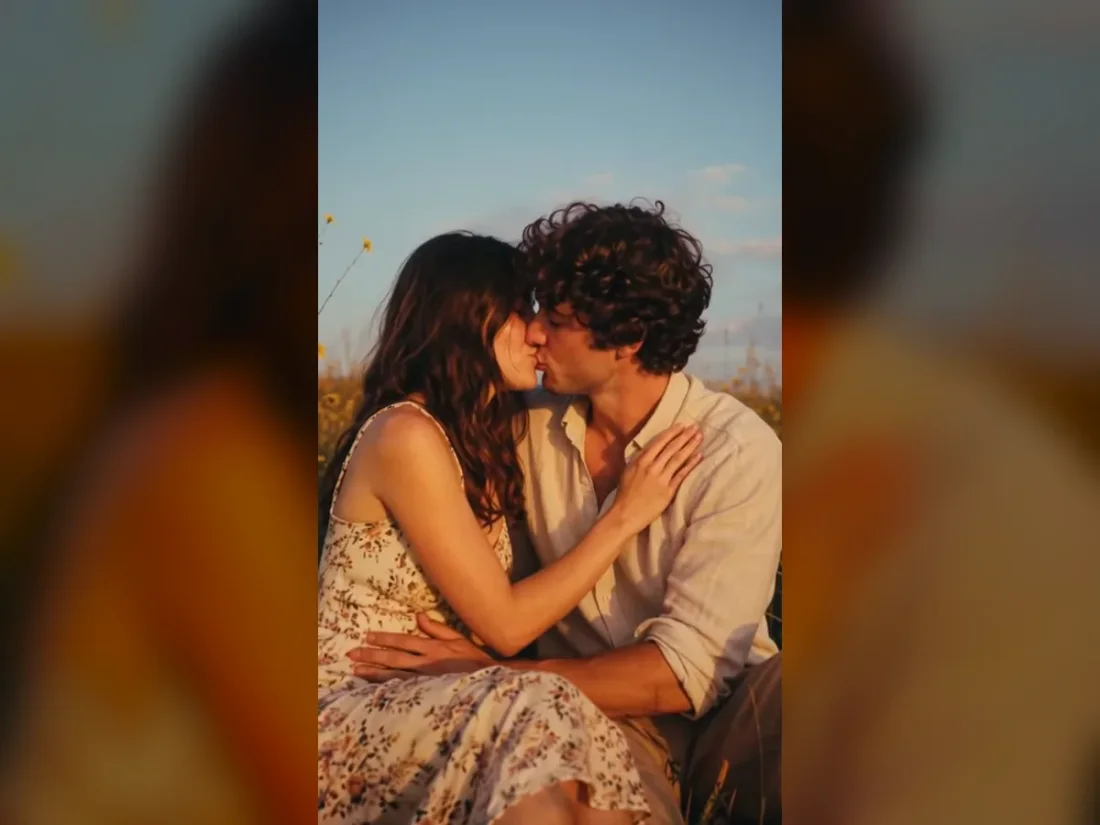
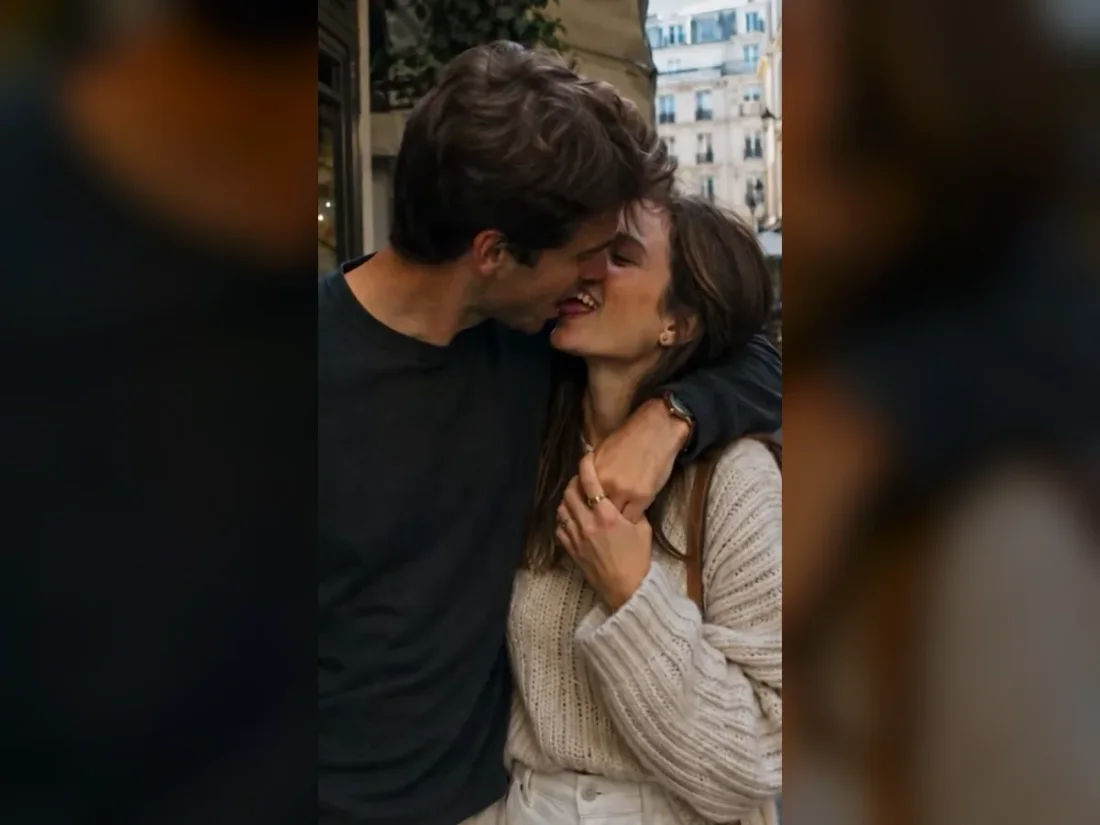
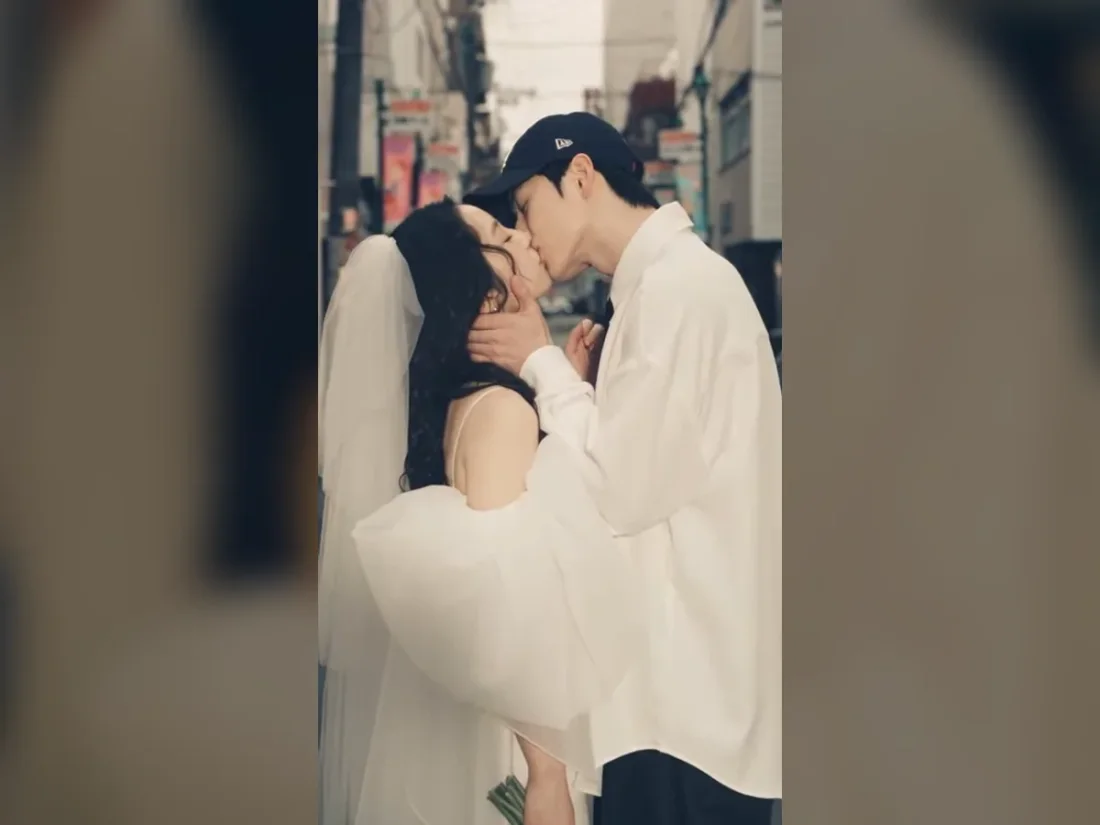
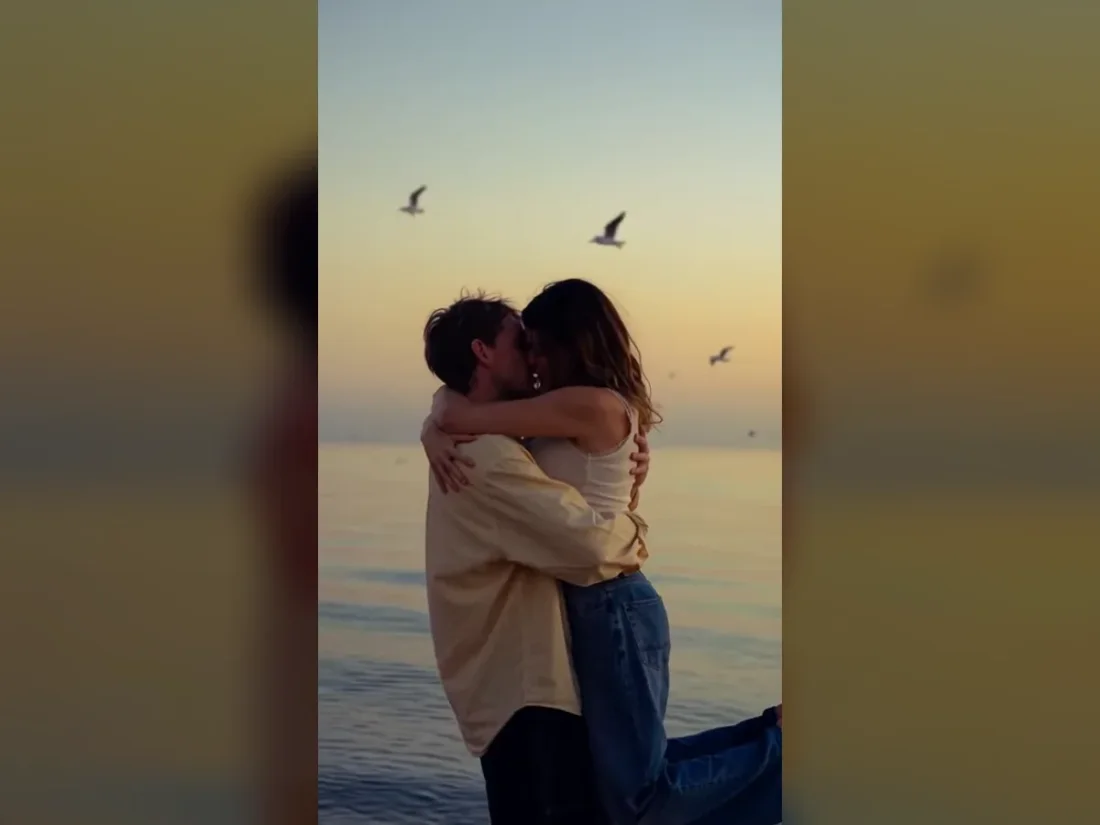
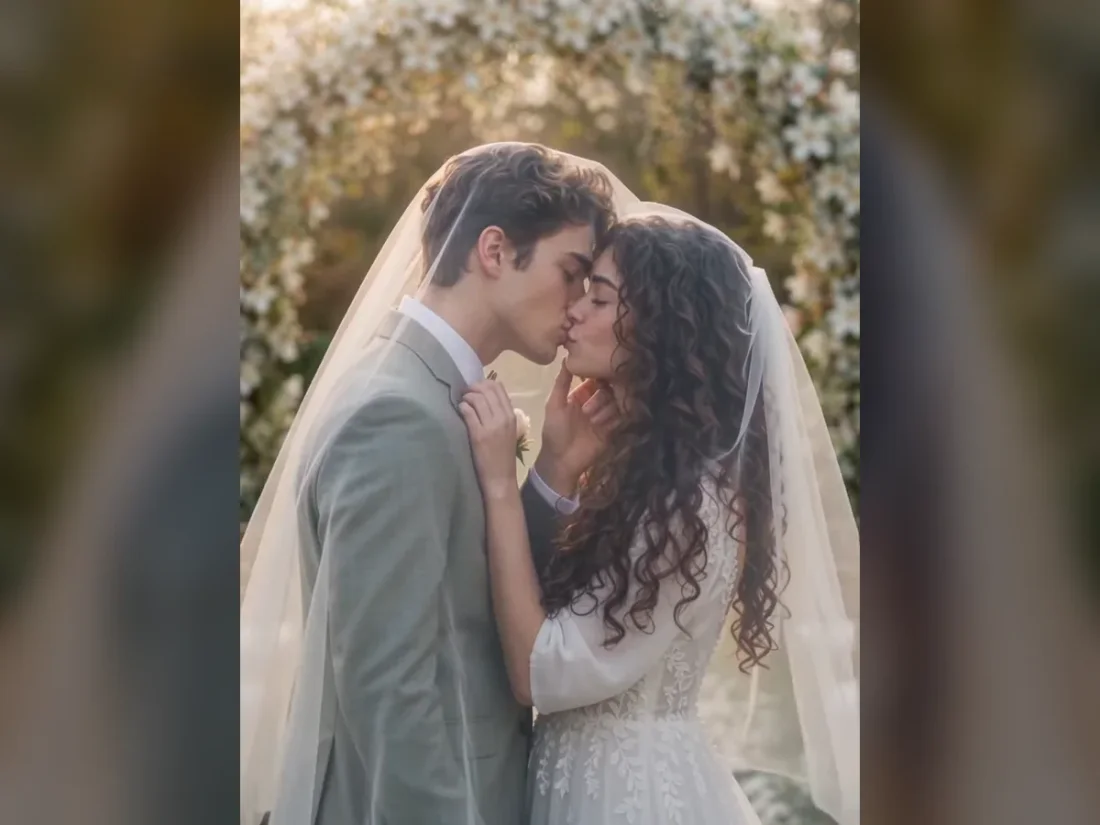
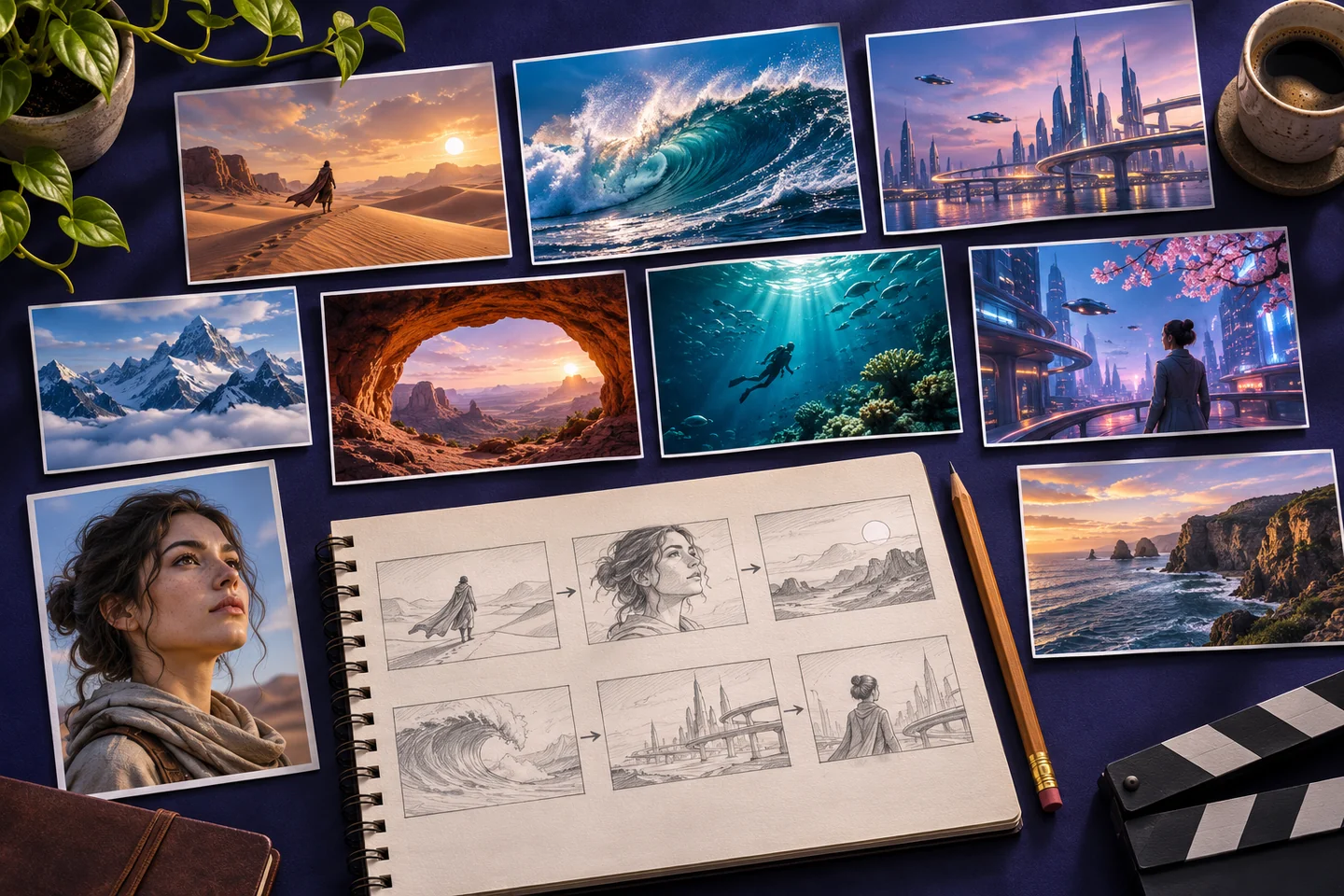
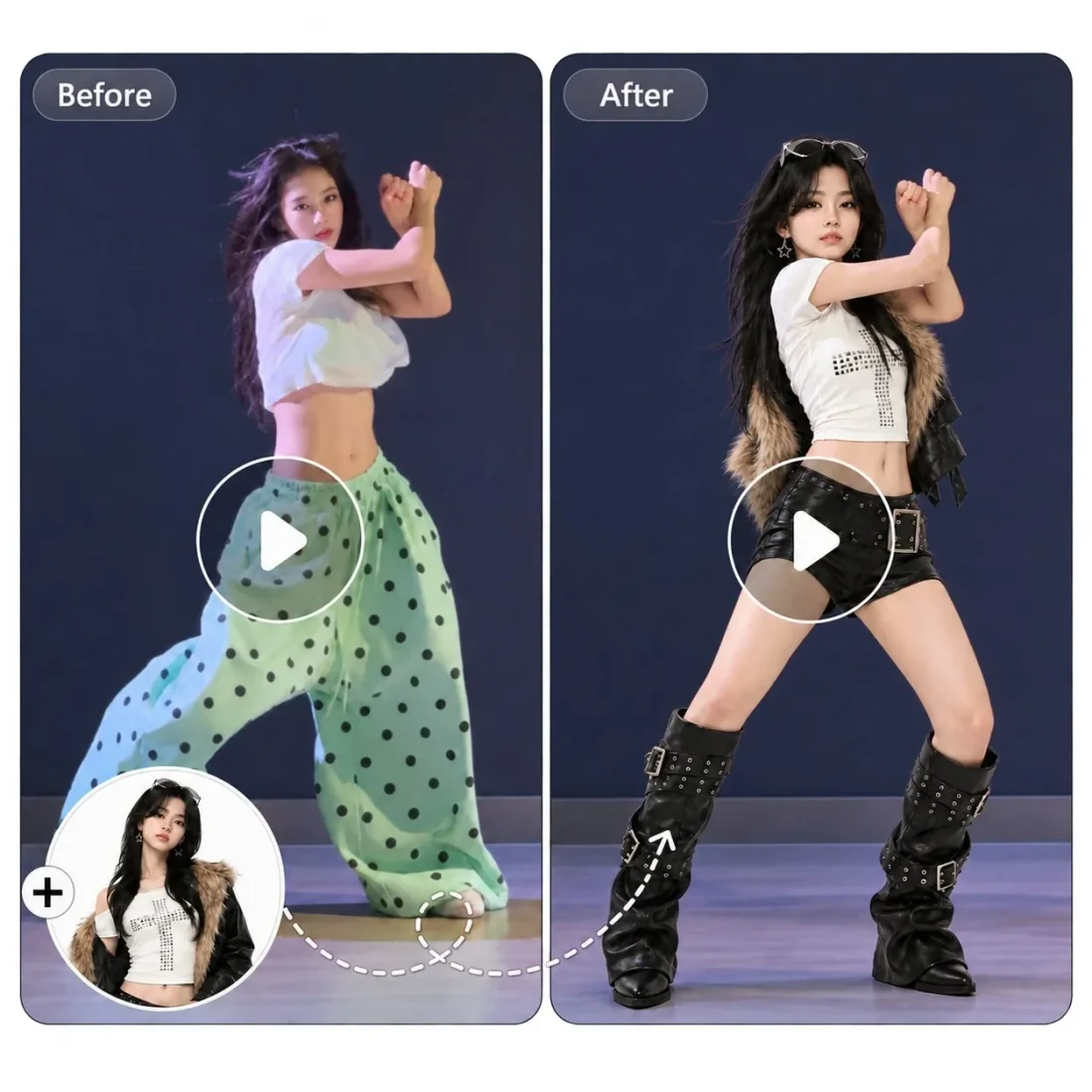
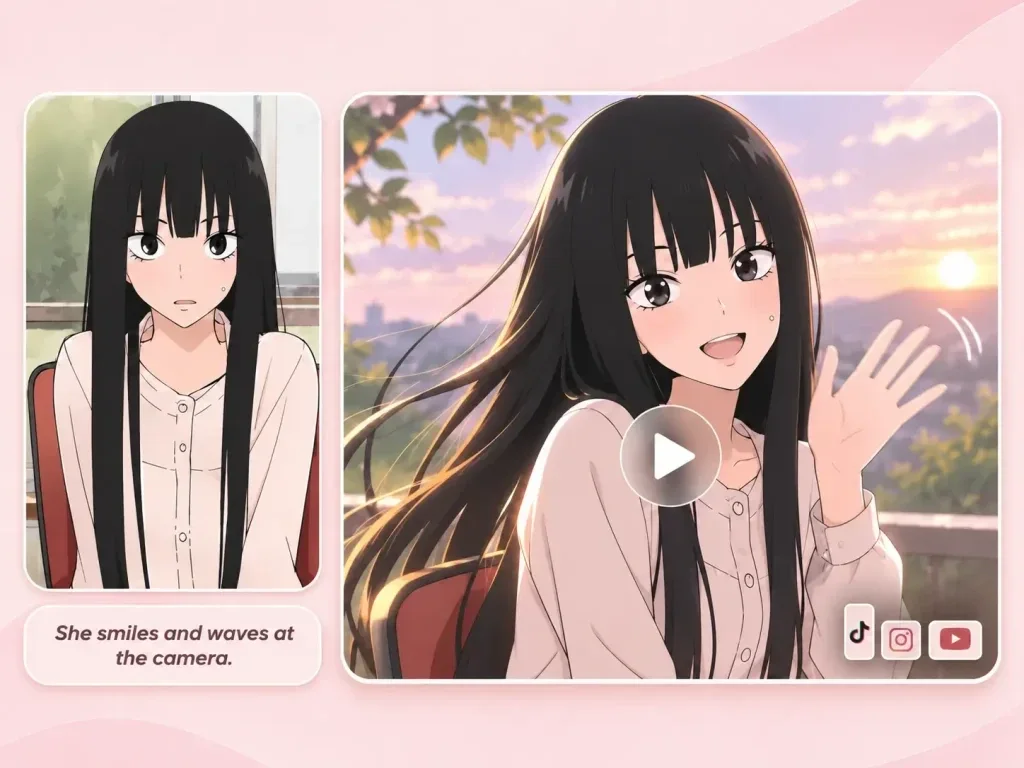
Use a storyboard to decide what moves, what remains consistent and where the short scene should end. These illustrations show planning ideas, not recorded tool output.
Need a hand?
Photo requirements, editable prompts and generation costs for this collection.
Contact supportThe collection links to Sheru Bhai, Husband Emporium and Christmas guides, with editable prompt starting points and photo preparation advice.
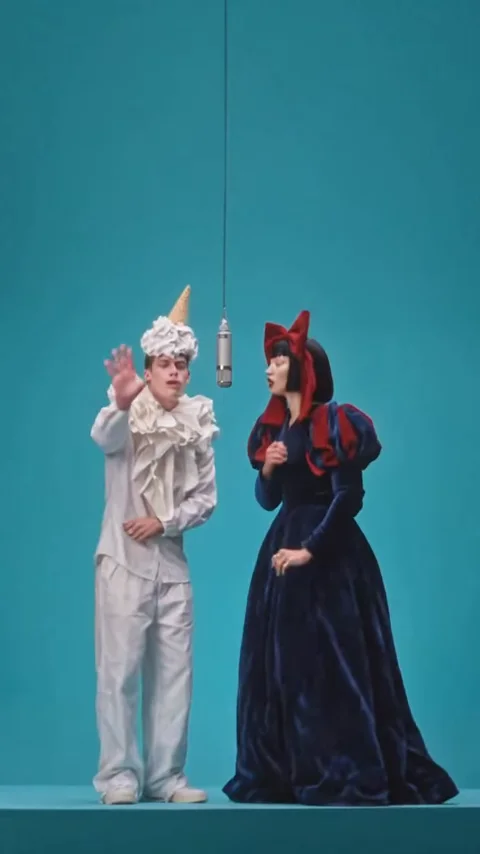
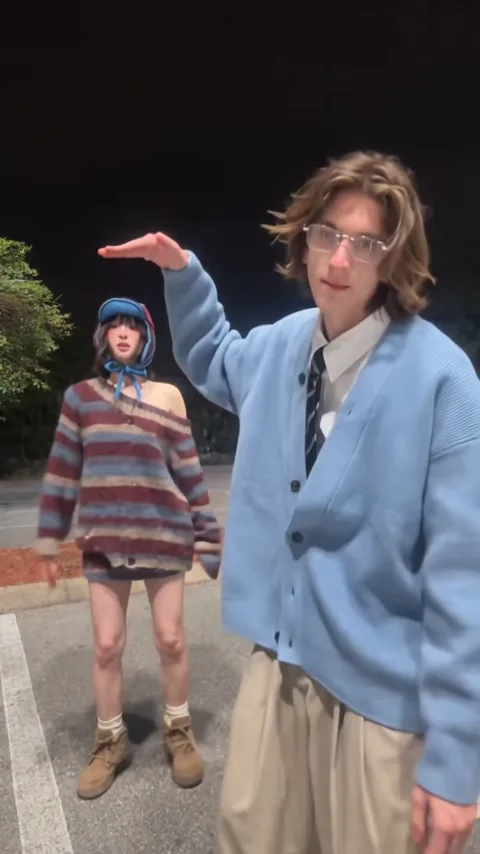
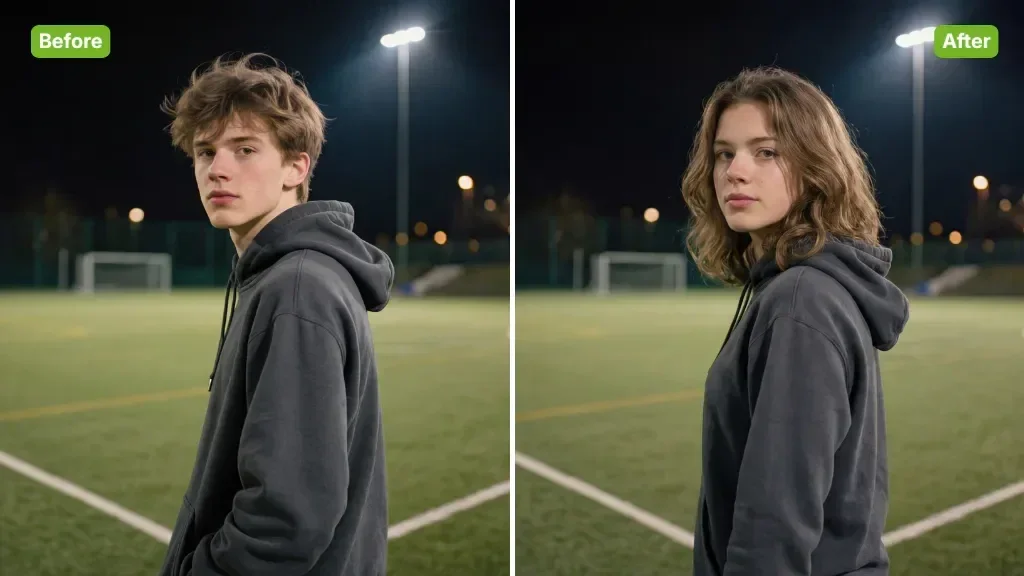
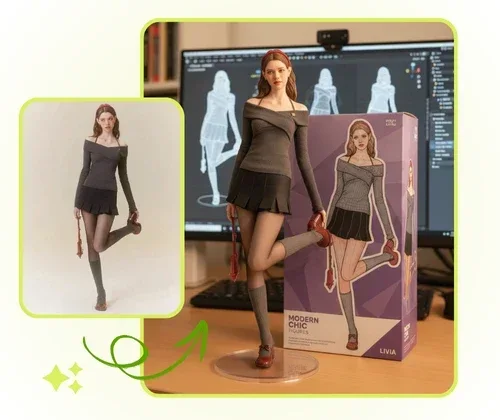
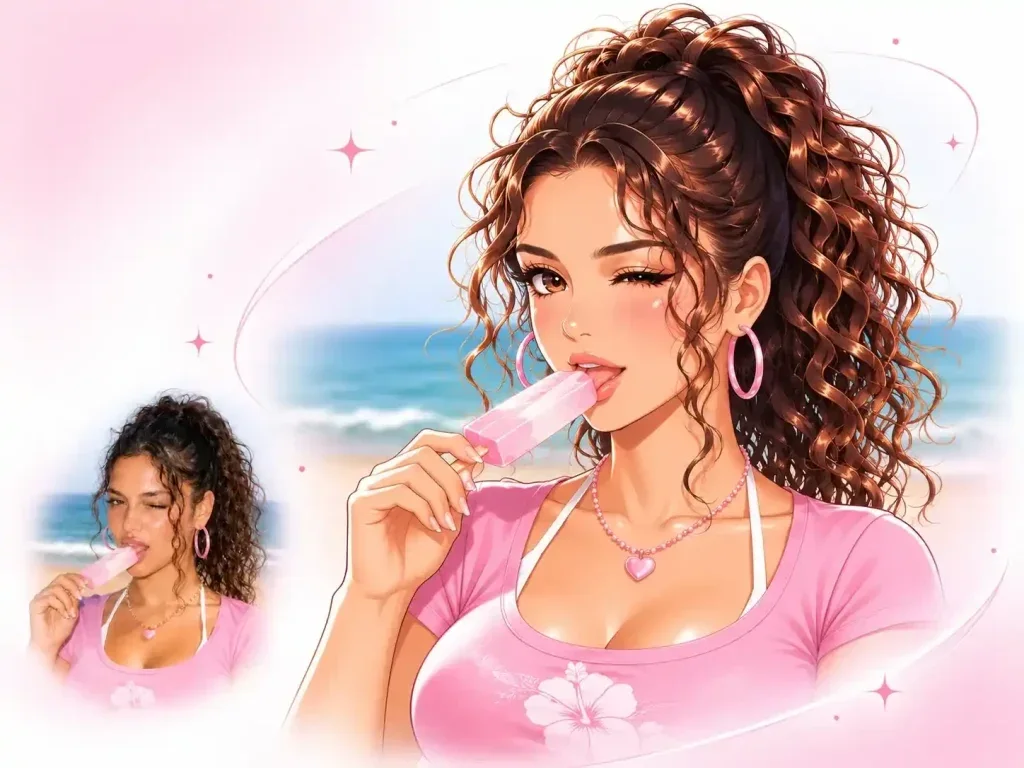
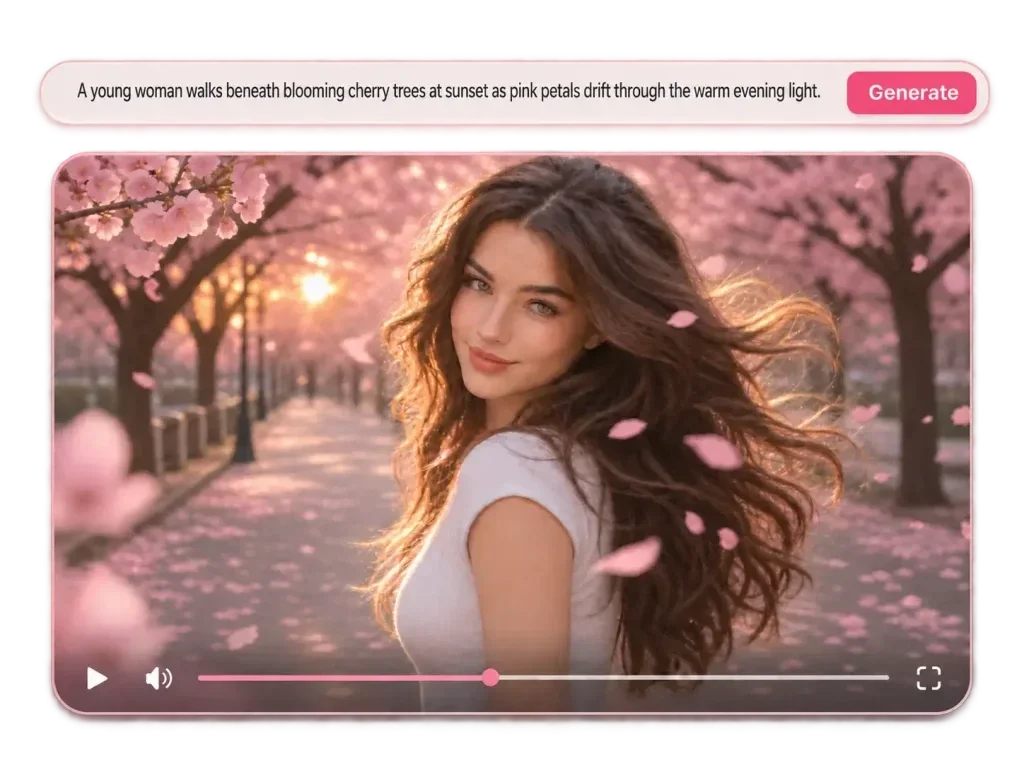
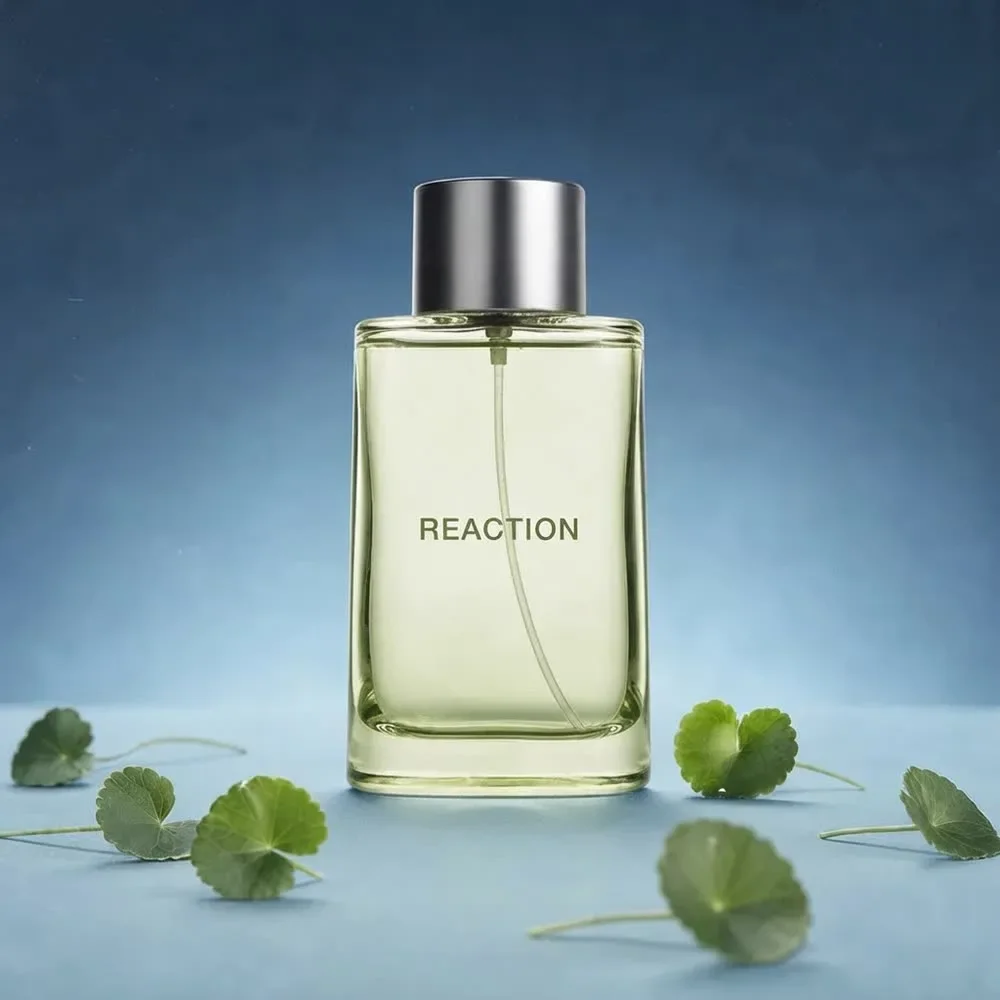
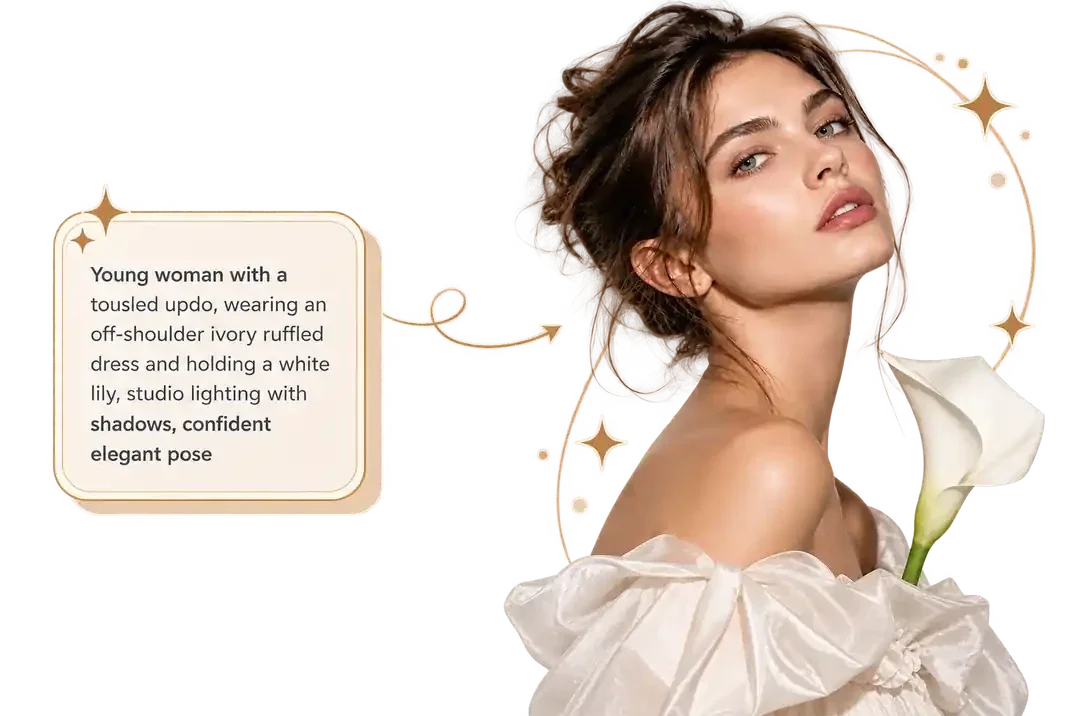
No. The marketing images are original concept illustrations. Upload your own reference and submit a generation to create a video.
Choose the story that matches your photo: a single-person transformation, a retro product-style reveal or a seasonal scene.
Yes. Change the subject, movement and setting. Keep one clear action per short shot so the prompt remains easy to follow.
Select a model and check the live credit estimate before submitting. Costs depend on the selected settings, and every retry is a separate generation.
Viral Studio · Video templates
Choose one story, upload a suitable image and adapt the prompt to the shot you want to make.