

01
Start with the concert reference
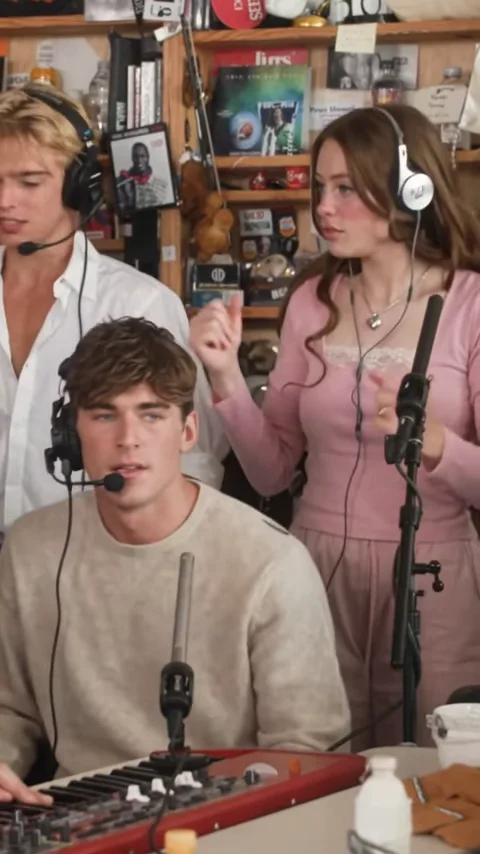
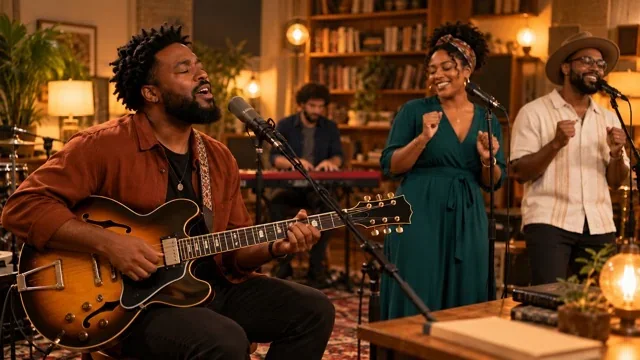
The Tiny Desk preset provides a performance clip to guide the room, stage arrangement and camera framing.
Video to recreate
Character references
0/5JPG, PNG, WEBP · up to 20 MB per photo
Create a new take guided by the clip and your photos. Movement, faces and audio may differ from the reference.
Create a Tiny Desk-style performance scene from a concert reference. Add up to five character photos and describe the roles in your cast.
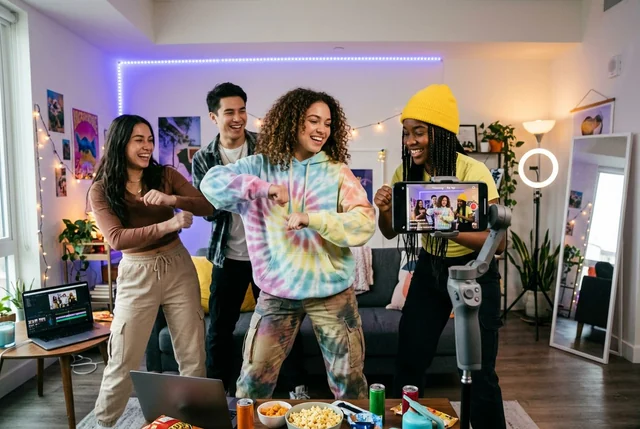
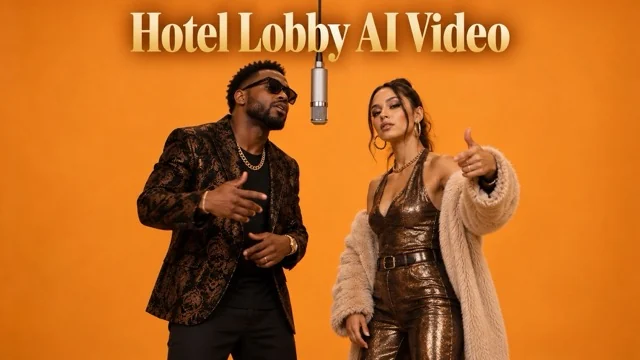
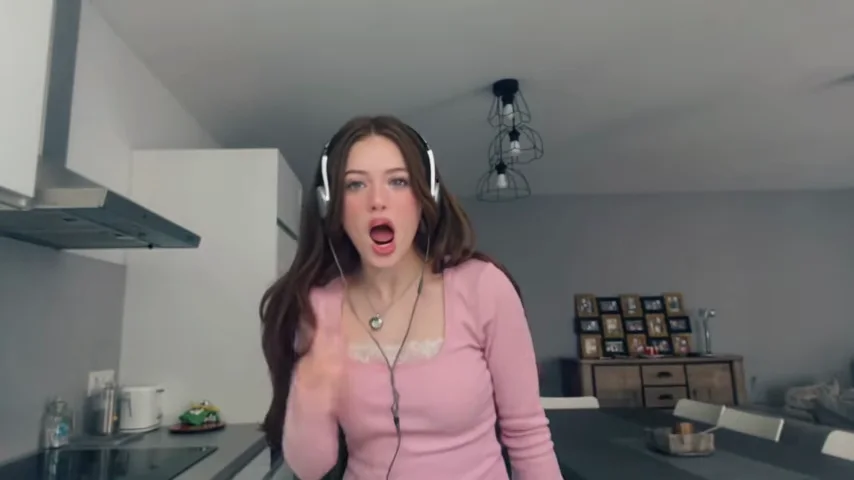
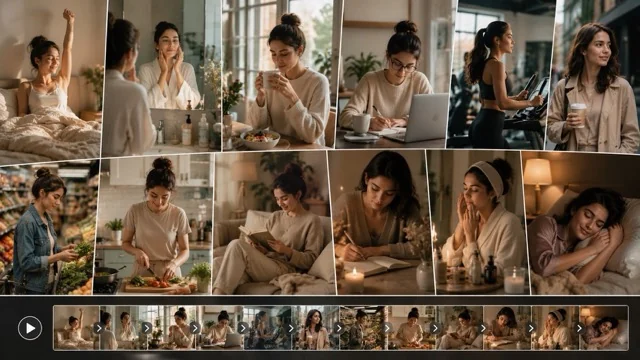



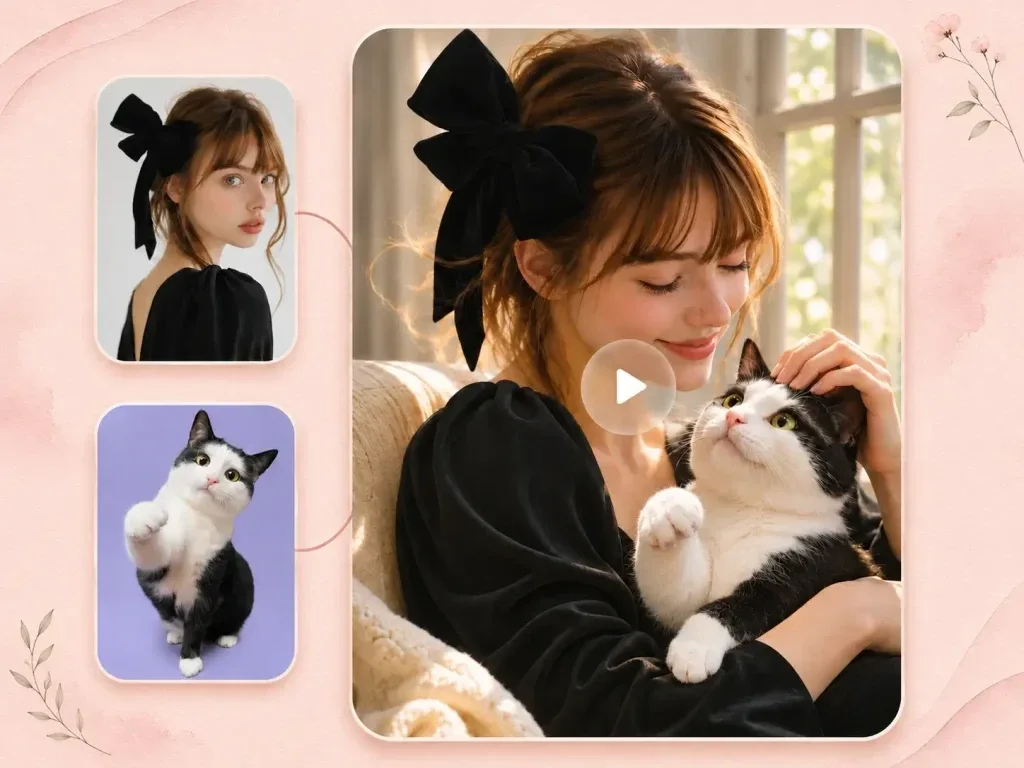
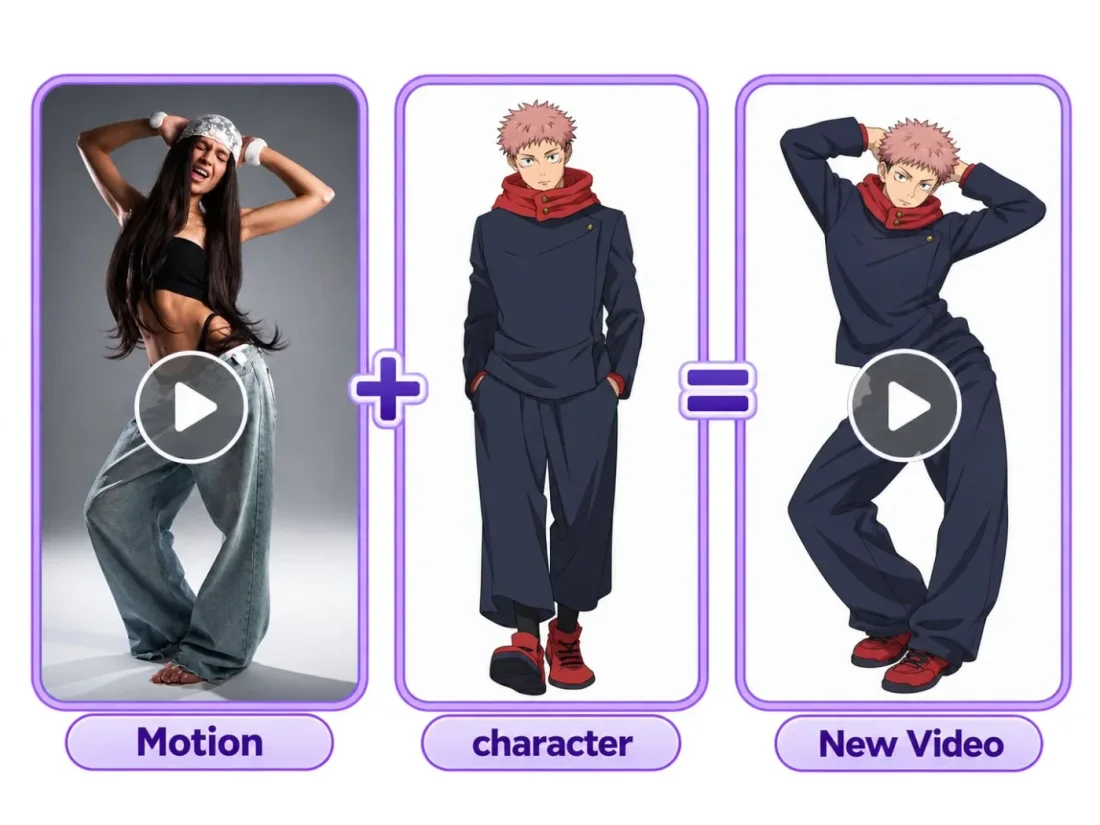
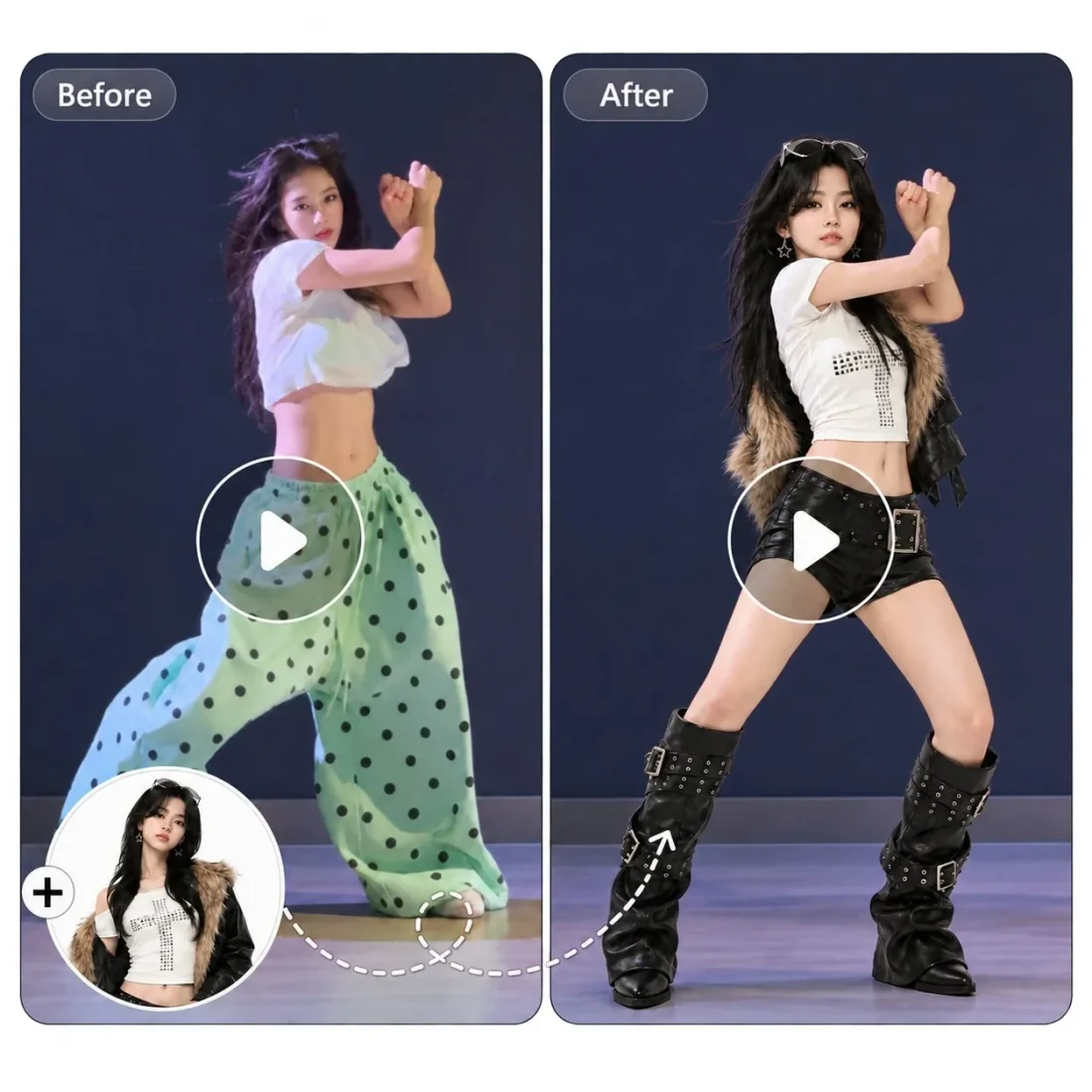
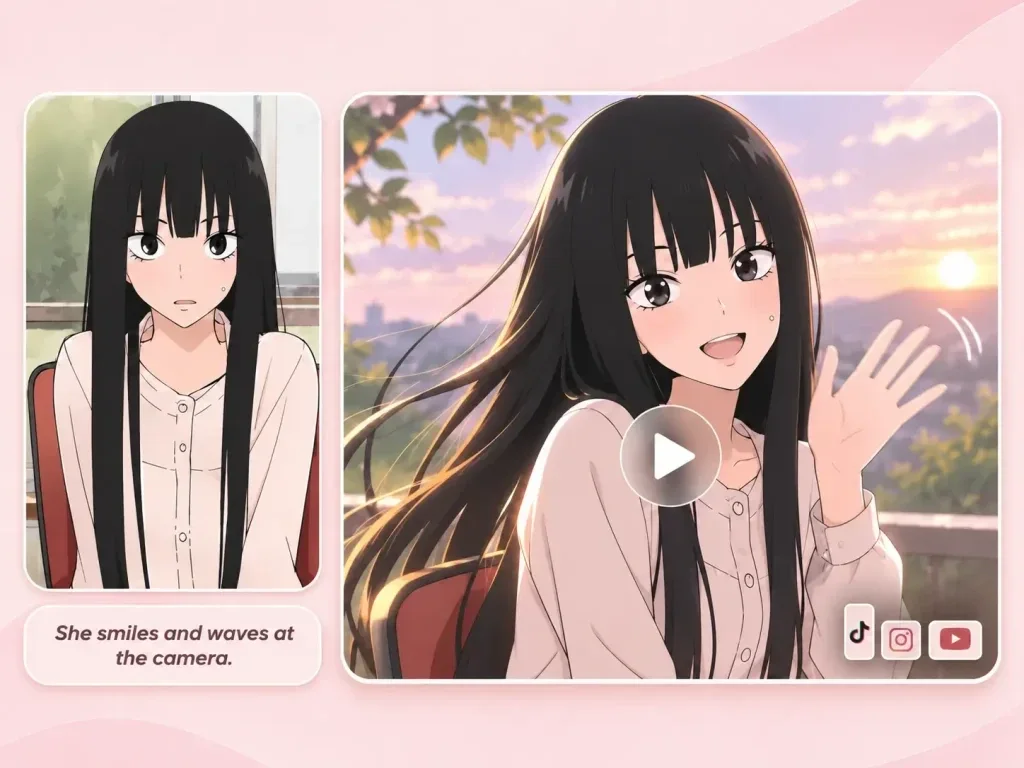
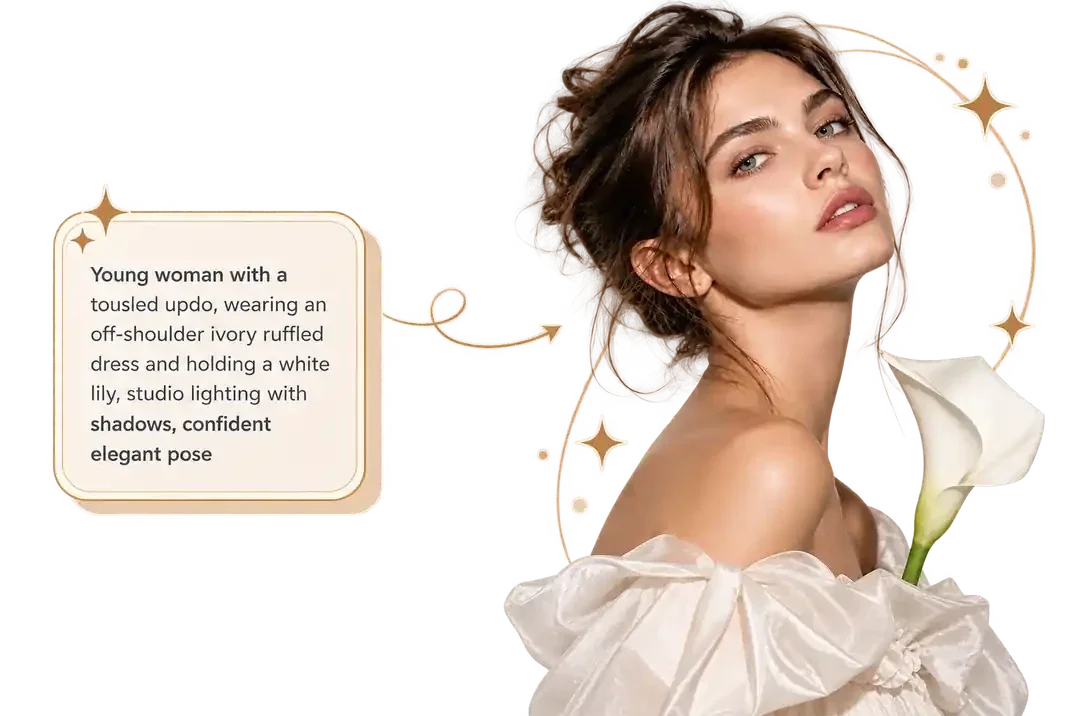
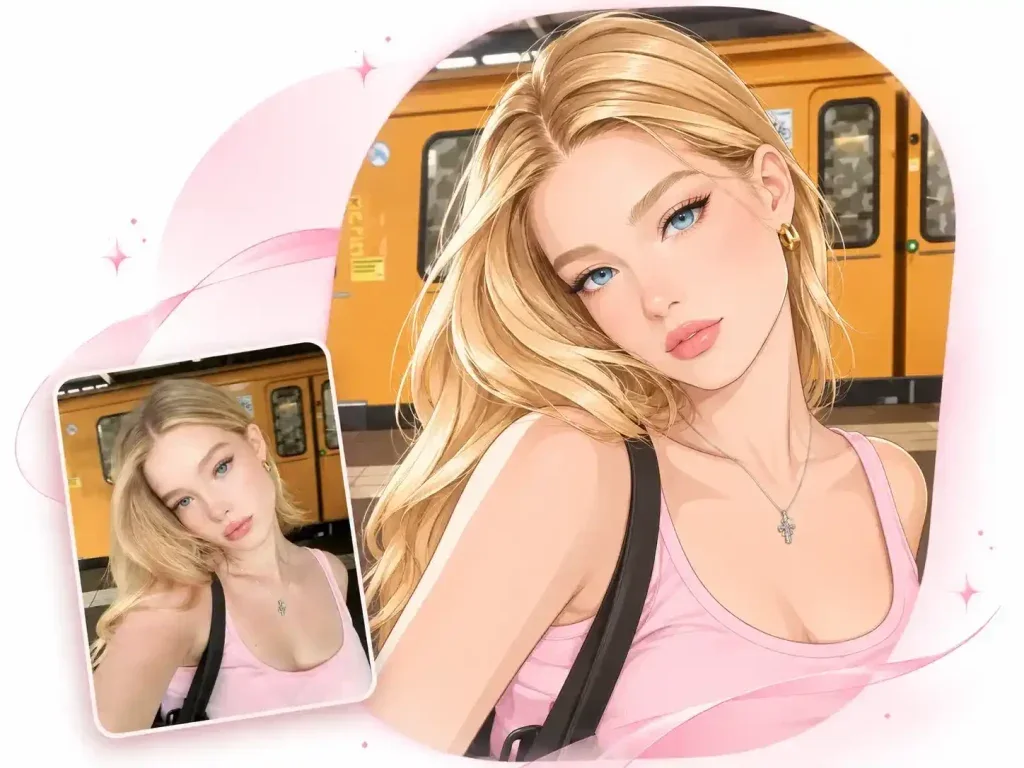
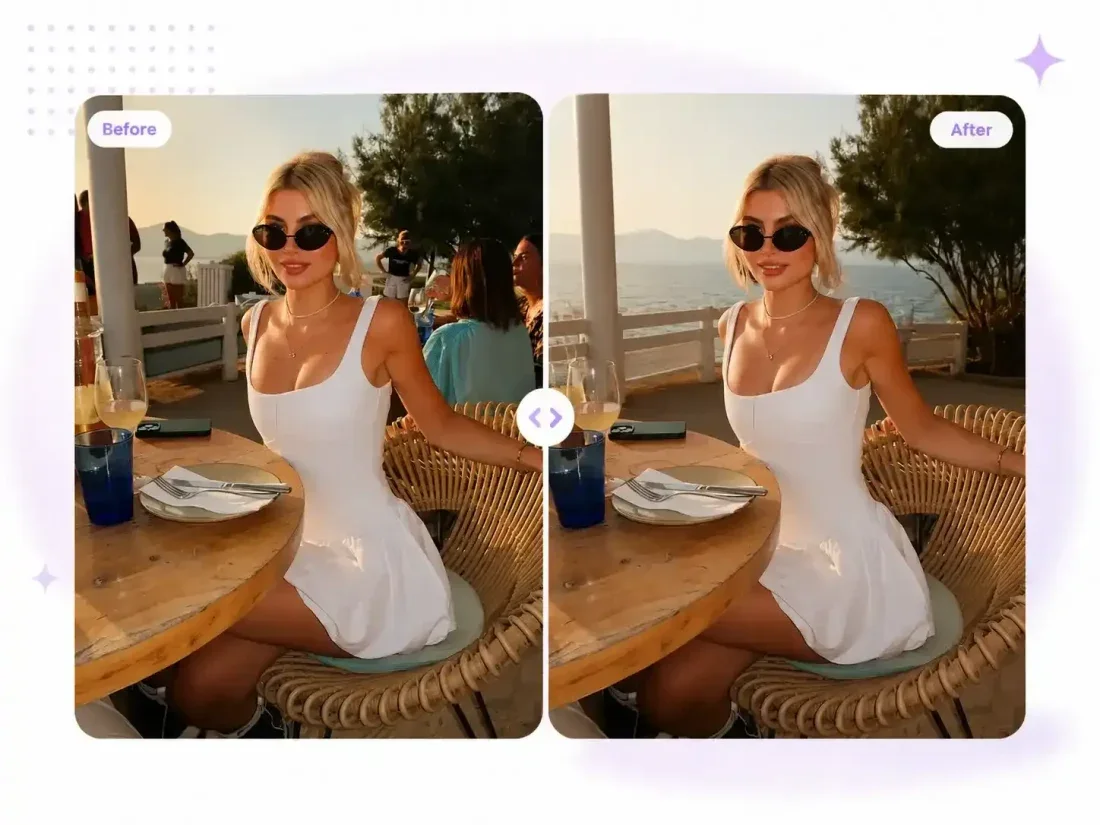

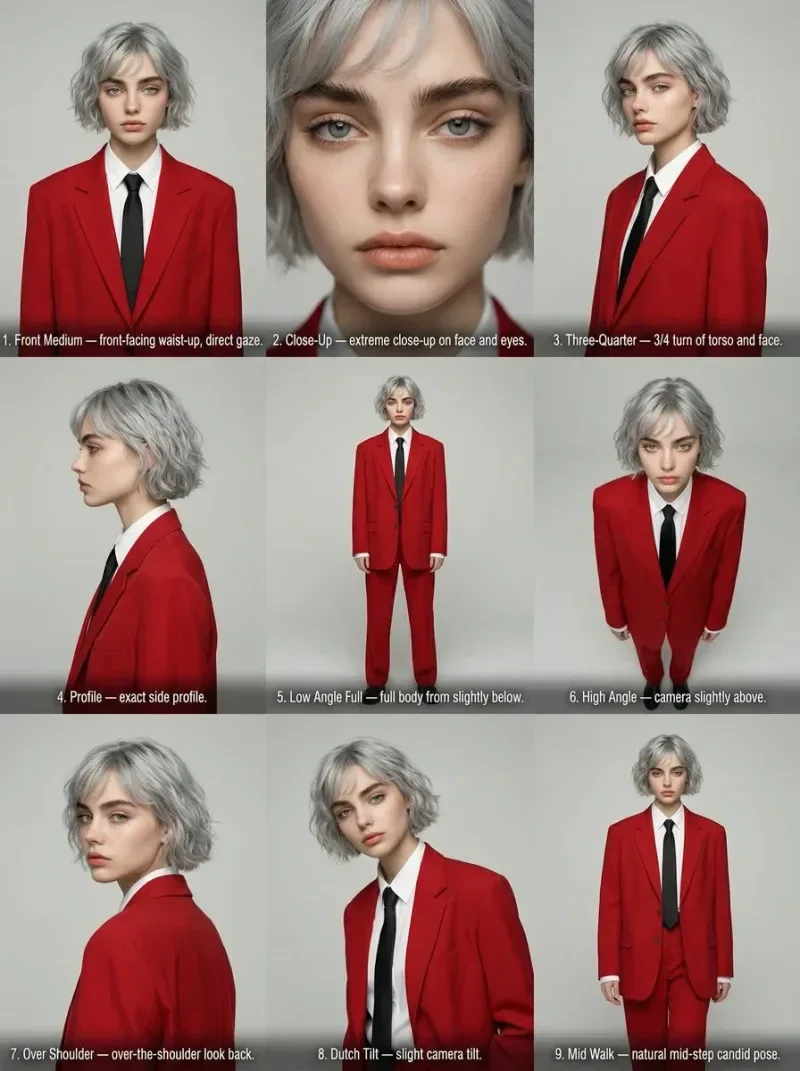
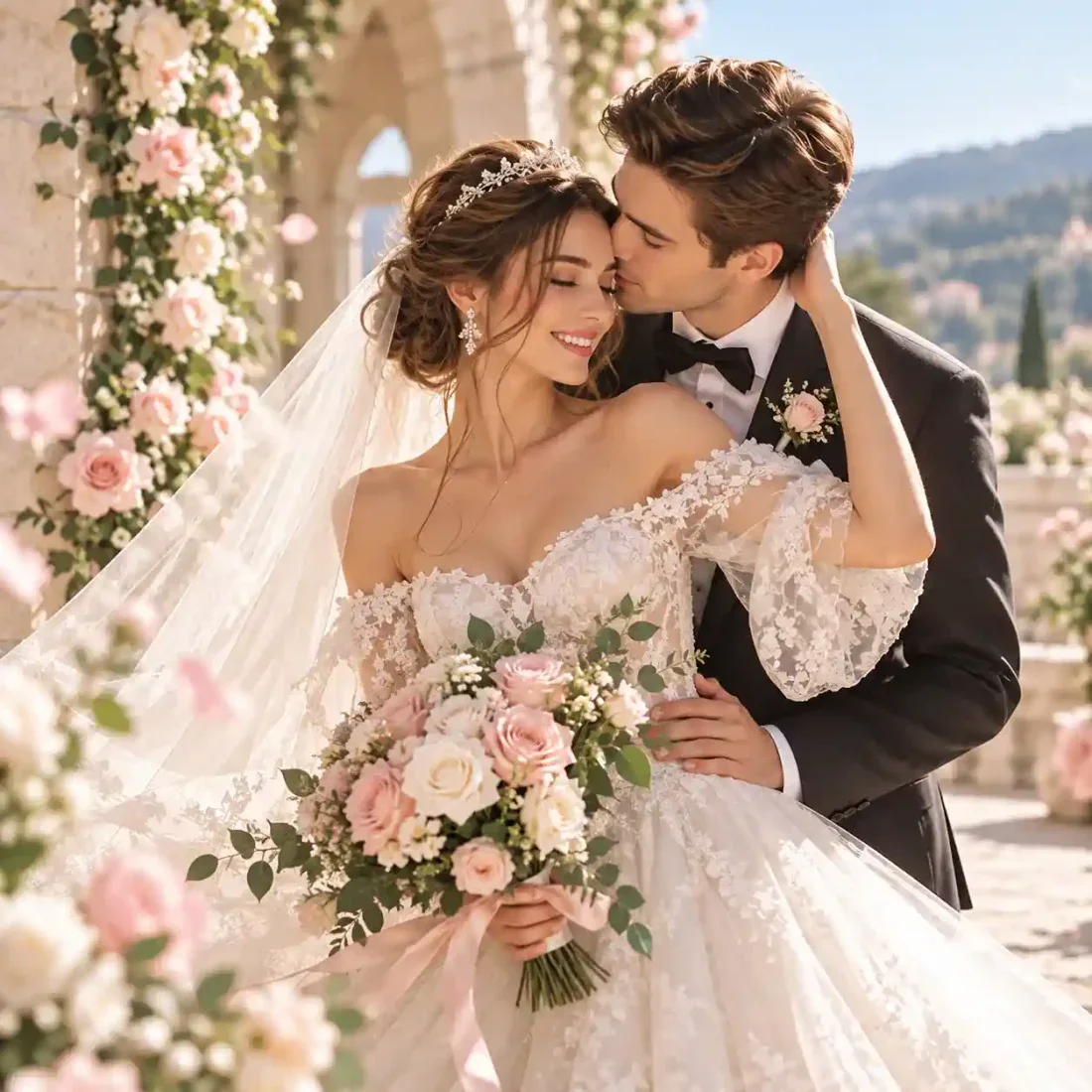
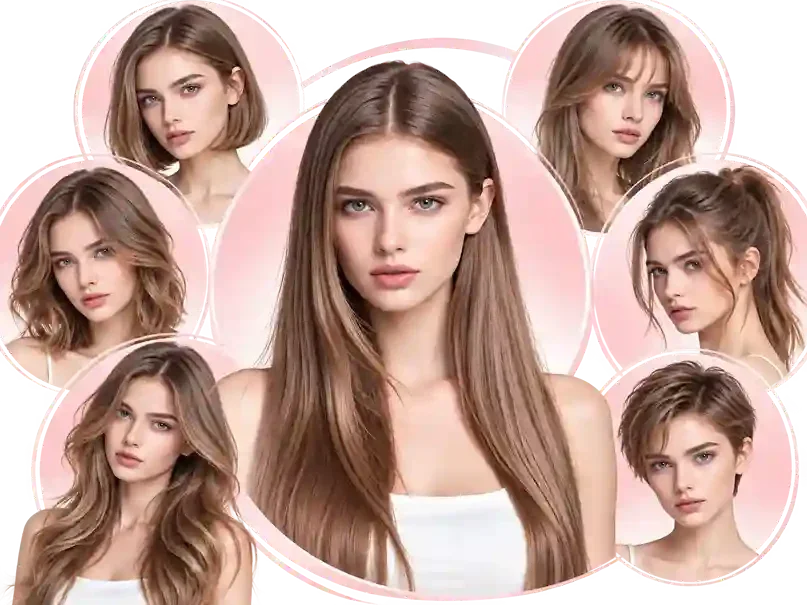
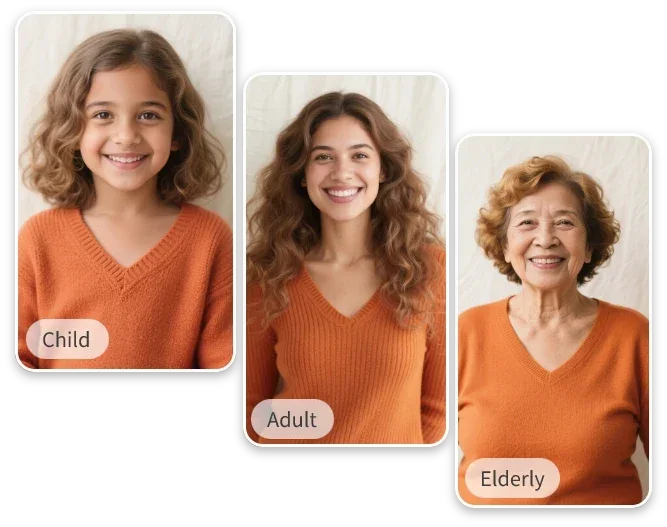
Your workflow
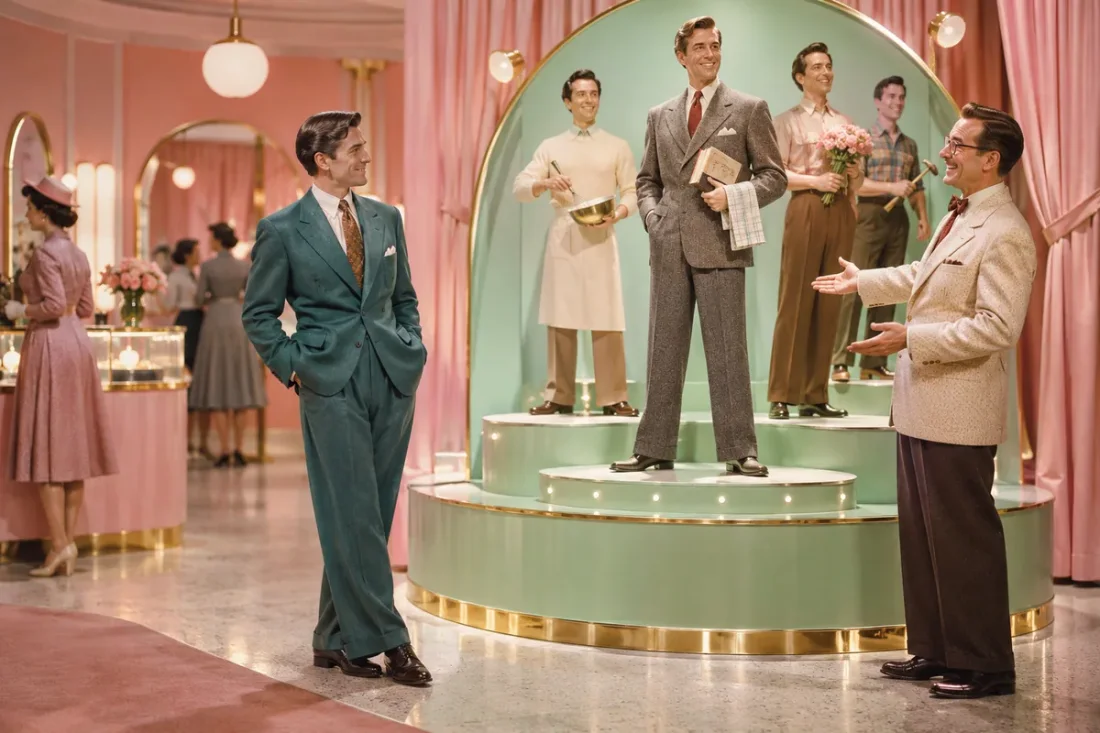
Plan the lead performer and the supporting roles around one intimate set. Describe an expression or a small stage gesture for each visible character.
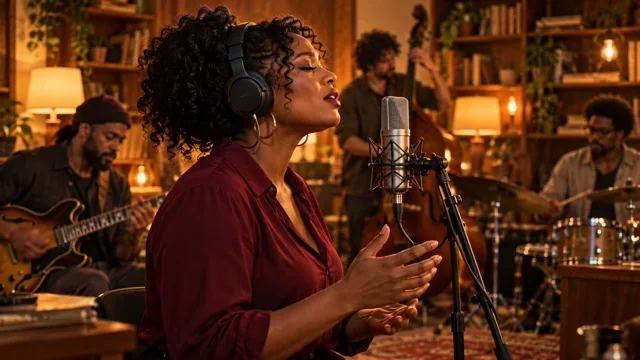
Open the concert preset and inspect the framing before preparing your character photos.
Add one to five reference photos and use the optional prompt to explain the role of each person.
Choose supported settings and review the estimate. Generate, then inspect character consistency and movement in Create.
Scene direction
Use the reference for the room and camera, then direct who appears and how they move.
01
The Tiny Desk preset provides a performance clip to guide the room, stage arrangement and camera framing.
02
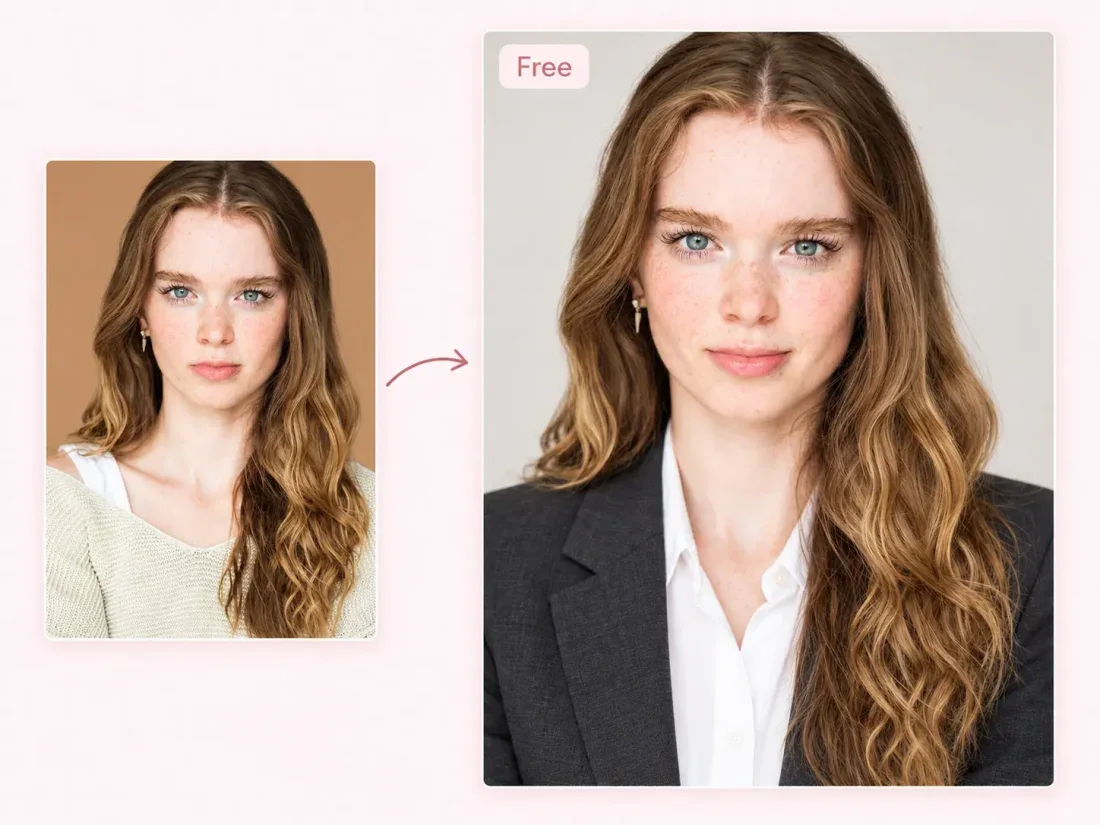
Use a separate, clear photo for each intended character. You can start with one person; all five slots are not required.

03
Describe who leads and where the supporting characters stand. Limit the shot to one main action instead of several cuts.
04
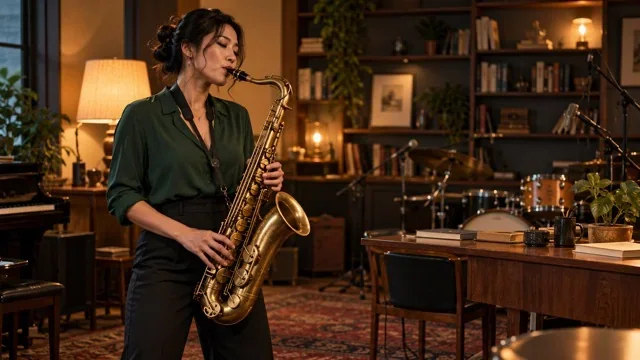
Check each face, hands and interactions around microphones or instruments. Simplify the cast if the scene becomes difficult to follow.
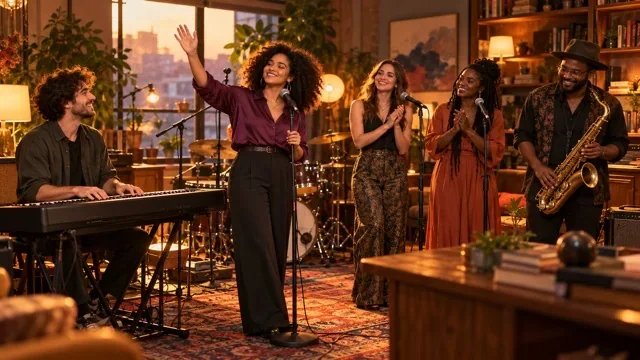
Project ideas
Choose the cast size and framing that suit your planned short.
Solo performance concepts
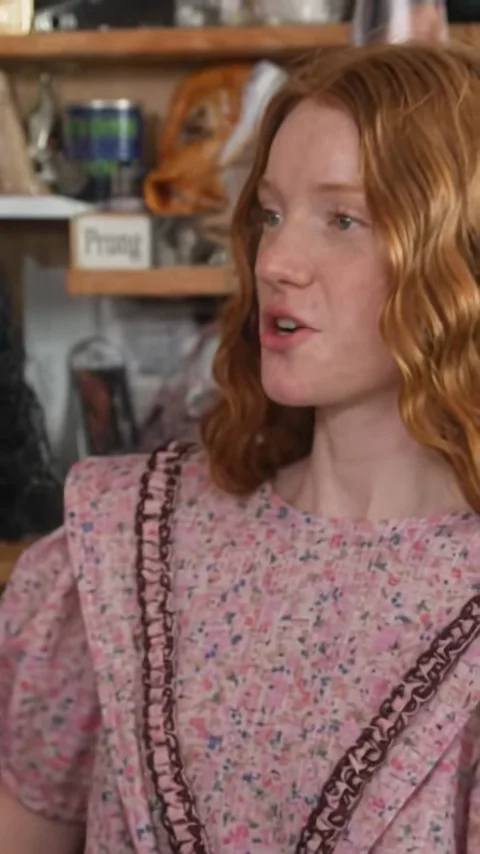
Start with one portrait and describe a simple solo appearance within the reference-led concert setting.
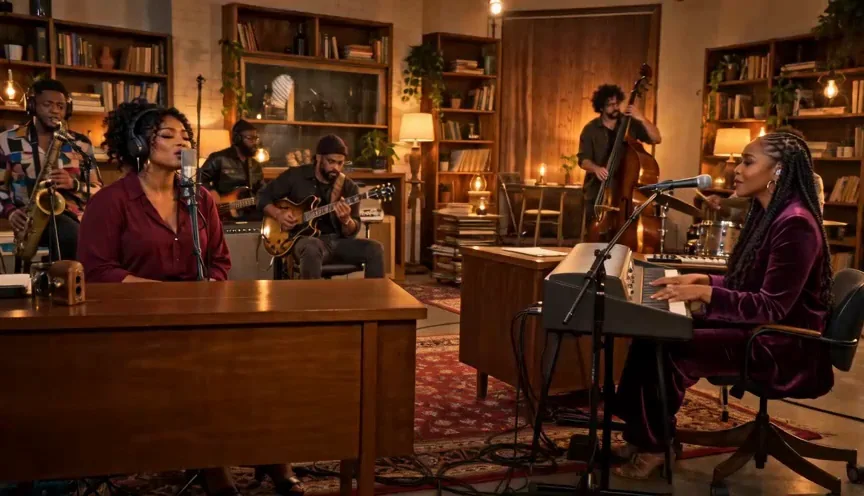
Reference clips
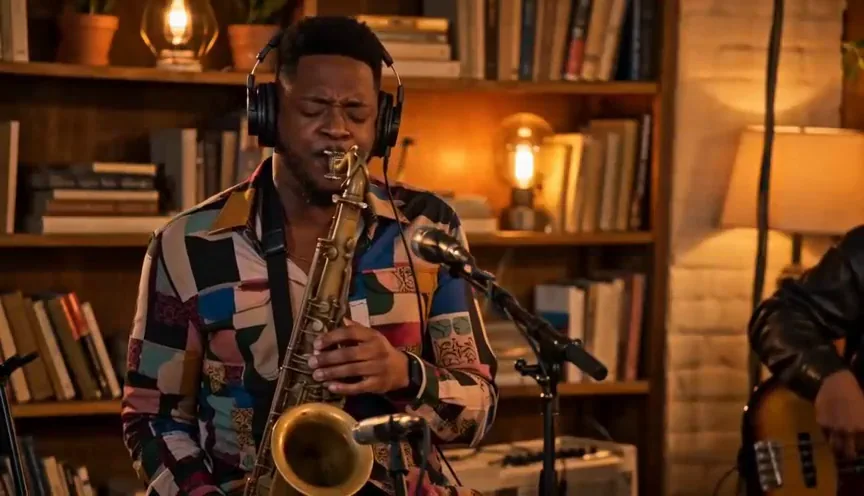
Example1 / 2
Keep one character central and ask for a restrained performance gesture so the face remains easy to recognize.
Need a hand?
Create a Tiny Desk-style performance scene from a concert reference. Add up to five character photos and describe the roles in your cast.
Contact supportThe Tiny Desk template supports up to five character slots. At least one photo is required; using five is optional.
This workflow creates a reference-guided video scene. It does not promise singing, lip sync or the original concert soundtrack.
Assign a simple role to each uploaded character, name the lead and describe one shared performance action.
Use the duration options supported by the selected model. Confirm the visible duration and credit estimate before submitting.
No affiliation with the original concert series is claimed. This page offers an AI-generated performance concept, not an official recording.
Your next take
Select the concert reference, add character photos and check the settings for your performance scene.