01
Keep the face clearly visible
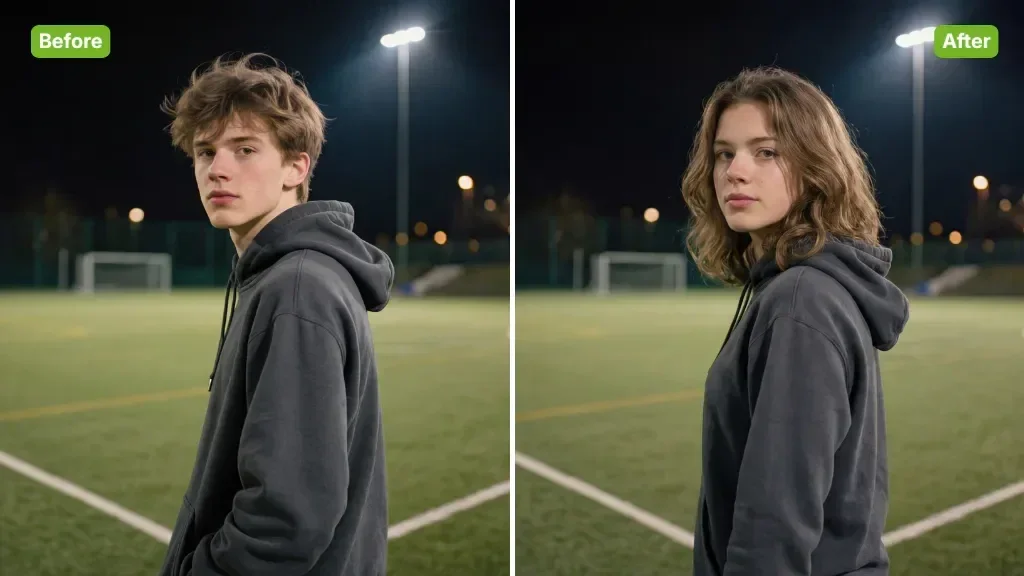
Use one clear portrait for the lion persona. If your idea includes a human beside the lion, describe both roles or prepare one combined reference image.
Sheru Bhai AI Video
01Reference photo
Describe the scene, the main action and the camera movement.
309 / 4000
Sign in to upload your photo. Review the credits on the button before generating.
Turn one portrait into a Sheru Bhai-style white-lion scene. Edit the character, palace setting and main action, then generate a short video with your chosen settings.

Viral Studio · Video templates
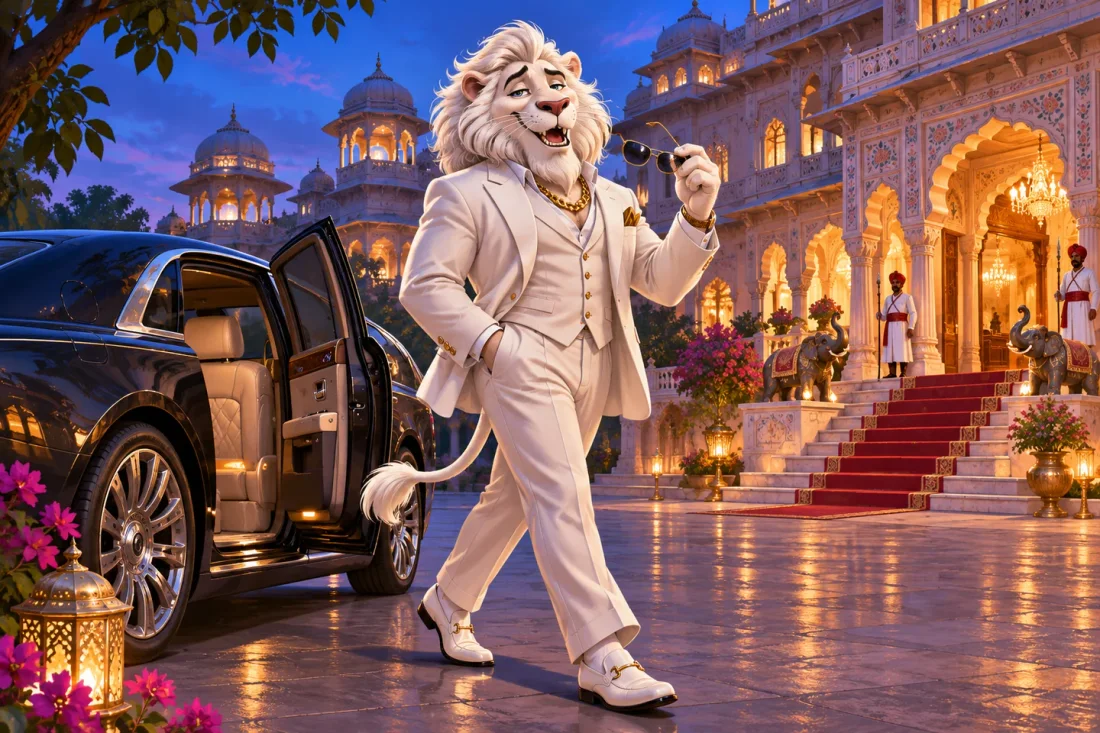
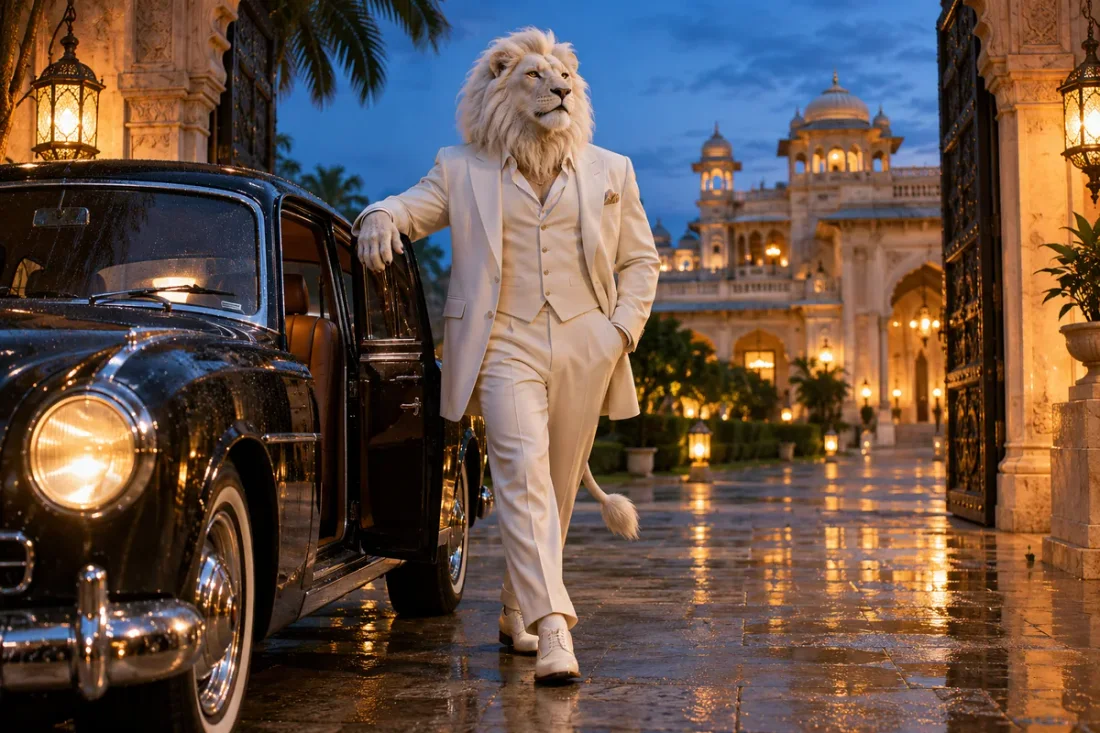
Describe the character’s entrance, outfit and setting as one scene. Choose a transformation or arrival moment rather than combining every variant.
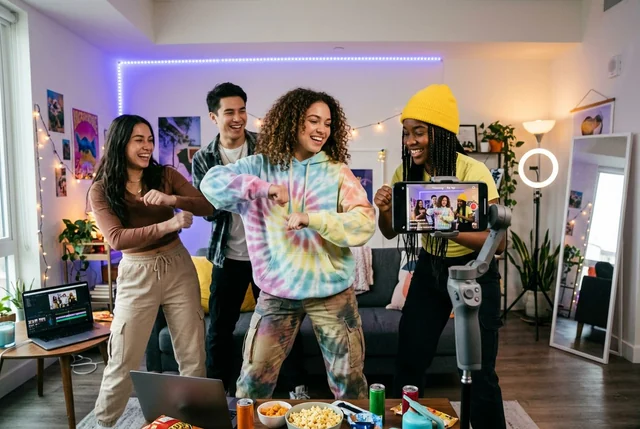
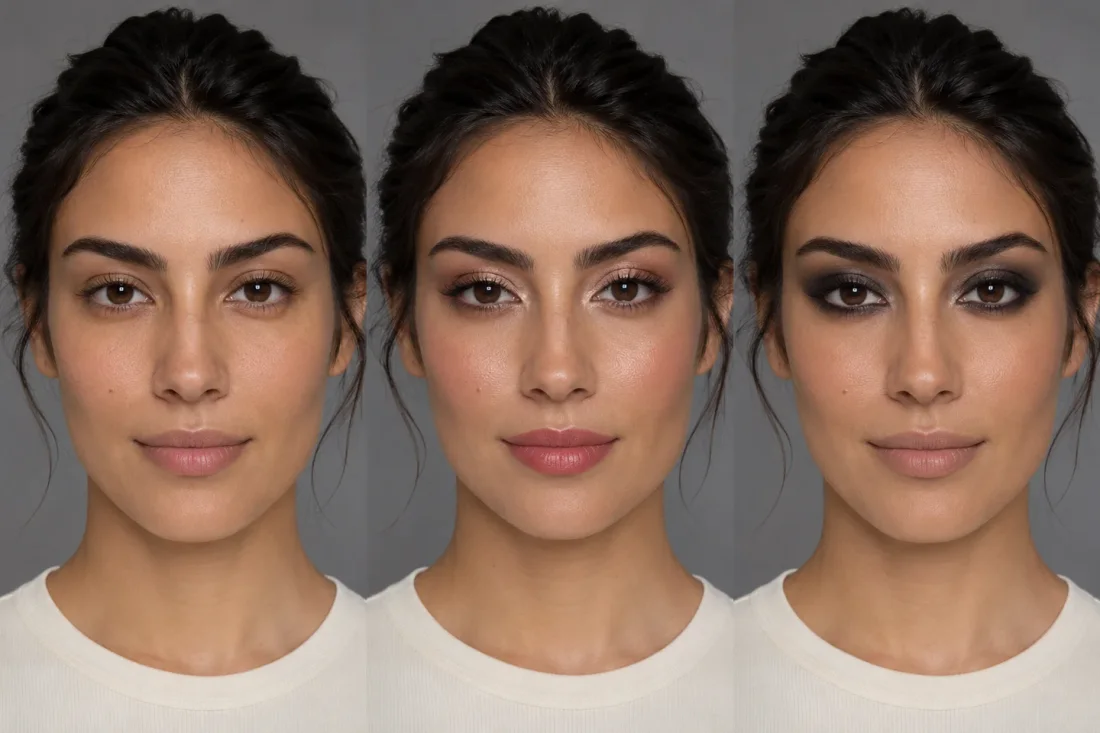
Use a sharp, front-facing photo of one person. Keep the head unobstructed so the transition has a clear reference.
Choose a transformation, sofa or arrival prompt. Describe the white lion mane and one simple movement; confirm the selected duration before generating.
Look for a coherent face-to-lion transition, stable clothing and natural paws or hands. Refine the prompt if the identity drifts.
Viral Studio · Video templates
Plan the white mane, costume and setting around one readable transformation or entrance.
01
Use one clear portrait for the lion persona. If your idea includes a human beside the lion, describe both roles or prepare one combined reference image.
02
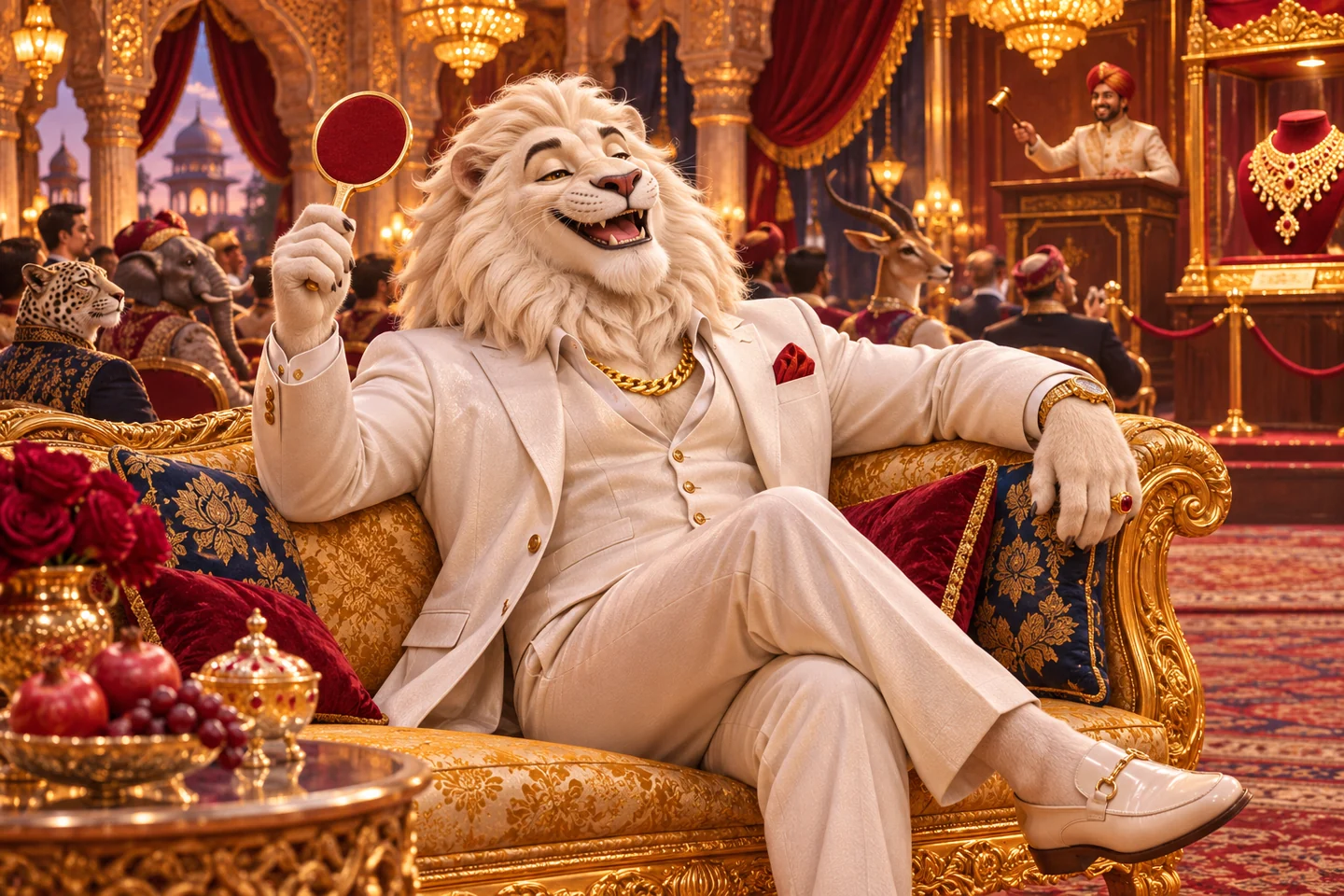
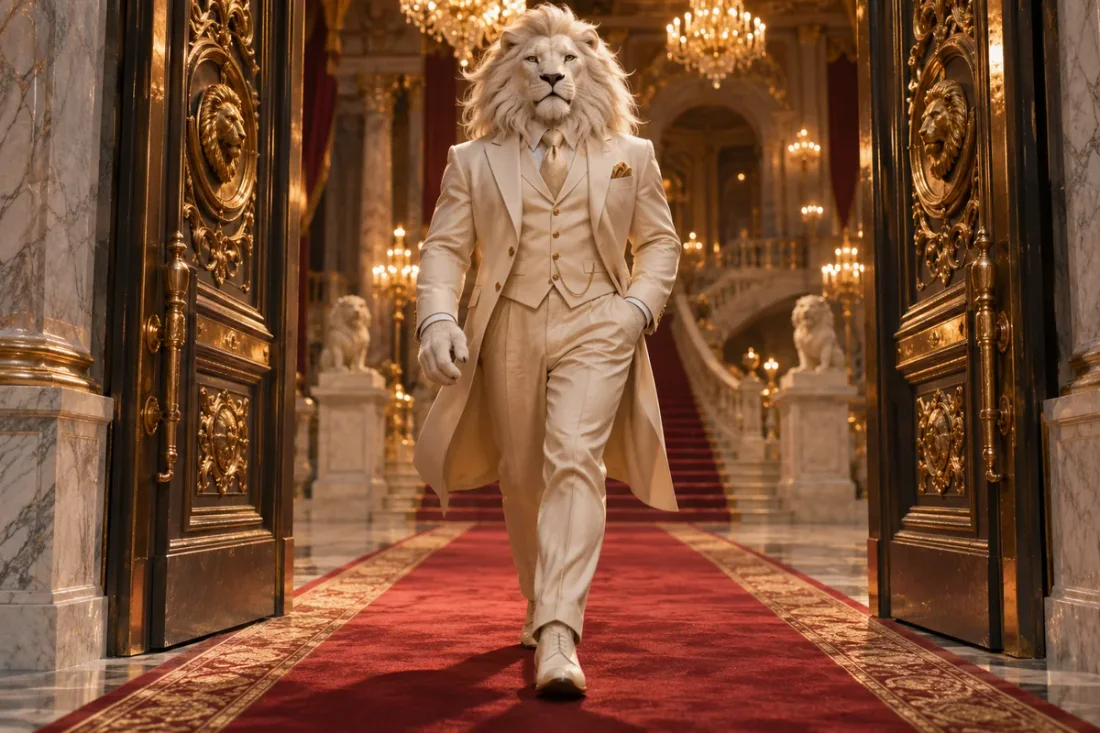
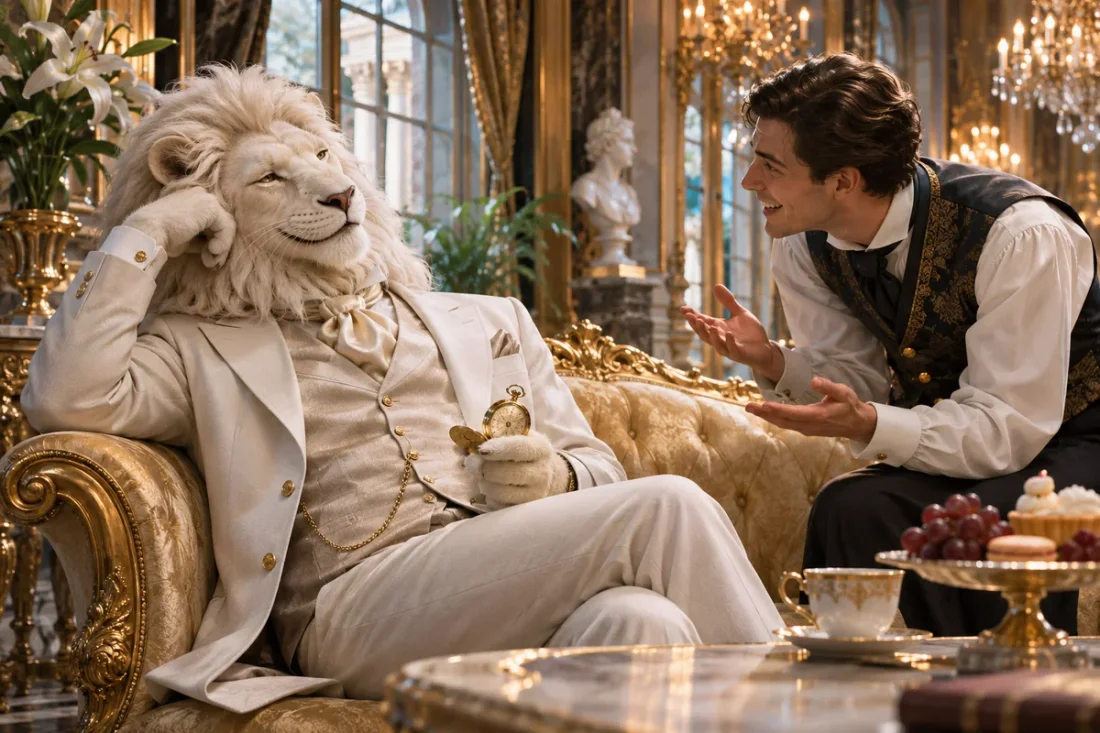
Describe the white-lion character, suit and setting in the prompt. Give the scene one main action, such as a transformation, a sofa reaction or a palace arrival.
03
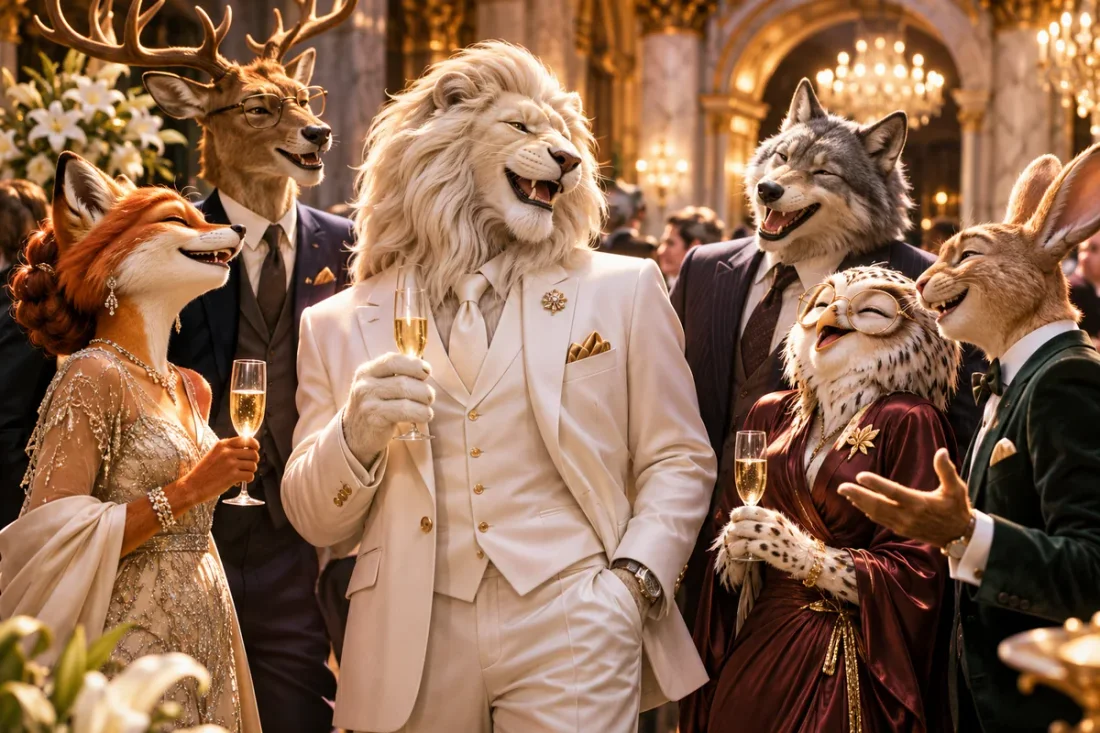
Create an auction reaction, an extravagant entrance or a friendly portrait scene with an original lion character.
04
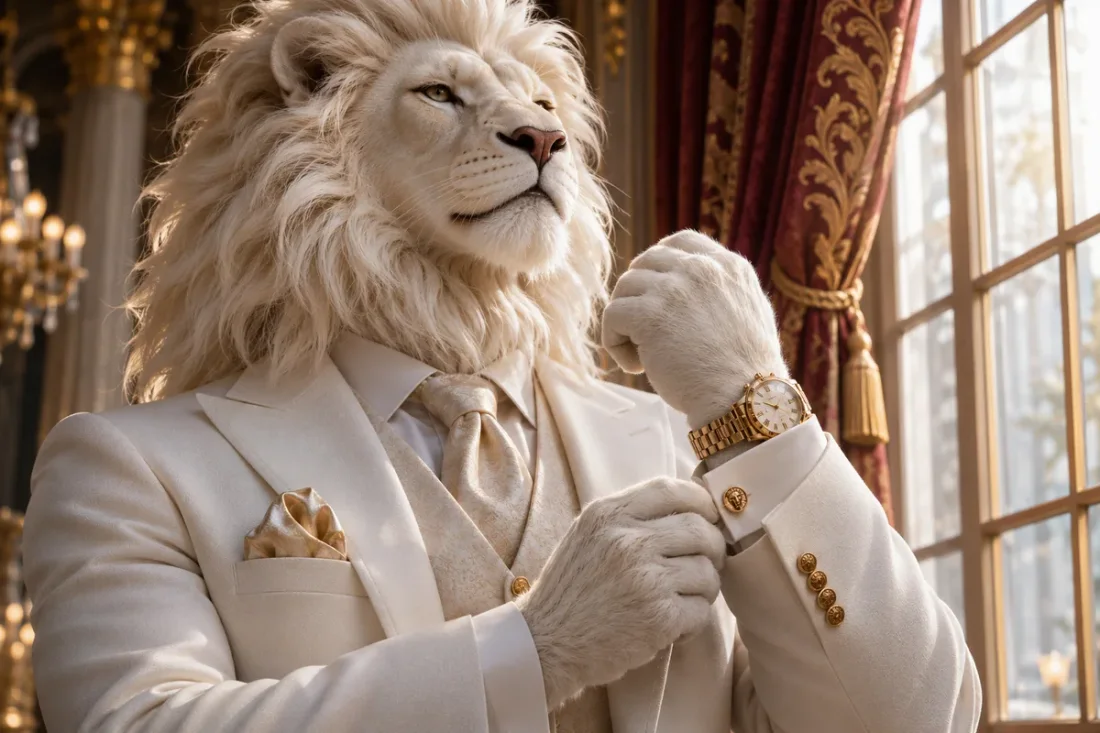
Check the lion muzzle, paws, suit and camera continuity. A photo is visual guidance; character transformation can change facial details.
Viral Studio · Video templates
Use the lion character for an introduction, a playful reveal or a portrait-led scene.
Character transformations
Build a short character introduction around a white lion mane while retaining the original outfit and overall pose.
Viral Studio · Video templates
Example1 / 2
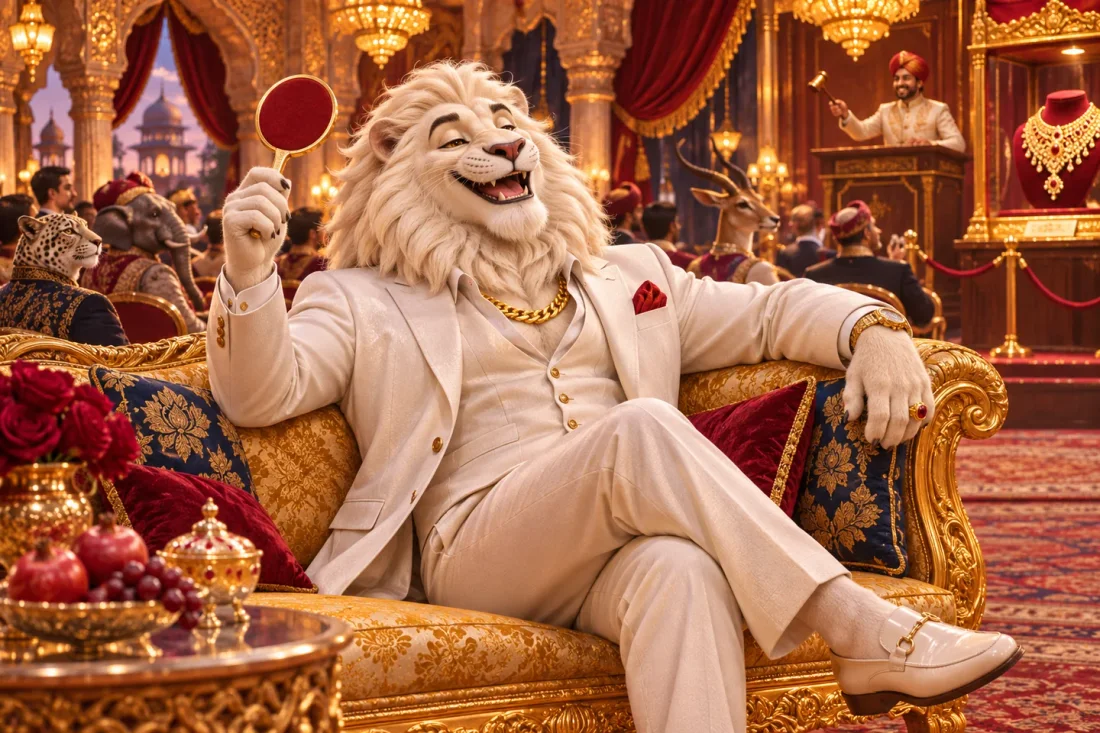
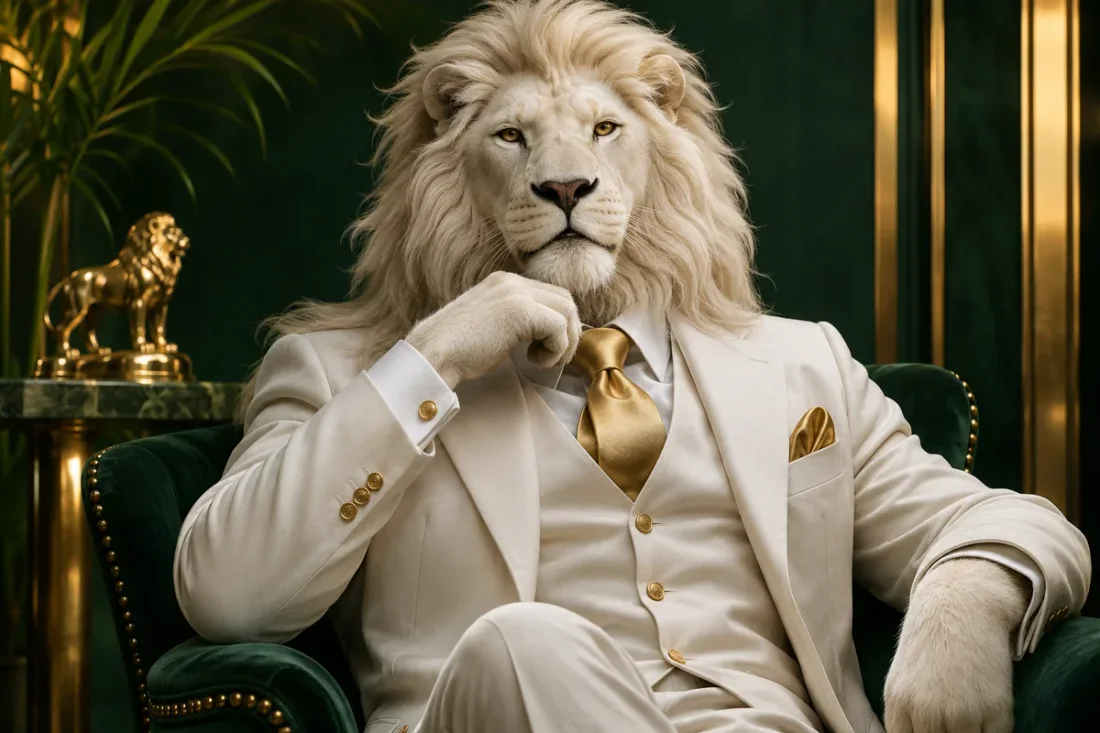
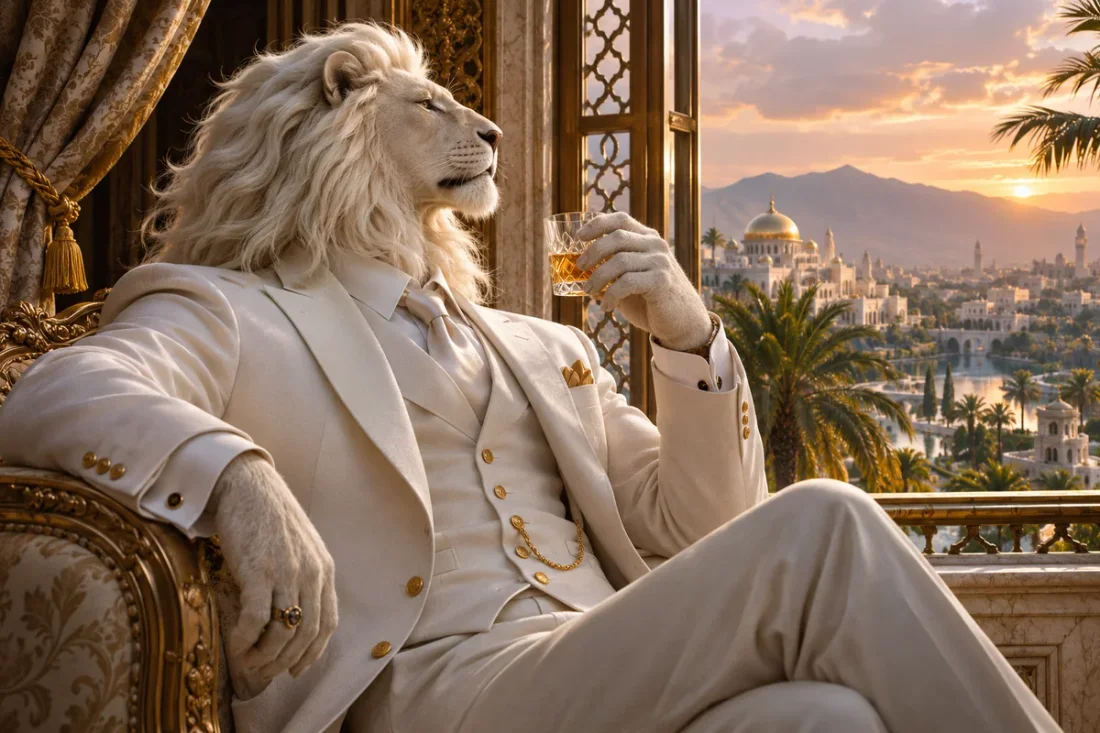
Plan a seated, confident reveal with a white mane, gold upholstery and warm light. The illustration communicates the desired look, not a guaranteed generated frame.
Need a hand?
Prepare a portrait and understand what the lion transformation prompt can guide.
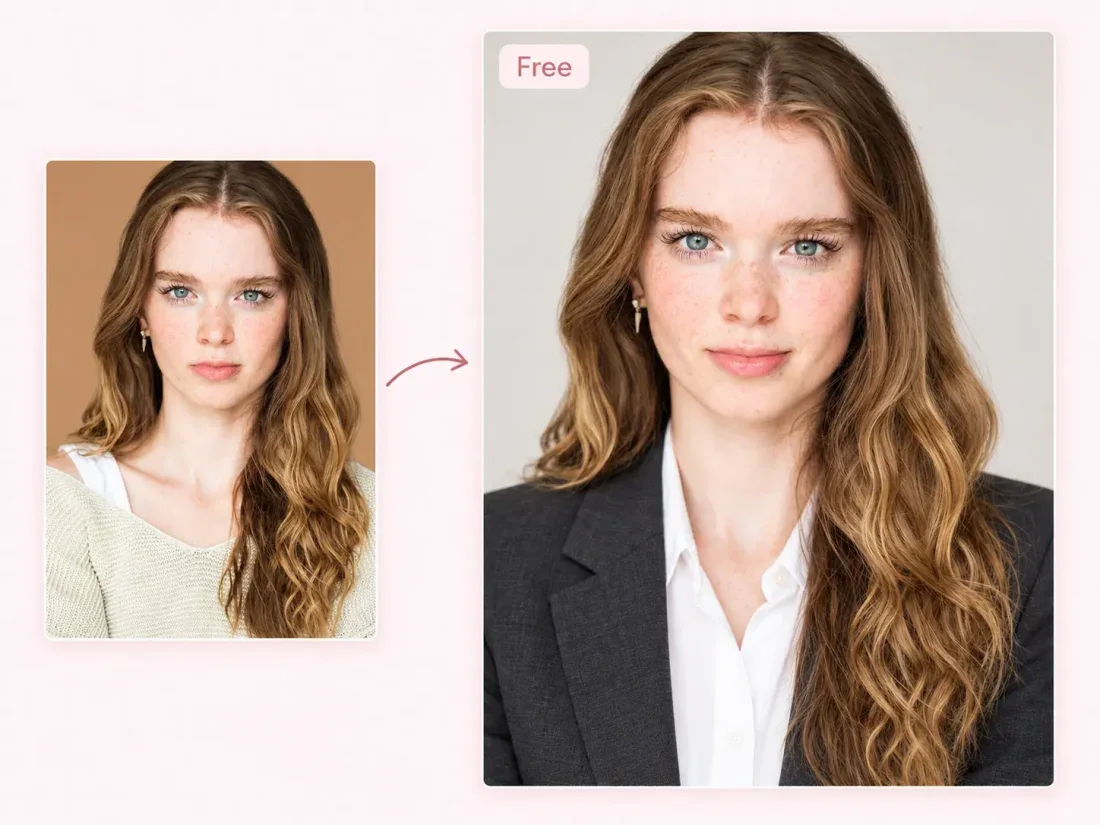
Contact supportStart with one clear portrait, visible hairline and even lighting. Avoid a covered face or a crowded group shot.
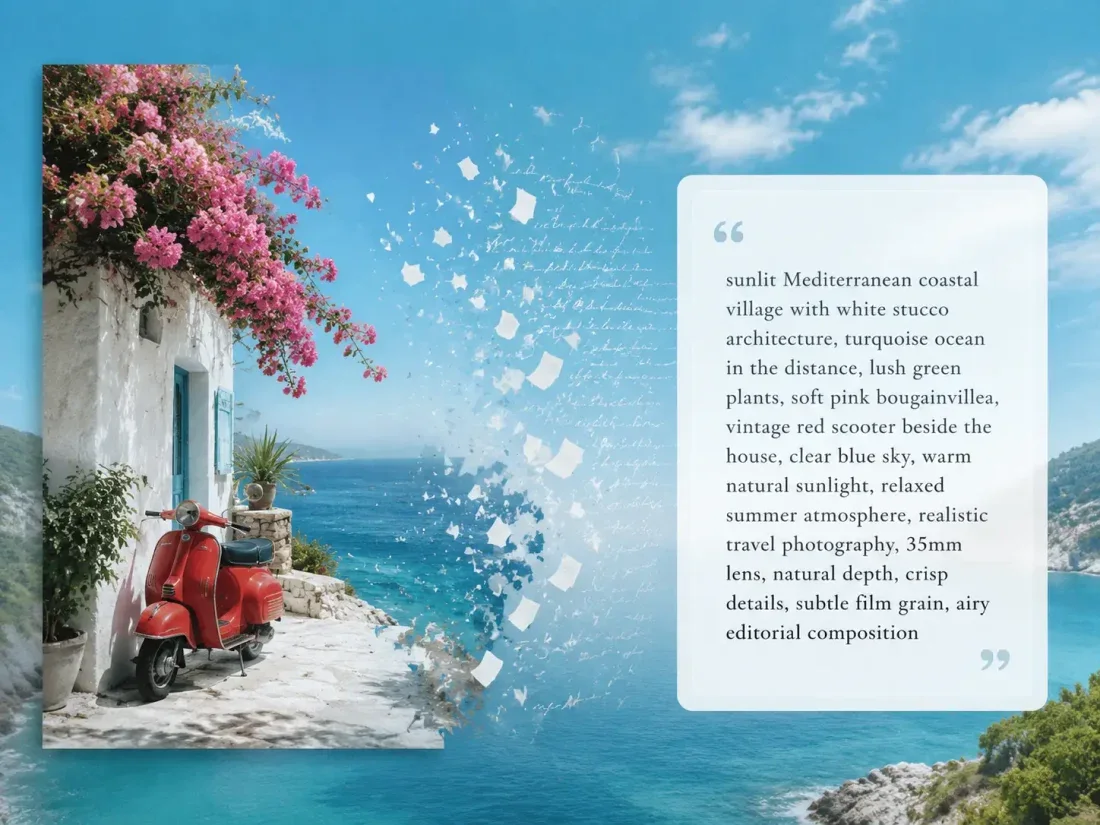
Use the photo prompt as a visual description, then add a simple action such as a slow head turn or a gradual lion-head reveal.
No audio track is promised by this template. Add music you have permission to use in an editor after export.
The page starts with a six-second preference when supported. Check the active model and duration controls before submitting.
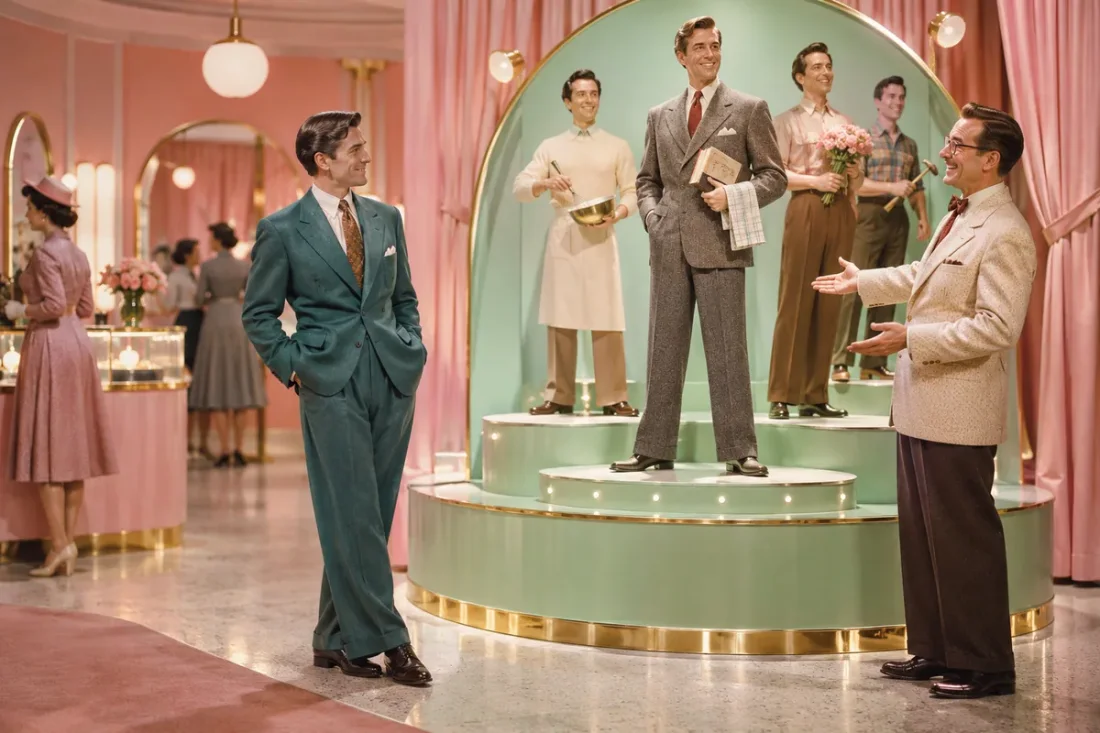
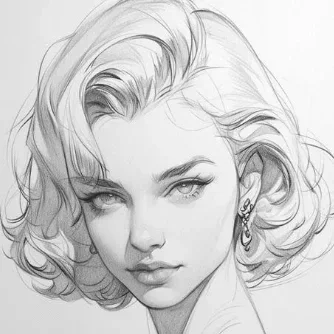
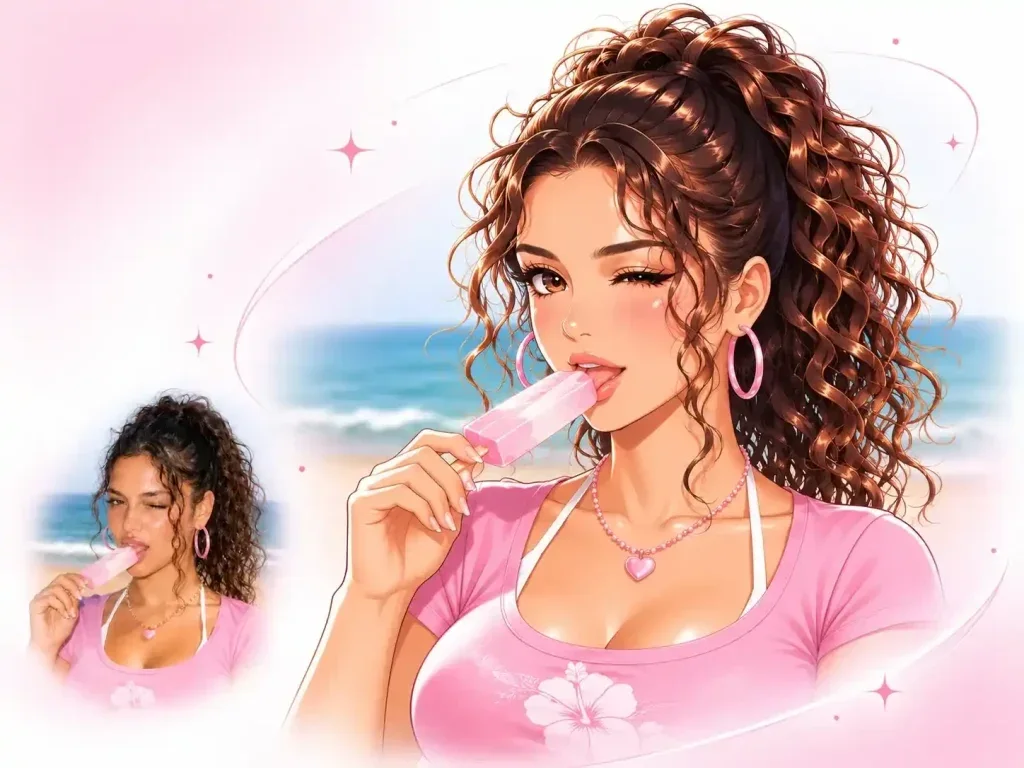
They are original concept illustrations for the lion transformation, sofa and arrival scenes. Actual motion and identity preservation depend on your input and model.
Viral Studio · Video templates
Upload a clear portrait and describe a transformation, sofa scene or arrival in the prompt. Keep one main action.